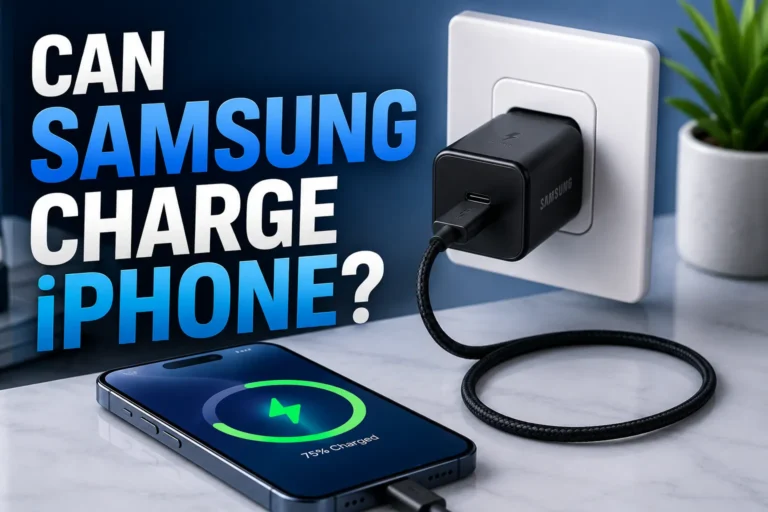
Can I Charge iPhone with iPad Charger Safe Fast and Easy
Can I Charge iPhone with iPad Charger?
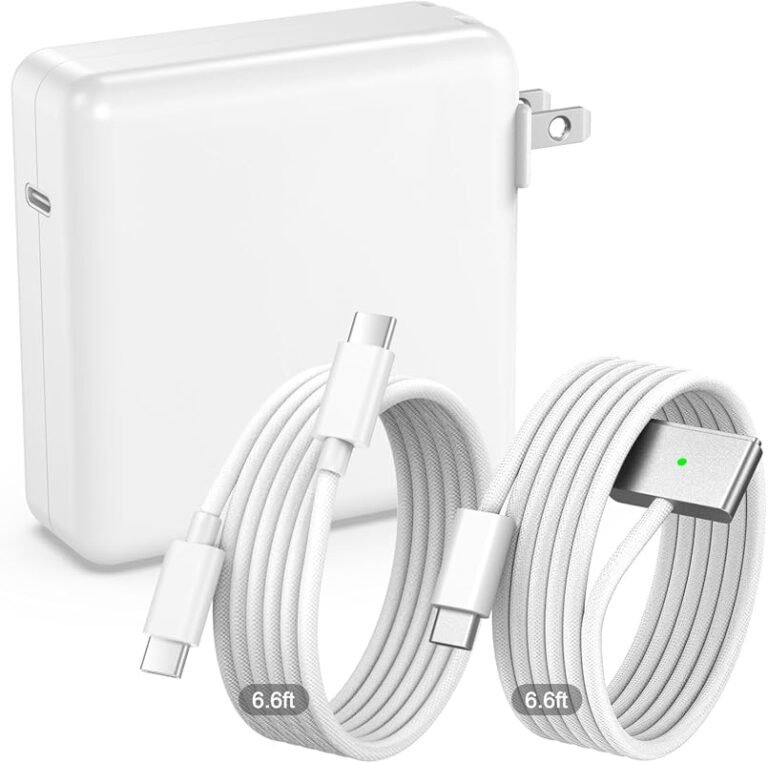
Yes. A compatible iPad charger can safely charge an iPhone. The iPhone controls how much power it accepts, so a higher-watt USB-C adapter does not force all of its available wattage into the phone.
If you grabbed an iPad charger and wondered whether it is safe for your iPhone, the short answer is reassuring: in most cases, it is both safe and convenient. A modern USB-C iPad adapter may also charge a compatible iPhone substantially faster than the old 5W cube.
The important details are the charging standard, cable type, accessory quality and your iPhone model. Here is how to make the combination work safely—and when a premium multi-device charger may be a more useful upgrade.
Can you safely charge an iPhone with an iPad charger?
Yes, provided that the adapter and cable are compatible and in good condition. Charger wattage is a maximum capability, not a fixed amount pushed into every connected device. The iPhone and a compatible USB-C Power Delivery charger negotiate an appropriate power level.
A 20W, 30W or more powerful adapter can therefore be used with an iPhone even though the phone will not consume the adapter’s full rated output. Battery level, temperature, cable capability and the iPhone’s own charging limit all affect the actual draw.

Anker Prime 200W 6-Port GaN Charging Station
A strong fit for households and desks that need to power an iPhone, iPad, MacBook and accessories from one compact station.
- Up to 200W total output across six ports
- Multiple USB-C connections for modern Apple devices
- Reduces the need for several separate wall adapters
Check Current Price on Amazon →
ASIN: B0CT2NQ7WG · Amazon price and availability may change.
How iPhone charging works with an iPad charger
USB Power Delivery negotiation
Modern Apple charging commonly uses USB Power Delivery. The charger advertises the power profiles it can supply, while the iPhone requests a supported profile. This controlled negotiation is why a higher-capacity charger can safely serve smaller devices.
Older iPhones can still charge, but the cable and charging protocol determine whether they receive fast charging or only standard charging. A high wattage number alone does not guarantee a faster result.
Why an old 5W adapter feels slow
The classic 5W iPhone adapter remains useful for slow overnight charging, but it cannot provide the faster top-ups supported by many newer iPhones. A suitable 20W-or-higher USB-C adapter is more practical when you need useful battery life before leaving home.
For more background, see our guide explaining whether a wall charger can be used for an iPhone.
How fast will an iPhone charge with an iPad charger?
Many compatible iPhones can reach roughly 50% charge in around 30 minutes under suitable conditions when paired with an adequate USB-C adapter and cable. Real performance varies with the exact model, battery temperature, starting charge level and device activity.
Moving from 20W to a much larger charger does not necessarily make the iPhone proportionally faster. The main advantage of a premium high-output charger is its ability to power several devices at once while giving each device an appropriate share.
What cable do you need?
Lightning iPhones
For fast charging on a compatible Lightning-equipped iPhone, use a quality USB-C-to-Lightning cable. An MFi-certified option is the safest practical choice when buying a third-party cable.
USB-C iPhones
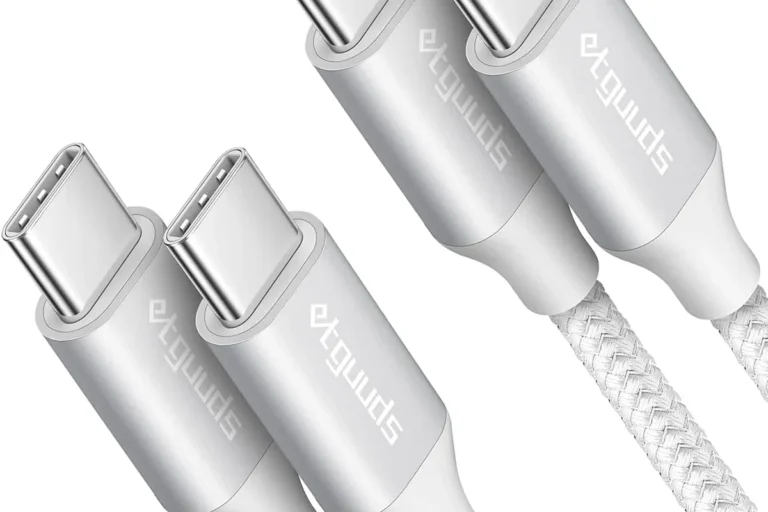
For an iPhone with a USB-C port, use a quality USB-C-to-USB-C cable. The cable should support the charging level you expect, and its connectors should be clean, straight and undamaged.
See our best iPhone charging cable guide if you need a replacement.
Premium charging upgrades for Apple users
You do not need a premium charger merely to charge one iPhone. These recommendations make the most sense when you own several Apple devices, want less desk clutter, or need reliable high-capacity portable power.

Belkin Qi2 Magnetic 3-in-1 Foldable Charger
A premium bedside or travel station for charging a compatible iPhone, Apple Watch and AirPods together.
- Charges three Apple devices from one foldable station
- Qi2 magnetic charging for compatible iPhones
- Portable design with an adjustable viewing angle
ASIN: B0D6RYYL64 · This station does not provide a wired iPad charging position.
When a shared desktop charger is useful
A multi-port desktop charger is ideal when you regularly charge an iPhone and iPad alongside a MacBook, earbuds or other accessories. It centralizes charging and can reduce outlet clutter. Learn more in our guide to whether multi-port chargers work with iPhone.
When portable power is the better upgrade
Travelers, mobile professionals and creators may benefit more from a high-capacity power bank. It can keep an iPhone, iPad and laptop running away from an outlet, although it is heavier and more expensive than a basic wall adapter.

Anker Prime 26,250mAh 300W Power Bank with Base
Designed for demanding travel setups that may include an iPhone, iPad, laptop and additional USB devices.
- Up to 300W combined output for a multi-device setup
- High-capacity portable battery with fast two-way charging
- Charging base included with this listed bundle
Check Current Price on Amazon →
ASIN: B0F66PLGWG · Confirm airline power-bank rules before flying.
| Product | Best use | Main advantage | Important limitation |
|---|---|---|---|
| Anker Prime 200W | Home office or family desk | Charges several wired devices | Designed for a fixed charging setup |
| Belkin Qi2 3-in-1 | iPhone, Watch and AirPods | Clean foldable Apple setup | No wired iPad charging position |
| Anker Prime 300W Power Bank | Travel and mobile work | High-output portable power | Heavier and costlier than a wall charger |
Best charging tips for an iPhone and iPad charger combination
- Use a genuine or reputable certified adapter.
- Choose the correct Lightning or USB-C cable.
- Replace frayed cables and damaged connectors.
- Keep the phone uncovered if it becomes unusually warm.
- Avoid charging on bedding that traps heat.
- Disconnect accessories that smell hot or charge erratically.
iPad charger vs. iPhone charger: which is better?
For speed
A modern USB-C iPad charger generally wins against an old 5W iPhone adapter. Against a modern 20W-or-higher iPhone charger, the difference may be smaller because the iPhone accepts only its supported level.
For convenience
If the iPad adapter already supports your iPhone and cable, using one charger for both devices is convenient and avoids an unnecessary purchase. A multi-port charger becomes more valuable when you want to charge both at the same time.
For battery care
Heat, damaged accessories and prolonged exposure to high temperature matter more than the wattage printed on a reputable compatible charger. Use optimized charging features where available and give an overheated phone time to cool.
Final verdict
Yes, you can charge an iPhone with a compatible iPad charger. It is a sensible way to get faster charging than an old 5W adapter and reduce the number of chargers you carry. Use the correct cable, choose reputable equipment and watch for abnormal heat.
For one iPhone, a simple quality USB-C adapter is enough. For a complete Apple desk, the Anker Prime 200W station is the strongest overall choice here; the Belkin is best for an iPhone, Apple Watch and AirPods setup; and the Anker Prime 300W power bank is the premium option for portable multi-device power.
Frequently asked questions
Will an iPad charger damage my iPhone battery?
A compatible, good-quality charger should not damage the battery simply because it has a higher maximum wattage. The iPhone controls the power it accepts.
Can I charge my iPhone with an iPad charger overnight?
Generally yes, if the charger and cable are reputable, compatible and undamaged. Keep the setup ventilated and avoid trapping heat under bedding.
Do I need a special cable?
A Lightning iPhone commonly needs USB-C-to-Lightning for fast charging, while a USB-C iPhone uses USB-C-to-USB-C. Choose a quality cable rated for the intended use.
Will my iPhone charge faster?
It can charge much faster than with an old 5W adapter if the iPhone, charger and cable support fast charging. A much larger wattage does not guarantee a proportional speed increase.
Can one charger power an iPhone and iPad simultaneously?
Yes, if it has multiple ports and enough total output. Power may be redistributed when another device is connected, so check the charger’s multi-port output specifications.
What is the safest choice for both devices?
Use a genuine Apple adapter or a compatible USB-C Power Delivery charger from a reputable brand, paired with certified, undamaged cables.