iPhone Says “Slow Charger”? What It Means and How to Fix It
Seeing “Slow Charger” on your iPhone? Learn what the warning means, how to check your adapter and cable, and when you actually need a new charger.
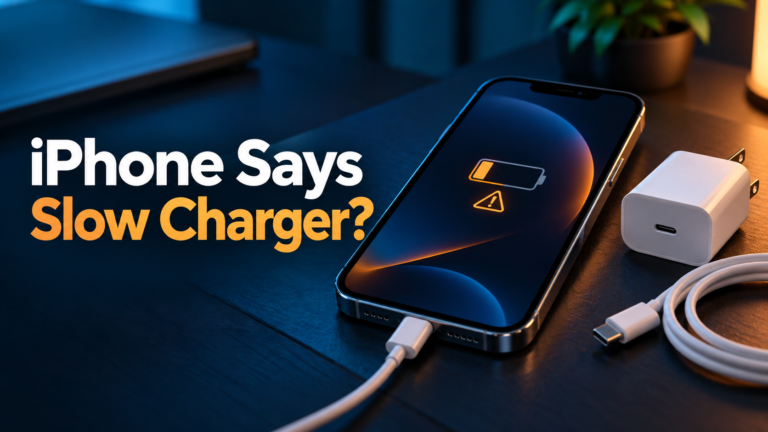
Seeing “Slow Charger” on your iPhone? Learn what the warning means, how to check your adapter and cable, and when you actually need a new charger.
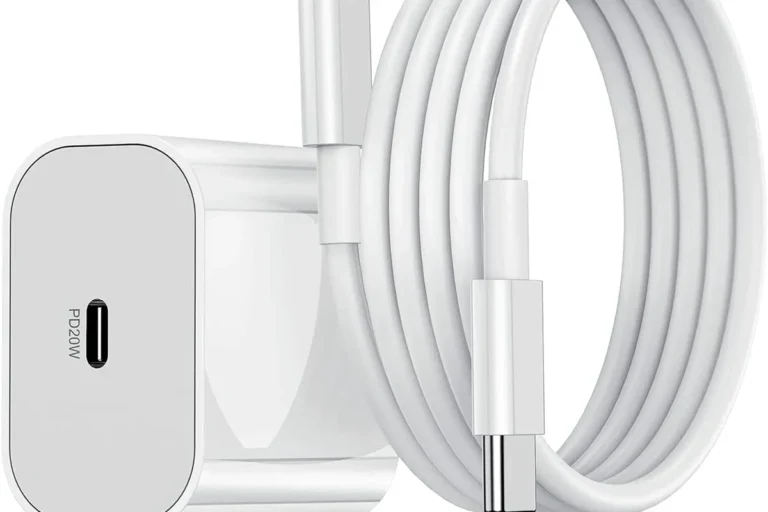
Find the best USB-C cables for charging with clear advice on wattage, E-markers, durability, length, and safe compatibility.
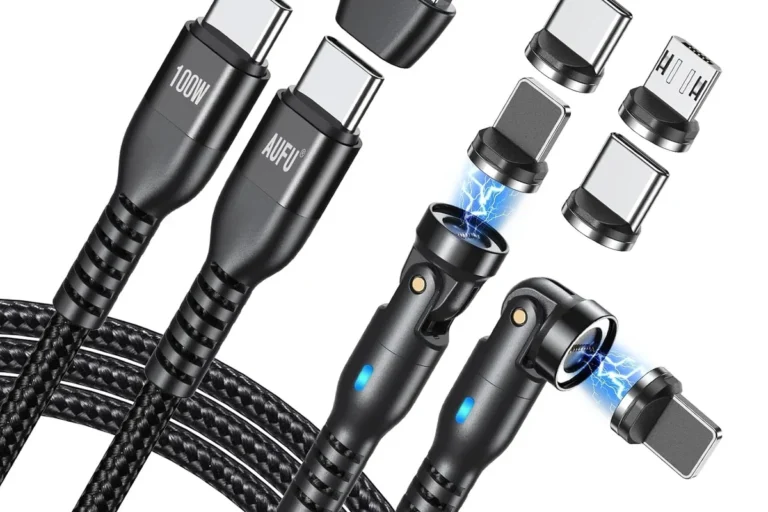
Learn how long a USB-C charging cable can be, what affects charging speed, and how to choose the right length safely.
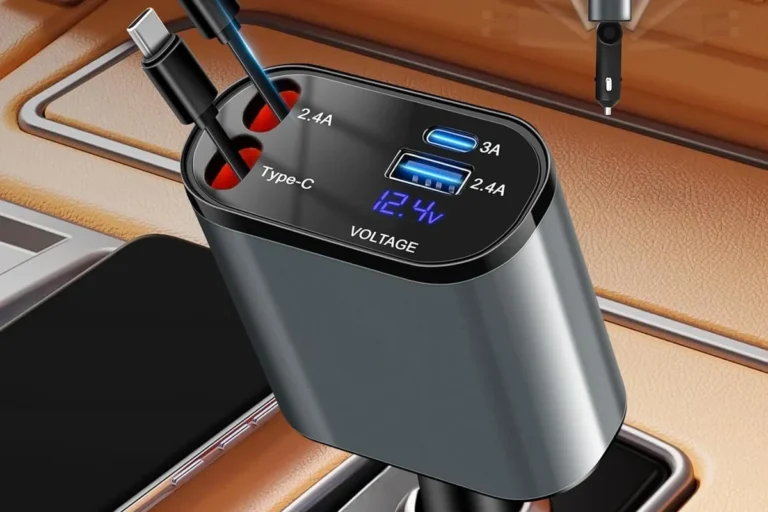
Are cheap USB-C cables safe? Learn when budget cables are fine, when they’re risky, and what specs to check before buying.
Yes, a 240W USB-C cable can charge a phone. Learn what actually affects speed, safety, compatibility, and value.
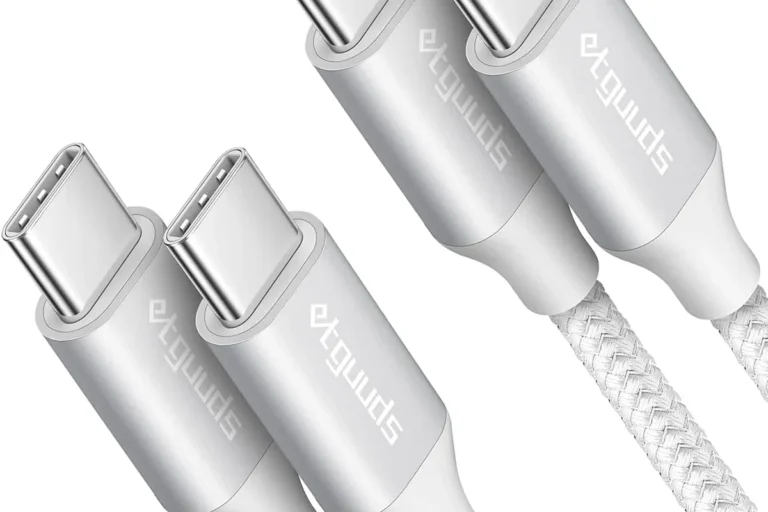
Learn when a USB-C cable can charge a laptop, which specs matter, and how to choose a safe cable and charger.
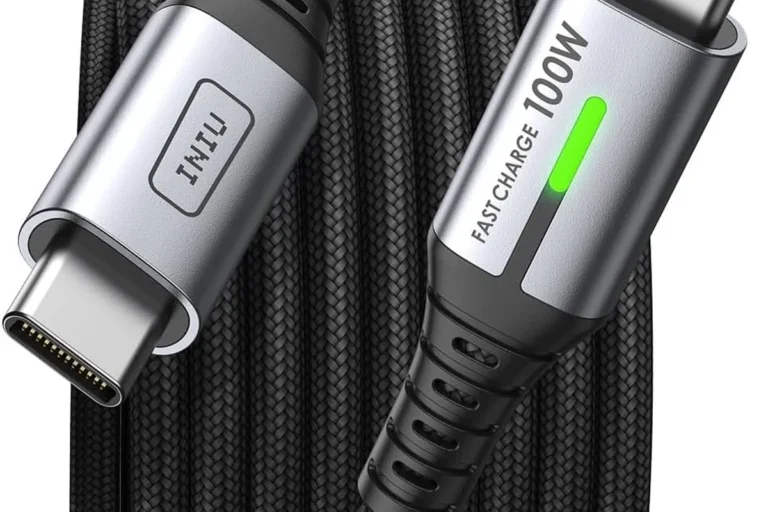
Learn why USB-C charging is slow, how to find the bottleneck, and how to choose the right cable, charger, and safe replacement.
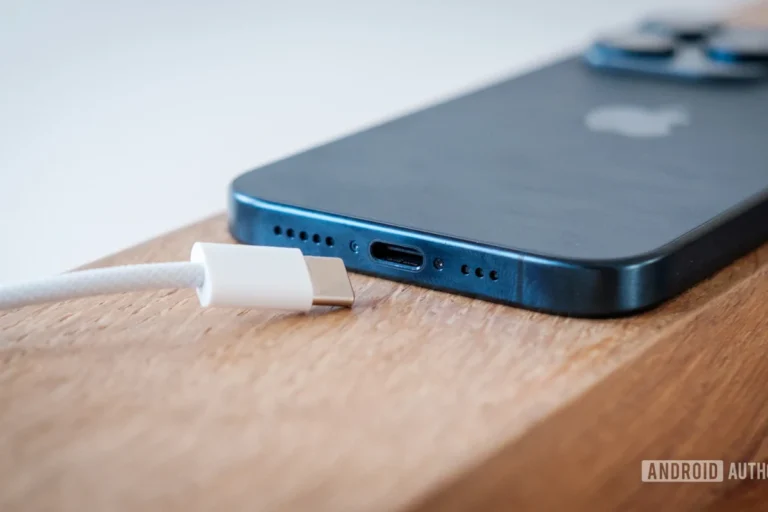
Learn the difference between USB-C charging and data cables, what specs to check, and which one fits your device best.
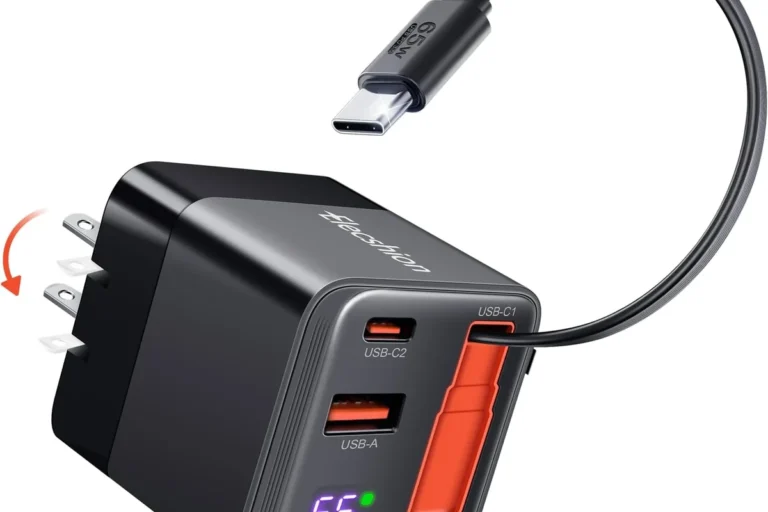
Learn what an E-Marker chip does in a USB-C cable, when you need one, and how to choose the right cable for safe fast charging.
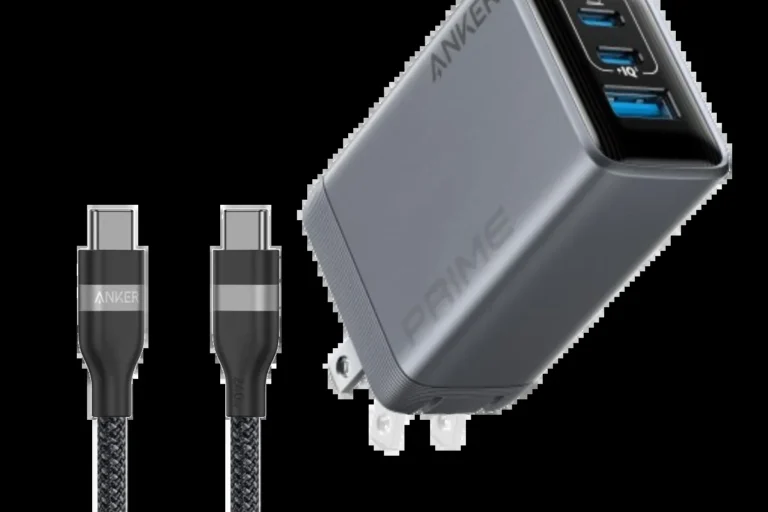
A clear GadgetMakersBlog guide to how to tell if USB-C cable supports fast charging, with practical fit, buying, safety, care, and decision advice.
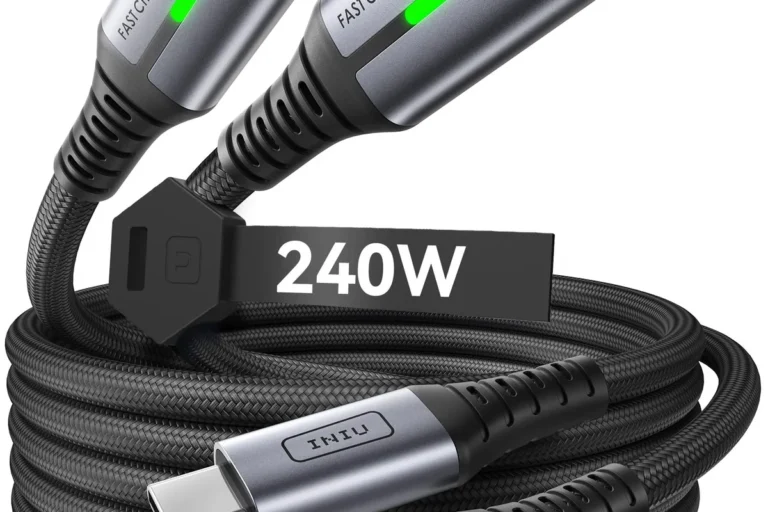
Compare 60W, 100W, and 240W USB-C cables to find the right fit for phones, tablets, laptops, and high-power devices.
Can you use a 100W charger for iPhone? Yes—if it supports USB-C PD and you use a quality cable. Learn safety, speed, and compatibility in 2026.
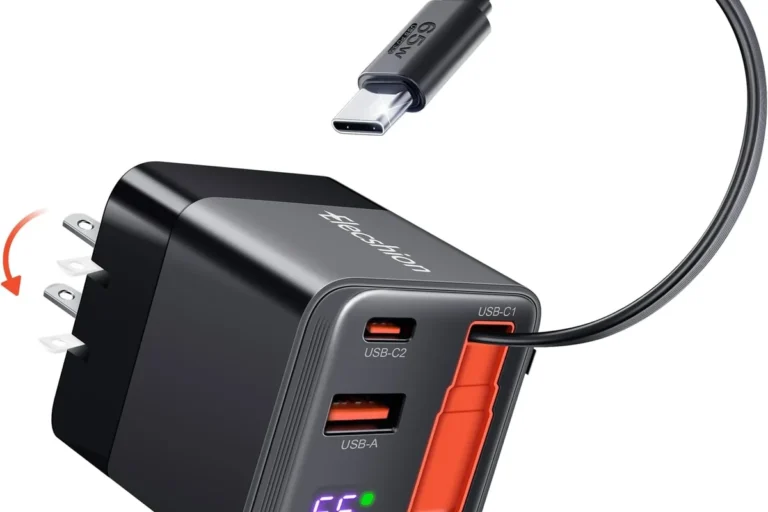
Can you use a 100W charger for MacBook Air? Learn safety, compatibility, cable tips, and when a higher-watt charger makes sense.
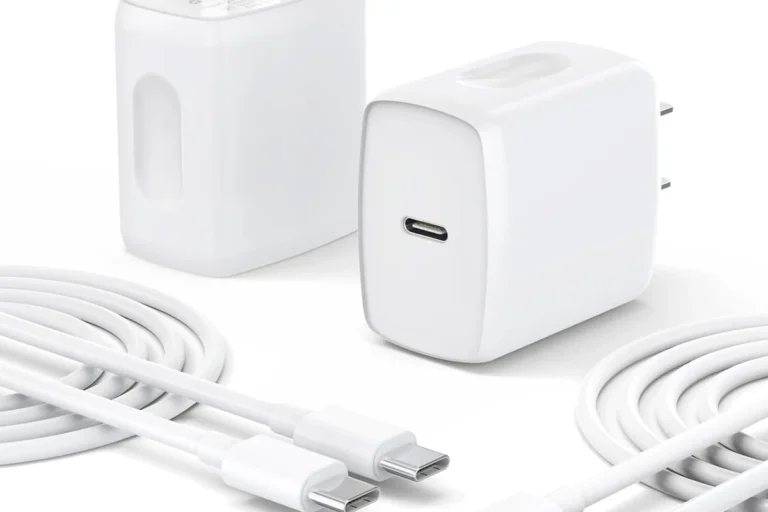
Learn when a 100W charger is enough for a laptop, which models it fits, and what specs to check before buying.
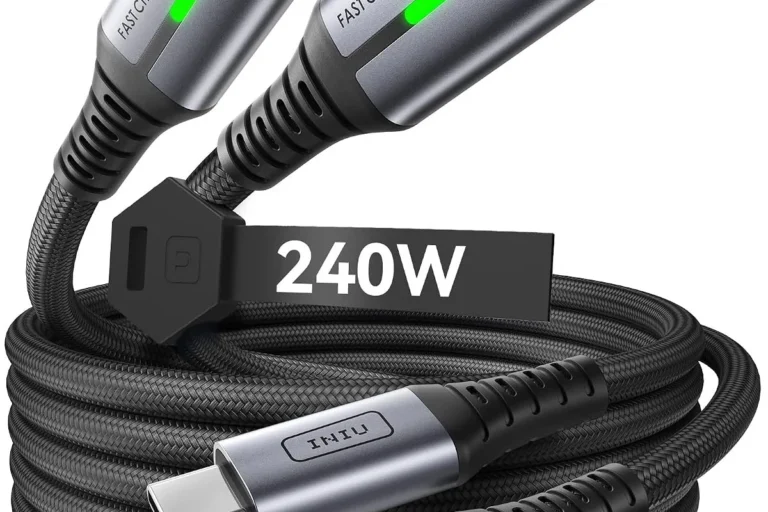
Find out when a 65W laptop charger is enough, which laptops it fits, and what specs to check before you buy or use one.