Best Usb-c Cables for Charging
The best USB-C cable for charging is the one that matches your device’s wattage needs and your charger’s output. For most people, a well-made USB-C to USB-C cable with clear specs is the safest and most practical choice.
If you want the best USB-C cables for charging, look for the right wattage support, a connector that fits your charger and device, and build quality that matches how you actually use it. For most people, the best choice is a certified or well-specified USB-C to USB-C cable that supports the charging speed their phone, tablet, laptop, or power bank can safely accept.
- Match wattage first: A cable must suit the device’s charging demand, especially for laptops.
- USB-C is not one-size-fits-all: Charging speed depends on the cable, charger, and device together.
- Choose the right length: Shorter cables are easier to travel with; longer ones suit desks and bedsides.
- Check for wear: Fraying, looseness, or heat are signs to replace a cable.
- Verify before buying: Confirm connector type, wattage support, and compatibility in official specs.
Best USB-C Cables for Charging: Quick Answer and What to Look For in 2026
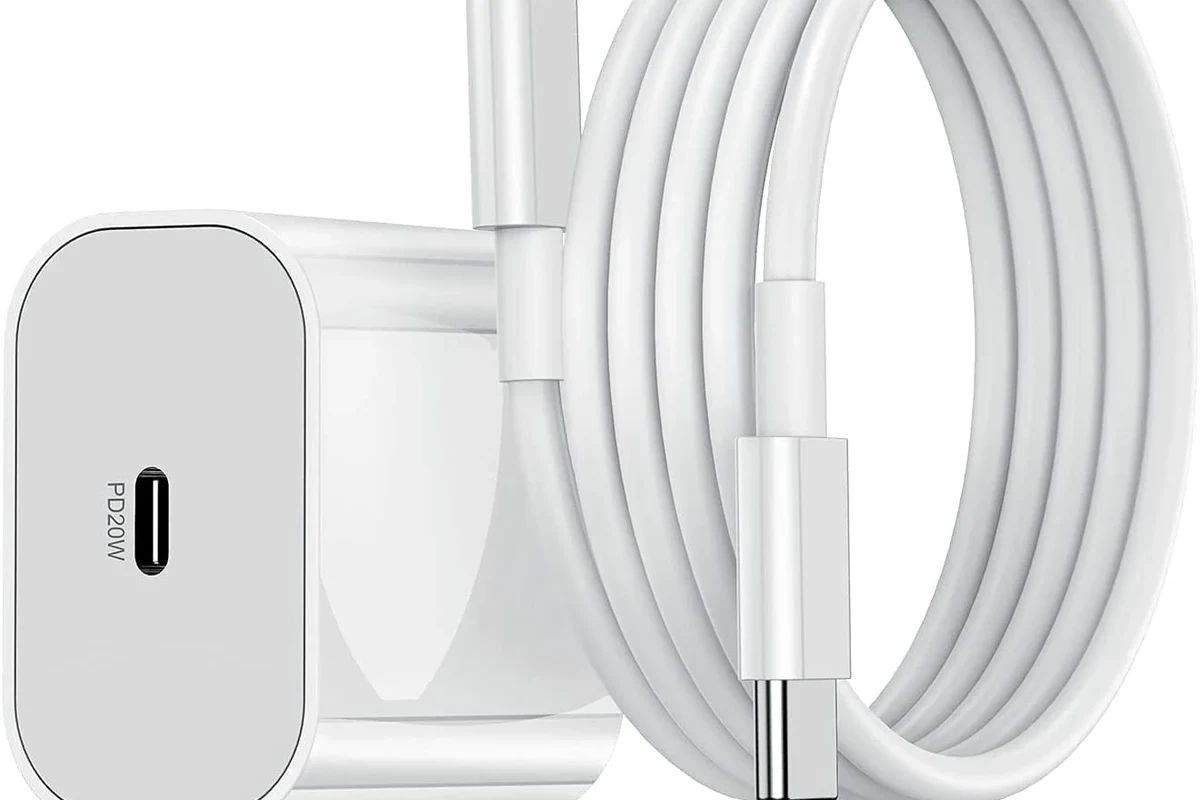
The best USB-C charging cable is not automatically the thickest, longest, or most expensive one. It is the cable that matches your charger’s output, your device’s charging limit, and your day-to-day needs for length, durability, and portability.
In practice, that means most phone users can focus on a reliable USB-C cable rated for standard fast charging, while laptop users should look for a higher-wattage cable with the right electronic marker, often called an E-marker, when the charger and device demand it.
How USB-C Charging Works: Power Delivery, Wattage, and Cable Ratings
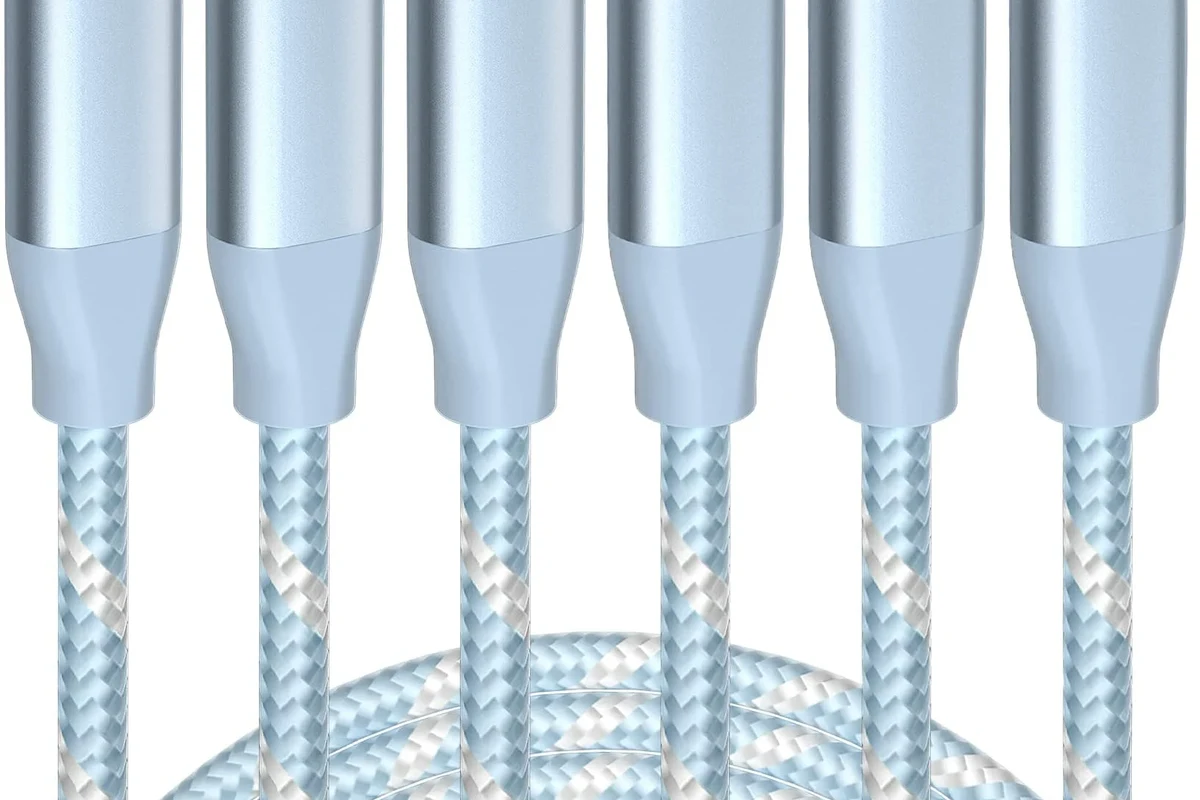
USB-C is a connector shape, not a guarantee of speed. Charging performance depends on the cable, the charger, and the device all agreeing on how much power to send and receive, usually through USB Power Delivery or a similar charging standard.
That is why one USB-C cable may work fine for earbuds and phones, while another is needed for a laptop or a high-capacity tablet. The cable must safely carry the current and, in some cases, communicate its own limits to the charger.
USB-C vs. USB-A: Why the Connector Type Still Matters
USB-A is the older rectangular connector, and USB-C is the newer reversible oval connector. USB-C matters because it is now the common path for modern fast charging, higher power delivery, and many laptop charging setups.
A USB-A to USB-C cable can still be useful for older chargers or accessories, but it often limits charging options compared with USB-C to USB-C. If you want one cable that works across newer phones, tablets, and many laptops, USB-C to USB-C is usually the better starting point.
Matching the Cable to Your Charger and Device Wattage
The safest approach is to match the cable to the lowest-rated link in the chain. If your charger supports more power than your device can accept, the device usually draws only what it needs, but the cable still has to be rated to handle the charger’s potential output.
For example, a phone may charge well with a modest cable, while a laptop may require a cable rated for a higher wattage class. Always check the device manual or manufacturer specifications if the charging speed matters to you.
USB-C charging behavior can vary by phone, tablet, laptop, power bank, charger firmware, and even the exact cable model. If the product page or box does not clearly state wattage support, verify it before buying.
Who This Guide Is For: Phones, Tablets, Laptops, Power Banks, and Travel Tech
This guide is for anyone who wants a dependable charging cable without guessing at compatibility. That includes students, remote workers, travelers, gamers, parents managing shared charging spots, and anyone replacing a worn cable.
The right choice depends on what you charge most often and how much cable flexibility you need at a desk, in a bag, or beside a bed.
Best Use Cases by Device Type and Charging Speed Needs
Phones and wireless earbuds usually need a simple, well-made cable with enough charging support for common fast-charge modes. Tablets may benefit from a sturdier cable if they are charged often or used while plugged in.
Laptops and high-output power banks are where cable ratings matter most. If your setup includes a USB-C laptop charger, look for a cable that clearly supports the wattage class your device expects.
When You Need a Basic Cable vs. a High-Wattage E-Marked Cable
A basic USB-C cable is often enough for phones, small accessories, and lower-power tablets. These are usually the most affordable and easiest to carry.
A high-wattage E-marked cable is the safer choice for demanding devices that need more power. The E-marker helps communicate cable capability to the charger, which matters more as wattage rises.
Most households should start with one dependable USB-C to USB-C cable for phones and tablets, then add a higher-wattage E-marked cable only if a laptop or power-hungry device needs it.
Key Specs That Decide Cable Quality and Charging Performance
When people say a cable is “good,” they usually mean it charges consistently, feels sturdy, and lasts through daily use. The most useful specs are wattage support, connector quality, and whether the cable is built for the way you store and carry it.
Wattage Support, E-Marker Chips, and Data Transfer Limits
Wattage support is the first spec to check because it tells you whether the cable can safely handle the power your device may request. Higher-power USB-C cables often include an E-marker chip that identifies the cable’s capabilities to compatible chargers and devices.
Data transfer speed is a separate issue from charging speed. Some USB-C cables are excellent for charging but slow for file transfers, so if you also move photos, videos, or backups, confirm the data rating as well.
- Check the device’s charging wattage limit in the manual or official specs
- Confirm whether the cable is USB-C to USB-C or USB-A to USB-C
- Verify any E-marker or wattage claim on the product listing or packaging
- Match the cable length to your desk, bedside, car, or travel setup
Build Quality, Braided Jackets, Connector Fit, and Bend Durability
Build quality matters because charging cables fail most often at the ends and along repeated bend points. Braided jackets can improve abrasion resistance, but braid alone does not guarantee better internal wiring or stronger strain relief.
Connector fit should feel secure without excessive force. If a cable wiggles, disconnects easily, or gets warm at the connector under normal use, that is a sign to inspect it more closely.
Length, Portability, and Real-World Convenience Trade-Offs
Short cables are easier to pack and often work well at a desk, in a car, or with a power bank. Longer cables are more convenient when outlets are far away, but they can be heavier, more clutter-prone, and less travel-friendly.
The best length is the one that fits your environment without creating unnecessary tangles. For many people, having one short cable and one longer cable is more practical than buying a single extra-long option for everything.
- Keep a short cable in your bag and a longer one at home or the office
- Choose a cable with clear wattage labeling if you charge a laptop
- Replace mystery-brand cables sooner if the specs are vague or missing
Best USB-C Cable Types to Consider: Budget, Fast-Charging, and Premium Picks
Instead of focusing on a single “best” cable for everyone, it helps to think in categories. The right cable for a student charging a phone at night is not the same as the right cable for a creator powering a laptop and accessories from one charger.
Everyday Charging Cables for Phones and Accessories
Everyday charging cables are the best fit for phones, earbuds, controllers, and small gadgets. The main priorities are dependable charging, a comfortable length, and a connector that does not loosen quickly with repeated use.
These cables are usually the easiest recommendation when you want a low-fuss replacement. They are also the most sensible choice when your devices do not need unusually high wattage.
High-Wattage Cables for Laptops and Multi-Device Setups
High-wattage cables are designed for bigger power demands and are the right category for many USB-C laptops, docking setups, and powerful chargers. They are especially important if you want one cable that can move between a laptop, tablet, and phone without confusion.
The trade-off is that these cables can be more expensive and sometimes thicker or less flexible. That is usually worth it if you need reliable high-power charging and fewer cable swaps.
Travel-Friendly and Extra-Long Options: Pros and Cons
Travel-friendly cables are usually short, light, and easy to stow. They are great for power banks, airports, hotel desks, and compact packing cubes.
Extra-long cables improve reach, but they can be harder to organize and may be more likely to tangle in bags. If you choose a long cable, look for reinforced ends and a jacket that can handle frequent coiling.
- Short cables pack easily and reduce clutter
- High-wattage cables support more demanding devices
- Braided designs can hold up better to daily handling
- Very short cables can be inconvenient at home
- Long cables are easier to tangle and store poorly
- Some charging cables sacrifice data speed for power support
Safety, Heat, and Compatibility: Avoiding Common Charging Mistakes
Most charging cable problems are not dramatic, but they can still affect battery health, charging speed, and safety. Heat, loose connectors, and vague specifications are the main warning signs to watch for.
Signs of Poor Cable Quality, Overheating, and Wear
Stop using a cable if the jacket is frayed, the connector is bent, the ends feel loose, or the cable gets unusually warm during normal charging. A cable that only works when positioned a certain way may also be failing internally.
Heat is especially important to monitor with high-wattage charging. Some warmth can be normal, but strong heat at the connector or charger is a reason to unplug and inspect the setup.
Stop using damaged cables, swollen batteries, overheating chargers, or unstable power accessories and follow the manufacturer’s guidance.
Safe Use Limits, Replacement Timing, and What Not to Pair Together
Do not pair a low-rated cable with a high-power charger if the cable’s specifications are unclear. Even when a device negotiates a lower draw, a poorly made cable can still create unnecessary heat or unreliable charging.
Replace a cable when damage appears, when charging becomes inconsistent, or when the cable no longer fits securely. If a product has a recall or safety notice, follow the manufacturer’s instructions immediately.
Care, Storage, and Maintenance Tips to Extend Cable Life
A good cable can last much longer with simple care. Most wear comes from tight bends, rough storage, and repeated pulling by the cord instead of the connector housing.
How to Coil, Store, and Inspect Cables Properly
Coil cables loosely rather than wrapping them tightly around a charger brick or device. Tight loops can stress the internal wiring over time, especially near the connector ends.
Store cables in a pouch, drawer, or cable organizer so they do not rub against sharp objects like keys or zippers. Before use, glance at both ends for cracks, bent metal, or exposed sections.
Use gentle loops instead of tight wraps to reduce strain on the internal conductors.
Keep connectors from bending sharply in bags, drawers, or desk clutter.
Check for heat, looseness, fraying, or discoloration before charging important devices.
Cleaning Connectors and Knowing When It Is Time to Replace
Dust and pocket lint can build up in USB-C ports and connectors, making charging feel inconsistent. Use only safe, manufacturer-approved cleaning guidance for your device, and avoid anything that could damage the port or leave residue.
Replacement is the right move once a cable becomes unreliable, physically damaged, or no longer meets the charging needs of your newer devices. A cable is a small accessory, but it plays a major role in charging safety and convenience.
Final Verdict: The Best USB-C Cable Choice for Most Users in 2026
The best USB-C cable for charging is the one that cleanly matches your device’s power needs, your charger’s output, and your daily routine. For most people, that means a well-made USB-C to USB-C cable with clearly stated wattage support, solid connector fit, and a length that suits the space where it will be used most.
If you mainly charge phones and accessories, a reliable everyday cable is usually enough. If you charge a laptop or multi-device setup, prioritize a higher-wattage E-marked cable and verify compatibility in the official specs before buying.
Best Value Recommendation by Use Case and Buying Priority
Best value for most users: a dependable mid-length USB-C to USB-C cable with clear charging specs and sturdy strain relief. Best upgrade for power users: a high-wattage E-marked cable from a brand that publishes straightforward compatibility details and warranty terms.
Whatever you choose, confirm the device manual, the charger rating, and the cable’s stated wattage before relying on it for everyday charging.
Frequently Asked Questions
Match the cable to the highest charging demand you expect from your device. Phones often need less than laptops, so check the official device specs before buying.
No, charging speed depends on the cable, charger, and device working together. A USB-C connector alone does not guarantee fast charging.
An E-marked cable is usually important for higher-wattage charging, especially with laptops and powerful chargers. Check the cable’s listed wattage support and your device’s charging requirements.
Replace it if it frays, feels loose, charges intermittently, bends badly, or gets unusually warm. Damaged cables should stop being used right away.
Longer cables can be less convenient and may be more prone to tangling or wear. For best results, choose the shortest length that fits your setup comfortably.
Verify connector type, wattage support, E-marker details if needed, data speed if you transfer files, and warranty or return terms. Also confirm compatibility with your charger and device model.