Do iPhone 16 Cases Fit iPhone 16e Find Out Now
Sometimes, but not reliably: an iPhone 16 case may fit an iPhone 16e only if the dimensions, camera cutout, and button layout line up closely. Flexible cases are more likely to work than rigid, precision-fit, or MagSafe-dependent designs.
If you’re asking, do iPhone 16 cases fit iPhone 16e, the safest answer is: sometimes, but not reliably. A case may seem close enough on paper and still fail because of camera cutouts, button placement, thickness, or MagSafe alignment.
That means the right move is to compare the exact phone and case specs before buying or reusing anything. If you want a broader compatibility reference, our iPhone 16 to iPhone 15 case compatibility guide shows how small design changes can affect fit in ways that are easy to miss.
- Fit is model-specific: Small differences in size or camera placement can make a case unusable.
- Flexible materials help: TPU, silicone, and soft hybrids are the safest reuse candidates.
- MagSafe needs alignment: Magnetic accessories and wireless charging can fail if the layout is off.
- Check before buying: Verify the exact model list, cutouts, and return policy first.
Do iPhone 16 Cases Fit iPhone 16e? The Short Answer and What It Means
Most people want a simple yes or no, but case fit depends on more than the model name. Even two phones that look nearly identical can differ enough that a case feels loose, blocks a button, or leaves part of the camera exposed.
For the iPhone 16 and iPhone 16e, the real question is not whether they are both “6.1-inch iPhones,” but whether the physical layout matches closely enough for the case maker’s tolerances. A flexible case may stretch around small differences, while a precision-fit shell may not.
In practical terms, you should treat “fits” as three separate checks: the body shape, the camera opening, and the side controls. If any one of those is off, the case may be usable only in a loose, compromised way.
iPhone 16 vs iPhone 16e: The Size, Button, and Camera Differences That Affect Case Fit
Case compatibility usually breaks down because of small physical differences, not dramatic redesigns. That’s why a case listing that mentions one model but not the other should be treated cautiously until you confirm the details.
Dimensions and thickness changes to verify
Start with height, width, and thickness. If the 16e is even slightly taller, wider, or thicker than the iPhone 16, a hard-shell case can feel too tight or may not snap on correctly. If it is smaller, the case may slide or shift inside the shell.
Manufacturers sometimes round dimensions or group similar models together in product listings, so it helps to check the official specifications page for both phones and the case maker’s compatibility chart. If the chart is missing, assume the fit is unverified.
Retailer listings can be incomplete or inconsistent. For the most reliable answer, compare the official Apple specs, the case brand’s model list, and any written notes about cutouts or camera support.
Camera module shape, cutout placement, and port alignment
The camera area is often the biggest deal-breaker. A case can be the right overall size and still fail if the camera bump is shaped differently, positioned higher or lower, or has a larger lens island than the case opening allows.
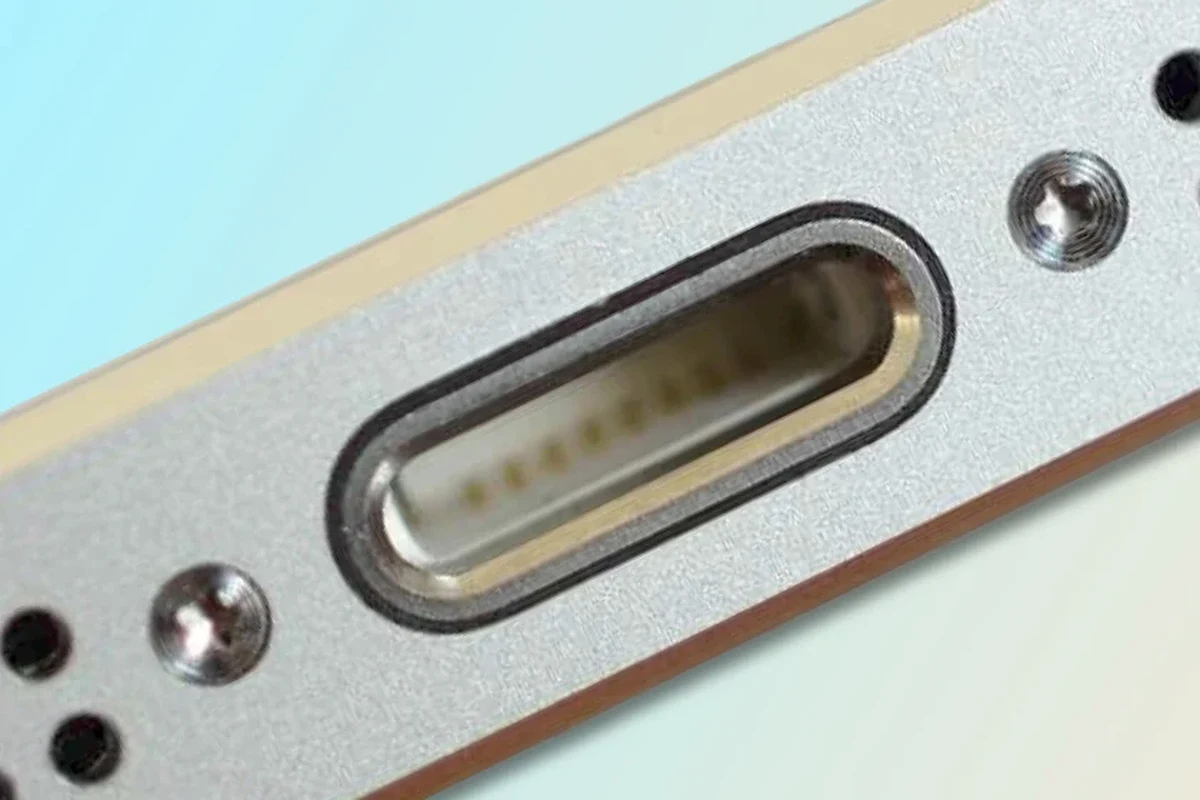
Port alignment matters too. Charging port openings, speaker grilles, and microphone holes need enough clearance to avoid blocking cables or muffling sound. Even a slight mismatch can make everyday use annoying, especially if you use thick charging cables or a dock.
If you rely on wireless charging or MagSafe accessories, the back layout matters just as much as the outer shell. A case with a poorly placed magnet ring may still “fit,” but it may not behave correctly with chargers or mounts.
Button layout, speaker openings, and grip considerations
Side buttons are another common mismatch point. A case made for a different model may leave the power button slightly off-center, make the volume buttons stiff, or reduce the tactile click that helps you know a press registered.
Speaker and microphone openings should also line up cleanly. If they are partially covered, call quality, ringtones, and media playback can sound weaker than expected. That’s especially important for remote workers, students, and anyone who uses speakerphone often.
Grip is the final practical factor. A case can technically fit but still feel awkward if the edges are too sharp, too slippery, or too bulky for one-handed use.
When an iPhone 16 Case Might Fit the iPhone 16e—and When It Won’t
Some case styles are more forgiving than others. The more flexible the material and the less exact the internal structure, the better your odds of getting a usable fit across closely related phones.
Compatible case styles: slim, flexible, rugged, and clear cases
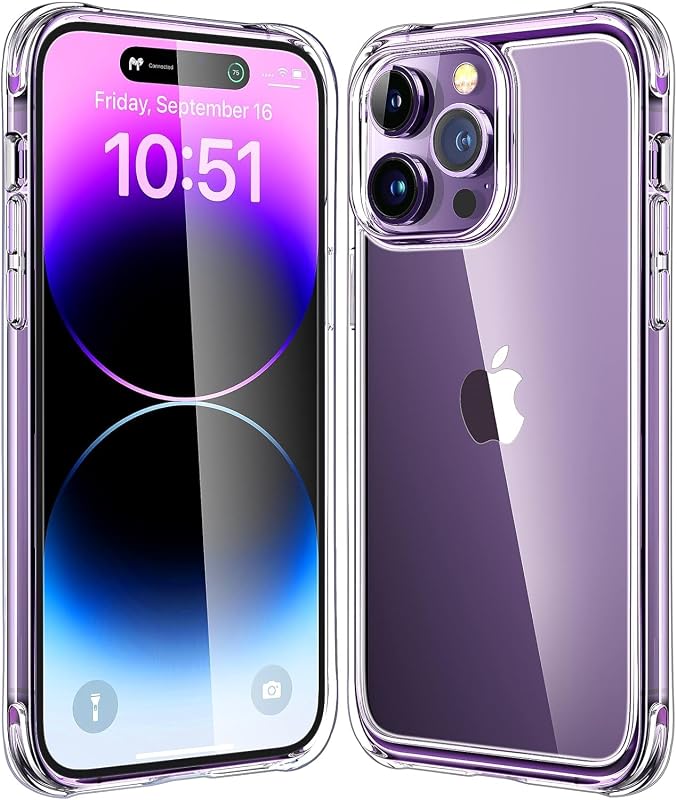
Slim TPU and silicone cases are usually the most forgiving because they can stretch slightly around small differences. Clear cases with soft bumpers can also work better than rigid shells, especially if the camera and button layout is only a little different.
Hybrid rugged cases may still fit if the maker designed them with generous cutouts and a little extra internal room. That said, rugged cases often depend on very precise alignment for port covers, raised bezels, and button caps, so they are not automatically safe bets.
- Choose flexible materials first if you are trying to reuse a close-match case.
- Check whether the case uses separate button covers or molded button cutouts.
- Look for a compatibility note that names both models explicitly.
Problem cases: MagSafe wallets, battery cases, and precision-fit bumpers
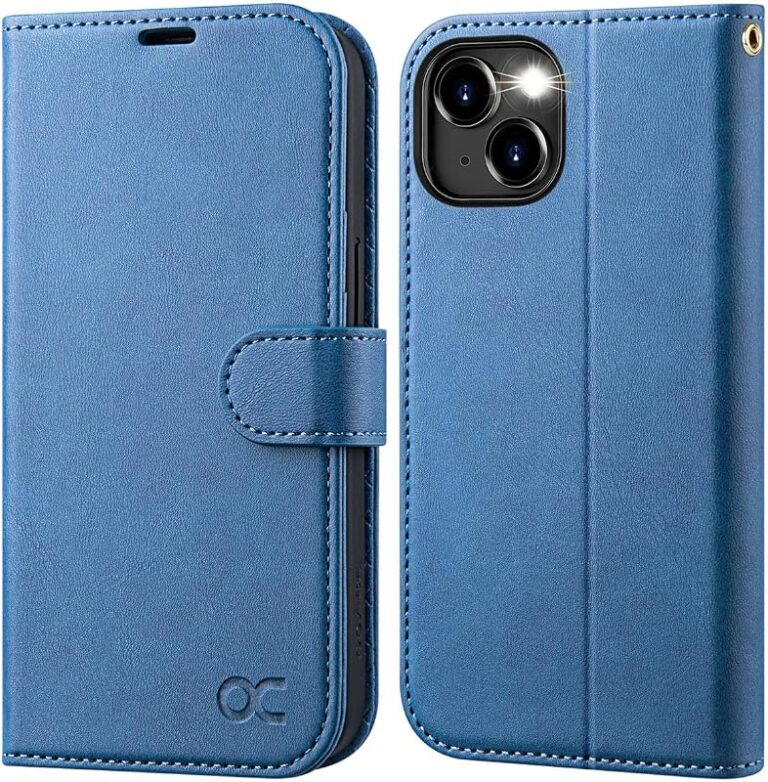
MagSafe wallets and magnetic accessories can be tricky because the magnet position has to be centered correctly. If the internal magnet ring is off by even a small amount, the accessory may attach weakly or slide during use.
Battery cases are even less forgiving. They typically depend on exact dimensions, exact port placement, and exact button access, so a mismatch can create charging issues or pressure on the phone body.
Precision-fit bumpers and ultra-thin hard shells are also risky to reuse across models. They are designed to hold a specific shape tightly, which means they are the least tolerant of even modest design changes.
How to Check Case Compatibility Before You Buy
Before you order a replacement case or reuse an older one, check the fit in a structured way. This saves time, prevents returns, and reduces the chance of buying something that only works “almost” correctly.
Measurement checklist: height, width, depth, and camera clearance
Compare the phone’s overall height, width, and thickness against the case maker’s listed dimensions or compatibility notes. If the seller does not provide those details, look for model-specific fit language rather than assuming a universal design.
Also check camera clearance. The opening should fully surround the camera area without pressing on the lens surround or leaving the bump exposed. If the case raises the camera protection lip, make sure it still allows flat placement on a table without wobble.
- Confirm the exact phone model name, generation, and size class
- Check camera cutout shape, button location, and charging-port alignment
- Verify MagSafe or wireless charging support if you use those accessories
- Review the return policy in case the fit is tighter or looser than expected
Material and flexibility: TPU, silicone, polycarbonate, and hybrid builds
TPU and silicone generally offer more forgiveness because they flex during installation and can absorb minor tolerances. Polycarbonate backs are sturdier, but they usually need more exact matching to avoid pressure points or gaps.
Hybrid cases combine a rigid back with softer edges, which can be a good middle ground if the brand designed the model family carefully. Still, hybrid construction does not guarantee compatibility; it only improves the odds when the size difference is small.
If you want a deeper example of how case families can overlap or fail across generations, our iPhone 13 to iPhone 12 case fit guide explains why tiny changes matter more than many shoppers expect.
MagSafe support, wireless charging alignment, and accessory cutouts
MagSafe-style cases need proper magnet placement, not just a magnetic ring printed on the back. If the alignment is off, charging may still work in some positions but accessories may not snap on securely.
Wireless charging also depends on coil alignment, case thickness, and the charger itself. A thicker case can reduce convenience even if it does not fully block charging, and metal plates or wallet inserts can interfere with performance.
If you are also choosing a charger, it helps to confirm the charging standard and cable type separately. For related guidance, see our article on what charger the iPhone 16 uses.
Real-World Benefits of Using the Right-Fit Case on iPhone 16e
The right case does more than protect the phone. It also improves daily handling, keeps ports and buttons accessible, and helps the device stay comfortable in a pocket, bag, or car mount.
Drop protection, scratch resistance, and daily handling
A properly fitting case helps absorb impact from accidental drops and reduces wear from keys, coins, tabletops, and bags. The protection level depends on the material and design, but even a basic case is more useful when it sits evenly and does not shift around.
Good alignment also helps preserve the phone’s finish. When a case fits poorly, grit can get trapped at the edges and create small scratches over time.
Many case problems show up first in daily use, not during installation. A case that feels “close enough” can still cause button stiffness, charging annoyance, or extra pocket bulk.
Comfort, pocketability, and long-term device value
Comfort matters because a case you dislike is one you are less likely to keep on the phone. If it is too bulky, too slippery, or too sticky in a pocket, you may end up removing it more often than you should.
Long-term value is another reason to choose the right fit. A case that lines up properly is more likely to protect the frame, camera area, and corners without creating pressure marks or unnecessary wear.
Common Mistakes People Make When Reusing iPhone 16 Cases
Most compatibility mistakes happen because buyers rely on model similarity instead of checking the actual hardware details. That can be an expensive shortcut if the case is rigid or the phone has a different camera layout.
Assuming all “close-size” models fit the same
Two phones can share a size category and still have different button positions, camera modules, or internal tolerances. That is why “close enough” is not a reliable rule for case shopping.
It is also why case brands often list exact compatible models rather than broad families. If the model list does not mention the iPhone 16e specifically, do not assume the iPhone 16 version is identical.
Ignoring camera protection and button responsiveness
People often check only the outer shape and forget the camera and side controls. A case can look fine on the phone but still leave the camera too exposed or make the buttons feel mushy.
That matters for everyday use. If you take lots of photos, use Face ID, or adjust volume frequently, poor button feel becomes frustrating quickly.
Overlooking heat buildup, looseness, and charging issues
Loose cases can trap debris, shift during wireless charging, or cause minor heat buildup depending on the material and charger used. Heat behavior varies by phone, charger, wireless pad, and ambient temperature, so any unusual warmth is worth paying attention to.
If a case or charger causes repeated overheating, charging interruptions, or visible damage, stop using it and follow the manufacturer’s guidance. Do not continue using swollen batteries, cracked accessories, or frayed cables.
Safe Use, Care, and Storage Tips for iPhone 16e Cases
Once you have a case that fits, a little care helps it stay cleaner, safer, and more functional. This is especially useful for clear cases, soft-touch finishes, and magnetic accessories that can wear faster with daily handling.
Cleaning methods, inspection for cracks, and replacement timing
Clean the case regularly with a soft cloth and mild soap if the manufacturer allows it. Avoid harsh cleaners unless the brand specifically says they are safe, because some finishes can discolor or become sticky.
Inspect the corners, button covers, and camera lip for cracks or warping. If the case is no longer holding the phone securely, it is time to replace it even if the outer shell still looks acceptable.
Stop using damaged cases, loose magnetic accessories, or anything that interferes with charging or button function. If you are unsure, compare the accessory against the manufacturer’s fit and care guidance before continuing.
How to avoid trapped grit, discoloration, and stretched edges
Remove the case occasionally and clean both the case and the phone edges. Dust and grit are the main reasons cases scratch polished frames and cloudy clear backs.
Store spare cases flat in a cool, dry place away from direct sunlight. Heat and UV exposure can discolor clear materials and weaken elastic edges over time.
If you use multiple accessories, keep them grouped by model so you do not accidentally mix a near-fit case with the wrong phone. That simple habit reduces confusion when you upgrade or swap devices.
Final Verdict: Should You Use an iPhone 16 Case on iPhone 16e?
The practical answer is to use an iPhone 16 case on the iPhone 16e only if the case maker explicitly lists both models or the specifications match closely enough for the material and cutouts to tolerate small differences. Otherwise, the risk of camera mismatch, button stiffness, or charging interference is too high to treat it as a guaranteed fit.
Best-fit buyer profile and practical recommendation
This approach makes the most sense for shoppers who already own a flexible TPU, silicone, or soft hybrid case and want to try it before buying a new one. It is less suitable for anyone who depends on MagSafe accessories, wallet attachments, or a snug rugged case.
If you are choosing between keeping an older case and buying a new one, prioritize exact model compatibility over a “close enough” promise. That is the best way to protect the phone without sacrificing usability.
Better alternatives if your current case does not align properly
If the fit is off, replace the case with one specifically labeled for the iPhone 16e. If you want to compare accessory choices more broadly, our guides on MagSafe power banks for iPhone and budget chargers that work with iPhone can help you choose gear that matches your setup without adding compatibility headaches.
When in doubt, verify the model number, read the compatibility notes, and check the return policy before you commit. That small step is usually cheaper than living with a case that almost fits.
Frequently Asked Questions
Sometimes, but not reliably. Fit depends on dimensions, camera cutout placement, button alignment, and whether the case material can tolerate small differences.
Flexible TPU, silicone, and some soft hybrid cases are usually more forgiving. Rigid shells, precision-fit bumpers, and battery cases are more likely to miss the mark.
Check height, width, thickness, camera clearance, button placement, charging-port access, and MagSafe alignment if you use it. Also confirm the maker lists both models or offers a clear compatibility chart.
Yes. A case may fit physically but still block speakers, make buttons stiff, interfere with wireless charging, or feel loose enough to trap grit.
If it is hard to install, presses on the camera area, or makes buttons difficult to use, it is probably too tight. If it shifts, rattles, or leaves visible gaps, it is too loose.
Buy a case made specifically for the iPhone 16e. That gives you the best chance of correct cutouts, reliable button feel, and fewer charging or accessory issues.