Does an iPhone 15 Case Fit an iPhone 16 Find Out Here
An iPhone 15 case may fit an iPhone 16, but only a close, well-aligned fit is worth using. For long-term protection, choose a case made for the exact iPhone 16 model.
If you’re wondering does an iPhone 15 case fit an iPhone 16, the safest answer is: sometimes, but not reliably. Small changes in body size, camera layout, button placement, and tolerances can make a case feel loose, block a lens, or fail to protect the phone properly.
In this guide, Ethan Walker breaks down what changed, how to check compatibility, and when reusing an older case is acceptable versus risky. If you’re also comparing charging accessories for the newer model, see our guide on what charger the iPhone 16 uses for the most practical next step after the case decision.
- Short answer: Some iPhone 15 cases can physically fit an iPhone 16, but fit quality varies.
- Main risk: Camera, button, and port misalignment can reduce protection or usability.
- Best practice: Use the exact iPhone 16 case if you want dependable daily protection.
- Before buying: Verify the exact model, MagSafe support, and return policy.
Does an iPhone 15 Case Fit an iPhone 16? Quick Answer and Key Takeaway
An iPhone 15 case may physically slip onto an iPhone 16 in some situations, but that does not mean it fits correctly. The real question is whether the case lines up with the camera, buttons, speakers, ports, and wireless charging area well enough to protect the phone without creating new problems.
- Some iPhone 15 cases may fit loosely on iPhone 16, but fit quality varies by case style and phone model.
- Camera cutout alignment and button placement are the biggest reasons a reused case can become a bad idea.
- For long-term use, a case made for the exact iPhone 16 model is the better choice.
If the case is only for a short transition period, a basic shell may seem usable. But if you want dependable drop protection, clean button response, and proper camera coverage, a model-specific case is the safer buy.
iPhone 15 vs iPhone 16 Case Compatibility: What Changed in 2025

Case compatibility depends on more than whether two phones look similar. Even small revisions in size or layout can affect how a case sits, how much pressure it puts on the frame, and whether the camera bump or buttons are fully exposed.
Body dimensions, camera layout, button placement, and port differences to check
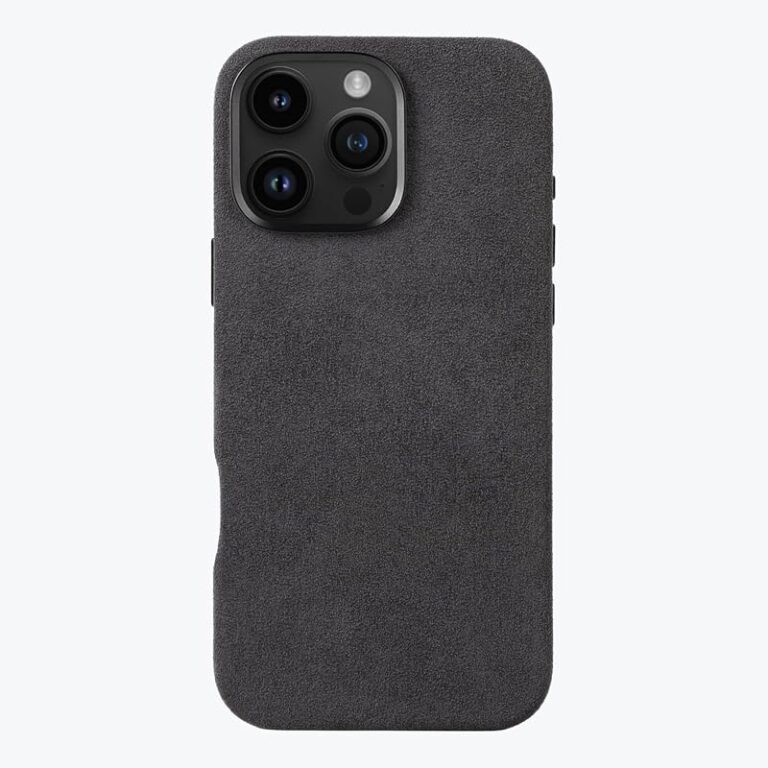
Before reusing a case, compare the phone’s overall shape, thickness, and camera module arrangement against the case design. A case built around one camera island can leave part of the lens area uncovered or press against the edges of the new module.
Exact compatibility can vary by iPhone 16 model, case brand, and case material. Apple’s official specs and the case maker’s compatibility chart are the best references before you decide.
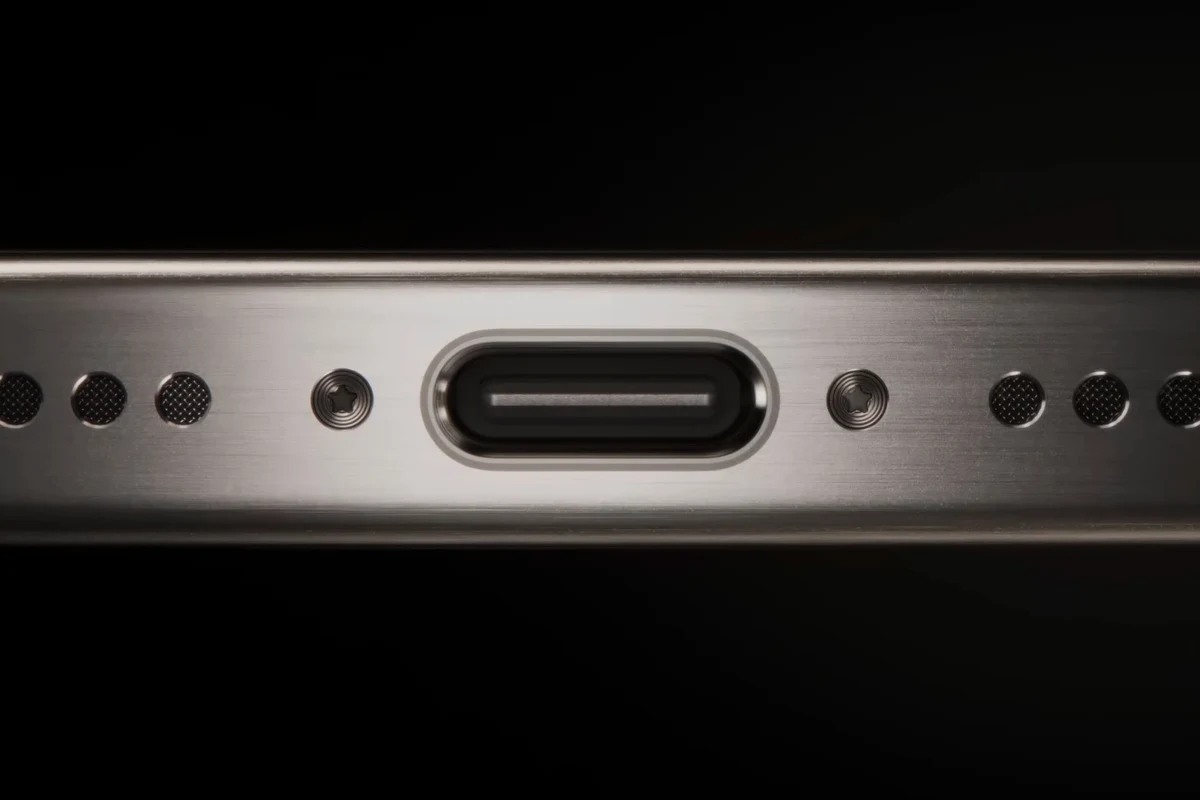
Button placement matters just as much. If the side buttons or action controls do not line up cleanly, you may get stiff presses, accidental presses, or a case that rubs the frame over time. Also check the charging port opening and speaker cutouts, since a tight or offset opening can interfere with cables or accessories.
Why small design changes can make a case fit poorly or not at all
Case makers design for tight tolerances. That means even a fraction of a millimeter can change how a case grips the phone, how the lip rises above the screen, and how the camera ring clears the lens. A case that “almost fits” can still be a poor choice because it may shift during daily use.
Many phone cases rely on a snug fit to stay protective. When the fit loosens, drop protection often declines even if the case still looks fine from the outside.
That is why compatibility guides from accessory brands often separate standard, Plus, Pro, and Pro Max models. For a related example of how small generation changes affect fit, our iPhone 16 cases fitting iPhone 15 guide explains the same issue from the opposite direction.
How to Tell If Your iPhone 15 Case Will Work on iPhone 16
The easiest way to check is to compare the case opening and button cutouts against the exact iPhone 16 model you own. If the case is flexible, you may be able to test the fit gently, but do not force it on if the phone bends the case or the camera area looks misaligned.
Case type matters: silicone, hard shell, wallet, rugged, clear, and MagSafe cases
Not all cases behave the same way. Soft silicone and TPU cases may stretch slightly and seem more forgiving, while hard shells usually reveal incompatibility faster because they do not flex much.
- Flexible cases can sometimes bridge minor size differences.
- Clear and slim cases are easier to inspect for alignment problems.
- MagSafe cases may still work if the magnet ring and camera cutout are correctly positioned.
- Wallet and rugged cases are usually less forgiving when dimensions change.
- Loose cases can shift during drops or pocket use.
- Magnet alignment may be weaker if the internal layout does not match the new phone.
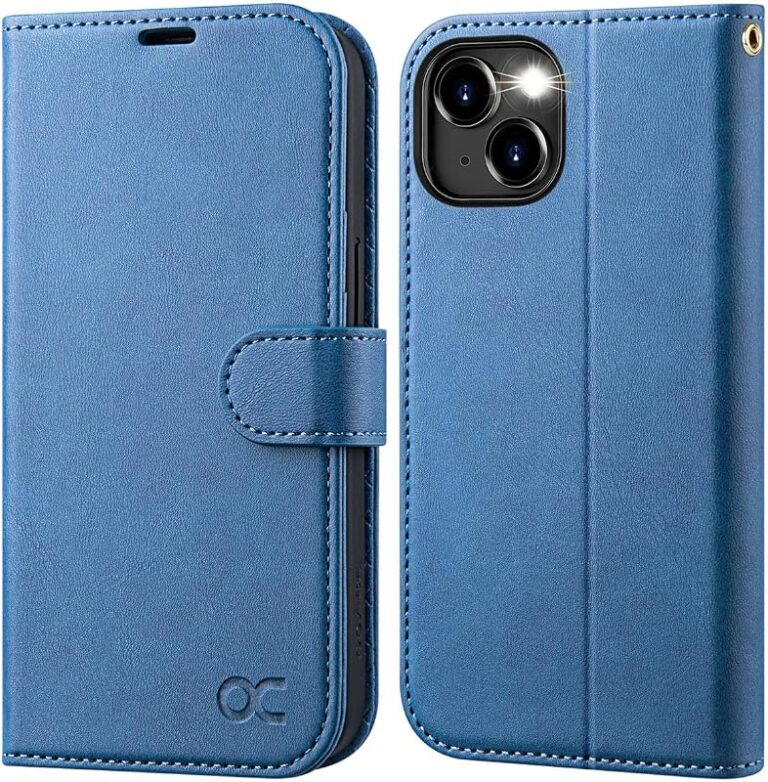
Wallet cases are especially sensitive because card slots, folding covers, and thicker corners depend on precise alignment. Rugged cases can also be a problem because their hard edges and reinforced bumpers often fit one model only. If you’re shopping for a new wallet-style option later, our iPhone 16 Pro Max wallet case picks show how model-specific the category can be.
What to measure before trying a case on your new phone
You do not need lab tools, but you should compare the phone and case using the manufacturer’s published dimensions and compatibility notes. Focus on length, width, thickness, camera bump clearance, and whether the button cutouts or molded buttons line up with the new device.
- Check the exact iPhone model, not just the generation name.
- Compare the case maker’s compatibility list with Apple’s official specs.
- Inspect the camera opening, side buttons, and charging port alignment.
- Confirm MagSafe support if you use wireless charging or magnetic accessories.
If you are unsure, compare the case packaging, product page, or model number against the phone name. A “fits iPhone 15” label is not enough to assume it will fit every iPhone 16 variant.
Best Fit Scenarios: When an iPhone 15 Case May Still Be Usable
There are a few situations where reusing an iPhone 15 case can be acceptable, especially if you need a short-term solution. The key is that “usable” should mean the phone stays protected, the buttons work normally, and the camera is not exposed.
Loose-fit risks versus acceptable temporary use
A slightly loose case may be fine for a day or two while you wait for the correct accessory, but it should not be your long-term setup. Loose fit increases the chance of dust intrusion, corner movement, and impact energy transferring directly to the phone.
If the case slides around, gaps open near the camera, or the side buttons feel mushy, treat that as a sign to replace it rather than “breaking it in.”
Acceptable temporary use usually means the case stays centered, all cutouts are clear, and the phone does not rattle inside the shell. If any of those conditions fail, the case is more of a placeholder than real protection.
Who can get away with reuse and who should avoid it
Students, travelers, and budget-conscious buyers may choose to reuse a case briefly if it fits closely and they are waiting for a replacement. People who work outdoors, carry the phone in a bag with keys, or rely on the phone for job-critical use should avoid a questionable fit.
Anyone who needs a short-term stopgap can reuse a snug iPhone 15 case only if the camera, buttons, and charging port remain fully accessible. For long-term use, frequent travelers, parents, and heavy phone users should choose the exact iPhone 16 case instead.
If you want a broader view of how older cases behave with newer phones, our guide on whether an iPhone 12 case fits an iPhone 13 is a useful comparison because the same compatibility principles apply.
Limitations, Safety Concerns, and Common Mistakes to Avoid
The biggest mistake is assuming that any case that “snaps on” is good enough. A poor fit can create hidden issues, including camera wear, heat retention, weak wireless charging alignment, and reduced drop protection.
Camera protection, screen lip coverage, wireless charging alignment, and heat buildup
If the camera opening is too large, the lenses may sit closer to scratches when you place the phone on a table. If the screen lip is too low because the case is stretched or misaligned, the display gets less protection in a face-down drop.
Stop using any case that traps heat, blocks charging, presses on buttons continuously, or exposes the camera and screen edges. Heat and pressure can shorten accessory life and may affect the phone’s comfort and reliability during daily use.
Wireless charging and MagSafe accessories also depend on alignment. A case that shifts the magnet ring or adds too much thickness can make charging less consistent, especially with stands, car mounts, or power banks. For readers comparing charging habits with case use, our article on whether an iPhone charges faster on Low Power Mode covers one of the most common battery questions that comes up during upgrades.
Signs the case is unsafe or causing long-term wear
Watch for stretching, whitening at the corners, cracks in the hard shell, loose edges near the camera, or buttons that no longer click cleanly. Those signs usually mean the case is no longer doing its job.
Replace damaged cases, especially if they are cracked, warped, or no longer hold the phone securely. A worn case can fail during an impact even if it still looks presentable in normal use.
Also avoid trimming, heating, or forcing the case to fit better. That can weaken the material and create sharper edges or a worse fit than before.
Buying Guide: What to Look for in an iPhone 16 Case Instead
If you are buying new, the best case is the one that matches your exact iPhone 16 model and your daily use. A slim case may be ideal for pocket comfort, while a rugged case makes more sense for commuting, construction, travel, or family life.
Compatibility labels, MagSafe support, drop protection ratings, materials, and grip
Look for a clear compatibility label that names the exact iPhone 16 version. If you use magnetic accessories or wireless charging, verify MagSafe support rather than assuming all magnetic-looking cases are the same.
Grip matters more than many shoppers expect. A case that feels secure in the hand can prevent drops in the first place, which is often more useful than extra bulk after the fact.
Value factors: durability, warranty, replacement policy, and everyday usability
Good value is not only about price. It also includes how well the case resists yellowing, scratching, stretching, and corner wear, plus whether the maker offers a reasonable warranty or replacement process.
- Choose a case that matches your carry style: pocket, bag, desk, car mount, or outdoor use.
- Check whether the seller clearly states the exact phone model and return window.
- Prefer materials that are easy to clean if you handle the phone during meals, travel, or workouts.
If you are comparing models, also verify whether the case blocks the camera control area, interferes with screen protectors, or adds too much weight for one-handed use. These everyday details often matter more than marketing claims.
Care, Maintenance, and Storage Tips for Phone Cases in 2025
A well-cared-for case lasts longer and keeps its fit better. Cleaning and storage are especially important for clear cases, silicone cases, and leather-style finishes that can discolor or collect grime over time.
Cleaning methods for silicone, leather, and clear cases
Use mild soap and water for most silicone and TPU cases, then dry them fully before reinstalling. Clear cases need regular cleaning because oils, dust, and UV exposure can make them look cloudy or yellow over time.
Always follow the case maker’s care instructions for leather, coated finishes, printed designs, and special antimicrobial claims. Some materials can be damaged by alcohol, heat, or harsh cleaners.
Leather cases usually need gentler cleaning and should stay away from soaking or abrasive scrubbing. If the finish starts to crack, peel, or stiffen, the case may be nearing the end of its usable life.
How to store spare cases and inspect for cracks, stretching, or discoloration
Store spare cases flat, away from direct sunlight, heaters, and damp spaces. Heat and UV exposure can distort flexible materials, while moisture can encourage odor or residue buildup.
Check for cracks, thinning, or loose sections where the phone may fall out.
Make sure the camera, buttons, and charging port openings still line up cleanly.
Clear and light-colored cases often show wear first, which can be a sign the material is aging.
If a spare case has become warped or loose in storage, do not assume it will protect a new phone well just because it was unused. Age and storage conditions matter too.
Final Recommendation: Should You Reuse an iPhone 15 Case on iPhone 16?
For a short temporary bridge, an iPhone 15 case can be acceptable only if the fit is snug, the camera is fully protected, and the buttons and charging port line up cleanly. For anyone upgrading for the long term, the better choice is a case made for the exact iPhone 16 model.
Best choice for budget buyers, cautious users, and anyone upgrading for the long term
Budget buyers can reuse a close-fitting case for a brief period, but they should inspect it often and replace it if the fit loosens. Cautious users, parents, commuters, and anyone who depends on reliable protection should skip the guesswork and buy the correct case now.
In short, the answer to does an iPhone 15 case fit an iPhone 16 is “maybe, but don’t count on it.” Compatibility may be close enough for a stopgap, but the best everyday experience comes from a case designed for the exact phone you own.
Frequently Asked Questions
Sometimes it can fit physically, but that does not guarantee safe protection. Check camera alignment, button access, and charging-port clearance before relying on it.
The camera cutout and side button alignment are the most common trouble spots. If either area is off, the case may protect poorly or feel awkward to use.
Soft silicone or TPU cases may tolerate small differences better than hard shells. Even so, a flexible case can still be loose or misaligned, so it is not automatically a good fit.
Yes, if it still stays centered and fully covers the camera and edges. If it slides, rattles, or leaves gaps, replace it as soon as possible.
Confirm the exact iPhone 16 model, MagSafe support if needed, material type, and protection style. Also check the seller’s return policy and the maker’s compatibility notes.
Look for stretching, cracks, warped corners, discoloration, or buttons that no longer respond normally. A worn case can fail during a drop even if it still looks okay.