Do iPhone 16 Cases Fit iPhone 15 Compatibility Guide
Sometimes an iPhone 16 case will fit an iPhone 15, but the fit is often imperfect and not ideal for protection. For the safest result, buy a case made for your exact iPhone model.
If you’re asking do iPhone 16 cases fit iPhone 15, the short answer is: sometimes, but not reliably. Some slim, flexible cases may seem close enough for temporary use, yet small differences in button placement, camera bump shape, and cutout alignment can affect both fit and protection.
- Fit is not guaranteed: Small design changes can affect buttons, camera openings, and charging alignment.
- Slim cases are the best gamble: Flexible, simple designs are more likely to work temporarily than rugged or wallet cases.
- Protection can drop fast: A case that feels loose or misaligned should not be trusted for long-term use.
- Check the listing carefully: Exact model compatibility, return policy, and cutout details matter more than appearance.
Do iPhone 16 Cases Fit iPhone 15? Quick Answer and Bottom Line
In most cases, an iPhone 16 case is not a guaranteed fit for an iPhone 15. Even when a case slips on, it may leave extra movement around the edges, misalign the buttons, or expose part of the camera area.
The safest approach is to buy a case made for your exact iPhone model. If you are considering a cross-generation swap, treat it as a temporary workaround rather than a long-term solution, and verify the seller’s compatibility notes before you buy. For readers comparing accessories across models, our guides on what charger the iPhone 15 uses and what charger the iPhone 16 uses can also help you keep your accessory choices consistent across generations.
iPhone 16 vs iPhone 15 Case Compatibility: What Actually Changes
Case compatibility comes down to more than overall phone size. Manufacturers often adjust the camera island, button layout, internal tolerances, and port opening from one generation to the next, and those changes can make a case that looks close on paper feel off in daily use.
Dimensions, button placement, camera bump, and port alignment
Even a small difference in thickness or height can change how tightly a case grips the frame. Button cutouts and molded button covers need to line up precisely, and a camera opening that is slightly too small or too large can reduce lens protection or create an awkward lip around the back.
Port alignment matters too. If the charging port opening sits even a little off-center, cable connectors may sit crooked or require extra force. That is not just inconvenient; it can also make the case feel less secure over time.
Compatibility can vary by case brand, case style, and even by the exact iPhone 15 or iPhone 16 sub-model. A case labeled for one model family is not automatically safe for every other model in that family.
Why small design differences can affect fit and protection
Phone cases are designed to absorb impact by sitting snugly around the frame and corners. If the fit is loose, the phone can shift inside the case during a drop, which reduces the case’s ability to disperse force the way it was intended to.
That is why “close enough” is not always good enough. A tiny gap at a corner or camera edge can become the weak point in a fall, especially for people who carry their phones in bags, commute daily, or use the phone one-handed while walking.
Stop using any case that cracks, warps, loses grip, or no longer holds the phone securely. A damaged case can give a false sense of protection.
Which iPhone 16 Cases Might Fit iPhone 15 Best
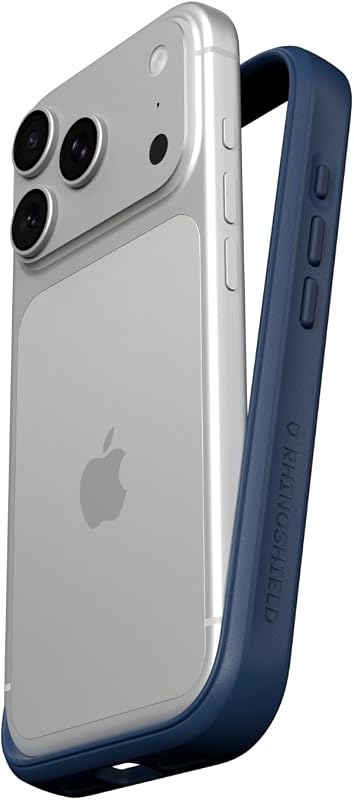
Some iPhone 16 cases are more forgiving than others. The best candidates for temporary cross-fit are usually soft, flexible cases with simple shapes and minimal internal structure, while rigid or highly sculpted designs are much more likely to misalign.
Standard slim cases vs rugged cases vs wallet cases
Slim cases are the most likely to feel usable across generations because they rely less on thick molded edges. Even so, they can still leave button covers or camera rings slightly off.
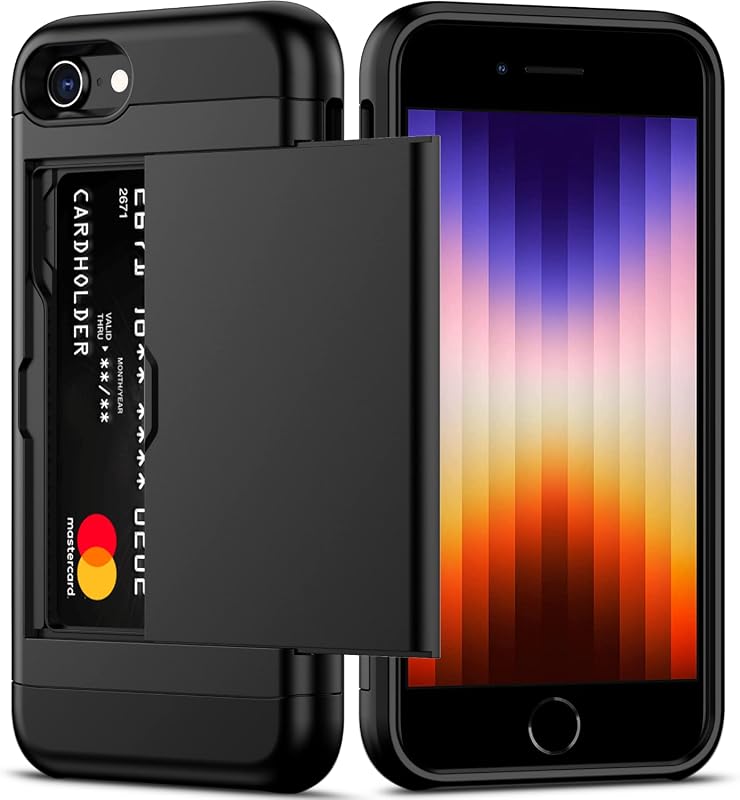
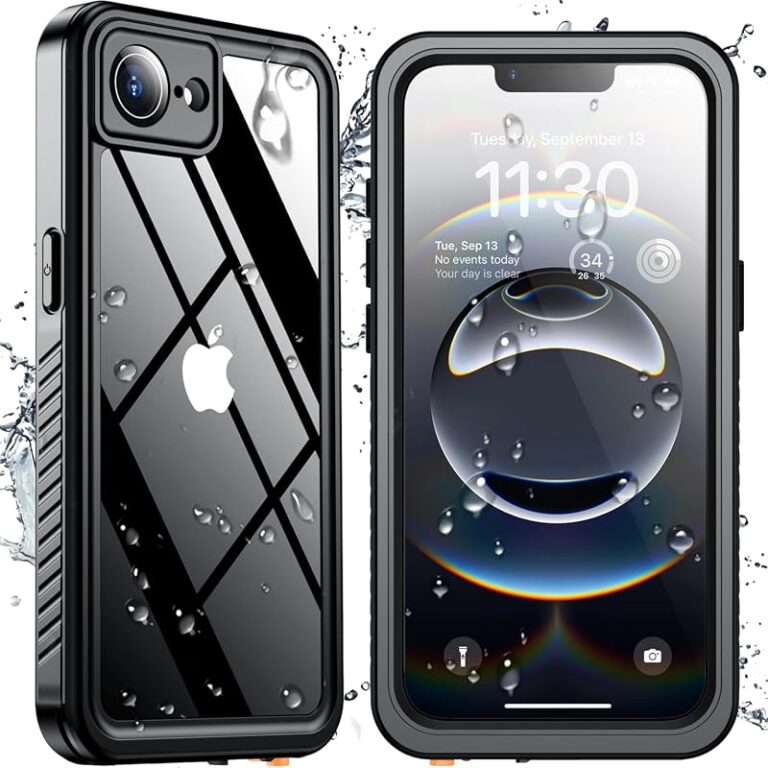
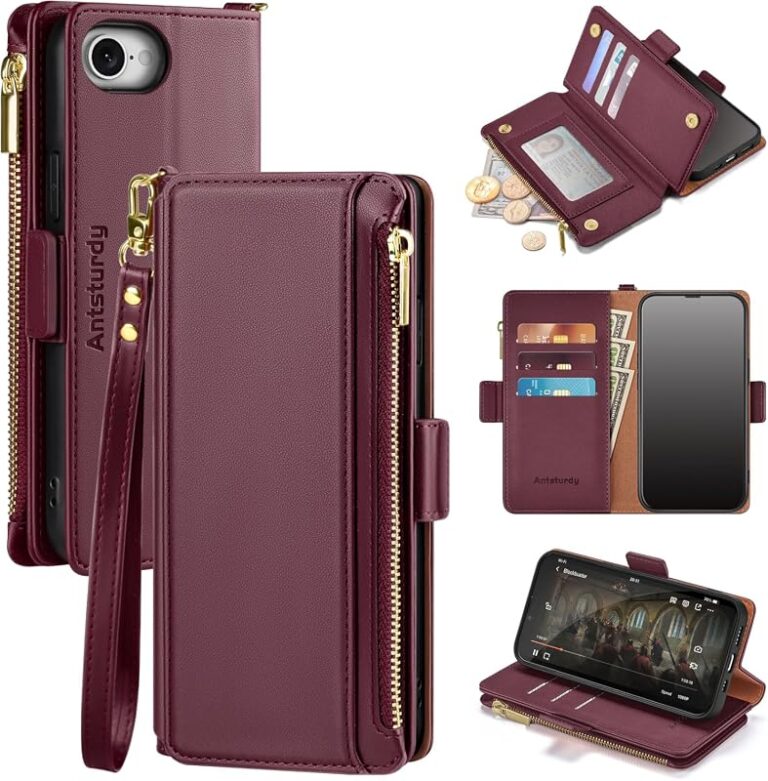
Rugged cases usually fit worse across model changes because they depend on exact corner geometry, layered shells, and reinforced bumpers. Wallet cases often depend on precise front flap alignment and speaker cutouts, so they are also poor candidates unless the manufacturer explicitly lists cross-compatibility.
- Slim, flexible cases may be easier to slip on temporarily.
- Simple designs are less likely to block ports or buttons completely.
- Protection can be reduced if the fit is loose.
- Rugged and wallet styles are more likely to misalign.
MagSafe cases, clear cases, and cases with camera control cutouts
MagSafe cases need the magnet ring to sit in the right position for accessories to attach properly. If the ring is too high, too low, or slightly off-center, chargers and mounts may still connect but not sit as securely as intended.
Clear cases can look interchangeable, but the inside contours still matter. Yellowing, stiffness, and slight molding changes can also affect fit. Cases with camera control cutouts or other model-specific openings are especially risky to cross-use because those cutouts are tied to the exact button and sensor layout of a specific phone generation.
If a case listing mentions MagSafe, camera control, or “precision cutouts,” read the fine print carefully. Those features usually mean the case is designed for a specific phone layout, not a broad range of models.
Who Should Consider Trying an iPhone 16 Case on iPhone 15
There are a few situations where trying a different-generation case can make sense. The key is to keep expectations realistic and avoid assuming the case offers full protection just because it physically fits over the phone.
Users prioritizing style, temporary use, or budget savings
People who want a stopgap solution, a backup case, or a style change for short-term use may be willing to accept minor fit issues. Students, travelers, and remote workers sometimes prefer using an available case rather than waiting for a new one to arrive.
Budget shoppers may also consider a cross-generation case if the price difference is meaningful. If you are comparing affordable protection options more broadly, our guide to budget iPhone accessories can help you think through value versus compatibility before buying add-ons that may not last.
Users who should avoid cross-generation case swaps
Avoid trying an iPhone 16 case on an iPhone 15 if you need dependable drop protection, use a screen protector with tight edge tolerances, or rely on precise button feedback. Gamers, creators, delivery workers, and anyone who keeps their phone in a work bag or vehicle mount should be especially cautious.
If you use wireless charging stands, MagSafe wallets, or car mounts, a slightly off-center case can create daily friction. In those situations, the convenience savings are usually not worth the fit risk.
Fit, Protection, and Practical Trade-Offs
Cross-generation case use is always a compromise. The better the case fits, the more usable it will feel; the looser the fit, the less confident you should be about impact protection, button response, and accessory alignment.
Loose edges, exposed corners, and reduced drop protection
Loose edges can let dust and pocket lint get between the phone and the case. Over time, that can scratch the finish or make the case feel even less secure. Exposed corners are a bigger concern because corners are often the first point of contact in a fall.
When a case is too loose, the frame may not wrap evenly around the device. That can leave the phone more vulnerable to twisting, slipping, or popping out if it is dropped onto a hard surface.
If a case causes overheating, blocks normal charging, pinches the phone, or interferes with button function, remove it and switch to a properly fitted model. Do not force a case onto the phone.
Real-world benefits and limitations of using the wrong-generation case
The main benefit is convenience. If a case is only slightly off, it may still provide basic scratch protection and some minor impact buffering for temporary use.
The limitation is that “basic” is the keyword. You may lose the precise drop-fit, the clean button response, and the exact camera lip height that a properly matched case is designed to provide. If you care about long-term durability, the correct model-specific case is the better choice.
How to Check Compatibility Before Buying
Before buying, confirm the exact iPhone model name, not just the family name. Apple and case makers often use similar-looking product titles, so it is easy to click the wrong listing if you do not check the fine print.
Measure your model, compare product listings, and verify cutout specs
Start by checking the model name in your phone’s settings or on the original packaging if you still have it. Then compare the case listing against the phone’s exact version and look for details about camera cutouts, button coverage, speaker openings, and MagSafe alignment.
- Check the exact iPhone model number and case compatibility listing
- Verify button, camera, port, and MagSafe cutouts
- Confirm whether the case is slim, rugged, wallet-style, or clear
- Look for return policy, warranty terms, and seller guidance
Look for return policies, warranty details, and seller guidance
Because fit can vary by retailer listing and case revision, a flexible return policy is valuable. Warranty details matter too, but they do not replace compatibility checks; a warranty may cover defects, not a case that is simply the wrong shape for your phone.
When the listing is unclear, contact the seller or check the manufacturer’s official product page. That is the most reliable way to verify whether a case is actually intended for your device, rather than assuming “close enough” will work.
Common Mistakes, Safe Use, and Care Tips
Most compatibility problems happen because buyers rely on appearance instead of specifications. A case can look nearly identical across generations while still having different internal molds, camera rings, or button positioning.
Signs a case is too tight, too loose, or misaligned
A case is probably too tight if it takes excessive force to install or remove. It is probably too loose if the phone shifts inside it, the corners lift, or the edges peel back when you press on them.
Misalignment often shows up as a charging cable that sits awkwardly, a button that feels mushy, or a camera opening that does not center cleanly around the lens area. Those are all signs to stop relying on the case for daily use.
Many case makers release separate molds for each iPhone generation even when the phones look similar, because tiny layout changes can affect fit and accessory use.
Cleaning, storage, and replacement guidance for worn cases
Clean the case regularly with a soft cloth and mild soap if the material allows it, then dry it fully before reinstalling. Dirt and grit trapped inside the case can scratch the phone’s finish and make the fit feel worse.
Store extra cases away from heat and direct sunlight, especially clear or soft-touch materials that can warp or discolor. Replace any case that has cracked corners, stretched sides, weak magnets, or worn-out button covers.
If you rotate between cases, inspect the phone frame each time you switch. Small debris, moisture, or a bent edge can make an otherwise decent case fit poorly.
Final Verdict: Is an iPhone 16 Case Worth Using on iPhone 15?
For most people, the answer is no: a case made for the iPhone 16 is not the best long-term choice for an iPhone 15. It may work as a temporary backup if the fit is close, but it should not replace a properly matched case when you want dependable protection and clean alignment.
Best recommendation by use case and budget
If you want the safest option, buy a case built for the exact iPhone 15 model. If you are trying to save money or need a short-term stopgap, choose only a simple, flexible case and verify the return policy before ordering.
For readers comparing accessory choices across generations, the best rule is simple: if the seller does not explicitly confirm compatibility, assume the fit is uncertain. That approach protects both your phone and your budget.
Frequently Asked Questions
Sometimes, but not reliably. A case may slip on, yet button placement, camera cutouts, and edge fit can still be off.
Simple slim cases are the most likely to feel usable for temporary use. Rugged, wallet, and model-specific MagSafe cases are more likely to misalign.
Verify the exact model number, camera opening, button covers, port cutout, and MagSafe alignment. The seller’s compatibility notes are important too.
Usually not ideal. A loose or misaligned case can reduce drop protection and make daily use less reliable.
Watch for shifting inside the case, awkward charging cable alignment, mushy buttons, or exposed corners. Those are signs to stop using it as your main case.
Choose a case made for your exact iPhone model. That gives you the best chance of correct fit, button response, and camera protection.