Do iPhone 14 Pro Max Cases Fit 13 Pro Max Truth Revealed
No, most iPhone 14 Pro Max cases do not fit the 13 Pro Max properly. The camera cutout, button alignment, and MagSafe placement are the main reasons to buy a case made for the exact model.
If you’re asking do iPhone 14 Pro Max cases fit 13 Pro Max, the short answer is usually no. The two phones are close in size, but the camera layout and a few fit details are different enough that most 14 Pro Max cases won’t line up correctly on a 13 Pro Max.
- Model matters: A close size match does not guarantee a correct case fit.
- Camera cutout: This is the biggest reason 14 Pro Max cases fail on a 13 Pro.
- MagSafe alignment: Misplaced magnets can weaken accessory hold and charging consistency.
- Flexible materials: Silicone and TPU may stretch on, but that does not mean they protect well.
Do iPhone 14 Pro Max Cases Fit 13 Pro Max? Quick Answer and Bottom Line
In most situations, an iPhone 14 Pro Max case is not a proper fit for an iPhone 13 Pro Max. Even when the case seems close enough to slide on, the camera cutout, button alignment, and MagSafe positioning can be off enough to affect protection and daily use.
The safest approach is to buy a case made specifically for the iPhone 13 Pro Max. If you already own a 14 Pro Max case, treat compatibility as a model-by-model question, not a generational assumption.
iPhone 14 Pro Max vs iPhone 13 Pro Max: Exact Size and Camera Differences
The reason this question comes up so often is that both phones are large, premium iPhones with similar overall shapes. But case fit depends on more than general size; it also depends on the exact location of the camera opening, side buttons, speaker cutouts, and magnetic ring placement.
Body dimensions, button placement, and thickness comparison
Apple’s published specs place these two models very close to each other in overall footprint, which is why some cases can appear interchangeable at first glance. Still, even small differences can matter because a case is designed to wrap tightly around the edges and leave precise openings for controls and ports.
When the body shape or button spacing is slightly different, a case may leave the volume buttons or side button feeling stiff, offset, or harder to press. That doesn’t just affect comfort; it can also make the case feel loose in one area and overly tight in another.
Camera bump size, MagSafe alignment, and why the cutout matters
The camera area is the biggest compatibility problem. A case designed for the 14 Pro Max may have a camera opening shaped for that model’s different rear camera layout, so the 13 Pro Max camera area may sit awkwardly inside the opening or press against the case edge.
MagSafe alignment is another detail to watch. Even if the case physically fits, a misplaced magnetic ring can reduce accessory alignment or make chargers and mounts feel less secure. If you use MagSafe wallets, stands, or battery packs, that mismatch matters more than many shoppers realize.
MagSafe accessories rely on a precise magnet layout, so “close enough” placement can still lead to weaker attachment or less consistent charging behavior.
Why Most iPhone 14 Pro Max Cases Do Not Fit the 13 Pro Max Properly
Most case makers design around exact device dimensions, not just the same screen size class. That is why a case labeled for the 14 Pro Max should be treated as model-specific unless the manufacturer clearly says it is compatible with the 13 Pro Max too.
What happens when a case is slightly oversized or misaligned
A slightly oversized case can feel acceptable at first, but the loose areas may shift during daily handling. That can expose edges, make the phone wobble on a table, or cause the camera lip to sit unevenly around the lenses.
Misalignment can also affect the tactile feel of the buttons. If the button covers do not sit directly over the phone’s controls, you may need to press harder or at an odd angle, which gets annoying fast and can make the case feel cheap even if the material is good.
Do not assume a loose case still provides full drop protection. If the phone can shift inside the case, impact resistance is less predictable and the camera area may be more exposed.
How loose fit affects drop protection, grip, and everyday use
Case protection depends on a snug perimeter, proper corner coverage, and a raised lip around the screen and camera. If the case is too loose, those protective edges may no longer sit where the designer intended.
Grip also changes. A case that slides a little can feel less secure in the hand, which is a problem for commuters, students, parents, travelers, and anyone who uses the phone one-handed while walking or multitasking.
When a 14 Pro Max Case Might Seem to Fit a 13 Pro Max
There are a few situations where a 14 Pro Max case can seem usable on a 13 Pro Max, but “usable” is not the same as “recommended.” These are usually edge cases involving softer materials or very forgiving designs.
Flexible silicone, TPU, and universal-style cases
Soft silicone and TPU cases sometimes stretch enough to slide on, especially if the case has a simple shell shape and generous cutouts. Some minimalist or universal-style cases also leave more tolerance around the edges, which can make them feel compatible at a glance.
Material flexibility can hide fit problems. A stretchy case may install easily but still leave the camera, buttons, or MagSafe ring out of alignment.
That said, a stretchy fit does not automatically mean a correct fit. The case may warp over time, lose its shape, or create weak spots around the corners if it is being forced onto the wrong phone model.
Risks of forcing compatibility and signs to avoid using it
If you have to bend the case, stretch it hard, or press the phone into place with obvious resistance, stop. Those are signs the fit is not right, and forcing it can damage the case, the phone finish, or both.
Stop using any case that blocks buttons, covers part of the camera opening, lifts at the corners, or interferes with charging and MagSafe alignment.
Also watch for signs after installation: the phone shifting inside the case, a camera lip sitting unevenly, or wireless charging that only works when positioned in a very specific spot. Those are all clues that the case is not a proper match.
How to Check Whether a Case Will Work Before Buying
Before you buy, verify the exact phone model and read the compatibility line carefully. Product titles can be misleading, especially on marketplaces where a listing may mention multiple iPhone models in one place.
Model number verification, product listing details, and seller warnings
The best first step is to check the model number on the phone itself or in the device settings, then compare it with the case listing. If the seller says “fits iPhone 13 Pro Max and 14 Pro Max” without a clear explanation, look for a manufacturer compatibility chart or a more specific listing.
- Check the exact phone model, not just the screen size
- Confirm the case listing names the iPhone 13 Pro Max specifically
- Review return policy in case the fit is wrong
- Verify MagSafe, camera cutout, and button coverage details
Be cautious with vague words like “compatible with most large iPhones” or “fits similar models.” Those phrases often mean the seller has not committed to a precise fit claim.
Key decision criteria: cutouts, lip height, button covers, and MagSafe ring position
When comparing cases, focus on four things: camera cutout shape, raised lip height, button cover alignment, and MagSafe ring placement. These are the areas most likely to reveal whether the case was designed for your phone or only roughly adapted.
- Compare product photos with the official phone layout, not just the case color
- Look for “13 Pro Max only” or “14 Pro Max only” wording when precision matters
- If you use MagSafe accessories, prioritize exact magnet alignment over style
- Check whether the seller offers easy returns before trying a borderline-fit case
If the listing does not clearly mention the iPhone 13 Pro Max, assume it is not the right choice.
Real-World Trade-Offs: Protection, Comfort, and Charging Performance
Even when a 14 Pro Max case seems to fit a 13 Pro Max, real-world use can still be frustrating. The issue is not only whether the case stays on, but whether it protects the phone and works smoothly every day.
Wireless charging and MagSafe accessory alignment
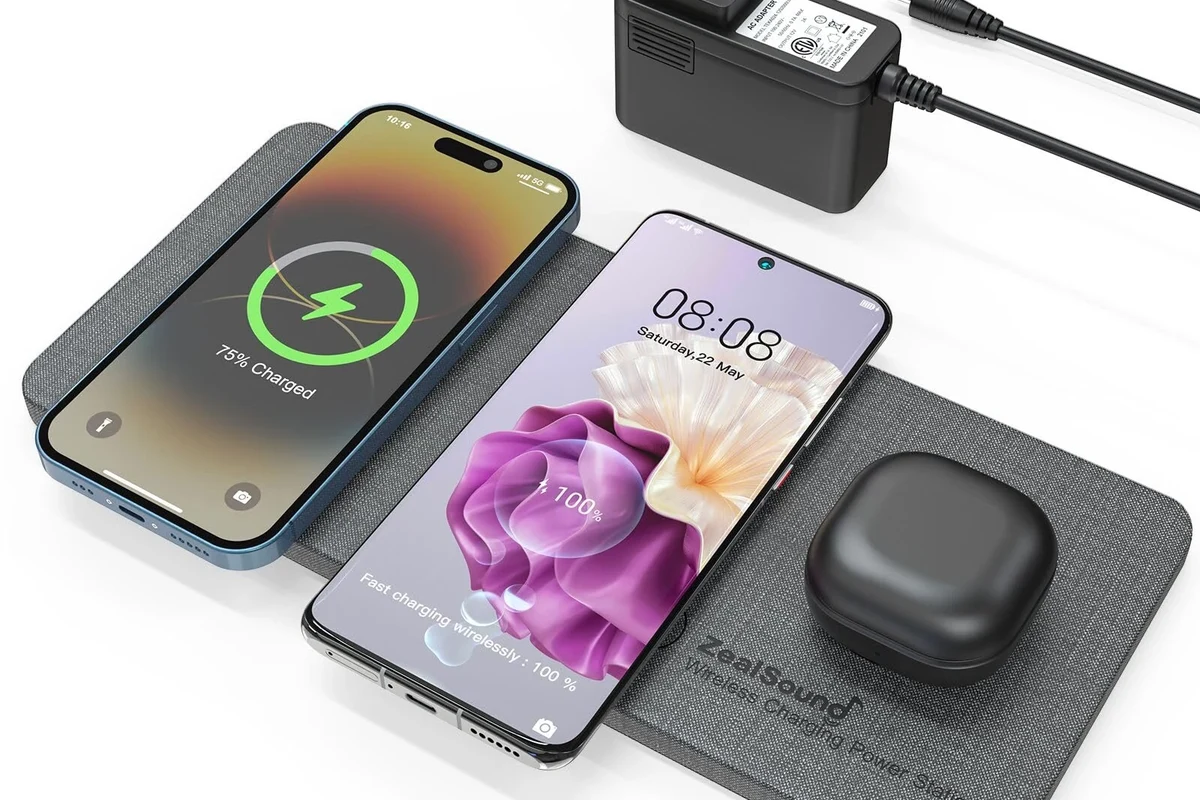
Wireless charging can be especially sensitive to alignment. A case that is slightly off-center may still allow charging, but the phone may need to be placed more carefully on a pad or accessory to maintain a stable connection.
If you use MagSafe wallets, mounts, or power banks, the magnetic hold may feel weaker if the ring is not positioned for the 13 Pro Max. For more on charging behavior and accessory compatibility, see our guide on whether the iPhone 13 Pro Max has wireless charging and our breakdown of which MagSafe power banks work with iPhone.
Impact on pocketability, heat, and long-term wear
A poor-fitting case can change how the phone feels in a pocket or bag. If the edges are loose or the corners are oversized, the phone may snag more easily, feel bulkier than expected, or shift around during movement.
Heat is another practical consideration. Cases that fit too tightly can trap warmth, while loose cases can rub against the phone’s finish over time. Neither problem is ideal, especially for people who keep their phones in cases for long stretches.
Long-term wear also matters. A case that is stretched onto the wrong model can deform faster, which means it may stop protecting the phone well even if it looked acceptable on day one.
Safe Use, Care, and Common Mistakes to Avoid
Good case care helps preserve fit, grip, and protection. It also makes it easier to spot when a case has become too worn, cracked, or stretched to trust.
Cleaning, storage, and checking for cracks or stretching
Clean a case with mild soap and water if the material allows it, then dry it fully before reinstalling. Dust, pocket lint, and skin oils can make a snug case feel looser than it really is, and they can also scratch the phone’s finish over time.
Store spare cases flat and away from heat when possible. High heat can accelerate warping in some materials, especially softer plastics and silicone blends.
Inspect the corners, button covers, and camera lip every few weeks. If you see cracks, stretching, or a shiny worn edge, the case may no longer give reliable protection.
Why trimming, stretching, or modifying a case is a bad idea
Do not cut, trim, heat, or otherwise modify a case to make it fit. Once you alter the structure, you may weaken the protective shell, ruin the camera lip, or create sharp edges that make the case less safe to handle.
Modifying a case also makes it harder to return or resell, and it can void any return eligibility the seller offers. If a case does not fit correctly out of the box, the better solution is to exchange it for the right model.
Best Alternatives for iPhone 13 Pro Max Owners in 2025
If you own a 13 Pro Max, the best alternative is simple: buy a case made specifically for that model. That gives you the best chance of correct cutouts, proper button feel, and reliable MagSafe or wireless charging alignment.
Buying the correct 13 Pro Max case for fit and protection
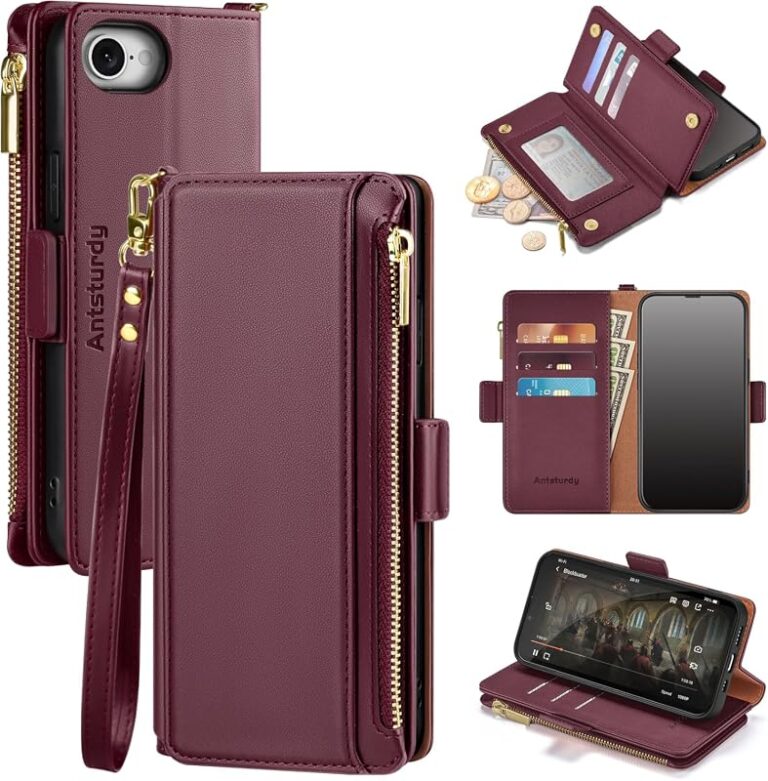
A true 13 Pro Max case should align with the camera bump, wrap the corners securely, and leave the buttons easy to press. That matters whether you want a slim everyday case, a rugged drop-protection option, or a wallet-style model for commuting.
If you are comparing older and newer iPhone case compatibility patterns, our article on whether iPhone 12 cases fit iPhone 13 shows why Apple model changes often look small but still affect fit.
Recommended case types based on budget, durability, and style
For most people, a slim TPU or hybrid case offers the best balance of grip and everyday protection. If you drop your phone often, a more rugged case with reinforced corners and a raised camera lip is usually the safer choice.
If style matters most, look for a thin case that still lists the iPhone 13 Pro Max specifically and supports your charging accessories. For readers who like a more utility-focused setup, our wallet case roundup is a useful example of how case design changes based on storage needs, even though the model is different.
iPhone 13 Pro Max owners who want the most reliable fit, best camera protection, and the least hassle with charging accessories.
Final Verdict: Should You Use an iPhone 14 Pro Max Case on a 13 Pro Max?
For most buyers, the answer is no. An iPhone 14 Pro Max case is not a dependable substitute for a 13 Pro Max case because the fit details that matter most—camera opening, button alignment, and MagSafe placement—are too important to guess.
Choose a case made for the iPhone 13 Pro Max if you want the best protection and least frustration. Only consider a 14 Pro Max case if the manufacturer explicitly confirms compatibility and the fit details line up clearly.
In short, if you want a case that protects well and works normally every day, buy for the exact phone model rather than hoping the dimensions are close enough.
Frequently Asked Questions
Usually no. The camera cutout, button alignment, and MagSafe placement can be different enough that most 14 Pro Max cases are not a proper fit for a 13 Pro Max.
The camera opening is the biggest issue, followed by button alignment and magnetic ring position. A case can seem close in size and still fit poorly in those critical areas.
Sometimes a flexible case can stretch onto the phone, but that does not mean it is a correct fit. Loose or misaligned areas can reduce protection and make charging or button use less reliable.
Verify the exact phone model and read the compatibility line carefully. Look for clear mention of the iPhone 13 Pro Max, plus details about camera cutouts, button covers, and MagSafe ring placement.
Stop using it if the phone shifts, the buttons feel off, or the camera area is not fully covered. A loose case is less dependable for drop protection and everyday use.
Buy a case made specifically for the iPhone 13 Pro Max. That gives you the best chance of proper fit, reliable protection, and better compatibility with wireless charging and MagSafe accessories.