How to Integrate Smart Technology in Landscape Lighting
The easiest way to integrate smart technology in landscape lighting is to upgrade the transformer or controller on a compatible low-voltage system. Always verify voltage, load, weather rating, and app support before buying.
Smart landscape lighting lets you control outdoor fixtures from an app, automate schedules, and tie your yard lighting into a broader home system. The best way to add it is usually to keep the outdoor fixtures you want, then upgrade the transformer, controller, or bulbs so the system matches your wiring, voltage, and connectivity needs.
- Start with compatibility: Voltage, wattage load, and wiring type matter more than app features.
- Choose the right control layer: Smart transformer, controller, hub, or plug-in kit each fits different setups.
- Plan outdoor connectivity: Wi-Fi range, hub placement, and app dependence affect reliability.
- Prioritize safety: Use outdoor-rated parts, sealed connections, and the manufacturer’s instructions.
- Think long term: Warranty coverage, replacement parts, and platform support affect value.
How to Integrate Smart Technology in Landscape Lighting: What It Means and Why It Matters
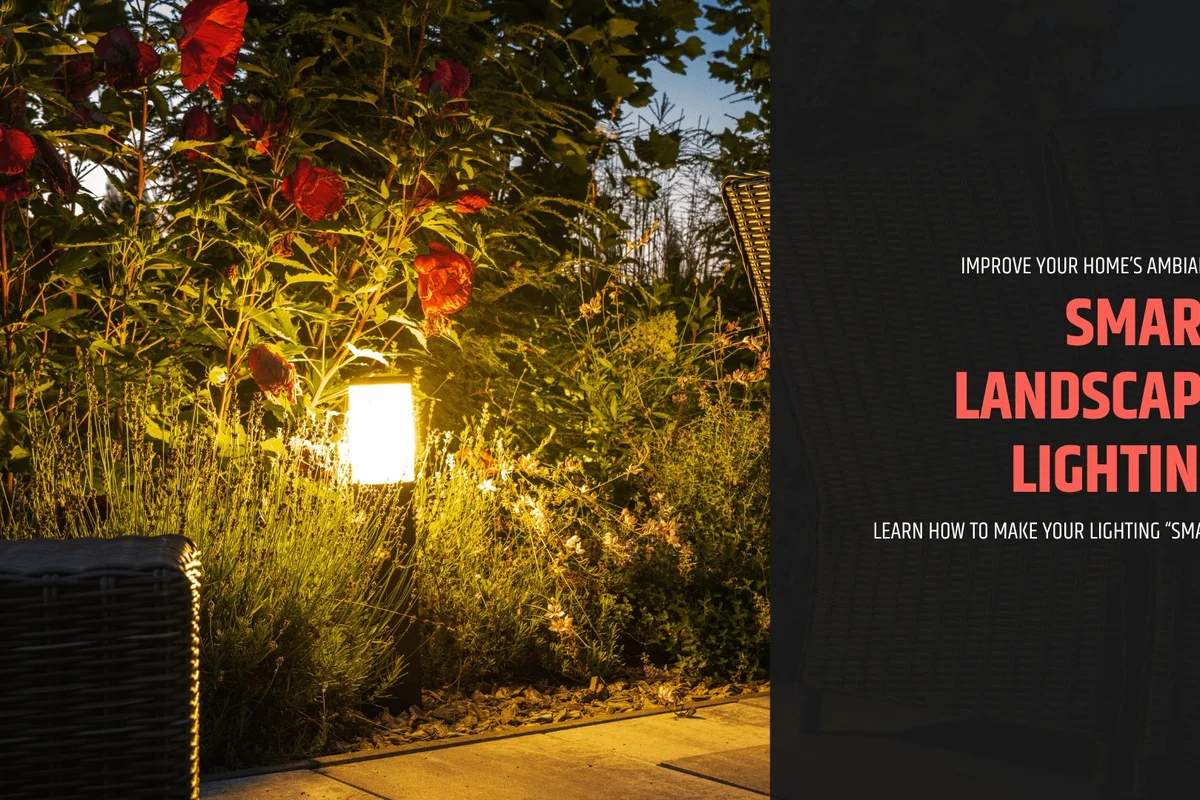
At its simplest, smart landscape lighting adds remote control and automation to outdoor lights you already use for paths, trees, walls, patios, or security. That can mean a smart transformer for low-voltage fixtures, a smart plug or controller for plug-in lights, or smart bulbs/modules where the fixture design supports them.
Quick answer: the most practical way to add smart control to landscape lighting
For most homeowners, the most practical approach is to start with a compatible low-voltage landscape lighting system and add a smart transformer or controller that supports app control, scheduling, and scene creation. If you already have outdoor fixtures, check the voltage, wiring type, and transformer capacity before buying anything.
What “smart” landscape lighting includes in 2026
In 2026, “smart” usually means some mix of app control, voice assistant support, automation, motion triggers, dimming, color tuning, and integration with platforms like Alexa, Google Home, Apple Home, or Matter-compatible systems. In many cases, the smart part is not the fixture itself but the controller, hub, or transformer that manages the lights.
How Smart Landscape Lighting Works
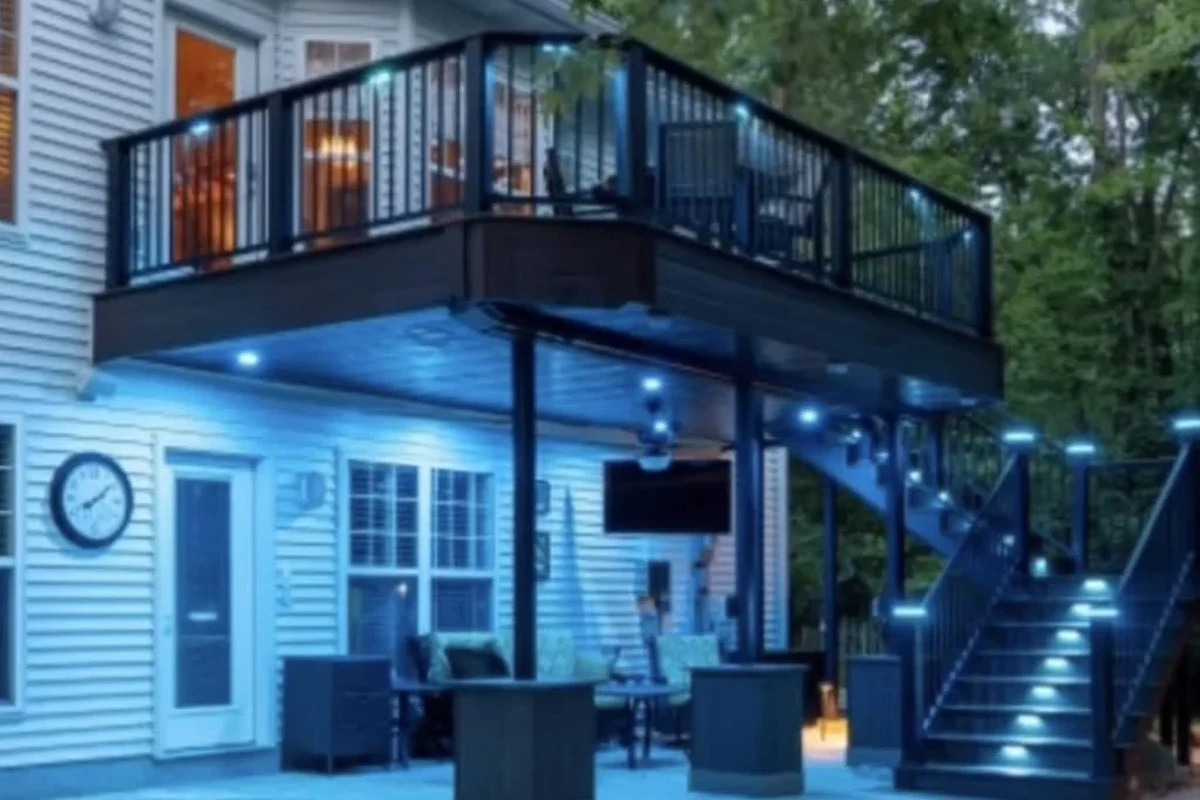
Smart outdoor lighting is a system, not just a light. The fixture, power source, controller, and app all need to work together, and the exact setup varies by brand and by whether your lights are low-voltage, line-voltage, or plug-in.
Core components: fixtures, controllers, hubs, sensors, and apps
Most systems include outdoor fixtures, a transformer or power supply, a controller, and an app. Some also use motion sensors, photocells, timers, or a hub that bridges the lights to your Wi-Fi or smart-home platform.
If you are comparing ecosystem options, it can help to read a broader overview like best smart lighting systems for home and then narrow down to outdoor-specific support. Outdoor gear usually has stricter weather and wiring requirements than indoor smart lights.
Feature sets vary widely by model and firmware. A product may support dimming, scene control, or color changes in one app version and offer fewer options in another, so always confirm current app listings and manuals before buying.
Connectivity options: Wi-Fi, Bluetooth, Zigbee, Z-Wave, and Matter
Wi-Fi is common because it avoids a separate hub, but it can be more dependent on router range and outdoor signal strength. Bluetooth is usually better for short-range setup than for whole-yard automation, while Zigbee and Z-Wave often work better in larger smart-home networks when paired with a compatible hub.
Matter is worth checking for because it can simplify cross-platform compatibility, but not every outdoor lighting product supports it yet. If you want voice control, verify support for your chosen assistant rather than assuming the app will connect automatically; for example, this guide on smart lighting compatibility with Alexa explains the kind of checks that matter.
Power setup: low-voltage wiring, plug-in kits, and transformer compatibility
Many landscape systems use low-voltage wiring, which is common for path lights, spotlights, and accent lighting. In that case, the transformer is the key piece to inspect because it must handle the total load and be compatible with the smart controller or dimming method you want to use.
Plug-in kits are simpler for patios, balconies, and temporary setups, but they usually offer less flexibility than a wired system. If you already have a transformer, check whether it supports the same voltage, dimming style, and load range as the smart upgrade you are considering.
- Check whether your current system is low-voltage, line-voltage, or plug-in
- Confirm transformer capacity and total wattage load
- Verify app, hub, and voice assistant support
- Review outdoor weather ratings and installation instructions
Who Smart Landscape Lighting Is Best For
Smart outdoor lighting is most useful when you want convenience, flexibility, or better control over how your home looks and feels at night. It is less compelling if your current lights already work well and you do not need automation or remote control.
Homeowners upgrading existing outdoor lighting
If you already have a functioning landscape lighting layout, smart control can be a relatively efficient upgrade. You may be able to keep the fixtures and wiring while replacing only the transformer or controller, which can reduce disruption compared with rebuilding the whole system.
New builds, patios, gardens, and security-focused properties
Smart lighting is especially appealing for new builds or outdoor redesigns because you can plan zones from the start. It also makes sense for patios, gardens, and security-focused properties where you want different scenes for guests, late-night visibility, motion alerts, or vacation mode.
When smart lighting may not be worth the cost or complexity
If your yard is small, your lighting needs are basic, or your Wi-Fi signal is weak outdoors, a simpler timer or manual switch may be enough. Smart control can also feel unnecessary if you do not want to manage apps, updates, account setup, or platform compatibility.
- Remote control from inside or away from home
- Scheduling and automation for daily routines
- Flexible scenes for curb appeal and entertaining
- More setup than a basic timer
- Possible app, hub, or network dependence
- Outdoor wiring and weather limits can narrow your options
Key Specs and Decision Criteria Before You Buy
Before choosing a smart landscape lighting system, focus on the specs that affect safety, compatibility, and reliability. Marketing terms matter less than the transformer, wiring, weather rating, and platform support.
Voltage, transformer capacity, and total wattage load
Low-voltage landscape lights typically depend on a transformer that steps household power down to the fixture’s operating voltage. The important check is whether the transformer can support the combined wattage of all connected lights, with some headroom for future expansion if the manufacturer allows it.
Weather resistance, IP ratings, and outdoor durability
Outdoor fixtures and controllers should be rated for the conditions where they will live, including rain, dust, heat, and cold. Look for an IP rating or another weather-resistance specification in the official documentation, and confirm whether the controller itself also needs a protected mounting location.
Do not install outdoor electrical equipment where water can pool, drip, or spray into connectors or enclosures. If a cable, plug, transformer, or fixture shows damage, overheating, corrosion, or loose connections, stop using it and follow the manufacturer’s guidance.
App requirements, voice assistant support, and hub dependence
Some systems are app-first and work directly over Wi-Fi, while others require a dedicated hub or bridge. Before you buy, confirm whether the app is required for basic operation, whether updates are still supported, and whether the system works with the assistant or platform you already use.
Brightness, color temperature, RGB options, and zoning control
For landscape lighting, brightness and beam spread matter more than flashy effects. Warm white often suits path and accent lighting, while RGB or tunable white can be useful for entertaining or seasonal displays; zoning control is especially helpful if you want separate settings for front walkways, trees, and patio areas.
Warranty details, replacement parts, and long-term support to verify
Outdoor gear lives in harsh conditions, so warranty coverage and replacement part availability matter more than they do for many indoor gadgets. Check the warranty terms, whether bulbs or modules are replaceable, and whether the brand publishes current support information, manuals, and firmware notes.
Step-by-Step Setup Guide for Smart Landscape Lighting
The safest setup starts with planning, then moves to power, then app setup. If you are unsure about electrical work or outdoor wiring, consult the manufacturer instructions or a licensed electrician.
Planning zones, fixture placement, and cable runs
Start by dividing the yard into zones based on function: entryway, path, garden, trees, patio, or security lighting. Then map where the cable will run, where the transformer will sit, and which fixtures need independent control versus shared scheduling.
Think in scenes, not just fixtures. A front-yard welcome scene, a low-glow late-night scene, and a motion-activated security scene often cover most real-world use cases without making the system complicated.
Installing the transformer or smart controller safely
Follow the official manual for mounting height, clearance, weather protection, and load limits. If the setup involves hardwiring, breaker work, or changes to existing electrical circuits, that is the point to pause and bring in qualified help rather than guessing.
Pairing the system with the app and home automation platform
Once the hardware is installed, add the system through the official app and verify permissions, Wi-Fi credentials, and account setup. If the brand supports a platform such as Alexa, Google Home, Apple Home, or another hub-based system, connect it only after the manufacturer app is working correctly.
Creating schedules, scenes, motion triggers, and geofencing rules
Schedules are the easiest automation to start with because they require the least maintenance. Motion triggers can improve security and convenience, while geofencing can turn lights on or off based on your phone’s location, though the exact reliability depends on your phone, app version, and network conditions.
Mark each lighting zone and note the fixture count, cable path, and transformer location before buying components.
Confirm voltage, wattage, weather rating, and app support using the manual or product page.
Set up the controller, pair the app, and test each zone one at a time before building automations.
Real-World Benefits and Practical Trade-Offs
Smart landscape lighting is attractive because it improves everyday convenience while also making outdoor spaces feel more intentional. The trade-off is that more features usually mean more setup, more compatibility checks, and more things to maintain.
Convenience, energy savings, and security improvements
Automation can reduce wasted runtime by turning lights on only when needed, which may help lower energy use depending on your schedule and brightness settings. It also adds convenience for arriving home after dark and can make it easier to keep entry points visible at night.
Customization for curb appeal, entertaining, and seasonal changes
Smart control is especially useful if you like changing the mood of your outdoor space. You can brighten walkways for guests, soften patio lighting for dinner, or adjust color and timing for holidays and seasonal landscaping changes.
Limitations: signal range, app dependence, subscription costs, and power outages
Outdoor Wi-Fi can be weaker than indoor coverage, and some systems become less useful if the app or cloud service is unavailable. Certain brands may also offer extra features through subscriptions, so check whether the functions you want are included or require ongoing fees.
If you are still deciding between ecosystem options, it may help to compare smart-lighting guidance for the home side by side with outdoor needs in smart light bulbs for Alexa and smart light switches. Those articles cover compatibility trade-offs that often carry over to landscape setups.
Common Mistakes, Safety Tips, and Maintenance
Most problems with smart landscape lighting come from compatibility mistakes, poor outdoor routing, or weak signal planning. A little care up front usually prevents the most frustrating issues later.
Preventing overloads, poor cable routing, and weak connectivity
Do not exceed the transformer’s rated load, and avoid burying or pinching cables where they can be damaged by edging tools, foot traffic, or water pooling. If the controller relies on Wi-Fi, place it where the signal is strong enough to stay stable after walls, landscaping, and outdoor distance are factored in.
Outdoor electrical safety, waterproof connections, and inspection checks
Use only outdoor-rated connectors and follow the manufacturer’s sealing instructions. Periodically inspect junctions, plugs, and fixture housings for moisture intrusion, corrosion, cracked seals, or loose fittings, especially after heavy rain, freezing weather, or landscape work.
Stop using damaged electronics, swollen batteries, frayed cables, overheating chargers, or unstable appliances and follow the manufacturer’s guidance.
Cleaning fixtures, replacing bulbs or modules, and seasonal storage considerations
Keep lenses and housings clean so brightness and beam pattern stay consistent. If your system uses replaceable bulbs or modules, confirm the exact replacement type before ordering, and store removable accessories indoors when the manufacturer recommends it for winter or severe weather.
Best Fit, Value, and Final Recommendation
For most homeowners, the best value comes from a low-voltage landscape system with a smart transformer or controller, because it balances flexibility, reliability, and easier expansion. That approach usually beats piecing together unrelated smart plugs and bulbs unless your outdoor lighting is very simple.
Best overall approach for most homeowners in 2026
The best overall approach is to keep the fixture layout simple, choose a controller that matches your current wiring, and prioritize stable app support over flashy features. If you want the least friction, look for systems that clearly document voltage, load limits, weather protection, and platform compatibility before you buy.
Budget-friendly vs premium smart lighting options
Budget-friendly systems are usually best when you only need scheduling and basic remote control. Premium options make more sense if you want zoning, richer scenes, stronger ecosystem integration, or expandability across multiple outdoor areas.
Final recommendation based on ease of setup, reliability, and long-term value
If you want a smart landscape lighting setup that will still feel practical later, choose the simplest system that meets your zone, voltage, and app needs without forcing extra subscriptions or hardware. Confirm compatibility in the manual and support pages before purchasing, and if you are unsure about the wiring side, get professional help rather than improvising.
Frequently Asked Questions
The easiest route is usually a compatible smart transformer or controller for an existing low-voltage system. That keeps the fixtures and most wiring in place while adding app control and scheduling.
Not always. Some systems use Wi-Fi directly, while others rely on Bluetooth for setup or a hub for Zigbee, Z-Wave, or Matter-based control.
Often yes, if the voltage, transformer capacity, and wiring style are compatible with the smart controller or transformer. Check the manufacturer’s manual before buying because compatibility varies by model.
Simple plug-in systems are usually easier, while wired low-voltage setups can require more planning and careful load checks. If the installation involves hardwiring or breaker work, professional help is the safer choice.
Verify voltage, transformer load, weather rating, app support, and whether the system needs a hub. It is also smart to confirm warranty terms and replacement-part availability.
The main trade-offs are setup complexity, signal range issues, app dependence, and possible subscription costs. Power outages and weak outdoor connectivity can also limit how well the system works.