Best Small iPhone Chargers for Fast Charging Anywhere
The best small iPhone chargers are compact USB-C Power Delivery adapters with about 20W to 30W output and a quality cable. Choose the smallest model only if it still has good heat control, safe build quality, and the right plug for your use.
If you want a charger that slips into a pocket or small tech pouch without giving up useful speed, the best small iPhone chargers in 2025 are compact USB-C Power Delivery adapters with enough output for your model and a certified cable. For most people, that means a 20W or 30W charger from a reputable brand, with foldable prongs and good heat control.
- Fast charging basics: USB-C Power Delivery matters more than size alone.
- Best wattage range: 20W is the common sweet spot; 30W adds flexibility.
- Safety first: Check heat, cable condition, and charger build quality.
- Best use cases: Commuting, travel, desk charging, and backup kits.
Best Small iPhone Chargers for Fast Charging Anywhere: What to Buy in 2025
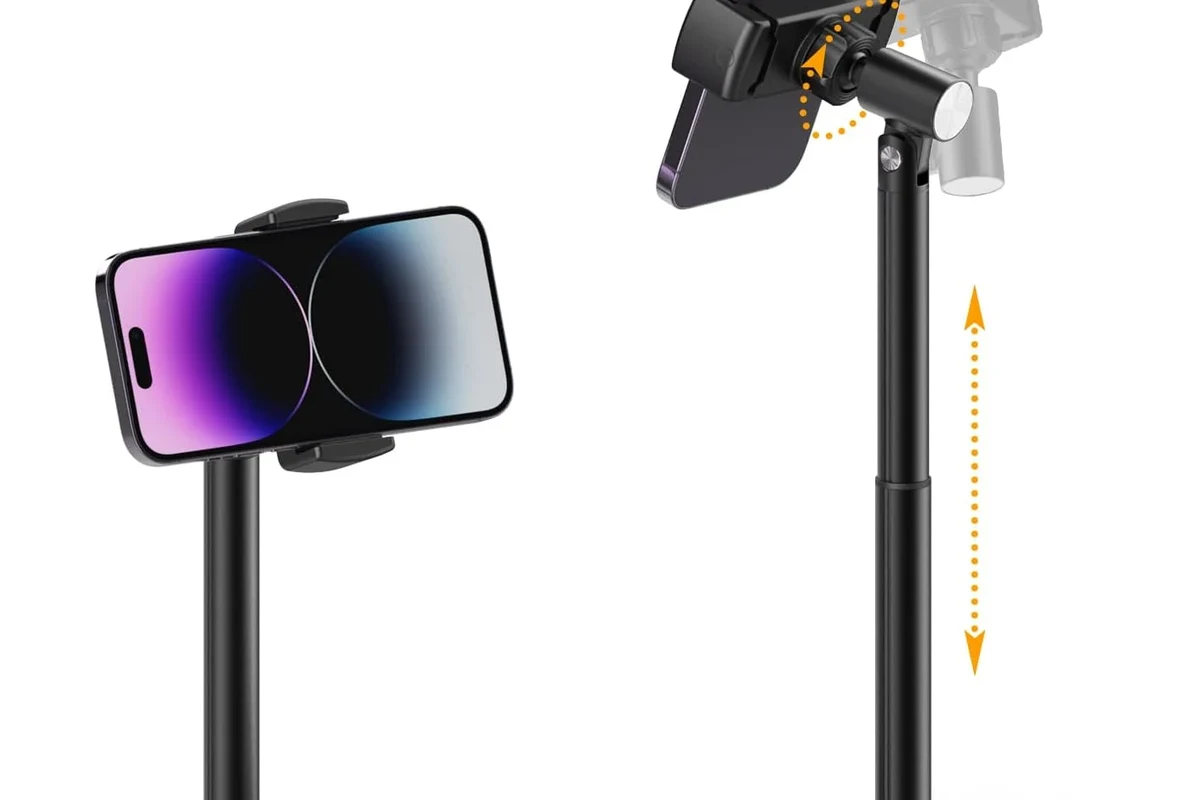
Small chargers make the most sense when you want one adapter that can stay in a bag, travel kit, or office drawer. The goal is not just “smallest possible,” but small enough to carry comfortably while still charging an iPhone safely and at a practical speed.
Quick answer: the best small iPhone chargers balance USB-C Power Delivery, compact size, and safe heat management
Look for a compact USB-C charger that supports Power Delivery, pairs with a quality USB-C to USB-C or USB-C to Lightning cable as needed, and has enough wattage for your phone without running excessively hot. In practice, that usually means 20W for basic fast charging or 30W if you want a little extra headroom for certain iPhone models and accessories.
Who this guide is for: commuters, travelers, students, and anyone replacing bulky Apple bricks
This guide is for anyone who wants a lighter everyday carry setup, a travel-friendly backup charger, or a cleaner desk and nightstand arrangement. It also helps buyers who are replacing older, bulkier adapters and want something easier to pack without losing dependable charging performance. If you are still deciding what charging setup fits your phone, our guide on what iPhone charger you need can help narrow things down.
How Small iPhone Chargers Work and What “Fast Charging” Really Means
Fast charging is mostly about how the charger and iPhone negotiate power, not just how small the adapter is. A tiny charger can still be fast if it supports the right standard and your cable is up to the job.
USB-C Power Delivery explained for iPhone charging speeds
Most modern iPhones charge fastest over USB-C Power Delivery, often shortened to USB-C PD. That standard lets the phone and charger communicate so the phone can draw the amount of power it needs, instead of forcing a fixed output all the time. This is why two chargers that look similar can perform very differently.
Fast charging is usually limited by the phone’s charging design, battery temperature, and cable quality—not just the charger’s advertised wattage.
Why rated wattage matters: 20W, 30W, and higher options for different iPhone models
Wattage tells you the charger’s maximum output, but your iPhone only draws what it can use. A 20W charger is the common sweet spot for many iPhone owners because it is compact and fast enough for everyday charging. A 30W charger can be a good choice if you also want to charge an iPad, a small accessory, or simply prefer extra overhead, though bigger wattage does not always mean noticeably faster iPhone charging.
If you want a broader comparison of adapter sizes and output levels, our article on 30W vs 65W chargers for iPhone explains why bigger numbers are not always better for phone-only use.
How cable quality affects charging speed, durability, and heat
The cable matters as much as the wall adapter. A poor-quality or damaged cable can slow charging, create extra heat, or fail sooner under regular use. For iPhone buyers, the safest route is a cable that matches the connector type your phone needs and comes from a reputable source with proper support for charging standards.
Do not use a frayed, loose, discolored, or unusually hot cable. Stop using the accessory and replace it if you notice damage, intermittent charging, or melted plastic smell.
Key Specs to Compare Before You Buy
When comparing small iPhone chargers, the best choice is rarely the tiniest one on the shelf. Focus on output, connector type, build quality, and whether the charger makes sense for your routine.
Port type and compatibility: USB-C, Lightning, and MagSafe considerations in 2025
For wired charging, USB-C is the standard to prioritize because it works with modern fast-charging accessories and is widely used across phones, tablets, and laptops. Older Lightning-based setups may still exist in some households, but buyers should verify which cable their specific iPhone model uses before ordering anything. Wireless MagSafe-style charging can be convenient, but it is usually less efficient than a wired small charger and may generate more heat depending on placement and case thickness.
For model-specific charging questions, you may also find these guides useful: what charger the iPhone 15 uses and which charger the iPhone 16 uses.
Size, foldable prongs, and travel-friendly design trade-offs
Foldable prongs are one of the most useful features in a small charger because they reduce snagging in bags and make the adapter easier to pack. Very compact chargers can also leave less room for internal heat dissipation, so the smallest model is not always the best choice for long charging sessions. If you travel often, a charger that is slightly larger but sturdier may be more practical than the absolute smallest option.
If you keep a charger in a backpack or carry-on, pair it with a short cable and a small pouch so the prongs do not scratch screens, cases, or power banks.
Heat output, safety certifications, and inspection signs to look for
Heat is normal during charging, but excess heat is a warning sign. Before buying, check the manufacturer’s safety claims, the plug style for your region, and whether the charger appears to come from a reputable brand with clear documentation. After purchase, inspect the adapter for loose ports, bent prongs, unusual buzzing, discoloration, or a plastic smell.
Stop using damaged electronics, swollen batteries, frayed cables, overheating chargers, or unstable appliances and follow the manufacturer’s guidance.
Battery health considerations: when faster charging is worth it and when it is not
Fast charging is useful when you need a quick top-up before leaving home, but it is not required every time you plug in. For overnight charging or long desk sessions, a modest charger may be just as convenient and can run cooler in some setups. The right choice depends on whether you value speed, portability, or lower heat more on a daily basis.
Best Use Cases for Small iPhone Chargers
Small chargers shine when space and weight matter. They are especially helpful when you want one adapter that can move between home, office, and travel gear without taking up much room.
Everyday carry for work, school, and commuting
For daily carry, a compact 20W adapter is often enough for lunch-break charging, library study sessions, or a quick refill before heading home. It fits easily in a laptop sleeve or side pocket and is less annoying to pack than a larger multi-port brick. Students and commuters usually benefit most from simple, single-port convenience.
Travel and airport charging: portability, outlet access, and pack size
Travelers usually care about three things: small size, dependable output, and a plug that does not block nearby outlets. Foldable prongs help, and a single-port charger is often easier to pack than a bulky multi-device model. If you are flying or crossing regions, confirm plug compatibility and voltage support before you leave, and review our guide on whether chargers are allowed in check-in baggage.
Desk, nightstand, and backup charging setups
At a desk or nightstand, a small charger reduces clutter and keeps cable runs cleaner. It can also serve as a backup in case your main charger is tied up elsewhere. For shared spaces, a compact adapter makes it easier to keep a second charging point available without giving up much outlet space.
Which users benefit most from ultra-compact chargers versus multi-port models
Ultra-compact chargers are best for single-device users who want the smallest possible footprint. Multi-port models make more sense for people who need to charge an iPhone and another device at the same time, such as earbuds, a tablet, or a power bank. If your bag already carries several accessories, a slightly larger charger may be the better long-term fit.
Real-World Benefits and Practical Trade-Offs
Small chargers are popular because they are easy to live with. Still, the convenience comes with trade-offs that are worth understanding before you buy.
Space savings, lighter bags, and easier cable management
The biggest advantage is obvious: smaller chargers take up less room. That matters in crowded backpacks, compact purses, gym bags, and travel organizers. They also tend to make cable management easier because there is less bulk hanging from the outlet or stuffed into a pouch.
Charging speed versus size: what you give up with the smallest models
The smallest chargers may run warmer or offer fewer ports, and some may have less room for heat control than slightly larger adapters. That does not automatically make them bad, but it does mean buyers should avoid assuming that the tiniest option is always the best-performing one. In charging gear, compactness and performance often involve a real trade-off.
Single-port convenience compared with multi-device flexibility
A single-port charger is simple, lighter, and often cheaper to carry. A multi-port model is more flexible but usually larger and sometimes slower per port when several devices are connected. If you routinely charge only one iPhone, a single-port adapter is often the cleaner choice.
Evidence limits: why advertised wattage does not always equal consistent performance
Manufacturer wattage is only part of the story. Real charging behavior depends on the phone model, cable quality, battery temperature, ambient room conditions, and whether the charger can sustain output without throttling. That is why buyers should treat wattage as a starting point, not the whole answer.
- A small charger can still be fast if it supports USB-C Power Delivery and uses a good cable.
- 20W is the practical baseline for many iPhone owners, while 30W adds flexibility.
- Heat, build quality, and plug design matter as much as size.
How to Use Small iPhone Chargers Safely
Safe charging is mostly about using the right accessories, keeping heat under control, and replacing worn parts before they fail. A compact charger is only a good choice if it stays reliable over time.
Safe wattage limits for iPhone charging and why overrating is not always useful
A charger with a higher watt rating than your iPhone needs is usually not a problem by itself, because the phone controls how much power it draws. The real question is whether the charger and cable are properly designed for safe delivery of that power. More wattage does not automatically mean better battery care or better value.
Preventing overheating: ventilation, unplugging habits, and avoiding stacked gear
Keep chargers in open air rather than buried under blankets, papers, or stacked electronics. Avoid plugging them into crowded power strips where heat can build up around the adapter. If a charger feels unusually hot during normal use, unplug it and inspect the setup before charging again.
Inspecting cables, adapters, and ports for wear, fraying, or discoloration
Check the cable ends for fraying, bent connectors, or looseness inside the port. Also look at the charger body for dark spots, melted plastic, or a port that no longer grips the cable securely. These are signs that the accessory may be failing and should be replaced.
Replacement guidance: when to retire a charger or cable
Retire the charger or cable if it overheats, charges inconsistently, smells burnt, or shows visible damage. If the plug no longer fits firmly in the outlet or the cable disconnects too easily, that is another reason to replace it. For safety and reliability, it is better to swap a questionable accessory early than wait for it to fail.
Common Mistakes Buyers Make With Small iPhone Chargers
Many charging complaints come from mismatched accessories rather than the phone itself. A little attention during purchase can prevent most of the common problems.
Choosing the smallest charger without checking output or certification
Ultra-compact is not automatically better. Some tiny chargers sacrifice heat management, outlet stability, or build quality to save space. Always verify the output and confirm that the charger comes from a trustworthy manufacturer with clear product information.
Using low-quality cables that slow charging or add heat
A weak cable can hold back a good charger. It may also wear out faster, create intermittent charging, or add unnecessary warmth. If you are buying a new adapter, budget for a proper cable too.
Assuming all “fast chargers” work equally well with every iPhone
Fast charging depends on the iPhone model, the charging standard, and the cable. A charger that works well for one phone may not deliver the same result on another if the connector or protocol does not match. For compatibility questions, our guide on whether Samsung chargers work with iPhone is a useful reference.
Ignoring outlet fit, travel plug compatibility, and charging accessory storage
Small chargers are often bought for travel, but travelers sometimes forget to check plug shape, outlet clearance, or how the charger fits in a pouch with cables and adapters. These details matter because a charger that is technically powerful enough can still be inconvenient in real use.
Final Verdict: Which Small iPhone Charger Is the Best Value for 2025?
The best value is usually a compact USB-C PD charger with at least 20W output, foldable prongs, and a reputable build. That combination gives most iPhone owners the best balance of speed, portability, and everyday reliability without overbuying on wattage or size.
Best overall pick criteria: compactness, 20W+ output, build quality, and safety
If you are choosing one charger for most situations, prioritize a small adapter that is easy to pack, supports the right charging standard, and has clear safety documentation. The best overall option is not necessarily the smallest or the most powerful, but the one that stays cool enough, fits your bag, and works consistently with your phone.
Best for frequent travelers, best for budget buyers, and best for premium convenience
Frequent travelers should lean toward a foldable, single-port charger that is compact and easy to store. Budget buyers should focus on verified compatibility and avoid no-name adapters with vague specs. Premium convenience buyers may prefer a slightly larger charger with better finish quality, extra durability, or a second port for flexibility.
Transparent recommendation based on compatibility, portability, and long-term reliability
For most readers, the smartest purchase is a modestly priced 20W to 30W USB-C charger from a reputable brand, paired with the correct cable for the iPhone model in use. That choice keeps the setup small, fast enough for everyday needs, and easier to trust over the long term than the cheapest or tiniest option on the shelf.
Frequently Asked Questions
For most people, 20W is the practical baseline for fast iPhone charging. A 30W charger can be useful if you want extra flexibility for an iPad or other accessories.
They can, if they support USB-C Power Delivery and deliver enough wattage for the phone. The iPhone, cable, and heat conditions also affect real-world speed.
Yes, you need the correct cable type for your iPhone and charger. A quality cable helps maintain charging speed, durability, and safer heat levels.
Some warmth is normal, but a charger should not feel painfully hot, smell burnt, or discolor. If that happens, unplug it and stop using it until it is inspected or replaced.
Not always. iPhones draw only the power they can use, so a much higher watt rating may not charge your phone noticeably faster.
Replace it if you see fraying, loose ports, discoloration, bent prongs, or inconsistent charging. Any overheating or burning smell is also a reason to stop using it.