Best iPhone Chargers Under 50 for Fast Reliable Charging
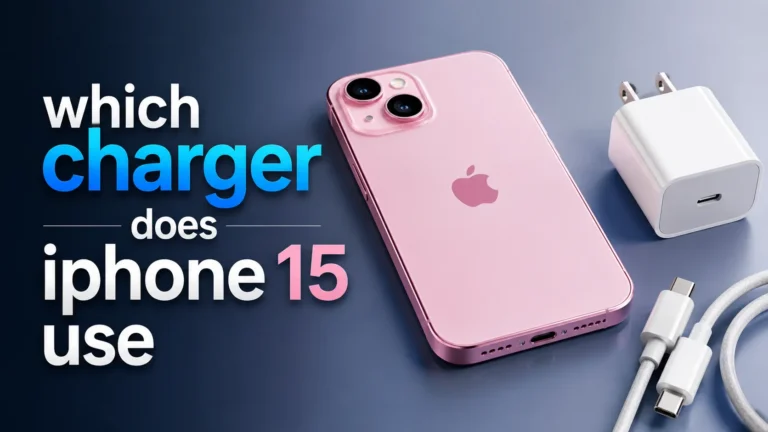
The best iPhone charger under $50 is usually a compact 20W USB-C wall charger with the right cable for your phone. Choose MagSafe or a power bank only if convenience or portability matters more than raw charging speed.
If you want iphone chargers under $50, the sweet spot is usually a 20W or 30W USB-C charger with a quality cable, plus MagSafe or a power bank only if convenience matters more than pure speed. For most people, the best buy is a compact USB-C wall charger that supports USB Power Delivery and comes from a reputable brand with clear safety and warranty details.
This guide focuses on what actually matters when you shop: charging speed, heat, cable compatibility, safety, and whether a charger fits your routine at home, at work, or while traveling. Because prices and bundles change often, treat the picks below as buyer types and feature targets rather than fixed shelf prices.
- Best default: A 20W USB-C wall charger is the safest all-around pick for most iPhone users.
- Cable matters: Match the cable to your iPhone model before you compare wattage or extra features.
- Convenience trade-off: MagSafe is easier to use, but wired charging is usually faster and cooler.
- Travel value: Foldable plugs, dual ports, and power banks help more on the road than extra.
Best iPhone Chargers Under $50: Quick Picks for Fast, Reliable Charging
What to buy if you want the best balance of speed, safety, and value
For most iPhone owners, a 20W USB-C wall charger is the safest default choice under $50. It is fast enough for everyday top-ups, simple to use, and usually cheaper than multi-port or wireless options.
Best overall: a compact 20W USB-C charger with a USB-C to Lightning or USB-C to USB-C cable, depending on your iPhone model. It gives the best mix of speed, size, and reliability for most users, though it will not match the convenience of magnetic wireless charging.
How this guide answers the main question upfront
If your goal is fast charging, buy a charger that supports USB-C Power Delivery and matches your iPhone’s cable type. If your goal is convenience, consider MagSafe or a magnetic stand; if your goal is travel, look for foldable prongs or a dual-port model; and if your goal is all-day mobility, a compact power bank is the better fit.
How iPhone Charging Works in 2025
USB-C Power Delivery, MagSafe, and standard wired charging explained
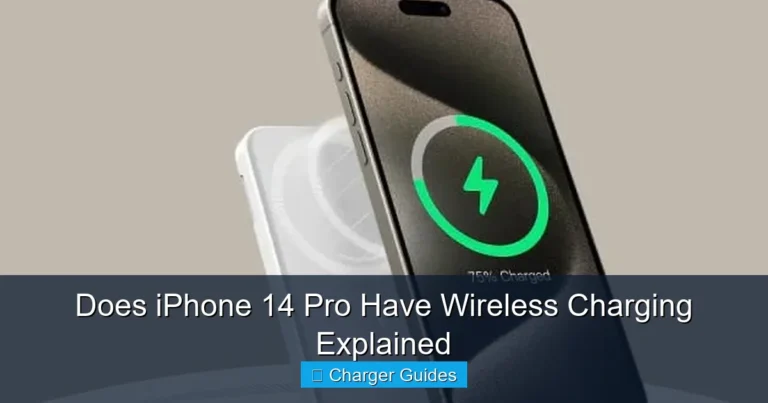
Modern iPhones charge in a few different ways. Wired USB-C charging is the most efficient and usually the fastest, while MagSafe and other magnetic wireless chargers trade some speed for easier placement and less cable clutter.
USB Power Delivery, often shortened to USB-PD, is the charging standard to look for in a wall adapter. It lets the charger and phone negotiate the right power level instead of pushing a fixed amount all the time, which helps with compatibility across devices.
Wireless charging is usually less efficient than wired charging, so it can generate more heat and take longer for the same battery gain.
Why rated wattage matters for speed and heat
Wattage tells you the charger’s maximum output, but your iPhone decides how much power it accepts. A higher-wattage charger will not necessarily charge your phone faster if the phone itself is the limiting factor.
That said, a charger with enough headroom can run cooler and may be more versatile for other devices like AirPods, iPads, or even some small accessories. The key is not to chase the biggest number; it is to match the charger to the phone and the way you use it.
What Apple iPhone models and charging limits to check before buying
Compatibility depends on your exact model and cable. iPhone 12 through iPhone 15 models commonly use Lightning or USB-C depending on generation, while iPhone 16-family models use USB-C, so the cable choice matters as much as the charger itself.
Charging behavior can vary by iPhone model, battery health, iOS version, temperature, and the accessory you use. Check Apple’s official compatibility notes and the charger maker’s product page before you buy.
What to Look For in an iPhone Charger Under $50
Compatibility: iPhone 12 through iPhone 16, MagSafe support, and USB-C cable needs
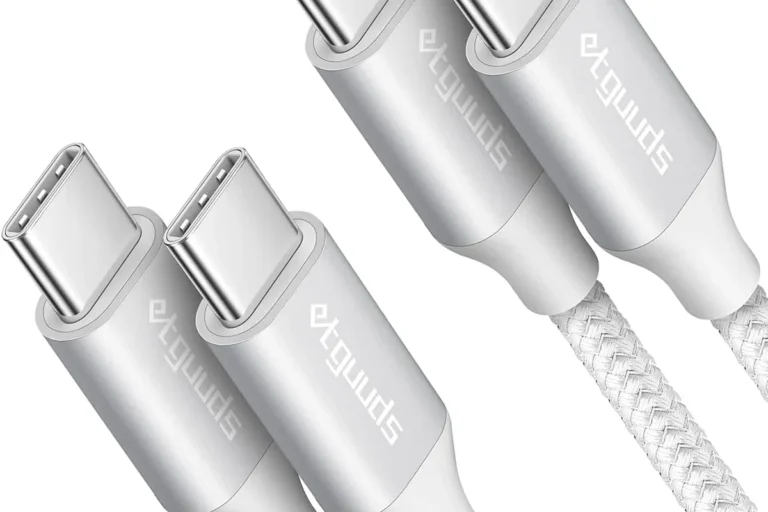
Start with the connector. If your phone uses Lightning, you need the right cable; if it uses USB-C, buy a USB-C charger and a USB-C cable rated for charging, not just data transfer.
If you want magnetic wireless charging, verify that the charger is designed for MagSafe-compatible use rather than generic wireless charging alone. Magnetic alignment helps keep the phone centered, but it does not eliminate heat or make every case compatible.
Key specs: wattage, port count, cable quality, and foldable plug design
For most users, 20W is enough for a single iPhone. If you charge a phone and another device at the same time, a 30W or multi-port charger may be more practical, especially if you share outlets at home, in a dorm, or on the road.
Cable quality matters almost as much as the adapter. A weak cable can limit charging speed, fray early, or create connection issues, so it is often better to buy a known-good cable than a bargain bundle with unclear specs. Foldable plugs are useful for backpacks, carry-ons, and crowded power strips.
Safety essentials: MFi certification, overcurrent protection, and heat management
For Lightning accessories, look for MFi support when relevant. More broadly, prioritize chargers that list overcurrent, overvoltage, and temperature protection, because those features help reduce risk during everyday use.
Stop using a charger or cable that feels unusually hot, smells burnt, sparks, buzzes, or shows cracked insulation, bent pins, or loose connectors. Use only manufacturer-approved replacements and follow the official safety guidance.
Value factors: warranty, included cable, and build quality
Under $50, the best value often comes from a charger that includes a good cable, has a clear warranty, and uses a sturdy plug and housing. A low price is less useful if the cable wears out quickly or the adapter has vague specifications.
To compare value more clearly, check our broader best budget chargers for iPhone guide and the related what budget chargers work with iPhone article for compatibility-focused shopping tips.
Best Types of iPhone Chargers in This Price Range
20W USB-C wall chargers for everyday fast charging
This is the most practical category for most users. It is small, easy to pack, and usually fast enough to give your iPhone a meaningful charge during a coffee break, commute, or work session.
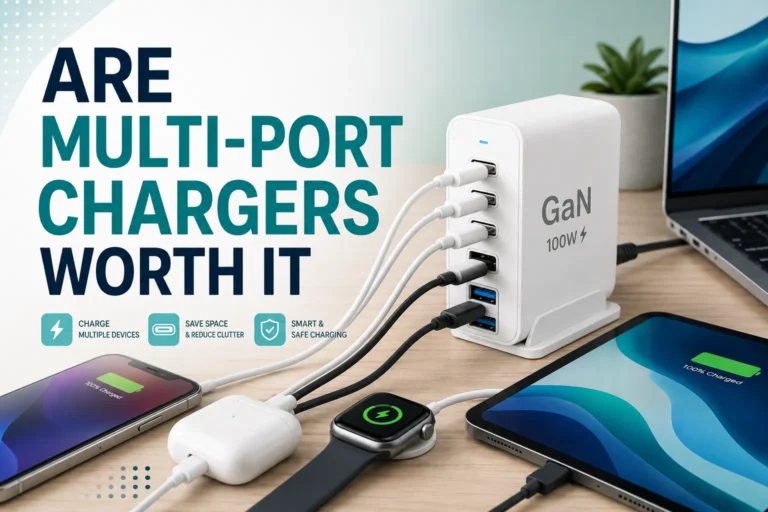
30W dual-port chargers for travel and shared use
Dual-port chargers are ideal if you charge an iPhone and a second device, such as AirPods, a smartwatch, or another phone. They can be especially useful in shared households, hotel rooms, and office setups where outlets are limited.
If you need more than one port, our multi-port chargers under $50 roundup can help you compare travel-friendly options without overspending.
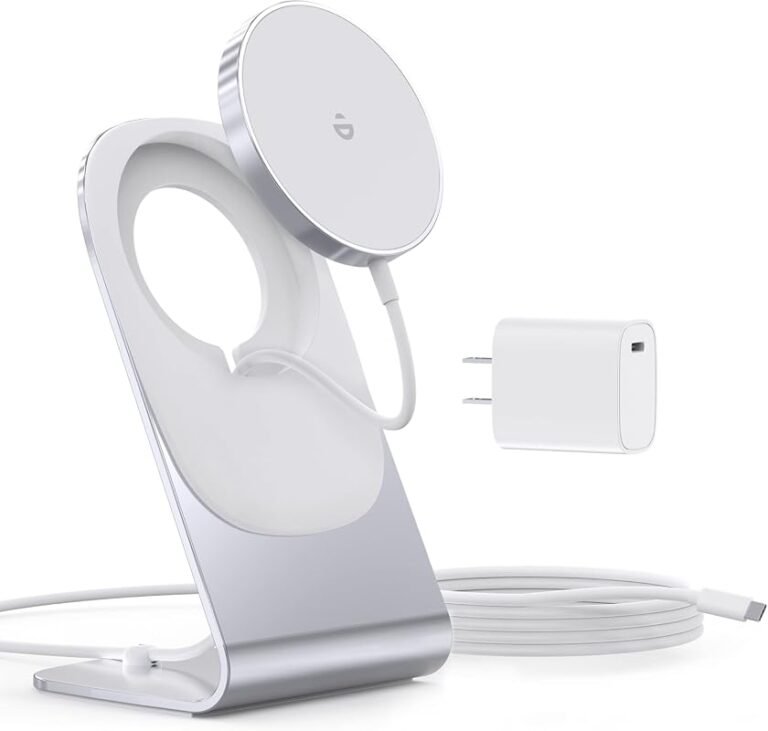
MagSafe and magnetic wireless chargers for convenience
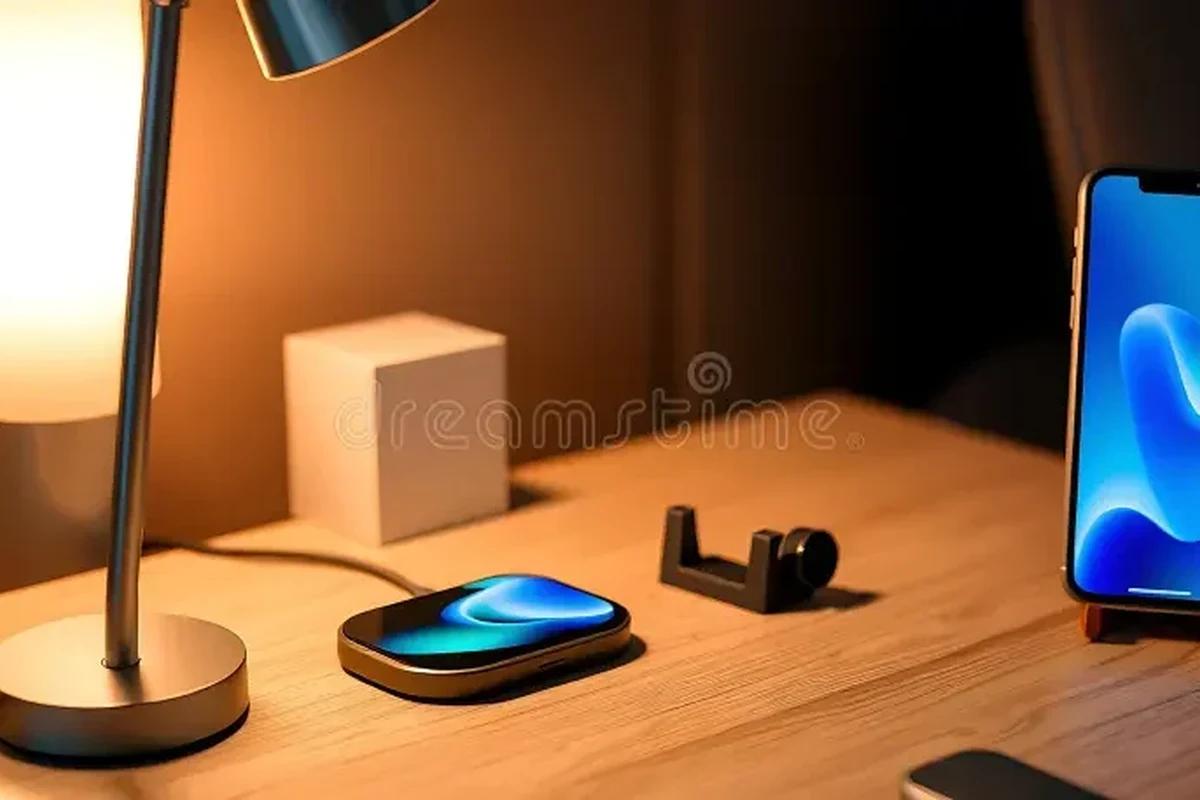
Magnetic wireless chargers are best when convenience matters more than top speed. They reduce cable handling and make bedside charging, desk use, and casual top-ups easier, but they usually charge slower than wired USB-C and can run warmer.
Portable power banks under $50 for charging on the go
Power banks are the right choice if you are away from outlets for long stretches. They are especially useful for commuters, students, travelers, and anyone who spends long days outside the home.
For magnetic battery packs, see our MagSafe power banks under $50 guide for a more mobile-friendly comparison.
Top Charger Picks and Who Each One Fits Best
Best overall for most iPhone users
The best overall pick is a compact 20W USB-C wall charger from a reputable brand, ideally bundled with the correct cable for your iPhone model. It is the least complicated option and usually the most dependable for everyday charging.
Best budget pick for reliable daily charging
If you mainly charge overnight or while working at a desk, a basic single-port USB-C charger is enough. Spend less here only if the product page clearly lists safety protections and the cable quality looks solid.
Best compact travel charger
Choose a foldable-plug charger or a small dual-port model if you travel often. The best travel charger is the one you will actually carry, not the one with the highest wattage on the box.
Best wireless option for desk or bedside use
A MagSafe-style charger fits people who want easy placement and less wear on the charging port. It is a good second charger for home use, but most buyers should still keep a wired charger for faster top-ups and better efficiency.
Best power bank option for commuters and travelers
A slim power bank with USB-C output is the best portable backup under $50. If you rely on maps, rideshare apps, music, or hotspot use during the day, battery reserve matters more than charger speed alone.
| Option | Best For | Key Consideration |
|---|---|---|
| 20W USB-C wall charger | Most iPhone users | Best mix of speed, size, and simplicity |
| 30W dual-port charger | Travel and shared charging | More flexible, but slightly bulkier |
| MagSafe wireless charger | Desk or bedside convenience | Slower and warmer than wired charging |
| Power bank | Commuters and travelers | Portable, but adds another item to carry |
Real-World Benefits and Trade-Offs
Charging speed versus cable convenience versus portability
Fast charging is only one part of the decision. A wired charger is usually fastest and most efficient, wireless is easiest to place and remove, and a power bank is the most flexible when outlets are unavailable.
When a cheaper charger is enough and when to spend closer to $50
If you only charge one iPhone at night, a simple charger is usually enough. Spend closer to $50 when you need better build quality, multiple ports, a premium cable, MagSafe convenience, or a trusted travel-friendly design.
Limitations of wireless charging, multi-port chargers, and low-cost bundles
Wireless chargers are convenient but slower. Multi-port chargers can split power between devices, which may reduce speed when both ports are active. Cheap bundles can look like a bargain, but the cable, plug quality, and safety details are often where corners get cut.
Evidence limits: what specs tell you and what they do not
Specs tell you the charger’s rated output, port type, and safety claims. They do not tell you how long the cable will last, how well the charger handles heat in a crowded outlet, or how your specific iPhone battery health will affect real charging speed.
- 20W USB-C is the safest default for most iPhone users.
- Choose 30W or multi-port only if you really need to charge more than one device.
- Wireless charging is convenient, but wired charging is usually faster and cooler.
Safe Use, Care, and Common Mistakes to Avoid
How to inspect cables, connectors, and charging bricks for wear or damage
Check for frayed insulation, bent pins, scorch marks, loose ports, and cables that only work at certain angles. If a charger or cable behaves inconsistently, replace it instead of trying to “make it work.”
Stop using damaged electronics, swollen batteries, frayed cables, overheating chargers, or unstable appliances and follow the manufacturer’s guidance.
Heat, ventilation, and why you should not cover charging devices
All chargers produce some heat, but trapped heat is the problem. Keep the adapter and phone in open air, avoid stacking them under pillows or blankets, and do not place charging gear on soft surfaces that block airflow.
- Use a short, certified cable when you want less clutter on a desk or nightstand.
- Unplug chargers during storms or long absences if that fits your home safety routine.
- Keep ports clean and dry before connecting any cable.
Replacement guidance for frayed cables, loose ports, and swollen batteries
Replace cables that repeatedly disconnect, feel loose, or show visible wear. If your iPhone battery appears swollen or the device gets unusually hot during charging, stop using it and follow Apple’s support guidance or a qualified repair path.
Storage tips for travel, drawers, and long-term use
Wrap cables loosely, not tightly, to avoid stress on the ends. Store chargers in a dry pouch or drawer away from metal objects, liquids, and heavy items that can bend the plug prongs or crush the cable.
Final Verdict: The Best iPhone Chargers Under $50 for 2025
Transparent recommendation based on speed, safety, and long-term value
The best iPhone charger under $50 is usually a compact 20W USB-C wall charger with the correct cable and clear safety protections. It is the best all-around choice because it balances charging speed, portability, and reliability without adding unnecessary complexity.
Best choice by user type: students, commuters, travelers, and home users
Students should prioritize a compact wired charger or a small dual-port model for shared outlets. Commuters and travelers may prefer a power bank or foldable-plug charger, while home users often get the most value from a simple wall adapter plus a well-made cable.
Final buying advice before you add one to cart
Before you buy, verify your iPhone model, connector type, included cable, warranty terms, and whether the charger lists the safety protections you want. If you are still comparing options, our best wall chargers for iPhone and which charger for iPhone 17 guides can help narrow the choice further.
Frequently Asked Questions
For most iPhones, a 20W USB-C charger is the best everyday choice. A 30W model is useful if you also charge another device or want more flexibility.
No. Wired USB-C charging is usually faster and more efficient, while MagSafe is mainly about convenience and easier placement.
Use the cable that matches your iPhone model, such as USB-C to Lightning or USB-C to USB-C. The wrong cable can limit compatibility or charging speed.
Look for clear safety protections, a reputable brand, and a cable that fits securely. Stop using any charger that is damaged, overheats, smells burnt, or has loose connectors.
Yes, if you need to charge more than one device at once. Just remember that power may be shared between ports, which can reduce charging speed.
Replace it if the cable is frayed, the plug is loose, the charger gets unusually hot, or charging becomes inconsistent. Do not keep using damaged gear.