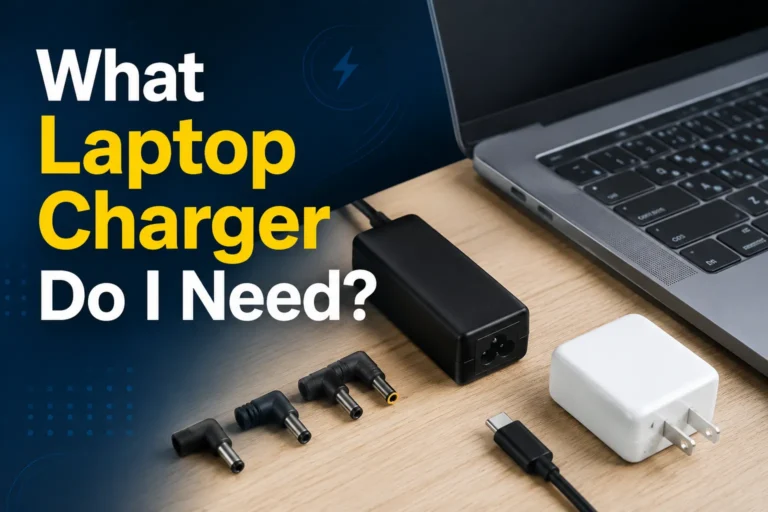
No single charger works with every laptop. USB-C Power Delivery chargers offer the broadest compatibility for modern laptops, while gaming laptops and older barrel-connector models often require a higher-power DC charger and the exact adapter tip.
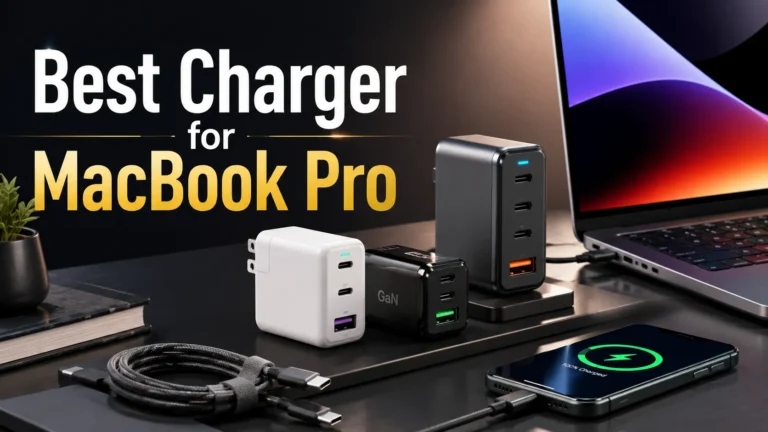
A high-output USB-C PD 3.1 charger with three USB-C ports, one USB-A port, a smart display, and an included 240W USB-C cable.
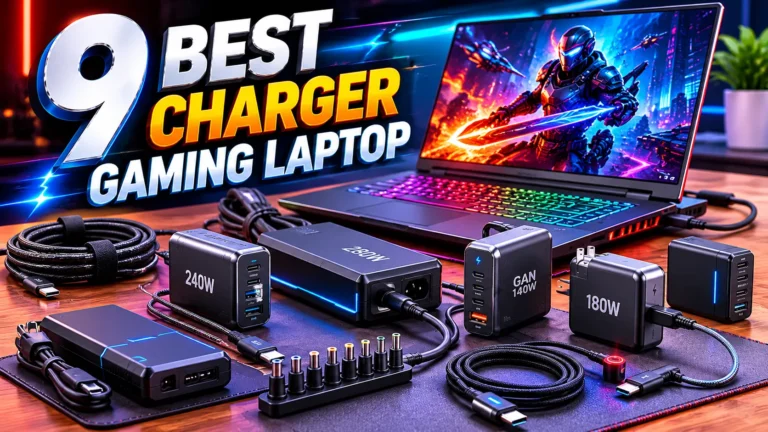
A compact 240W DC laptop charger with two additional USB-C PD ports for compatible gaming laptops and workstations.
Confirm the charging port, original adapter wattage, voltage, protocol, and exact laptop model before ordering.
No charger works with every laptop. The closest option for modern devices is a high-quality USB-C Power Delivery charger because many MacBook, Dell, HP, Lenovo, Microsoft Surface, Acer, ASUS, and Chromebook models accept standardized USB-C power.
That still does not make a USB-C charger universal. Some USB-C ports support data or display only. Many gaming laptops accept USB-C charging at a reduced rate but require a proprietary 180W–330W adapter for full performance. Older laptops may use barrel connectors that need an exact voltage, polarity, plug size, and manufacturer identification signal.
“Universal laptop charger” is mostly a marketing phrase. A truly universal charger would need to support every connector, voltage, charging protocol, cable requirement, and manufacturer-specific identification system. No normal consumer charger does that.
| Laptop type | Most compatible charger type | Main limitation |
|---|---|---|
| Modern thin-and-light laptop | USB-C Power Delivery | The USB-C port must support power input and the charger must provide enough wattage. |
| MacBook with USB-C or MagSafe charging | USB-C PD plus the correct cable | Maximum speed depends on the MacBook model, charger profile, and cable. |
| Gaming laptop | Original adapter or compatible high-power DC charger | USB-C may not support full gaming performance. |
| Older barrel-port laptop | Exact model-specific replacement | Connector shape alone does not prove electrical compatibility. |
| USB-C port for data only | Original proprietary charger | The USB-C port cannot receive charging power. |
| Factor | What to check | Why it matters |
|---|---|---|
| Charging port | USB-C PD, MagSafe, barrel connector, Surface Connect, or another input | The port must physically fit and be designed to receive power. |
| Protocol | USB PD 3.0, PD 3.1, or a proprietary system | The charger and laptop must negotiate a supported charging mode. |
| Voltage | Supported voltage profile or exact proprietary voltage | Wrong voltage is dangerous with non-negotiated DC chargers. |
| Wattage | Equal to or above the laptop’s practical power requirement | Low wattage causes slow charging, warnings, throttling, or battery drain. |
| Cable | USB-C cable wattage and E-Marker rating | High-power USB-C charging may be limited by the cable. |
| Adapter tip | Exact connector for the laptop model | Gaming and barrel-port laptops often need a model-specific tip. |
For mainstream modern laptops, a USB-C PD 3.1 charger with a high-power cable offers the widest practical compatibility. It can usually serve several laptop brands as well as phones, tablets, earbuds, cameras, and handheld gaming devices.
The Anker 140W charger is the stronger broad-compatibility product in this article because it follows USB-C Power Delivery, includes multiple ports, and comes with a 240W-rated USB-C cable. It is not suitable for every laptop, but it covers more modern devices than a proprietary charger.

The Anker 140W charger has three USB-C ports and one USB-A port. USB-C1 and USB-C2 can each deliver up to 140W when used alone, while USB-C3 provides up to 40W and USB-A provides up to 33W. A color display shows charging status, temperature, and port information.
- USB PD 3.1 support
- Up to 140W from either primary USB-C port
- Three USB-C ports and one USB-A port
- Smart color display
- Includes a 5-foot 240W USB-C cable
- 100–240V input for travel
- The laptop must support charging through USB-C
- 140W is the total charger capacity
- Power is redistributed when several devices are connected
- Some Dell and workstation models may not charge at full speed
- It may not replace a 180W–330W gaming-laptop adapter
When one device is connected to USB-C1 or USB-C2, the charger can offer up to 140W. Connecting more devices makes the charger divide its available power. The laptop may therefore receive less than 140W when a phone, tablet, or second computer is connected.
| Typical use | Practical result | Best approach |
|---|---|---|
| One high-power laptop | Can access the highest supported single-port output | Use USB-C1 or USB-C2 with the included high-power cable. |
| Laptop plus phone | Power is shared between ports | Place the laptop on a primary USB-C port. |
| Two laptops | Neither laptop receives the full 140W | Check whether the divided output meets both minimum requirements. |
| Gaming laptop under full load | USB-C may be insufficient | Use the original high-power adapter for gaming. |
Gaming laptops can require far more power than a normal USB-C office laptop. The CPU and GPU may draw enough power that a 100W or 140W USB-C charger cannot maintain full performance. Many models use a proprietary DC connector so the manufacturer can deliver 180W, 230W, 240W, 280W, or more.
A high-power DC charger such as SlimQ can reduce the size and number of adapters you carry, but it requires much stricter compatibility checking than USB-C.

The SlimQ charger combines a 240W DC laptop output with two USB-C PD ports that support up to 100W each. It is designed for many compatible Dell, MSI, Lenovo, HP, Razer, ASUS, and Acer gaming or workstation laptops using the correct DC adapter.
- Up to 240W DC laptop output
- Two USB-C PD ports up to 100W each
- Can power a compatible laptop and USB-C accessories
- Compact GaN design for its power class
- Useful alternative to carrying several separate chargers
- DC adapter tips are not included with every configuration
- The default connector is 5.5 × 2.5mm
- You must select the adapter for the exact laptop model
- It is not compatible with laptops requiring more than 240W
- Brand-level compatibility does not guarantee model-level compatibility
| Feature | Anker 140W | SlimQ 240W |
|---|---|---|
| Primary purpose | Standardized USB-C laptop charging | High-power DC charging for compatible laptops |
| Best buyer | MacBook, ultrabook, Chromebook, and USB-C laptop owner | Gaming-laptop or mobile-workstation owner |
| Main laptop output | Up to 140W USB-C PD | Up to 240W DC |
| Additional ports | Two additional USB-C plus one USB-A | Two USB-C PD ports |
| Included high-power cable | 240W USB-C cable included | Check package; laptop-specific adapter tip may be separate |
| Compatibility risk | Moderate—USB-C charging support required | Higher—exact DC adapter and laptop model must match |
- Identify the full laptop model. Do not rely only on “Dell,” “HP,” or “ASUS.”
- Check how the laptop accepts power. Confirm USB-C PD, barrel, magnetic, or another proprietary input.
- Read the original adapter label. Note output voltage, amperage, and wattage.
- Check the manufacturer’s minimum requirement. Gaming laptops may accept lower power but reduce performance.
- Choose the charging protocol. USB-C laptops should support a compatible Power Delivery profile.
- Check the cable. USB-C charging above 100W needs a suitable 5A E-Marker cable.
- For SlimQ, select the correct adapter tip. Match the exact model and connector.
- Test under a normal workload. Watch for warnings, battery drain, unstable charging, and unusual heat.
| Problem | Likely cause | Solution |
|---|---|---|
| Laptop does not charge from Anker | USB-C port does not support power input | Use the laptop’s approved charging port or original adapter. |
| Laptop shows “slow charger” | Insufficient wattage, wrong port, or shared power | Use the primary USB-C port and disconnect other devices. |
| Cannot reach 140W | Laptop or cable lacks the required PD 3.1 profile | Use a 240W E-Marker cable and verify laptop support. |
| SlimQ connector does not fit | Wrong or missing DC adapter tip | Select the exact SlimQ adapter for the laptop model. |
| Gaming performance drops | Charger cannot meet peak system demand | Use the original full-power adapter during demanding workloads. |
| Battery drains while connected | Laptop consumption exceeds available output | Use a higher-power compatible charger or reduce the workload. |
- Never force a connector into the laptop.
- Match proprietary voltage and polarity exactly.
- Use a reputable charger and trusted seller.
- Use a cable rated for the requested USB-C wattage.
- Do not operate a damaged, frayed, melted, or discolored charger.
- Keep high-power adapters on a hard, ventilated surface.
- Stop if the charger sparks, smells burnt, crackles, or becomes abnormally hot.
- Use the original charger when the laptop manufacturer requires a proprietary high-power adapter.
| Your laptop | Best choice | Reason |
|---|---|---|
| MacBook or Windows ultrabook with USB-C PD | Anker 140W | Broad compatibility, multiple ports, display, and included high-power cable. |
| Gaming laptop with compatible DC input under 240W | SlimQ 240W | Higher DC output plus two USB-C ports. |
| Gaming laptop requiring 280W or 330W | Original manufacturer adapter | SlimQ 240W may not meet full power demand. |
| USB-C port supports data only | Original proprietary charger | Anker cannot charge through a non-charging USB-C port. |
| Older barrel-port model with uncertain specifications | Do not order yet | Find the exact model, voltage, and connector first. |
Which laptop charger works with all laptops?
No charger works with all laptops. USB-C Power Delivery offers the broadest compatibility among modern laptops.
Are USB-C laptop chargers universal?
No. The laptop must accept charging through USB-C, support a compatible Power Delivery profile, and receive enough wattage.
Can I use a 140W charger with a 65W laptop?
Usually yes when both use compatible USB-C Power Delivery. The laptop requests only the power it supports.
Does the Anker 140W charger work with gaming laptops?
It can charge gaming laptops that accept sufficient USB-C PD power, but many still need their original high-wattage adapter for full gaming performance.
Does SlimQ 240W include every laptop adapter?
No. The Amazon listing states that the laptop-specific DC adapter is not included. Select the correct adapter for the exact model.
Can SlimQ charge a laptop and USB-C devices together?
It has a 240W DC output and two USB-C PD ports, but total power and device behavior depend on the connected equipment and workload.
Why does my laptop charge slowly with a universal charger?
The charger, cable, charging port, or current power allocation may provide less wattage than the laptop expects.
Can the wrong laptop charger cause damage?
Yes. Incorrect proprietary voltage, polarity, connector, or poor-quality hardware can cause damage. USB-C PD reduces risk through negotiation but still requires compatible equipment.
Do I need a 240W USB-C cable for 140W charging?
Charging above 100W normally requires a 5A E-Marker cable rated for USB Power Delivery Extended Power Range.
Should I keep the original laptop charger?
Yes. Keep it as a reference and backup, especially for gaming laptops, firmware updates, troubleshooting, and warranty support.
Use Anker for compatible USB-C laptops. Consider SlimQ for a verified gaming-laptop DC setup. Never describe either product as working with every laptop.