9 Best Smart Lights to Buy in 2026: Top Picks for Brightness, Budget, and Smart Home Compatibility
Affiliate disclosure: As an Amazon Associate, Gadget Makers Blog may earn from qualifying purchases. This does not change the price you pay.
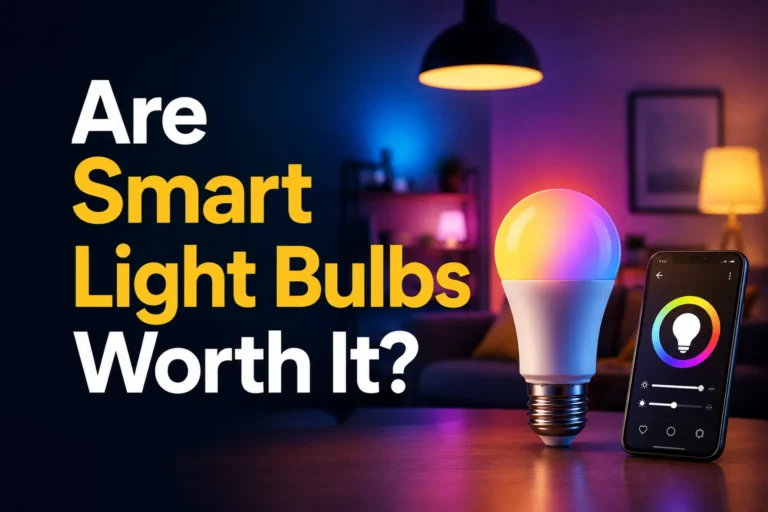
Smart lights let people control brightness, color, and schedules from a phone, voice assistant, or smart hub. They can save energy, add security with timers, and change a room’s look without new bulbs or switches. Many models also sync with music and movies for a more immersive experience.
Choose lights that match how they will be used: pick bulbs for lamps and fixtures, light strips for accent or under-cabinet lighting, or smart switches for whole-room control. Compatibility with the user’s phone, voice assistant, and existing hub matters most, along with brightness (lumens), color range (kelvin and RGB), and ease of setup. The most important thing is to buy smart lights that work with the devices and apps the buyer already uses while offering the right brightness and color for the intended space.
This guide tests popular bulbs, light strips, and switches to find the best options for different needs and budgets, then explains what to look for when buying.
9 Best Smart Lights
Below is a curated list of the best smart lights for different needs and budgets. Each choice focuses on ease of setup, reliable performance, and useful features like voice control, app scheduling, and adjustable color or brightness.
Govee Smart Bulbs (4-pack)

It is a solid choice for colorful, app-controlled indoor lighting if someone wants easy setup and lots of color options.
Pros
- Lots of colors and preset scenes for mood lighting.
- Works with Alexa and Google for voice control.
- Music sync and group control add fun and convenience.
Cons
- Needs 2.4 GHz Wi-Fi; no 5 GHz support.
- Can’t be used with smart wall switches.
- Some users report occasional dead bulbs in multi-packs.
The bulbs offer 16 million colors and many scene modes, so they suit people who like to change their room’s look often. The app includes timers, schedules, and DIY color options for simple daily routines.
Voice control works through common smart assistants and the bulbs can join groups for one-tap control. Music sync uses the phone mic and can boost party or ambient setups, though it only works when the mic is free.
Setup usually runs through Bluetooth and 2.4 GHz Wi‑Fi, which keeps installation simple for most users. Buyers should note the bulbs are indoor A19 LEDs and cannot be wired to smart switches without losing smart features.
Linkind Tunable White Bulbs (4-pack)

It is a good buy for someone who wants simple, tunable white smart bulbs with Alexa/Google voice control and app schedules at a low cost.
Pros
- Wide white range from warm to cool for different rooms.
- Works with Alexa and Google Assistant for voice control.
- Bluetooth plus 2.4GHz Wi‑Fi lets it work without full internet after setup.
Cons
- Setup can be fiddly and needs the AiDot app and a readable code.
- Not compatible with traditional dimmer switches.
- Only supports 2.4GHz Wi‑Fi, not 5GHz.
These bulbs cover warm to cool white light so a single bulb can replace multiple types. They aim for natural color with a high CRI, which helps rooms look more like they do in daylight.
Voice control and scheduling work through Alexa, Google Home, or the AiDot app. Grouping and local Bluetooth control let users run multiple bulbs together or adjust lights when Wi‑Fi is weak.
They use low power and claim long life, so they suit renters or homeowners who want smart control without rewiring. Buyers should expect an app tie‑in and a slightly awkward initial setup process.
Amazon Basics Smart A19

It’s a solid, budget-friendly Alexa-only smart bulb that offers easy setup, color options, and basic remote control features.
Pros
- Easy setup with Alexa and no hub required
- Lots of color and dimming choices for mood lighting
- Affordable and energy efficient
Cons
- Works only with Alexa, not Google or HomeKit
- Some users report connectivity or app flicker issues
- Not compatible with physical dimmer switches
This bulb lets users add voice control and color to standard fixtures without buying a hub. They can pick from preset colors and dim from the Alexa app or voice commands.
It connects over 2.4 GHz Wi‑Fi and groups work well for controlling rooms at once. Remote control and scheduling give the option to automate lights when away.
Expect simple installation: screw in the bulb, add it in the Alexa app, and name the light. Some buyers noted occasional loss of settings or app glitches, so reliability may vary by network.
Overall, it fits buyers who use Alexa and want a cheap way to try smart, color-changing bulbs without extra hardware. For those who need Google or Apple support, or who use wall dimmers, this bulb may not be the right choice.
DAYBETTER Smart Bulbs (6-pack)
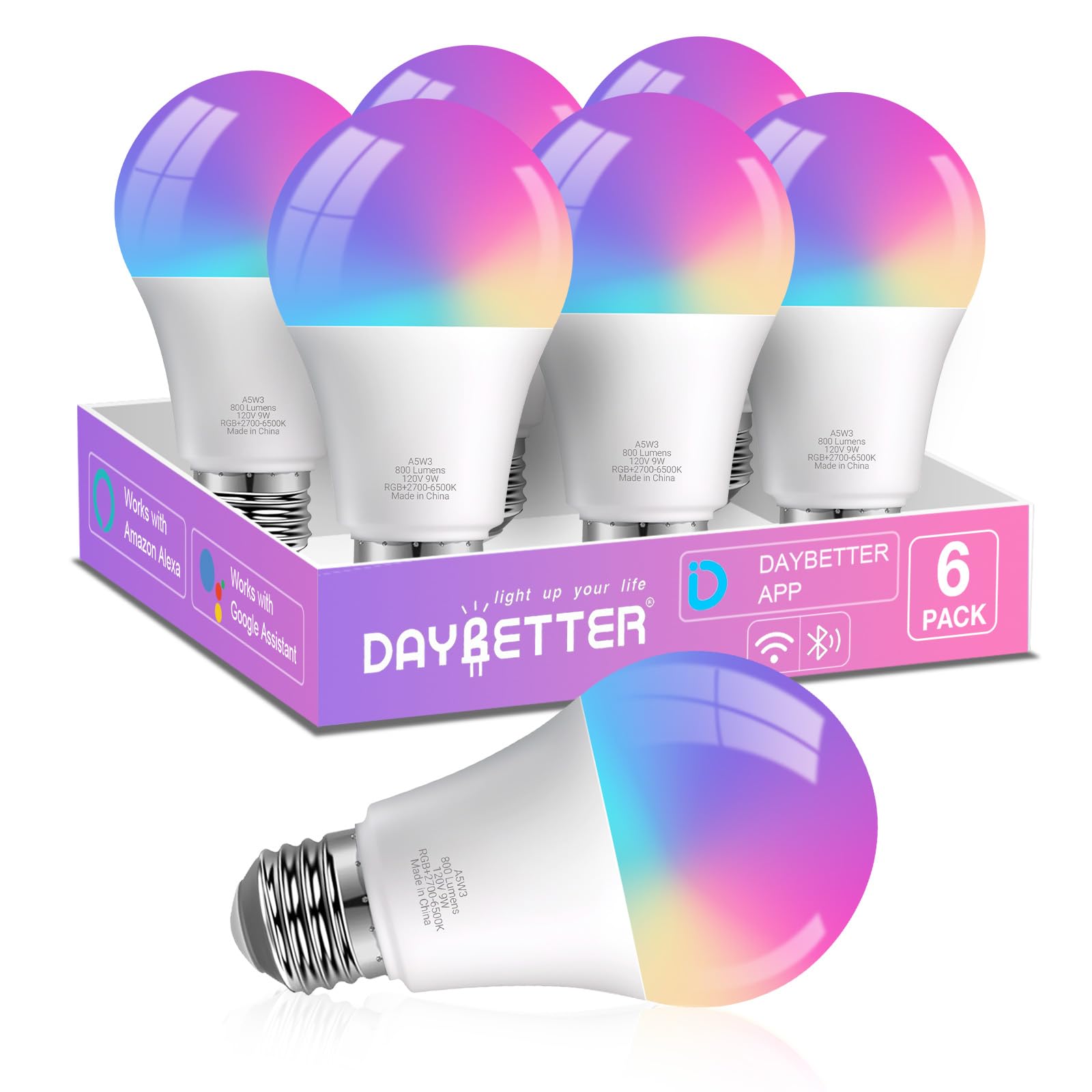
It is a solid, budget-friendly option for colorful, voice-controlled lighting if you only need 2.4GHz Wi‑Fi and app-based control.
Pros
- Wide color range and adjustable white light.
- Easy voice control with Alexa and Google Home.
- Includes music sync and preset scenes for parties.
Cons
- Only works on 2.4GHz Wi‑Fi, not 5GHz.
- Not compatible with Tuya, Smartlife, or Matter/Home Assistant.
- Avoid physical dimmer switches to prevent flicker.
They deliver bright, colorful light and good app features for the price. Buyers can pick warm to cool whites or any RGB color to set mood and scenes.
Setup uses the DAYBETTER app and needs 2.4GHz Wi‑Fi plus Bluetooth for the first pairing. Voice control works with Alexa and Google Assistant without a hub, which makes them easy to add to a smart home that already uses those assistants.
The music sync reacts through the phone microphone, so it works best for phone-based music and requires app permissions. People who need advanced local smart home integrations or Matter support should look elsewhere.
Linkind Smart Bulbs (4-Pack)

It is a solid choice for buyers who want full color control, voice commands, and music-sync effects at a budget-friendly price.
Pros
- Easy voice control with Alexa and Google Home.
- Wide color range and many preset scenes for mood lighting.
- Wi‑Fi + Bluetooth keeps control working when one link fails.
Cons
- Requires 2.4 GHz Wi‑Fi for setup, not 5 GHz.
- Not compatible with traditional dimmer switches.
- App or voice needed to dim—physical dimmers may cause flicker.
They offer bright, colorful light and lots of scene options, so users can set moods for parties, reading, or sleep. The music sync and DIY light shows add fun for gatherings and casual use.
Setup relies on the AiDot app and 2.4 GHz Wi‑Fi, which makes initial pairing simple for most people but can frustrate those on 5 GHz-only routers. Bluetooth backup helps when Wi‑Fi drops, though app stability may vary by device.
Voice control works well with Alexa and Google Home, making hands-free use easy in kitchens or living rooms. They save energy compared with old bulbs and claim a long lifespan, which lowers replacement needs over time.
Kasa Smart Bulbs (2-Pack)
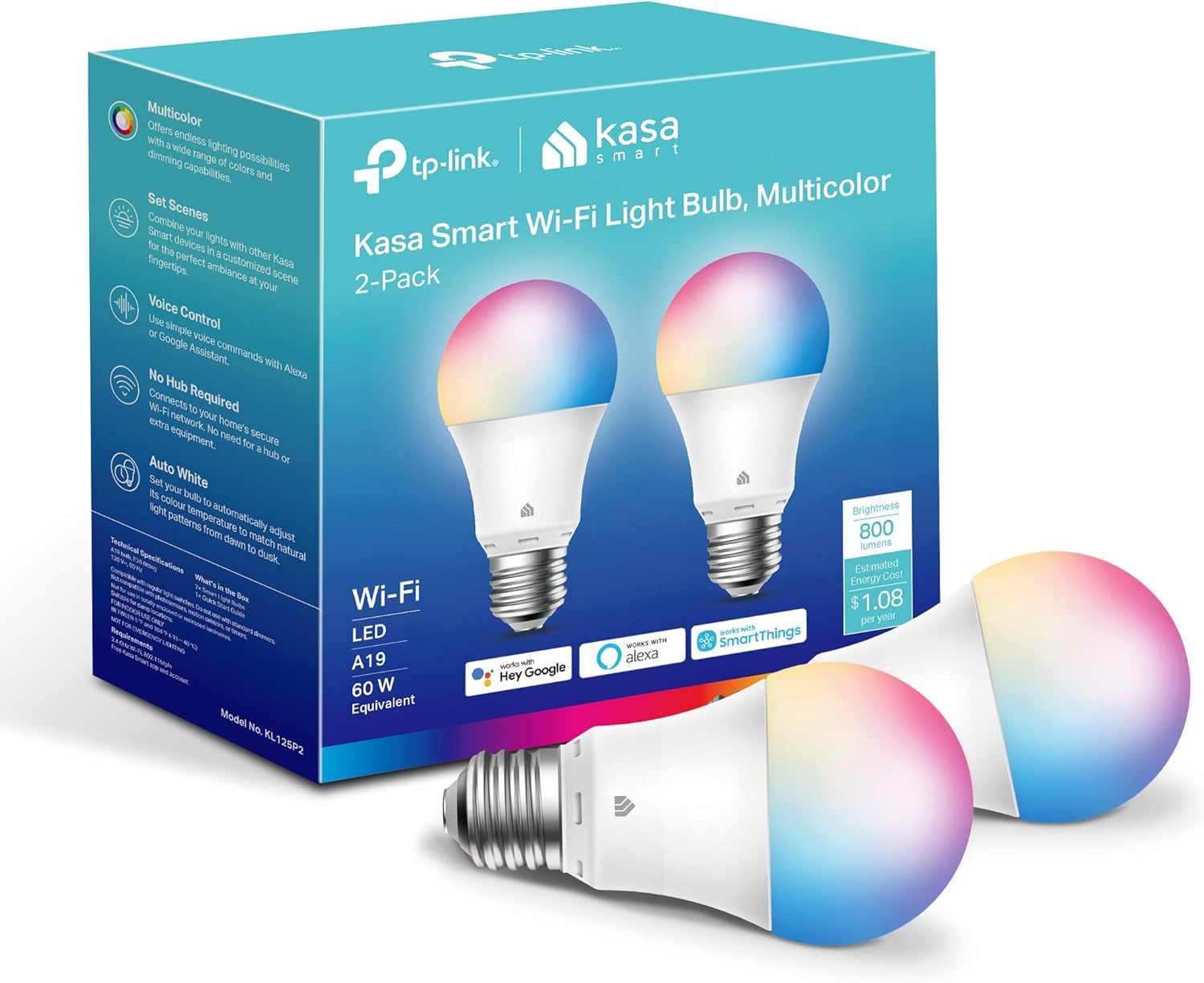
It is a solid buy for buyers who want bright, colorful bulbs that work with Alexa and Google without a hub.
Pros
- Wide color range and tunable whites for many moods.
- Easy voice and app control from anywhere.
- Energy efficient and UL certified.
Cons
- Requires 2.4 GHz Wi‑Fi only, so some networks won’t work.
- Setup can be finicky if multiple bulbs connect at once.
- Not rated for 220V use in some regions.
The bulbs offer vivid colors and a smooth white range that fits living rooms, bedrooms, and small porches. They reach typical A19 brightness while using low watts, so they save power compared to old bulbs.
They connect to Alexa and Google Assistant for hands‑free control and use the Kasa app for schedules, energy monitoring, and remote on/off. Users should expect guided setup steps, but should add bulbs one at a time if they run into pairing issues.
These bulbs suit people who want simple smart lighting without adding a hub. Buyers in countries with different mains voltages should check compatibility before purchasing.
Govee RGBIC Strip Lights

It is a strong choice for colorful, app-driven room lighting if someone wants lots of color options and music sync at a budget price.
Pros
- Vivid multi-color effects and many preset scenes
- Easy app control and DIY customization
- Good value for the feature set
Cons
- Bluetooth only, no Alexa or other voice hubs
- Not rated for outdoor or wet areas
- Adhesive can fail on dirty or rough surfaces
The lights show many colors at once along a single strip, which makes scenes and effects look more dynamic than plain RGB strips. Users will like the preset scenes and the frequent app updates that add new themes.
The app gives control over color, brightness, and music modes. The built-in mic and music sync offer lively reactions to sound, but Bluetooth limits range and smart-home integration compared with Wi‑Fi models.
Installation is straightforward on clean, smooth surfaces, but the tape can lose stickiness on dusty or textured walls. It works well indoors for backlighting desks, TVs, or accent walls, and it costs less than many competitor strips.
Buying Guide
Choosing the right smart light starts with how it will be used. Consider room size, brightness needs, and whether the light will be for mood, task, or general use.
Look for these key features:
- Brightness and color: Check lumens for brightness and whether the bulb offers white only or full color.
- Connectivity: Decide between Wi‑Fi, Bluetooth, or hub-based systems. Each affects range and reliability.
- Voice and app control: Ensure it works with the voice assistant and app the user prefers.
- Automation and scheduling: Timers, routines, and presence sensing make lights more useful.
Power and energy matter. Compare watt-equivalent and standby power draw. Energy-efficient options save money over time.
Compatibility and ecosystem affect future expansion. Confirm the light fits existing smart home standards and other devices. Using the same protocol makes setup and control simpler.
Installation and form factor matter for fit and look. Check base type, bulb size, and fixture clearance. Some lights need extra hardware or a hub.
Security and privacy deserve attention. Look for products with regular firmware updates and clear data policies. Strong local control options reduce reliance on cloud services.
Budget affects choices. Basic smart bulbs cost less but may offer fewer features. Higher-priced models add color, better dimming, and advanced automation. Prioritize the features the user will actually use.
Editor’s Choice
The editor picks the Philips Hue White and Color Ambiance as the top smart light for most people. It blends wide color range, robust app control, and strong smart-home support.
| Feature | Why it matters |
|---|---|
| Color range | Millions of colors and warm-to-cool whites fit moods and tasks. |
| Ecosystem | Works with Alexa, Google, Apple HomeKit, and many hubs. |
| Reliability | Stable network performance and regular firmware updates. |
| Accessories | Offers switches, dimmers, sensors, and light strips for expansion. |
| Ease of use | Simple setup and clear app controls for beginners and pros. |
The bulbs work in single rooms or whole-home setups. They support routines, scenes, and schedules for daily use.
They cost more than basic smart bulbs, but the editor notes the long-term value from compatibility and continued software support. Users who want simpler, cheaper options might choose other brands, yet those who need flexibility and reliability will likely prefer this pick.
Where to Buy – Best Amazon Deals
Amazon often lists wide choices and fast shipping for smart lights. They carry major brands like Philips Hue, LIFX, Wyze, and Sengled, plus starter kits and single bulbs. Prices change often, so check listings before buying.
Look for these deal types on Amazon:
- Daily Deals and Lightning Deals for short-term discounts.
- Certified Refurbished for lower prices with a warranty.
- Multi-packs when buying several bulbs; they usually cost less per unit.
Compare features using the product page: brightness (lumens), color range, and hub requirement. Read verified buyer reviews to spot reliability issues or setup problems. Pay attention to return policy and warranty length before checkout.
Use filters to narrow results by brand, price, and customer rating. Add items to the cart and watch for bundle offers or coupons on the product page. If Prime eligible, delivery is often faster and may include free returns.
Check the “Frequently Bought Together” and Q&A sections for real-world setup tips. For smart home hubs or voice assistant compatibility, confirm the exact model names in the product description.
Conclusion
They can pick smart lights based on needs, budget, and tech habits. Energy savings, ease of use, and color options matter most for daily use.
For simple setups, they should choose bulbs that work with existing voice assistants. For advanced users, they should pick lights with wide color ranges and robust app controls.
They should check compatibility before buying. Look for Zigbee or Thread if they plan to use a smart hub, and Wi‑Fi for direct phone control.
Best value often comes from starter kits that include multiple bulbs and a hub. Premium bulbs suit rooms where light quality and color accuracy matter most.
Key buying tips:
- Confirm app and voice assistant support.
- Compare brightness (lumens) not wattage.
- Consider dimming and color temperature ranges.
- Read return policies in case of issues.
They will get the most from smart lights by testing scenes and routines. Small changes like scheduled dimming and color shifts make daily spaces more comfortable and useful.
FAQs
What should they look for when buying smart lights?
They should check compatibility with their smart home system (Alexa, Google, HomeKit). Brightness (lumens), color range (white vs. full RGB), and bulb type (A19, GU10) matter. Also compare connectivity: Wi‑Fi, Zigbee, or Bluetooth.
Do smart lights save money?
Yes, they use LED tech which uses less energy than incandescent bulbs. Savings depend on use and electricity cost. Scheduling and dimming increase savings.
Are smart lights hard to install?
Most screw‑in bulbs install like regular bulbs. Some setups need a hub or bridge. Apps guide the setup and often take under 15 minutes.
Can they work without internet?
Some features work offline, like dimming or color changes via Bluetooth or a local hub. Voice control and remote access usually need internet.
Are smart lights secure?
They can be secure if users set strong passwords, update firmware, and use a separate IoT network. Buyers should choose brands with regular security updates.
How long do smart bulbs last?
LED smart bulbs typically last 15,000–25,000 hours. Actual life varies by usage and heat. Warranty length also differs by brand.
What about privacy concerns?
Some bulbs collect usage data for features. Buyers can read privacy policies and opt out when possible. Local control options reduce data sharing.