How Do Wireless Chargers Work Explained Simply
Wireless chargers use magnetic fields between coils to send power to a compatible device. They are convenient, but speed, heat, and alignment matter more than with a cable.
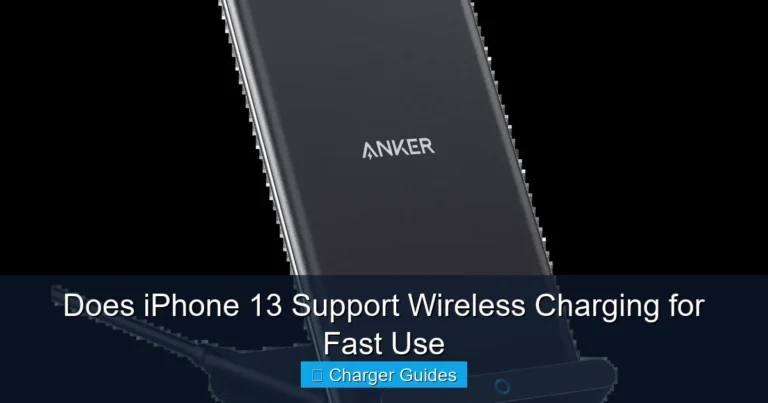
Wireless chargers move energy from a charging pad to a device without a cable plugged into the device itself. In simple terms, a coil in the pad creates a magnetic field, and a matching coil in the phone, earbuds case, or watch turns that field back into electricity.
- How it works: A pad creates a magnetic field, and the device converts it back into electricity.
- Best use: Wireless charging is ideal for desks, nightstands, and quick top-ups.
- Main limits: It is usually slower and more sensitive to placement than wired charging.
- What to verify: Check Qi support, adapter requirements, and case compatibility before buying.
- Safety first: Stop using chargers or cables that overheat, fray, crack, or disconnect often.
How Do Wireless Chargers Work? The Simple Answer Up Front
Wireless charging works through electromagnetic induction. The pad sends power into a coil, the coil creates a magnetic field, and the device’s receiving coil converts that field into usable power for the battery.
This is why wireless charging still needs contact, just not physical connector contact. The device has to sit close to the pad, line up well enough to catch the field, and support the same charging standard or ecosystem the charger uses.
What’s Inside a Wireless Charging Pad: Coils, Current, and Magnetic Fields
A typical wireless charging pad contains a power input, control electronics, one or more transmitter coils, and safety components that manage heat and power flow. The charger does not just push electricity out at full force all the time; it negotiates power with the device and adjusts output as needed.
Because of that control system, the pad can pause, reduce output, or stop charging if it detects misalignment, overheating, or a foreign object like keys or coins.
How Qi wireless charging transfers power
Most modern consumer wireless charging relies on Qi, the common standard used across many phones and accessories. In a Qi setup, the charger and the device communicate so the pad knows when to start, how much power to send, and when to back off.
The receiving coil in the device captures the magnetic energy and converts it back into electrical current. That current then feeds the battery management system inside the phone or accessory, which decides how to charge the battery safely.
Wireless charging is most efficient when the coils are closely aligned, which is why some chargers use magnets or raised guides to help position the device.
Why alignment matters for charging speed
Alignment matters because the magnetic field is strongest where the coils overlap best. If the phone sits too high, too low, or off-center, the charger may still work but at a slower rate or with more heat.
That is also why some phones seem to charge fine on one pad but not another. The charger may support the device’s standard, but the coil layout, case thickness, or stand angle can change the result.
If charging is inconsistent, lift the phone, place it back slowly, and check whether the charging indicator appears right away. Small repositioning changes can make a big difference.
Who Wireless Chargers Fit Best in 2026
Wireless chargers are best for people who value convenience over maximum speed. They are especially useful on desks, nightstands, shared family spaces, and travel setups where dropping a phone onto a pad is easier than fumbling with a cable.
For many buyers, the biggest question is not whether wireless charging exists, but whether the device, case, and power adapter all match the charger’s requirements.
Compatible phones, earbuds, and wearables
Many current smartphones support Qi wireless charging, and many earbuds cases do as well. Some smartwatches use proprietary magnetic charging pucks instead of standard Qi, so you should check the exact model rather than assuming compatibility.
If you are unsure, look at the manufacturer’s specs page or the manual. For phone-specific guidance, our related check on whether the iPhone 10 has wireless charging shows why model-level verification matters, and our guide to whether wall chargers work with all devices explains why power sources still need matching specs.
When a wired charger is still the better choice
A wired charger is still better when you need the fastest possible top-up, when you charge in a moving vehicle, or when the phone has a thick protective case that interferes with wireless power transfer. Wired charging is also more predictable if you need to use the device while it charges.
If your routine involves gaming, navigation, or long video calls while plugged in, a cable often makes more sense. Wireless charging is convenient, but it is not always the most efficient option.
Key Specs to Check Before You Buy
Before buying a wireless charger, focus on the specs that affect real use: wattage, power adapter requirements, cable type, heat control, and whether your device can actually take advantage of the charger’s output.
Manufacturers often list a maximum wattage, but the speed you get depends on the phone, the case, the adapter, and the charger’s design.
Rated wattage and real-world charging speed
Rated wattage tells you the charger’s maximum output, not the guaranteed speed for every device. A phone that supports lower wireless input will not charge faster just because the pad advertises a higher number.
Real-world speed also changes as the battery fills up, because most devices slow charging to protect battery health. If you want a charger for overnight use, speed matters less than stable, cool operation.
Some brands use their own fast-charging modes that only work with specific phones, stands, or power adapters. Always verify the exact compatibility list before buying.
Cable quality, adapter requirements, and port type
Many wireless pads do not include a wall adapter, and some require a higher-wattage USB power brick to reach their advertised speed. If the adapter is too weak, the charger may work but charge slowly or stop and restart.
Check whether the pad uses USB-C or another input type, and make sure the cable and adapter are rated for the power level the charger expects. A weak or damaged cable can create heat, slow charging, or unstable behavior.
For readers comparing power accessories more broadly, our article on how multi-port chargers work and the related guide on fast charging with multi-port chargers can help clarify adapter trade-offs.
Heat management, case thickness, and charging distance
Heat is one of the biggest factors in wireless charging performance. A charger with better thermal design may charge more consistently than a higher-wattage pad that runs hot.
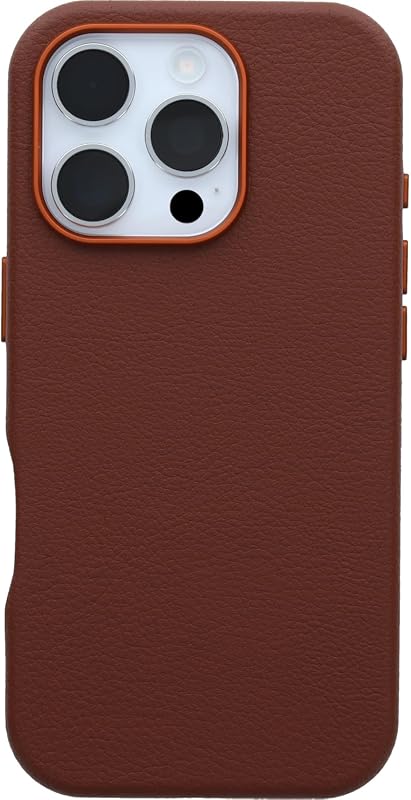
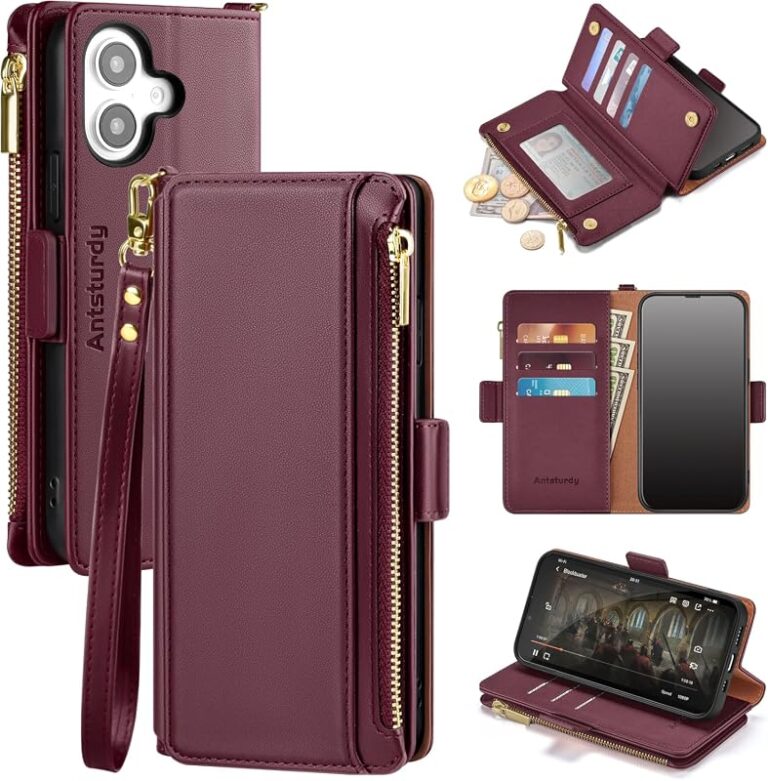
Case thickness also matters because the charging field weakens as distance increases. Thin plastic or silicone cases are often fine, but thick rugged cases, metal plates, pop grips, and magnetic accessories can interfere.
If a charger, cable, or phone becomes unusually hot, stop using it and follow the manufacturer’s guidance. Heat is a sign that something is wrong, especially if charging repeatedly disconnects.
Real-Use Benefits and Trade-Offs
Wireless charging is popular because it reduces wear on ports and makes charging easier to start and stop. You can drop a phone onto a pad when you sit down, then pick it up without unplugging anything.
That convenience comes with trade-offs, especially slower charging and more sensitivity to placement.
Convenience, desk setup, and nightstand use
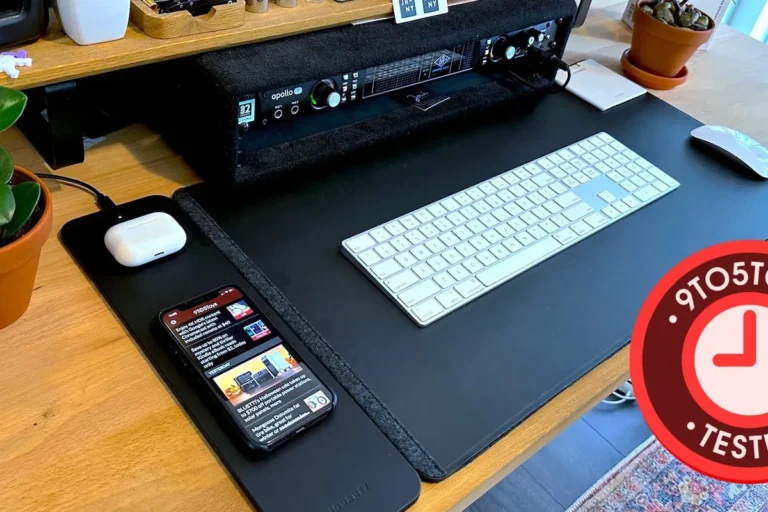
On a desk, wireless charging keeps the cable out of the way and makes it easier to grab your phone quickly. On a nightstand, it can be simpler than fishing for a connector in the dark.
It also works well in shared spaces, because a family member or coworker can place a compatible phone on the same pad without needing the right charging plug. For people who like neat setups, that can be the biggest day-to-day benefit.
Limits: slower speeds, positioning issues, and power loss
Wireless charging is usually less efficient than wired charging, so some energy is lost as heat. That means the charger may run warmer and the device may charge more slowly than it would with a cable.
Positioning is another limitation. A phone can look centered but still sit slightly off, and that small shift may reduce speed or stop charging altogether. If you want a deeper look at device compatibility in general, the guide on whether multi-port chargers work with all devices is useful for understanding why “universal” claims still have limits.
Safe Use, Maintenance, and Replacement Guidance
Wireless chargers are simple to use, but they still need basic care. Keeping the pad clean, using the right adapter, and watching for heat problems will help the charger last longer and work more reliably.
Always follow the manufacturer’s manual for your exact pad, phone, or accessory, especially if the charger includes magnets, a stand, or a special fast-charge mode.
How to reduce heat and protect battery health
Place the charger on a hard, ventilated surface rather than under pillows, blankets, or papers. Heat builds up faster when airflow is blocked.
Remove metal objects, cards, and loose accessories from the charging area before placing the device on the pad. If your phone offers battery protection features or optimized charging settings, use them when appropriate, since they can reduce stress during overnight charging.
Inspection tips for pads, cables, and power bricks
Look for frayed cables, bent connectors, burn marks, loose plugs, or a pad that slides around too easily. Also check whether the charger’s surface is cracked or warped, since damage can affect both safety and alignment.
If the charger depends on a separate power brick, inspect that too. A failing adapter can cause intermittent charging even when the pad itself seems fine.
Stop using damaged electronics, swollen batteries, frayed cables, overheating chargers, or unstable power accessories and follow the manufacturer’s guidance.
When to replace a wireless charger or charging cable
Replace the charger if it no longer holds alignment, frequently disconnects, runs hotter than usual, or fails to charge devices that it used to support. Replace the cable sooner if the outer jacket is cracked, the connector feels loose, or the charger only works when the cord is bent a certain way.
If a charger is covered by warranty, check the terms before discarding it. If the issue is a known recall or safety notice, follow the manufacturer’s instructions immediately.
Common Mistakes That Stop Wireless Charging From Working
Most wireless charging problems come down to one of three things: insufficient power, bad alignment, or interference from the case or accessories. The good news is that these are usually easy to check without special tools.
Start with the charger, then the cable, then the phone or accessory, and finally the case or surface where everything is placed.
Using the wrong adapter or underpowered USB source
A wireless pad may need a specific adapter to work as intended. Plugging it into a weak USB port on a laptop, monitor, or old wall brick can lead to very slow charging or no charging at all.
If the pad came with a recommended adapter, use that first. If not, confirm the required output in the manual or product listing before assuming any USB source will do the job.
Thick cases, metal accessories, and misalignment problems
Thick cases can push the device too far from the coil, while metal rings, credit cards, pop sockets, and magnetic mounts can block or distort charging. Even a compatible case can become a problem if it is unusually bulky.
When wireless charging fails, remove the case and any accessories, then try again. If it works without the case, the cause is usually distance or interference rather than a defective charger.
Overheating, foreign objects, and interrupted charging
Foreign objects between the device and pad can trigger safety shutdowns. Coins, keys, and magnetic accessories can all interfere with charging and create heat.
If charging starts and stops repeatedly, check for debris on the pad, inspect the cable, and make sure the device is centered. If the problem continues after basic checks, consult the official support page for the charger or device before replacing parts.
- Use the charger on a flat, open surface with good airflow.
- Remove thick or metal cases if charging is inconsistent.
- Match the charger to the correct adapter and cable type.
- Clean the pad and phone back regularly to improve contact and reduce heat.
Final Recommendation: Is Wireless Charging Worth It for You?
Wireless charging is worth it if you want convenience, cleaner cable management, and an easy way to top up a phone or earbuds throughout the day. It is less compelling if you care most about speed, use bulky cases, or need reliable charging in situations where alignment is hard to control.
For most everyday users, the best approach is simple: choose a Qi-compatible charger, verify the adapter requirements, and prioritize stable heat management over the highest advertised wattage. If you are still deciding, compare the charger’s official compatibility list, the device manual, and the return policy before buying.
- Wireless chargers use coils and magnetic fields to move power without a cable in the device.
- Speed depends on alignment, case thickness, charger design, and the right power adapter.
- Wireless charging is most useful for convenience, not maximum speed.
- Heat, damaged cables, and foreign objects are the main safety and reliability concerns.
Frequently Asked Questions
No, only phones and accessories that support the same wireless standard or ecosystem will work properly. Always check the exact model’s specifications before buying a charger.
Wireless charging loses some energy as heat and is more sensitive to alignment and case thickness. A wired charger is usually faster and more efficient.
Yes, thick or metal-heavy cases can block or weaken the charging field. If charging is inconsistent, try removing the case and any accessories.
Use the adapter recommended by the charger manufacturer or one that meets the listed output requirements. An underpowered USB source can cause slow or unstable charging.
Some warmth is normal because wireless charging is less efficient than wired charging. Stop using the charger if it becomes unusually hot or repeatedly disconnects.
Replace it if you see fraying, cracks, loose connections, overheating, or frequent charging interruptions. If the charger fails basic compatibility checks, consult the manual or manufacturer support.