Lighting Inside Smart Bulbs Explained for Better Homes
Smart bulb lighting combines LED hardware with wireless control so you can change brightness, color, and scenes from an app or voice assistant. It is most useful when you want flexible room lighting without rewiring, but compatibility, fixture fit, and network reliability matter.
Smart bulb lighting is the built-in LED light system inside a connected bulb that lets you change brightness, color temperature, and sometimes full color from an app, voice assistant, or automation routine. For better homes, the real value is not just “smart control” but more flexible lighting that can fit sleep, work, movie time, and daily routines with less effort.
This guide explains how lighting inside smart bulbs works, who it fits best, what to verify before buying, and how to set it up safely. If you are comparing broader system options, our guide to a smart lighting system for home can help you think beyond a single bulb.
- How it works: Smart bulbs use LEDs, a driver, and a wireless module to control light settings.
- Best fit: They work well in rentals, bedrooms, offices, and lamps where flexible lighting matters.
- What to verify: Check lumens, color range, connectivity type, assistant support, and fixture safety limits.
- Main trade-off: You gain convenience and scenes, but you also add app, account, and network dependence.
Lighting Inside Smart Bulbs Explained: What It Is and Why It Matters for Better Homes
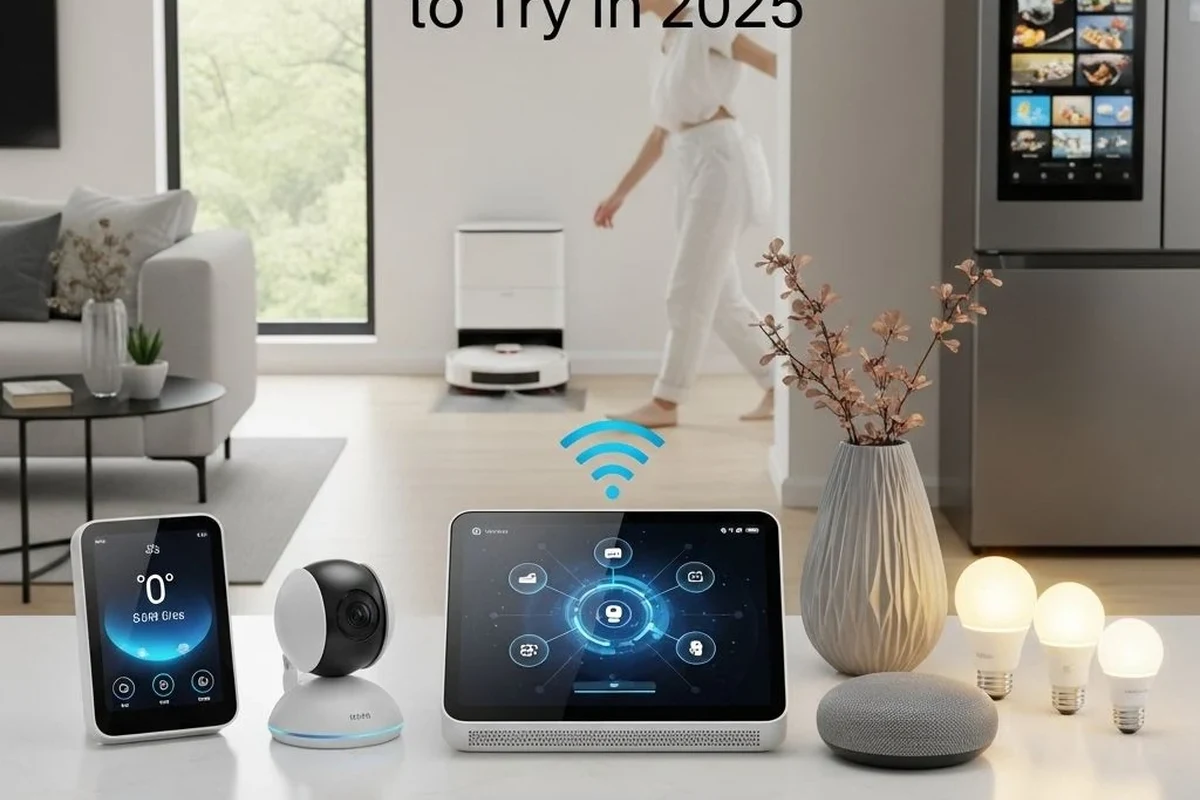
Inside a smart bulb, the “lighting” is usually an LED array paired with electronics that control brightness and color. That means the bulb is not just a light source; it is also a small networked device that responds to software commands and scene settings.
Why this matters at home is simple: the same lamp can feel like a bright task light in the morning, a soft warm lamp at night, or a colored accent light for gaming and movies. For many people, that flexibility reduces the need to buy multiple lamps or swap bulbs by season.
Many smart bulbs can dim without the same visible steps you sometimes notice in older bulbs, but dimming quality still varies by model and firmware.
How Smart Bulb Lighting Works: LEDs, Chips, Connectivity, and Color Control
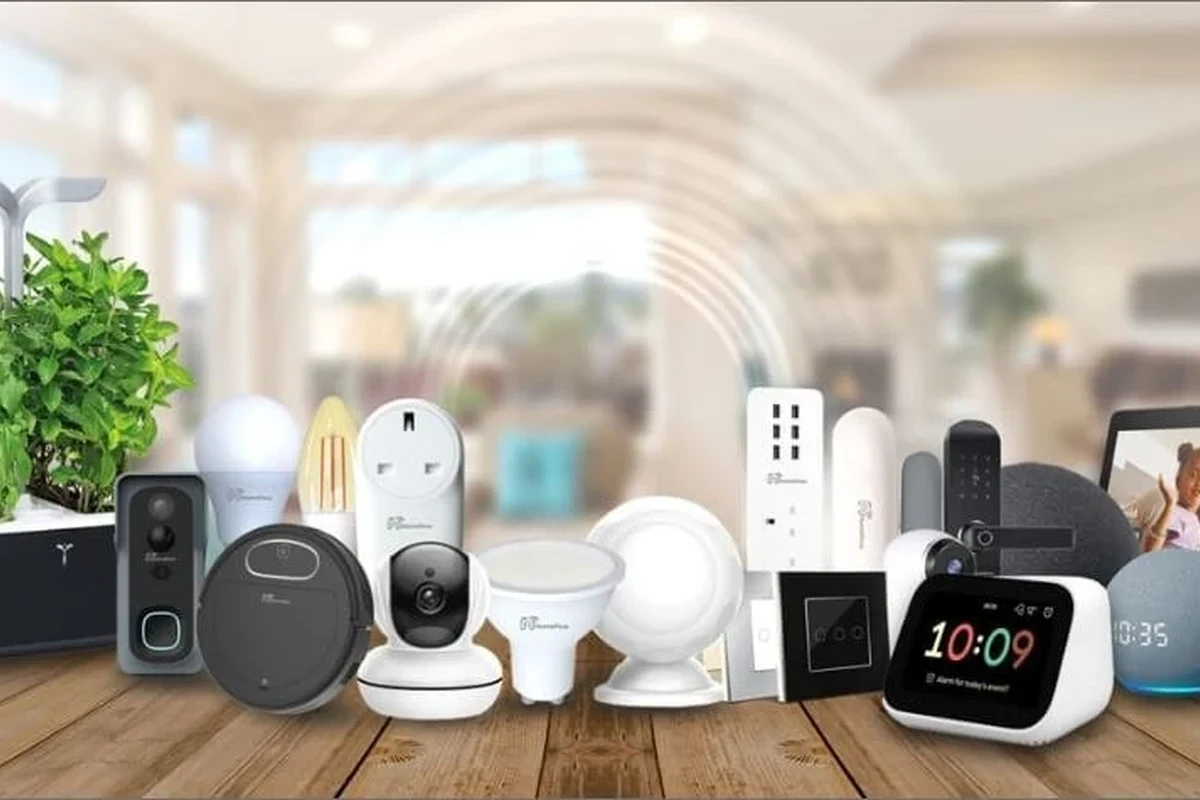
Smart bulbs combine lighting hardware with a control chip and wireless radio. The bulb receives a command, then the driver adjusts power to the LEDs to change brightness, color temperature, or hue depending on the model.
Core components: LED array, driver, wireless module, and diffuser
The LED array produces the light. The driver manages electrical power so the LEDs can dim or shift color safely and consistently, while the wireless module handles communication through Wi-Fi, Bluetooth, Zigbee, Thread, or another supported standard.
The diffuser is the outer cover that spreads the light and helps reduce harsh glare. Its shape affects how the bulb looks in open lamps, table fixtures, and ceiling sockets, so the same bulb can feel very different depending on the fixture.
How app control, voice assistants, and automation routines change everyday use
App control lets you group bulbs by room, set scenes, and adjust brightness from a phone. Voice assistants can help when your hands are full, while routines can turn lights on at sunrise, dim them for bedtime, or switch them off when you leave.
For Alexa or Google Home users, compatibility can be a major deciding factor, so it helps to verify current support before buying. If that is your main ecosystem, see our guides to smart lights that work with Alexa and smart lights that work with Google Home.
Who Smart Bulb Lighting Fits Best in 2026
Smart bulb lighting fits people who want flexible control without rewiring. It is especially useful in spaces where you change lighting often, share a home with others, or want a simple upgrade from standard bulbs.
Best use cases for apartments, rental homes, bedrooms, living rooms, and home offices
In apartments and rentals, smart bulbs are attractive because they usually install like ordinary bulbs and can move with you. In bedrooms, they are useful for warm evening scenes and wake-up routines. In living rooms, they can support movie mode, reading, and guests. In home offices, they can shift from focused white light during work to softer light after hours.
- Use warmer light at night if you want a calmer feel in bedrooms and living areas.
- Use grouped room names so voice control is easier to remember.
- Check whether the bulb remembers its last state after a power outage.
When a smart bulb is a better fit than a smart switch or traditional lamp
A smart bulb is usually the better fit when you want color changes, easy setup, and control over a single lamp or a few fixtures. A smart switch is often better when you want one control point for an entire room, especially if the fixture has multiple bulbs and you do not want each bulb to be managed separately.
Traditional lamps still make sense when you want the lowest complexity, no app dependency, and the fewest compatibility questions. If you are unsure whether to upgrade bulbs or wall controls, compare that choice with our article on smart light switches.
Key Buying Criteria: Brightness, Color Range, Connectivity, and Compatibility
The most useful smart bulb is not always the one with the most features. It is the one that matches your fixture, your room size, and your smart home setup without creating extra troubleshooting later.
Lumens, color temperature, CRI, and dimming quality to verify
Lumens tell you how bright the bulb can be. Color temperature tells you whether the light looks warm, neutral, or cool, and CRI helps indicate how accurately colors may appear under the light when the manufacturer provides that number.
Dimming quality matters too. A bulb that dims smoothly can be more comfortable in bedrooms and media rooms, while a bulb with uneven dimming may feel distracting at lower brightness levels.
- Check the bulb base, fixture size, and whether the fixture is open or enclosed.
- Confirm the app, voice assistant, and hub requirements before purchase.
- Review the manufacturer’s safety notes for heat, dimmers, and enclosed fixtures.
Wi-Fi, Bluetooth, Matter, Zigbee, and hub requirements
Connectivity affects setup and reliability. Wi-Fi bulbs are often straightforward, Bluetooth bulbs can be simple for a small setup, Zigbee bulbs may require a hub, and Matter support can improve cross-platform flexibility when the whole chain of devices and apps is compatible.
Because support changes by model and firmware, always confirm the exact bulb version and the current compatibility list on the manufacturer’s site or app store listing before you buy.
Socket size, fixture dimensions, and enclosed-fixture safety limits
Bulb shape and size matter more than many shoppers expect. A bulb that fits the socket may still be too wide for a shade, too tall for a lamp, or unsuitable for a closed ceiling fixture if the manufacturer warns against enclosed housings.
Do not use a bulb in a fixture type the manufacturer says is unsupported, especially enclosed housings or locations with poor heat dissipation. Excess heat can shorten bulb life and may create a safety risk.
Real-World Benefits and Trade-Offs of Smart Bulb Lighting
Smart bulbs are popular because they make lighting more adaptable without major home changes. Still, the same software features that make them convenient can also create limitations if your network, app, or account setup is not stable.
Convenience, energy savings, scenes, scheduling, and mood lighting
The biggest everyday benefit is convenience. You can create scenes for dinner, studying, gaming, or winding down, and scheduling can make lights feel more responsive to your routine.
Energy savings depend on usage pattern and bulb type, so it is better to think of smart bulbs as efficient LED lighting with smarter control rather than a guaranteed savings device. The practical value often comes from using light only when needed and setting the right brightness for the moment.
Limitations: app dependence, network issues, and bulb replacement costs
Smart bulbs may depend on an app, cloud service, or account login, which means the experience can change if the app is updated or the service changes. Network problems can also make bulbs slow to respond or temporarily unavailable.
Replacement costs can be higher than standard LED bulbs, especially for color models or bulbs that require a hub. If you want a broader perspective on whether that trade-off is worth it, our guide on whether smart light bulbs are worth it is a useful next read.
- Easy room-by-room control
- Scenes, schedules, and voice commands
- No rewiring needed for many setups
- Can depend on app or network stability
- Not ideal for every enclosed fixture
- May cost more than standard bulbs
Setup Guide: Installing and Configuring Smart Bulbs Safely
Setup is usually simple, but smart bulbs still deserve the same safety care as any electrical device. The goal is to install them correctly, connect them to the right app, and avoid common compatibility mistakes.
Step-by-step pairing, app setup, and room naming for easier control
Turn the light off at the switch before screwing in the bulb, then restore power once the bulb is seated properly.
Use the manufacturer’s app or approved platform setup steps, since pairing methods vary by model and ecosystem.
Use simple names like “Bedroom Lamp” or “Office Desk Light” so voice control and automations are easier to manage.
Power-off precautions, fixture checks, and when to avoid enclosed housings
Before installation, inspect the fixture for signs of heat damage, loose sockets, or cracked parts. If a fixture is enclosed, check the bulb’s official guidance carefully, because some smart bulbs need more airflow than standard LED bulbs.
Required app permissions, account setup, and firmware update checks
Many smart bulbs require an account and may ask for permissions such as local network access or Bluetooth access for setup. Review these permissions carefully, use a strong password, and enable two-factor authentication if the vendor offers it.
After setup, check for firmware updates in the app. Updates can improve stability or compatibility, but the exact benefits depend on the model and version, so it is wise to read the release notes when available.
Some bulbs require a reset sequence before they can be paired again, and that sequence is model-specific. Always follow the manufacturer’s instructions rather than guessing the reset method.
Maintenance, Safety, and Common Mistakes to Avoid
Smart bulbs do not need much maintenance, but they do benefit from occasional inspection and sensible placement. Small issues like heat buildup, unstable Wi-Fi, or incompatible dimmers are often the real cause of poor performance.
Heat management, cleaning the bulb, and inspecting for flicker or discoloration
Keep bulbs free of dust so heat can dissipate normally. Clean them only when powered off and cool, using a dry or lightly damp cloth if the manufacturer allows it.
If you notice flicker, buzzing, unusual warmth, or discoloration, stop using the bulb and check the manual. These symptoms can point to fixture incompatibility, a failing bulb, or a problem that needs replacement.
Stop using damaged electronics, cracked bulbs, overheating fixtures, or frayed cords and follow the manufacturer’s guidance before reinstalling anything.
Replacement guidance, storage for spare bulbs, and warranty details to verify
When a smart bulb fails, replace it with the same base, similar size, and compatible control type if you want consistent room lighting. Store spare bulbs in their original packaging when possible so they are protected from bumps and moisture.
Before buying, verify warranty terms, return windows, and whether the vendor covers app, hardware, or firmware-related issues. Those details can matter more than a small spec difference if you plan to use the bulbs long term.
Common mistakes: poor router placement, incompatible dimmers, and over-automation
Poor router placement can make Wi-Fi bulbs unreliable, especially in larger homes or rooms with thick walls. Incompatible wall dimmers can also cause flicker or prevent smart bulbs from working correctly, so many manufacturers recommend leaving the wall switch on and using the app or voice control instead.
Over-automation is another common mistake. Too many scenes and schedules can make the system harder to live with, so start with a few useful routines and add more only if they solve a real need.
Final Recommendation: How to Choose the Right Smart Bulb Lighting for Your Home
The best smart bulb choice is the one that matches your room, ecosystem, and tolerance for app-based control. If you want a simple upgrade for a bedroom lamp, desk lamp, or rental-friendly setup, a reliable smart bulb with good dimming and clear compatibility is often the strongest value.
Best-value picks by room type, feature set, and long-term ownership value
For bedrooms, prioritize warm-to-cool white control, smooth dimming, and quiet automation. For living rooms, look for scene support and better brightness. For home offices, choose a bulb with stable connectivity and a neutral white range that supports focused work. For shared spaces, favor bulbs that work cleanly with your preferred assistant or hub.
Transparent verdict: when smart bulb lighting is worth it and when it is not
Smart bulb lighting is worth it when you want flexible lighting, easy installation, and personalized control without changing wiring. It is less compelling when you need one simple light source, have a difficult fixture, rely heavily on wall dimmers, or want the fewest possible app and network dependencies.
Choose smart bulbs if you want adaptable lighting for specific rooms and you are willing to verify compatibility before buying. Choose a smart switch or a standard bulb if you want lower complexity, fewer software dependencies, or control over an entire fixture at once.
Frequently Asked Questions
Smart bulbs include LEDs plus a control chip and wireless module, so you can adjust brightness, color, and scenes from an app or voice assistant. Regular LED bulbs usually just turn on, dim, or stay at one color temperature.
Not always. Some use Wi-Fi, while others use Bluetooth, Zigbee, Thread, or a hub-based setup, so the required connection depends on the model.
Smart bulbs are better when you want color control, scene changes, or room-by-room flexibility. Smart switches are often better when you want whole-room control with less app dependence.
No, you should verify the base size, bulb shape, fixture dimensions, and whether the manufacturer allows enclosed housings. A bulb that fits physically may still be incompatible for heat or control reasons.
Check lumens, color temperature range, dimming quality, connectivity type, assistant compatibility, and any hub requirement. Also confirm the official app, warranty terms, and safety guidance for your fixture.
Keep them clean and dust-free, inspect for flicker or discoloration, and stop using any bulb that overheats or looks damaged. Follow the manufacturer’s instructions for updates, resetting, and replacement.