9 Best Samsung Charger for Laptop: Top Picks, Compatibility Guide, and Buying Tips
Affiliate disclosure: As an Amazon Associate, Gadget Makers Blog may earn from qualifying purchases. This does not change the price you pay.
Laptop chargers power work and play, and Samsung makes several models that fit its own notebooks and some USB-C laptops from other brands. These chargers range from compact USB-C power bricks to higher-wattage GaN adapters that charge faster and stay cooler. People choose a Samsung charger to match a laptop’s power needs, get reliable charging, and avoid carrying bulky adapters.
The most important things to check are wattage, connector type, and safety features like overcurrent and overheating protection. Matching the charger’s wattage and connector to the laptop ensures safe, full-speed charging without harming the battery. The next section looks at the best Samsung chargers and which laptops they work best with.
9 Best Samsung Chargers for Laptop
Below is a curated list of the best Samsung chargers for laptops. It helps buyers compare power, compatibility, and build quality so they can pick the right charger for their device.
Samsung 45W Super Fast Charger (Black)

It is a solid choice for people who want faster USB-C charging for compatible Samsung phones and many USB-C devices.
Pros
- Charges compatible devices much faster than basic chargers.
- Includes a detachable USB-C cable for charging and data.
- Works with standard wall outlets and common USB-C devices.
Cons
- Full 45W speed applies mainly to certain Samsung models and other devices may charge slower.
- Only one USB-C port, so it charges one device at a time.
- Some users report cable durability issues over time.
The charger aims to deliver up to 45W using Power Delivery. That higher wattage can shorten charging time for devices that accept it, especially certain Galaxy phones and recent USB-C laptops or tablets.
It plugs into a normal wall outlet and comes with a removable USB-C to USB-C cable. The cable lets users charge from other USB-C power sources and move files when connected to compatible devices.
Not every USB-C device will reach the top speed shown on the box. Buyers should check if their phone or laptop supports 45W PD to get the fastest charge.
Find the product on Amazon: Samsung Official 45W USB-C Super Fast Charging Wall Charger (Black)
Anker 100W Compact Charger
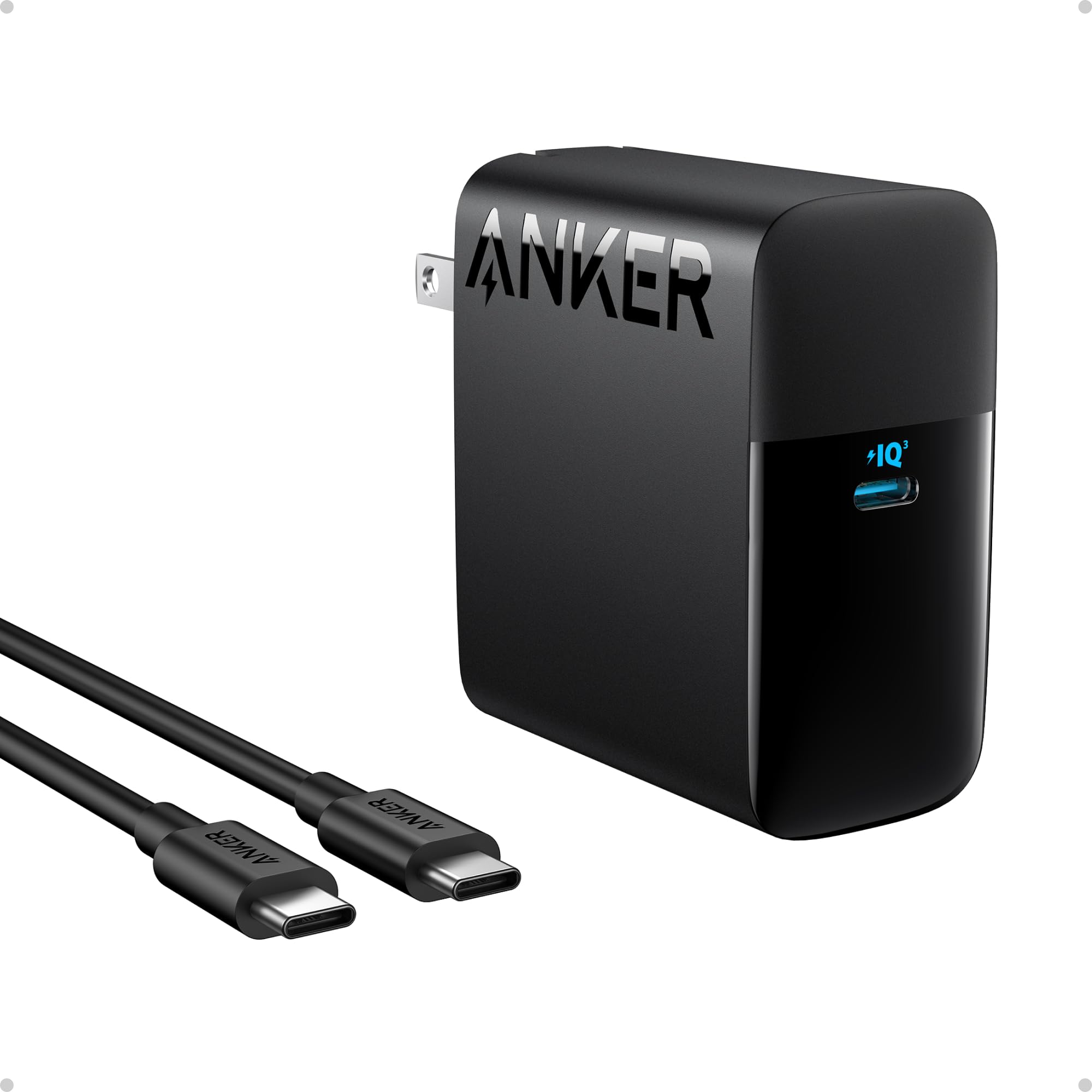
It is a strong choice for buyers who want fast, portable USB-C power for laptops and phones.
Pros
- Charges laptops and phones quickly.
- Small size with a foldable plug makes it easy to carry.
- Includes a long USB-C cable and an 18-month warranty.
Cons
- Only one USB-C port limits charging multiple devices at once.
- May run warm under heavy use.
- Uses a standard plastic shell that may scuff in a bag.
The charger aims to deliver a lot of power in a small package. It promises fast charging for many USB-C laptops and phones, which suits people who need quick top-ups between meetings or while traveling.
Its foldable plug and included 5 ft cable help keep packing simple. The single-port layout keeps the design compact but forces users to choose which device to charge.
Safety features are highlighted to manage temperature and protect devices. Buyers who need to charge two devices at once may prefer a multi-port option, but those who want one powerful, portable charger will find this option useful.
Cabepow 65W Multiport Charger
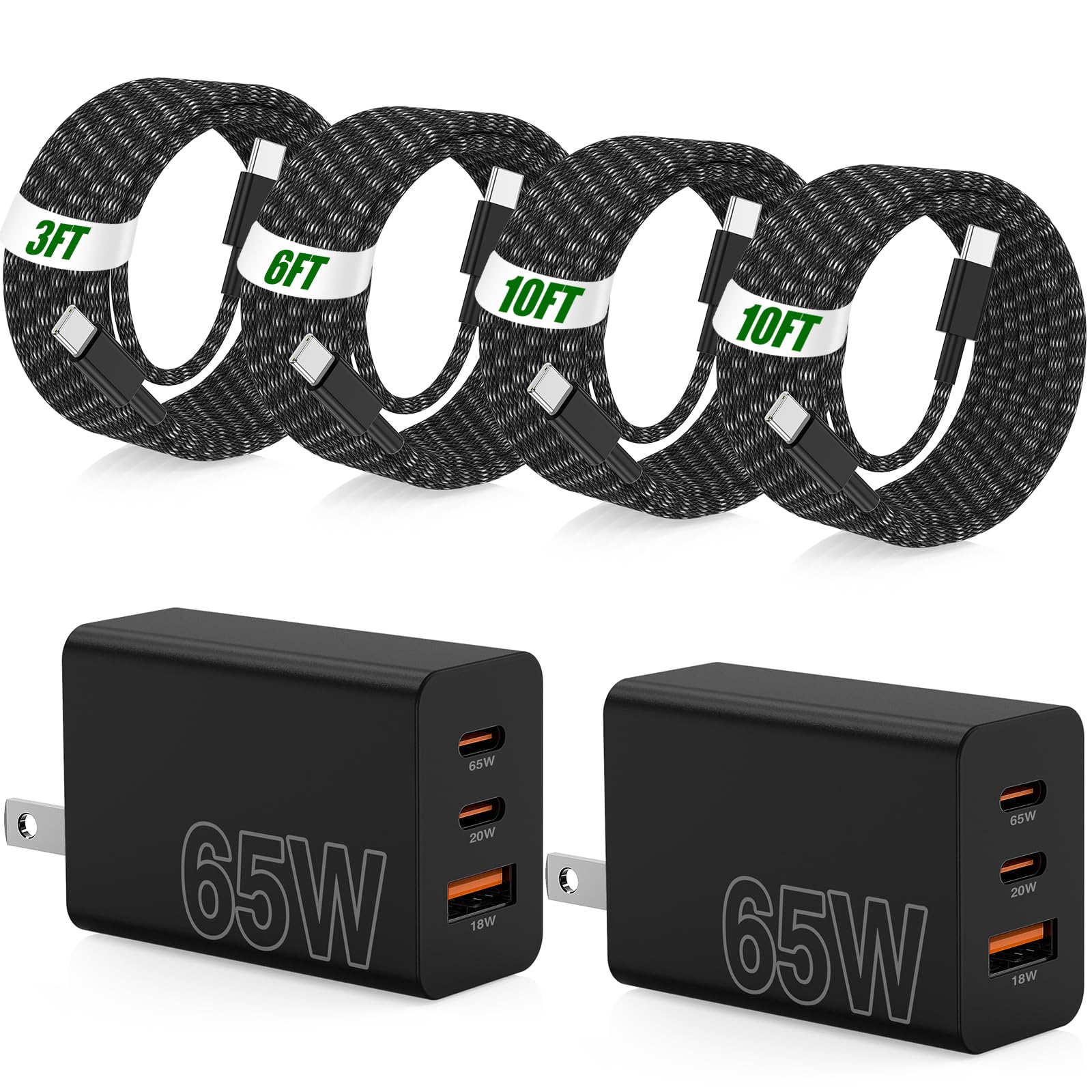
It is a strong choice for someone who needs fast charging for a Samsung phone and wants multiple ports and long cables in one bundle.
Pros
- Charges phones and some laptops fast from a single port.
- Comes with four durable braided USB‑C cables in varied lengths.
- Multiple ports let several devices charge at once.
Cons
- Bulkier than a single‑port wall charger.
- May be more than needed for users with just one device.
- Not an official Samsung charger, so warranties may differ.
The charger aims to deliver high power with a three‑port layout so users can top up a phone, tablet, and laptop without extra adapters. The included cables reach long lengths, which helps when outlets sit far from work areas.
Safety features claim to limit overheating and overcharging, which could ease worry during heavy use. The seller bundles two charger blocks and four cables, making it a budget‑friendly option for people who want spares or travel kits.
It suits buyers who want fast, flexible charging and don’t need an official Samsung brand charger. Those who prefer the smallest possible charger or strict brand warranty may want to compare options first.
Galaxy Magnet Wireless Charger (45W)
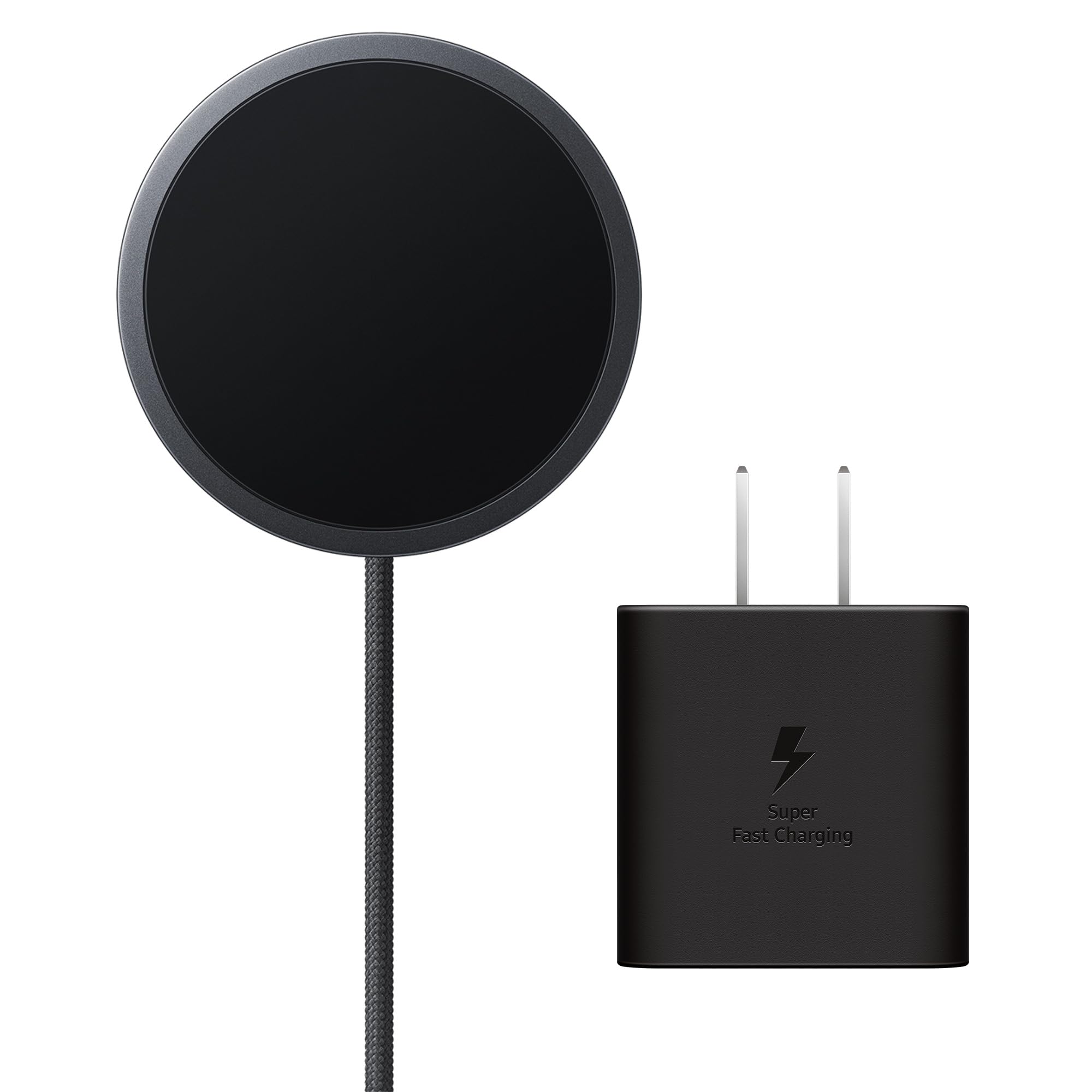
This charger is a good choice for Galaxy users who want fast, magnetic wireless charging and a tidy desk setup.
Pros
- Strong magnets keep the phone aligned reliably.
- Includes a 45W adapter for faster wireless top-ups.
- Low-profile design and non-slip surface look neat on a desk.
Cons
- May not work well with thick or incompatible cases.
- Fastest speeds only apply to specific Galaxy models.
- Wireless charging can be slower than wired during heavy use.
The Galaxy Magnet Wireless Charger uses built-in magnets to snap compatible phones into place. It aims to make wireless charging easier and more reliable than older pads.
Samsung bundles a 45W power adapter, which helps reach faster wireless rates on select Galaxy models. Buyers should note the top speeds are limited to certain phones and setups.
Many users find the magnetic hold and fabric cable handy for daily use. Others report needing to remove some cases to start charging, so case compatibility matters.
Dexpt 65W USB-C Laptop Charger

This charger is a solid budget choice for Samsung laptops that need up to 65W and want a compact, travel-friendly option.
Pros
- Charges laptops, tablets, and phones quickly with 65W PD.
- Foldable plug and long detachable cable make it easy to use on the go.
- CE certified and offers basic safety protections.
Cons
- Foldable prong can feel loose or fragile.
- Build quality may vary between units.
- Single USB-C port limits charging multiple devices at once.
The charger suits people who want a small, powerful adapter for a Samsung Galaxy Book or similar laptop. It looks compact and aims to balance speed with portability for office or travel use.
Users might like the long cable when they work away from outlets. The single-port design keeps things simple but forces users to swap chargers if they need to power other devices at the same time.
Safety features and CE certification add a layer of trust, though some buyers reported issues with the plug mechanism. Those who value a low-cost spare or travel charger may find this a practical pick.
Buy Dexpt 65W USB-C Laptop Charger
Superer 65W USB-C Charger

This charger is a solid budget choice for Samsung Galaxy Book owners who need a compact, fast USB-C replacement that covers basic safety needs.
Pros
- Fast charging for compatible Samsung laptops.
- Long 7.5 ft cable gives more reach at cafes or libraries.
- CE-certified safety features help protect devices.
Cons
- Some users report durability issues after months of use.
- Not every unit charges under heavy laptop load.
- Single USB-C port limits charging flexibility.
It charges laptops at up to 65W, which suits many Galaxy Book models that use USB-C power. Buyers get a long cable and a small wall adapter that is easy to carry.
Several reviews praise its reliable charging and fit for Samsung models, while a few note it stopped working or required wiggling after extended use. The seller has replaced faulty units in some cases.
This option makes sense for someone who wants an affordable, portable replacement charger and can accept possible lifespan risks compared with OEM chargers.
Zondol 65W USB-C Charger
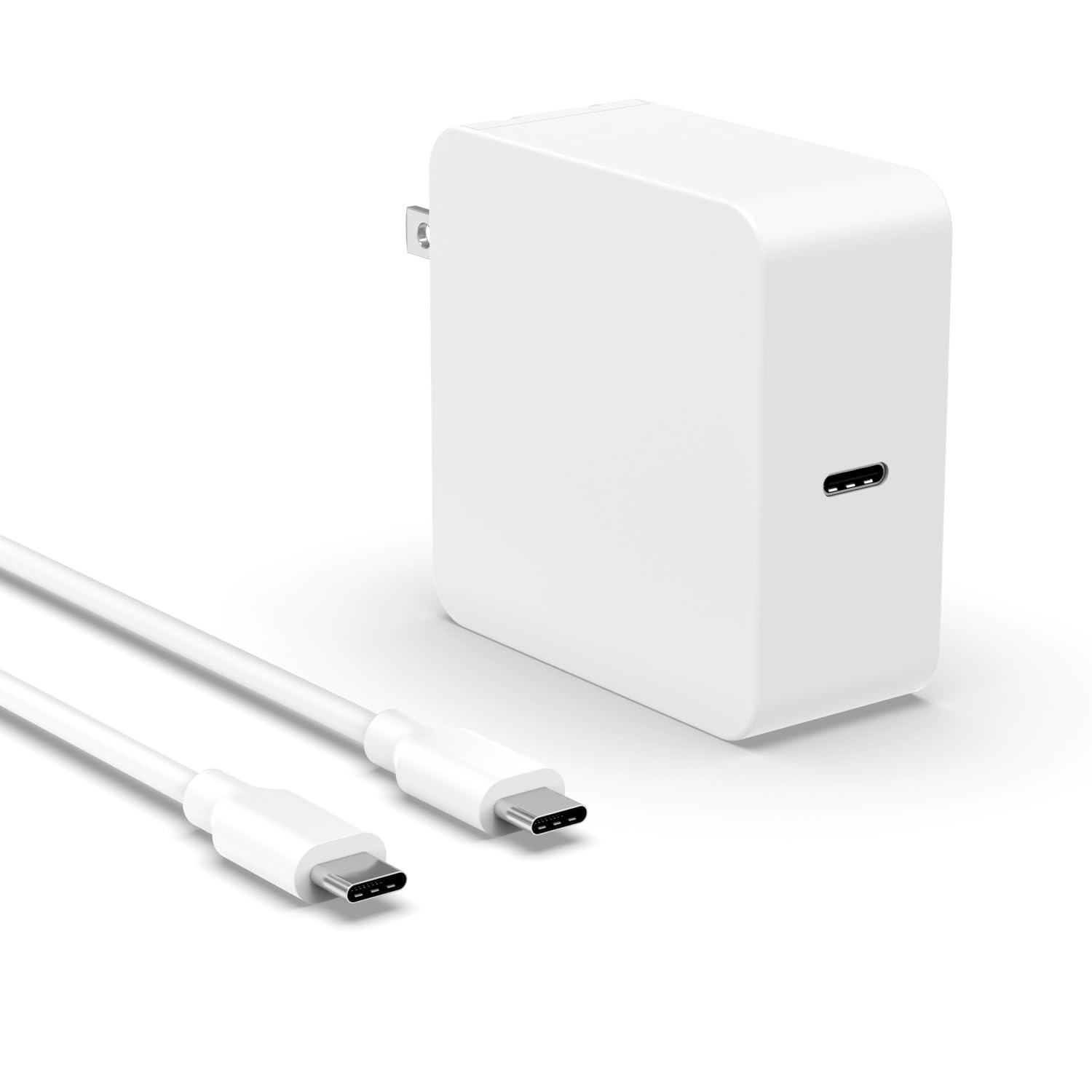
This charger is a good pick for someone who wants a compact, USB-C power adapter that works with many Samsung laptops and phones.
Pros
- Very compact and easy to carry.
- Works across Samsung laptops, phones, and tablets.
- Built-in safety features like over-charge and short-circuit protection.
Cons
- Only one USB-C port limits charging multiple devices at once.
- Some users report buzzing or inconsistent noise.
- Cable is detachable, which can be lost or misplaced.
The charger aims for travel convenience with a foldable plug and a detachable cable. It fits small bags and keeps a desk tidy. Buyers who move around a lot may like its size.
It claims broad compatibility with many Samsung Galaxy Books and Chromebooks, so it can replace multiple chargers at home. The 65W output suits normal laptop tasks and fast phone charging in many cases.
Safety certifications and a 12-month warranty give some peace of mind. A few customer comments mention fast charging while others note a buzzing sound on older adapters, so expectations should stay realistic.
Buyers can view more details and current pricing on Amazon: Zondol 65W USB C Laptop Charger Fit for Samsung Galaxy Book 360, Book Pro, ep-ta865 NP950QDB NP930QDB NP935QDC NP950XDB NP930XDB, Fit for Chromebook 4 4+ Plus XE310XBA XE350XBA XE513C24 Type C Adapter.
VJYUIJAY 65W USB-C Charger
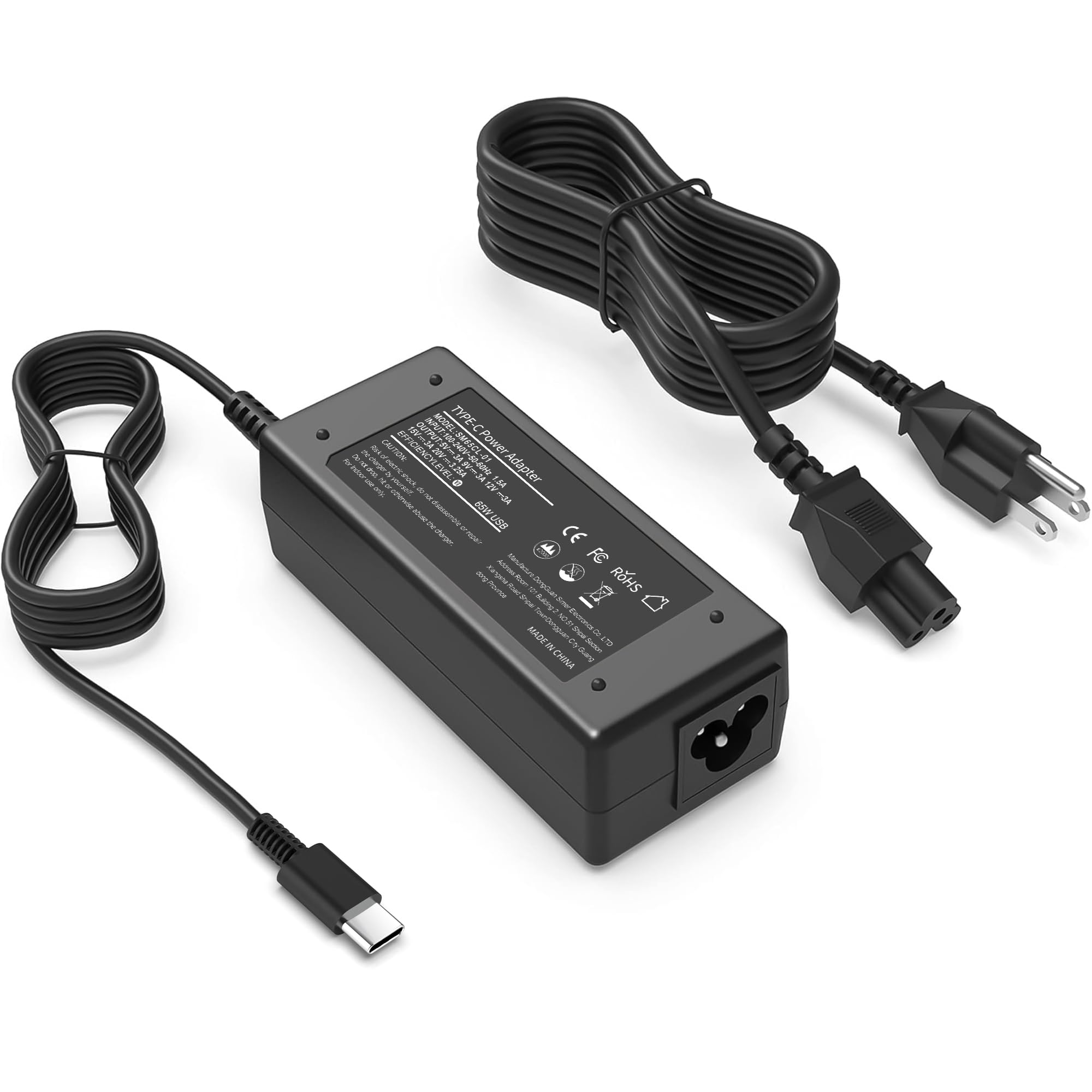
This charger is worth considering for buyers who need a compact USB‑C adapter that fits many laptops and charges at up to 65W.
Pros
- Works with many USB‑C laptops and Chromebooks.
- Compact and travel friendly.
- Built‑in protections for safety.
Cons
- Durability concerns reported by some users.
- Can get warm during long charging sessions.
- Not OEM; may not match every device perfectly.
It covers a wide list of laptop models, so it can reduce the need for multiple chargers. The USB‑C output lets it power phones and tablets as well, which adds convenience for travel.
Some reviewers say it charges quickly and stays compact in a bag. Others mention the cable end can wear and the unit may warm up after extended use, so handle it carefully.
It includes a power cable and claims safety features, and it carries a one‑year warranty. Buyers who want a low‑cost, multi‑device option may find it useful, but those seeking maximum longevity might prefer a brand‑name OEM charger.
Anker 65W Nano II (3-Port)

It is a strong choice for someone who wants one compact charger to power a laptop, phone, and tablet without extra bulk.
Pros
- Charges up to three devices at once.
- Small, foldable design easy to pack.
- Fast charging that works for many laptops.
Cons
- May stick out from the wall more than ultra-compact models.
- Full 65W only on a single port; multi-device use shares power.
- Some users might prefer brand-specific chargers for warranty reasons.
It aims to replace several chargers with one tidy unit. The charger uses newer GaN tech to cut size while keeping power. Buyers who travel or work from cafes will like the smaller footprint.
It balances speed and convenience without sounding like an oversized power brick. People with USB-C laptops and phones will find it versatile. Power distribution changes when more devices plug in, so heavy laptop users should note that.
It comes from a brand known for chargers and includes a standard warranty. The unit packs three ports into about the size of a small case. For shoppers wanting fewer cables and plugs, it often hits the right mix of power and portability.
Buying Guide
Choose a charger that matches the laptop’s power need. Check the laptop’s required wattage and pick a charger with equal or slightly higher wattage to ensure reliable charging.
Look for the right connector type so the plug fits the laptop port. USB-C PD is common for newer models, while older laptops may use proprietary plugs. Verify the cable and plug match the laptop model.
Consider safety features like over-current, over-voltage, short-circuit, and temperature protection. These reduce risk to the laptop and battery during heavy use or power spikes.
Think about charger size and weight if portability matters. A compact adapter suits travel. A heavier brick may offer higher power but is less convenient to carry.
Assess charging speed and efficiency ratings. Higher wattage and PD profiles often charge faster. Efficiency matters for less heat and lower energy waste.
Check cable quality and length. A thick, well-shielded cable lasts longer and resists fraying. Choose a length that fits typical use—too short limits placement; too long adds clutter.
Review warranty and support options before buying. A clear warranty and responsive support help if the charger fails. Confirm return policies and customer service channels.
Compare price against features and build quality. Higher cost can mean better safety, materials, and longevity. Balance budget with the features most important for the laptop’s use.