How to Tell If Usb-c Cable Supports Fast Charging
Check the cable’s wattage rating, USB PD support, and any e-marker reference before assuming it can fast charge. Then confirm it matches your charger and device, because the slowest part of the chain sets the speed.
If you want to know whether a USB-C cable supports fast charging, start with the cable’s printed rating, then match it to your charger and device. In most cases, a cable that clearly lists its power rating and uses the right USB-C standard is a better sign than vague “fast charge” marketing.
- Look for specs: A clear 60W, 100W, or 240W rating is more useful than vague “fast charge”.
- Match the whole setup: Fast charging requires the cable, charger, port, and device to support the same standard.
- Watch for e-markers: They matter most on higher-power USB-C cables and help confirm capability.
- Use behavior to verify: Charging icons, device settings, and USB power meters can help confirm real performance.
- Replace damaged cables: Fraying, heat, or intermittent charging are signs to stop using the cable.
How to Tell If a USB-C Cable Supports Fast Charging: The Quick Answer
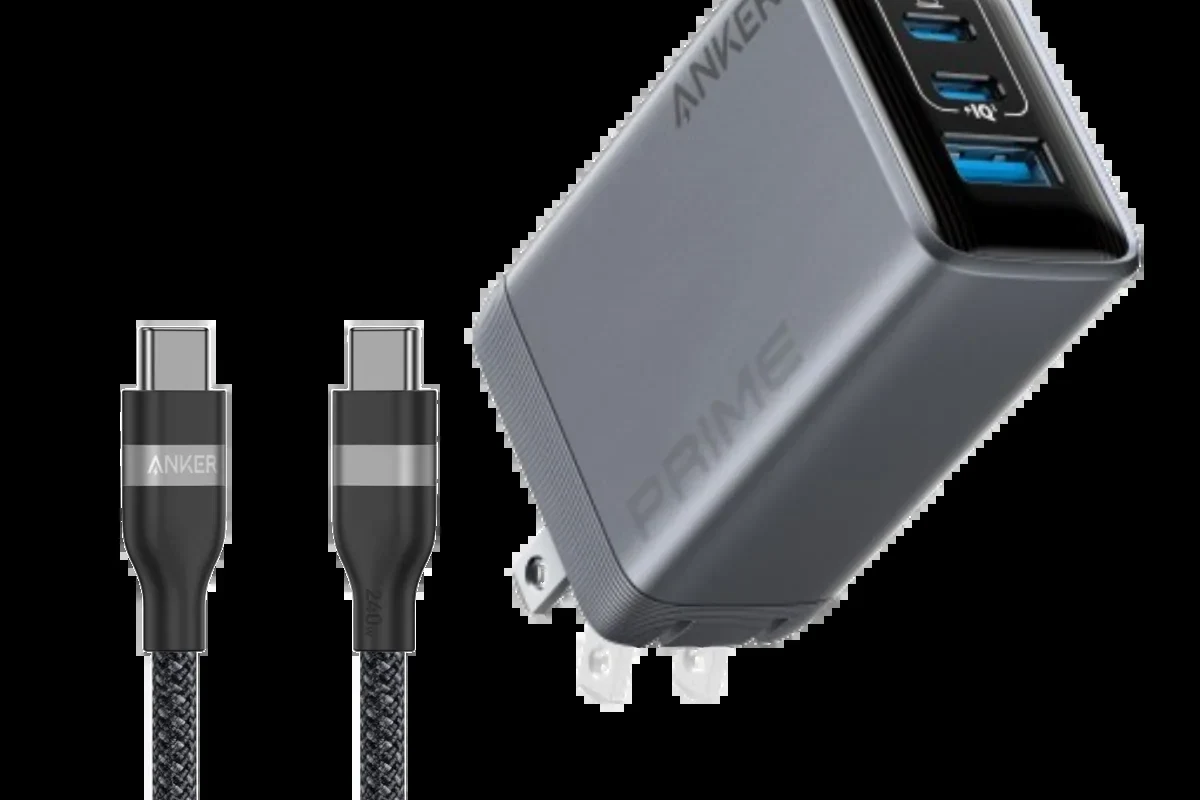
Look for a clear wattage rating on the cable or packaging, such as 60W, 100W, or 240W, and check whether the cable mentions USB Power Delivery or an e-marker for higher-power use. If the cable has no specs at all, or only says “charging cable” without details, assume it may not support the fastest charging your device can take.
What “Fast Charging” Means for USB-C Cables in 2026
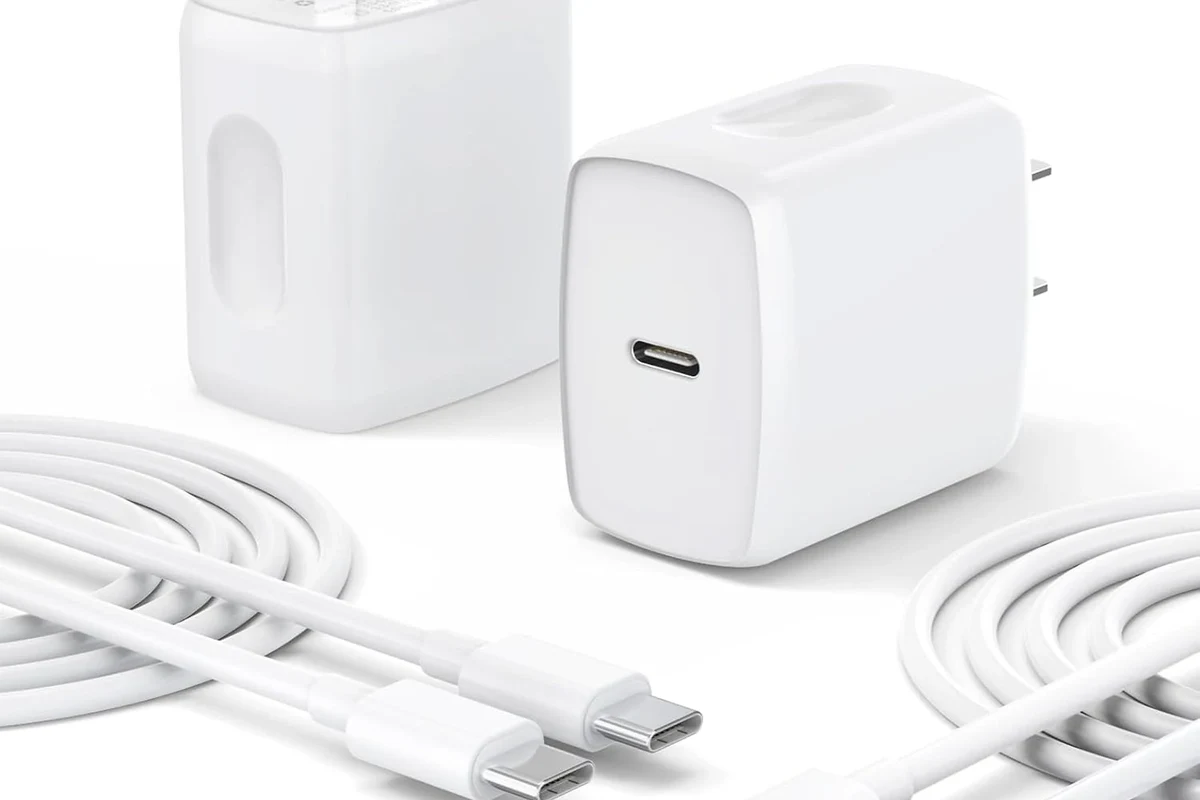
Fast charging is not one single speed. It depends on the charger, the device, the cable, and the charging standard they all support together.
USB Power Delivery, PPS, and why the cable matters
USB Power Delivery, often called USB PD, is the main standard behind fast charging for phones, tablets, handhelds, and many laptops. Some devices also use PPS, or Programmable Power Supply, which lets the charger adjust voltage more precisely for better efficiency and heat control.
The cable matters because it must safely carry the current and power the charger wants to deliver. A cable that is fine for basic charging may still limit speed if it is not rated for the wattage your device needs.
How wattage, amperage, and voltage affect charging speed
Wattage is the easiest number to check because it reflects total power. In simple terms, higher wattage support usually means the cable can handle more demanding fast-charging setups, but only if the charger and device also support that level.
Amperage and voltage also matter. Some cables are built for standard phone charging, while others are designed for higher current or higher power delivery, especially for laptops and larger tablets.
Check the Cable’s Label, Printing, and Packaging
The fastest way to identify a capable cable is by reading the specs printed on the cable jacket or shown on the package. Good manufacturers usually make the power rating easy to find.
What markings to look for: 60W, 100W, 240W, and e-marker references
Common markings include 60W, 100W, and 240W. A 60W cable is often enough for phones, tablets, and some lightweight laptops, while 100W and 240W cables are meant for more demanding devices and newer high-power USB-C setups.
If you see “e-marker” or “electronically marked,” that usually means the cable contains a chip that identifies its capabilities to connected devices. That is especially important for higher-power cables, because it helps the charger and device negotiate power more safely.
Packaging wording can vary by brand and region. Always confirm the exact wattage and USB standard on the product page, manual, or box before relying on the label alone.
Red flags: vague claims, missing specs, and generic packaging
Be careful with labels like “super fast,” “quick charge compatible,” or “high speed” if no wattage is listed. Those phrases can describe data transfer, marketing language, or compatibility in a broad sense, not guaranteed charging performance.
Generic packaging with no model number, no power rating, and no standard references is a warning sign. If the seller cannot clearly state the cable’s rating, it is safer to treat it as a basic cable rather than a fast-charging one.
When shopping online, open the full product details and look for the cable’s exact wattage, USB PD support, and whether it is marked for data, charging, or both.
Match the Cable to Your Charger and Device
A fast cable is only useful when it matches the charging needs of your device and the output of your adapter. Compatibility is often the difference between “works” and “charges at full speed.”
Phone, tablet, laptop, and handheld gaming device compatibility
Phones often need less power than tablets or laptops, but many still benefit from a USB PD cable that can handle more than the minimum. Tablets and handheld gaming devices may require higher wattage, especially during active use.
Laptops are the most likely to expose cable limits because they can demand much more power than a phone. If the cable is rated below the laptop charger’s output, the system may still charge, but not as efficiently or as quickly as intended.
When a cable is the bottleneck even if the charger is powerful
A powerful charger does not guarantee fast charging if the cable cannot carry the same level of power. In that case, the charger may fall back to a lower output for safety.
This is why a 100W charger paired with an unmarked cable may behave like a much weaker setup. If charging speed seems disappointing, the cable is one of the first components to check.
Build Quality Clues That Usually Signal Better Fast-Charging Support
Build quality does not prove wattage by itself, but it can hint at whether a cable is designed for more demanding charging. Use these clues as supporting evidence, not as the only proof.
Connector fit, cable thickness, shielding, and strain relief
A well-made cable often has snug connectors, solid strain relief near the plugs, and a jacket that feels appropriately robust for the power level it claims. Thicker cables can sometimes indicate better current handling, though thickness alone is not a guarantee.
Good shielding and sturdy connectors can also improve reliability over time. That matters for people who plug and unplug cables often, carry them in bags, or use them at desks, bedside tables, or in cars.
Why premium materials do not always mean higher charging wattage
Nylon braiding, metal shells, and premium packaging can make a cable feel durable, but they do not automatically mean it supports fast charging. A stylish cable can still be limited to low power.
Always prioritize the stated wattage and standard over appearance. Materials help with durability, but the electrical rating is what determines charging capability.
- Choose the shortest cable that still fits your setup if you want to reduce clutter and avoid unnecessary voltage drop.
- Keep a clearly labeled cable for laptops or high-wattage devices so it is not mixed up with basic phone cables.
- Store cables loosely coiled instead of sharply bent to help preserve the internal wiring.
How to Verify Fast-Charging Support Without Guessing
If the label is unclear, there are still practical ways to confirm whether a cable is actually supporting fast charging. The goal is to verify behavior, not rely on marketing language.
Use device settings, charging icons, and charger readouts
Many phones and tablets show a fast-charging icon, a charging estimate, or a status message when they detect a higher-power connection. Some laptops and handheld devices also show charging status in system settings or battery menus.
Keep in mind that icons and messages vary by brand and software version. A missing fast-charging symbol does not always mean the cable is bad, but it can be a clue that the device is not receiving its preferred power level.
What USB power meters and smart chargers can confirm
A USB power meter can show voltage and current, which helps you see whether the device is drawing more than basic charging levels. Smart chargers with display readouts can also provide useful confirmation, though the exact numbers still depend on the device’s battery state and charging protocol.
These tools are most helpful when comparing cables under the same conditions. They can confirm whether one cable is limiting power compared with another, but results may change if the battery is nearly full or the device is warm.
Some devices intentionally slow charging when they get warm to protect the battery, even if the cable and charger are both capable of faster speeds.
Common Mistakes That Make a Fast Cable Charge Slowly
Slow charging is often caused by setup mistakes rather than a bad cable. Before replacing anything, check the whole chain from wall outlet to device.
Using the wrong port, adapter, or charging standard
Not every USB-C port supports the same speed or power level. Some chargers have one high-power port and one lower-power port, and some devices only fast-charge with a specific standard.
If the charger, cable, and device do not speak the same charging language, the system may fall back to a slower mode. That is normal behavior, not necessarily a defect.
Mixing up data cables, charge-only cables, and low-power cables
USB-C cables can be built for different purposes. Some are optimized for charging, some for data, and some do both, but not all are rated for high wattage.
A charge-only cable may work fine for power, while a low-power cable can still charge a phone slowly but struggle with tablets or laptops. If you need one cable for multiple devices, choose one with a clear power rating and USB PD support.
Stop using damaged cables, loose connectors, or accessories that get unusually hot, disconnect intermittently, or show fraying near the plug. Follow the manufacturer’s guidance for replacement and safe disposal.
Safe Use, Heat Limits, and When to Replace the Cable
Fast charging creates more heat than basic charging, so cable condition matters for both performance and safety. A worn cable may still work, but it is not worth the risk if it is unstable or visibly damaged.
Signs of overheating, wear, fraying, or unstable charging
Watch for warm or hot connector ends, charging that starts and stops, visible cracks, bent plugs, exposed wires, or a cable that only works when held at a certain angle. Those are signs the cable may no longer be reliable.
If charging behavior changes suddenly, test with a different certified cable and charger if available. If the problem follows the cable, replace it rather than continuing to use it.
Storage and care tips to preserve performance and safety
Keep cables away from sharp bends, heavy furniture, liquid spills, and tight knots. Avoid wrapping them too tightly around chargers or devices for long periods, since that can stress the internal conductors.
For travel, a small pouch or cable organizer can prevent connector damage in bags. At home, keeping cable ends off the floor can also reduce wear from pets, vacuum cleaners, and foot traffic.
Buying Guide: Which USB-C Cable Is the Best Value for Your Needs?
The best value cable is the one that matches your device’s real charging needs without overpaying for features you will not use. For many people, that means buying one well-rated cable for everyday use and one higher-wattage cable for laptops or travel.
Best options for phones, tablets, laptops, and travel kits
For phones, a clearly rated USB-C cable with USB PD support is usually enough. For tablets and handheld gaming devices, look for a cable with a higher wattage rating that leaves some room above the device’s maximum draw.
For laptops, choose a cable rated for the charger’s output or the device’s recommended power level. For travel kits, a durable, clearly labeled cable with broad compatibility is often the most practical choice.
| Option | Best For | Key Consideration |
|---|---|---|
| 60W USB-C cable | Phones, tablets, smaller accessories | May be enough for many users, but not ideal for high-power laptops |
| 100W USB-C cable | Most tablets and many laptops | Good balance of compatibility and flexibility |
| 240W USB-C cable | High-power laptops and future-proof setups | Only useful if your charger and device support that level |
Transparent recommendation based on wattage, durability, and price
For most buyers, a 100W USB-C cable is the safest all-around value because it covers a wide range of phones, tablets, and many laptops without being excessively specialized. If you only charge a phone, a lower-wattage cable can still be fine as long as it is clearly rated and from a reputable source.
If you regularly charge a laptop or want fewer compatibility worries, step up to a higher-rated cable and verify that your charger and device can actually use it. The best choice is the one that is clearly specified, appropriately rated, and matched to your real devices rather than the highest number on the box.
- Check for a clear wattage rating, USB PD support, and e-marker references when needed.
- Match the cable to the charger and device, because any weak link can reduce speed.
- Replace damaged or overheating cables immediately for safety and reliability.
Frequently Asked Questions
Look for a clear wattage rating, USB Power Delivery support, and any e-marker reference on the cable or packaging. If the specs are missing or vague, assume it may not support fast charging at full speed.
Choose the rating based on your device and charger. 60W is often enough for phones and some tablets, 100W fits many tablets and laptops, and 240W is for higher-power USB-C setups that actually support it.
The cable may be the bottleneck, or the charger, port, or device may not support the same charging standard. Heat, battery level, and software behavior can also reduce charging speed.
No. Some USB-C cables are basic charging cables, some support USB PD, and others are rated for higher power levels. Always verify the cable’s exact specs before buying.
Check the device’s charging status, use a USB power meter, or compare behavior with a known certified cable. Results can vary with battery level, temperature, and the device’s charging rules.
Replace it if you see fraying, cracked connectors, loose fit, intermittent charging, or unusual heat. Stop using it immediately if it becomes damaged or unstable.