Camera Anatomy Front Guide for Beginners and Creators
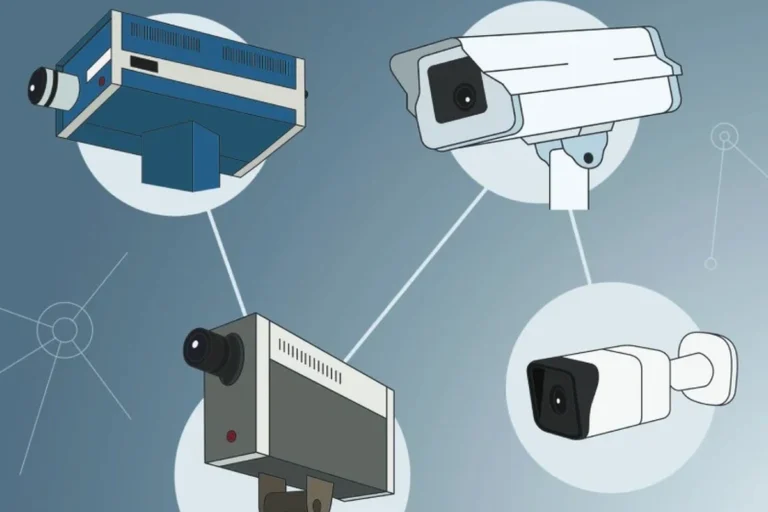
The front of a camera is where the lens, indicators, microphones, and protective housing work together to shape image quality and usability. If you know what to check on the front side, it is much easier to choose, place, and maintain a smart home camera correctly.
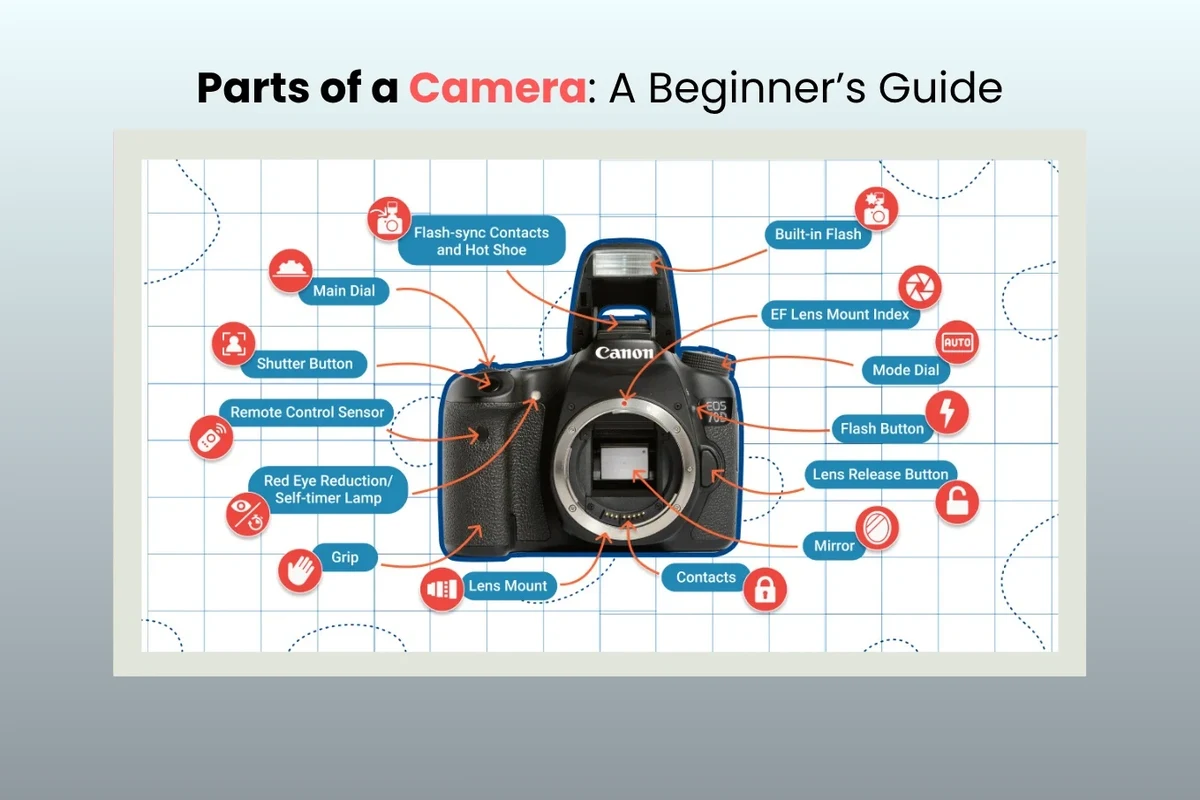
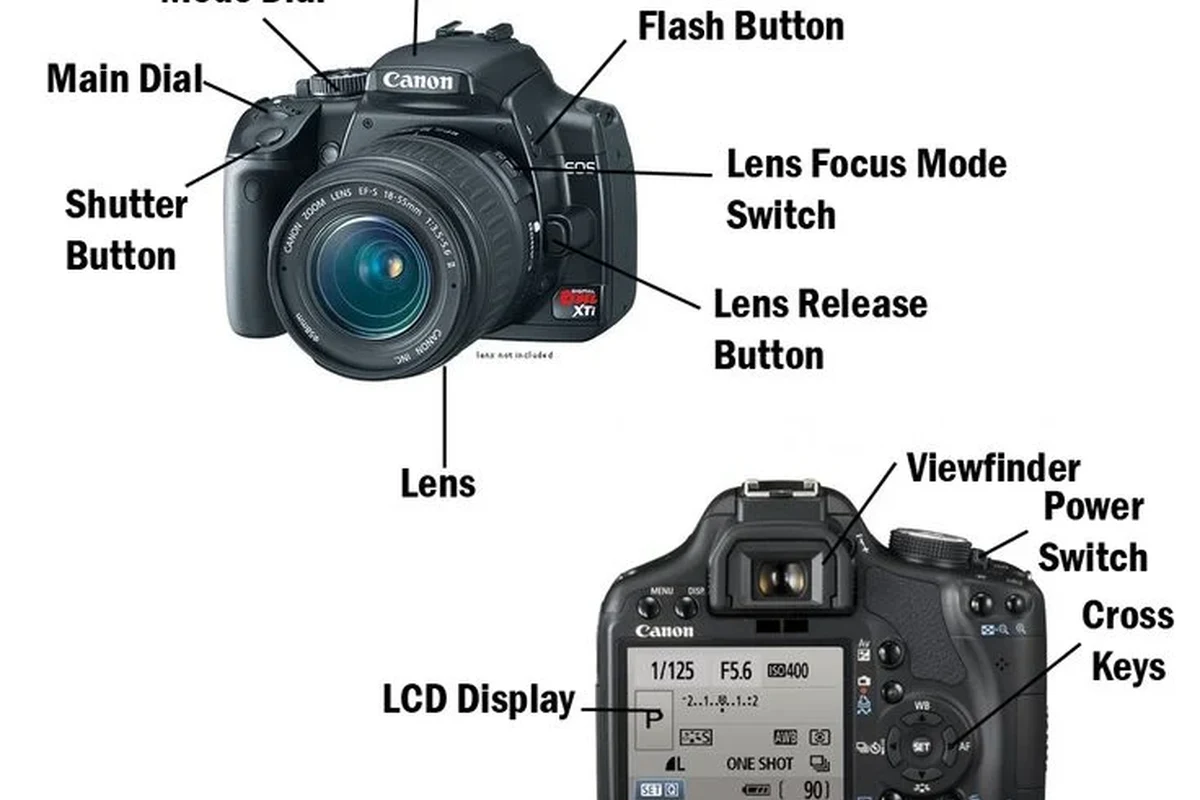
- Front layout: The lens, lights, microphones, and seals all affect how the camera performs in real.
- Placement matters: A clear, unobstructed front view improves motion detection and image quality.
- Indoor vs. outdoor: Outdoor models need better sealing and weather-aware installation.
- Buy smart: Verify dimensions, app requirements, power, storage, and support before choosing a model.
- Care counts: Gentle cleaning and routine inspection help preserve the front lens and housing.
Frequently Asked Questions
The front usually includes the lens, sensor window, status lights, microphones, infrared LEDs, and sometimes privacy indicators. Some models also have protective covers, bezels, or weather seals around the front housing.
The front design affects image capture, field of view, low-light performance, and how easily the camera fits into a room or outdoor setup. It also affects how clearly the device shows power, recording, or privacy status.
Check the camera’s dimensions, mounting style, and required clearance around the lens and ports. Compare those details with your shelf, wall, ceiling, or outdoor mounting location before buying.
Confirm the app requirement, Wi-Fi or hub support, power source, and storage options. Also verify whether any features depend on firmware, a subscription, or a specific phone or platform version.
Use a soft microfiber cloth and follow the manufacturer’s cleaning guidance. Avoid abrasive materials, strong solvents, and excess moisture, especially around seals, ports, and outdoor housings.
Stop using the camera if the housing is cracked, the cable is frayed, the battery is swollen, or the adapter overheats. Replace worn mounts, seals, or cables when they no longer hold the camera securely or reliably.