When Did Security Cameras Come Out A Brief History
Security cameras first appeared in the 1940s, but the smart home versions most people buy today became common much later. Modern models add app access, cloud or local storage, and motion detection, but the best choice still depends on placement, power, and privacy needs.
Security cameras first appeared in the 1940s as early video surveillance tools, then evolved into the consumer-friendly smart home systems many people use today. If you’re asking when security cameras came out, the short answer is that the technology dates back decades, but modern connected cameras are a much newer development.
- Origin: Security cameras date back to the 1940s, with broader commercial use growing later.
- Modern shift: Internet-connected cameras made remote viewing and app alerts mainstream.
- Buying focus: Storage type, power source, and compatibility matter as much as resolution.
- Best fit: Homes, apartments, and small businesses each need different camera styles.
When Did Security Cameras Come Out? The Short Answer and Why It Matters
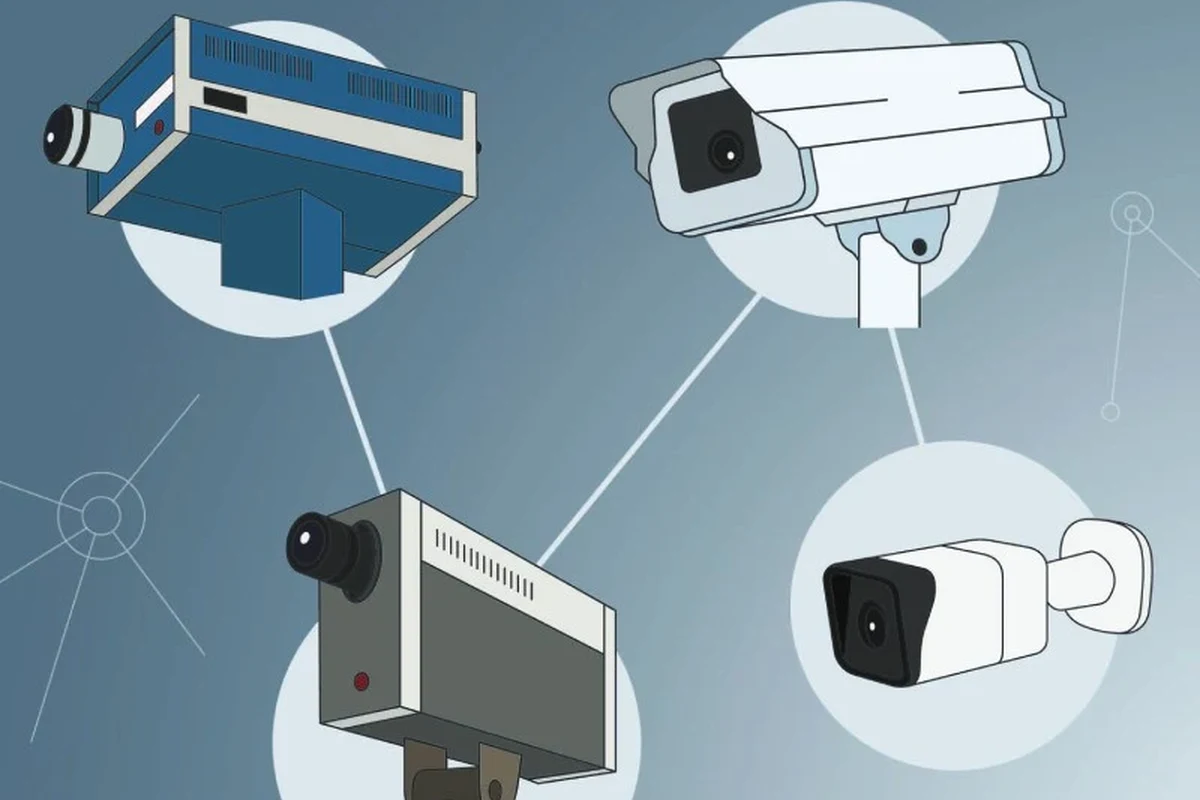
The earliest recorded uses of video surveillance go back to the 1940s, when cameras were used in limited, specialized settings rather than homes. What most people think of as a “security camera” today—the kind with app alerts, cloud storage, and motion detection—did not become common until much later.
That history matters because it explains why camera features vary so much. Some models are built around old-school reliability and local recording, while others are designed for smart home convenience, remote access, and AI-based alerts.
The History of Security Cameras: From Early Surveillance to Modern Smart Home Systems
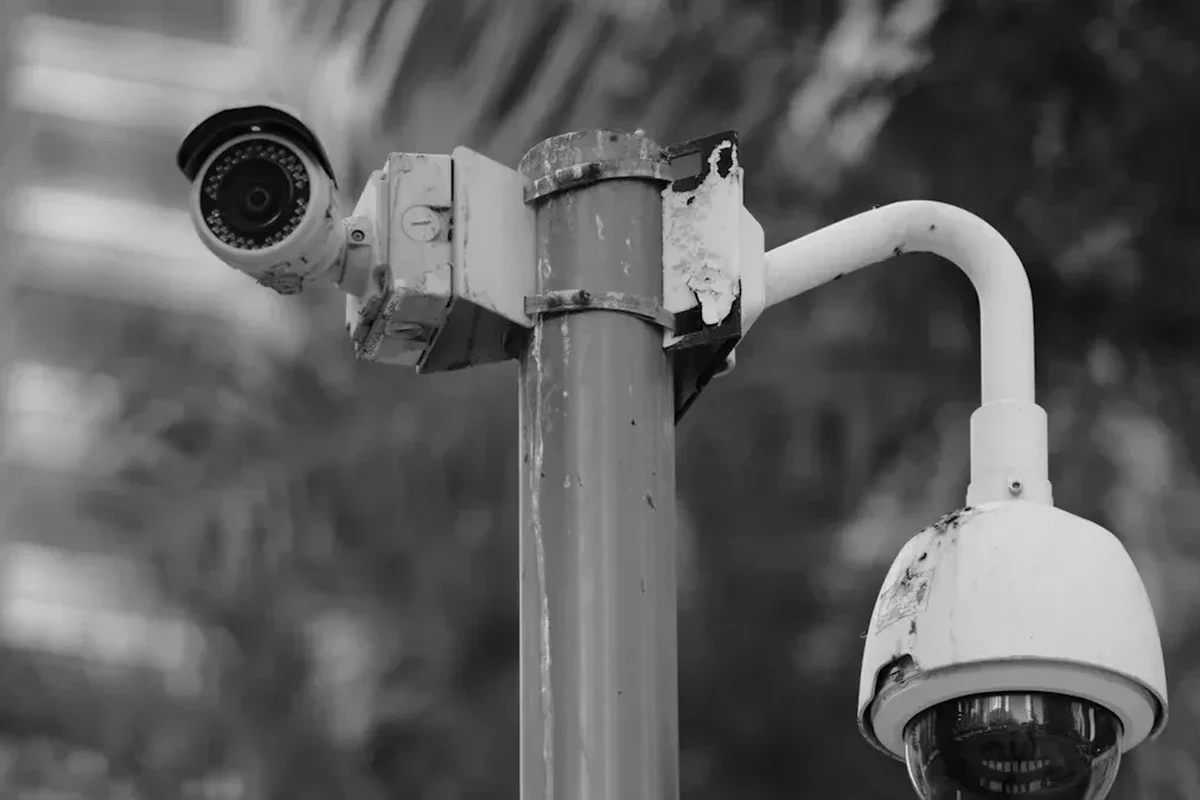
Security cameras did not arrive in one neat launch year. They developed in stages, starting with military and industrial uses, then expanding into business and home security as recording equipment became smaller, cheaper, and easier to install.
1940s to 1960s: The first recorded video surveillance uses
Early video surveillance systems were large, expensive, and limited in scope. They were used in controlled environments where watching a live feed was more important than recording high-quality footage for later review.
During this period, the technology was not consumer-focused. Cameras, monitors, and recording systems were often custom-installed and required technical support, which kept them out of most homes and small businesses.
Closed-circuit television, or CCTV, refers to a video system where the signal is sent to a limited set of monitors instead of being broadcast publicly.
1970s to 1990s: Commercial adoption and analog CCTV growth
This was the era when security cameras became more recognizable as a practical protection tool. Analog CCTV systems expanded in retail stores, banks, warehouses, parking lots, and public facilities because they could help monitor activity and preserve evidence after an incident.
As recording devices improved, businesses could store footage more reliably. The systems were still usually wired and often required professional installation, but they became more affordable and more common than the earlier generations.
For homeowners, this era was still mostly out of reach. Cameras existed, but they were bulky, expensive, and not especially easy to integrate into everyday life.
2000s to 2026: IP cameras, cloud storage, and AI detection
The biggest shift came when cameras moved from analog-only systems to IP-based designs. Internet-connected cameras made it easier to view live video remotely, save clips digitally, and manage multiple cameras through a single app or web dashboard.
Today’s smart home cameras may include person detection, package alerts, two-way talk, color night vision, and cloud or local storage options. Exact features vary by model, firmware, and subscription tier, so it is worth checking the manufacturer’s current specifications before buying.
Modern systems are also more flexible. Some are battery-powered and wireless, some plug into indoor outlets, and some connect to smart displays or home hubs. That flexibility is one reason cameras moved from a business security tool to a mainstream smart home category.
Feature names like “AI detection,” “smart alerts,” or “person recognition” are not standardized across brands. Always confirm what the camera actually detects and whether those features require a paid plan.
How Security Cameras Work Today
Most modern cameras follow the same basic path: the lens captures light, the sensor turns it into an image, the processor handles compression and detection, and the footage is stored locally, in the cloud, or both. The differences come down to quality, power source, software, and how the camera connects to your home network.
Core components: lens, sensor, processor, storage, and connectivity
The lens determines how wide the camera can see, while the sensor affects image quality in different lighting conditions. A processor handles video compression and may also run motion or AI detection, depending on the model.
Storage is another major piece. Some cameras record to a memory card, some save clips to a hub or base station, and many use cloud storage through an app. Connectivity usually happens over Wi-Fi, Ethernet, or a proprietary hub, depending on the system design.
- Check whether the camera supports local recording, cloud recording, or both before you buy.
- Look for app and firmware support from the manufacturer, especially if you plan to keep the camera for several years.
- Review the official manual to confirm whether the camera needs a hub, subscription, or specific router settings.
Wired vs. wireless cameras: power, signal, and reliability trade-offs
Wired cameras usually offer more stable power and, in some cases, a more reliable data connection. They can be a better fit for long-term outdoor installs or locations where you do not want to worry about charging batteries.
Wireless cameras are often easier to place and move, which makes them popular for renters and quick DIY setups. The trade-off is that battery life, Wi-Fi strength, and motion activity all affect performance, so real-world convenience depends heavily on your home layout and usage pattern.
Use only the power adapter, cable, and mounting method recommended by the manufacturer. Damaged cables, loose mounts, or improper outdoor power setups can create safety and reliability problems.
Local storage, cloud storage, and app-based monitoring
Local storage keeps footage on a card, base station, or recorder you control. That can reduce ongoing fees, but it may require more hands-on management, such as checking capacity and backing up important clips.
Cloud storage makes remote access easier and can simplify event review from anywhere, but subscription terms vary. App-based monitoring is convenient, yet it depends on the camera maker’s software, account system, and server availability.
If you want a broader look at how connected devices handle power and accessories, see our guide on whether multi-port chargers work and our follow-up on whether multi-port chargers work for all devices.
What to Look for in a Security Camera in 2026
The best camera for one home may be the wrong choice for another. Focus on image quality, placement, power, storage, and compatibility first, then compare extra features like AI alerts or advanced automation.
Resolution, field of view, night vision, and motion detection
Resolution affects how much detail you can see, especially when zooming into faces, packages, or license plates. Field of view determines how much of a room, porch, or yard the camera can cover without needing a second unit.
Night vision matters if you need clear footage after dark, and motion detection determines how often the camera wakes up or records. More sensitive detection is not always better, because it can create false alerts from pets, traffic, shadows, or moving trees.
- Check resolution, field of view, night vision type, and motion detection settings.
- Confirm whether the camera supports local storage, cloud storage, or both.
- Review the app requirements, Wi-Fi band support, and any subscription features.
Smart home compatibility, app requirements, and connectivity options
Many cameras now work with smart home ecosystems, but compatibility is not universal. Some integrate with voice assistants, smart displays, or automation platforms, while others stay inside a single brand’s app.
Before buying, verify whether the camera supports your phone’s operating system, your router’s Wi-Fi band, and any smart home platform you already use. If you rely on a specific ecosystem, the official compatibility list matters more than marketing language.
Power source, installation needs, dimensions, and weather resistance
Power source affects placement more than almost any other spec. Battery cameras are flexible, plug-in cameras are simple for indoor use, and wired outdoor models can be better for permanent coverage if your home is already set up for them.
Also check physical size, mounting style, and weather resistance if the camera will live outside. Manufacturer ratings and installation instructions should guide your decision, especially for exposed areas like porches, garages, and fences.
Who Security Cameras Fit Best: Homes, Apartments, Small Businesses, and Renters
Security cameras can help many different users, but the best setup depends on your living situation and how much control you have over placement and wiring. A homeowner with a yard has different needs than a renter in a one-bedroom apartment.
Best use cases for indoor, outdoor, doorbell, and floodlight cameras
Indoor cameras are useful for monitoring entry points, pets, deliveries, or common areas. Outdoor cameras are better for driveways, side yards, and back doors, where weather resistance and night vision matter more.
Doorbell cameras are a strong fit for front-door visibility and package monitoring, while floodlight cameras add illumination to larger outdoor spaces. Each category solves a different problem, so choose based on the area you actually want to watch.
Privacy, placement, and legal considerations before installation
Camera placement should respect privacy and local laws. Avoid pointing cameras into neighbors’ windows or spaces where recording would be inappropriate, and review building rules if you live in an apartment or managed community.
It is also smart to review the app’s privacy settings, notification permissions, and account security options. Strong passwords and two-factor authentication are simple ways to reduce account risk without changing the camera itself.
Rules about audio recording, shared spaces, and visible cameras can vary by location. If you are unsure, check local regulations, landlord policies, or building management guidelines before installation.
Real-World Benefits and Common Limitations
Security cameras can be genuinely helpful, but they are not magic. They work best as part of a broader safety plan that includes good lighting, solid locks, and sensible placement.
Deterrence, evidence capture, remote monitoring, and peace of mind
Visible cameras may discourage casual trespassing or package theft. When something does happen, recorded footage can help identify what occurred, and remote monitoring can let you check on a home, pet, or delivery while away.
For many buyers, the biggest benefit is peace of mind. Being able to glance at an app and confirm that a front door, garage, or nursery looks normal can be more valuable than any single advanced feature.
Weak spots: blind zones, false alerts, subscription costs, and Wi-Fi dependence
No camera covers everything perfectly. Blind spots can appear because of mounting angle, lens coverage, furniture, walls, or poor lighting, and false alerts can become annoying if motion zones are not tuned well.
Subscription fees may be necessary for longer video history or smarter detection, and Wi-Fi dependence means network problems can interrupt alerts or uploads. If your internet is unreliable, local storage or a wired option may be a better fit.
Common mistakes buyers make when choosing or positioning cameras
One common mistake is buying based on resolution alone. A sharp image is useful, but only if the camera is aimed correctly, has decent night performance, and stores footage in a way that fits your routine.
Another mistake is placing a camera too high, too low, or too far from the action. Before drilling or mounting, think about the path a person would take, where light falls at night, and whether the camera can actually capture the details you care about.
Setup, Maintenance, and Safe Long-Term Use
Good setup and routine maintenance matter just as much as the camera’s spec sheet. A well-placed, well-maintained camera usually performs better than a more expensive unit installed carelessly.
Mounting, app setup, firmware updates, and network security
Follow the manufacturer’s instructions for mounting, pairing, and app setup. If the camera uses an app, make sure your phone is compatible and that you understand what permissions the app needs before enabling notifications or remote access.
Firmware updates can improve stability, fix bugs, and add security patches. It is also wise to use a strong account password, enable two-factor authentication when available, and keep your home Wi-Fi protected with current router security settings.
Stop using damaged electronics, swollen batteries, frayed cables, overheating chargers, or unstable appliances and follow the manufacturer’s guidance.
Cleaning lenses, checking mounts, inspecting cables, and replacing aging hardware
Dust, pollen, spider webs, and fingerprints can reduce image clarity over time. Periodically check the lens and housing, then inspect mounts and cables for looseness, wear, or weather damage.
If a camera starts dropping offline often, missing motion events, or failing to hold a charge, it may be time to review the warranty, firmware status, and replacement options. Aging hardware can become less reliable even if it still powers on.
Storage and weather-related care for indoor and outdoor units
Outdoor cameras need extra attention because temperature swings, rain, and direct sun can affect long-term performance. Make sure the unit is rated for the environment where it is installed and that cable entry points are protected as instructed by the maker.
Indoor cameras also benefit from careful placement. Keep them away from heat sources, liquids, and locations where they can be knocked over or blocked by furniture.
Final Verdict: Are Security Cameras Worth It for Most Smart Homes?
For many smart homes, yes—security cameras are worth considering if you want visibility, alerts, and recorded evidence for key areas. They are most useful when you choose the right type for the space, understand the storage model, and install them with privacy and connectivity in mind.
Value, trade-offs, and the best type of buyer for each camera category
Indoor cameras suit renters, pet owners, and people who want simple room monitoring. Outdoor and doorbell cameras are better for entry points and package visibility, while floodlight cameras fit larger outdoor areas that need both light and video coverage.
The trade-off is that more convenience often means more dependence on apps, Wi-Fi, and possibly subscriptions. If you prefer minimal ongoing costs, look closely at local storage and wired options.
Transparent recommendation based on budget, property type, and privacy needs
If you are budget-conscious, start with one well-placed camera covering your most important entry point. If you own a home and want broader coverage, a mix of doorbell, outdoor, and indoor cameras may be more practical than buying the most advanced model in one category.
If privacy is your top concern, prioritize local storage, clear app controls, and a brand with straightforward documentation. The best security camera is the one that fits your space, your network, and your comfort level with data sharing—not just the one with the longest feature list.
Security cameras have been around since the mid-20th century, but today’s smart home versions are far easier to install and manage. For most buyers, the best choice depends on placement, storage preference, and how much app-based convenience you want versus how much control you want to keep local.
For related smart-home buying questions, you may also want to read about whether an iPhone comes with a charger and what to do if water gets into an iPhone charging port.
Frequently Asked Questions
Security cameras first appeared in the 1940s in limited surveillance settings. They became more common in businesses later, and smart home models arrived much later.
The biggest changes were digital recording, internet connectivity, and app-based monitoring. Those features made cameras easier to install, view remotely, and integrate with smart home systems.
Wired cameras usually offer steadier power and can be more reliable in fixed locations. Wireless cameras are easier to place and move, but battery life and Wi-Fi quality matter more.
No, but many cloud features and longer video history may require one. Some cameras also support local storage, which can reduce or avoid ongoing fees.
Check resolution, field of view, night vision, storage type, app compatibility, and power source. Also confirm whether the camera works with your smart home platform and router setup.
Yes, especially indoor or battery-powered models that do not require permanent wiring. Just make sure the placement follows building rules and respects privacy boundaries.