Best Camera Crawler for Smooth Cinematic Shots
A camera crawler is best for creators who want smooth, repeatable motion for indoor cinematic shots. Choose one based on payload, floor type, and control reliability rather than marketing claims.
A camera crawler is a motorized camera-movement platform that lets you create low-angle, repeatable motion for cinematic shots. For most buyers, the right choice comes down to payload, floor type, control options, and how much setup time you’re willing to trade for smoother movement.
- Payload first: Make sure the crawler safely supports your full camera setup, not just the body.
- Surface matters: Smooth, level floors produce better motion than rugs, dust, or uneven terrain.
- Control check: Verify app, Bluetooth, Wi‑Fi, or wired remote compatibility before buying.
- Setup affects results: Balance the camera, align the path, and test at low speed first.
- Maintenance counts: Clean wheels or tracks, inspect batteries, and stop using damaged parts.
Best Camera Crawler for Smooth Cinematic Shots: What It Is and Who Should Buy One
A camera crawler is designed to move a camera smoothly across a surface or track, usually at a slower and more controlled pace than a handheld rig. It can be a smart fit for creators who film product demos, tabletop scenes, home tours, or any shot where consistent motion matters more than portability.
Unlike a tripod, which stays fixed, or a gimbal, which stabilizes movement while you walk, a crawler creates deliberate motion from a fixed path. That makes it especially useful when you want the same move repeated multiple times for product work, social clips, or B-roll.
Quick answer: the best camera crawler depends on your shot style, payload, and floor type
The best camera crawler is the one that safely supports your camera setup, moves smoothly on your intended surface, and gives you the control style you prefer. If you need repeatable cinematic motion indoors, prioritize stable tracking and reliable speed control over flashy extras.
How a Camera Crawler Works in a Smart Home or Studio Setup
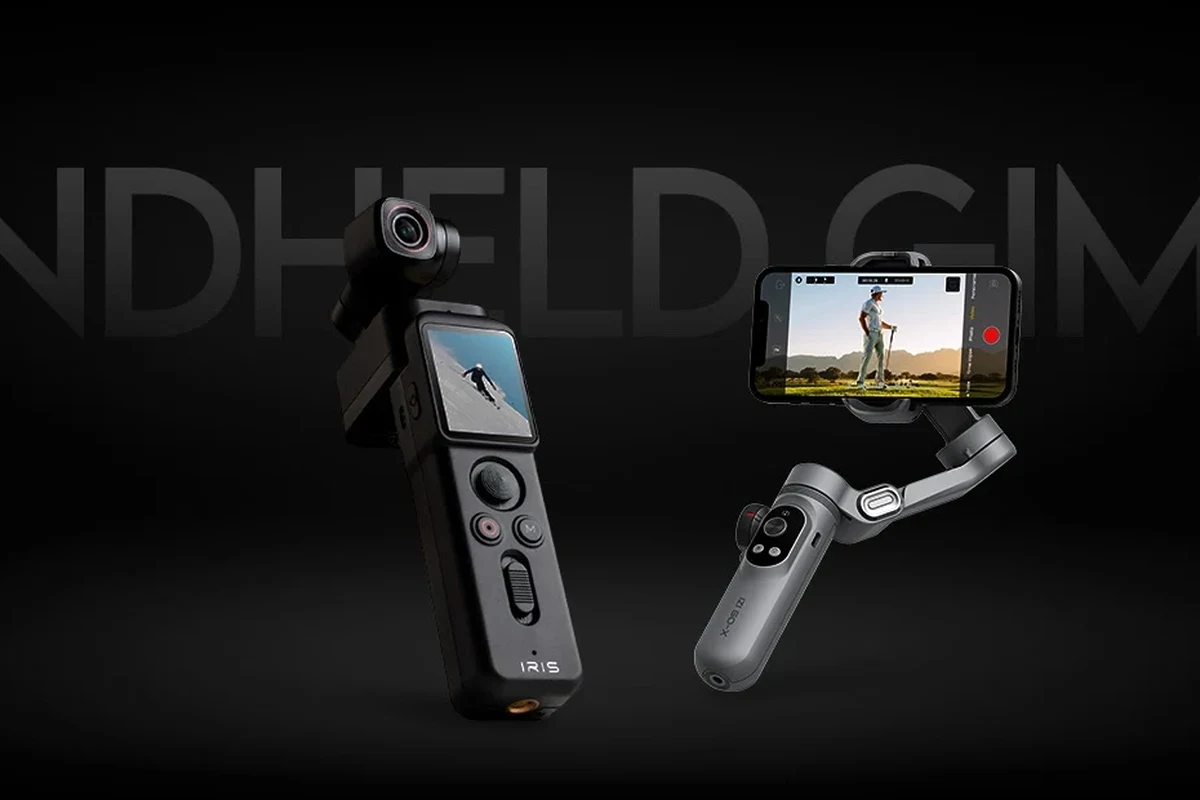
In a smart home or studio environment, a camera crawler can function like a compact motion tool for filming around furniture, counters, shelves, or display areas. The device typically travels along a defined path so your camera movement stays predictable from take to take.
Track movement, motor control, and why smooth motion matters for cinematic results
Most crawlers use a powered base, wheels or tracks, and a motor that controls speed. Smooth motion matters because even small jolts can make a shot feel amateurish, especially in close-up product work or slow reveal shots where the viewer notices every bump.
Some models move directly on a flat floor, while others are meant to run on a rail or track system. The more controlled the path, the easier it is to repeat a move and match framing across multiple takes.
Core components to understand: chassis, wheels/tracks, remote/app control, and mounting plate
The chassis is the body that holds the motor and electronics. Wheels or tracks determine how well the crawler handles your surface, while the mounting plate or head interface determines how securely your camera sits on top.
Control may come from a wired remote, an app, a Bluetooth connection, or a combination of these. Before buying, confirm that the control method matches your phone, tablet, or workflow, since app support and firmware behavior can vary by model.
Manufacturer terminology is not always consistent. Some products called “camera crawlers” behave more like mini dollies or motorized sliders, so compare the actual motion system rather than relying on the name alone.
Key Specs to Compare Before You Buy
The most useful specs are the ones that affect safety, stability, and shot quality. Marketing language can be vague, but a clear spec sheet should tell you what the crawler can carry, how it moves, and what kind of power or control it needs.
Payload capacity, speed range, turning radius, track length, and build dimensions
Payload capacity is the first spec to check because it should cover the full camera setup, including lens, microphone, cage, battery, and any adapter plate. If the crawler is near its limit, motion may become less stable and the motor may work harder than intended.
Speed range matters because some scenes need a very slow creep while others need a more noticeable move. Turning radius and track length matter when you are filming in tight rooms, around furniture, or across a specific tabletop or floor area.
Battery life, rated wattage, cable quality, and safe charging limits for powered models
Battery life and rated wattage are important for powered crawlers, but both can vary with load, speed, and motor demand. If the model charges from an adapter or power brick, follow the manufacturer’s voltage and current guidance exactly and use a certified cable or adapter where required.
Cable quality matters because a weak or damaged cable can cause unreliable charging or interruptions during setup. If the crawler uses removable batteries, check whether the battery is user-replaceable and how the manufacturer recommends storing it between shoots.
Do not use damaged batteries, swollen packs, frayed charging cables, or overheating adapters. If a device becomes unusually hot during charging or operation, stop using it and follow the manufacturer’s instructions.
Connectivity options: app requirements, Bluetooth, Wi‑Fi, wired remotes, and compatibility checks
Connectivity can be simple or surprisingly model-specific. Some crawlers rely on a dedicated app, while others use Bluetooth, Wi‑Fi, or a wired controller, and the experience may depend on your phone model, operating system, and app version.
Before buying, verify whether the app is available in your region, whether firmware updates are still supported, and whether the product needs a specific operating system version. If you plan to use it in a studio or smart home setup, check whether nearby routers, crowded wireless environments, or app permissions could affect reliability.
Best Use Cases: Who a Camera Crawler Fits Best
A camera crawler is most valuable when you need repeatable motion in a controlled environment. It is less about travel convenience and more about producing polished movement with minimal drift from shot to shot.
Creators filming product reels, home tours, tabletop scenes, and low-angle cinematic moves
Product creators often use crawlers for slow reveals, side-to-side passes, and detail shots that need a premium look. Home tour creators can use them for hallway glides, room reveals, and low-angle transitions that feel more intentional than handheld footage.
Tabletop scenes also benefit because the camera can stay level while moving close to objects. That makes crawlers useful for smart home content, small appliance demos, desk setups, hobby showcases, and other indoor content where a smooth path is easy to plan.
When a crawler is better than a tripod, slider, gimbal, or handheld rig
Choose a crawler when you want motion, but you want that motion to happen on a repeatable path. A tripod is better for static framing, a slider is often more compact for short linear moves, a gimbal is better for walking shots, and handheld is the most flexible but least consistent.
If your project depends on matching multiple takes or keeping the camera at a very low angle, a crawler can be the better tool. It is especially appealing when the shot needs to feel deliberate instead of spontaneous.
Who should skip it: tight budgets, very uneven floors, or ultra-light travel setups
If you need one device for every location, a crawler may be too specialized. It is also a weaker fit for very uneven surfaces, thick rugs, outdoor terrain, or travel kits where every ounce and inch matters.
Budget-conscious buyers should compare it against a good tripod, a compact slider, or a stabilizing grip before deciding. In many cases, those alternatives cover more filming situations with less setup time.
- Creates repeatable cinematic motion
- Helps with low-angle and reveal shots
- Can improve production value for indoor content
- Depends heavily on floor quality and setup
- Often less portable than simpler supports
- May require app pairing or calibration
Real-World Benefits and Limitations You Should Know
The biggest advantage of a camera crawler is consistency. If your shot needs to look the same across multiple takes, a controlled motion platform is often easier to repeat than a handheld move.
Why camera crawlers improve repeatable motion, framing consistency, and production value
Repeatable motion helps with product videos, social content, and home tours because it reduces variation between takes. That makes editing easier and can help your footage look more polished even without expensive lighting or a large crew.
Framing consistency is another benefit. When the camera path is controlled, it is easier to keep your subject centered or follow a planned reveal without accidental wobble.
Common drawbacks: floor dependence, setup time, noise, and limited terrain handling
Camera crawlers usually work best on smooth, level surfaces. If the floor is uneven, dusty, or cluttered, motion quality can drop and setup may take longer than expected.
Noise is another factor to consider, especially in quiet rooms or when recording dialogue nearby. Some crawlers are quiet enough for many indoor shoots, but motor sound and rolling noise still vary by design, surface, and load.
Evidence limits in product claims: what specs matter more than marketing language
Claims like “ultra-smooth,” “cinematic-grade,” or “pro-level” are not very useful on their own. What matters more is the actual payload limit, control method, battery or power details, motion range, and whether the model is designed for your floor type and camera weight.
When a product page leaves out key numbers, treat that as a warning sign. The official manual, spec sheet, app listing, and warranty terms are more trustworthy than promotional copy when you are comparing models.
If a crawler seems close to your camera’s weight limit, plan for a lighter lens or smaller accessory setup. Extra margin usually improves reliability and reduces strain on the motor.
How to Set Up a Camera Crawler Safely and Correctly
Good setup matters as much as the crawler itself. Even a capable model can produce rough motion if the floor is dirty, the load is unbalanced, or the control settings are not calibrated properly.
Floor prep, track alignment, camera balancing, and load distribution
Start with a clean, level path and remove small debris that could interrupt rolling. If your model uses a track or rail, align it carefully before mounting the camera so the crawler does not fight the path.
Balance the camera so the weight sits over the mounting plate as evenly as possible. Uneven load distribution can cause drift, strain, or a less stable shot, especially during starts and stops.
App pairing, firmware updates, and initial calibration steps to verify
If the crawler uses an app, pair it before the shoot day so you can confirm that the connection is stable. Check whether firmware updates are available from the official app or manufacturer support page, since fixes and feature changes can affect behavior.
Initial calibration may include setting speed limits, direction, start/stop points, or motion profiles. Because these steps vary by model, follow the manual rather than guessing through the interface.
Clear dust, cords, and small objects from the surface before placing the crawler.
Keep the load centered and confirm the total weight stays within the rated limit.
Run a short pass first to check for wobble, drift, or connection issues.
Safe use rules: weight limits, heat checks, cable routing, and battery inspection before every shoot
Always stay within the manufacturer’s weight limit and avoid hanging accessories that can upset balance. Keep cables routed so they cannot snag, drag, or pull the crawler off line.
Before each shoot, inspect batteries, connectors, and mounts for wear or damage. If anything looks loose, cracked, swollen, or unusually warm, stop and follow the manufacturer’s guidance before continuing.
Maintenance, Storage, and Troubleshooting for Long-Term Reliability
Like most motorized gear, a camera crawler lasts longer when it is kept clean, dry, and stored properly. Small maintenance habits can help preserve smooth motion and reduce avoidable connection or rolling problems.
Cleaning wheels/tracks, checking mounts, and protecting motors from dust and debris
Wipe wheels, tracks, and contact points after use, especially if the crawler picked up dust or grit from the floor. Check the mounting plate and fasteners regularly so the camera stays secure during movement.
Keep the motor area and vents free of debris if the model has exposed openings. For storage, use the case or protective packaging recommended by the manufacturer when available.
Battery care, replacement guidance, storage charge level, and when to retire worn parts
Battery care depends on the chemistry and design of the model, so follow the manual for storage charge level and charging habits. If the battery is removable, note the exact replacement part number before ordering a new one.
Retire worn parts when you see cracks, excessive play, weak connections, or repeated charging problems. If a battery swells, leaks, or overheats, stop using it immediately and follow proper disposal guidance in your area.
Stop using damaged electronics, swollen batteries, frayed cables, overheating chargers, or unstable mounts and follow the manufacturer’s guidance. If the crawler drifts more than usual or makes new grinding noises, inspect it before the next shoot.
Common problems: drift, jerky motion, connection drops, and uneven rolling
Drift often comes from poor alignment, uneven flooring, or a load that is not centered. Jerky motion can result from low battery, overly aggressive speed settings, or a surface that is too rough for the wheels or tracks.
Connection drops may be related to app permissions, Bluetooth interference, router congestion, or outdated firmware. Uneven rolling usually points to debris, worn wheels, or a setup that is not level enough for the crawler’s design.
Final Verdict: Best Value Picks and Buying Recommendation for 2026
For most creators, the best camera crawler is the one that gives you the smoothest motion with the least friction in setup, control, and maintenance. In practice, that usually means a model with a realistic payload rating, dependable app or remote control, and a design that matches your floor type.
Best overall choice for most creators, best budget option, and best premium pick
The best overall choice is typically a crawler with balanced payload, stable motion, and straightforward controls, because it covers the widest range of indoor filming needs. The best budget option is a simpler model that still meets your weight and surface requirements without forcing you into a complicated app ecosystem.
The best premium pick is usually the model with the most refined motion control, stronger build quality, and the best support for repeatable shooting workflows. Even then, premium only makes sense if you will actually use the extra control features.
Most creators should choose a crawler that prioritizes smooth motion, verified payload capacity, and easy setup. If your space is small or your camera is very light, a simpler slider or tripod may deliver better value.
Transparent recommendation based on motion quality, safety, portability, and long-term value
My recommendation is to buy a camera crawler only if you regularly film indoor motion shots and need repeatability that a tripod or handheld rig cannot provide. If you are still comparing options, verify the manual, app support, battery guidance, and return policy before committing, since those details often matter more than the headline features.
- Check compatibility, model number, app requirements, dimensions, ports, wattage, and intended use
- Confirm safety guidance, warranty, return policy, privacy settings, and update support
Frequently Asked Questions
A camera crawler is used to create smooth, controlled camera motion for cinematic shots. It is especially useful for product videos, home tours, tabletop scenes, and low-angle reveals.
Start with payload capacity, floor compatibility, and control method. Then compare speed range, battery or power needs, and whether the app or remote works with your devices.
It depends on the shot. A crawler is best when you want repeatable motion on a controlled path, while a slider, gimbal, or tripod may be better for portability or different filming styles.
Smooth, level indoor surfaces usually work best. Uneven floors, thick rugs, dust, and clutter can reduce motion quality and make setup harder.
Keep wheels or tracks clean, inspect the mount and cables, and follow the battery storage guidance in the manual. Store it in a dry place and stop using damaged batteries or overheating chargers.
Verify the official payload rating, app compatibility, charging requirements, warranty terms, and any firmware support notes. If key specs are missing, confirm them with the manufacturer before buying.