

What Are the Best Wireless Video Doorbells for 2026
Best Wireless Video Doorbells for 2026
The best wireless video doorbell should make front-door monitoring easier, not create another complicated subscription or maintenance problem. For most shoppers, the decision comes down to dependable alerts, useful camera coverage, battery convenience, storage options, app quality, and smart-home compatibility.
Quick Answer:
For most households, the Ring Battery Doorbell Plus is the strongest mainstream all-round choice in this guide. Choose the eufy Video Doorbell E340 if avoiding recurring recording fees and getting local storage matters more. Choose the Google Nest Doorbell (Battery) if your home already revolves around Google Home.

Ring Battery Doorbell Plus
- 1536p HD+ video
- Head-to-toe viewing
- Removable rechargeable battery
- Color night vision
- Strong Alexa ecosystem

eufy Video Doorbell E340
- Dual-camera design
- 2K main camera
- Package-view camera
- 8GB built-in local storage
- Battery or compatible wiring

Google Nest Doorbell (Battery)
- HDR video
- Tall front-door view
- Intelligent alerts
- Battery-powered installation
- Google Home integration
Wireless Video Doorbell Comparison
| Product | Best For | Video / Camera | Storage | Power | Our Verdict | Amazon |
|---|---|---|---|---|---|---|
| Ring Battery Doorbell Plus | Most households | 1536p HD+ head-to-toe view | Cloud via Ring plans | Removable rechargeable battery | Best Overall | View on Amazon → |
| eufy Video Doorbell E340 | Lower ongoing cost | Dual camera, 2K main camera | 8GB built-in local storage | Battery or compatible wiring | Best No Subscription | View on Amazon → |
| Google Nest Doorbell Battery | Google Home users | HDR video with portrait-style view | Limited included history + Nest Aware option | Built-in rechargeable battery | Best for Google Home | View on Amazon → |
Detailed Reviews
Ring Battery Doorbell Plus
Best OverallThe Ring Battery Doorbell Plus offers a strong combination of front-door coverage, removable battery convenience, mature app support, and Alexa ecosystem integration.
- 1536p HD+ head-to-toe video
- Removable Quick Release Battery Pack
- Color night vision
- Two-way talk
- Good Alexa integration
- Cloud history requires an eligible Ring plan
- Some advanced alerts may require a subscription
- Less appealing for local-storage-first buyers
Best suited for: Buyers who want an established mainstream ecosystem and do not mind evaluating Ring’s subscription options.
eufy Video Doorbell E340
Best No SubscriptionThe E340 is particularly attractive for people who want to see both visitors and packages while keeping recordings local rather than making a monthly cloud plan central to the experience.
- Dual cameras
- 2K main camera
- Downward package view
- 8GB local storage
- Battery or compatible wired operation
- Larger physical design than some basic models
- Different ecosystem from Ring and Nest
- Some expansion features use additional eufy hardware
Best suited for: Buyers who prioritize local recording and lower ongoing storage costs.
Google Nest Doorbell (Battery)
Best for Google HomeThe Nest Doorbell is the most natural choice for households that already manage displays, speakers, cameras, and automations through Google Home.
- HDR video
- Night vision
- Person, package, animal, and vehicle alerts
- Google Home ecosystem integration
- Limited included event history
- Internal battery rather than quick-swap battery
- Longer history requires Nest Aware
- Less useful if your home is primarily Alexa-based
Best suited for: Google Home households that value ecosystem convenience.
How Wireless Video Doorbells Work
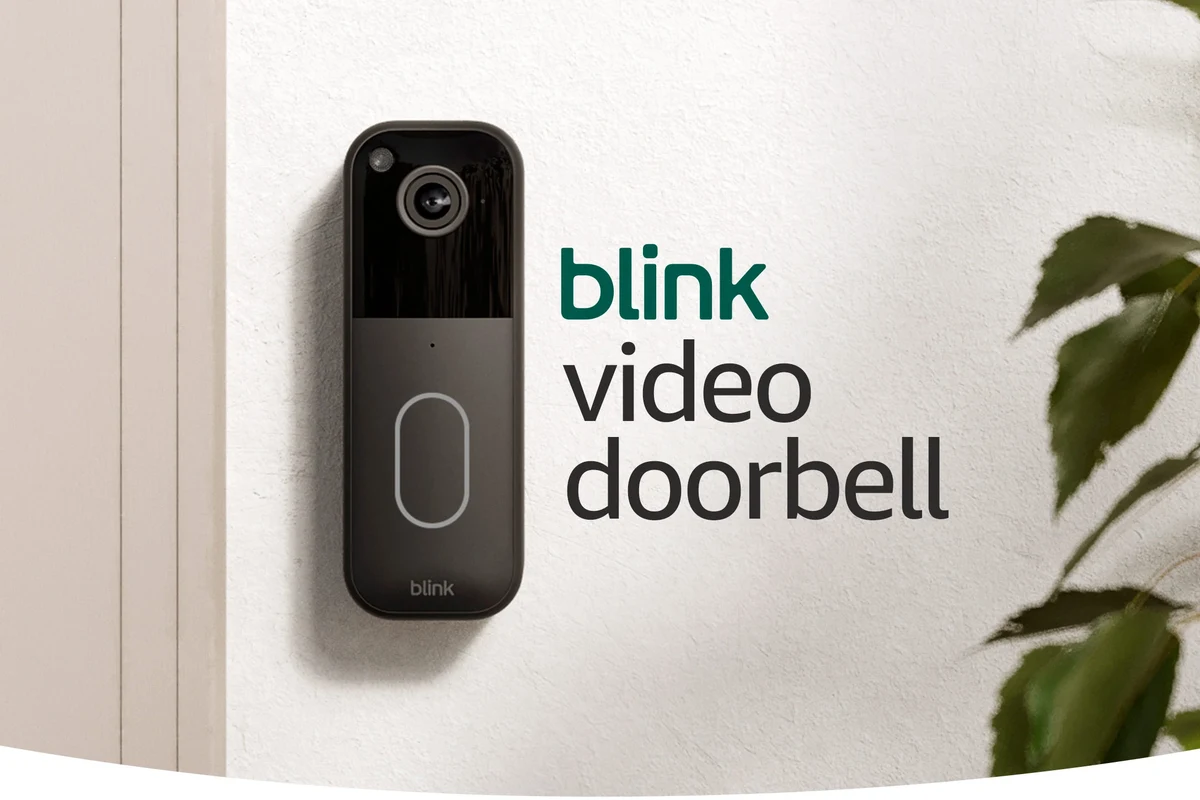
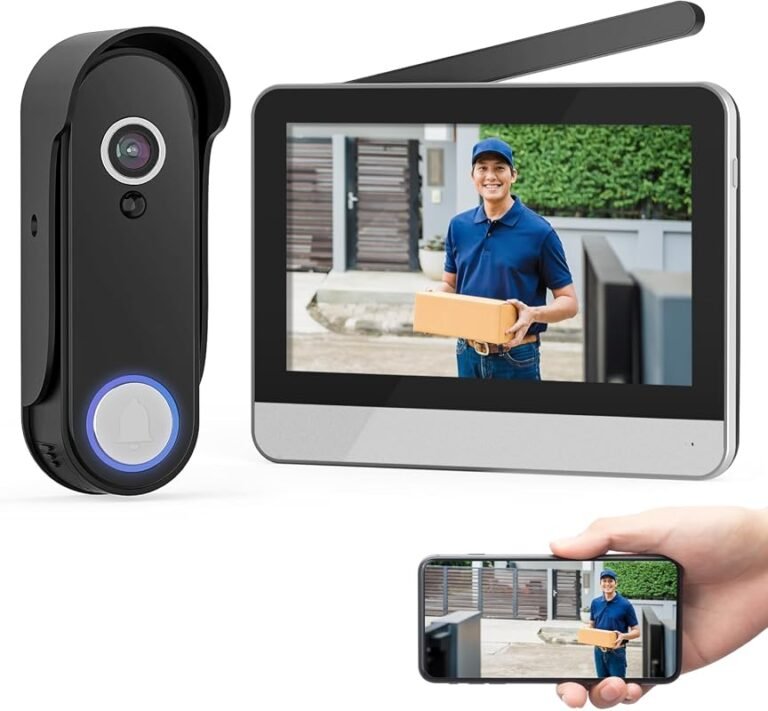
Wireless video doorbells combine a camera, motion sensor, microphone, speaker, battery, Wi-Fi connection, and smartphone app.
When somebody approaches the door or presses the button, the device can send an alert to your phone. Depending on the model and plan, it may also save a clip, identify different types of motion, or display live video on a compatible smart display.
“Wireless” does not always mean the product cannot use wiring. Some battery-powered doorbells can also connect to compatible existing doorbell wiring for power or chime-related functions.
Who Should Buy a Wireless Video Doorbell?
Wireless video doorbells are especially useful for renters, homes without working doorbell wiring, older properties where running new electrical wiring would be inconvenient, or people who simply want installation flexibility.
They are also useful for package monitoring, visitor screening, front-door alerts, side entrances, garages, and other areas where a traditional doorbell was never installed.
A battery model makes the most sense when installation flexibility matters more than avoiding periodic charging.
Wireless Video Doorbell Buying Guide
Higher resolution helps, but field of view can matter just as much for seeing faces and packages.
Person and package alerts can reduce unnecessary notifications, but some features may require a plan.
Removable batteries are easier to swap; internal batteries may require removing the whole device.
Local storage can reduce long-term cost while cloud storage may be more convenient.
Strong 2.4 GHz coverage near the door is important for dependable alerts and live video.
Choose Ring for Alexa, Nest for Google Home, or eufy when local storage is more important.
Measure narrow trim before buying because wireless doorbells vary significantly in size.
Check whether recording history, smart alerts, or other features require a paid subscription.
Local Storage vs Cloud Storage
Storage is one of the most important long-term differences between wireless video doorbells.
| Product | Storage Approach | Best For | Main Consideration |
|---|---|---|---|
| Ring Battery Doorbell Plus | Cloud-focused | Ring ecosystem users | Check current subscription features |
| eufy E340 | 8GB built-in local storage | Lower ongoing cost | Strong choice for local playback |
| Nest Doorbell Battery | Limited included history + optional Nest Aware | Google Home households | Longer history requires subscription |
Why eufy E340 Is Strong for Lower Ongoing Costs
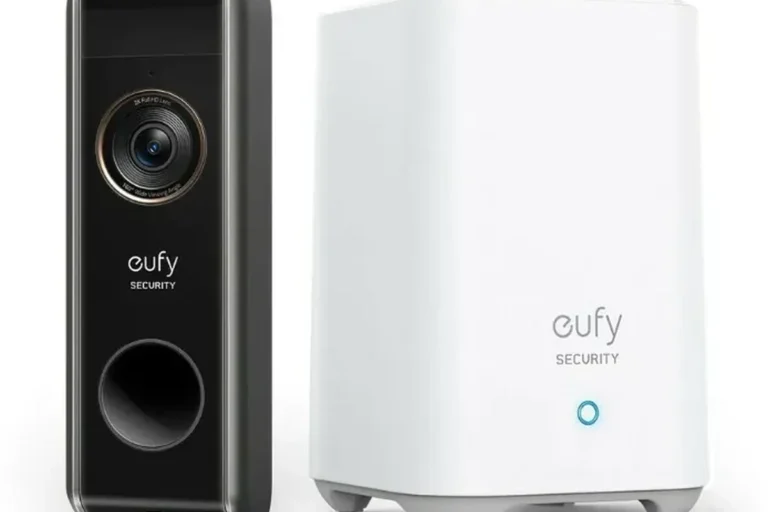
The E340 stands out because it includes built-in local storage and a second downward-facing camera that is useful for package monitoring.
That makes it especially relevant to buyers who want front-door recording without making a monthly cloud plan central to the system.
Why Ring Is Strong for Alexa Households
Ring’s advantage is its broader ecosystem. Buyers already using Echo Show, Fire TV, Ring cameras, or Alexa devices may find the experience more unified than switching to another platform.
The removable battery is another practical benefit because you can recharge the battery without taking the entire doorbell indoors.
Why Nest Makes Sense for Google Home Users
The Nest Doorbell Battery fits naturally into a Google Home household, especially when Nest displays, speakers, cameras, and routines are already part of the setup.
When two doorbells meet your camera and storage needs, choosing the model that already fits your smart-home platform usually creates a simpler everyday experience.
How Long Do Wireless Doorbell Batteries Last?
Battery life can vary dramatically based on motion frequency, temperature, Wi-Fi strength, recording settings, live-view usage, and the number of visitors passing the door.
A doorbell facing a busy sidewalk may wake up far more often than one mounted on a quiet suburban porch, which can significantly change how often charging is required.
Treat manufacturer battery-life figures as estimates rather than guarantees for your home.
Benefits of Wireless Video Doorbells
- No existing doorbell wiring required for many installations
- Flexible mounting locations
- Front-door live view from a smartphone
- Motion and visitor alerts
- Two-way communication
- Package monitoring
- Useful for renters and older homes
Common Limitations
- Periodic battery charging
- Dependence on reliable Wi-Fi
- Potential subscription fees
- App and account dependence
- Cold weather can affect battery performance
- Motion zones may need tuning
Installation Checklist
Before mounting anything, confirm that your connection near the front door is stable enough for alerts and live video.
Follow the manufacturer’s guidance so the camera can see both visitors and packages.
Pair the doorbell, review permissions, update firmware, and test live view before relying on it.
Exclude roads, trees, neighboring walkways, or other areas that create unnecessary alerts.
Have someone approach the door and confirm that notification timing, video, and speaker performance are acceptable.
Privacy and Security Settings to Review
A video doorbell is an internet-connected camera positioned at one of the most sensitive places around your home, so account and privacy settings matter.
- Use a unique account password
- Enable multi-factor authentication when available
- Review shared-user access
- Configure privacy and recording zones
- Keep firmware and mobile apps updated
- Review cloud retention settings
- Avoid unnecessarily recording neighboring private property
Battery Care and Maintenance
Keep the camera lens clean with a soft cloth and inspect the mount after severe weather or major temperature changes.
Charge batteries according to the manufacturer’s instructions and do not continue using a battery that becomes physically damaged, swollen, leaks, or behaves abnormally during charging.
Use the charger, cable, and power source recommended for your exact doorbell model.
Which Wireless Video Doorbell Should You Buy?
| Your Priority | Recommended Model | Why |
|---|---|---|
| Best balanced mainstream experience | Ring Battery Doorbell Plus | Removable battery, useful coverage, mature ecosystem |
| Local storage and lower recurring cost | eufy Video Doorbell E340 | 8GB local storage and dual-camera coverage |
| Google Home compatibility | Google Nest Doorbell Battery | Natural fit within Google Home |
| Basic monitoring on a tight budget | Consider a cheaper model | You may not need premium ecosystem features |
Frequently Asked Questions
What is the best wireless video doorbell for most homes?
The Ring Battery Doorbell Plus is a strong mainstream choice, while buyers who prioritize local storage may prefer the eufy E340.
Does eufy E340 have local storage?
Yes. It includes built-in local storage, making it attractive to buyers who want to reduce dependence on recurring cloud recording fees.
Which wireless doorbell is best without a subscription?
The eufy E340 is one of the strongest choices in this group for local recording without requiring a monthly recording subscription.
How often do wireless doorbells need charging?
Charging frequency depends on motion activity, temperature, Wi-Fi signal, live-view usage, and recording settings.
Which wireless doorbell is best for Google Home?
The Google Nest Doorbell Battery is the natural choice among these three for Google Home users.
Are battery doorbells good for renters?
Yes, they can be a strong option because installation is often less invasive. Always check lease and building rules first.
Do wireless video doorbells need Wi-Fi?
Most models need Wi-Fi for app alerts, remote live view, cloud communication, and other smart features.
Is 2K or higher resolution always better?
No. Field of view, HDR, lens quality, lighting, compression, and Wi-Fi stability can matter just as much.
Does Ring Battery Doorbell Plus need a subscription?
Basic live-view and communication features can work without a subscription, but recording history and some advanced features require an eligible Ring plan.
Can a wireless doorbell replace a full security system?
No. A video doorbell is best treated as one layer of security alongside good locks, lighting, alarms, and other cameras where needed.
Final Recommendation
Choose Ring Battery Doorbell Plus if you want the strongest all-round mainstream experience.
Choose eufy Video Doorbell E340 if local storage and lower ongoing costs matter more.
Choose Google Nest Doorbell Battery if your home already uses Google Home.
Ring Battery Doorbell Plus
Amazon →
eufy Video Doorbell E340
Amazon →
Nest Doorbell Battery
Amazon →
Related Smart-Home Guides
- Which Smart Lights Are the Best?
- What Fast-Charging Power Banks Are the Best?
- Best Banner Elk Cameras
Conclusion
The best wireless video doorbell for 2026 depends on how you want to store recordings, which smart-home ecosystem you already use, and how much ongoing maintenance you are comfortable with.
For most buyers, the Ring Battery Doorbell Plus provides the strongest mainstream balance. The eufy E340 is more attractive when local recording and avoiding recurring fees matter most, while the Google Nest Doorbell Battery fits Google Home households naturally.
Before ordering, check Wi-Fi signal strength at your front door, mounting space, battery design, current subscription terms, storage options, and ecosystem compatibility.
Key Takeaway:
Choose Ring for the best all-round mainstream experience, eufy for local storage and lower recurring cost, or Nest when Google Home compatibility is your priority.

12 Comments