Do Motion Sensor Lights Go Bad
Yes, motion sensor lights can go bad, but the sensor is not always the part that fails. Heat, moisture, wiring, batteries, and smart-control issues are common reasons they stop working correctly.
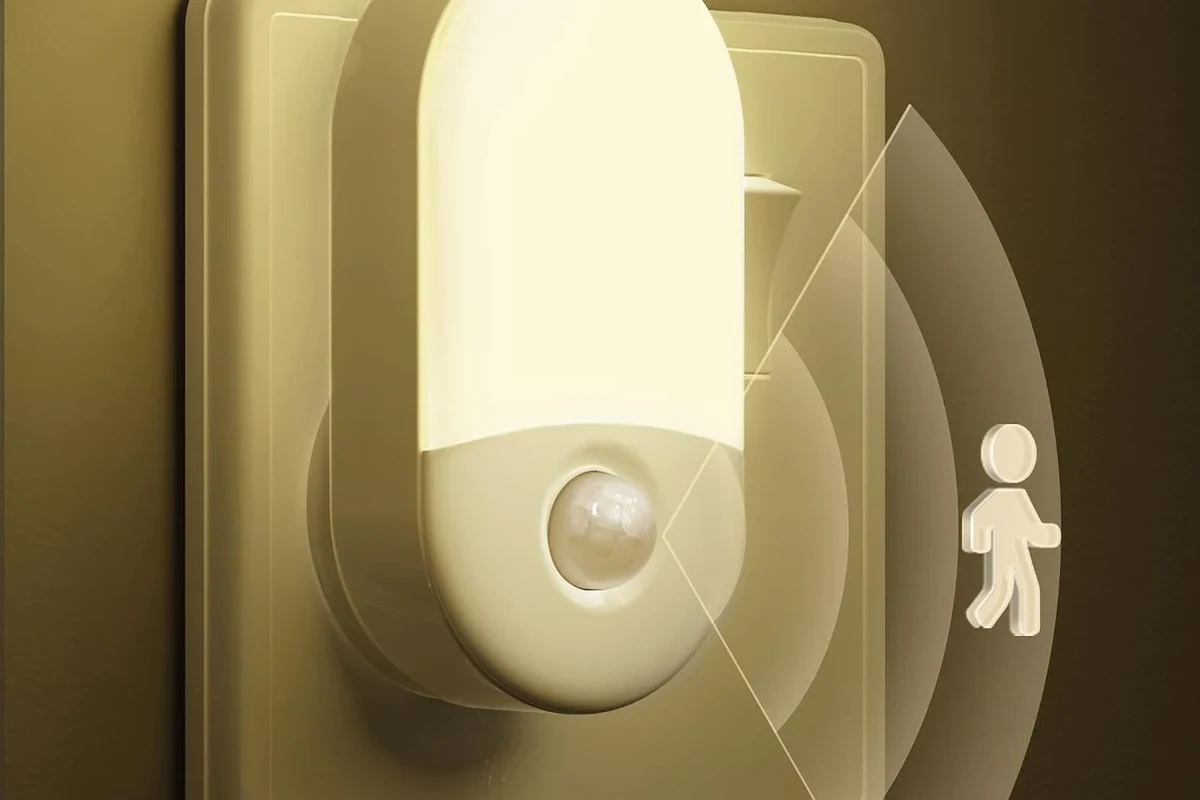
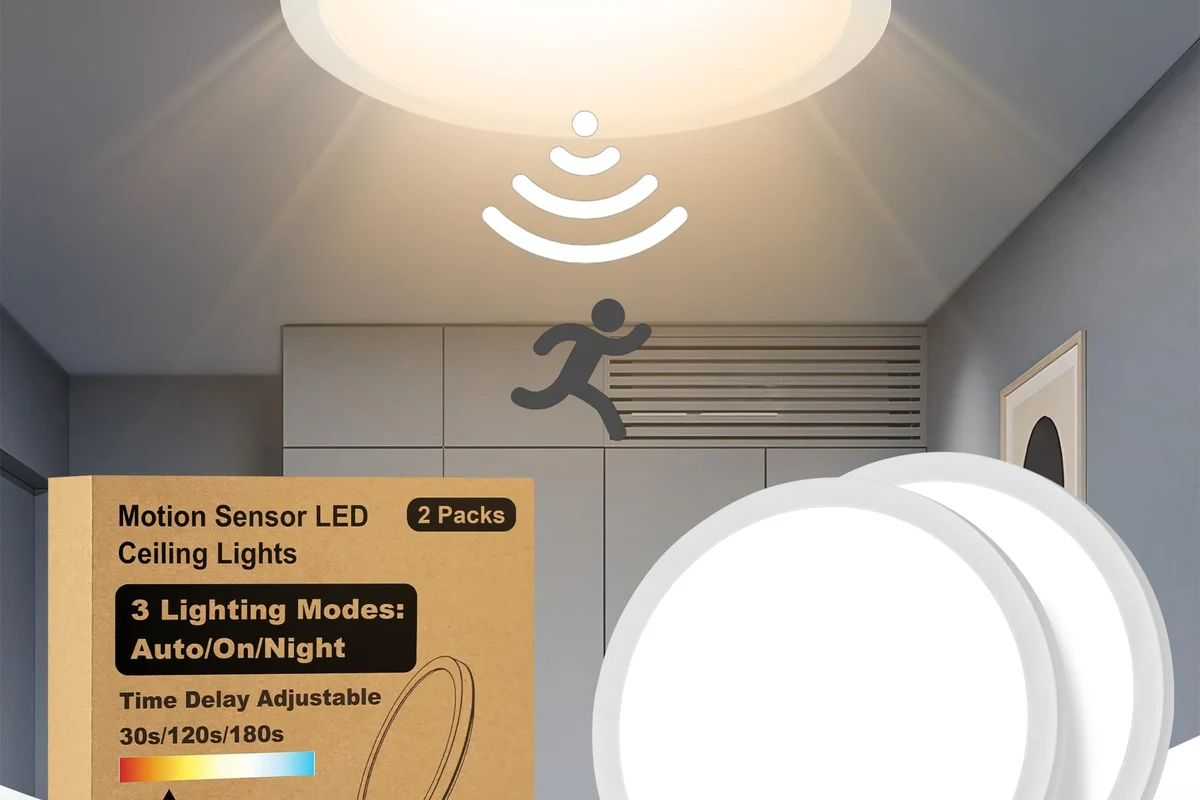
- Not just the sensor: LEDs, drivers, batteries, wiring, and app controls can fail first.
- Common symptoms: False triggers, delayed motion detection, flickering, and dead zones usually point to a fixable.
- Environment matters: Heat, moisture, UV exposure, dust, and unstable power can shorten lifespan.
- Try basics first: Reset settings, clean the lens, check placement, and verify power before replacing the fixture.
- Buy for the space: Match detection range, IP rating, brightness, and support to the location and use case.
Frequently Asked Questions
If the light has a replaceable bulb, test that first because a failed bulb can look like sensor trouble. If the bulb is fine but the light still misses motion, flickers, or behaves unpredictably, check power, settings, wiring, and the sensor module.
False triggers can come from pets, cars, wind-blown branches, heat vents, reflections, or overly sensitive settings. Recheck placement, sensitivity, and any smart automation rules before assuming the unit is defective.
Lifespan varies by sensor type, build quality, power source, and exposure to heat or weather. LEDs may last a long time, but the driver, battery, seals, or sensor can fail sooner.
Yes, especially if the fixture is not rated for outdoor use or if seals and housings are worn. Moisture, UV exposure, dust, and temperature swings can all shorten lifespan.
Check batteries, lens cleanliness, mounting angle, power supply, wiring, and any app or hub connection. Also confirm that the settings and compatibility match the room or outdoor area.
Stop using it if you see damaged wiring, burn marks, overheating, cracked housing, swollen batteries, or repeated electrical problems. Follow the manufacturer’s guidance and get qualified help for hardwired fixtures when needed.