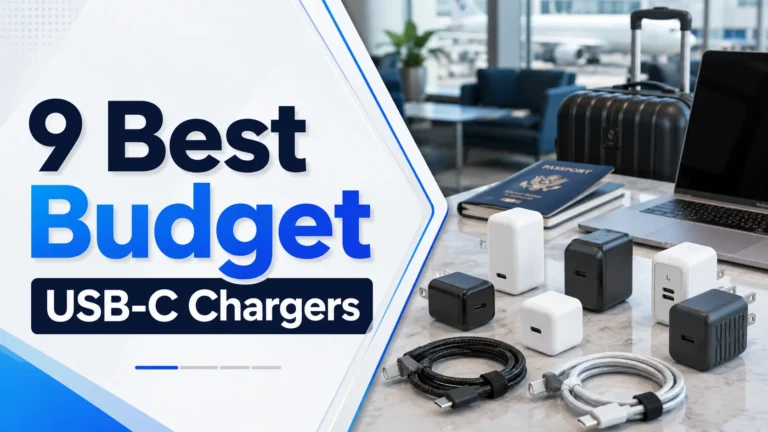
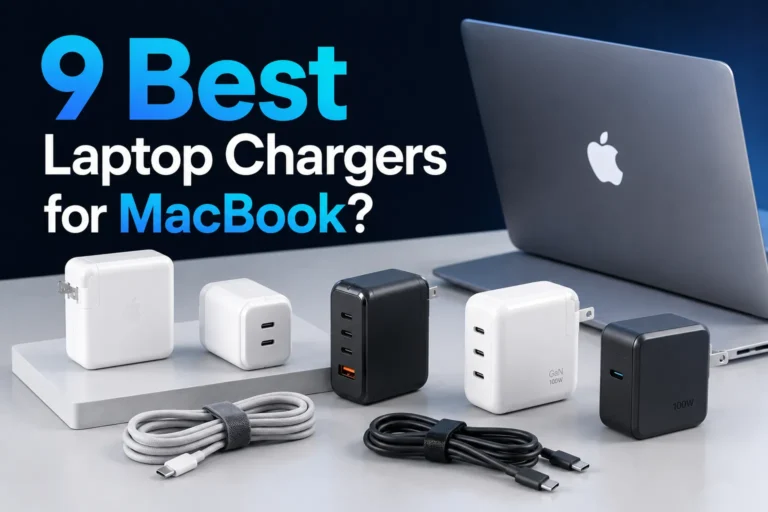
9 Best Laptop Chargers with Fast Charging: Top Picks, Compatibility, and Buying Guide
Affiliate disclosure: As an Amazon Associate, Gadget Makers Blog may earn from qualifying purchases. This does not change the price you pay.
Laptop chargers with fast charging let people power devices much quicker than standard bricks. They use higher wattage and smart power delivery to refill batteries in less time, which helps users stay productive on the go. A good fast charger balances speed, safety, and compatibility so a laptop charges quickly without overheating or damaging the battery.
Shoppers should watch for wattage that matches the laptop, the charging standard (like USB-C Power Delivery), and build quality such as heat management and safety protections. Cable type and length, number of ports, and certifications also matter because they affect convenience and long-term reliability. This guide tests common models and explains which chargers work best for different laptops and use cases.
9 Best Laptop Chargers with Fast Charging
Below is a list of the best laptop chargers that deliver fast, reliable power for modern devices. It covers USB-C PD and high-watt adapters that work with many brands and models.
Anker Nano II 65W

It is a solid pick for someone who wants one compact charger that fast-powers a laptop, phone, and tablet.
Pros
- Very compact for the power it delivers.
- Can charge three devices at once with smart power sharing.
- Uses newer GaN tech to stay small and efficient.
Cons
- May run warm under full load.
- Sticks out from the wall more than some rivals.
- 65W may not top-charge larger gaming laptops.
This charger aims to replace multiple plugs with one small unit. It offers a high 65W USB-C output and two extra ports so devices can charge together without fuss.
They built it with GaN II tech, which helps keep the size down while still delivering quick charging. The foldable prongs make it travel-friendly and easy to stash in a bag.
Some users note it warms up when pushing full power and it can sit a bit proud of the outlet. It still performs well for most thin laptops and all phones and tablets, though heavier laptops may need more than 65W.
Overall, it fits people who want fewer chargers and a neat, powerful option for daily use.
Anker 140W 4-Port GaN Charger
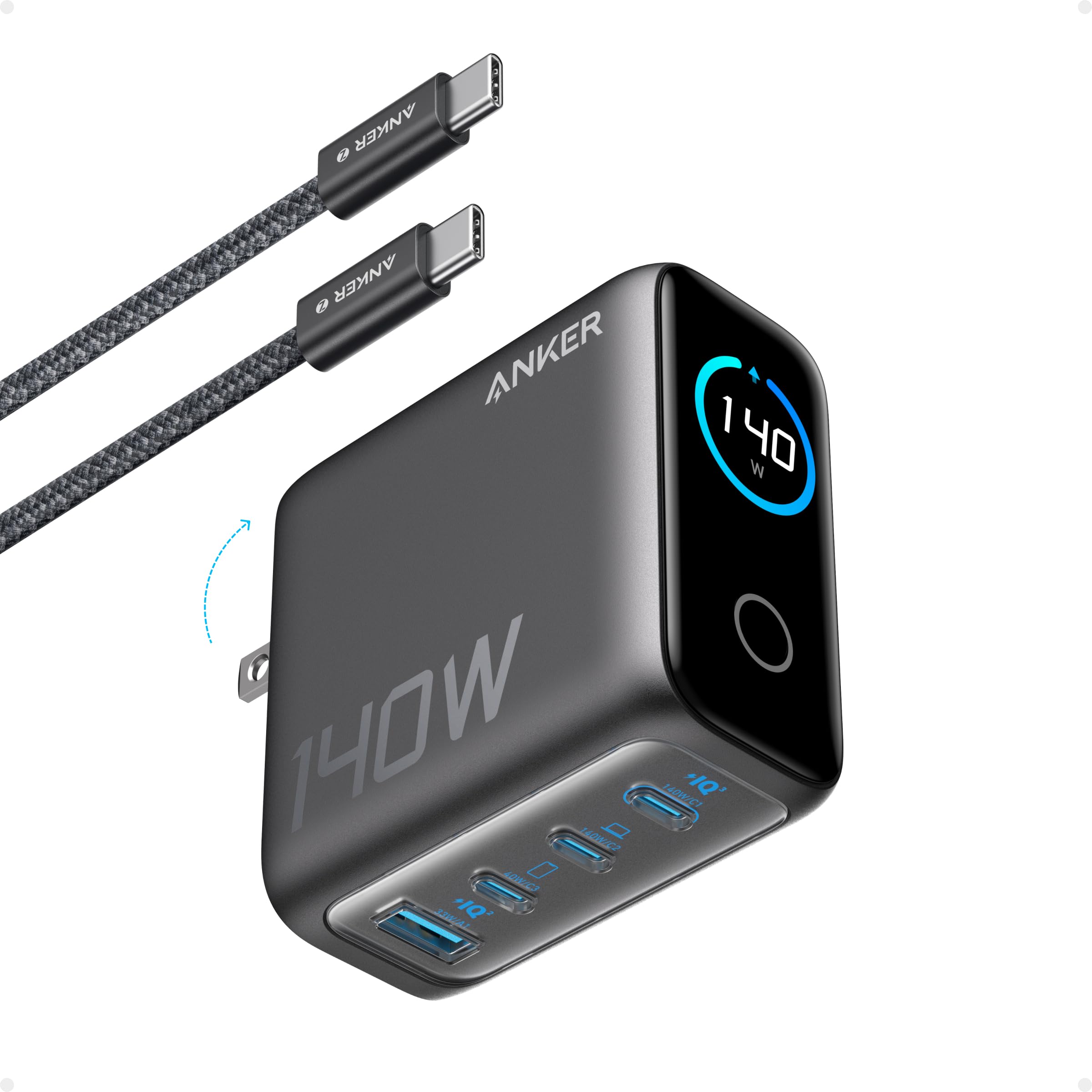
It is a strong choice for someone who wants to fast-charge multiple laptops and devices from a single compact charger.
Pros
- Fast charging across two USB-C ports for large laptops.
- Four ports let users power several devices at once.
- Built-in display shows charging status and temperatures.
Cons
- Bigger power bricks still weigh more than tiny chargers.
- Touch controls and display may be unnecessary for some users.
- Higher price than basic single-port chargers.
The charger uses GaN tech to pack high power into a small unit, so it can handle a 15-inch MacBook Air and several smaller devices at the same time. The color display reports port output and temperature, which helps users monitor charging at a glance.
It includes a 5 ft 240W USB-C cable and offers safety monitoring to reduce overheating risks. The four-port layout makes it handy for travel or a crowded desk where multiple devices need power.
Budget buyers who only need one laptop port may find it more than required, but people with multiple devices or heavy laptop use will value its speed and versatility.
Anker 100W Compact USB‑C Charger
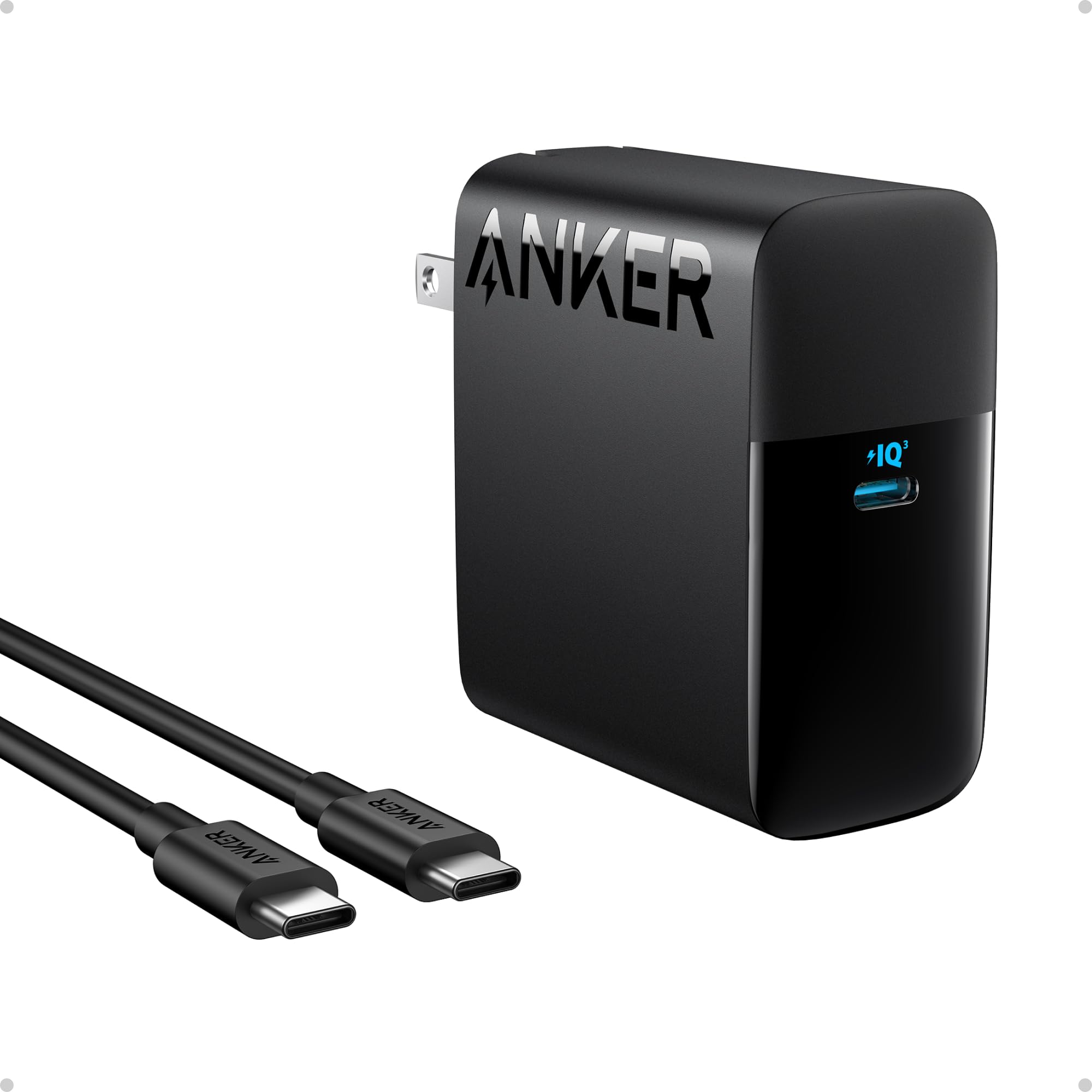
It is a solid choice for buyers who want fast, portable charging for laptops and phones without extra bulk.
Pros
- Very fast charging for laptops and other USB‑C devices.
- Small, foldable plug makes it easy to carry.
- Includes a USB‑C cable and safety features.
Cons
- Only one USB‑C port limits charging multiple devices at once.
- May run warm under heavy use.
- Works best with USB‑C devices; adapters needed for other ports.
The charger aims to deliver high power in a compact package. Its 100W output targets laptops while still handling tablets and phones.
It fits into a bag without taking much room and the foldable plug reduces snagging. Buyers who travel or move between work spots will find it convenient.
Safety tech and a supplied cable add value, but the single port means users with multiple devices may need a hub or second charger.
Anker Nano 65W

It is a compact, fast charger that suits phones, tablets, and many laptops, making it a good travel pick for people who want one small brick for everything.
Pros
- Very small and easy to pack.
- Charges phones and many laptops quickly.
- Uses newer GaN tech for better efficiency.
Cons
- Only one USB-C port limits charging multiple devices at once.
- No charging cable included.
- May not supply full power for some high-wattage laptops.
The charger stands out for its tiny size and folding plug. Buyers who travel often will like how it saves space in a bag or carry-on.
It supports fast charging standards for phones and smaller notebooks, so it can cut charging time versus old 5W bricks. Users should still confirm their laptop’s power needs before relying on it as a sole charger.
The package includes an 18-month warranty and customer support, but no cable, so plan to buy a USB-C cable if needed. It works well for most everyday devices but might not replace big, high-wattage adapters for some workstations.
Anker Nano 100W Charger

It is a compact 100W GaN charger that works well for charging a laptop and two smaller devices at the same time.
Pros
- Very small for the power it delivers.
- Can charge three devices at once.
- Comes with a long USB-C cable and solid build.
Cons
- Can run warm under heavy load.
- Heavier than tiny phone chargers, may pull on some outlets.
- Pricier than basic chargers.
The charger uses newer GaN technology to keep size down while giving high power. It suits someone who wants fewer bricks and needs fast USB-C charging for a laptop and phone.
Two USB-C ports share the 100W output, so devices get fast power when used wisely. The extra USB-A port helps with older accessories or a spare cable.
Some users noted warmth during high-power charging and a weight that can stress loose wall outlets. The included 5 ft cable helps with reach and cuts the need to buy another cord.
Lenovo 65W USB-C Charger
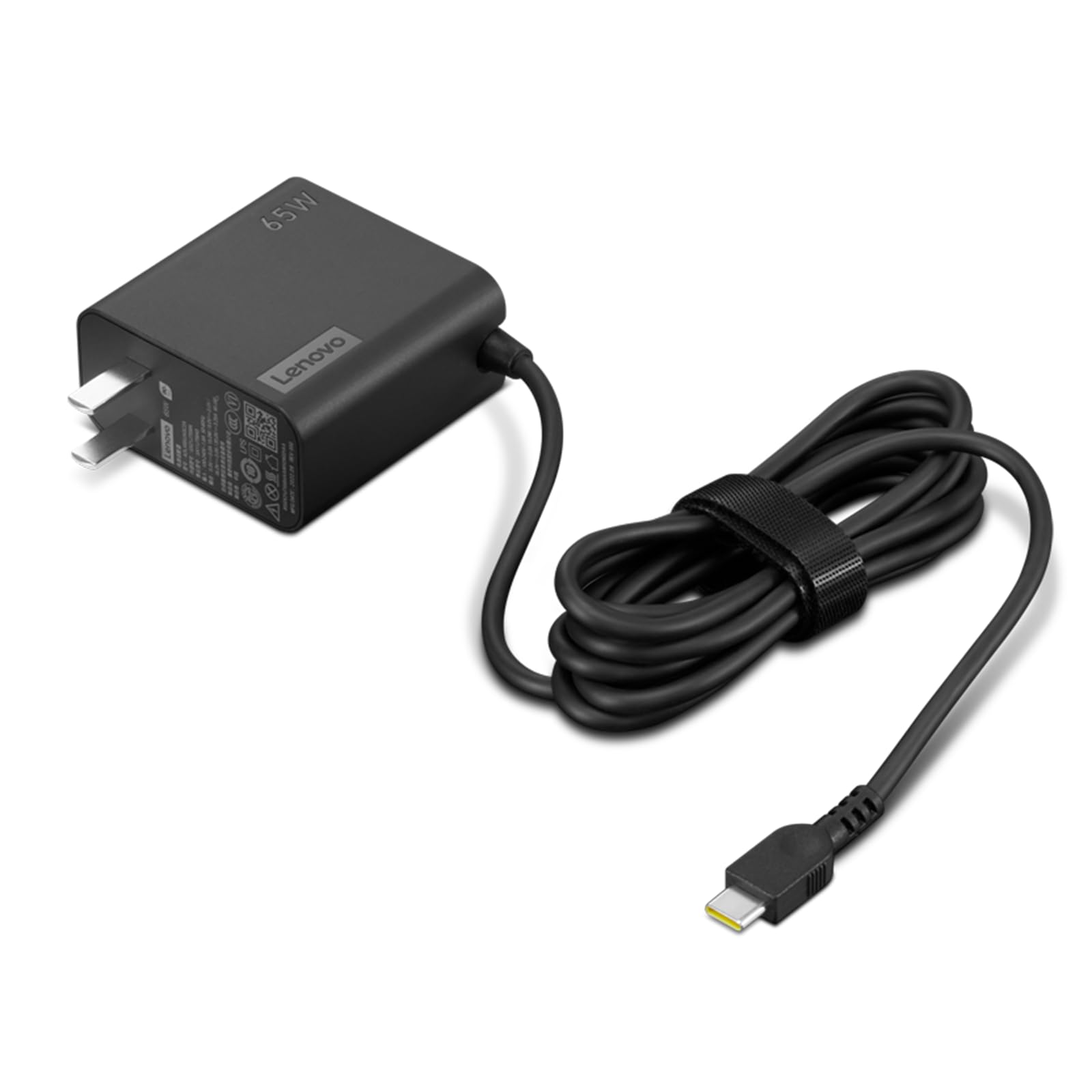
It is a solid budget pick for fast USB-C laptop charging thanks to PD 3.0 and a slim, travel-ready design.
Pros
- Fast 65W PD charging that handles many USB-C laptops.
- Slim, lightweight body and long cable make travel easier.
- Simple, OEM-branded option that matches Lenovo systems.
Cons
- Only one USB-C port limits charging multiple devices.
- May not power some high-wattage laptops at full speed.
- No extra safety or premium features beyond basics.
This charger offers reliable, no-frills power for users who need quick top-ups on the go. It supports multiple PD voltages so it can adapt to laptops, tablets, and phones that use USB-C power delivery.
Its compact size and attached long cable help when outlets are awkward or far from a workspace. Buyers who travel or need a lighter backup charger will find the design helpful.
It lacks multiple ports and higher wattage headroom for very demanding laptops, so those with gaming rigs or heavy workstation needs should consider higher-watt models. For everyday laptops and mobile devices, it provides an economical, branded choice.
Lenovo 100W 4-Port Fast Charger
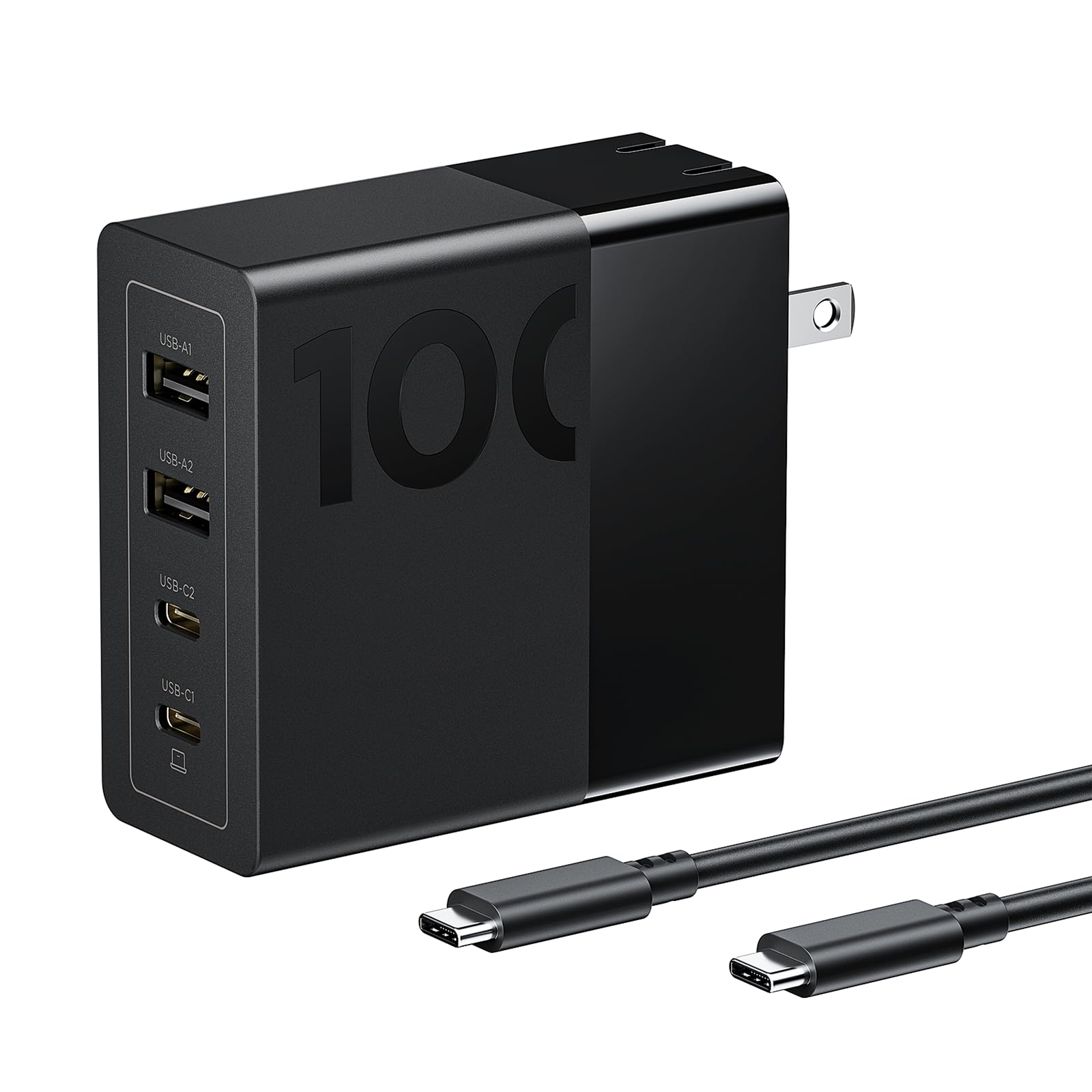
This charger is a good pick for someone who needs to fast-charge multiple devices with one compact block.
Pros
- Charges several devices at once with balanced power.
- Compact GaN design that stays cooler and packs small.
- Includes a long USB-C cable for high-power devices.
Cons
- May stick out or tilt in some wall outlets.
- Heavier than tiny single-port chargers.
- Four ports share the total output, so top speed can drop with many devices.
It offers two USB-C and two USB-A ports so a laptop and phones can charge at the same time. The GaN tech helps reduce heat and shrink the size compared with older chargers.
The charger aims to deliver up to 100W and includes a 4.9 ft cable that fits high-performance laptops. It lists broad compatibility with Lenovo ThinkPad models, MacBook, Dell XPS, iPhone, and Galaxy phones.
Many users find it useful for travel and desk setups because it replaces multiple bricks. Some report the plug can tilt in the socket, so a crowded outlet might feel unstable.
Buyers looking for a single fast charger for several devices will like its power and compact form. Check the Amazon page for current price and details: Lenovo 100W 4-Port Fast Charger.
Lcssio 200W 2-Pack 6-Port Charger
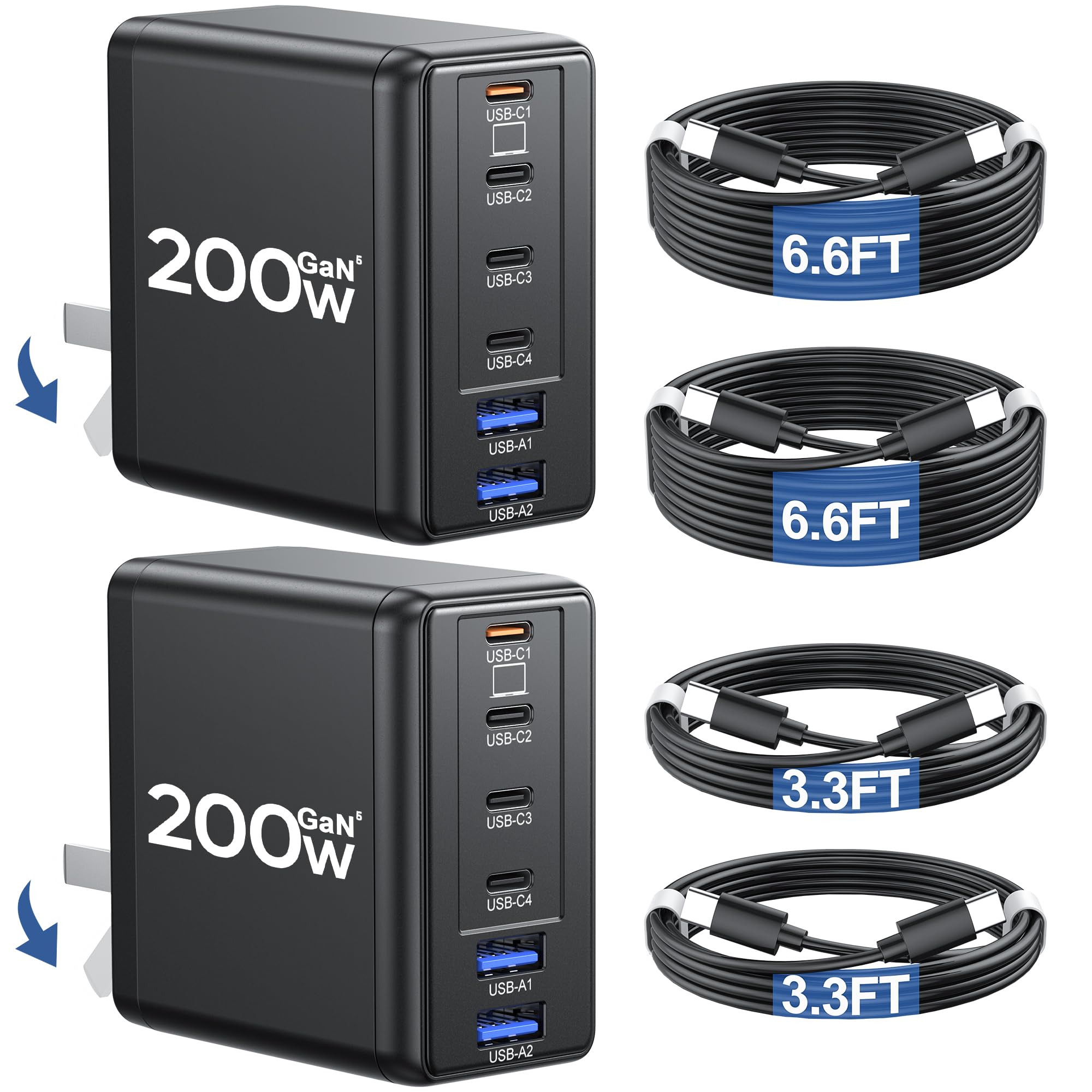
It is a strong choice for buyers who need to charge multiple laptops and phones quickly because it offers high power and many ports in a compact package.
Pros
- Very high total output for fast charging multiple devices.
- Packs six ports so several devices can charge at once.
- Compact, foldable design makes it easier to carry.
Cons
- Actual power per port can vary depending on cables and device negotiation.
- Two-pack and included cables may be more than some buyers need.
- Some users may prefer a single-brand cable ecosystem for guaranteed performance.
This charger aims to serve users with many devices. It uses modern PD 3.1 standards and GaN technology to keep size small while pushing high wattage.
They can charge laptops and phones at the same time without using many wall outlets. The foldable plug and included USB-C cables make it handy for travel or a crowded desk.
Buyers should note that real-world delivery to each device depends on cable quality and device power limits. The charger offers good versatility, but matching cables and checking device compatibility will give the best results.
heesky 100W USB-C Charger
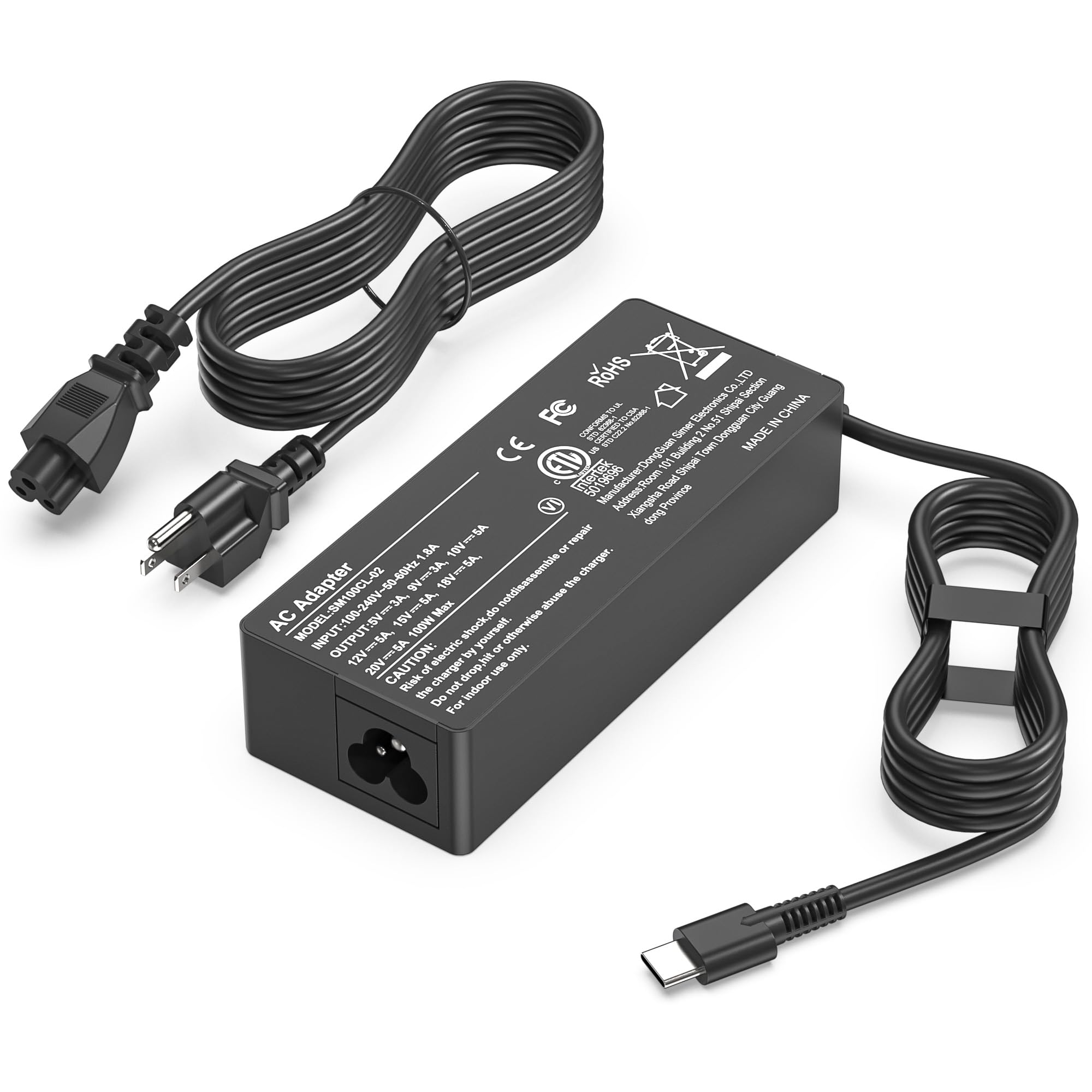
It is a solid choice for someone who needs a single fast USB-C charger that works with many laptops and other devices.
Pros
- Charges laptops and phones quickly with up to 100W output.
- Long power cord gives more reach than many adapters.
- Safety protections for over-current and short-circuit are built in.
Cons
- Some users report a low buzzing noise under load.
- Can get warm during heavy use.
- Only one USB-C port limits charging multiple devices at once.
The charger aims for broad compatibility and lists many laptop brands it supports. Buyers who switch between laptops, tablets, and phones may like having one charger that handles most USB-C devices.
It includes safety certifications and factory testing claims. That gives confidence for everyday use, though occasional warmth and a faint buzz have been noted by users.
The 100W power level helps keep a laptop running under load while charging. The single-port design and reported noise are trade-offs to consider for multi-device users or noise-sensitive environments.
Buying Guide
Choosing the right fast laptop charger starts with matching power needs. Check the laptop’s required wattage and voltage; the charger must meet or slightly exceed that wattage. Using a charger with too low wattage will slow charging or prevent battery use while plugged in.
Look for chargers with the correct connector type. USB-C PD is common and supports fast charging for many laptops. Proprietary connectors or older barrel plugs may need specific models.
Prioritize safety features. Over-voltage, over-current, short-circuit, and temperature protection reduce fire and device damage risk. Certification marks and input/output testing provide added assurance.
Consider portability and build quality. A compact, robust charger is easier to carry and lasts longer. GaN chargers are usually smaller and run cooler than traditional silicon chargers at similar power levels.
Check cable and adapter compatibility. Some chargers include detachable cables; others have fixed cables. A detachable USB-C cable rated for the charger’s wattage is safer and more flexible.
Evaluate charging speed and efficiency. Look for chargers that support high-wattage power delivery and maintain voltage under load. Efficiency ratings matter for heat and battery stress.
Compare ports and simultaneous charging. Multi-port chargers can power a laptop and accessories but may split power between ports. Verify the power distribution to ensure the laptop still gets enough wattage.
Budget and warranty matter. Higher-priced chargers often offer better components and protection. A clear warranty and return policy protect against early failures.
| Feature | What to check |
|---|---|
| Wattage | Matches or exceeds laptop requirement |
| Connector | USB-C PD vs proprietary |
| Safety | OVP, OCP, OTP, certifications |
| Size/weight | Portability and GaN tech |
| Cable | Detachable; rated for wattage |
| Ports | Power distribution for multi-device use |
| Warranty | Length and coverage |
Editor’s Choice
The editor picked chargers that balance speed, safety, and wide device support. These picks work well for business laptops, ultrabooks, and power users who need quick top-ups.
| Model | Key Strength | Wattage | Notes |
|---|---|---|---|
| Anker 737 GaNPrime | Fastest and compact | 120W | Multiple ports, solid heat control, USB-C PD 3.1 |
| Razer 140W USB-C Charger | High-power laptop charging | 140W | Good for gaming laptops and USB-C power delivery |
| Apple 96W USB-C Power Adapter | MacBook-optimized | 96W | Works best with MacBooks, simple and reliable |
| ASUS 65W GaN Adapter | Best for portability | 65W | Lightweight, quick for ultrabooks and tablets |
They tested each charger for charge time, heat, and port behavior. Results favored GaN models for size and efficiency.
They recommend matching wattage to the laptop’s needs. Using a lower-watt charger still works but charges slower.
They note safety features matter: overcurrent, overvoltage, and temperature cutoffs reduce risk. Chargers with good build quality and certifications earn higher trust.
Where to Buy – Best Amazon Deals
They should check Amazon for a wide selection of fast-charging laptop adapters and USB-C PD chargers. Amazon often lists multiple brands, user reviews, and fast shipping options.
Look for deals that show clear specs: wattage, PD support, and compatible voltages. Read verified user reviews and filter by “Prime” and “Free Returns” to reduce risk.
Use these quick tips when comparing listings:
- Sort by: Best Rated or Price + Shipping.
- Filter: USB-C PD, 45W–100W, and cable included.
- Check: Seller reputation and return policy.
They can save money by watching Lightning Deals and the “Today’s Deals” page. Also consider Amazon Warehouse for lightly used items at lower prices.
A simple comparison table helps pick the right charger:
| Feature | Why it matters |
|---|---|
| Wattage (45–100W) | Ensures laptop charges at full speed |
| USB-C PD | Standard fast-charging protocol |
| Cable included | Avoids extra purchases |
| Return policy | Easier refunds if incompatible |
They should verify charger specs against the laptop’s power needs before buying. This prevents slow charging or potential damage.
Conclusion
Fast charging matters for people who need power quickly and reliably. They should pick chargers that match their laptop’s power needs and safety standards.
Quality brands and proper wattage reduce charging time and protect the battery. They should prefer chargers with USB-C PD if the laptop supports it.
Portability and build quality matter for travel. A compact charger with good heat management is easier to carry and lasts longer.
Price and features must balance. A modestly priced charger can perform well if it provides the right wattage, certifications, and cable quality.
Tips to remember:
- Match wattage to the laptop’s requirement.
- Look for USB-C Power Delivery and safety certifications.
- Check the cable rating and port count.
They should replace worn cables and avoid cheap, uncertified chargers. Regular care helps maintain battery health and charging speed.
FAQs
What is fast charging for laptops?
Fast charging means a charger can deliver higher power (watts) to charge a laptop quicker than standard chargers. It uses USB-C PD or proprietary tech to raise voltage or current safely.
Will a fast charger damage a laptop?
No, if the charger and cable match the laptop’s power and safety standards. Most laptops and chargers use negotiation protocols to set the correct voltage and current.
Can any USB-C charger fast-charge any laptop?
Not always. The charger must support the laptop’s required wattage and USB Power Delivery profiles. Lower-watt chargers will charge slower or only power the laptop.
How to pick the right wattage?
Check the laptop’s original charger label for watts. Choose a fast charger that equals or slightly exceeds that wattage. For light laptops, 45–65W often works; gaming or workstation models may need 90–140W.
Are third-party fast chargers safe?
They can be safe if they carry certifications (PD, UL, CE) and good reviews. Prefer trusted brands and avoid very cheap, uncertified units.
Do cables matter?
Yes. Use USB-C cables rated for the charger’s power. Lower-rated cables can limit charging speed or overheat.
Is heat a problem during fast charging?
Some heat is normal. Excess heat can reduce battery lifespan over time. Charging management in modern laptops helps control temperature.