Arctic Air Neck Fan Charging Instructions Made Easy
Use the fan’s included or verified USB cable, connect it to a safe low-voltage power source, and stop when the indicator shows a full charge. If the cable, port, or adapter feels hot or loose, unplug it and replace the damaged part before charging again.
If you need arctic air neck fan charging instructions, the basic process is usually simple: use the included cable or a verified USB cable, connect it to a safe low-voltage power source, and stop once the indicator shows a full charge. Because Arctic Air neck fan models can vary, the safest approach is to confirm the exact port type, charging light behavior, and adapter limits in the manual for your specific unit.
- Confirm the model: Arctic Air neck fan ports and input ratings can vary by version.
- Use safe power: A stable USB wall adapter, laptop port, or reputable power bank is usually the.
- Watch the lights: Indicator behavior is model-specific, so check the manual for full-charge signals.
- Avoid damage: Frayed cables, loose ports, moisture, and overheating are reasons to stop using the charger.
Arctic Air Neck Fan Charging Instructions: Quick Answer and What You Need Before You Start
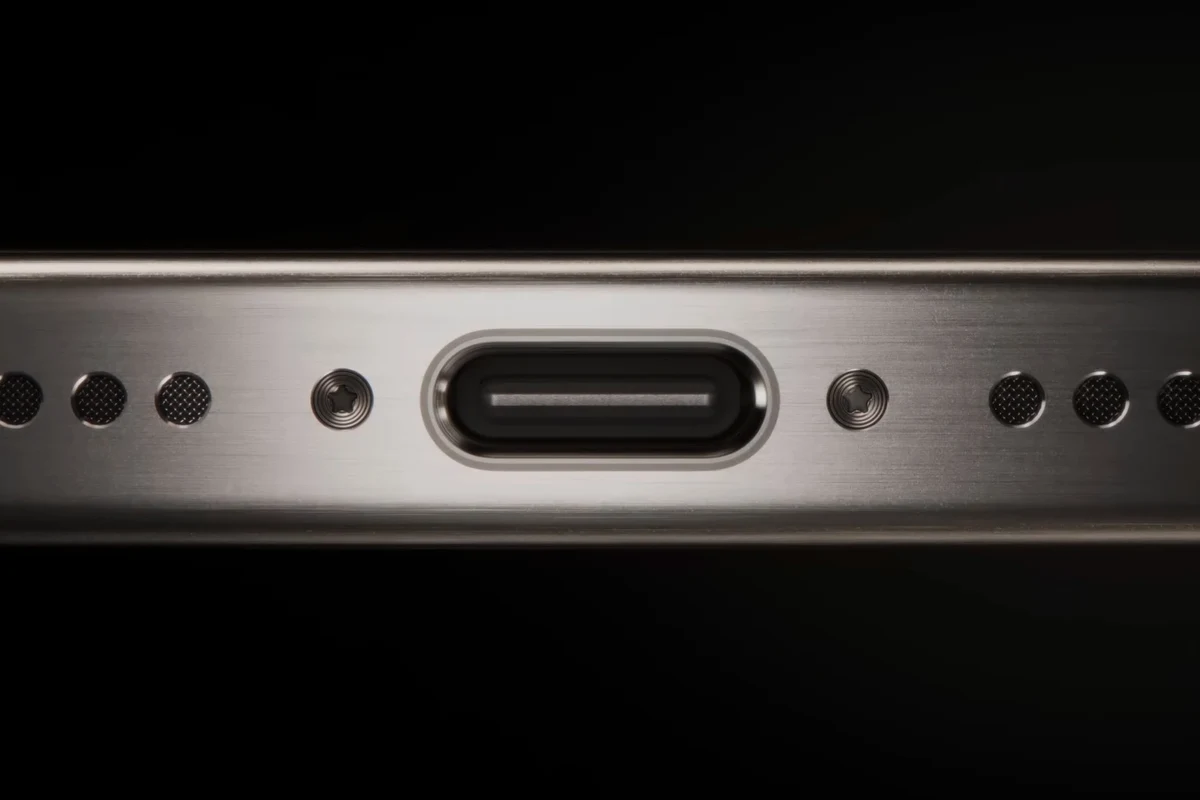
Before charging, check the fan body, charging port, cable, and power source for damage. You should also confirm whether your model uses USB-A, USB-C, or another connector, since charging behavior can differ by version and retailer bundle.
- Check the exact model number and charging port type
- Confirm the included cable and the recommended power input
- Inspect the cable, adapter, and port for fraying, looseness, or debris
- Verify the manual, warranty terms, and any region-specific safety guidance
The main goal is to avoid using an oversized charger or a worn cable that could create heat, unstable charging, or connection problems. If you are also comparing charging gear for other devices, our guide on which wall charger is fast charging explains why rated output matters more than marketing labels.
How the Arctic Air Neck Fan Charging System Works
Most neck fans in this category use a small rechargeable battery and a low-power USB charging circuit. That means they typically draw modest power and do not need a high-wattage phone or laptop charger to refill safely.
Battery type, charging port, and typical power input
Arctic Air neck fans commonly rely on a built-in lithium-ion or lithium-polymer battery, but the exact battery specification is not always stated clearly in retail listings. The charging port may be placed on one side of the frame or near the inner band, and the input rating can vary by model, so the manual is the best source for the correct voltage and current.
What the indicator lights usually mean during charging
Indicator lights usually show whether the fan is actively charging, fully charged, or experiencing a connection issue. In many portable gadgets, red or blinking lights suggest charging in progress, while a steady green light or a light turning off may indicate a full battery, but you should confirm the pattern in the product manual because the meaning is not universal.
USB charging is not automatically “safe” just because the plug fits. The device decides how much power to draw, but only if the charger and cable are in good condition and properly matched.
Step-by-Step Charging Instructions for the Arctic Air Neck Fan
If your fan is not charging as expected, start with the simplest checks first. A loose cable, dirty port, or underpowered USB source is often easier to fix than a battery issue.
Preparing the fan, cable, and power source
Switch the fan off before plugging it in unless the manual specifically says otherwise. This reduces unnecessary strain and makes it easier to tell whether charging has started.
Look for dust, lint, bent pins, or visible wear. If the cable feels loose or the connector does not sit securely, stop and replace the cable before continuing.
Use a low-risk USB source such as a standard wall adapter, laptop USB port, or reputable power bank that matches the fan’s input needs.
Connecting the charger safely and checking progress
Insert the cable gently and avoid forcing the connector into place. If the plug does not fit easily, stop and verify the port type rather than trying to make it work.
Do not charge a fan with a swollen battery, melted plug, frayed cable, or overheating adapter. If you notice burning odor, unusual heat, or sparking, unplug it immediately and follow the manufacturer’s safety guidance.
Once connected, watch the indicator light for confirmation that charging has started. If nothing happens, try a different cable or power source before assuming the battery has failed.
How long a full charge typically takes and when to stop
Charging time varies by battery size, charger output, and the fan’s internal charging circuit. Because manufacturers do not always publish a single universal time, the safest rule is to stop charging when the indicator shows a full battery or when the manual says the charge is complete.
If the fan supports charge-status lights, check them after the first 10 to 15 minutes. Early confirmation helps you catch cable or port problems before you leave it plugged in for hours.
Compatible Chargers, Cables, and Power Banks
Compatibility matters more than raw wattage for a small wearable fan. A stable 5V USB source is often the safest starting point, but the exact acceptable input should come from the product label or manual.
Recommended USB power levels and safe wattage limits
Many small personal fans charge from basic USB outputs rather than fast-charging adapters. If your model does not specify higher input support, avoid using a high-power laptop brick or a multi-port charger set to aggressive output modes, since the fan does not need them and may not benefit from them.
If you are comparing charging equipment more broadly, our article on whether multi-port chargers support fast charging can help you understand how shared power output changes when several devices are connected.
Why cable quality matters for heat, reliability, and charging speed
A cheap or damaged cable can create resistance, which may lead to slower charging, intermittent charging, or extra warmth at the connector. For a small wearable gadget, a well-made cable with a snug fit is usually more valuable than a “faster” cable with no clear specifications.
Replace any cable that feels loose, gets hot, or only works when held at an angle. Intermittent charging can stress both the cable and the device port over time.
Using wall adapters, laptops, and portable batteries correctly
Wall adapters are often the most convenient option, but a laptop USB port or quality power bank can be useful while traveling. The key is to use a source that provides stable USB output and to avoid unknown no-name adapters that do not clearly list output ratings or safety certifications.
Who the Arctic Air Neck Fan Fits Best
Charging instructions matter most when the fan is part of a daily routine. This kind of wearable cooling gadget makes the most sense for people who want hands-free airflow without carrying a larger desk fan or handheld unit.
Best use cases for commuting, travel, outdoor work, and home cooling
An Arctic Air neck fan can be useful for commuting, walking, light outdoor chores, gym warm-ups, travel days, and short cooling breaks at home. It is especially appealing when you need portability and quick access to airflow rather than room-level cooling.
It is not a substitute for air conditioning, and it will not cool a whole room. If you want a device for a desk, bedroom, or shared living space, a different home-gadget category may be a better fit.
Fit, comfort, and sizing considerations for different neck sizes
Neck fans are wearable products, so comfort depends on shape, weight, and how the unit sits around your neck. Buyers with smaller or larger neck sizes should check the fit range, arm flexibility, and whether the fan can be adjusted without putting pressure on the throat or collarbone.
Practical trade-offs: portability, airflow, and battery life
The trade-off is simple: a lighter fan is easier to wear, but it may have a smaller battery or less airflow. A more powerful unit may feel bulkier and take longer to charge, so the best choice depends on whether you value all-day portability or stronger output.
Choose an Arctic Air neck fan if you want simple wearable cooling, easy USB charging, and a lightweight setup for short to medium outings. If you need stronger airflow or longer runtime, compare battery size, port type, and charging time before buying.
Safety Guidelines, Common Mistakes, and Signs of Charging Problems
Most charging problems are preventable with basic inspection and the right power source. The biggest risks are heat, moisture, bad cables, and forcing the wrong connector.
Overheating, damaged cables, loose ports, and moisture exposure
If the fan, cable, or adapter feels unusually warm, stop charging and let everything cool down. Moisture is another concern, especially if the fan was worn outdoors or stored in a humid place, because charging a damp electronic device can create a short-circuit risk.
What not to do: overcharging, using unsafe adapters, and forcing connections
Do not leave the fan plugged in indefinitely unless the manual explicitly says the charging circuit is designed for that behavior. Avoid unverified adapters, and never push a connector into a port that does not match.
For readers who want better charging habits across devices, our guide to best charging habits for iPhone covers the same core idea: stable power, clean connectors, and not ignoring heat.
When to replace the cable, charger, or battery-related components
Replace the cable if it frays, bends sharply near the connector, or causes inconsistent charging. Replace the charger if it runs hot, buzzes, smells unusual, or no longer provides stable output. If the fan battery drains extremely fast, fails to reach full charge, or behaves unpredictably, contact the manufacturer about battery-related service or warranty support instead of attempting internal repair.
Maintenance, Storage, and Battery Care for Longer Life
Good maintenance makes charging easier and can reduce wear on the port and battery. A few small habits go a long way with compact rechargeable gadgets.
Cleaning the fan without damaging the charging port
Use a dry, soft cloth to wipe the exterior and keep liquids away from the port. If dust builds up near the connector, remove it carefully with a dry, non-metal tool or a gentle burst of air, and avoid inserting anything that could bend contacts.
Proper storage, battery top-off habits, and seasonal care
Store the fan in a cool, dry place when it is not in use. If you only use it seasonally, top it off periodically rather than leaving it fully empty for long stretches, since deep discharge can be hard on rechargeable batteries over time.
- Charge the fan before long trips instead of waiting until the battery is nearly empty
- Keep the charging port covered or protected when the fan is stored in a bag
- Use the same verified cable consistently if it fits securely and shows no wear
- Check the battery every few weeks during off-season storage
Warranty details to verify before seeking a replacement
Before requesting a replacement, review the warranty length, battery coverage, and any exclusions for moisture damage, accidental damage, or unauthorized accessories. If the manual or packaging includes a support contact, keep the model number and purchase details handy so the request can be handled faster.
Value Assessment and Final Recommendation for 2026 Buyers
For 2026 buyers, the value of an Arctic Air neck fan depends less on flashy features and more on charging simplicity, fit, and how reliably it handles everyday use. If the model uses a standard USB connection, is comfortable to wear, and charges predictably from common power sources, it can be a practical personal-cooling accessory.
Where the Arctic Air Neck Fan makes sense and where it falls short
It makes sense for people who want lightweight, portable cooling for short outings, commuting, or home tasks. It falls short if you need powerful room cooling, long runtime without recharging, or a highly customizable wearable device with clearly documented advanced specs.
Transparent verdict on charging convenience, reliability, and overall usefulness
The charging experience should be judged by clarity, not just convenience: a clear port, a known input rating, and a dependable indicator light matter more than fast-charge claims. If you confirm the model’s power requirements, use a safe adapter, and keep the cable in good condition, an Arctic Air neck fan can be easy to live with; if the specs are vague or the connector feels fragile, consider a different wearable fan with better-documented charging support.
The Arctic Air neck fan is a reasonable pick for buyers who want simple USB charging and portable personal cooling, but only if the exact model’s port and input rating are confirmed first. If you need stronger airflow, longer battery life, or more robust charging hardware, compare alternatives before committing.
Frequently Asked Questions
Use the included cable or a verified USB cable with a safe low-voltage power source. Check the manual for the exact input rating before using a higher-powered adapter.
Most models use an indicator light that changes color or turns off when charging is complete. The exact light pattern can vary, so confirm it in the manual for your model.
Yes, if the power bank provides stable USB output and matches the fan’s input needs. A reputable power bank is usually fine, but avoid unknown or damaged units.
Slow charging is often caused by a weak adapter, a poor cable, a dirty port, or a loose connection. Try a different verified cable and power source before assuming the battery is failing.
Only do that if the manufacturer says the charging system is designed for it. If the fan or charger gets warm, unplug it when charging is complete.
Replace them if they are frayed, loose, overheating, or causing intermittent charging. Stop using any damaged charging accessory right away.