9 Best Smart Light Bulbs for Google Home: Top Picks, Compatibility Tips, and Setup Guide
Affiliate disclosure: As an Amazon Associate, Gadget Makers Blog may earn from qualifying purchases. This does not change the price you pay.
Smart light bulbs let people control lighting with voice commands, schedules, and apps. They fit into regular sockets and replace standard bulbs, so users can dim lights, change colors, and set automations without extra hubs. Many models work with Google Home, letting people say things like “Hey Google, dim the living room” to change lighting instantly.
When choosing smart bulbs for Google Home, compatibility and connection type matter most. Users should check whether a bulb works with Google Assistant, whether it uses Wi‑Fi or a hub, and what colors and brightness it supports. Prioritize bulbs that list Google Assistant compatibility and use Wi‑Fi or a well‑supported hub, since those give the simplest setup and the fewest connection problems. This guide tests and compares bulbs on those points to help readers pick the best option.
9 Best Smart Light Bulbs for Google Home
Below is a concise list of the best smart light bulbs that work well with Google Home. Each pick offers easy voice control, reliable connectivity, and solid app features to simplify smart lighting setup.
Govee Smart Bulbs (4-Pack)

It is a solid choice for Google Home users who want bright, color-rich bulbs with easy app and voice control.
Pros
- Wide color range and preset scenes for mood lighting
- Works with Google Assistant and supports voice commands
- App features like music sync and scheduling add flexibility
Cons
- Requires 2.4 GHz Wi‑Fi and won’t work with smart switches
- Some users report occasional defective units in multi-packs
- Advanced features need the Govee app and microphone access
The bulbs offer many color options and strong white brightness, so rooms can go from bright task light to soft colored mood light. They fit standard E26 sockets and work over Wi‑Fi or Bluetooth.
Voice control through Google Home works for basic on/off and color changes, and the Govee app adds scenes, timers, and music-sync effects. Users should expect to use the app for setup and for most advanced features.
Buyers who want a budget-friendly, feature-packed bulb compatible with Google Home will find this a useful option, but those who prefer mesh-network reliability or hardware switch compatibility may want alternatives.
Kasa Smart Dimmable A19 (4-Pack)

They should buy this if they want easy voice control and good dimming without a hub.
Pros
- Easy voice control with Google Assistant and Alexa.
- Wide dimming range for many rooms and moods.
- No hub needed — connects directly to 2.4 GHz Wi‑Fi.
Cons
- Only works on 2.4 GHz Wi‑Fi, which may require router changes.
- Color is fixed to soft white (no color option).
- Many bulbs on one network could add Wi‑Fi load.
The Kasa Smart bulbs give steady soft white light and smooth dimming from very low to full brightness. The app adds schedules and energy readouts that help manage use.
They link directly to Google Assistant, so voice commands work without extra hardware. Setup walks users through steps in the app, though the bulbs need a 2.4 GHz network to pair.
Owners will like the simple white tones and reliable daily use, but someone wanting RGB colors or multi‑band Wi‑Fi support should look elsewhere.
Kasa Smart Bulbs (2-Pack)
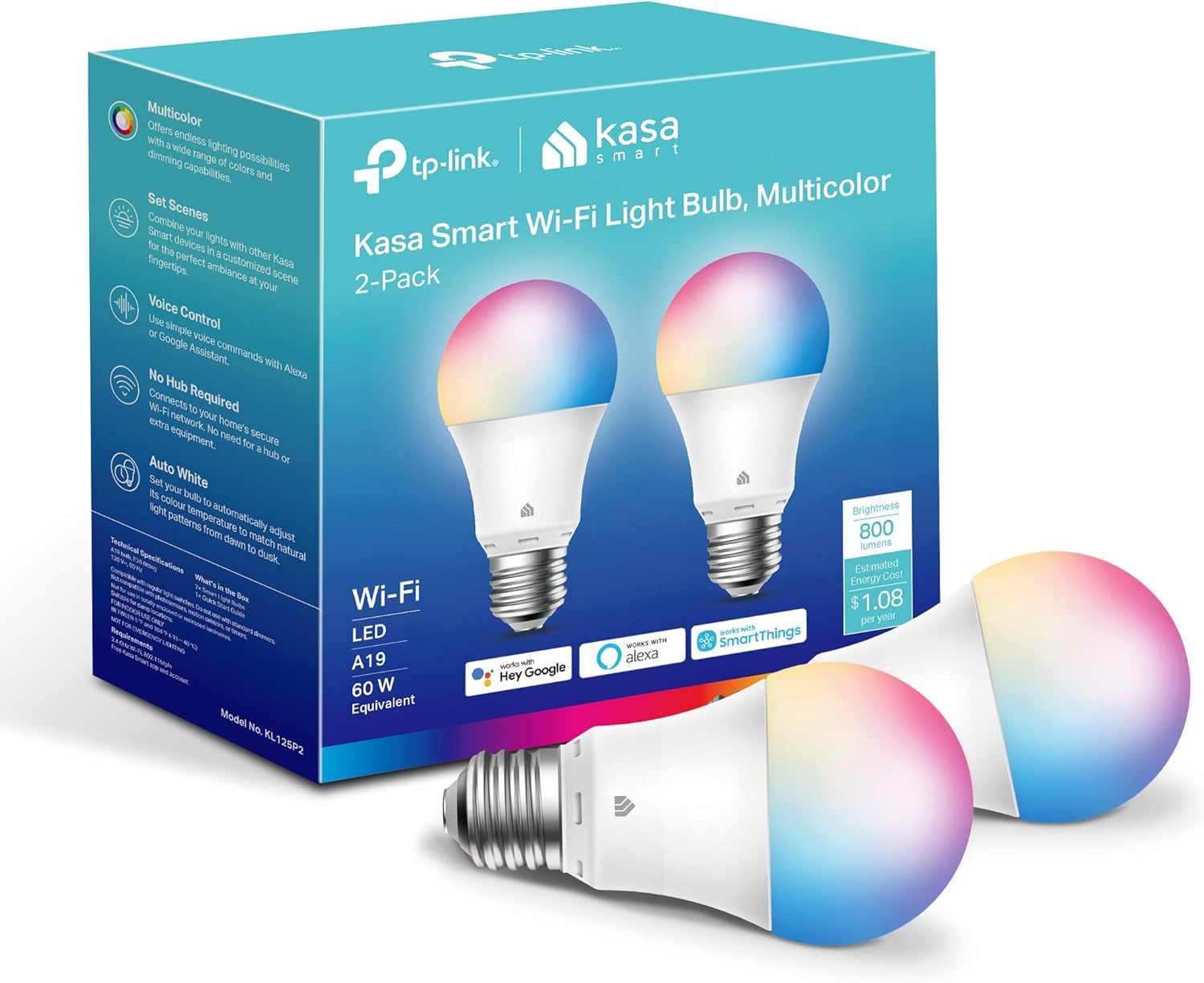
It is a solid choice for people who want full-color bulbs that work reliably with Google Home and don’t need a separate hub.
Pros
- Wide color range and tunable whites for many moods.
- Easy voice control with Google Assistant.
- No hub required; works over 2.4 GHz Wi‑Fi.
Cons
- Only 2.4 GHz Wi‑Fi supported, which may need router changes.
- Setup can be slower if multiple bulbs are added at once.
- Not rated for 220V use in some regions.
They offer rich colors and warm-to-cool white tones that suit parties, reading, or wake-up lights. The bulbs pair with Google Home for voice commands and scheduling.
The Kasa app guides through setup and lets users change colors, dim, and set timers from anywhere. Energy monitoring and auto-white features add small useful controls without extra devices.
Some buyers noted the need to add bulbs one at a time and to ensure the home Wi‑Fi is 2.4 GHz. People outside 120V regions should check voltage compatibility before buying.
Find the product on Amazon: Kasa Smart Bulbs (2-Pack).
Kasa Smart Bulbs (4-Pack)
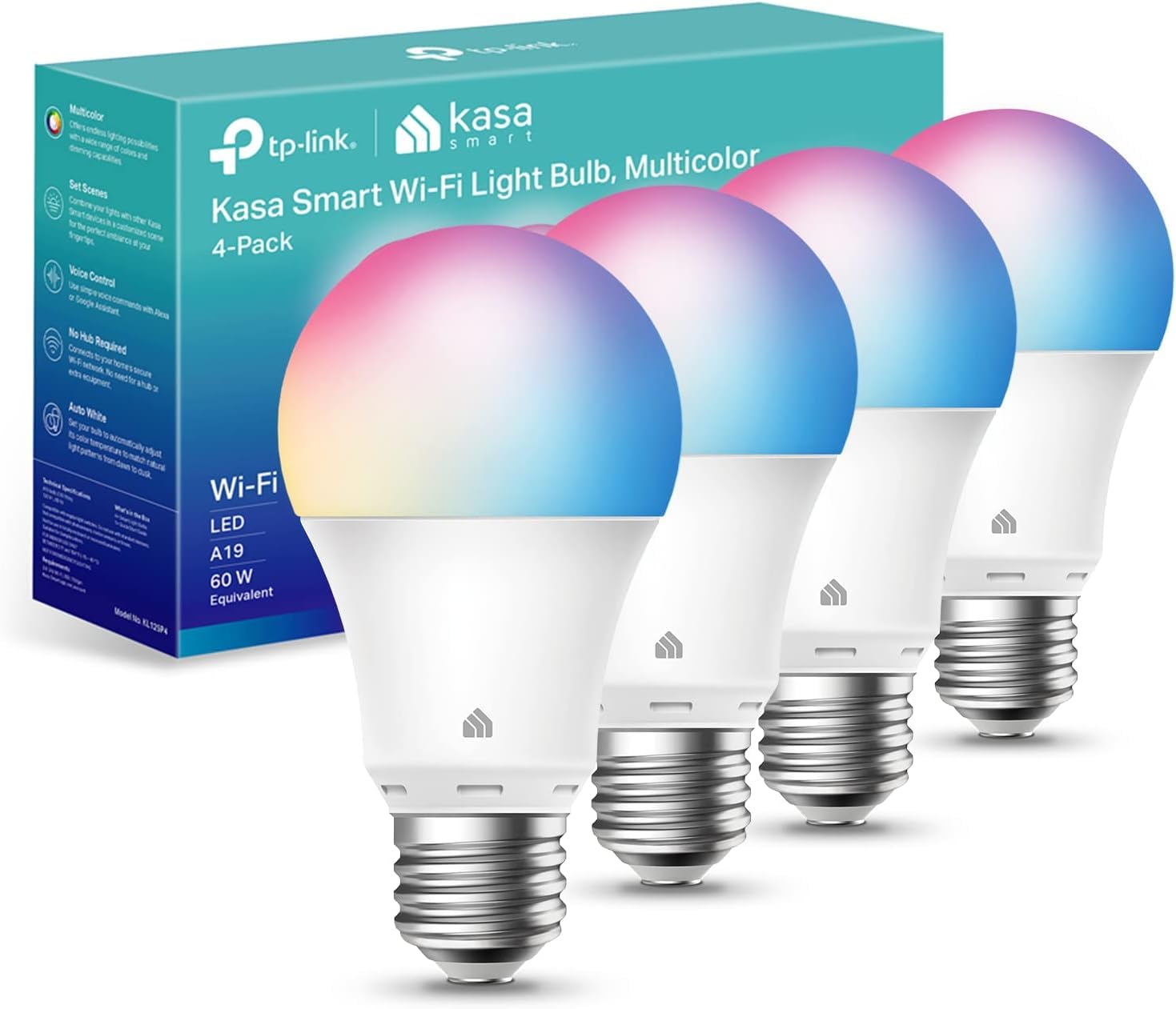
It is a strong choice for Google Home users who want color and tunable white without a hub because it works with Wi‑Fi and voice assistants.
Pros
- Wide color range plus warm-to-cool whites for many scenes
- No hub required and works with Google Assistant
- App offers schedules, energy monitoring, and setup help
Cons
- Requires 2.4 GHz Wi‑Fi only, which can limit placement
- Some users report occasional flicker or connectivity hiccups
- Not designed for outdoor, weather‑exposed use
The bulbs give many color and white-light options. They let users set moods, imitate daylight, or pick bright colors for parties.
They connect directly to home Wi‑Fi and integrate with Google Assistant for voice control. The Kasa app handles setup, timers, and energy tracking.
People should check their router bands first because these bulbs only use 2.4 GHz. They suit indoor rooms where robust Wi‑Fi reaches and where tunable light and remote control matter.
Govee Smart A19 4-Pack
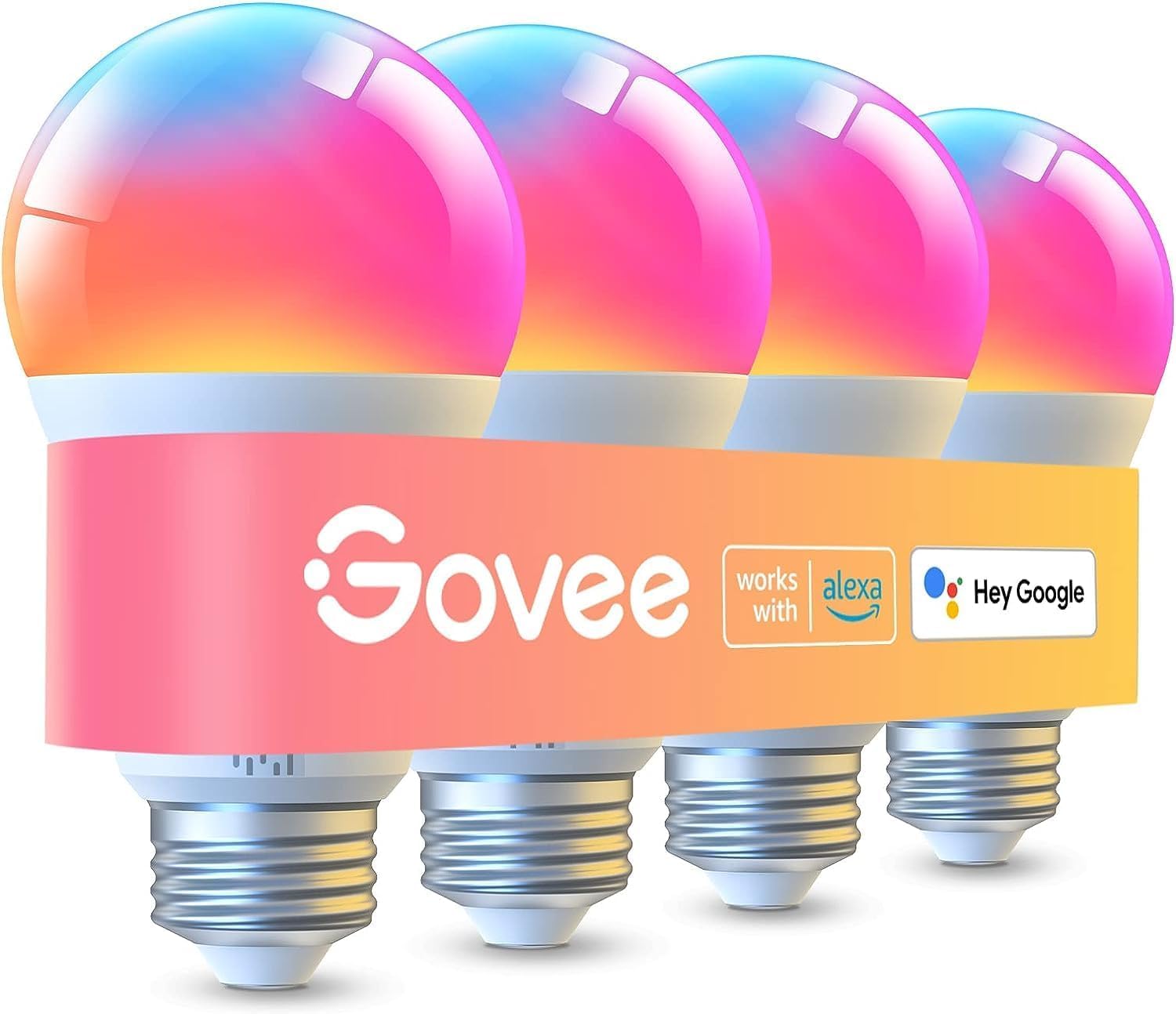
Govee’s A19 bulbs are a solid budget choice for Google Home users who want bright, color-changing lights without a big ecosystem buy-in.
Pros
- Very bright output that lights large rooms.
- Wide color range and tunable white for many moods.
- Works with Google Assistant and app for remote control.
Cons
- Some users report occasional flicker or connection hiccups.
- Preset saving needs Wi‑Fi and Bluetooth off to work.
- Not compatible with smart switches.
These bulbs deliver strong light and many color choices. They aim to balance brightness and color options at a lower price than premium brands.
They connect over 2.4 GHz Wi‑Fi and Bluetooth and let users control scenes, music sync, and schedules through the Govee Home app. Voice control with Google Assistant adds hands‑free convenience.
Setup can be quick for most people, but a few users note intermittent flicker or state-sync issues. Buyers who want top-tier reliability and deep smart‑home integrations might prefer a higher-end platform.
Overall, this pack suits someone who wants bright, colorful smart bulbs that work with Google Home without spending a lot.
Philips Hue Essential BR30
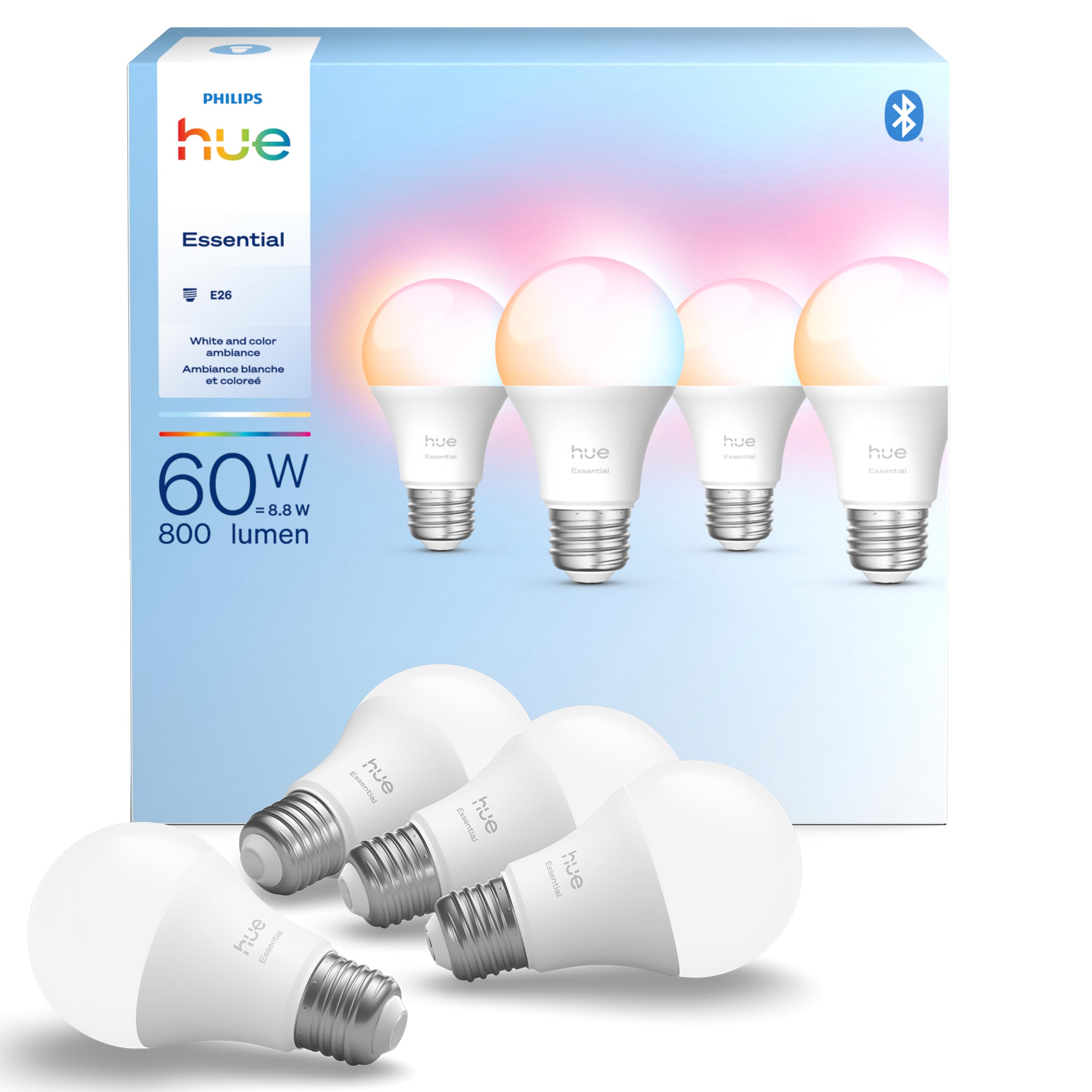
This 4-pack suits buyers who want reliable, color-changing bulbs that work well with Google Home and a growing Hue setup.
Pros
- Wide color range and warm-to-cool white for flexible moods
- Smooth dimming down to low levels for softer scenes
- Strong ecosystem support and Google Assistant compatibility
Cons
- Higher price than many non-Hue bulbs
- Some users report one-off failures in multi-packs
- Advanced features need a Hue Bridge to unlock
These bulbs let users pick millions of colors and set preset scenes without fuss. They link into Google Home so voice control and routines feel natural.
The bulbs dim smoothly and cover warm to cool whites, which helps in living rooms and bedrooms. They also work with other Hue gear if someone wants to expand later.
Buyers who already use Hue gear will find these an easy fit, while new users should weigh cost versus fuller features that appear if they add a Hue Bridge.
Tapo L520E (Tapo TP-Link Smart Light Bulbs)

It is a solid choice for users who want reliable daylight-white smart bulbs that work with Google Home and offer good energy savings.
Pros
- Natural 4000K light that helps with focus.
- Wide dimming range from 1% to 100%.
- Works with Google Assistant without a hub.
Cons
- 800 lumens may be dimmer than some users expect.
- 2.4 GHz Wi‑Fi only, so it needs the right network.
- Not compatible with Apple HomeKit.
The bulb gives steady daylight-white light that suits work and reading spaces. It aims to reduce eye strain and keep colors accurate with a high CRI.
Users can change brightness across a wide range and set schedules in the Tapo app. The app also shows power use so one can check energy consumption over time.
Voice control through Google Home works without a separate hub, which simplifies setup for many homes. Some buyers note the brightness tops out at 800 lumens, so it may not replace higher-output fixtures.
Overall, the Tapo L520E fits rooms where natural white light and app control matter more than maximum brightness.
Philips Smart Color A19 4-Pack
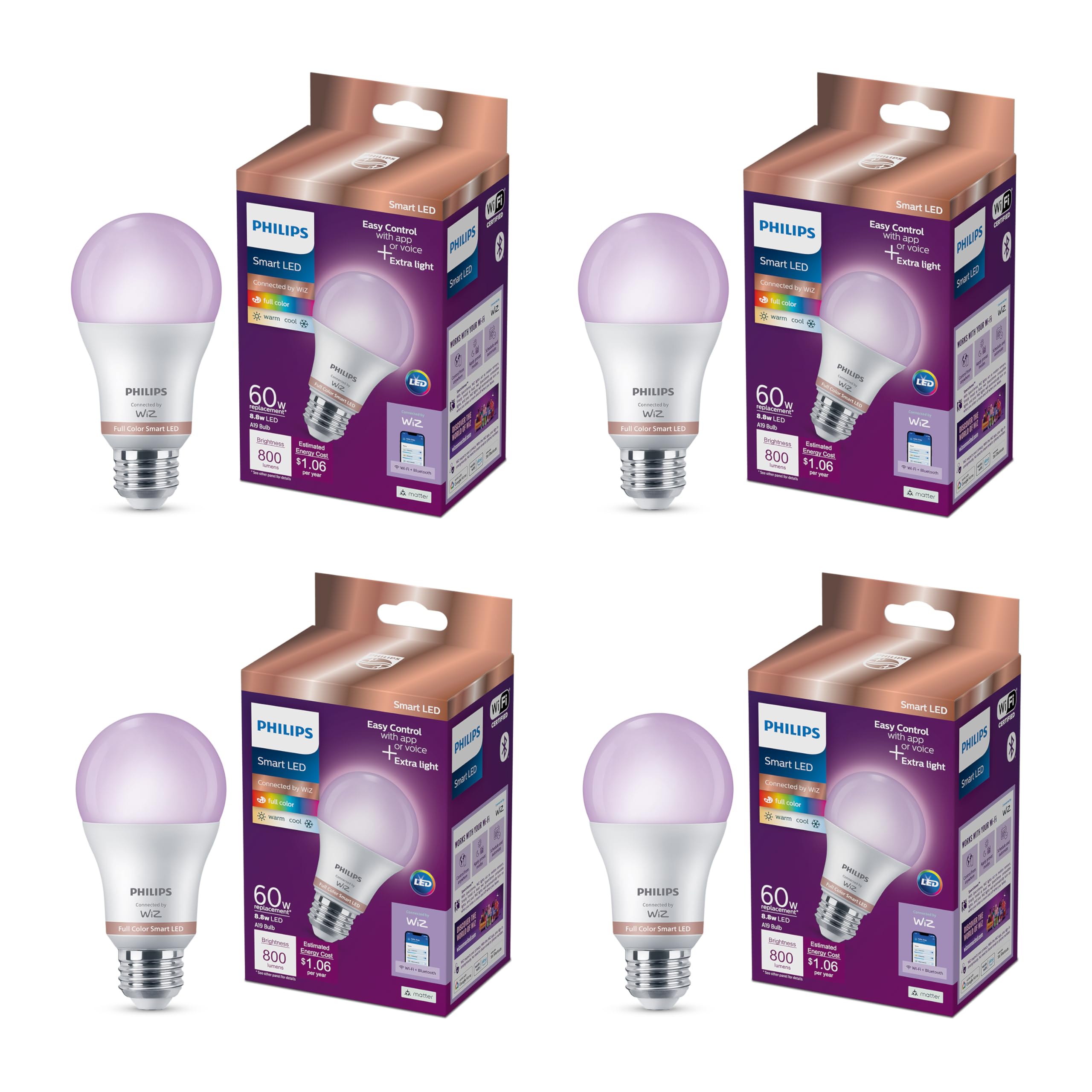
It is a solid choice for Google Home users who want wide color options and simple voice control.
Pros
- Lots of color and white light choices for mood and task lighting.
- Works with Google Home via Matter for easy voice control.
- No hub needed — connects directly to Wi‑Fi.
Cons
- Loses custom settings after power cuts unless reset in the app.
- Not compatible with Philips Hue ecosystem.
- Advanced features need the WiZ app, which may feel separate from Google Home routines.
They offer bright, full‑color light and a wide range of whites, so users can make scenes for different rooms. The bulbs fit standard fixtures and can replace regular A19 bulbs without extra hardware.
Setup uses the WiZ app and Wi‑Fi, then Google Home can control the bulbs once linked. Motion activation and schedules live in the app, which may require juggling if someone prefers only Google Home for automation.
People who want deep color options, easy voice control, and no hub will find these useful. Those who need perfect state retention after outages or who rely on the Hue platform may want to consider other options.
Buying Guide
When choosing smart bulbs for Google Home, look first at compatibility. They must work with Google Home and the same wireless standard the home hub uses.
Consider brightness and color options. Check lumens for brightness and whether the bulb offers tunable white or full color. More lumens mean a brighter room; color control adds mood and functionality.
Evaluate connection type and reliability. Bulbs that use Wi‑Fi, Bluetooth, or a smart hub each have pros and cons. Wi‑Fi can be direct but uses more network bandwidth. Zigbee or other hub-based systems reduce Wi‑Fi load and often feel more stable.
Think about power and size. Confirm the bulb fits the fixture and matches the socket type. Lower-wattage LED bulbs are energy efficient and provide long life.
Look for control features and integrations. Voice control must work smoothly with Google Home. Check if routines, scheduling, and away modes are supported. Some bulbs offer local control for faster responses.
Consider security and updates. Choose bulbs that receive firmware updates and use secure pairing. Regular updates fix bugs and add features.
Compare price and value. Balance upfront cost with long-term savings from energy use and lifespan. Consider warranty length and customer support options for peace of mind.
Editor’s Choice
The top pick balances price, performance, and Google Home integration. It works with Google Assistant natively and rarely loses connection.
It offers full color, tunable white, and solid brightness. Users can set routines and voice commands with little setup.
| Feature | Details |
|---|---|
| Brand | Well-known smart lighting maker |
| Model | Popular RGB + White model |
| Compatibility | Google Home, Alexa, Apple HomeKit (optional) |
| Connectivity | Wi‑Fi (no hub) |
| Brightness | 800–1100 lumens |
| Color Range | Millions of colors; 2000–6500K white |
| App & Voice | Responsive app; fast Google Assistant responses |
| Price | Mid-range; good value |
It saves energy compared with old bulbs and fits standard fixtures. The physical design is compact and it stays cool during use.
They include strong firmware support and frequent updates. Support documentation is clear, and replacement policies are reasonable.
Where to Buy – Best Amazon Deals
They can find many smart bulbs on Amazon with fast shipping and easy returns. Amazon often lists top brands like Philips Hue, Wyze, and Sengled, plus budget options from lesser-known makers.
Look for these deal types on Amazon:
- Lighting bundles: Multi-packs save more per bulb than singles.
- Limited-time sales: Daily deals and Prime Day events cut prices sharply.
- Refurbished items: Certified refurb bulbs cost less and usually include a warranty.
Buyers should check these product details before buying:
- Google Home compatibility: Confirm the listing says it works with Google Assistant.
- Connectivity type: Choose Wi‑Fi, Zigbee, or Bluetooth depending on their hub.
- Return policy and warranty: Prime-eligible items have easier returns.
They should read recent reviews and sort by “Newest” to spot firmware or app issues. Adding items to a wishlist or cart can trigger price-drop alerts. Prime members may get faster delivery and exclusive discounts.
Conclusion
Choosing the right smart bulb for Google Home depends on needs, budget, and setup. They should work with Google Assistant, offer reliable connectivity, and match the room’s lighting and color needs.
Budget bulbs give good white light and save energy. Mid-range bulbs add color choices and better app controls. Premium options offer advanced features like local control, wide color range, and faster response times.
They should pair easily with Google Home and keep firmware updated. Look for bulbs that use Wi-Fi or Matter for simpler integration. If many bulbs are needed, consider a bridge or hub to reduce Wi-Fi load.
Users should weigh color, brightness, voice control, and ecosystem fit. Check warranties and user reviews for real-world reliability. Testing one bulb first helps confirm compatibility and performance.
Recommendations often change with firmware and new models. Buyers should compare current prices and recent user feedback before buying.
FAQs
Which smart bulbs work with Google Home?
Most Wi‑Fi and Zigbee smart bulbs from major brands work with Google Home. Popular choices include Philips Hue, TP-Link Kasa, Sengled, and LIFX. They may require a hub for full features.
Do bulbs need a hub to use Google Assistant?
Some do and some don’t. Wi‑Fi bulbs usually connect directly to Google Home. Zigbee bulbs often need a compatible hub or a Hue Bridge.
How hard is setup?
Setup is usually simple: screw in the bulb, power it on, install the brand’s app, and link the app to Google Home. Average setup time is 5–15 minutes.
Can multiple bulbs be grouped and controlled together?
Yes. Google Home lets users create rooms and groups to control many bulbs with one command. Groups work for on/off, brightness, and color if supported.
Are color bulbs worth the extra cost?
Color bulbs add mood lighting and scenes, but they cost more. If the user only needs dimming and white light, a tunable white bulb may be a better value.
What about privacy and security?
Users should use strong passwords, keep firmware updated, and use a secure Wi‑Fi network. Disabling unnecessary cloud features can reduce data sharing.
How long do smart bulbs last?
LED smart bulbs typically last 15,000–25,000 hours. Actual life depends on usage patterns and firmware updates.