9 Best Smart Lights for Home Automation: Top Picks, Features, and Setup Guide
Affiliate disclosure: As an Amazon Associate, Gadget Makers Blog may earn from qualifying purchases. This does not change the price you pay.
Smart lights let people control brightness, color, and schedules from a phone, voice assistant, or smart hub. They make routines easier, cut energy use, and can change a room’s mood without rewiring. Many bulbs and light strips now work with Alexa, Google Assistant, or Apple HomeKit, so they fit into most home setups.
The main choice is whether to buy simple smart bulbs, color-changing bulbs, or smart switches and dimmers that keep existing fixtures. Buyers should focus on compatibility with their smart home platform, the type of control they want (app, voice, or physical switch), and whether they need color or just tunable white. Other key factors include brightness (lumens), color accuracy (CRI), and whether the product supports local control or relies on cloud services. These details shape which lights will work best for a given home and setup, and they guide the picks in the next section.
9 Best Smart Lights for Home Automation
Below is a list of the best smart lights for home automation. It covers bulbs and fixtures that work with major hubs and voice assistants for easy control, energy savings, and mood lighting.
Kasa Smart Dimmable A19 (4-Pack)

It is a solid choice for buyers who want easy-to-use, dimmable smart bulbs that work with Alexa and Google without a hub.
Pros
- Bright, soft-white light that suits bedrooms and living rooms.
- Smooth dimming from 1% to 100% for mood and tasks.
- Works with voice assistants and the Kasa app for remote control.
Cons
- Only supports 2.4 GHz Wi‑Fi, so setup may fail on 5 GHz-only networks.
- No color-changing options—only soft white.
- Multiple bulbs could increase Wi‑Fi traffic in larger installs.
The bulbs give reliable soft-white light and a wide dimming range. They fit standard E26 sockets and claim easy setup through the Kasa app and voice assistants.
They include energy monitoring and scheduling features in the app so users can track use and set timers. This helps reduce wasted power and automate daily routines.
Some buyers find setup fast and intuitive, while a few report trouble when their network setup is nonstandard. The 2.4 GHz requirement and lack of color control limit flexibility for some homes.
Overall, the pack suits people who want straightforward smart lighting with good dimming and voice control without adding a hub. See more and buy on Amazon: Kasa Smart Dimmable A19 (4-Pack).
Kasa Smart Bulbs (KL125P2) — 2-Pack
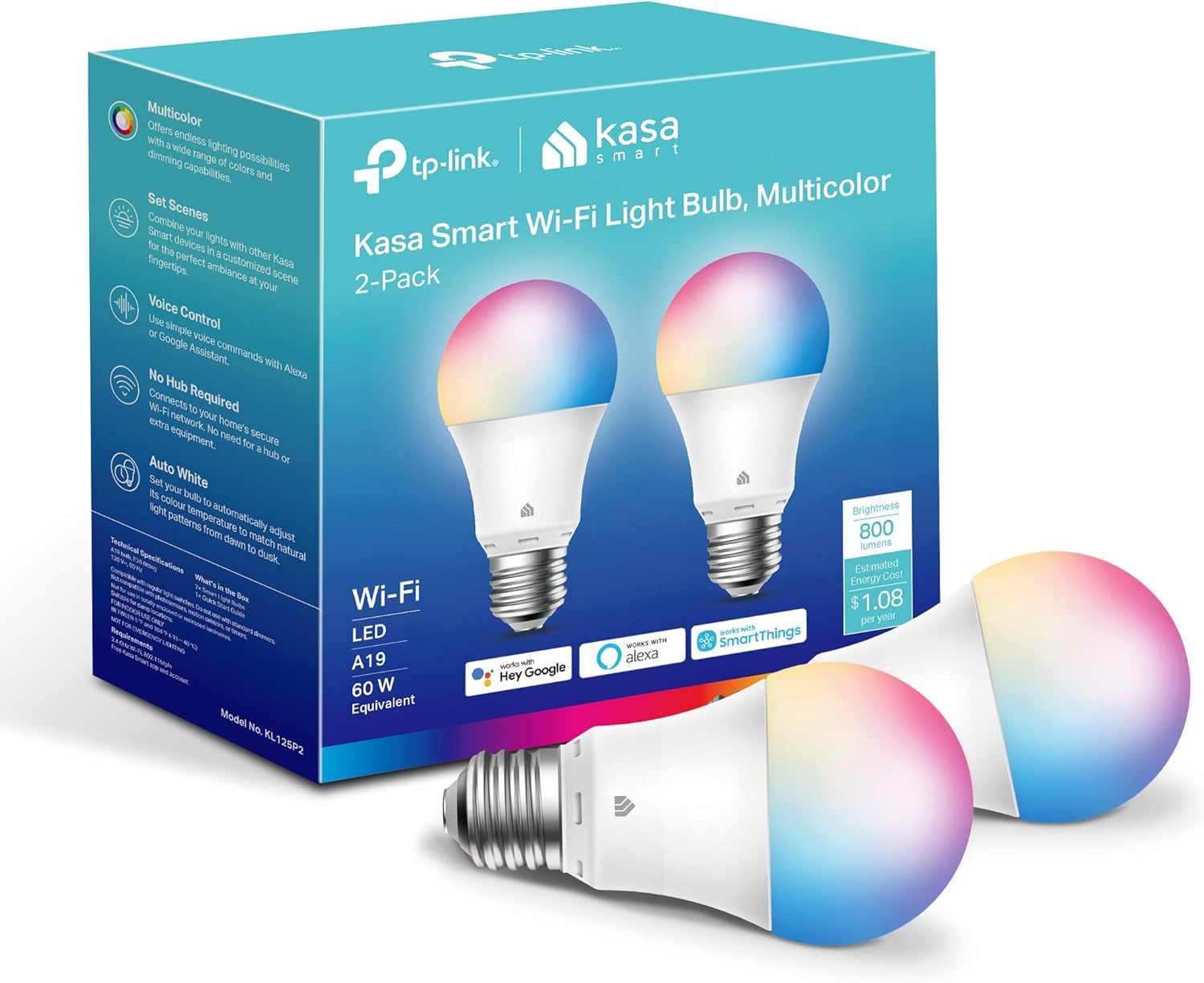
It is a strong choice for buyers who want full-color, tunable white bulbs that work with Alexa and Google without a hub.
Pros
- Wide color range and tunable whites for many scenes
- Easy voice and remote control via Kasa app
- Energy efficient and UL certified
Cons
- Requires 2.4 GHz Wi‑Fi only
- Setup can be slower if adding multiple bulbs at once
- Not rated for 220V regions without checking compatibility
The bulbs offer 16 million colors and warm-to-cool whites, so they handle mood lighting, wake-up scenes, and simple holiday use. The Kasa app guides setup and links to Alexa or Google for voice commands.
They report energy monitoring and scheduling features, which help users track use and set timers. Users should expect standard A19 brightness suitable for most rooms and a simple E26 base fit.
Some buyers note that adding several bulbs at once can cause setup hiccups, so adding one at a time may avoid issues. Confirm home voltage and 2.4 GHz Wi‑Fi compatibility before buying for international or mixed-network homes.
Kasa Smart HS200 Light Switch (3-Pack)

It is a solid choice for people who want reliable, no-hub smart switches that work with Alexa and Google Assistant.
Pros
- Easy app-guided setup for most users.
- Works with voice assistants for hands-free control.
- Remote control and scheduling add convenience and security.
Cons
- Requires a neutral wire, so not suitable for all homes.
- Only works on 2.4 GHz Wi‑Fi networks.
- Not for 3‑way switch setups without extra wiring.
The Kasa HS200 replaces a standard in‑wall switch and brings app control and voice commands to regular lights and fans. The app walks through installation steps, which helps if someone has basic wiring comfort.
They offer good scheduling and an “away” mode to make the house look occupied. Users can turn lights on or off from anywhere and link the switches to Alexa or Google Home for voice control.
Wiring limits matter: homes without a neutral wire will need an electrician or a different product. The unit also needs a 2.4 GHz Wi‑Fi network, so mixed-band setups may require router changes.
Overall, it suits people who want a durable, well-supported smart switch without a hub and who have compatible wiring and Wi‑Fi.
Kasa Smart Multicolor Bulb (4-pack)
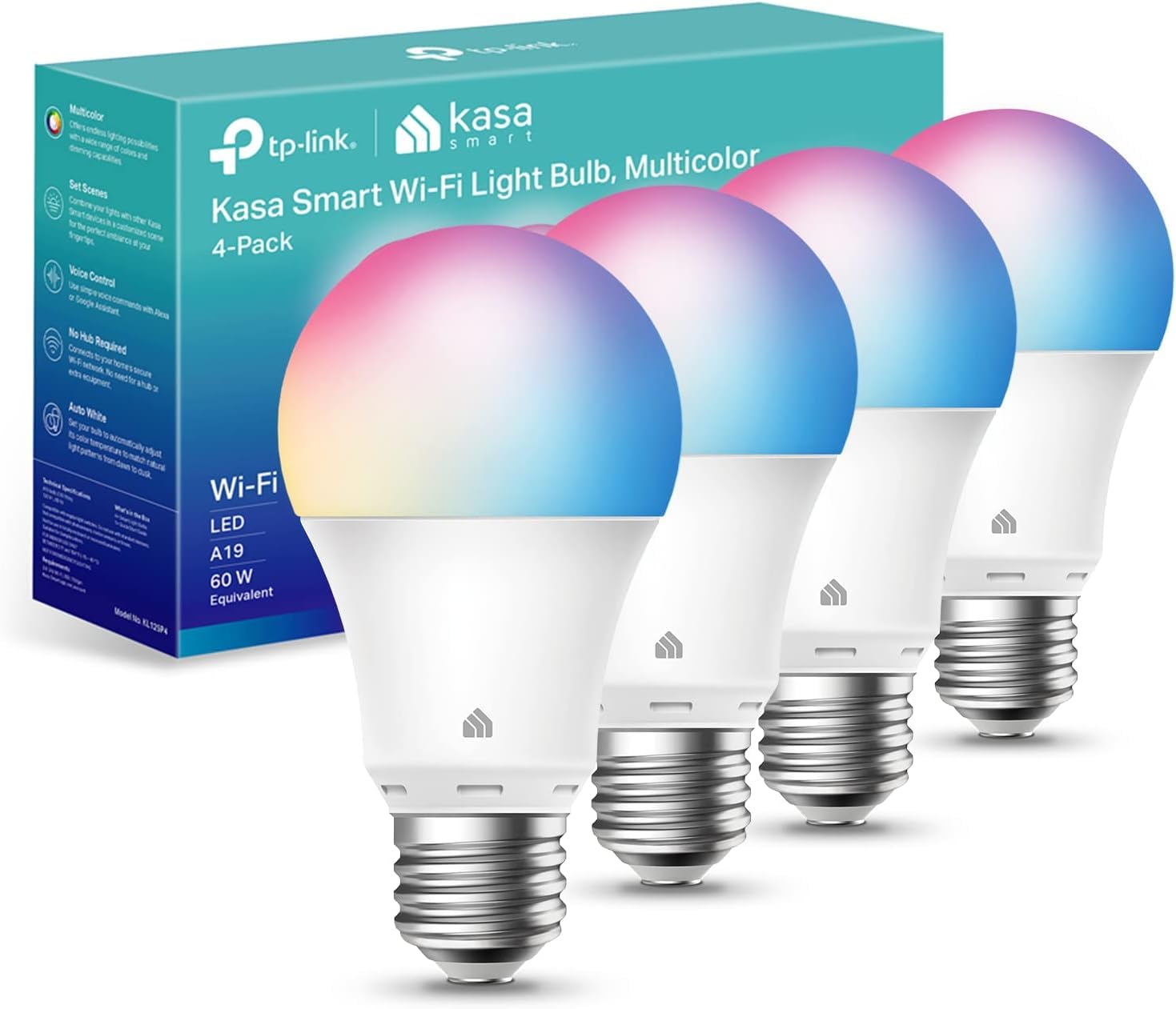
It is a good buy for someone who wants bright, full-color smart bulbs that work without a hub and pair with Alexa or Google.
Pros
- Lots of color and warm-to-cool white options.
- Works with Alexa and Google and uses only Wi‑Fi.
- App offers scheduling and remote control.
Cons
- Only 2.4 GHz Wi‑Fi supported.
- Some users report intermittent reliability.
- Requires the Kasa app for setup and advanced features.
The bulbs offer 16 million colors plus tunable white, so they suit parties, mood lighting, and day‑to‑night routines. They run on standard E26 bases and aim to replace a 60 W bulb without high power use.
They connect directly to home Wi‑Fi and link to voice assistants for hands‑free control. The Kasa app has setup guides and lets users set timers, scenes, and energy tracking.
Some buyers note stability varies by network and the bulbs need a 2.4 GHz band, which may mean changing router settings. The product includes a two‑year warranty and UL safety certification, which may reassure cautious shoppers.
Kasa HS200 Smart Light Switch

It is a solid choice for people who want a reliable in-wall smart switch that works with Alexa and Google Assistant and offers app control and scheduling.
Pros
- Easy app-guided setup and regular updates.
- Works with Alexa and Google Assistant for voice control.
- No hub required and UL certified for safety.
Cons
- Requires a neutral wire, which some homes lack.
- Only supports 2.4 GHz Wi‑Fi, not 5 GHz.
- Needs basic wiring skills or an electrician for install.
The HS200 replaces a standard switch and puts scheduling, remote control, and voice commands into a familiar wall plate. It suits people who prefer wall-mounted control rather than smart bulbs or plugs.
Many users find the Kasa app clear and the device reliable once installed. The switch fits most standard boxes and keeps a clean look with the included faceplate.
Installers should check for a neutral wire and 2.4 GHz Wi‑Fi before buying. If those are present, the HS200 offers a straightforward path to basic home automation without adding a hub.
Govee Smart A19 Bulbs (2-Pack)

They are a strong budget option for bright, color-changing bulbs that work with Alexa and Google Assistant.
Pros
- Very bright for most rooms
- Wide color and white temperature choices
- Easy app and voice control
Cons
- Some users report occasional flicker or connectivity hiccups
- Preset saving requires Wi‑Fi and Bluetooth off
- Not compatible with smart switches
These bulbs offer high brightness and lots of color options without a steep price. Buyers can pick from millions of colors and tune white light for reading or relaxing.
The Govee app adds scene modes and sound-reactive effects, and voice control works through Alexa and Google Assistant. Groups let users control multiple bulbs at once from anywhere on a 2.4 GHz Wi‑Fi network.
Some customers note setup is smooth, but a few report flicker or lower-than-expected brightness after time. The bulbs work best when used with the app and a stable Wi‑Fi connection.
They suit living rooms, bedrooms, and lamps where vivid color or strong white light is wanted, and they provide a cost-effective alternative to premium ecosystems.
Philips Hue Essential A19 4-Pack
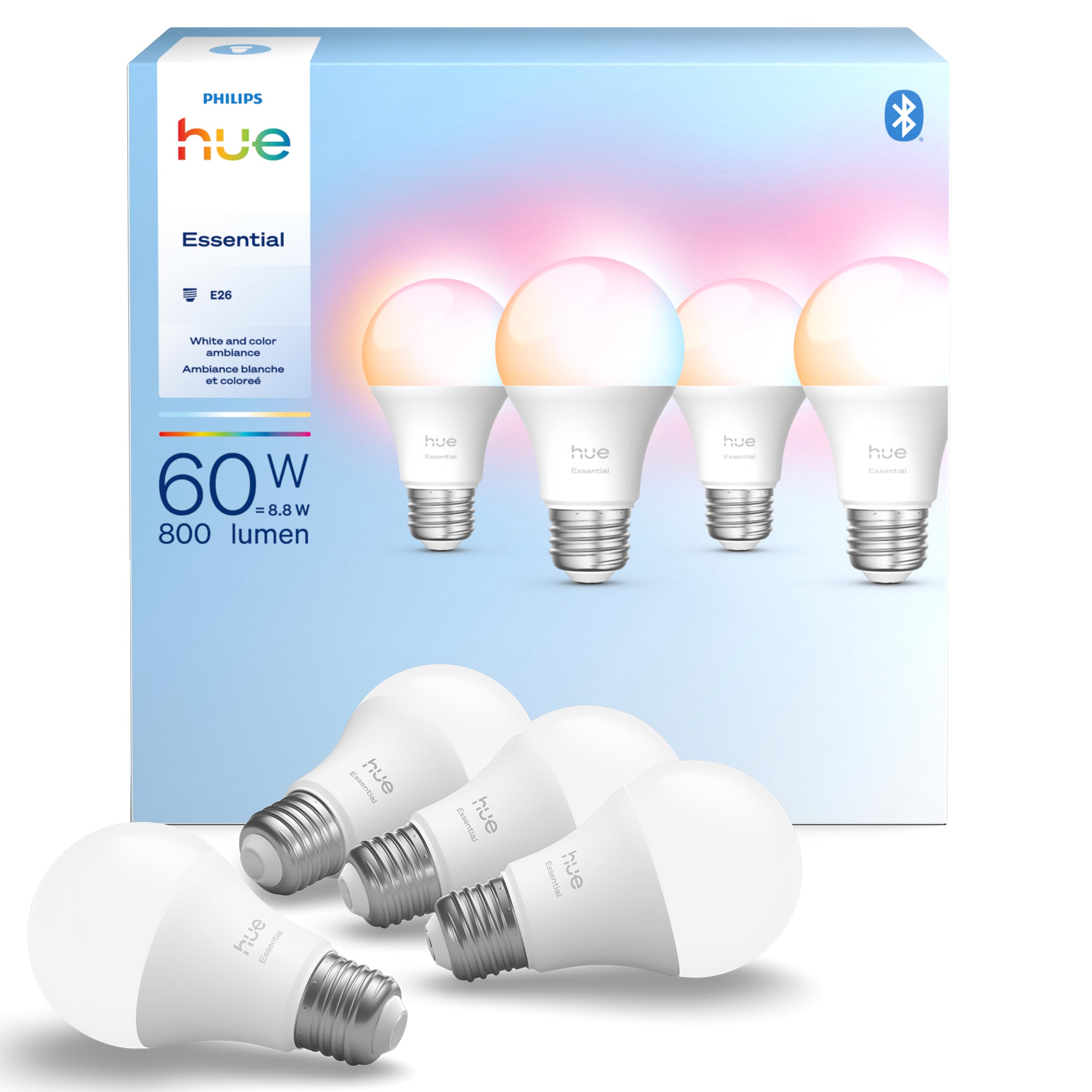
It is a solid choice for buyers who want reliable, full-color smart bulbs that work with major voice assistants and grow with a Hue system.
Pros
- Wide color range and smooth dimming for easy mood setting.
- Works with Alexa, Google, and Apple Home for simple voice control.
- Fits standard E26 sockets and expands within the Hue ecosystem.
Cons
- Pricier than many non-Hue options.
- Some users report occasional early failures.
- Many features need a Hue Bridge to unlock.
These bulbs give bright, adjustable light that moves from warm to cool and offers millions of colors. They suit living rooms, lamps, and recessed fixtures that use A19/BR30-style bulbs.
Setup works through the Hue app or a voice assistant, and the bulbs pair into an existing Hue network easily. Owners can start with these and add a Hue Bridge later for routines, sync features, and broader smart-home control.
Expect dependable color and dimming performance for scenes, parties, or day-to-day use, but weigh the cost if budget is tight or if you prefer devices that include full features without a hub.
Philips Smart A19 4-Pack
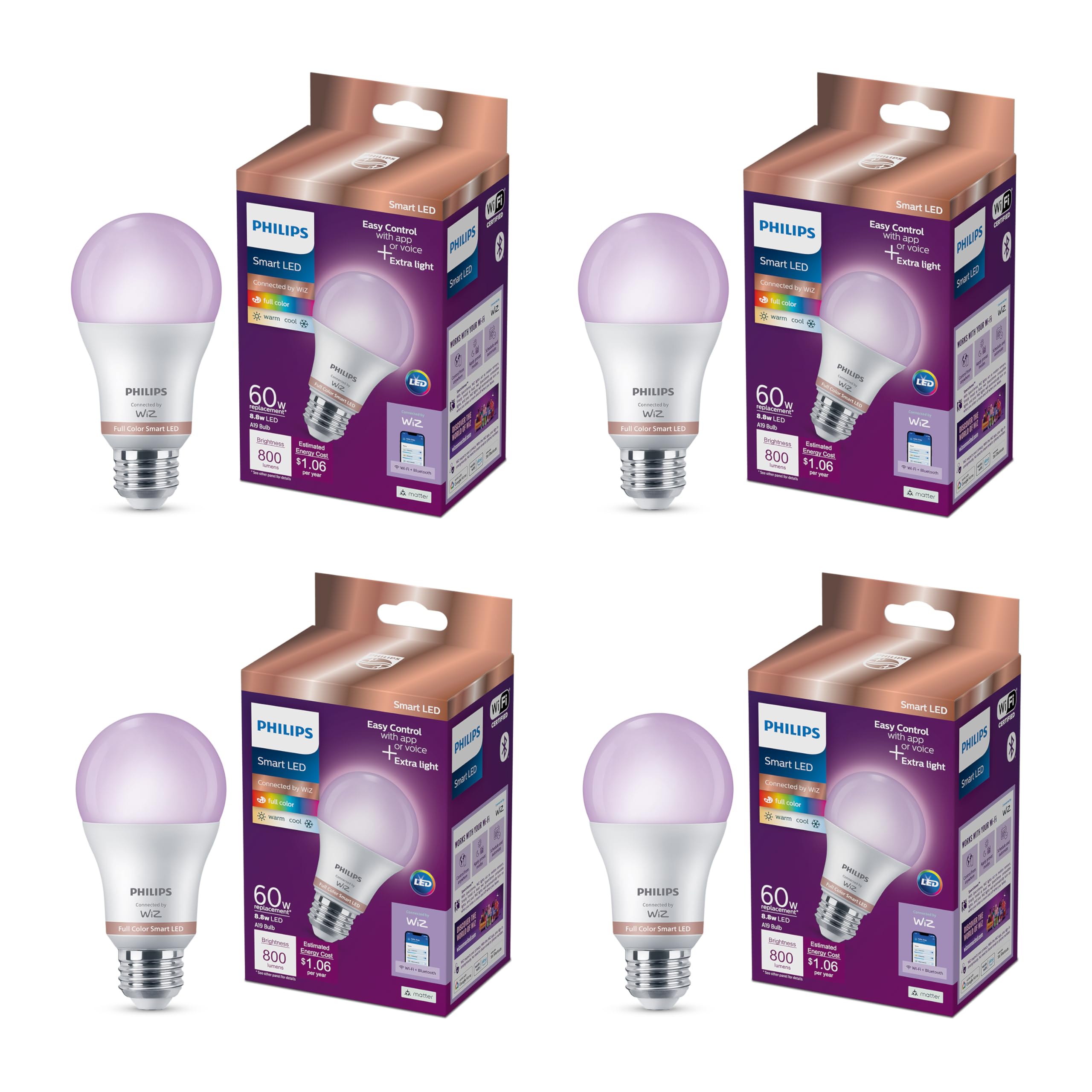
It is a solid choice for buyers who want lots of color options, easy app and voice control, and Matter compatibility.
Pros
- Wide color range and tunable whites for mood and task lighting
- No hub required and works with Alexa, Google and Apple Home via Matter
- Built-in automation features like motion-based activation and schedules
Cons
- Loses programming after a power outage unless reset in the app
- Not compatible with Philips Hue ecosystem
- Higher cost than basic smart bulbs
The bulbs offer 16 million colors and warm-to-cool whites, so they handle party scenes and everyday tasks. They fit standard E26 sockets and aim to replace a typical 60W bulb while using less power.
Setup uses the WiZ app and a home Wi‑Fi connection, which keeps the system simple for most users. Voice control works through popular smart assistants, and the Matter support helps future-proof integrations.
SpaceSense motion activation can turn lights on without extra sensors when at least two bulbs are installed. That feature adds convenience for entryways and halls but needs multiple bulbs to work.
These bulbs are not part of the Hue family, so users tied to Hue bridges or scenes might find integration limited. Power outages may force a reset of schedules and scenes in the app, which some buyers find frustrating.
Buyers can view more details or purchase at the product page: Philips Smart A19 4-Pack.
Govee Smart Bulbs (2-Pack)

They are a solid, budget-friendly choice for flexible, app-driven color lighting that works with Alexa and Google Assistant.
Pros
- Wide color range and fun scene modes
- Works with voice assistants and app routines
- Music sync and group control for multiple bulbs
Cons
- Only 2.4 GHz Wi‑Fi supported
- Microphone-based music sync has limits
- Not compatible with smart switches
The bulbs give many color and scene options that help set mood for parties, relaxation, or everyday use. The app makes it easy to pick colors, schedule timers, and group bulbs for whole-room control.
They support Alexa, Google Assistant, and Matter-compatible control, so they fit into common smart home setups without a hub. Users should note the Wi‑Fi limit and that the bulbs need app control or voice, not a standard wall switch.
Music sync reacts to sound through the phone mic, which can be fun but may not work if another app uses the microphone. Overall, the bulbs offer bright, colorful light and easy automation for a modest price.
Buying Guide
Choosing smart lights starts with compatibility. They should work with the home’s hub or voice assistant. Check whether they use Wi‑Fi, Zigbee, Z‑Wave, or Bluetooth.
Look at brightness and color. Lumens measure brightness; higher lumens mean more light. If color matters, pick bulbs that offer both tunable white and full RGB color.
Consider control and automation features. Support for schedules, scenes, and remote control makes daily use easier. Check if the app is simple and reliable.
Think about installation and form factor. Some bulbs fit standard sockets, while others need fixtures or adapters. Verify size and dimmer compatibility before buying.
Evaluate energy use and longevity. LED smart lights save power and last longer than incandescent bulbs. Look for lumen-per-watt figures and estimated lifetime.
Security and privacy matter. Devices should receive firmware updates and use encrypted connections. Confirm the vendor’s update policy and data practices.
Budget and expandability influence choices. Upfront cost, ongoing cloud fees, and whether a hub is required can change value. Plan for future expansion so new lights match existing systems.
Compare warranties and support. A clear warranty and responsive customer support reduce risk. Read warranty terms and check support channels before purchasing.
| Feature | What to check |
|---|---|
| Protocol | Wi‑Fi, Zigbee, Z‑Wave, Bluetooth |
| Brightness | Lumens rating |
| Color | Tunable white vs RGB |
| Control | App, voice, schedules, scenes |
| Installation | Size, socket type, dimmer support |
| Power & Life | Watts, lumens/watt, lifetime |
| Security | Updates, encryption, privacy policy |
| Cost | Price, hub needs, subscription |
Editor’s Choice
The editor picks three smart lights that work best for most homes. They balance ease of use, smart features, and value.
| Pick | Model | Why it stands out |
|---|---|---|
| Best Overall | Philips Hue White & Color Ambiance | Wide app and ecosystem support. Works with Alexa, Google, and HomeKit. Reliable colors and strong third-party integrations. |
| Best Budget | Wyze Bulb Color | Low price and good performance. Simple app and local control via Wyze Bridge. Great for basic scenes and routines. |
| Best for Power Users | LIFX A19 | Brightness and color quality are excellent. No hub required and advanced effects are built in. Integrates with many automation platforms. |
They chose Philips Hue for most rooms because it offers the largest app options and many compatible accessories. This makes scaling a smart lighting system easy.
Wyze earns the budget pick for families or renters who want color lights without high cost. It gives solid features and simple routines.
LIFX suits users who want bright lights and no hub. It gives advanced effects and strong color control for media and gaming setups.
Where to Buy – Best Amazon Deals
They often find the best smart-light deals on Amazon because the site lists many brands, models, and price points in one place. Amazon shows discounts, bundle offers, and timed deals that can lower the price quickly.
Check the product page for these quick signals:
- Lightning Deals — short-term price drops.
- Coupons — clickable savings right on the page.
- Subscribe & Save — for bulbs bought in multi-packs.
Look at seller details and reviews before buying. Verified purchases and photo reviews help spot real-world performance.
Compare these common choices:
| Type | Why buy on Amazon |
|---|---|
| Smart bulbs (Wi‑Fi) | Easy setup, many user reviews, frequent discounts |
| Zigbee/Z‑Wave bulbs | Often sold with compatible hubs or bundles |
| Light strips | Bundles with controllers and remote options |
They should watch for warranty and return policies listed on each product page. Amazon’s return process can simplify testing at home.
Prime members get faster shipping and early access to deals during sales events like Prime Day. Using saved lists helps track price changes and compare favorites quickly.
Conclusion
Smart lights bring clear benefits: easier control, better energy use, and more comfort. They work well for many homes and fit into most automation systems.
Choose lights that match the home’s ecosystem and the user’s tech comfort. Popular options offer reliable apps, voice control, and good dimming performance.
Budget matters. Affordable bulbs give basic automation and color, while higher-end models add advanced scenes, native matter support, and stronger brightness. Balance price with the features the household will actually use.
Security and privacy should guide device choices. Pick brands with regular updates and clear data policies. Use strong Wi‑Fi passwords and isolate smart devices on a separate network when possible.
Practical setup tips:
- Start with bulbs in high-use rooms like living room or kitchen.
- Test voice and app control before buying many units.
- Check compatibility with hubs, bridges, or Matter.
A few strong options cover most needs: simple white dimmable bulbs for cost savings, color bulbs for mood lighting, and smart switches for whole-room control. They help the home feel smarter while keeping maintenance low.
They should fit into the plan for future upgrades. Choose devices that support common standards to avoid early replacement and to make the home automation system easier to expand.
FAQs
What do smart lights need to work?
They need power, a compatible hub or Wi‑Fi, and a controlling device like a phone or voice assistant. Some bulbs use Zigbee or Z‑Wave and require a hub.
Are smart lights hard to install?
Most screw‑in bulbs install like regular bulbs. Switches and wired fixtures may need basic electrical work or a professional.
Do smart lights save money?
They can reduce energy use through scheduling and dimming. Savings depend on usage and bulb type (LED vs. incandescent).
Can multiple brands work together?
Many brands work with common platforms like Alexa, Google, or Apple HomeKit. Check compatibility before buying to avoid mix‑and‑match issues.
Is security a concern?
Yes. Use strong Wi‑Fi passwords, enable updates, and buy from brands that provide regular firmware patches.
How long do smart bulbs last?
LED smart bulbs often last 15,000–25,000 hours. Actual life varies with brightness, usage patterns, and firmware behavior.
What features should one prioritize?
Prioritize reliability, compatibility with existing devices, energy efficiency, and good customer support. Color and dimming are nice extras.
Can smart lights work without the internet?
Some systems work locally if a hub is present. Cloud‑only systems usually lose remote access during outages.



2 Comments