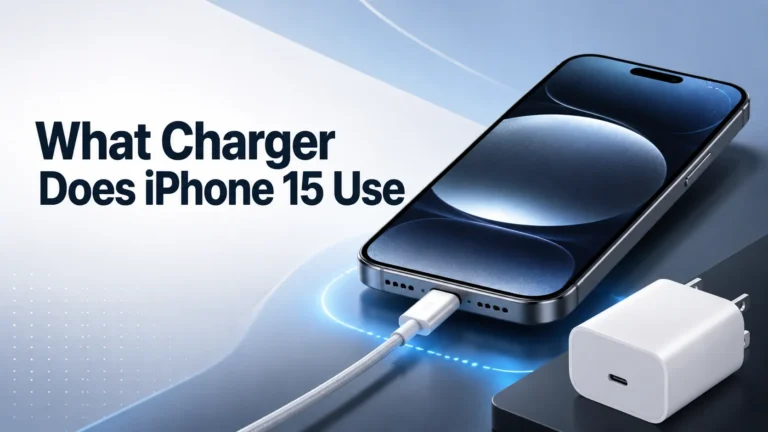
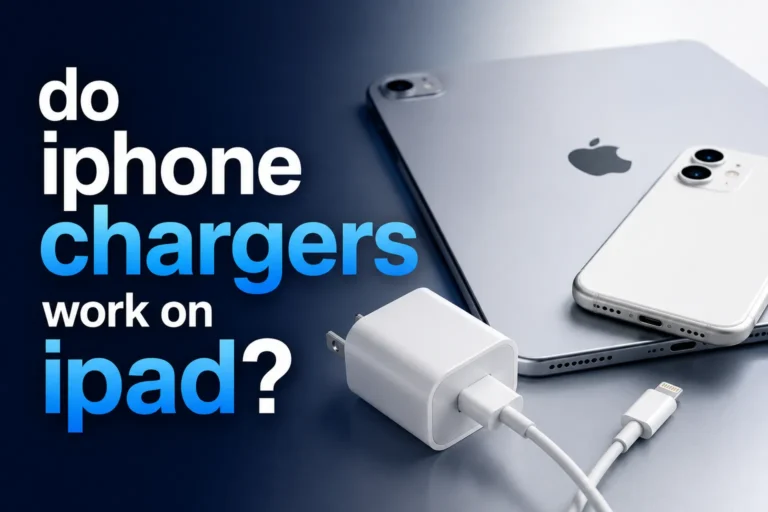
The iPhone 15 uses USB-C and includes a USB-C charge cable, but no wall adapter. A reputable 20W or higher USB-C Power Delivery charger is the best wired option for most owners.
Six ports, high shared output, a live display, and smart power management for an iPhone, iPad, MacBook, power bank, and accessories.
A magnetic charging station for iPhone 15, Apple Watch, and AirPods with active cooling and a smart display.
The most sensible option for fast-charging one iPhone 15 with the USB-C cable included in the box.
Quick Answer
The iPhone 15 uses a USB-C charging port.
For the best charging experience, use:
- A 20W USB-C charger
- A USB-C charging cable
- A charger with USB Power Delivery support
The iPhone 15 also supports fast charging and wireless charging.
Introduction
This guide explains the charger type, wattage, cable, wireless options, and compatibility details that matter when charging an iPhone 15.
One question many people ask is: which charger does iPhone 15 use?
Apple changed the iPhone 15 from Lightning to USB-C. This makes charging easier because many modern devices now use USB-C.
In this guide, I’ll explain:
- Which charger works with iPhone 15
- The best charger wattage
- Fast charging support
- Wireless charging options
- Charging safety tips
- Common charging mistakes
What Charger Does iPhone 15 Use?
The iPhone 15 uses a USB-C charger.
You need:
- A USB-C power adapter
- A USB-C charging cable
- A USB-C PD charger for fast charging
USB-C is now common on many devices, including:
- iPads
- MacBooks
- Android phones
- Gaming devices
- Portable power banks
According to Apple Support, USB-C charging supports faster charging and better compatibility.
Does iPhone 15 Support Fast Charging?
Yes. The iPhone 15 supports fast charging.
To get fast charging, use:
- A 20W USB-C charger or higher
- A USB-C to USB-C cable
- A USB Power Delivery charger
Fast charging works much better than old 5W chargers. Apple says iPhone 8 and later can reach up to 50% battery in around 30 minutes under test conditions. Apple’s iPhone 15 testing used a 20W USB-C power adapter.
Charger Speed and Compatibility Comparison
| Charger | Expected result | Best use |
|---|---|---|
| 5W USB-A | Very slow charging | Emergency or overnight use |
| USB-A with the correct cable | Apple states iPhone 15 models charge at up to 7.5W from USB-A | Reusing an older adapter when speed is not important |
| 20W USB-C PD | Fast charging | Best everyday choice for most users |
| 30W–65W USB-C PD | Compatible; the iPhone controls its own intake | Travel and charging several USB-C devices |
| 100W–250W multi-port station | Compatible when the selected port supports USB-C PD | Desks with laptops, tablets, phones, and accessories |
Best Charger Types for iPhone 15
| Charger Type | Main Benefit | Best Use |
|---|---|---|
| 20W USB-C Charger | Balanced speed | Daily charging |
| 30W USB-C Charger | Faster charging | Heavy use |
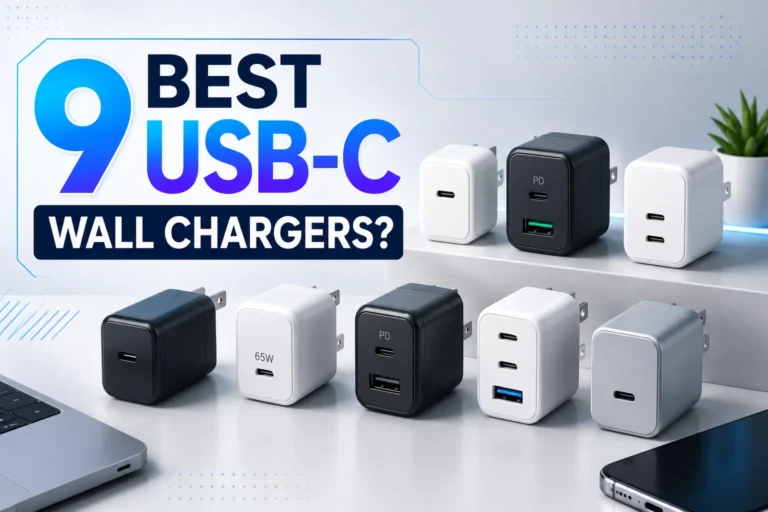
| GaN Charger | Compact size | Travel |
| Multi-Port Charger | Charge many devices | Desk setup |
| MagSafe Charger | Wireless charging | Convenience |

The Anker Prime station delivers up to 250W total shared output across four USB-C and two USB-A ports. Anker lists USB-C1 at up to 140W and includes a 2.26-inch display plus a smart control dial for real-time charging feedback.
- Four USB-C and two USB-A ports
- Up to 250W total shared output
- USB-C1 supports up to 140W
- Live 2.26-inch charging display
- Smart power modes and control dial
- Listed compatibility includes iPhone 15 series
- Far more charger than one iPhone needs
- 250W is divided across connected devices
- The iPhone will not charge at 250W
- Desktop design is not ideal for light travel
- High-power laptops need appropriate cables
| Setup | What happens | Best practice |
|---|---|---|
| iPhone only | The phone negotiates its supported USB-C PD rate | Use a USB-C port and reliable cable |
| iPhone plus MacBook | Power is shared according to device demand | Place the laptop on the highest-priority USB-C port |
| Several devices connected | The station redistributes its 250W total capacity | Check the display and disconnect unnecessary loads |
| Phone charges slowly | Possible cable, heat, port, or power-sharing limitation | Test the phone by itself on one USB-C port |
Why USB-C Is Better Than Lightning
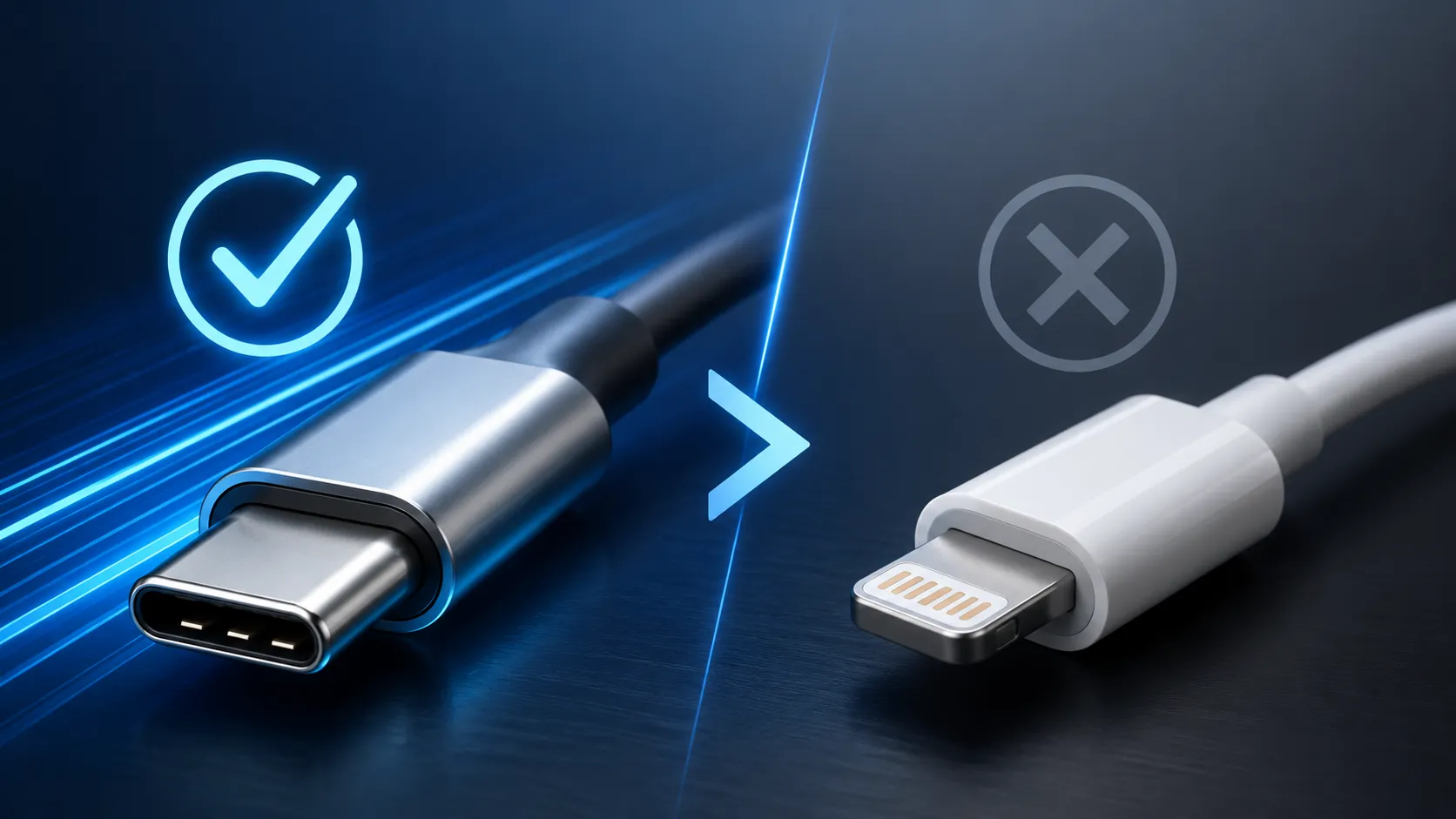
USB-C has several benefits.
- Faster charging
- Better data transfer
- One cable for many devices
- More future-proof
- Better accessory support
USB-C can reduce cable clutter because compatible phones, tablets, laptops, power banks, and accessories may share the same connector standard.
You can learn more about USB-C technology at USB-IF.
Can You Use Old iPhone Chargers?
Yes, but there are limits.
Older USB-A chargers still work with the correct cable. However:
- Charging becomes slower
- Fast charging may not work
- Older chargers are less efficient
USB-C chargers give a much better charging experience.
Does iPhone 15 Support Wireless Charging?
Yes. The iPhone 15 supports:
- MagSafe charging
- Qi wireless charging
- Wireless charging stands
- Wireless car chargers
Wireless charging is easy and convenient.
Still, wired USB-C charging is usually faster.

This station charges a compatible iPhone, Apple Watch, and wireless earbuds from one dock. It adds active TEC cooling, a live display, app controls, adjustable positioning, and an included 65W USB-C adapter. Anker lists iPhone 15 series at up to 15W.
- Charges three Apple devices together
- iPhone 15 wireless charging up to 15W
- Active TEC cooling
- Live power and temperature display
- Apple Watch charging up to 5W
- 65W USB-C adapter included
- iPhone 15 cannot use the advertised 25W mode
- Wireless charging is usually slower than wired USB-C
- Best suited to Apple-device owners
- Needs a MagSafe-compatible case for reliable alignment
- More expensive than separate basic chargers
How to Choose the Best Charger for iPhone 15
1. Choose USB-C PD Support
USB Power Delivery improves charging speed and battery safety.
2. Buy Trusted Brands
Cheap chargers can overheat or damage batteries.
Good chargers include:
- Overheat protection
- Voltage protection
- Smart charging control
- Battery safety features
3. Use GaN Chargers
GaN chargers are smaller and more efficient.
They work great for:
- Travel
- Office setups
- Charging many gadgets
Real-World Charging Example
A multi-port USB-C GaN charger can power several compatible devices from one organized desk setup, including:
- iPhone 15
- MacBook Air
- Wireless earbuds
- Portable battery pack
This type of setup can reduce the number of separate adapters and cables needed on a desk.
Troubleshooting Charging Problems
| Problem | Possible Cause | Solution |
|---|---|---|
| Slow charging | Weak charger | Use 20W or higher |
| Phone gets hot | Cheap charger | Use certified charger |
| Charging stops | Broken cable | Replace cable |
| No charging | Dirty port | Clean carefully |
| Wireless charging fails | Thick phone case | Remove case |
Common Charging Mistakes
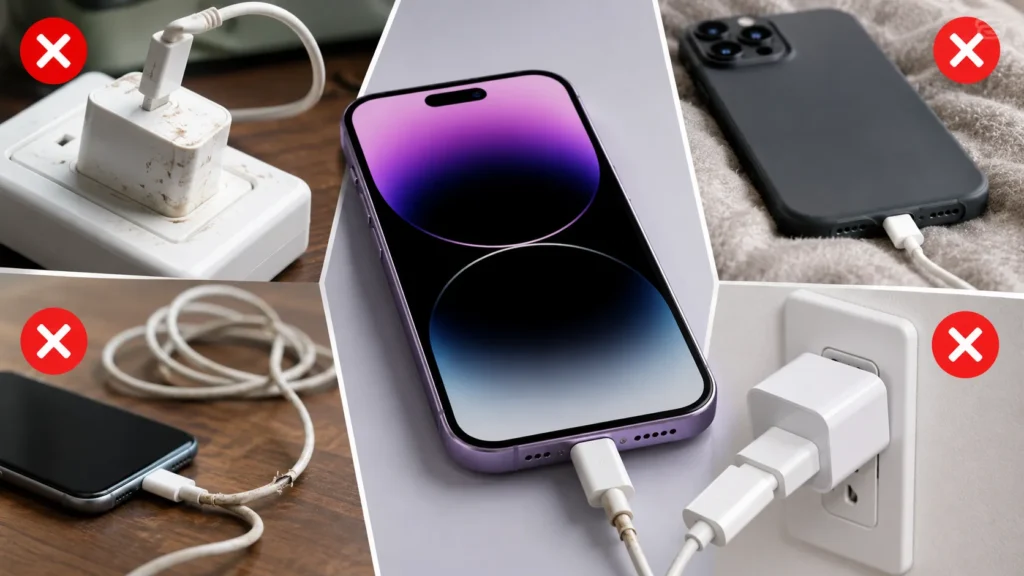
Using Cheap Chargers
Poor-quality, damaged, or counterfeit chargers can create unstable charging, excess heat, and safety concerns.
Using Damaged Cables
Broken cables can create heat and charging problems.
Ignoring Overheating
If a charger gets very hot, stop using it immediately.
Charging Safety Tips
- Do not charge under blankets
- Keep chargers away from water
- Replace damaged cables
- Use certified chargers
- Keep charging ports clean
Battery University offers useful battery safety advice.
Helpful Tips
- Use a 20W charger for daily charging
- Use GaN chargers while traveling
- Keep cables organized
- Avoid charging in direct sunlight
- Use wireless charging for convenience
Important Notes
- The iPhone 15 may not include a wall charger in the box
- Not all USB-C cables are equal
- Higher wattage does not always mean much faster charging
- Good chargers help battery health
| Your setup | Best choice | Why |
|---|---|---|
| Only one iPhone 15 | 20W USB-C PD charger | Enough for fast charging and best value |
| iPhone, iPad, MacBook, and accessories | Anker Prime 250W | Six ports and high shared output |
| iPhone, Apple Watch, and AirPods | Anker Prime 3-in-1 | One organized magnetic charging station |
| Frequent travel | Compact 20W–65W GaN charger | Smaller and lighter than a desktop station |
Key Takeaways
- iPhone 15 uses USB-C charging
- 20W chargers are best for most users
- USB Power Delivery improves charging speed
- GaN chargers are compact and powerful
- Cheap chargers can damage batteries
- Wireless charging is convenient but slower
Which charger does iPhone 15 use?
It uses a USB-C charger and USB-C cable. For fast charging, choose a compatible USB-C Power Delivery adapter.
Does iPhone 15 include a charger?
It includes a USB-C charge cable but does not include a wall power adapter.
Is a 20W charger enough for iPhone 15?
Yes. A reputable 20W USB-C PD charger is the best everyday option for most users.
Can I use a 65W or 100W charger?
Yes, when it supports compatible USB-C Power Delivery. The iPhone controls the power it accepts.
Can I use a MacBook charger?
Yes. A compatible USB-C MacBook adapter can charge iPhone 15 safely.
Can an old USB-A charger charge iPhone 15?
Yes, with the correct cable, but Apple states that iPhone 15 models charge at a maximum of 7.5W from USB-A.
Does iPhone 15 support MagSafe and Qi2?
Yes. It supports MagSafe and Qi2 wireless charging up to 15W with compatible equipment.
Will the Anker Prime 3-in-1 charge iPhone 15 at 25W?
No. Anker lists iPhone 15 series at up to 15W on this station.
Why does charging slow near 80%?
Charging normally slows as the battery fills, and temperature or battery-protection features can reduce it further.
Is wired charging better than wireless?
Wired USB-C is normally faster and more efficient. Wireless charging is more convenient for desks and nightstands.
Apple: iPhone 15 Technical Specifications
Apple: Fast Charge Your iPhone
Apple: About iPhone Charge Speeds
Use a 20W USB-C PD adapter for one iPhone. Choose Anker Prime 250W for a multi-device desk or the Anker Prime 3-in-1 for an Apple nightstand setup.