

Are Wireless Chargers Bad for Your Phone What to Know
Wireless chargers are generally safe for phones when the charger, adapter, and case are compatible. The main downside is extra heat, so a cable is better if you want the fastest and coolest charge.
Wireless chargers are not inherently bad for your phone, but they can create more heat and charge less efficiently than a cable. If you use a compatible, well-made charger and keep heat under control, wireless charging is generally safe for everyday use.
- Heat is the main issue: Wireless charging is usually safe, but extra warmth can affect battery comfort and long-term.
- Compatibility matters: Check Qi support, case thickness, and the charger’s required adapter before relying on it.
- Alignment affects speed: Poor coil placement can slow charging and increase heat.
- Damaged gear should be replaced: Stop using frayed cables, cracked chargers, or equipment that overheats.
Are Wireless Chargers Bad for Your Phone? The Short Answer
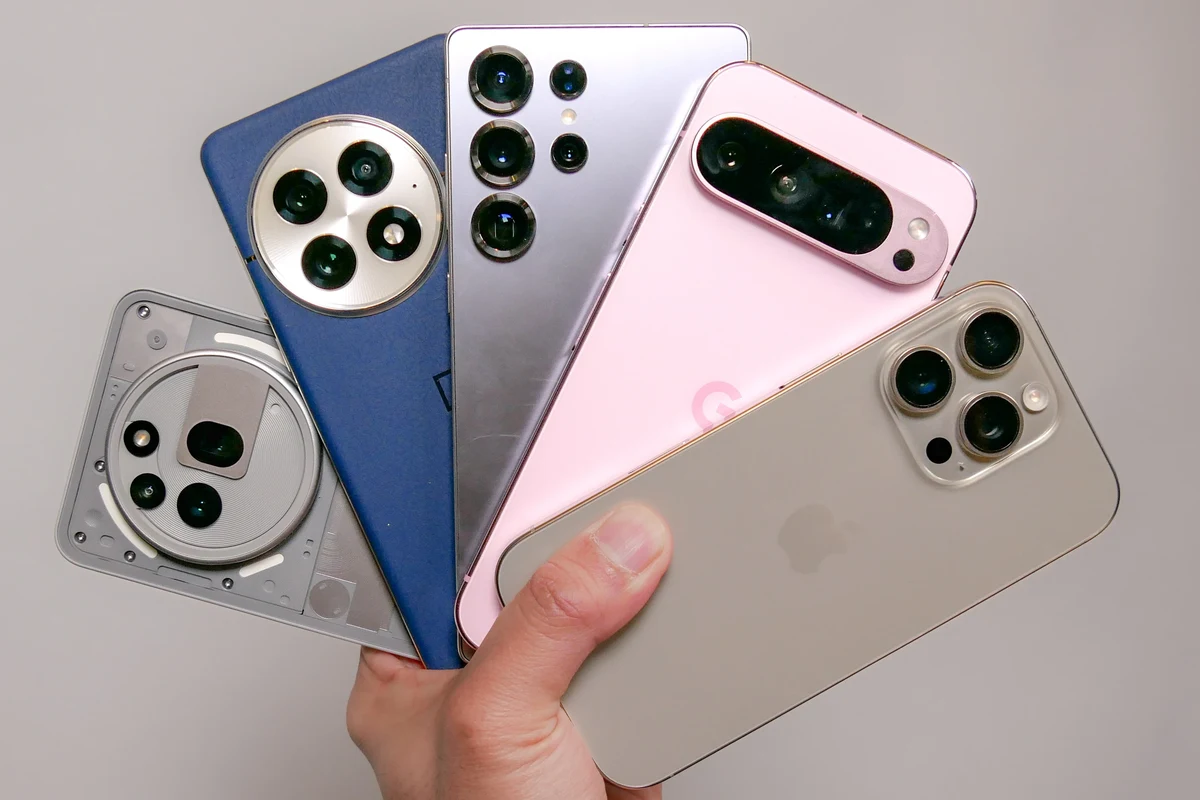
The short answer is no: wireless charging is usually safe for modern phones when the charger, adapter, cable, and phone all match the manufacturer’s guidance. The main concern is heat, because extra heat over time can affect charging speed, battery comfort, and long-term battery wear more than a typical wired setup.
That means the real question is not whether wireless charging is automatically harmful, but whether the specific charger and charging setup are efficient, aligned, and properly ventilated. If you are choosing between wireless and wired charging for daily use, the better option depends on convenience, heat, and how often you need fast top-ups.
How Wireless Charging Works and Why Heat Matters
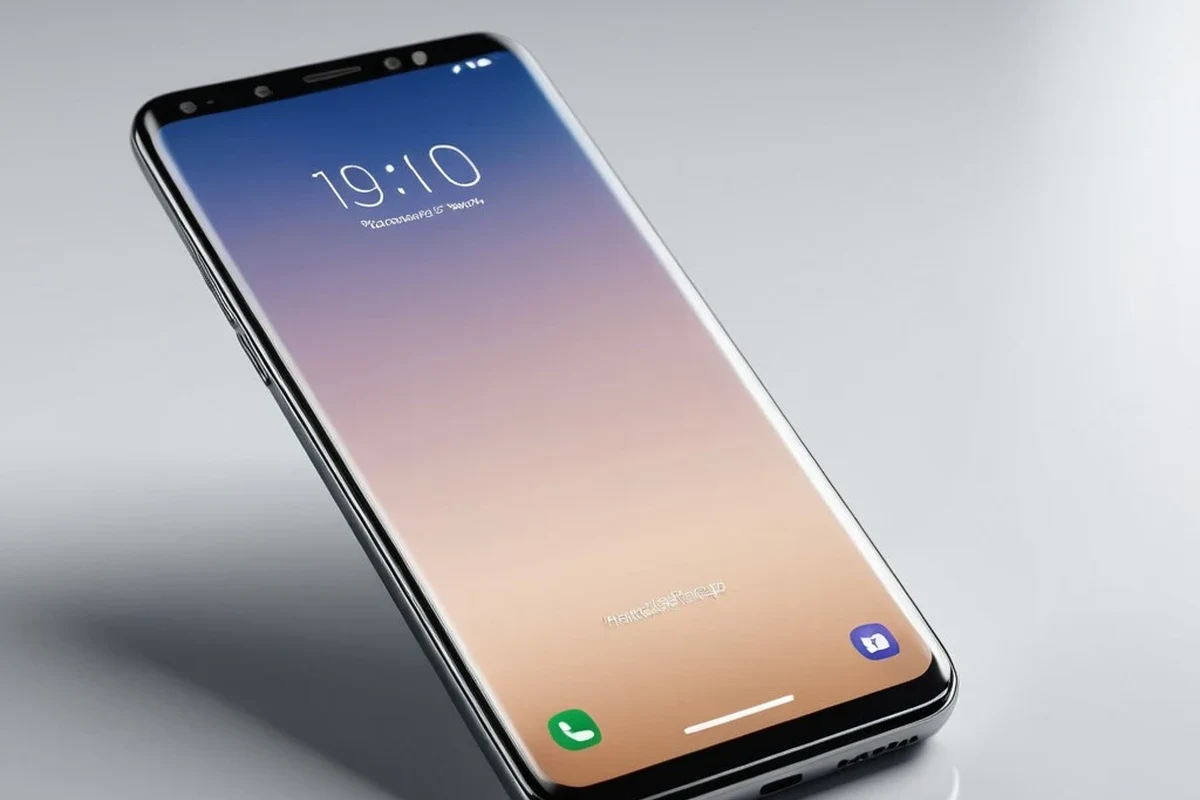
Wireless charging uses electromagnetic fields to transfer energy from a charging pad or stand to a coil inside the phone. That process works well, but it is less direct than a cable, so some energy is lost as heat.
Inductive Charging Basics
Most phone wireless charging uses inductive charging, which relies on two coils: one in the charger and one in the phone. When the coils are aligned, energy moves across the gap and the phone converts it into battery power.
This is why many phones support Qi or Qi-compatible wireless charging. The standard helps improve interoperability, but the actual experience still depends on the charger’s design, the phone model, and the power adapter feeding the pad or stand.
Why Wireless Charging Often Runs Warmer Than Cabled Charging
Wireless charging is often warmer because some energy is lost during transfer and because alignment is never perfect every time. A thick case, a misaligned phone, or a low-quality power brick can increase that heat further.
Heat matters because lithium-ion batteries age faster when they spend a lot of time hot. That does not mean wireless charging ruins a battery, but repeated high-heat charging is not ideal for any phone.
If a charger, phone, or cable becomes unusually hot, smells burnt, disconnects repeatedly, or shows visible damage, stop using it and follow the manufacturer’s guidance before charging again.
What to Check Before You Use a Wireless Charger
Before buying or using a wireless charger, check compatibility, power input, and how the phone sits on the charging surface. A charger that looks simple can still perform poorly if the phone case is too thick, the adapter is undersized, or the coil positions do not line up well.
Phone Compatibility, Case Thickness, and Qi Support
Start with your phone’s official charging specs. Some phones support standard Qi charging, while others support faster proprietary wireless charging or may need a specific accessory for the best results.
Case thickness also matters. Thin plastic or silicone cases usually work better than cases with metal plates, magnetic rings that are not designed for charging, pop grips, card holders, or very thick protective shells. If you are unsure, check the phone maker’s accessory guidance and the charger’s compatibility list.
Compatibility can vary by phone model, case style, and firmware update. If the manufacturer lists a maximum case thickness or a required magnetic alignment system, verify that detail before relying on wireless charging daily.
Rated Wattage, Power Adapter, and Cable Quality
The charging pad’s advertised wattage is only part of the story. Many wireless chargers need a separate wall adapter that can supply enough power for the charger to reach its rated speed.
If the adapter is underpowered, the charger may still work, but it can charge slower, run warmer, or fail to deliver the promised output. Cable quality matters too, especially for chargers that depend on USB-C input. For wired charging advice that also applies to choosing the right power source, see what budget chargers you need for your phone and whether budget chargers are safe to use.
Alignment, Coil Position, and Charging Efficiency
Alignment is one of the biggest factors in wireless charging performance. If the phone sits off-center, charging may slow down, start and stop, or produce more heat than necessary.
Stands with guides, magnets designed for the phone, or visible alignment markers can help. Flat pads can be fine too, but they often require more careful placement. If you use a larger phone or a heavy case, alignment becomes even more important.
When Wireless Charging Is Safe and When It Can Be Risky
Wireless charging is safe in normal use when the equipment is in good condition and the phone stays within a reasonable temperature range. Risk rises when heat is excessive, the charger is poorly made, or the battery is already damaged or aging.
Normal Heat vs. Problem Heat
It is normal for a phone to feel slightly warm during wireless charging, especially if you are using the phone at the same time. It is not normal for the phone, charger, or cable to become uncomfortably hot to the touch.
Problem heat usually points to poor alignment, a bad adapter, obstructed ventilation, a thick case, or a charger that is not regulating power well. If the phone repeatedly warns about temperature or pauses charging, treat that as a sign to inspect the setup.
Signs of Poor-Quality Chargers, Damaged Cables, or Failing Batteries
Watch for charging that starts and stops, unusually slow charging, buzzing or clicking sounds, discoloration, cracked housings, loose connectors, or cables that fray near the ends. Those are common signs that the charger or cable needs attention.
A phone battery that swells, drains unusually fast, or gets hot in many different charging situations may need service. In that case, stop using the device normally and contact the manufacturer or a qualified repair provider.
Do not keep using a charger with cracked plastic, exposed wiring, unstable power, or repeated overheating. Replace damaged accessories promptly rather than trying to “see if it still works.”
Safe Use Limits for Overnight and Daily Charging
Overnight wireless charging is usually fine if the charger and phone support normal battery management and the setup stays cool. That said, a cooler, more efficient wired charger is often the better choice if your phone already runs warm at night or sits on a soft surface.
For daily top-ups, wireless charging is best when you want convenience more than speed. If you need the fastest possible charge before leaving home, a cable usually makes more sense.
Real-World Benefits and Trade-Offs of Wireless Charging
Wireless charging is popular because it is easy to use and can reduce wear on the charging port. But it also comes with slower speeds, more heat in some setups, and less flexibility when you need to charge on the move.
Convenience, Desk Use, and Wear Reduction on Ports
The biggest advantage is convenience. You can set the phone down, pick it up quickly, and avoid repeatedly plugging and unplugging the cable.
That can be helpful for desks, nightstands, kitchens, and work-from-home setups. It may also reduce long-term wear on the phone’s charging port, especially for people who charge multiple times a day.
Wireless charging is most efficient when the phone and charger coils are closely aligned, which is why some chargers use magnets or stands to help position the device.
Slower Speeds, Energy Loss, and Portability Limits
Wireless charging is often slower than wired charging, even when both are labeled as “fast.” Actual speed depends on the phone, the charger, the adapter, and thermal throttling.
It also wastes more energy than a cable, which can matter if you charge often or care about efficiency. And while wireless pads are convenient at home, they are less practical than a cable when you are traveling, using a power bank, or charging from a laptop.
Common Mistakes That Can Hurt Charging Performance
Most wireless charging problems come from setup mistakes, not from the idea of wireless charging itself. A few small changes can improve speed, reduce heat, and make the charger last longer.
Using the Wrong Adapter or Low-Quality Cable
Many people overlook the wall adapter because the pad is the visible part of the setup. But if the adapter cannot supply enough power, the charger may never reach its intended performance.
Low-quality cables can also cause unstable input power, especially with USB-C powered chargers. If you are comparing cable and adapter options, the same compatibility logic used for wired charging applies here, and our guides on budget chargers compatible with your phone and budget chargers for iPhone can help you think through the basics.
Charging Through Thick Cases or Metal Accessories
Thick cases, magnetic wallets, credit cards, pop sockets, and metal plates can block or weaken wireless charging. Some accessories are fine if they are specifically designed for wireless charging, but generic metal add-ons often cause trouble.
If the phone gets hot or charges inconsistently, remove the case and accessories and test again. That simple check often reveals whether the problem is the charger or the phone setup.
Covering the Charger, Stacking Devices, or Ignoring Heat
Wireless chargers need airflow. Covering them with blankets, books, papers, or other devices can trap heat and reduce efficiency.
Stacking a phone on top of earbuds, another phone, or a wallet can also interfere with charging. If your charger feels hotter than usual, move it to a harder, more open surface and make sure nothing is blocking ventilation.
- Place the charger on a flat, hard surface instead of a bed, couch, or pillow.
- Remove metal accessories and check whether the phone charges more consistently.
- Use the charger’s recommended adapter, not just any spare brick.
- Keep the charging area dust-free so the phone sits evenly on the pad.
How to Use, Inspect, and Maintain a Wireless Charger Safely
A wireless charger can last a long time if you treat it like any other electrical accessory: keep it clean, inspect it regularly, and replace worn parts before they fail. The charger itself may be simple, but safe use still depends on the whole setup.
Placement, Ventilation, and Cleaning the Charging Surface
Place the charger where air can move around it and where the phone will not slide off easily. Stands are often easier to align than flat pads, especially for larger phones or heavier cases.
Clean the charging surface occasionally with a dry or slightly damp cloth, following the manufacturer’s instructions. Dust, grit, and sticky residue can interfere with alignment and may scratch the phone or case over time.
If charging performance drops, first clean the pad, remove the case, and test a different outlet or adapter before assuming the charger is broken.
Inspection Checklist for Fraying, Cracks, and Loose Connectors
Look over the cable, connector, and charging pad regularly. Frayed insulation, bent plugs, loose ports, cracked housings, or a pad that no longer sits level are all reasons to stop and inspect further.
Also check for discoloration around the cable ends or power brick, since that can indicate heat stress. If you are unsure whether damage is cosmetic or serious, err on the side of replacement.
- Check phone compatibility, case thickness, and supported wireless standard.
- Confirm the required wattage, adapter type, and cable type.
- Verify ventilation needs, warranty terms, and return policy.
- Inspect for fraying, cracks, loose ports, and overheating during use.
When to Replace the Charger, Cable, or Power Brick
Replace the charger if it overheats, disconnects repeatedly, charges inconsistently across multiple phones, or shows physical damage. Replace the cable if it frays, feels loose, or only works at certain angles.
Replace the power brick if it gets unusually hot, emits noise, or no longer delivers the expected charging behavior. If the charger is still under warranty, check the manufacturer’s support page and the official manual before buying a replacement.
Who Wireless Chargers Fit Best and Final Recommendation
Wireless charging is a strong fit for people who value convenience, use their phone in one place for long stretches, or want to reduce daily wear on the charging port. It is less compelling for users who need the fastest charge, travel a lot, or already struggle with heat.
Best Use Cases for iPhone and Android Users
Wireless charging works especially well on a desk, bedside table, or kitchen counter where the phone can sit in one spot. It is also useful for people who check notifications often and want an easy drop-and-go routine.
iPhone and Android users should still verify model-specific support, because charging speed, magnetic alignment, and case compatibility can vary. If you are still comparing charger types, our guide on whether budget chargers are safe to use is a useful companion read for understanding quality and safety basics.
Value Verdict: When Wireless Charging Is Worth It and When a Cable Is Better
Wireless charging is worth it when convenience matters more than top speed and your setup stays cool, aligned, and compatible. A cable is the better choice when you need faster charging, maximum efficiency, or the most reliable option for travel and low-heat charging.
So, are wireless chargers bad for your phone? Usually not. They are a practical, safe option when you choose the right charger and use it correctly, but a good cable still wins for speed, efficiency, and heat control.
Wireless chargers are generally safe for phones, but they are not the best choice for every situation. Pick wireless charging for convenience and everyday desk or bedside use, and choose a cable when you want the coolest, fastest, and most efficient charge.
Frequently Asked Questions
Usually no, as long as the charger is compatible and the phone does not run excessively hot. Heat is the main factor that can affect battery wear over time.
Some warmth is normal because wireless charging loses a bit of energy as heat. Excessive heat can point to poor alignment, a thick case, or an underpowered adapter.
In most cases, yes, if the charger and phone are in good condition and the setup stays cool. If the phone overheats or the charger is damaged, stop using it.
Thin plastic or silicone cases usually work best. Thick, metal, or accessory-heavy cases can reduce charging speed or prevent charging altogether.
Check for proper compatibility, a suitable power adapter, and no signs of damage or overheating. If the charger has cracks, frayed cables, or unstable charging, replace it.
Stop using it if it gets unusually hot, smells burnt, charges inconsistently, or shows visible damage. Follow the manufacturer’s support guidance before using it again.

2 Comments