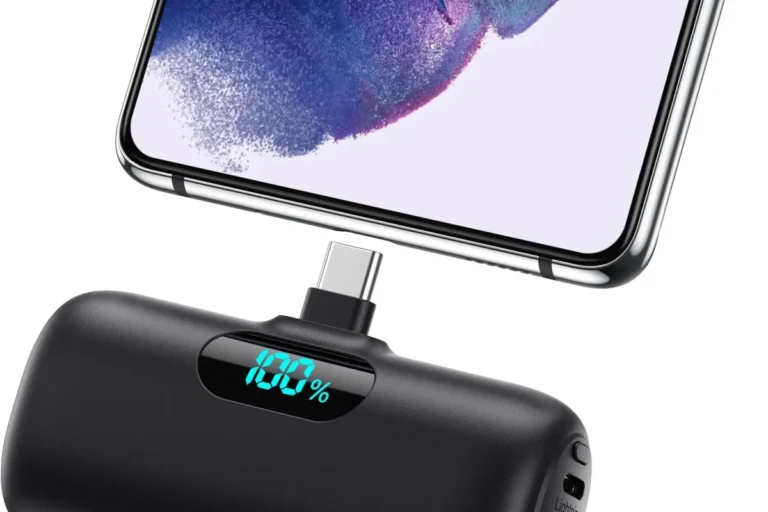
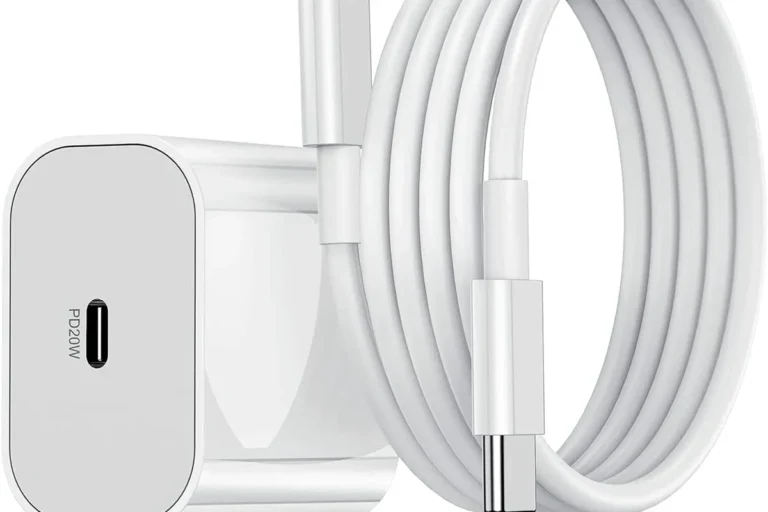
7 iphone chargers mistakes to avoid for safer charging
Avoid cheap, damaged, or incompatible chargers, and keep your iPhone charging in a cool, open space. The safest setup is the one that matches your model, your routine, and the manufacturer’s guidance.
If you want safer charging and fewer battery headaches, the biggest iphone chargers mistakes to avoid are usually simple: buying uncertified accessories, ignoring heat, and assuming every fast charger is automatically a good fit. The safest setup is the one that matches your iPhone model, uses a quality cable and adapter, and keeps temperature under control.
- Match the standard: Use the right cable and charger type for your iPhone model.
- Watch the heat: Heat is a bigger charging risk than most people realize.
- Inspect often: Frayed cables and loose ports should be replaced, not ignored.
- Buy for your routine: Home, office, travel, and car charging all need different features.
- Keep it simple: A reputable mid-range charger is usually enough for everyday use.
7 iphone chargers mistakes to avoid for safer charging: quick answer and what to do instead
The short version: use a charger and cable that are compatible with your iPhone, avoid damaged or bargain-bin accessories, and keep charging gear in a cool, open spot. If you want a deeper model-by-model refresher, start with what iPhone charger you need and then compare your options against your daily routine.
- Choose certified, well-built charging gear instead of the cheapest option.
- Match wattage to your phone and charging location, not just the highest number available.
- Keep chargers cool, clean, and free from damage to reduce safety risks.
How iPhone charging works in 2025: USB-C, MagSafe, wattage, and compatibility basics
Modern iPhone charging is less about “one right charger” and more about how the phone and accessory negotiate power. Depending on your model, you may charge with USB-C, MagSafe, Qi wireless charging, or older Lightning-based accessories, but compatibility still depends on the exact phone generation and accessory standard.
What your iPhone can safely accept: charger wattage, cable type, and power negotiation
Your iPhone only draws the power it is designed to accept, but the charger still matters because quality, heat output, and voltage regulation vary widely. A higher-wattage adapter is not automatically unsafe, but it may be unnecessary unless your model supports faster charging and the rest of the setup is also appropriate.
Fast charging depends on both the phone and the charger. If either side limits power delivery, charging speed may be lower than the adapter’s maximum rating.
How to match the charger to your model, battery health, and daily charging routine
A student who charges overnight at a desk has different needs than a traveler topping up in a car or a creator powering through long days with a power bank. If your battery health is already reduced, a stable, cooler charging setup matters more than chasing the highest possible wattage.
Check your iPhone model’s official charging guidance, then choose the simplest charger that meets your normal routine. If you often charge from a laptop, car, or multi-device hub, confirm that the port type and power output fit your use case.
Mistake 1: using low-quality or uncertified chargers and cables
The first and most important mistake is buying accessories that look similar to reputable ones but skip quality control. A low-cost charger may still work for a while, but poor internal components can create unstable power, extra heat, or early failure.
What to look for in safe accessories: certification, build quality, and cable durability
Look for accessories that clearly state compatibility with your iPhone model and the relevant charging standard. For wired charging, inspect the connector fit, strain relief, cable jacket, and whether the cable is intended for charging and data or charging only; for wireless charging, verify that the pad or stand is designed for your phone size and case thickness.
Why cheap charging gear can create heat, slow charging, and long-term battery stress
Poorly made accessories can waste energy as heat, especially under load or during longer charging sessions. Even when a cheap charger does not fail outright, inconsistent power delivery can make charging slower and may contribute to unnecessary battery stress over time.
If a charger gets unusually hot, smells burnt, sparks, or cuts in and out during normal use, stop using it and replace it. Do not keep “testing” damaged charging gear on a phone, bed, couch, or near flammable materials.
Mistake 2: ignoring wattage limits and assuming faster is always better
Many buyers think the highest wattage charger is automatically the best charger, but that is not how real-world charging works. The right wattage depends on your iPhone, the cable, the power source, and whether you care more about speed, portability, or multi-device convenience.
How to choose the right wattage for wall chargers, car chargers, and power banks
For wall chargers, choose a reputable adapter that matches the charging standard your iPhone supports and provides enough output for your typical use. For car chargers and power banks, the more important question is whether the device can sustain stable output during movement, heat changes, and simultaneous charging of other devices.
A mid-range, well-made charger is usually the best fit for most people because it balances speed, heat control, and price better than an oversized adapter with features you will not use.
When higher wattage helps and when it offers no real benefit
Higher wattage can help if your iPhone supports faster charging and you regularly need a quick top-up before leaving the house. It offers little benefit if your phone, cable, or wireless pad is the limiting factor, or if you mainly charge overnight and do not need maximum speed.
If you are comparing output levels for a phone, tablet, and other devices, our guide to 30W vs 65W chargers for iPhone can help you think through the trade-offs without overbuying.
Mistake 3: charging in hot, cramped, or covered spaces
Heat is one of the biggest hidden problems in charging. A charger can be perfectly legitimate on paper and still become a poor choice if you place it under a pillow, in direct sun, behind a gaming console, or inside a tight bag while it is active.
Heat sources, bedding, cases, and poor airflow: what raises charging temperature
Rooms with poor airflow, soft surfaces, thick blankets, and direct sunlight all make it harder for heat to escape. Thick phone cases can also trap warmth, especially during wireless charging, where the phone and charger naturally generate more heat than a simple wired setup.
Safe placement habits and storage tips for everyday and overnight charging
Keep chargers on a hard, open surface with room around the adapter and cable. Overnight charging is generally safer when the phone is on a nightstand or desk rather than buried in bedding, and when the cable is routed so it cannot be pinched, bent sharply, or pulled by a pet.
If your phone feels warm, remove it from soft fabric and let it cool before continuing. For wireless charging, try a thinner case or a more open charging position if the manufacturer allows it.
Mistake 4: using damaged cables, loose ports, or worn-out accessories
Wear and tear are normal, but they should not be ignored. A cable with fraying, a loose connector, or a charging port full of lint can make charging intermittent, inefficient, or unsafe.
Inspection checklist for fraying, bent connectors, debris, and intermittent charging
Check the cable ends for bends, exposed wire, discoloration, and connectors that no longer fit snugly. Also look inside the phone’s charging port for dust or pocket lint, because a small blockage can prevent full contact and make the charger seem “bad” when the real issue is debris.
Stop using damaged electronics, swollen batteries, frayed cables, overheating chargers, or unstable appliances and follow the manufacturer’s guidance.
When to replace a cable, adapter, or wireless charger instead of reusing it
Replace accessories when the connection becomes unreliable, when heat is abnormal, or when the cable jacket is breaking down. For wireless chargers, replace the pad or stand if it no longer aligns properly, loses power during use, or behaves differently after a drop or spill.
Mistake 5: relying on the wrong charger for travel, office, or multi-device use
The charger that works best at home is not always the best one for a backpack, hotel room, or shared desk. Port count, plug style, cable length, and how much space you have all matter more than many shoppers expect.
How to compare portability, plug type, multi-port output, and cable length
Travelers usually need compact size and the right plug standard for the region they are visiting, while office users often benefit from a longer cable and a stable desk setup. Multi-port chargers can be convenient, but each port’s output may change when several devices charge at once.
Trade-offs between compact chargers, fast chargers, and charging hubs
A compact wall adapter is easy to carry but may not power several devices efficiently. A larger charging hub can simplify your setup, but it may be heavier, take up more outlet space, and require more careful cable management.
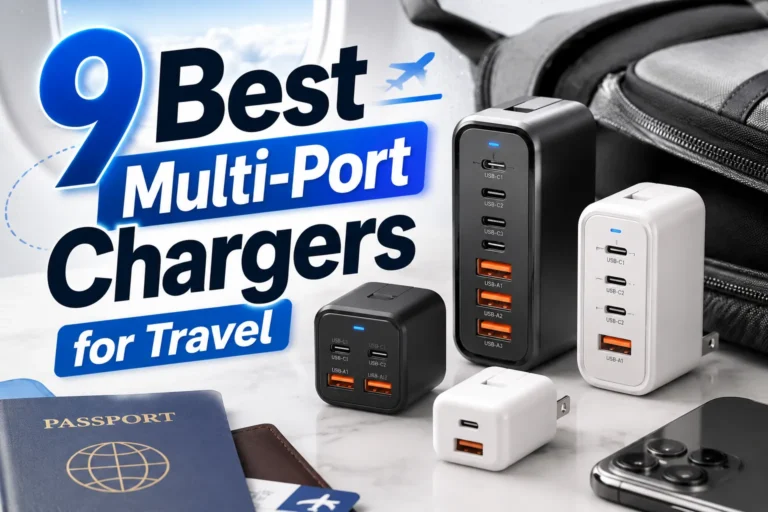
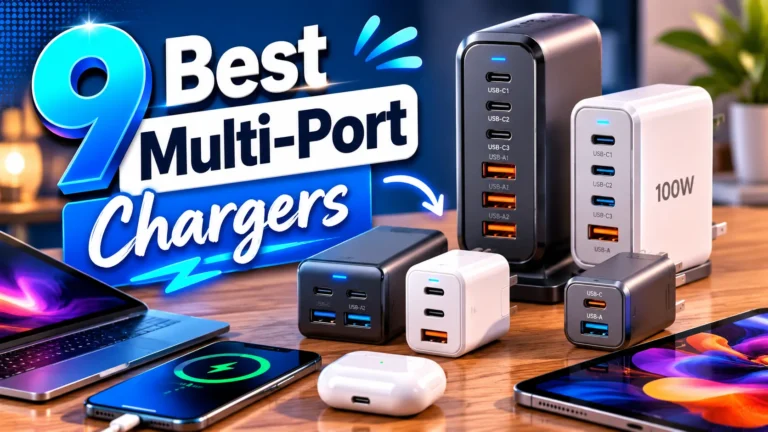
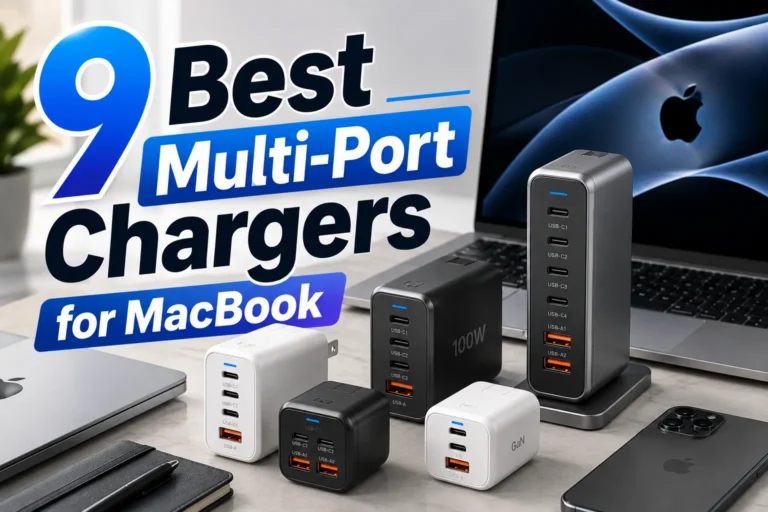
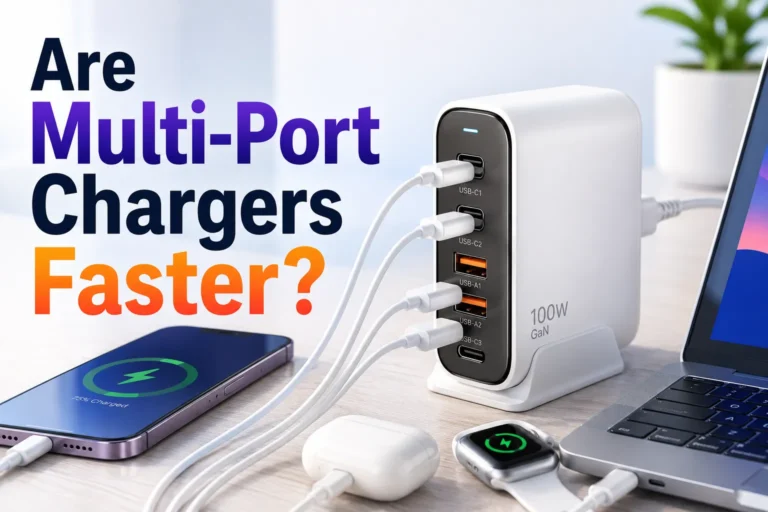
If you are trying to decide whether a shared charger can handle mixed devices, see our guide on multi-port chargers for iPhone and the related safety discussion in are multi-port chargers safe to use.
Mistake 6: overlooking battery care habits and safe charging limits
Good charger selection is only part of the picture. The way you charge every day affects battery temperature, convenience, and how often you need to replace accessories.
Best practices for overnight charging, top-off charging, and battery health features
Overnight charging is usually fine when you use a reliable charger and keep the phone in a cool, open space. Top-off charging during the day is also normal, but if you repeatedly charge from very low levels to full in hot conditions, the phone may run warmer than necessary.
Common battery myths, real-world limitations, and what actually matters in 2025
One common myth is that you must drain a modern phone battery to zero before charging it again. What matters more is avoiding heat, using quality accessories, and following the battery-related features built into your phone’s software when available.
Battery health features, charging limits, and optimization options vary by iPhone model, iOS version, and region. Check Apple’s current support documentation and your phone’s settings for the latest options.
Mistake 7: skipping maintenance, storage, and replacement checks
Even a good charger needs basic care. Dust, tangled cables, rough storage, and repeated bending can shorten the life of your accessories and create avoidable charging problems.
How to clean charging ports, store cables properly, and prevent wear over time
Keep cables loosely coiled rather than wrapped tightly around an adapter. Store chargers away from moisture, heavy objects, and sharp edges, and clean charging ports gently according to the manufacturer’s instructions if debris affects connection.
- Unplug chargers by gripping the plug, not yanking the cable.
- Use a small pouch or organizer for travel so connectors do not rub against keys or coins.
- Rotate older cables out of daily use before they fail completely.
Signs your charger is no longer safe and a final recommendation for smarter buying
Retire a charger if it runs hot, charges inconsistently, shows visible damage, or needs to be positioned “just right” to work. For the safest long-term choice, buy the simplest reputable charger that fits your iPhone model, your charging location, and your daily routine—then replace it at the first sign of wear rather than waiting for a failure.
If you are still deciding between styles, our roundup of best budget chargers for iPhone may help you compare practical options without overcomplicating the purchase.
Frequently Asked Questions
The safest choice is a reputable charger that matches your iPhone’s supported charging standard. Higher wattage is not automatically better; your phone only draws what it can use.
Some cheap chargers are poorly made and can run hot, charge inconsistently, or fail early. Look for quality construction and verified compatibility instead of the lowest price alone.
Yes, overnight charging is generally fine if you use a reliable charger and keep the phone in a cool, open area. Avoid soft surfaces, overheating, and damaged accessories.
Replace it if you see fraying, bent connectors, loose fit, or intermittent charging. A cable that needs constant repositioning is a sign it is wearing out.
Wireless charging can generate more heat than wired charging, especially with thick cases or poor alignment. That does not make it unsafe by default, but temperature should be monitored.
Check compatibility with your iPhone model, the cable type, output wattage, and the charger’s build quality. Also confirm warranty terms, return policy, and any current manufacturer guidance.