What Is an E-marker Chip in a Usb-c Cable
An E-Marker chip is a small identification chip inside some USB-C cables that tells devices how much power and what features the cable can safely support. It matters most for higher-wattage charging, especially with laptops, tablets, power banks, and other power-hungry gear.
An E-Marker chip is a tiny identification and safety chip inside some USB-C cables that tells connected devices what the cable can safely handle. If you want reliable fast charging for laptops, tablets, power banks, or high-wattage phones, the short answer is: choose an E-Marker cable when the charger or device needs more than basic USB-C power limits.
- Safety first: E-Marker chips help chargers and devices negotiate power more safely on higher-wattage USB-C cables.
- Not every cable needs one: Basic charging cables may work fine without E-Marker support for low-power devices.
- Specs matter: Wattage, current rating, USB Power Delivery support, and data speed are separate details.
- Better for power users: Laptops, tablets, docks, and power banks benefit most from a clearly rated E-Marker cable.
- Check before buying: Look for clear manufacturer specs and avoid vague or unlabeled cables.
What Is an E-Marker Chip in a USB-C Cable? The Short Answer
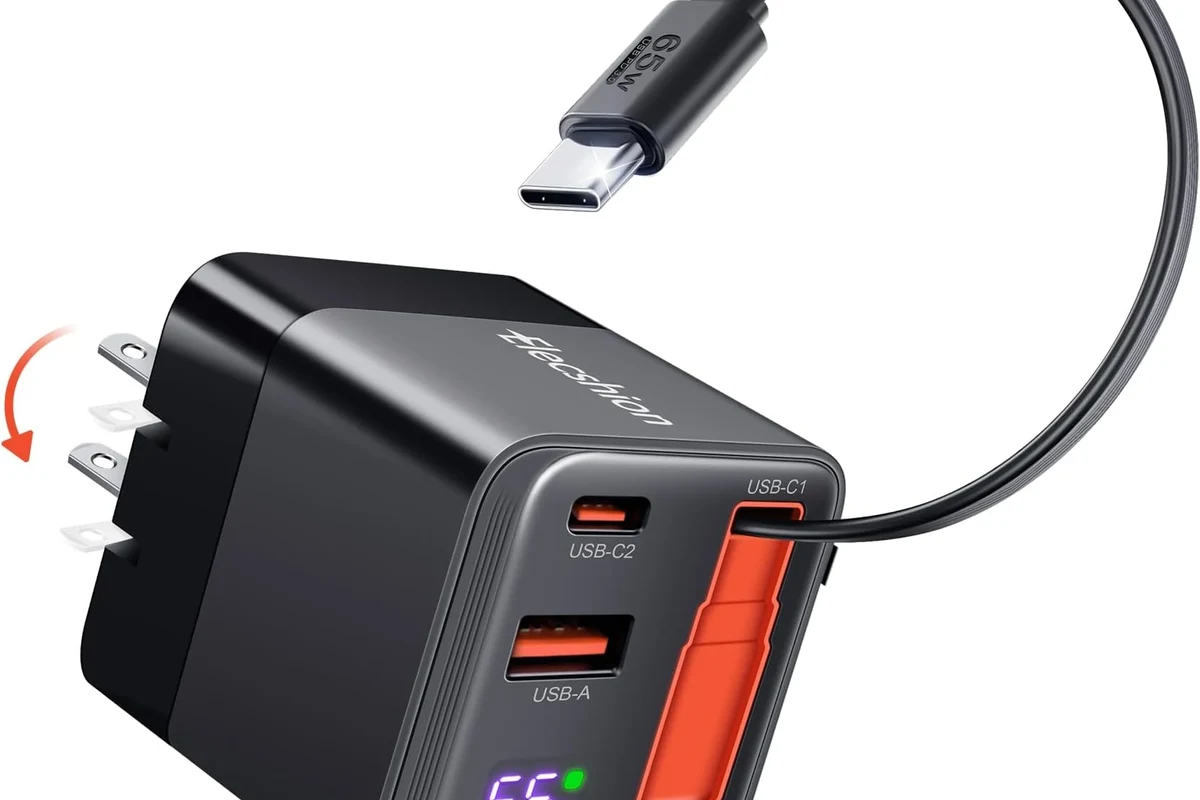
“E-Marker” stands for electronically marked. In plain English, the chip acts like a cable ID card: it reports the cable’s power and data capabilities so a USB-C charger and device can decide whether to push more current, higher voltage, or advanced USB Power Delivery features.
Not every USB-C cable includes one. Many basic cables are fine for charging phones and small accessories, but cables meant for higher wattage or more advanced USB-C Power Delivery functions usually need an E-Marker chip to communicate those limits correctly.
How an E-Marker Chip Works in USB-C Power Delivery
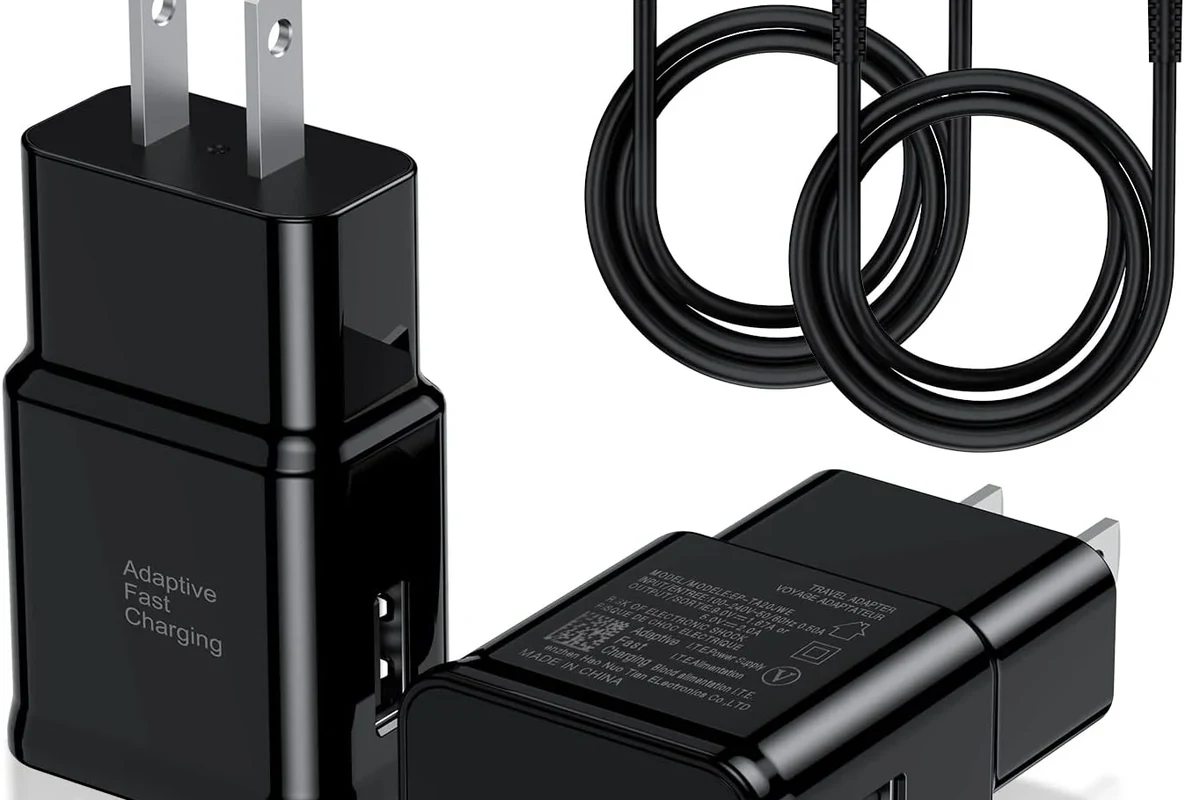
USB-C is more than just a connector shape. The cable, charger, and device all need to agree on how much power is safe to send, and the E-Marker chip helps with that handshake by advertising the cable’s limits before full power flows.
Why the chip matters for higher wattage charging
Higher wattage charging creates more heat and places more demand on the cable’s conductors and connector design. The E-Marker chip helps prevent a charger from assuming a cable can safely carry more current than it really can.
That matters most when a device wants to go beyond basic charging speeds. Without the right cable identification, the system may fall back to slower charging, or the charger and device may refuse to use the highest power mode.
How the cable and charger communicate safely
When you plug in a USB-C cable, the charger and device exchange information over the USB-C connection. If the cable has an E-Marker chip, it can report details such as current rating and supported features, allowing the system to choose a safe power profile.
This is one reason USB-C charging can be more flexible than older charging systems. The cable is not just a wire; it is part of the safety and compatibility system.
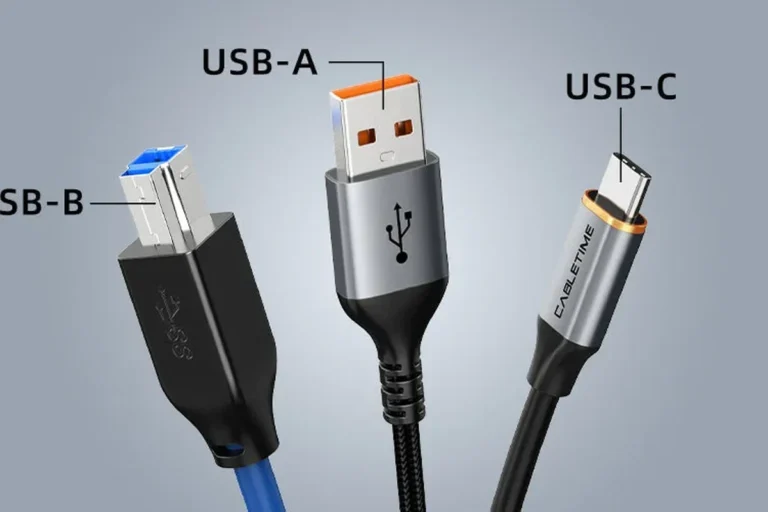
USB-C cables can look nearly identical from the outside even when their internal capabilities are very different. The label, packaging, or product listing often matters more than appearance.
Which USB-C Cables Need an E-Marker Chip?
The need for an E-Marker chip depends on the cable’s intended power rating and feature set. For many shoppers, the easiest rule is to check the cable’s rated wattage and current support before deciding.
Wattage thresholds: 60W, 100W, and newer 240W cables
In general, lower-power USB-C cables may not need an E-Marker chip, while cables intended for higher-power USB Power Delivery usually do. Many buyers start paying close attention around 60W and especially 100W, since those levels are common for laptops and fast-charging accessories.
Newer USB-C charging systems can go even higher, including 240W-capable setups, but those rely on the correct cable specification, charger, and device support. Because product labeling can vary, confirm the exact current and wattage rating on the cable packaging or manufacturer spec sheet before buying.
Devices that benefit most from an E-Marker cable
Devices that usually benefit most include laptops, portable gaming systems, tablets, high-capacity power banks, docking setups, and some fast-charging phones. These devices are more likely to request higher wattage or rely on USB Power Delivery negotiation.
For simple accessories like earbuds, small speakers, and low-power controllers, an E-Marker cable is often unnecessary, though it can still be fine to use if the cable is otherwise compatible.
- Check the cable’s wattage and current rating, not just the USB-C plug shape
- Confirm the charger and device both support the same power standard
- Look for clear labeling from the manufacturer rather than vague “fast charge” claims
- Verify length, data speed, and durability if you plan to use the cable for work or travel
Key Specs to Check Before You Buy
A good USB-C cable is not just about having an E-Marker chip. You also want the right wattage rating, the right build quality, and the right data support for how you actually use your devices.
Rated wattage, current rating, and USB Power Delivery support
Start with the cable’s rated wattage and current rating. The cable should match or exceed the power your charger and device may negotiate, and it should explicitly support the USB Power Delivery features you need.
Remember that fast charging is not guaranteed by the cable alone. The charger, device, and sometimes the software or firmware on the device all have to support the same charging behavior.
Cable quality, connector build, and wire thickness
Look for reinforced connectors, sturdy strain relief, and clear product information from the manufacturer. Thicker internal wiring can help cables handle higher current more reliably, but thickness alone is not a substitute for proper certification or clear ratings.
Build quality matters because the connector ends take the most stress. If the plug feels loose, the jacket cracks early, or the cable bends sharply at the ends, the cable may not last long even if the power rating is high.
Length, data speed, and durability trade-offs
Longer cables are convenient, but they can be less ideal for very high-power or high-data-use setups if the manufacturer does not rate them for those conditions. Data speed is also separate from charging speed, so a cable can be excellent for power and still be mediocre for file transfers or external displays.
If you need one cable for a laptop dock, monitor, and charging, check all three categories: power, data, and video support. If you only need charging, you can focus more on wattage and build quality.
Real-World Benefits: Safety, Speed, and Device Compatibility
The biggest benefit of an E-Marker cable is not just speed. It is safer, more predictable power negotiation across a wider range of devices and chargers.
Why E-Marker chips reduce risk with powerful chargers
When a charger can deliver a lot of power, the cable has to be part of the safety system. An E-Marker chip helps the charger know what the cable is designed to handle, which lowers the chance of overloading a cable that was never meant for that level of current.
That does not make a cable indestructible, though. Heat, wear, and poor manufacturing can still cause problems, so the chip is only one part of safe charging.
What users gain with laptops, tablets, phones, and power banks
Laptop users often see the clearest benefit because many laptops need more power than a basic phone cable can safely support. Tablet owners and creators who charge and sync devices at the same desk can also benefit from a cable that supports both reliable charging and the right data features.
Phone users may not always need an E-Marker cable, but it can still be useful if the phone supports high-wattage USB-C charging or if the same cable will also be used for a tablet, handheld gaming device, or power bank.
- Keep one clearly labeled high-wattage cable for laptops and one basic cable for small accessories
- Check the charger label and the cable label together; both matter
- Use manufacturer guidance if a device charges slower than expected
- Replace any cable that runs hot, feels loose, or shows visible damage
Limitations and Common Buying Mistakes
An E-Marker chip helps with identification and safety, but it does not magically turn a low-quality cable into a premium one. Buyers still need to verify the rest of the specs.
Why an E-Marker chip does not make every cable equal
Two cables can both have E-Marker chips and still perform very differently. One may support higher wattage, better data rates, or sturdier construction, while another may only be adequate for basic charging.
That is why the product page should clearly state the cable’s power rating, data standard, and intended use. If the listing is vague, treat it as a warning sign.
Mistaking charging capability for fast data transfer
Charging speed and data speed are not the same thing. A cable can support high-wattage charging while still offering only modest data transfer speeds.
If you plan to move large photo libraries, edit video from an external drive, or connect to a dock, check the data standard separately. Do not assume “fast charge” also means “fast data.”
Buying counterfeit or unlabeled cables
Counterfeit cables and unclear listings are common buying mistakes. If a cable claims unusually high power with no clear brand, no spec sheet, and no real compatibility details, it is safer to skip it.
Stick with cables that include clear manufacturer information, model numbers, and support details. If the seller cannot explain the cable’s rating, that is a bad sign for a safety-critical accessory.
Stop using any USB-C cable that feels hot, shows fraying, has bent connectors, or causes intermittent charging. For high-wattage gear, damaged cables can create heat, poor charging behavior, or device damage.
How to Inspect, Use, and Replace a USB-C Cable Safely
Good cable care is simple, but it makes a real difference for safety and lifespan. A few habits can help you avoid unnecessary wear and reduce charging problems.
Signs of wear, heat, fraying, and connector damage
Inspect the cable regularly for cracked insulation, exposed wires, looseness at the connector, scorch marks, or bent USB-C plugs. Also pay attention to unusual warmth near the ends during charging, especially if the cable is used with a powerful charger.
Stop using damaged electronics, swollen batteries, frayed cables, overheating chargers, or unstable appliances and follow the manufacturer’s guidance.
When to replace the cable and what safe use looks like
Replace the cable if charging becomes inconsistent, the connector no longer fits securely, or the jacket starts splitting. Safe use means plugging and unplugging by the connector, not yanking the cord, and using the cable only within its published rating.
If a device needs a specific cable type for full power or video output, use that exact type rather than guessing. The official manual or support page is the best place to confirm the right accessory.
Storage and care tips for longer cable life
Store cables loosely coiled rather than sharply bent. Avoid wrapping them tightly around chargers or devices for long periods, and keep them away from liquid, heat sources, and heavy items that can crush the jacket.
For travel, a small pouch or cable organizer helps prevent connector damage. That matters even more for expensive high-wattage cables, because the plug ends are often the first part to wear out.
Final Recommendation: Who Should Choose an E-Marker USB-C Cable in 2026?
If you charge anything beyond basic accessories, an E-Marker USB-C cable is usually the smarter choice. It is especially useful when the same cable may be used across a laptop, tablet, phone, dock, or power bank, and it gives the charger and device more accurate information about safe power delivery.
Best fit for everyday users, power users, and travel setups
Everyday users who only charge earbuds or small gadgets may not need to prioritize E-Marker support. Power users, remote workers, students, gamers, and travelers are better served by a clearly rated cable because they are more likely to rely on fast charging and multi-device compatibility.
If you want one do-it-all cable, choose a model with a clearly stated wattage rating, verified USB Power Delivery support, and the data speed you actually need. That gives you the best balance of safety, convenience, and long-term value.
Value verdict and the smartest buying choice
The smartest choice is not the cheapest cable or the one with the flashiest “fast charge” claim. It is the cable with clear specifications, the right E-Marker support for your power needs, and a build quality that matches how often you plan to use it.
Before buying, confirm the charger, device, and cable all line up on power and data requirements. That simple check prevents most of the confusion people run into with USB-C accessories.
Frequently Asked Questions
It tells the charger and device what the cable can safely handle. That helps the system choose the right charging mode and avoid overloading the cable.
No. Many low-power USB-C cables work fine without one, but higher-wattage cables usually need it.
Check the product listing, packaging, or manufacturer specs. The cable’s outside appearance usually does not reveal it.
Not by itself. It enables safe power negotiation, but charging speed still depends on the charger, device, and cable rating.
Usually yes, because laptops often need more power than phones or small accessories. A properly rated cable helps support that demand safely.
Verify wattage, current rating, USB Power Delivery support, data speed, and build quality. Make sure the cable matches your device and charger.