Can iPhones Charge Each Other Wirelessly Explained
Can iPhones Charge Each Other Wirelessly?
No. Current iPhones cannot directly charge another iPhone wirelessly. MagSafe lets an iPhone receive power, but it does not turn the phone into a charging pad.
Imagine that your friend’s iPhone is at 3%, while yours still has plenty of battery. It seems natural to place the two phones together and share power. However, Apple has not enabled true reverse wireless charging for iPhone-to-iPhone use.
That does not leave you without options. A premium power bank can charge several devices on the road. A wireless station can organize an Apple setup at home. A powerful multi-port charger can serve a whole family or office.
What Wireless Charging Means on iPhone
Wireless charging uses two coils. A powered charger sends energy through a magnetic field, while the iPhone receives it. Both sides need the correct hardware and software. A normal iPhone is built to receive wireless power, not transmit it to another phone.
Some Android phones offer reverse wireless charging. This makes the phone act like a small charging pad. Because that feature exists elsewhere, many people assume the iPhone can do the same. It cannot.
Do Any iPhones Support Reverse Wireless Charging?
Apple has not enabled full reverse wireless charging that lets one iPhone charge another. This applies even if both phones support MagSafe or Qi charging. Putting them back to back will not start a useful power transfer.
Limited accessory charging is different. Depending on the model and cable, an iPhone may supply power to small accessories. Our guide to charging AirPods from an iPhone explains that case. It still does not make iPhone-to-iPhone wireless charging possible.

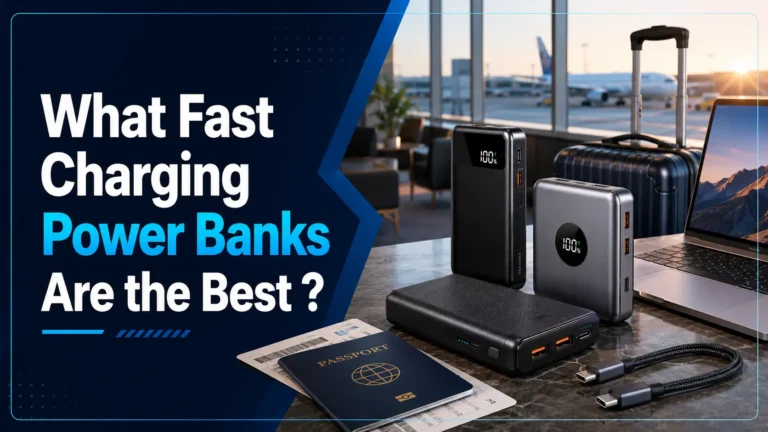
Anker Prime 27,650mAh 250W Power Bank
Since one iPhone cannot rescue another wirelessly, this high-capacity power bank is the strongest travel alternative. It can charge up to three devices and has enough output for phones, tablets, and many laptops.
- 27,650mAh travel-ready capacity
- Three charging ports with up to 250W total output
- Smart display for input, output, and remaining power
- Best for travel, families, and emergency backup
How MagSafe Fits Into the Picture
MagSafe uses magnets to align a compatible charger with the iPhone’s receiving coil. Better alignment makes charging easier and more stable. However, MagSafe does not let an iPhone send power to another iPhone.
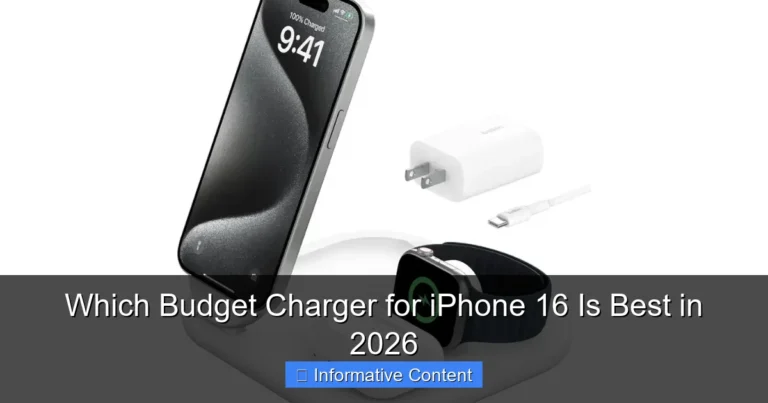
A MagSafe power bank is the closest portable experience. It attaches to the phone and supplies power without a cable. For a fixed Apple setup, a multi-device wireless station offers more convenience.

Anker Prime 3-in-1 Qi2.2 25W Wireless Charging Station
Two iPhones cannot share power, but one station can keep your main Apple devices ready. This premium model charges a compatible iPhone, Apple Watch, and AirPods while active cooling helps manage heat.
- Up to 25W magnetic wireless charging
- Three-device design for the Apple ecosystem
- Active TEC cooling and live charging information
- Best for a desk, nightstand, or travel setup
Best Ways to Share Power Between iPhones
Use a power bank when traveling
A power bank is the simplest backup away from an outlet. Choose a model with enough ports for both phones. High-output models also handle tablets and laptops.
Use a cable for the fastest top-up
Wired charging is faster and more efficient than wireless charging. Carry the correct USB-C or Lightning cable for each phone. If you have a wall charger or power bank, both users can get dependable power.
Use a multi-port station for a shared desk
For a family or office, sharing one iPhone battery would be inefficient even if it were possible. A high-output charging station gives every device its own port and keeps cables in one place.

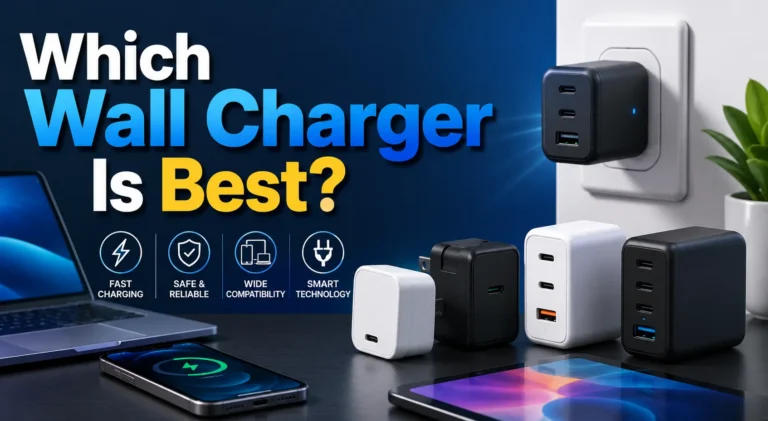
UGREEN Nexode 500W GaN Charging Station
This six-port station is a premium alternative for people who charge several phones, tablets, and laptops together. Its large power budget gives demanding devices more headroom than a small wall adapter.
- Up to 500W total charging output
- Five USB-C ports and one USB-A port
- Up to 240W from a supported single USB-C port
- Temperature monitoring and built-in safety protection
Wireless Charging, Heat, and Battery Health
Wireless charging is convenient, but it loses more energy as heat than wired charging. Mild warmth is normal. However, remove a thick case, improve airflow, or pause charging if the phone becomes unusually hot.
How to Choose the Right Alternative
Choose a power bank for travel and emergencies. Choose a 3-in-1 wireless station for a clean Apple setup. Choose a multi-port GaN station when several people or high-power devices share one desk.
| Product | Best for | Main advantage | Amazon |
|---|---|---|---|
| Anker Prime 27,650mAh | Travel and emergencies | Portable power for three devices | Check on Amazon |
| Anker Prime 3-in-1 | Apple ecosystem | Wireless charging with active cooling | Check on Amazon |
| UGREEN Nexode 500W | Families and shared desks | Six-port high-output charging | Check on Amazon |
Disclosure: As an Amazon Associate, Gadget Makers Blog earns from qualifying purchases at no extra cost to you.
Can iPhones Charge Each Other Wirelessly? Final Answer
No. Current iPhones cannot directly charge each other wirelessly. MagSafe improves receiving alignment, but it does not turn an iPhone into a wireless charger.
For portable backup, the Anker Prime power bank is the strongest all-around option. For an Apple desk or nightstand, the Anker 3-in-1 station is more convenient. For a family or demanding workspace, the UGREEN 500W station provides the most ports and power.
Frequently Asked Questions
Can iPhones charge each other wirelessly?
No. Current iPhones do not support true phone-to-phone wireless charging.
Does MagSafe let one iPhone charge another?
No. MagSafe aligns an iPhone with a compatible charger or accessory. It does not make the phone transmit power to another iPhone.
Can one iPhone charge another with a USB-C cable?
Some USB-C iPhones can supply limited wired power to another device. Charging direction and speed depend on the connected models and their battery levels. This is wired power sharing, not wireless charging.
What is the best way to charge two iPhones while traveling?
Use a multi-port power bank with the correct cables. It is more reliable and efficient than wireless power sharing.
Is wireless charging bad for an iPhone battery?
Quality wireless chargers are safe, but wireless charging can create more heat. Keep the phone ventilated and stop charging if it becomes unusually hot.
Will Apple add reverse wireless charging?
Apple may change future hardware or software, but you should buy accessories based on features currently supported, not rumors.

Tech & Gadget Reviewer
Ethan tests consumer electronics and charging accessories to help readers choose safer, more useful technology.