IT Asset Smart Locker Benefits for Secure Storage
An IT asset smart locker is worth it when you need secure, trackable storage for shared devices and accessories. It is less compelling for small teams that do not need software-based access control or audit logs.
An it asset smart locker is a secure, connected storage system that helps teams control who can access laptops, tablets, chargers, peripherals, and other shared gear. For offices, schools, and hybrid workplaces, it can reduce handoff friction while improving accountability and inventory control.
- Best use case: Shared laptops, tablets, chargers, and peripherals that move between users.
- Key buying factor: Confirm compartment fit, power needs, and software requirements before ordering.
- Main benefit: Better access control and clearer accountability than a basic cabinet.
- Main trade-off: Higher upfront cost plus possible software or service fees.
What an IT Asset Smart Locker Is and Why It Matters in 2026
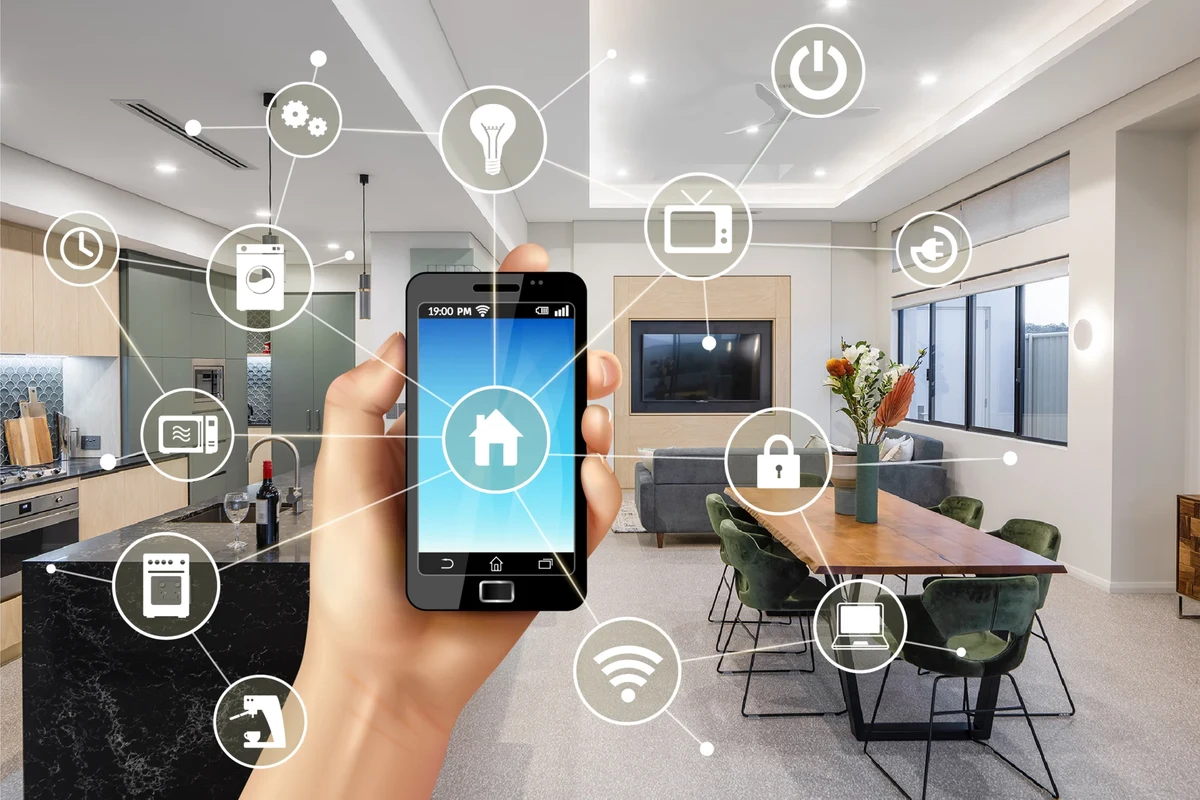
An IT asset smart locker combines physical storage with digital access control. Instead of a simple cabinet key, it typically uses PINs, cards, mobile credentials, or admin-approved access to track who opened which compartment and when.
That matters because shared devices are now common in more places: hybrid offices, classroom labs, maker spaces, co-working environments, and even home-based creator studios with multiple users. The locker can help reduce lost items, speed up checkout, and create a clearer audit trail for equipment that moves between people every day.
Quick answer: the main benefits for secure storage
The biggest benefits are controlled access, better accountability, and faster equipment handoff. A smart locker is most useful when several people share the same devices and you need a record of who took what, when it was returned, and whether an item is overdue.
How this guide fits Smart Home buyers and IT teams
GadgetMakersBlog usually focuses on smart home gear, but an IT asset smart locker fits the same decision pattern: footprint, app setup, connectivity, maintenance, and long-term value. If you are comparing it with other connected devices, think about it the same way you would compare smart lighting or a connected charging accessory—features matter only if they work reliably in your space.
This guide is for readers who want practical buying criteria, not hype. It focuses on what to verify before purchase, what the software should do, and where the real trade-offs usually appear.
How an IT Asset Smart Locker Works
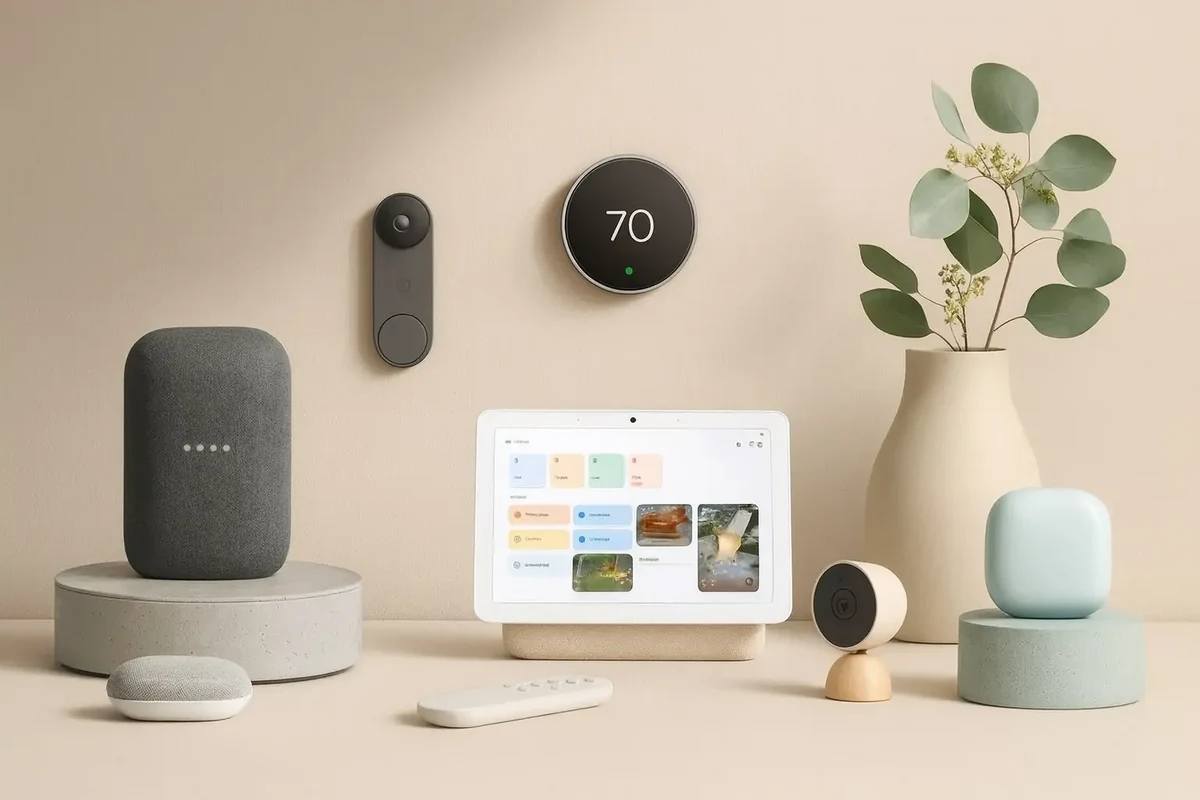
Most smart lockers pair a physical cabinet or compartment system with a controller that manages access. The exact design varies by model, but the basic idea is the same: authorized users unlock specific bays, the system records the event, and administrators can review usage later.
Core components: locking system, access control, sensors, and software
The locking system may use electronic latches, solenoids, or motorized locks. Access control can be local or cloud-based, depending on the model. Many systems also include sensors that detect door status, compartment occupancy, or tampering attempts.
The software is what turns the locker into a management tool. It may let admins assign users, set schedules, create temporary access, and export logs. Some systems also integrate with identity platforms or help desk workflows, but those features vary widely by vendor and firmware.
Vendor terminology can be confusing. A “smart locker” may refer to a single cabinet with multiple doors, a modular bank of compartments, or a wall-mounted storage system with cloud management.
Typical workflow: check-in, check-out, audit trail, and alerts
In a typical workflow, an admin loads devices into the locker, assigns them to compartments, and labels them in the software. A user then checks out an item by authenticating at the panel or in the app, and the system records the transaction.
When the device is returned, the locker logs the check-in and can notify admins if a bay is left open, if a return is late, or if a compartment is accessed outside approved hours. That audit trail is one of the main reasons organizations choose this category over a basic storage cabinet.
Match each laptop, tablet, charger, or accessory to a compartment in the admin dashboard or local interface.
Users unlock only the compartments they are allowed to use, based on role, schedule, or temporary permission.
Administrators check history, overdue items, and alerts to keep the asset pool accurate.
Connectivity and app requirements to verify before buying
Before buying, confirm whether the locker needs Wi-Fi, Ethernet, Bluetooth, or a local network connection. Some systems work best with a stable internet link for cloud management, while others can run in a more limited offline mode.
Also verify the app requirements. Check whether it supports your organization’s phones, tablets, or desktop browsers, and whether user management happens in a web portal, a mobile app, or both. If remote management matters to you, make sure the vendor documents it clearly rather than assuming it is included.
- Check compatibility, model number, app requirements, dimensions, ports, wattage, and intended use
- Confirm safety guidance, warranty, return policy, privacy settings, and update support
Who Should Use an IT Asset Smart Locker
This type of storage is best for shared environments where devices move often and accountability matters. It is less useful when one person owns one device and never needs to hand it off.
Best fit for offices, schools, co-working spaces, and hybrid teams
Offices can use a smart locker for loaner laptops, visitor tablets, conference-room accessories, or shared peripherals. Schools and labs may use them for classroom devices, media kits, or project equipment. Co-working spaces and hybrid teams benefit when users need quick, traceable access without waiting for staff to unlock a back room.
For hybrid work, the locker can also reduce the “Where is the charger?” problem that slows down shared desks and hot-desking setups. If your workflow includes repeated handoffs, the device can save time even when the assets themselves are not especially expensive.
When a smart locker is overkill for small setups
If you only manage a few devices and everyone already knows who is responsible for them, a smart locker may add more complexity than value. In a small home office or a tiny startup with one admin and a handful of laptops, a locked cabinet or labeled shelf may be enough.
The other reason to skip it is software overhead. If you do not want to maintain user accounts, update firmware, or manage access policies, a connected locker may feel like a burden instead of a convenience.
Ideal users based on asset volume, security needs, and workflow
The ideal user has three things: enough devices to lose track of, a real need for controlled access, and a workflow that benefits from logs or alerts. If any one of those is missing, the value drops quickly.
Teams that share laptops, tablets, or accessories across multiple users and need reliable checkout records, not just locked storage.
Key Specifications and Buying Criteria to Compare
Because smart lockers vary a lot by model, the best purchase is usually the one that matches your devices, your room, and your admin workflow. The specs below are the ones that matter most.
Dimensions, compartment count, and device fit for laptops, tablets, and accessories
Start with the physical fit. Check the external footprint, the depth of each compartment, and whether the shelves or bays can accommodate your largest devices with cases attached. A locker that is technically “for laptops” may still be too shallow for thicker models or docking accessories.
Compartment count matters too. More bays can improve flexibility, but only if the locker still fits your room and your workflow. If you mainly store tablets and chargers, smaller compartments may be more efficient than oversized bays built for full-size laptops.
Build quality, materials, and tamper resistance
Look for sturdy materials, reinforced hinges, and a design that resists prying or forced entry. For higher-security environments, ask how the locker handles tamper detection, emergency access, and physical mounting.
Build quality also affects daily use. Weak doors, flimsy latches, or poorly aligned compartments can become maintenance problems long before the software does. If the vendor publishes material details, review them carefully; if not, ask for the official specification sheet.
Power requirements, backup options, and network connectivity
Connected lockers need power, and some also need battery backup or an uninterruptible power supply plan. Verify whether the system can safely handle a power outage without locking users out of critical equipment or losing transaction records.
Network connectivity matters just as much. A cloud-managed locker may depend on reliable internet access, while a local system may be easier to deploy but harder to manage remotely. Either way, confirm the exact requirements before ordering so you are not surprised during installation.
Software features: user roles, logs, integrations, and remote management
The software is often the deciding factor. At minimum, look for role-based access, detailed logs, and simple admin controls. More advanced systems may integrate with directory services, ticketing platforms, or asset-management tools, but those features should be verified in the current documentation.
Remote management is especially useful for distributed teams, but it should not come at the cost of confusing permissions or unstable sync. If the app store listing, admin guide, or compatibility list is vague, ask the vendor to clarify before purchase.
Warranty details, service coverage, and replacement part availability to verify
Smart lockers are long-term purchases, so support matters. Check the warranty length, what it covers, whether on-site service is available, and how replacement parts are handled if a lock, controller, or door component fails.
Also verify whether the vendor offers software support for the same period as the hardware. A physical locker can last longer than its app ecosystem if updates stop early, which is a common reason buyers end up replacing otherwise functional equipment.
Benefits of Secure Storage for IT Assets
The main value of a smart locker is not the lock itself. It is the combination of controlled access, traceability, and faster sharing that makes common equipment easier to manage.
Theft reduction and controlled access
When access is limited to approved users, casual theft becomes harder and accountability improves. The locker also reduces the “borrowed and forgotten” problem, where gear disappears because no one remembers who last had it.
That does not make the system theft-proof, but it does create friction for unauthorized access and better evidence if something goes missing. For many organizations, that alone justifies the upgrade over an open shelf or basic cabinet.
Faster equipment handoff and better accountability
In a busy office or school, handoff time matters. A smart locker can reduce the need for staff to manually sign items in and out, which speeds up routine tasks and cuts down on bottlenecks.
It also creates accountability without relying on memory. If a device is overdue or not returned, the log gives admins a clear starting point instead of a vague guess.
Improved organization, inventory accuracy, and asset lifecycle tracking
Because each item can be assigned to a compartment and recorded in software, inventory stays cleaner. That helps with audits, refresh planning, and tracking which devices are in circulation versus in storage.
Over time, this can improve asset lifecycle management. Even if the locker does not replace a full asset-management platform, it can feed better data into the process by reducing manual errors.
Real-world productivity gains for shared hardware environments
The practical payoff is often time saved. Fewer interruptions, fewer lost chargers, fewer “Who has the tablet?” messages, and fewer manual checklists can add up across a week.
For teams that already rely on shared gear, the locker can also make workflows feel more predictable. That predictability is one of the most overlooked benefits because it is hard to measure but easy to notice when it is missing.
Many smart locker systems are used less for “high security” and more for workflow control, especially where devices are handed out multiple times per day.
Limitations, Trade-Offs, and Common Mistakes
Smart lockers solve a real problem, but they are not the cheapest or simplest solution. Before buying, it helps to understand where the hidden costs and setup headaches usually appear.
Higher upfront cost and ongoing software or service fees
Compared with a basic cabinet, a smart locker usually costs more upfront. Some models also add subscription fees, cloud licensing, or support charges that continue after installation.
That does not make them a bad value, but it does mean the total cost of ownership can be higher than the sticker price suggests. Always confirm what is included in the hardware purchase and what requires a separate plan.
Dependency on power, network, and admin setup
A connected locker is only as useful as its setup. If power is unstable, the network is unreliable, or the admin workflow is poorly configured, the system can become frustrating fast.
That is why installation planning matters. The best locker in the wrong environment can create more support tickets than it solves.
Common mistakes: wrong sizing, weak access policies, poor labeling, and skipped audits
One of the most common mistakes is buying the wrong size. Another is giving too many people access without clear rules, which defeats the purpose of controlled storage.
Poor labeling also causes confusion, especially when multiple devices look similar. Finally, skipping regular audits means the logs exist but no one uses them, which wastes one of the locker’s main advantages.
Stop using damaged electronics, swollen batteries, frayed cables, overheating chargers, or unstable power setups. Follow the manufacturer’s guidance for inspection, storage, and replacement before placing devices back into any locker.
Evidence limits: what claims should be verified with vendor documentation
Do not rely on vague marketing claims about “military-grade” security, “universal” compatibility, or “zero downtime” operation. Those phrases often leave out important limits.
Before purchase, verify the exact compartment dimensions, supported devices, access methods, software functions, warranty terms, update policy, and any certifications the vendor actually lists in official documentation.
Safe Use, Maintenance, and Storage Best Practices
Good locker habits matter as much as the hardware. A well-managed system stays more secure, lasts longer, and produces cleaner records.
Daily operating rules for secure and efficient use
Keep access permissions tight and review them regularly. Assign the minimum access needed for each role, and remove access when people leave a team or no longer need the device.
Use clear naming and labeling for compartments and assets. If users can identify the correct bay quickly, they are less likely to leave items in the wrong place or delay returns.
- Keep a simple checkout policy so users know when devices must be returned.
- Label devices and compartments in a way that matches the software records.
- Review access logs on a schedule instead of waiting for a problem.
- Train staff to report damaged batteries, cables, or doors right away.
Cleaning, inspection, and preventive maintenance schedule
Dust the exterior, wipe surfaces with manufacturer-approved cleaners, and inspect hinges, locks, and door alignment on a regular schedule. For shared spaces, a weekly visual check is often more practical than waiting for a failure.
Also inspect compartments for debris, sticky residue, or loose parts that could interfere with latching. If the vendor provides a maintenance checklist, use it rather than improvising your own process.
Battery, cable, and power-supply checks for connected locker systems
If the locker has a backup battery, controller battery, or UPS connection, verify its status according to the manual. Replace worn cables, damaged adapters, or loose plugs immediately.
Never ignore heat, smell, or intermittent power behavior. Those are signs to stop using the system until it is checked by the manufacturer or a qualified service provider.
Environmental considerations: heat, moisture, ventilation, and noise
Place the locker where airflow is adequate and where heat from the controller or charging gear will not build up. Avoid damp areas unless the unit is specifically designed for them and the manufacturer says so.
Noise is usually not a major issue, but fans, relays, or repeated lock cycling can matter in quiet offices or classrooms. If placement is flexible, choose a spot that balances access, ventilation, and daily traffic.
Final Recommendation: Is an IT Asset Smart Locker Worth It?
For organizations that share devices often, the answer is usually yes—if the locker fits the workflow and the software is reliable. The best value comes from places that need controlled access, clean audit trails, and faster handoffs, not from users who simply want a fancy storage cabinet.
Best-value scenarios and who should skip it
It is a strong fit for schools, offices, co-working spaces, and hybrid teams with enough shared hardware to justify structured checkout. It is usually not worth it for very small setups, single-user home offices, or teams that do not want to manage software and permissions.
Transparent verdict based on security, convenience, and total cost of ownership
An IT asset smart locker is worth considering when secure storage, accountability, and faster equipment handoff are real daily needs. Verify the dimensions, connectivity, software support, warranty, and ongoing fees first, because those details determine whether the system feels efficient or expensive after installation.
If you are still comparing connected storage and workflow tools, it can help to think in terms of practical fit rather than novelty. The right system should reduce friction, not add another layer of admin work.
Frequently Asked Questions
It secures shared devices while tracking who accessed them and when. That helps with accountability, inventory control, and faster handoffs.
Offices, schools, co-working spaces, and hybrid teams get the most value. It is most useful when multiple people share laptops, tablets, or accessories.
Verify compartment size, device fit, power needs, network requirements, software features, and warranty terms. Also confirm the vendor’s current compatibility and support documentation.
Some models rely on internet access for cloud management, while others can work in a more limited local mode. Check the official setup requirements before purchase.
The main drawbacks are higher cost, software management, and dependence on power and network reliability. Wrong sizing and weak access policies can also reduce the value.
Use clear access rules, inspect doors and cables regularly, and follow the manufacturer’s cleaning and maintenance guidance. Stop using damaged batteries, frayed cords, or overheating equipment until they are checked.