Top Smart Locker Software Solutions for Modern Businesses
The best smart locker software is the one that matches your workflow, access methods, and integration needs. Most businesses should start with a mid-market platform unless they need enterprise-grade reporting or very simple single-site use.
Smart locker software helps businesses automate secure storage, package pickup, asset handoff, and access tracking without relying on a staffed desk all day. The best choice depends on your deployment size, security needs, and how well the platform connects with your existing systems.
- Best fit first: Match the software to your workflow before comparing feature lists.
- Security matters: Verify PIN, QR, RFID, mobile access, admin controls, and logs.
- Integration check: Confirm compatibility with HR, access control, delivery, and mobile systems.
- Setup reality: Review power, network, dimensions, and installation complexity before buying.
- Long-term value: Look for update support, reporting, privacy controls, and scalable permissions.
Top Smart Locker Software Solutions for Modern Businesses: What to Choose in 2026
Quick answer: the best smart locker software depends on your use case, scale, and integration needs
If you need enterprise control and deep reporting, choose a platform built for large, multi-site deployments with strong admin tools and access logs. If you mainly need simple parcel pickup or office asset sharing, a lighter system with easy app setup and reliable authentication may be the better fit.
What smart locker software does and why it matters now
Smart locker software is the control layer behind the locker hardware. It manages reservations, user authentication, door release, notifications, audit trails, and sometimes integrations with HR, delivery, or building-access systems.
It matters because more businesses are balancing hybrid work, contactless delivery, shared equipment, and tighter security policies. A good platform reduces front-desk workload, improves accountability, and makes it easier to track who accessed what and when.
How Smart Locker Software Works in Real Business Environments
Core workflow: booking, authentication, access, and audit trails
Most systems follow a similar flow. A user reserves a locker or receives one automatically, verifies identity with a PIN, QR code, RFID badge, mobile app, or single sign-on, then opens the assigned compartment. The software records the event so administrators can review usage, resolve disputes, and identify overdue items.
For offices and shared workspaces, that workflow can support temporary storage, laptop handoffs, and visitor belongings. For parcel rooms and logistics sites, it can help automate delivery drop-off and pickup without requiring constant staff supervision.
Many smart locker platforms can generate time-stamped access logs, which are useful for accountability even when the locker hardware itself is simple.
Cloud-based vs on-premise platforms
Cloud-based platforms are usually easier to deploy across multiple locations because administrators can manage users, policies, and reports from a browser or app. They may also receive updates faster, though exact feature timing depends on the vendor and subscription tier.
On-premise systems can appeal to organizations with strict IT or data-governance requirements, but they often require more internal maintenance and planning. Before buying, confirm whether the vendor supports your preferred deployment model, backup process, and update schedule.
Common hardware and connectivity requirements to verify
Software rarely works alone. You should confirm the locker controller, door hardware, power source, network connection, and any credential readers supported by the platform. Some systems need constant internet access, while others can cache credentials locally for limited offline operation.
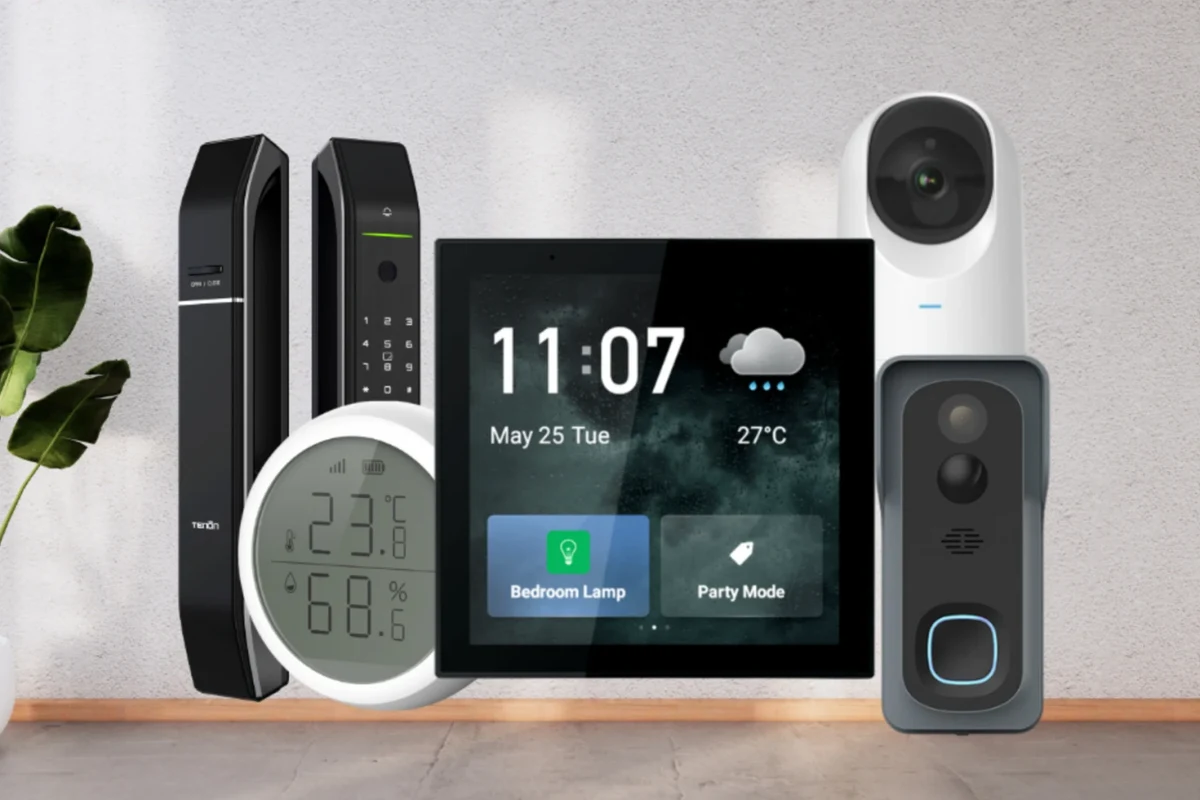
Also check whether the software supports the locker dimensions and compartment counts you plan to deploy. If you are comparing smart locker ecosystems alongside other smart-building gear, it can help to review related compatibility topics such as smart home platform compatibility and software-controlled device integration so you understand how admin ecosystems differ.
Who Smart Locker Software Fits Best
Offices, coworking spaces, and hybrid workplaces
Offices benefit from lockers that support personal storage, temporary equipment loans, and secure package holding. Coworking spaces often need flexible user onboarding, short-term access permissions, and clear reporting for shared amenities.
Hybrid workplaces especially benefit when staff come in on different schedules and need a reliable way to store laptops, chargers, or sensitive files without depending on reception hours.
Retail, logistics, parcel management, and last-mile delivery
Retail and logistics teams often use smart locker software to reduce missed handoffs and streamline package pickup. These systems can also help organize returns, internal transfers, and customer collection points.
For last-mile delivery, the main value is fewer failed drop-offs and better chain-of-custody visibility. The software should be easy for carriers to use, even when multiple delivery partners are involved.
Gyms, schools, healthcare, and multifamily properties
Gyms and recreation centers may use lockers for member storage with time-based access. Schools and healthcare environments usually need stronger permission controls, simpler supervision, and careful privacy handling.
Multifamily buildings often use locker systems for resident parcels and amenity storage. In those settings, the best software is usually the one that reduces staff intervention while still giving building managers a clear audit trail.
Key Evaluation Criteria Before You Buy
Security features: PINs, QR codes, RFID, mobile access, and admin controls
Security starts with how users are authenticated. PINs are simple, QR codes are convenient for guests and deliveries, RFID badges fit workplaces already using access cards, and mobile access may be best for app-centered environments. The right method depends on how your users already move through the building.
Admin controls matter just as much. Look for role-based permissions, temporary access windows, remote unlock options, and detailed logs. If the vendor offers two-factor authentication or single sign-on for admins, that is often a practical bonus.
Security features vary by model, firmware, and subscription tier. Always confirm what is included in the exact plan you are considering, not just the marketing page.
Integrations: access control, HR systems, delivery platforms, and mobile apps
Good integrations reduce manual work. For example, HR system links can automate employee onboarding and offboarding, while access-control integrations can align locker permissions with building credentials. Delivery integrations may help parcel workflows, especially in apartment or logistics settings.
Mobile app quality also matters. Check whether the app is required for users, optional for admins, or both. Review the app store listing, supported operating systems, and recent update notes before committing.
Scalability, user management, reporting, and permission settings
A system that works for one site may struggle at ten. Ask how the platform handles user groups, bulk imports, multi-location reporting, and time-based permissions. If you expect seasonal spikes or visitor-heavy usage, confirm that the software can scale without creating extra admin work.
- Ask for a demo of the admin dashboard, not just the user app.
- Test how quickly you can add, suspend, or remove users.
- Confirm whether reports can be exported in a format your team actually uses.
Setup demands: dimensions, power, network connectivity, and installation complexity
Even excellent software can be frustrating if the hardware footprint does not fit your space. Verify locker dimensions, clearance for doors, mounting or anchoring needs, and whether the unit requires AC power, Ethernet, Wi-Fi, or PoE.
Installation complexity also varies. Some systems are designed for a straightforward rollout, while others need IT involvement, network configuration, and hardware commissioning. If you are planning a broader smart-building rollout, it can help to compare device setup expectations with other categories like home automation devices and platform-managed smart devices.
Top Smart Locker Software Solutions for 2026: Strengths and Trade-Offs
Enterprise-grade platforms for large deployments
Enterprise-grade systems are best for organizations that need centralized control across many lockers or sites. They usually offer stronger reporting, more granular permissions, multi-site administration, and integration options for building systems or identity providers.
Large workplaces, campuses, hospitals, logistics hubs, and property managers that need strong oversight, auditability, and scalable user management. The trade-off is that setup and licensing can be more complex, so buyers should verify implementation support and contract terms carefully.
Mid-market solutions for offices and mixed-use buildings
Mid-market platforms often strike the best balance for most businesses. They tend to be easier to deploy than enterprise suites but still include useful features like reservation tools, notifications, analytics, and standard access methods such as QR or PIN entry.
These systems are often the sweet spot for coworking spaces, office suites, and mixed-use properties that need dependable day-to-day operations without a heavy IT burden.
Budget-friendly options for smaller teams or single-site operations
Smaller organizations may not need advanced integrations or complex governance tools. Budget-friendly software can be a smart choice if you mainly need secure pickup, basic admin controls, and simple reporting for one location.
The trade-off is usually fewer customization options, lighter analytics, and less flexibility for future expansion. If you expect the system to grow with your business, check upgrade paths before you buy.
Transparent comparison criteria: features, ease of use, support, and pricing value
Because vendor pricing and feature bundles change often, the safest comparison is based on fit rather than a fixed price list. Evaluate each platform by authentication options, admin experience, reporting depth, support quality, deployment model, and how much training your staff will need.
| Option | Best For | Key Consideration |
|---|---|---|
| Enterprise-grade platform | Large organizations and multi-site deployments | Deeper control, but more complex rollout and contract review |
| Mid-market platform | Offices and mixed-use buildings | Balanced feature set with easier administration |
| Budget-friendly platform | Small teams and single-site operations | Lower complexity, but fewer advanced integrations |
Real-World Benefits, Limitations, and Common Mistakes
Operational gains: reduced front-desk workload, better tracking, and fewer lost items
The biggest benefit is operational consistency. Smart locker software can reduce manual check-ins, eliminate paper logs, and make it easier to trace package or asset movement. That often leads to fewer interruptions for reception staff and fewer disputes over missing items.
It can also improve user experience by giving employees, residents, or customers a predictable pickup process. When the software is well matched to the workflow, the locker system becomes a quiet background tool instead of a daily headache.
Limitations: vendor lock-in, app dependence, connectivity issues, and learning curve
There are real trade-offs. Some systems work best only inside one vendor’s hardware ecosystem, which can create lock-in later. Others depend heavily on a mobile app or cloud connection, which may be inconvenient in low-signal areas or for users who prefer simpler access methods.
Training also matters more than many buyers expect. If staff do not understand permission settings, emergency procedures, or how to handle failed access attempts, the system can become a support burden instead of a time saver.
Do not continue using damaged controllers, loose wiring, unstable mounts, or overheated power supplies. Follow the manufacturer’s installation and service instructions, and use a qualified installer when the setup requires electrical work.
Common mistakes to avoid during selection and rollout
One common mistake is choosing software before confirming hardware compatibility. Another is underestimating user volume, which can lead to slow performance or awkward workflows during peak hours. Buyers also sometimes skip pilot testing, even though a short rollout with real users can reveal permission gaps and usability issues early.
Finally, do not ignore privacy and data retention settings. Access logs are useful, but they should be managed according to your organization’s policies and local requirements.
Setup, Maintenance, and Safe Use Best Practices
Initial deployment checklist: app requirements, permissions, testing, and training
Start by confirming which devices, operating systems, browsers, and credentials the software supports. Then set up admin roles, test every access method you plan to use, and verify alert behavior for successful unlocks, failed attempts, and overdue items.
- Check compatibility, model number, app requirements, dimensions, ports, power, and intended use
- Confirm safety guidance, warranty, return policy, privacy settings, and update support
- Review the official manual, software release notes, and vendor support options before rollout
Training should be short and practical. Users need to know how to open a locker, report a problem, and request access if their credential fails.
Ongoing maintenance: software updates, hardware inspection, cleaning, and replacement planning
Software updates can affect authentication behavior, app compatibility, and admin workflows, so keep a change log and review release notes before major updates. Hardware also needs regular inspection for worn hinges, damaged readers, loose cables, and dirty sensors.
Cleaning should be gentle and aligned with the manufacturer’s guidance, especially around displays, keypads, and RFID readers. If your deployment is high-traffic, plan for replacement parts and end-of-life timelines before the system becomes a bottleneck.
- Predictable maintenance reduces downtime
- Updates can improve security and usability
- Inspection helps catch small issues early
- Skipping updates can create compatibility problems
- Neglected hardware may fail at busy times
- Replacement planning is often overlooked
Safe use and data protection: access logs, user privacy, and emergency overrides
Access logs should be treated as operational records, not casual data. Limit admin access, use strong passwords, enable two-factor authentication where available, and review permissions regularly.
Also confirm how emergency overrides work. In a real-world outage or lockout situation, staff should know the official recovery process from the manual or vendor support, not improvise with unsafe methods.
Final Recommendation: Which Smart Locker Software Is Best for Your Business?
Best overall choice for most modern businesses
For most buyers, the best overall option is a mid-market smart locker software platform that supports multiple access methods, clear admin controls, and solid reporting without demanding a complex IT rollout. That category usually offers the best balance of usability, security, and cost control for offices, coworking spaces, and mixed-use buildings.
Best for enterprise security, best for ease of use, and best budget pick
Choose an enterprise-grade platform if your top priority is centralized governance, multi-site oversight, and deeper integration with building or identity systems. Choose the easiest-to-use platform if adoption is your biggest concern and your workflow is simple. Choose the budget-friendly option if you run a single site and mainly need secure access plus basic logs.
Final verdict based on value, reliability, and long-term fit
The right smart locker software is the one that fits your users, hardware, and support capacity today while leaving room to grow. Before signing a contract, verify compatibility, update support, privacy controls, and service terms in the official documentation so the system stays reliable after rollout.
Frequently Asked Questions
Offices, coworking spaces, parcel rooms, and multifamily properties often benefit most. Any business that needs secure handoffs, shared storage, or access logs can be a good fit.
Cloud platforms are usually easier to manage across multiple sites, while on-premise systems may suit stricter IT requirements. Confirm your organization’s security, backup, and update needs before deciding.
Common options include PINs, QR codes, RFID badges, and mobile app access. The best choice depends on how your users already authenticate in the building.
Check hardware compatibility, power, network requirements, admin controls, and the supported app or browser versions. Also review the official manual, warranty terms, and update policy.
Common limitations include vendor lock-in, app dependence, connectivity issues, and a learning curve for staff. These issues are easier to manage when you pilot the system before a full rollout.
Use strong passwords, two-factor authentication where available, and regular permission reviews. Keep software updated and follow the vendor’s guidance for logs, privacy, and emergency access.