Smart Locker System Cost Guide for Buyers in 2026
Smart locker system cost varies widely because you are not just buying a cabinet—you are paying for secure hardware, access software, installation, and ongoing support. For most buyers, the right budget depends on locker count, indoor or outdoor placement, and whether the system needs app control, audit logs, or integration with property or delivery workflows.
- Cost drivers: Hardware, software, installation, and support all affect the final price.
- Best fit: Apartments, offices, schools, gyms, and parcel workflows get the most value.
- Hidden costs: Network setup, licensing, maintenance, and replacement parts can add up.
- Buy smart: Compare total cost of ownership, not just the upfront quote.
Smart Locker System Cost in 2026: What Buyers Should Expect Up Front
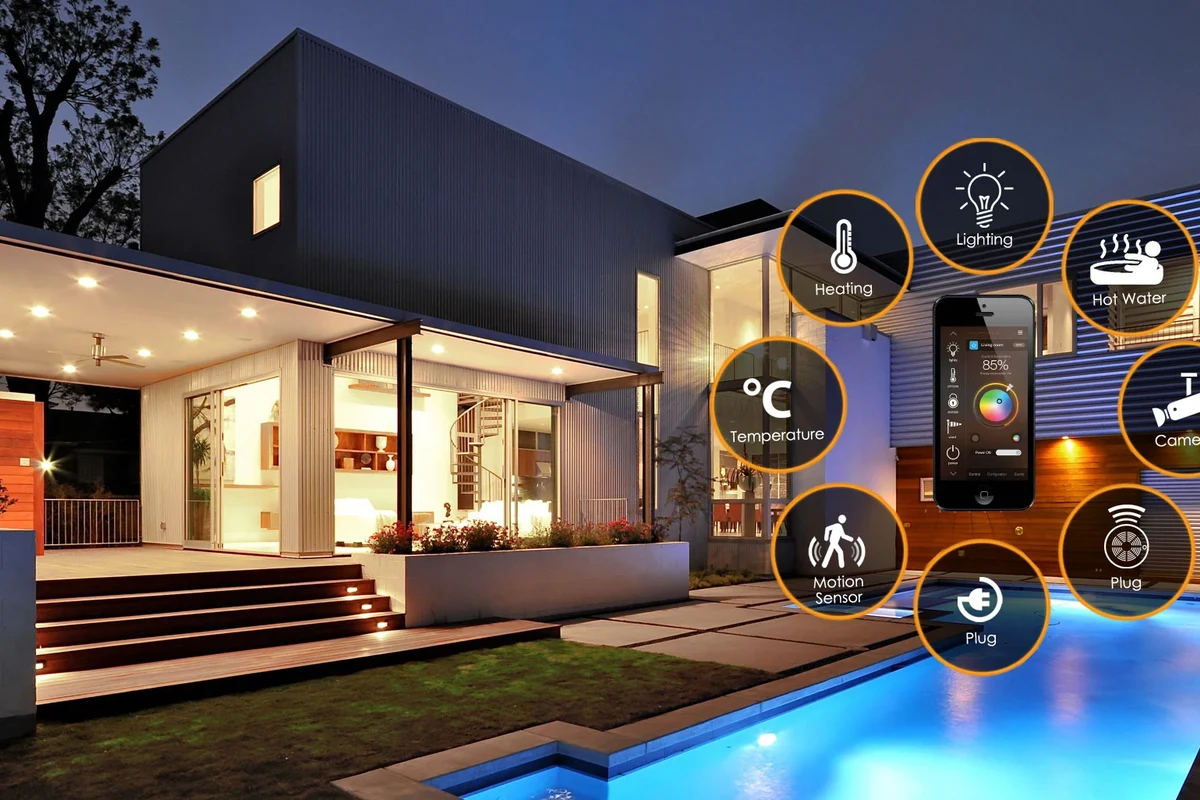
The biggest pricing swing usually comes from scale and software. A small indoor unit for a team or apartment lobby can land in a very different budget than a multi-bank parcel locker system with cloud management, cellular backup, and enterprise reporting.
Typical price ranges by locker size, feature set, and deployment scale
Because brands package these systems differently, prices are often quoted as a project total rather than a simple shelf price. Entry systems usually cover basic compartment access and local control, while larger deployments may include cloud licensing, user management, and professional installation.
Quick answer: budget, mid-range, and premium cost brackets
Budget systems usually make sense when you need secure shared storage without advanced integrations. Mid-range systems are common for apartments, offices, and gyms that want app-based access and better reporting, while premium systems are typically chosen for high-traffic parcel handling or multi-site operations.
How a Smart Locker System Works and What Drives the Price
At a basic level, the system combines physical compartments with electronic locks and software that grants or tracks access. The more compartments, users, and management features you need, the more the total smart locker system cost tends to rise.
Core components: compartments, locks, controller, app, and cloud software
The hardware side usually includes the locker body, individual doors or compartments, locking hardware, and a controller that manages access. Many systems also rely on an app or web dashboard for admin controls, while cloud software may store logs, send notifications, and support remote management.
The software bundle can change the long-term cost as much as the metal cabinet itself.
That means two lockers that look similar on paper can have very different ownership costs if one includes a subscription and the other only offers local access control. Before you compare quotes, confirm what is included in the base package and what is billed separately.
Connectivity options: Wi‑Fi, Ethernet, Bluetooth, and cellular add-ons
Connectivity affects both convenience and reliability. Wi‑Fi is common for flexible installs, Ethernet can be preferred where a stable wired connection is available, Bluetooth may support local setup or handoff features, and cellular add-ons are sometimes used for remote sites or backup connectivity.
If your site has weak wireless coverage, the system may need a network upgrade or a wired drop, which adds to the project cost. For buyers comparing smart home ecosystems, compatibility can matter too; if your property already uses connected lighting or automation tools, it may be worth reviewing related guidance such as what smart lights work with Google Home or what smart lights work with Alexa to better understand platform dependencies in connected spaces.
Power and installation needs: electrical access, backup battery, and mounting
Most systems need a nearby power source, and some include backup battery support so administrators can complete certain tasks during an outage. Installation may involve floor anchoring, wall mounting, leveling, or site preparation, depending on the locker’s size and whether it is designed for indoor or outdoor use.
Who a Smart Locker System Fits Best
Smart lockers are most useful when more than one person needs secure, trackable access to the same storage space. They are less compelling when a simple lock, key cabinet, or standard storage unit already solves the problem at much lower cost.
Best use cases: apartments, offices, schools, gyms, retail, and parcel delivery
Apartment buildings often use them for package pickup, offices for shared equipment, schools for device lending, gyms for member belongings, retail for curbside or employee pickup, and delivery workflows for controlled handoff. In each case, the value comes from reducing manual coordination and improving accountability.
When a smart locker is worth the investment versus a basic storage cabinet
A smart locker is usually worth it when access control, audit logs, or unattended handoff are important. If the main goal is simply to store supplies, a standard cabinet or mechanical locker may deliver enough security without software fees or network setup.
Space and capacity planning: dimensions, compartment count, and traffic volume
Capacity planning should start with real usage, not just available floor space. Measure the footprint, clearance for door swing or user access, and the number of daily handoffs you expect so you do not underbuy or end up paying for unused compartments.
- Check locker dimensions, compartment count, and access clearance.
- Confirm power access, network availability, and mounting requirements.
- Review the app, admin tools, warranty, and service terms.
Key Buying Criteria That Affect Smart Locker System Cost
The lowest quote is not always the best value. Build quality, software capabilities, and support terms often determine whether the system stays useful after the first year of deployment.
Build quality, materials, weather resistance, and security ratings
Material choice affects durability, corrosion resistance, and long-term appearance. Outdoor systems may need weather-resistant construction, while higher-security deployments may require stronger doors, better hinges, and more robust lock mechanisms; verify any security ratings directly with the manufacturer.
Software features: remote access, audit logs, notifications, and access control
Software is where many buyers discover hidden cost differences. Remote access, audit logs, notifications, and flexible access control can save time, but they may also require paid subscriptions, user licenses, or admin seats depending on the vendor.
Integration needs: property management, identity systems, and delivery workflows
If the locker must connect with property management software, employee identity systems, or package delivery workflows, ask about supported integrations early. Custom integration work can be expensive, and some vendors only support a limited list of platforms or require professional services.
For properties already comparing connected-home tools, it can help to think about broader platform fit the same way you would when choosing a lighting ecosystem, such as in this guide to smart light switches. The lesson is the same: compatibility matters more than feature lists alone.
Warranty terms, service contracts, and replacement part availability
Warranty coverage can influence real cost more than many buyers expect. Check how long the warranty lasts, what is excluded, whether service is onsite or mail-in, and how easy it is to get replacement locks, controllers, or door hardware after installation.
Real-World Benefits, Limitations, and Hidden Costs
Smart lockers can save labor and improve control, but the total cost includes more than the purchase price. Buyers should think in terms of total cost of ownership, not just the initial quote.
Convenience, reduced staffing, and improved package handling efficiency
The main benefit is convenience: users can pick up or drop off items without waiting for staff. That can reduce front-desk interruptions, improve package handling, and create a cleaner chain of custody for shared items.
Common hidden expenses: installation, network setup, licensing, and maintenance
Hidden costs often include site prep, electrical work, network setup, software licensing, and ongoing maintenance. Even a well-priced unit can become expensive if the building needs wiring changes, cellular backup, or recurring cloud fees.
- Ask for a full project quote, not just hardware pricing.
- Confirm whether software, support, and user licenses are recurring costs.
- Budget for installation, network access, and replacement parts.
Limitations to consider: downtime risk, app dependence, and vendor lock-in
Like any connected system, smart lockers can be affected by downtime, app issues, or account problems. Some platforms also make it difficult to switch vendors later, so it is worth checking export options, admin access, and contract terms before you commit.
Evidence limits: why pricing and performance vary by brand and deployment
Pricing and real-world performance vary by brand, firmware version, region, installer, and usage pattern. Because vendors package hardware and software differently, buyers should confirm current specifications, compatibility lists, and service terms directly with the manufacturer before making a purchase decision.
How to Compare Smart Locker Systems Before You Buy
The best comparison method is to evaluate the whole system, not just the cabinet. A lower upfront price can lose on support, scalability, or software flexibility once the system is in daily use.
Evaluation criteria: security, scalability, usability, support, and total cost of ownership
Compare how secure the access controls are, how many users or compartments the system can support, how easy the interface is for staff and end users, and how responsive vendor support appears to be. Then estimate the total cost of ownership over several years, including licensing and service.
Comparing cloud-based vs. on-premise systems
Cloud-based systems are often easier to administer remotely and may offer better reporting, but they can add recurring fees. On-premise systems may reduce subscription dependence, though they can require more local IT support and may offer fewer remote features depending on the vendor.
Comparing indoor vs. outdoor locker models
Indoor models are usually simpler and less expensive because they do not need the same weather resistance. Outdoor models may need stronger materials, better sealing, and more careful placement, which can push the project cost higher.
Best value options for small teams, multi-unit properties, and enterprise buyers
Small teams often get the best value from a compact system with basic admin tools and minimal licensing. Multi-unit properties usually benefit from mid-range systems with reliable reporting, while enterprise buyers should prioritize integration, scalability, and service coverage over the lowest sticker price.
| Buyer Type | Best Fit | Main Cost Driver |
|---|---|---|
| Small team | Compact indoor locker | Simple setup and low admin overhead |
| Multi-unit property | Mid-range connected system | User management and support |
| Enterprise | Scalable networked deployment | Integration and service contracts |
Setup, Safe Use, and Ongoing Maintenance
Good setup and routine maintenance help protect your investment and reduce avoidable downtime. Most problems are easier to prevent than to fix after the locker is already in service.
Installation checklist: site survey, dimensions, power, network, and clearance
Start with a site survey that confirms dimensions, floor loading if relevant, power availability, network access, and user clearance. Also check whether doors can open fully and whether the location creates traffic bottlenecks during peak use.
Safe operation: access control, audit trails, emergency override, and user policies
Set clear user policies for who can access the locker, how credentials are issued, and what happens when a code or app account is lost. If the system includes an emergency override or administrative bypass, use it only according to the official manual and internal policy.
Maintenance and care: cleaning, lock inspection, firmware updates, and wear checks
Routine care should include cleaning the exterior, checking hinges and locks for wear, and applying firmware updates when the vendor recommends them. Keep the official manual handy so maintenance stays within warranty terms and does not interfere with security or operation.
Troubleshooting basics: connectivity issues, jammed doors, failed scans, and support escalation
If the system loses connectivity, start with the network, power, and app status before assuming the hardware has failed. For jammed doors or failed scans, stop forcing the mechanism and escalate through the manufacturer’s support process so you do not create a larger repair problem.
Final Verdict: Is a Smart Locker System Worth the Cost in 2026?
For the right buyer, yes—especially when secure shared access, package handling, or tracked handoffs save time and reduce staffing strain. The investment makes the most sense when the system is sized correctly, the software fits your workflow, and the vendor’s support terms are clear.
Best-fit buyer profiles and situations where the investment makes sense
Smart lockers are strongest for apartments, offices, schools, gyms, and retail sites that need dependable access control. They also make sense for buyers who value logs, notifications, and remote management more than the simplicity of a traditional cabinet.
When to choose a lower-cost alternative instead
If you only need basic storage, rarely share access, or do not want recurring software costs, a mechanical locker or standard cabinet may be a better fit. That is especially true when the site has limited network access or when downtime would create a major operational problem.
Final recommendation based on budget, scale, and operational needs
The best smart locker system cost decision is the one that matches your actual workflow, not the most feature-packed option. Compare total ownership cost, verify compatibility and support, and choose the simplest system that still meets your security and access needs.
Frequently Asked Questions
Pricing varies by size, software, and installation scope. Small indoor systems cost less than multi-compartment or enterprise deployments with cloud management.
Software subscriptions, remote access, audit logs, integrations, and outdoor-rated construction often raise the total cost. Installation and network setup can also add a lot to the project budget.
It can be worth it when you need secure shared access, package handling, or tracked handoffs. If you only need simple storage, a basic cabinet may be a better value.
Check dimensions, power needs, network requirements, app compatibility, warranty terms, and whether software fees are recurring. Also confirm current specifications with the manufacturer.
Cloud systems are usually easier to manage remotely and may offer better reporting. On-premise systems can reduce subscription dependence but may require more local IT support.
Common hidden costs include installation, electrical work, network setup, licensing, maintenance, and replacement parts. These can change the total cost more than the hardware price alone.