Why Is My Qi2 Charger Charging Slowly and How to Fix It
Qi2 charging is usually slow because of heat, misalignment, a weak adapter, a bad cable, or a case that blocks the magnetic connection. Check compatibility, airflow, and power delivery before replacing the charger.
If your Qi2 charger is charging slowly, the cause is usually not one single thing. The most common culprits are heat, poor alignment, a weak power adapter or cable, or a phone case/accessory that interferes with the magnetic connection.
- Heat matters: Warm phones and poor airflow can trigger slower charging to protect the battery.
- Alignment matters: Thick cases, metal accessories, and debris can weaken Qi2 efficiency.
- Power matters: A weak adapter or low-quality cable can limit charging speed.
- Compatibility matters: Verify your phone, case, and charger are truly Qi2-compatible.
Why Your Qi2 Charger Is Charging Slowly: The Short Answer
Qi2 charging slows down when the charger and phone cannot maintain an efficient magnetic connection or when the charger is being held back by power, heat, or compatibility limits. In many setups, the charger is fine, but the phone, cable, adapter, or case is the real bottleneck.
That matters because the fix is often simple: improve alignment, reduce heat, and verify you are using the right certified accessories. If the slowdown started suddenly, it is worth checking for wear, debris, software changes, or a new case before replacing anything.
How Qi2 Charging Works and Why Speed Depends on More Than the Charger
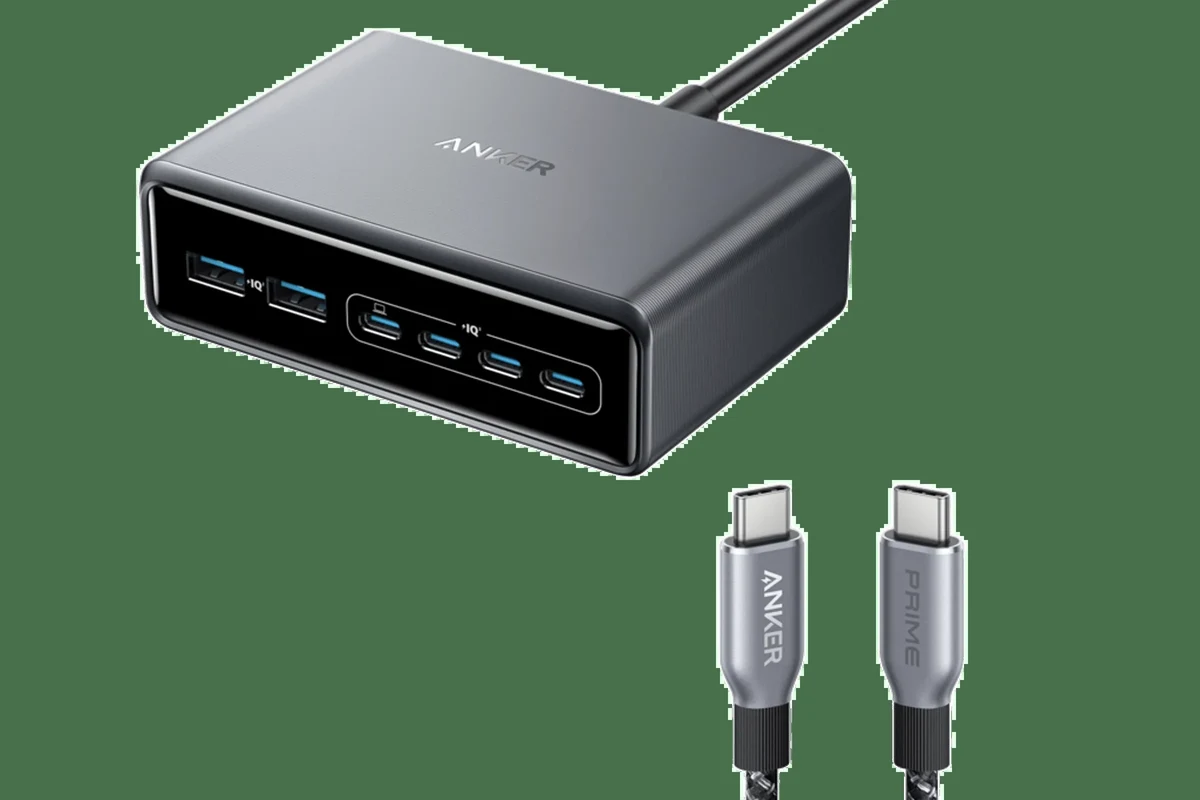
Qi2 is designed to make wireless charging more consistent by using magnetic alignment. That helps the phone sit in the right spot more reliably, but charging speed still depends on the charger, the cable, the USB-C power adapter, and the phone’s own charging limits.
Qi2 magnets, alignment, and the role of certified accessories
The magnetic ring helps the phone line up with the charging coil, which reduces wasted energy from bad placement. But if the case is too thick, the magnets are weak, or the accessory is not properly certified or compatible, the phone may still charge more slowly than expected.
Qi2 behavior can vary by phone model, firmware version, case thickness, and the exact charger accessory. Always confirm compatibility in the manufacturer’s specs or manual.
Rated wattage, cable quality, and power adapter limits
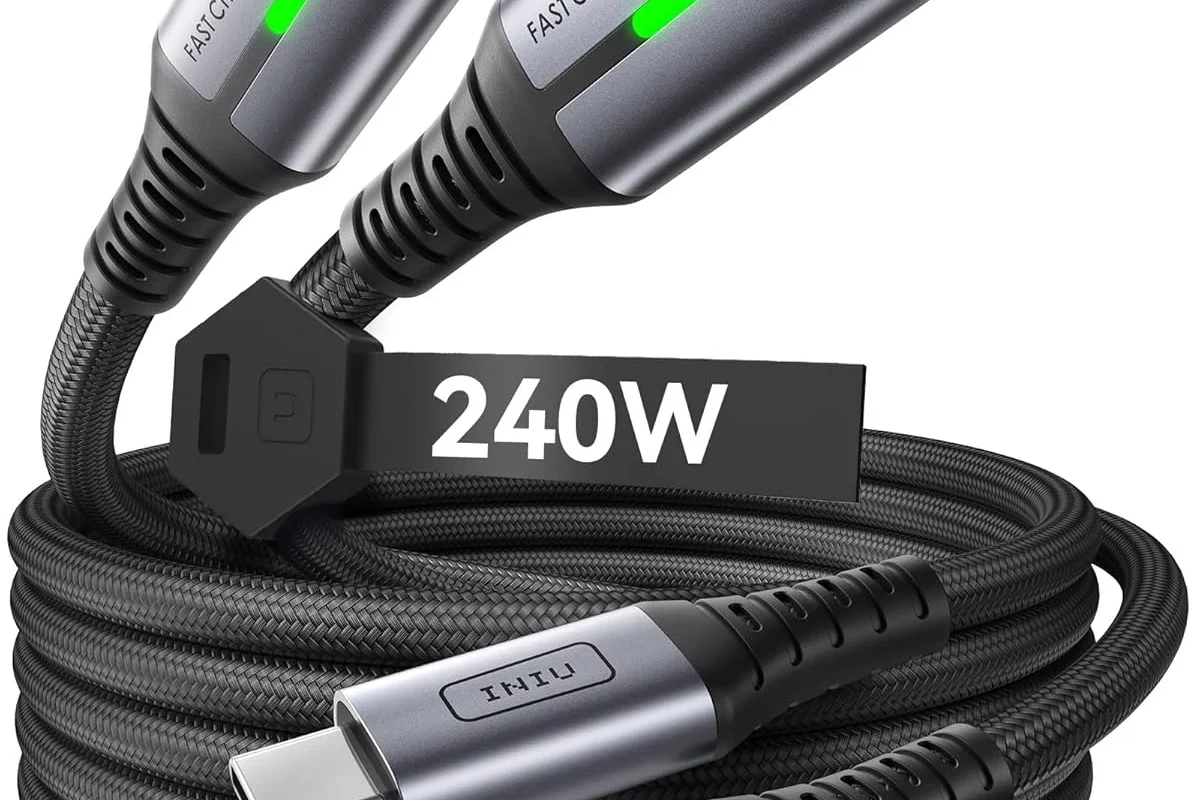
A Qi2 pad can only charge as fast as its power input allows. If the USB-C cable is low quality, too long, damaged, or not rated for the needed power, or if the wall adapter is underpowered, the charger may fall back to a slower rate.
- Use the charger with the power adapter recommended by the manufacturer when possible.
- Check that the USB-C cable is in good condition and intended for charging, not just data.
- Avoid powering wireless chargers from weak laptop ports or overloaded hubs unless the manual says that is supported.
The Most Common Reasons a Qi2 Charger Slows Down
When a Qi2 charger feels slow, the reason is often one of four categories: heat, alignment, power delivery, or compatibility. Narrowing it down in that order usually saves time and prevents unnecessary replacements.
Heat buildup and thermal throttling
Wireless charging creates heat, and heat is one of the biggest reasons charging speeds drop. If the room is warm, the phone is running a demanding app, or the charger is sitting on a soft surface that traps heat, the system may reduce power to protect the battery.
Stop using any charger that becomes unusually hot, smells burnt, or causes the phone to show repeated temperature warnings. Heat can be normal to a point, but excessive heat is a sign to pause charging and inspect the setup.
Misalignment, thick cases, and foreign objects
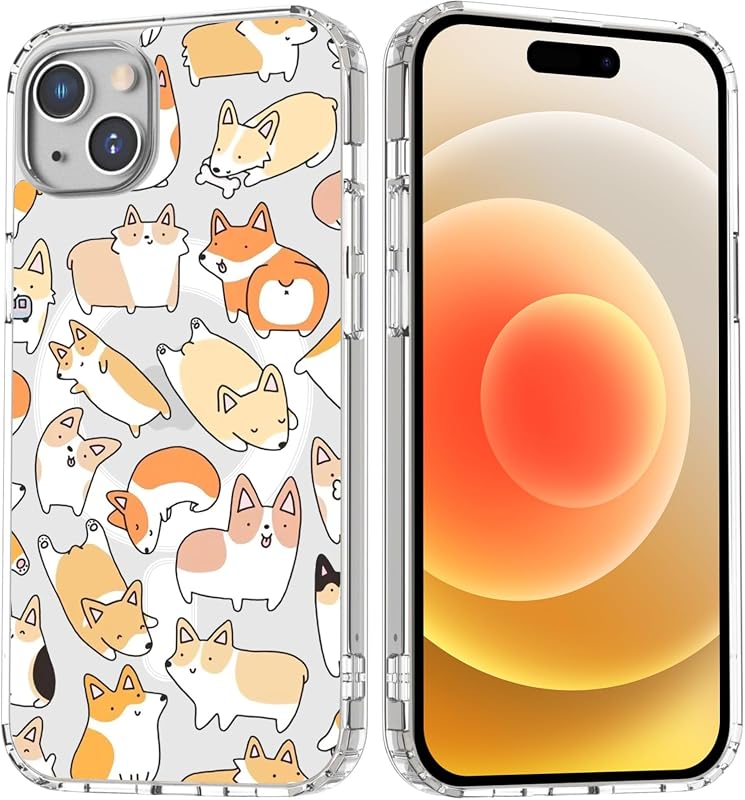
Even with magnets, the phone can sit slightly off-center and lose efficiency. Thick rugged cases, metal plates, credit cards, pop grips, ring holders, or debris between the phone and charger can all interfere with the magnetic connection and slow charging down.
Low-quality cables, weak adapters, and power-sharing hubs
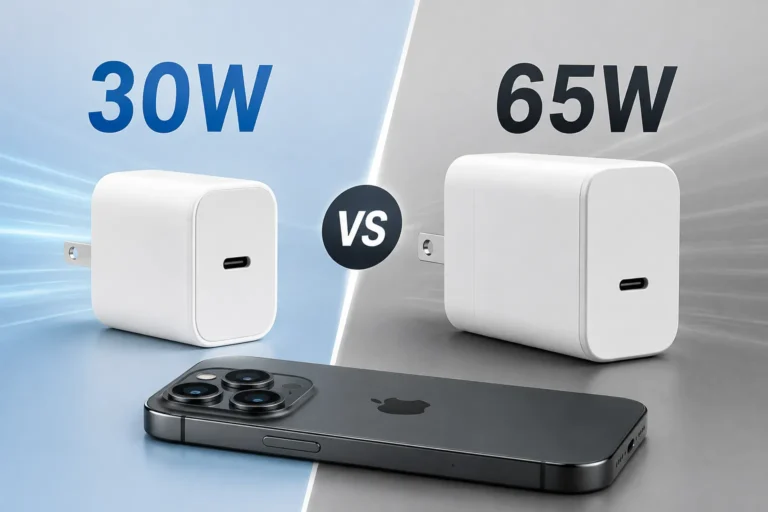
Many “slow charger” complaints are really power supply problems. If a charger is plugged into a low-wattage adapter, a worn cable, or a multi-port hub that shares power across devices, the charger may not receive enough input to maintain full speed.
Device compatibility and software-level charging limits
Some phones intentionally limit charging speed when the battery is nearly full, when the phone is hot, or when optimized charging features are enabled. In other cases, the charger may not fully support the phone’s expected Qi2 behavior, especially if the phone or accessory is outside the manufacturer’s compatibility list.
If charging performance changed after a software update, case change, or new power adapter, compare the current setup with the official compatibility guidance before assuming the charger is defective.
What to Check Before You Replace Anything
Before buying a new charger, verify the basics. A quick inspection often reveals a simple mismatch, such as the wrong adapter, a damaged cable, or a case that blocks the magnetic ring.
Confirm your phone, case, and charger are truly Qi2-compatible
Start with the phone model number and the charger’s exact specification sheet. Then check whether your case is marketed as Qi2-compatible or MagSafe-style compatible, and make sure it does not add too much thickness or contain metal parts that interfere with charging.
- Check phone model compatibility, charger certification, and case thickness limits
- Confirm the required wattage, cable type, and power adapter output
- Review the manual for temperature guidance, firmware notes, and safe-use instructions
Inspect the charger pad, cable, and power brick for wear or damage
Look for frayed insulation, bent connectors, loose ports, discoloration, cracked plastic, or a charger pad that moves too easily on the desk. Damage does not always cause a complete failure; sometimes it just causes unstable or slower charging.
Verify wattage ratings and safe-use limits
Check the charger’s power input requirements and the adapter’s output rating. If the adapter cannot supply enough power, or if the charger is being used in a setup with multiple hungry devices, the charging speed may drop below what you expected.
How to Fix Slow Qi2 Charging Step by Step
Most slow Qi2 charging problems can be improved without tools or risky repairs. Work through the steps below one at a time so you can see which change actually helps.
Re-seat the phone and improve magnet alignment
Remove the phone from the charger and place it back carefully so the magnets snap into the correct position. If the charger has a stand or ring, make sure the phone is centered and not tilted in a way that weakens contact.
Lift the phone off the charger, then let the magnets guide it back into place.
Remove cards, grips, or metal accessories that may sit between the phone and charger.
Look for a consistent charging indicator rather than repeated connect-disconnect changes.
Remove heat sources and improve airflow
Move the charger off blankets, pillows, thick desk mats, or enclosed shelves. If the phone is warm from gaming, navigation, video calls, or heavy camera use, let it cool down before placing it back on the charger.
Swap to a certified cable and the right USB-C power adapter
If the charger came with a recommended adapter, use that first. If not, choose a reputable USB-C adapter that meets the charger’s input requirements and a cable that is rated for charging and in good condition.
Test without a case or with a thinner case
Take the case off and try charging again. If speeds improve, the case is likely the problem, and you may need a thinner, Qi2-friendly option that does not contain metal or overly dense materials.
Restart the phone and update firmware or OS settings
A restart can clear temporary charging glitches and help the phone renegotiate power behavior. Also check for OS updates, charger firmware updates if the product supports them, and battery settings such as optimized charging or charge limits that may intentionally slow charging near full.
If the phone charges normally with the case off, the charger is probably not the main problem. In that situation, the best fix is usually a thinner case or a case specifically designed for magnetic wireless charging.
Who Qi2 Charging Is Best For in 2026
Qi2 is a strong fit for people who want a simple, repeatable wireless charging experience on a desk or nightstand. It is especially useful if you value easy placement and less fuss than older wireless charging setups.
Best use cases for desks, nightstands, and travel setups
Qi2 makes the most sense for overnight charging, work-from-home desks, and travel bags where convenience matters more than absolute speed. It is also helpful for people who frequently pick up and set down their phone, because magnetic alignment reduces the chance of waking up to a half-charged device.
When wired charging or a higher-wattage solution makes more sense
If you need the fastest possible top-up before leaving the house, wired charging is usually the better choice. The same is true for heavy users, creators, or gamers who generate heat and need to recover battery quickly between sessions.
Qi2 is best for people who want dependable, low-effort wireless charging and can accept that speed may be lower than wired charging, especially when heat or a thick case is involved.
Safety, Care, and When to Replace the Charger
Good charging habits extend the life of the charger and protect the phone battery. They also make it easier to tell the difference between a normal slowdown and a failing accessory.
Safe charging habits and heat warning signs
Keep chargers in open air, avoid stacking them with other electronics, and do not cover them with fabric. If your phone repeatedly gets very hot, pauses charging, or displays temperature warnings, stop and inspect the setup before continuing.
Cleaning, storage, and cable inspection
Dust, lint, and pocket debris can collect on the charger surface and around the phone’s magnetic area. Wipe the pad gently with a dry, soft cloth, and inspect the cable ends regularly so you catch wear before it becomes a charging problem.
Replacement guidance for frayed cables, loose magnets, and aging adapters
Replace the cable if it is frayed, bent, or inconsistent when moved. Consider replacing the charger or adapter if magnets no longer hold the phone securely, the connection cuts in and out, or the power brick shows signs of damage or overheating.
Do not keep using damaged charging gear to “see if it gets better.” If the accessory is unstable, overheats, or has physical damage, follow the manufacturer’s replacement guidance.
Final Recommendation: When Slow Qi2 Charging Is Normal and When It Is a Problem
Some slowdown is normal with Qi2, especially when the phone is warm, nearly full, or using a thick case. But if charging is consistently slow even after you check alignment, airflow, cable quality, adapter output, and compatibility, the issue is likely with the accessory, the power source, or the phone’s settings rather than Qi2 itself.
In practice, start with the simplest fixes first: realign the phone, remove the case, improve ventilation, and verify the adapter and cable. If those steps do not help, compare your setup against the official compatibility and safety guidance before replacing the charger.
Frequently Asked Questions
A new Qi2 charger can still charge slowly if the adapter is underpowered, the cable is weak, or the phone is not aligned well with the magnetic ring. Heat, a thick case, or battery settings can also reduce speed.
Yes, a thick or metal-containing case can weaken the magnetic connection and reduce charging efficiency. If charging improves with the case removed, the case is likely part of the problem.
Yes, a poor-quality, damaged, or under-rated cable can limit how much power reaches the charger. Use a cable that is in good condition and suitable for the charger’s required input.
Wireless charging naturally creates heat, and phones may reduce charging speed to protect the battery. Better airflow, lower ambient temperature, and less heavy phone use while charging can help.
Replace it if the cable is frayed, the magnets feel loose, the charger overheats, or charging is unstable across multiple compatible devices. Also check the manufacturer’s warranty and safety guidance before deciding.
Confirm your phone model, case compatibility, required wattage, cable type, and power adapter output. It is also smart to review the manual, warranty terms, and any current safety notices.