9 Best Smart Lights Under $50: Top Affordable Bulbs and Strips for 2026
Affiliate disclosure: As an Amazon Associate, Gadget Makers Blog may earn from qualifying purchases. This does not change the price you pay.
Smart light bulbs and strips make it easy to change a room’s mood, save energy, and add smart-home control without rewiring. They fit standard sockets or plug into outlets, work with phones or voice assistants, and often offer color and dimming options that regular bulbs do not. Many people choose smart lights to automate schedules, lower electricity bills, or add handy features like timers and scenes.
Shoppers should focus on brightness (lumens), color range (warm to cool and RGB for color), compatibility with their phone or smart home system, and whether the lights need a hub. Brightness and compatibility matter most: a smart bulb that is too dim or won’t connect to a phone or hub will defeat the purpose. Battery life or constant power, app quality, and whether the light supports local control or only cloud services also affect everyday use and privacy.
This guide tests affordable smart lights under $50 to find models that deliver good light, reliable connections, and useful features without breaking the bank.
9 Best Smart Lights Under $50
Below is a curated list of the best smart lights under $50 that balance brightness, features, and ease of use. It helps shoppers find reliable, budget-friendly options for home lighting and smart setups.
Linkind Smart Bulbs (4-pack)

It is a solid budget choice for buyers who want color, schedules, and voice control without a hub.
Pros
- Wide color range and many preset scenes for varied moods.
- Works with Alexa and Google Home plus Bluetooth backup for reliability.
- App offers music sync and DIY light effects for parties and creative use.
Cons
- Requires 2.4 GHz WiFi and won’t work with 5 GHz networks.
- Not compatible with traditional dimmer switches; use app or voice to dim.
- Some advanced features depend on the app, which may add setup steps.
Linkind’s bulbs give many features usually found in pricier models. They support voice control, let users pick from millions of colors and tunable white, and include timers and group control for whole-room setups.
The Bluetooth backup helps when WiFi drops, and the music-sync plus light-show options make them useful for gatherings. Buyers should expect to use the AiDot app for most setup and creative controls.
Those with 5 GHz-only routers or old dimmer switches should check compatibility first. Overall, they offer strong value for under $50 per pack for anyone wanting flexible smart lighting.
Amazon Basics Color Smart Bulb

This bulb is a good buy for Alexa users who want simple color control and remote scheduling without spending much.
Pros
- Easy Alexa setup and voice control.
- Lots of color choices and dimming via app.
- No hub needed; connects to 2.4 GHz Wi‑Fi.
Cons
- Works only with Alexa, not other smart systems.
- Some users report app or connection hiccups.
- Not compatible with physical dimmer switches.
The bulb gives straightforward smart lighting for homes already using Alexa. Buyers can change mood lighting, group bulbs by room, and schedule lights from anywhere with the Alexa app.
It uses 9W LED power for about 800 lumens, which fits most living spaces while saving energy. Color options and brightness levels let users tune lights for movie nights, parties, or everyday use.
Setup targets simplicity: screw in, open the Alexa app, and link to Wi‑Fi on 2.4 GHz. Those who need cross-platform support or physical dimmer compatibility should look elsewhere.
Sylvania Smart+ Wi‑Fi A19 4‑Pack

It’s a good budget pick for buyers who want full color and voice control without a hub.
Pros
- Lots of colors and tunable white for different moods.
- Works with Alexa and Google Assistant for voice commands.
- No hub required and easy app setup.
Cons
- Needs 2.4 GHz Wi‑Fi only, so some networks may need changes.
- Not compatible with Apple HomeKit.
- Indoor use only and not for fully enclosed fixtures.
The bulbs give many color options and decent whites, so rooms can shift from soft warm light to bright daylight. They match common smart home assistants, letting users control lights by voice or phone.
Setup relies on the SYLVANIA Smart+ Wi‑Fi app and a 2.4 GHz connection, which keeps the price lower but may confuse less technical users. Colors look vibrant overall, though some shades like certain greens may not be perfect.
This four‑pack offers a clear value compared with higher‑priced brands, but buyers who need HomeKit support or outdoor-rated bulbs should look elsewhere.
Linkind Matter Smart Bulb (6-Pack)
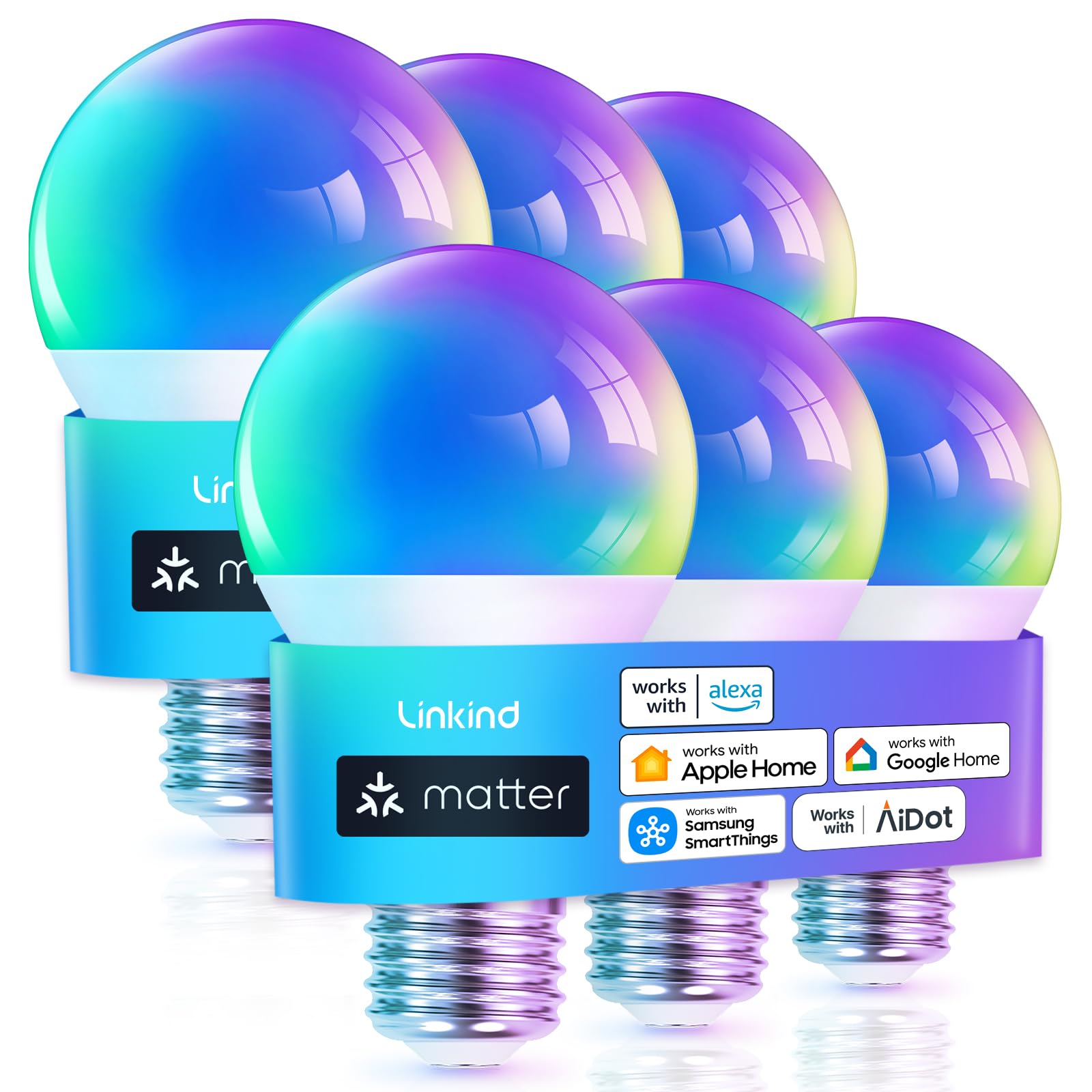
It is a good budget pick for buyers who want Matter support, color options, and easy voice control without spending much.
Pros
- Works with Matter for multi-platform control.
- Lots of color choices and preset scenes.
- Affordable six-bulb pack for whole-room updates.
Cons
- Only works on 2.4 GHz Wi‑Fi, not 5 GHz.
- Not compatible with traditional dimmer switches.
- Setup can take longer than some rivals.
The bulbs aim to simplify a mixed smart-home setup by supporting Matter. Buyers can control them with Alexa, Google, or Apple Home once paired to a Matter hub or use the AiDot app without extra hardware.
They offer 16 million colors, many preset scenes, and a music-sync mode for party lighting. The brightness equals a 60W bulb at 800 lumens, which suits most living rooms and bedrooms.
Users should note the 2.4 GHz Wi‑Fi requirement and avoid using them on older dimmer circuits. For those who want a low-cost way to add cross-platform smart lighting, this six-pack covers multiple rooms while keeping the price low.
DAYBETTER Smart Bulbs (6-Pack)
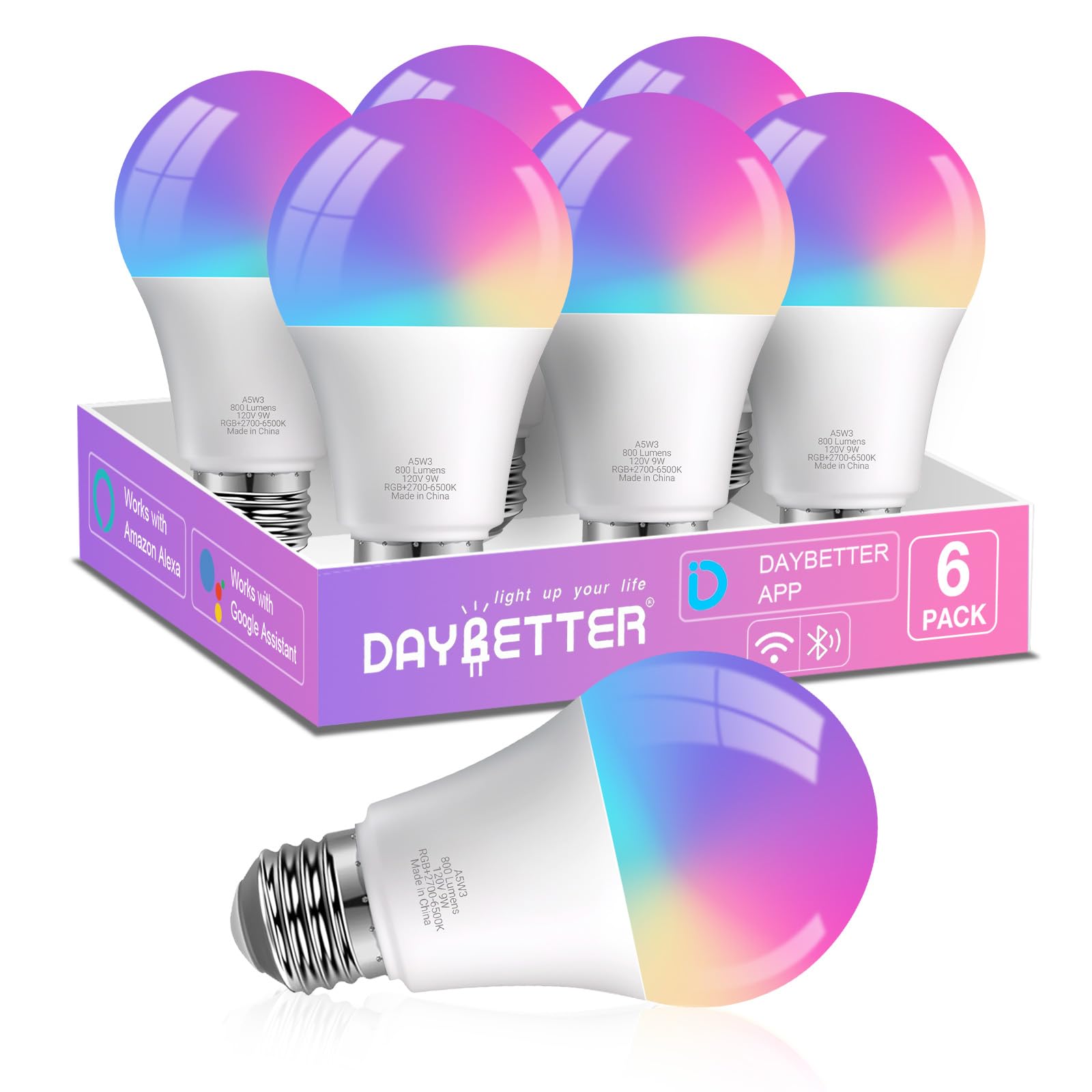
It is a strong budget choice for colorful, voice-controlled lighting if someone wants easy app and Alexa/Google control without a hub.
Pros
- Lots of colors and adjustable white light for mood and task lighting.
- Works with Alexa and Google Assistant for simple voice control.
- Affordable six-pack gives coverage for multiple rooms.
Cons
- Requires 2.4GHz Wi‑Fi and the DAYBETTER app; not compatible with some other smart platforms.
- Not dimmer-switch safe — physical dimmers can cause flicker.
- Music sync uses the phone mic, so it won’t react directly to speakers.
These bulbs offer wide color options and a full white range, so they suit parties and everyday lighting. The app adds schedules and preset scenes to save time and set moods.
Voice control works through Alexa or Google after a quick app setup, which should please users who want hands-free operation. Keep in mind the connection needs 2.4GHz Wi‑Fi and initial Bluetooth, which may confuse nontechnical buyers.
The six-bulb pack gives good value for covering several fixtures at once. People who need Home Assistant, Matter, or Tuya integration will want to look elsewhere.
Govee RGBIC Strip (16.4 ft)

It is a strong value for mood and accent lighting under $50 thanks to multi-color RGBIC effects and easy app control.
Pros
- Bright, colorful RGBIC effects that show multiple colors at once
- Easy app control with many preset scenes and music sync
- Good adhesive and simple install for indoor use
Cons
- Bluetooth only — no Alexa or other voice support
- Adhesive can fail on dirty or rough surfaces
- LED spacing may affect some effects for close-up displays
The strip offers segmented RGBIC colors so it can display different hues along the same length. That makes it better for light shows and backlighting than simple RGB strips.
The Govee Home app adds many presets and DIY options. Users can pick scenes, sync lights to music, or create their own color patterns without extra controllers.
Installation is straightforward for most indoor surfaces, but the tape needs a clean, dry spot to stick well. It is not designed for outdoor use and voice assistants are not supported.
Linkind Tunable White Smart Bulbs (4-Pack)

It is a solid buy for someone who wants flexible white light, voice control, and reliable app scheduling at a low price.
Pros
- Wide color temperature range for different tasks and moods.
- Works with Alexa and Google Home for hands-free control.
- Bluetooth plus 2.4GHz Wi‑Fi gives local and remote control options.
Cons
- Setup can be fussy; initial pairing may require patience.
- Not compatible with traditional wall dimmer switches.
- Requires the AiDot app for full features.
The bulbs offer tunable white light from warm to cool, so rooms can feel cozy or bright depending on the need. High CRI helps colors look more natural, which matters for makeup or decor.
Voice and app control make daily routines easier. Users can dim, set schedules, and group bulbs; the Bluetooth option lets them work locally if Wi‑Fi drops.
Installation is simple physically, but some users report a tricky initial setup step and tiny setup codes. It does not support 5GHz Wi‑Fi and should not be used with old dimmer switches.
Linkind Tunable White Smart Bulbs (4-Pack)
Odnora Smart A19 4-Pack
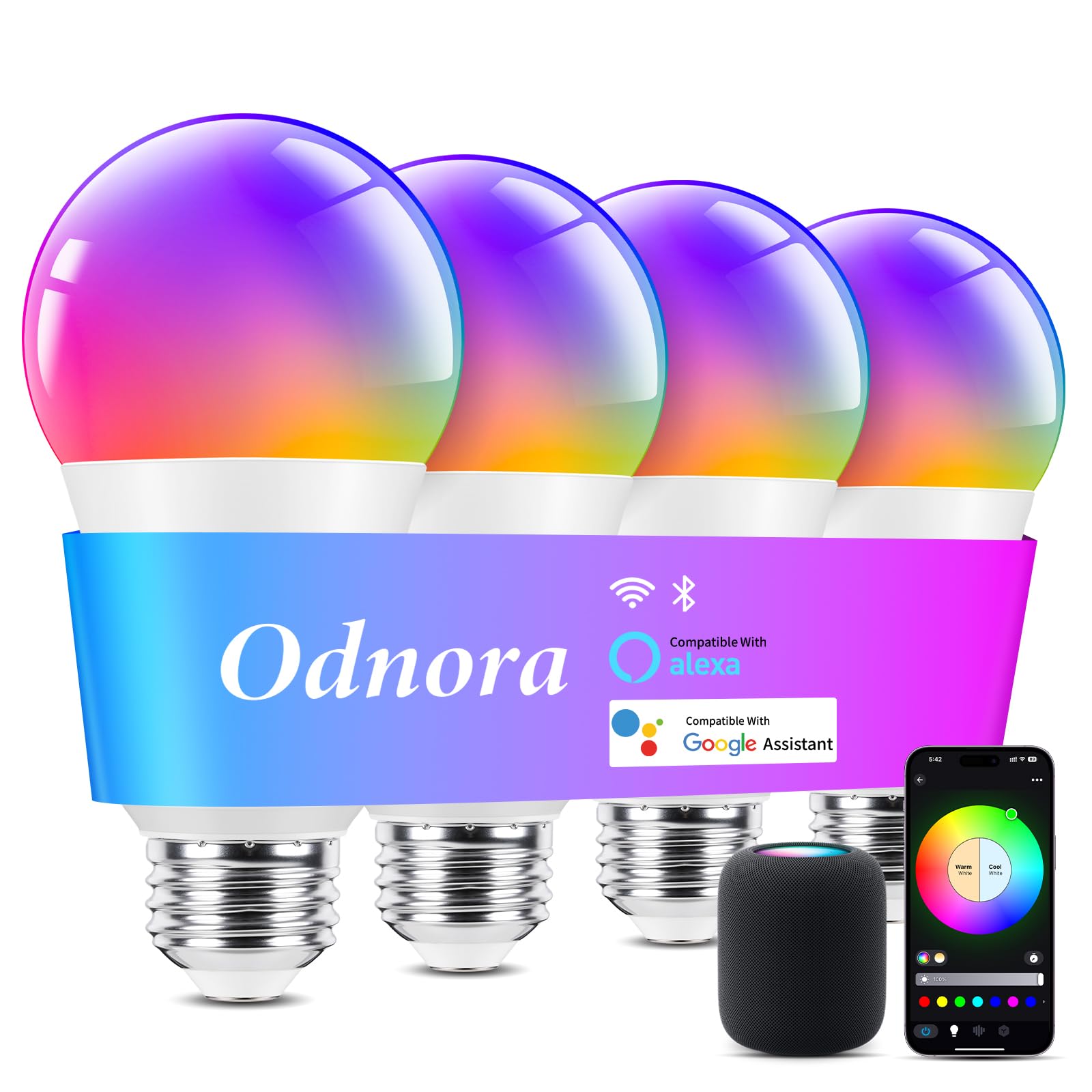
It is a solid budget option for colorful, voice-ready bulbs if someone wants good brightness and reliable 2.4GHz connections without paying much.
Pros
- Stable 2.4GHz Wi‑Fi and Bluetooth reduce dropouts.
- Bright 800 lm with wide beam and high color quality.
- Works with Alexa and Google for voice control.
Cons
- No 5GHz Wi‑Fi support.
- Not compatible with physical dimmer switches.
- Some units may arrive damaged in rare cases.
The bulbs offer a wide color range and tunable white light, which makes them flexible for work, relaxation, or parties. They promise smooth dimming and clear color rendering for most rooms.
Setup leans on the app or voice platforms, and Bluetooth gives a backup if Wi‑Fi is flaky. Music sync and grouping features add fun options for mood lighting and whole‑room control.
Energy use stays low at 9W, so these act like a 60W equivalent without high power draw. The E26 base fits standard fixtures, making installation quick and simple.
Govee Smart A19 Bulbs (2-Pack)

These bulbs are a strong budget pick for bright, color-changing smart lights that work with Alexa and Google Assistant.
Pros
- Very bright for the price, good for larger rooms.
- Wide color range and tunable whites for different moods.
- App and voice control with Wi‑Fi and Bluetooth support.
Cons
- Some users report occasional flicker or connectivity hiccups.
- Preset saving needs Wi‑Fi and Bluetooth off to work.
- Not compatible with smart switches.
The bulbs push high brightness and a full color palette, so they suit someone who wants vivid colors and strong light without spending much. They save energy compared with old 75W bulbs while offering warm-to-cool white options.
They connect via the Govee Home app and can be grouped with other Govee products for synced control. Voice commands through Alexa or Google Assistant work once everything is linked.
Expect a simple setup for most users, though a few reviews mention intermittent flicker or pairing problems. If reliable smart switch integration matters, look elsewhere.
Buy link: Govee LED Smart Light Bulbs, 1000LM Color Changing Light Bulb, Wi-Fi & Bluetooth, 2 Pack
Buying Guide
Smart buyers check a few key features before choosing a light. Price matters, but value matters more. They look for the right balance of brightness, color options, and control methods.
They compare brightness using lumens rather than wattage. Higher lumens mean more light. For rooms, 800–1100 lumens usually work well; for accent lighting, 200–500 lumens can be enough.
They consider color options and temperature. RGB bulbs offer color changes, while tunable white bulbs allow warm-to-cool adjustments. Think about whether scenes and color schedules will matter.
Connectivity is important. Bulbs may use Wi‑Fi, Bluetooth, or a hub with Zigbee/Z‑Wave. Wi‑Fi is simple but can crowd the network. Hubs add reliability and let many devices work together.
Look at control and compatibility. Check app quality, voice assistant support, and whether bulbs work without a cloud account. Local control is more private and often faster.
Energy use and lifespan affect long‑term cost. Compare wattage and rated life (hours). A longer rated life reduces replacement trips.
Check physical fit and build. Match the bulb base, size, and shape to existing fixtures. Make sure the bulb’s dimming method matches the dimmer type if one is used.
Use this quick table to compare features:
| Feature | What to check |
|---|---|
| Brightness | Lumens value |
| Color | RGB, tunable white, or fixed |
| Connectivity | Wi‑Fi, Bluetooth, Zigbee, hub |
| Control | App, voice, local vs cloud |
| Efficiency | Wattage, rated life (hours) |
| Fit | Base type, size, dimmer compatibility |
Editor’s Choice
The Editor’s Choice pick is the Wyze Bulb Color. It balances price, features, and ease of use better than other models under $50.
| Feature | Why it stands out |
|---|---|
| Price | Affordable and often under $25 per bulb. |
| Brightness | Up to 800 lumens for clear room lighting. |
| Color & White | Wide color range and adjustable white temperature. |
| App & Voice | Simple Wyze app plus Alexa and Google support. |
| Setup | Fast setup with reliable local control option. |
It works well in living rooms, bedrooms, and home offices. The app makes schedules and scenes easy to set.
The bulb supports routines and group control, so users can manage multiple lights at once. It also keeps firmware updates simple and predictable.
They will like the balance of performance and cost. For buyers who want the most useful features without extra cost, this is the top pick.
Where to Buy – Best Amazon Deals
Amazon often has the widest selection of smart lights under $50, including bulbs, strips, and smart plugs. Shoppers can compare brands, read user reviews, and check specs side-by-side before buying.
Look for official brand stores and Amazon Renewed listings to reduce risk. Prime-eligible items usually ship faster and offer easier returns.
Watch for these deal types:
- Lightning Deals: Short, deep discounts for limited units.
- Coupons: Clickable savings on product pages.
- Subscribe & Save: Rare for lights, but useful for related items like smart plugs.
Price tracking tools, like browser extensions or price history sites, help spot real discounts. They show past lows and alert buyers when a model hits a target price.
Check seller ratings and return policies before checkout. Low prices from new sellers can mean limited support, while established sellers and Amazon-backed fulfillment give safer returns and replacements.
When buying bundles, compare single-unit prices versus kits. Kits sometimes cost more up front but can be cheaper per light. Reviews often reveal whether a bundle includes all necessary parts or extra purchases are needed.
Conclusion
The list helps readers find smart lights that balance price and features. It focuses on bulbs and strips that work well under $50 and fit common needs like voice control and color options.
They should pick based on what matters most: compatibility, brightness, or color control. If someone values simple setup, they can choose a brand with a strong app and clear instructions.
If they need a smart light for routine use, favor reliability and good warranty. For mood lighting, prioritize color range and dimming smoothness.
Quick buying tips:
- Check app reviews and firmware update history.
- Confirm voice assistant support before buying.
- Look for physical dimming and timer features if automation matters.
The options listed give a starting point for different rooms and budgets. Buyers can compare specs and user reviews to make a final choice that fits their home.
FAQs
What devices work with smart bulbs?
Most smart bulbs work with Wi‑Fi or Bluetooth. They often support Alexa, Google Assistant, or Apple HomeKit, but buyers should check each bulb’s compatibility before buying.
Do smart lights need a hub?
Some do, and some don’t. Bulbs using Zigbee or Z‑Wave usually need a hub, while many Wi‑Fi or Bluetooth bulbs connect directly to a phone or smart speaker.
How much power do smart bulbs use?
Smart LEDs use far less power than incandescent bulbs. Expect 6–12 watts for a bright LED that replaces a 60W incandescent.
Can multiple lights be controlled together?
Yes. Most apps let users group bulbs into rooms or scenes. Voice assistants can also turn groups on or off with a single command.
Are smart bulbs secure?
Security varies by maker. Buying from a reputable brand and keeping firmware updated lowers risks. Use a separate guest Wi‑Fi network if extra isolation is needed.
How long do smart bulbs last?
Smart LEDs typically last 15,000–25,000 hours. Actual life depends on usage and heat. Warranties often cover 1–3 years.
What features matter most under $50?
Look for reliable app control, voice assistant support, good color accuracy for color bulbs, and solid brightness (measured in lumens). Battery backup or advanced automation is rare at this price.
How hard is installation?
Installation is usually plug‑and‑play. Screw in the bulb, install the app, and follow pairing steps. A hub requires a few extra setup steps.