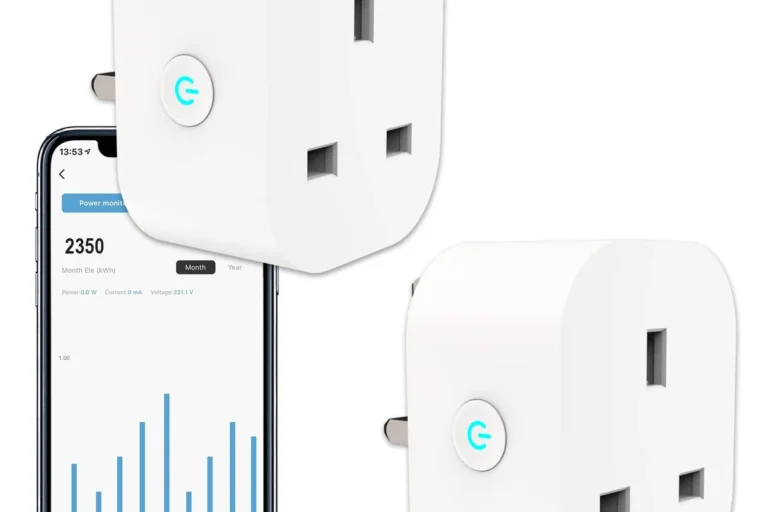
Kasa Smart Plugs Offline: Causes, Fixes, and Best Tips
Kasa Smart Plugs Offline usually means a Wi-Fi, router, app, account, firmware, or power problem—not an immediately dead plug. Start with outlet power, 2.4 GHz compatibility, signal strength, and a proper restart before resetting or replacing the device.
A whole-home mesh upgrade for larger homes where several smart plugs, lights, or cameras lose signal in distant rooms.
A premium backup option for keeping a modem, router, and primary mesh node powered through brief interruptions.
Move the plug near the router, restart the plug, router, and phone, then confirm the correct 2.4 GHz network.
The most common causes are weak Wi-Fi, a 2.4 GHz band mismatch, changed router credentials, an expired Kasa app session, outdated firmware, or unstable power. A plug that goes offline does not always lose electrical power; sometimes only its cloud or router connection has failed.
Confirm that the wall outlet works and the plug is fully inserted. Compare the LED behavior with the model manual so you can distinguish normal operation, setup mode, and disconnection.
Many Kasa smart plugs depend on 2.4 GHz Wi-Fi for setup and operation. During setup, confirm that the plug is joining the supported network and that the signal reaches the outlet reliably.
Test the plug close to the router. If it works there but fails in the original room, distance, walls, metal, appliances, or interference are more likely than a defective plug.
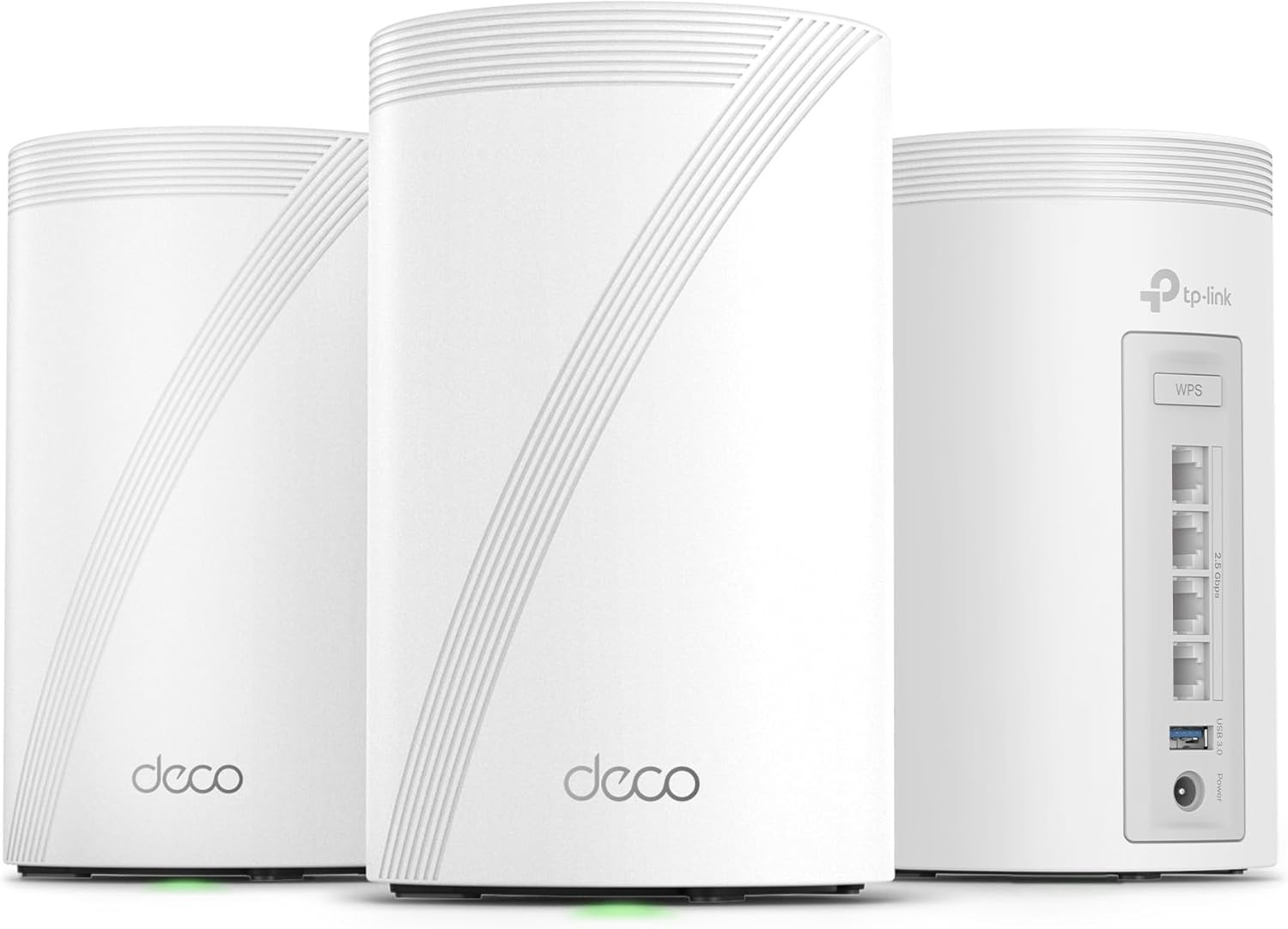
This is the more relevant high-ticket upgrade when several smart-home devices disconnect across distant rooms—not when only one damaged plug fails.
Check that the app uses the correct account and has the required phone permissions. Update the Kasa app and plug firmware. When only one device is offline, focus on that device’s signal, room assignment, firmware, and setup before changing the entire network.
- Unplug the smart plug. Wait briefly, reconnect it, and allow it to start normally.
- Restart the router or mesh node. Wait until the network is completely available.
- Restart the phone or tablet. This can clear cached network and app-session problems.
- Confirm the 2.4 GHz network. Check the SSID, password, band steering, and signal strength.
- Update the app and firmware. Older software can create discovery and compatibility issues.
- Remove and re-add the device. Restore the device name, room, and schedules afterward.
- Factory reset only when necessary. Follow the instructions for the exact model.
| Mistake | Why it causes trouble | Better approach |
|---|---|---|
| Wrong Wi-Fi band | The plug may fail to pair or reconnect reliably. | Use the supported 2.4 GHz setup method. |
| Weak signal | Walls, metal, appliances, and distance can interrupt communication. | Test near the router before replacing the plug. |
| Changed SSID or password | The plug still stores the old network credentials. | Reconnect the device through the official setup flow. |
| Overloaded plug | Excess current can create heat, instability, and premature failure. | Follow the exact load rating in the manual. |
Use the plug only with approved devices and within the stated amperage and wattage limits. Lamps, small fans, and other simple on/off loads are generally more appropriate than high-draw heating elements, compressors, or large motors.
If the complete Kasa setup goes offline whenever the modem, router, or mesh node restarts, maintaining power to the network equipment can reduce unnecessary reconnection cycles.

This product is relevant when the modem, router, or primary mesh node shuts down during short power interruptions and takes the smart-home network offline.
Kasa plugs are a strong fit for straightforward app-based control of compatible low-to-moderate loads on a stable home network. They are less suitable for devices that should never lose power unexpectedly, require dimming or variable speed, or exceed the stated electrical rating.
| Situation | Recommended action |
|---|---|
| One plug occasionally goes offline | Restart, update, and test it near the router. |
| Several distant devices go offline | Investigate coverage, interference, and mesh placement. |
| Everything drops after power flickers | Investigate router power stability and backup. |
| The plug overheats or looks damaged | Stop using it and replace it. |
Keep the plug and outlet area clean and dry. Check occasionally for discoloration, looseness, heat damage, firmware updates, app support, warranty terms, and whether the plug blocks adjacent outlets.
Why does my Kasa smart plug keep going offline?
The most common causes are weak 2.4 GHz Wi-Fi, router changes, an expired app session, firmware problems, or unstable outlet power.
How do I get a Kasa smart plug back online quickly?
Restart the plug, router, and phone, confirm the correct 2.4 GHz network, then update the app and firmware. Remove and re-add the device only if the basic steps fail.
Do Kasa smart plugs need 2.4 GHz Wi-Fi?
Many Kasa smart plugs use 2.4 GHz Wi-Fi for setup and normal operation. Confirm the requirements in the manual for the exact model.
Can a Kasa smart plug work locally while the app says offline?
Some local behavior may continue, but cloud control, remote access, schedules, and voice-assistant commands can fail until connectivity returns.
Will mesh Wi-Fi fix every offline Kasa plug?
No. Mesh Wi-Fi can improve weak coverage, but it cannot repair a defective plug, correct account problems, or solve an overloaded electrical circuit.
Will a UPS fix Kasa Wi-Fi issues?
A UPS can keep the modem, router, or mesh node powered during brief interruptions. It does not fix the wrong Wi-Fi band, weak coverage, app errors, or a faulty smart plug.
When should I replace the plug?
Replace it when it remains unstable after a correct reset and fresh setup, becomes unusually hot, shows scorch marks, smells burnt, fits loosely, or behaves unpredictably.
Start with power, 2.4 GHz Wi-Fi, router stability, app status, and safe load limits. Upgrade equipment only when the symptoms point to coverage or power continuity.