Why Would My Laptop Charger Stop Working?
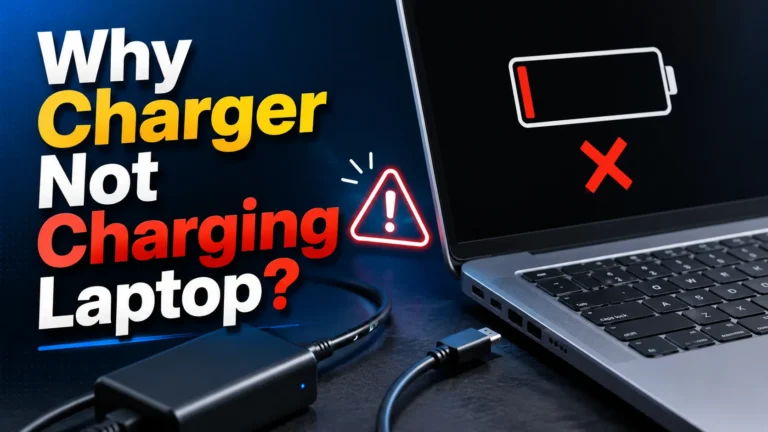
Your laptop charger may stop working because of cable damage, overheating, a bad charging port, wrong wattage, power issues, or battery problems. In many cases, the fix is simple and only takes a few minutes.
Quick Answer
Why would my laptop charger stop working? Most laptop chargers stop working because the cable breaks, the adapter overheats, the charging port becomes loose, or the charger does not provide enough power. A damaged battery or faulty wall outlet can also stop charging.
Introduction
I test laptop chargers, USB-C cables, and power adapters almost every week.
One of the most common problems I see is this:
“My laptop charger suddenly stopped working.”
The good news is that many charging problems are easy to fix.
Sometimes the issue is only a damaged cable. Other times, the charger uses the wrong wattage.
In this guide, I’ll explain the most common causes, simple fixes, charging safety tips, and how to choose the right replacement charger.
Common Reasons Why Laptop Chargers Stop Working
Many small problems can stop laptop charging.
Here are the most common causes.
Damaged Charging Cable
Laptop charger cables bend every day.
Over time, the wires inside can break.
You may notice:
- Charging stops randomly
- The cable feels loose
- The charger only works in one position
- The cable gets hot
Loose Charging Port
The charging port can wear out.
Dust and dirt may also block the connection.
A loose charging port often causes charging to disconnect repeatedly.
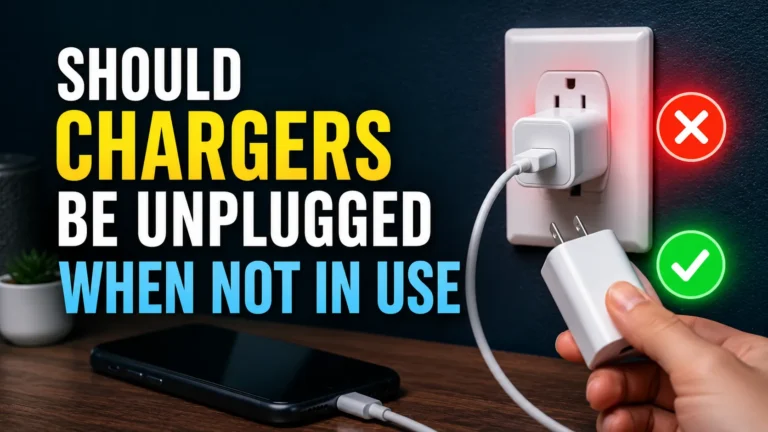
Overheating Charger
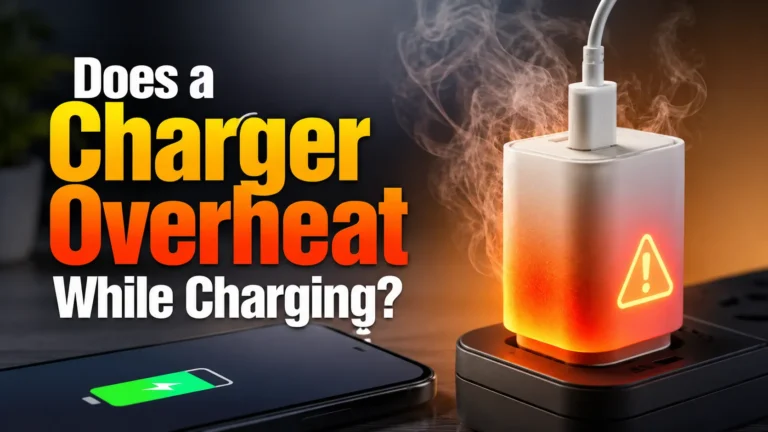
Heat is a major charger problem.
Most chargers become warm during use.
But very high heat is dangerous.
If your charger becomes extremely hot, stop using it immediately.
Learn more from Consumer Reports.
Wrong Charger Wattage
Some chargers cannot provide enough power.
A weak charger may not charge your laptop correctly.
For example:
- A 20W phone charger usually cannot power a gaming laptop
- A 45W charger may charge slowly
- A 100W charger works better for larger laptops
Battery Problems
Old batteries lose health over time.
A failing battery may stop charging fully.
Some laptops only work while plugged in after battery damage.
Laptop Charger Problems and Fixes
| Problem | Possible Cause | Simple Fix |
|---|---|---|
| Laptop not charging | Bad cable | Replace cable |
| Charging stops randomly | Loose port | Clean or repair port |
| Slow charging | Low wattage charger | Use stronger adapter |
| Very hot charger | Overheating | Stop using charger |
| No power light | Dead adapter | Test another charger |
How To Check If Your Laptop Charger Is Broken
Start with the simple checks first.
1. Check the Wall Outlet
Plug another device into the outlet.
Sometimes the outlet itself is the problem.
2. Inspect the Cable
Look for:
- Bends
- Cuts
- Burn marks
- Loose connections
3. Check the Charging Port
Use a flashlight to inspect the port.
Dust and lint can block charging.
4. Try Another Charger
If another charger works, your original charger is likely damaged.
5. Restart the Laptop
Small software bugs sometimes stop charging.
USB-C Laptop Charging Problems
Many new laptops use USB-C charging.
USB-C is smaller and faster than older charging ports.
But USB-C chargers can still fail.
Common USB-C Problems
- Weak USB-C charger
- Cheap cable
- Loose USB-C port
- Wrong charging standard
Good USB-C chargers support USB Power Delivery.
This is also called USB PD.
Learn more at USB-IF.
Best Wattage For Laptop Charging
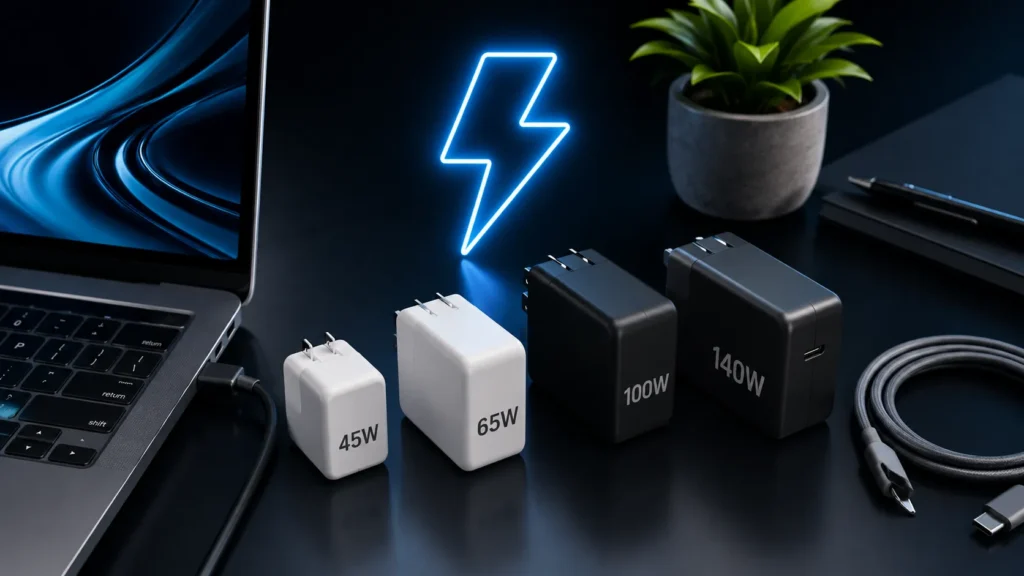
Different laptops need different wattage levels.
| Laptop Type | Minimum Wattage | Recommended Wattage |
|---|---|---|
| Chromebook | 30W | 45W |
| Ultrabook | 45W | 65W |
| Business Laptop | 65W | 100W |
| Gaming Laptop | 100W | 140W |
| MacBook Pro | 67W | 140W |
Can Cheap Chargers Damage Your Laptop?
Yes.
Very cheap chargers can damage batteries and charging ports.
Some fake chargers lack basic safety protection.
I always recommend trusted brands.
Certified chargers are safer and more reliable.
Read charger safety advice from FTC.
Signs You Need a New Laptop Charger
- Charger becomes very hot
- Charging disconnects often
- The cable is damaged
- The adapter makes buzzing sounds
- The charging light flickers
- The laptop charges very slowly
Safe Laptop Charging Tips
Safe charging helps your battery last longer.
- Use certified chargers
- Avoid damaged cables
- Keep chargers cool
- Do not block air vents
- Do not charge near water
- Stop using chargers that smell burnt
Battery safety matters.
You can learn more at Battery University.
Common Charging Mistakes
Many users accidentally damage chargers.
These mistakes are common:
- Wrapping cables too tightly
- Using weak phone chargers for laptops
- Charging on beds or blankets
- Using damaged extension cords
- Buying unknown chargers online
Helpful Tips Before Buying a New Charger
Always check your laptop model first.
Then verify:
- Wattage
- Voltage
- Charging connector type
- USB-C compatibility
- USB Power Delivery support
GaN chargers are also a great option.
They stay cooler and smaller.
Key Takeaways
- Laptop chargers stop working for many reasons
- Damaged cables are very common
- Wrong wattage can stop charging
- Overheating is dangerous
- USB-C chargers need proper power support
- Certified chargers are safer
- Most charging problems are easy to fix
Frequently Asked Questions
Why would my laptop charger suddenly stop working?
The charger cable, adapter, charging port, or battery may be damaged.
Can a bad battery stop laptop charging?
Yes. Old or damaged batteries can prevent charging.
Why is my laptop charger getting hot?
Chargers create heat during charging, but extreme heat is dangerous.
Can I use a phone charger for my laptop?
Most phone chargers do not provide enough wattage for laptops.
What wattage charger does a laptop need?
Most laptops need between 45W and 140W.
Are USB-C laptop chargers safe?
Yes. Certified USB-C chargers are usually very safe.
Should I replace a damaged charging cable?
Yes. Damaged cables can become unsafe quickly.
Can dust stop a laptop from charging?
Yes. Dust inside the charging port can block connections.
Conclusion
Why would my laptop charger stop working?
In most cases, the problem comes from cable damage, overheating, weak wattage, or a loose charging port.
The good news is that many fixes are simple.
Always use quality chargers and safe charging habits.
If your charger becomes very hot or damaged, replace it immediately.
A good charger protects both your laptop and battery health.