9 Best 15 Amp Smart Plug Picks for Smart Home and Security Devices
Affiliate disclosure: As an Amazon Associate, Gadget Makers Blog may earn from qualifying purchases. This does not change the price you pay.
Choosing a 15 amp smart plug gets a little more specific when you plan to use it with smart home and security devices. You want reliable voice control, stable app access, and enough load capacity for everyday electronics without crowding your outlet.
Below, Ethan Walker compares nine current picks using only verified listing details, including ratings, review counts, pricing, and the feature sets supplied for each model. If you are building a broader home setup, you may also want to read our guide to smart light switches and our roundup of smart lights for home automation to match your plug with the rest of your routine.
The best 15 amp smart plug for most smart home and security device setups is the Kasa Smart Plug Mini 15A Wi-Fi Outlet because it combines strong user feedback, broad Alexa and Google Home support, UL certification, and simple app-based scheduling.
Quick Product Comparison
| Product | Image | Best For | Check Price |
|---|---|---|---|
| 1. Kasa EP10P4 Smart Plug | 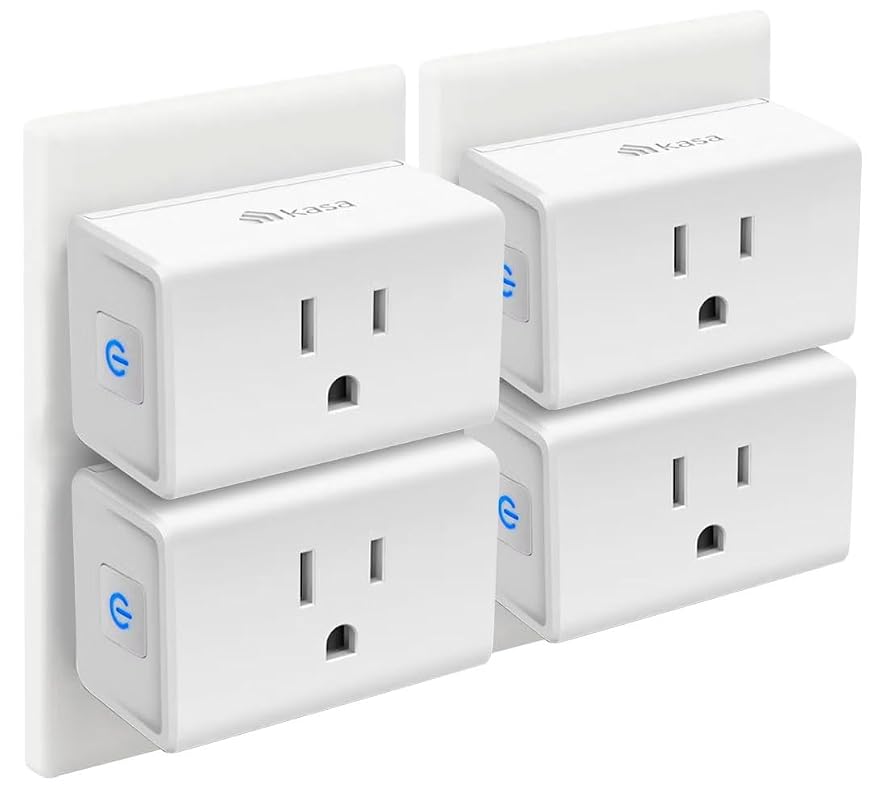 | Everyday smart home control | Check Price |
| 2. EIGHTREE Smart Plug | 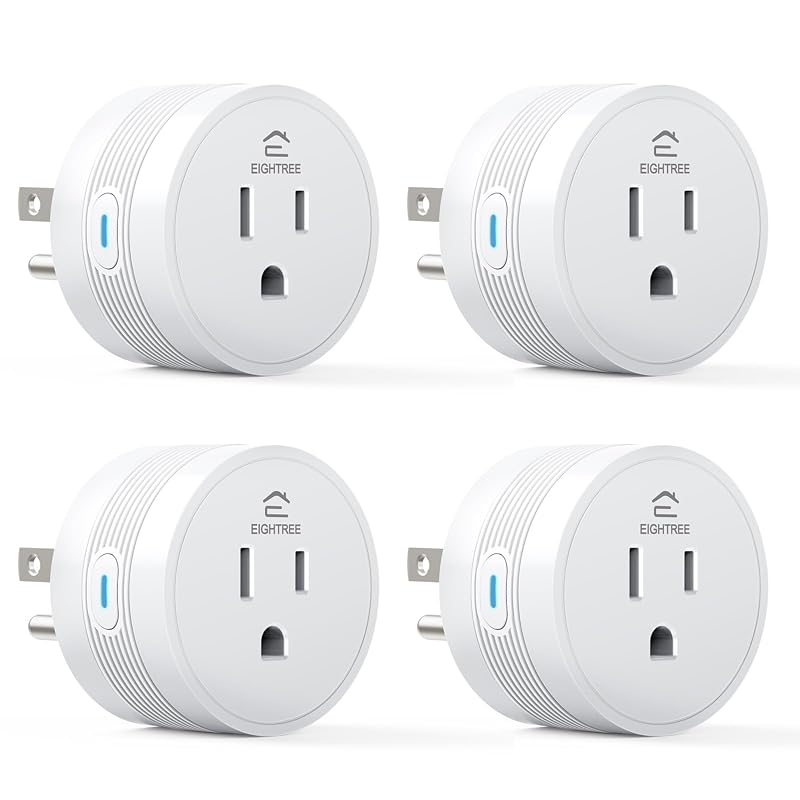 | High-power appliances | Check Price |
| 3. Kasa EP10P2 Smart Plug | 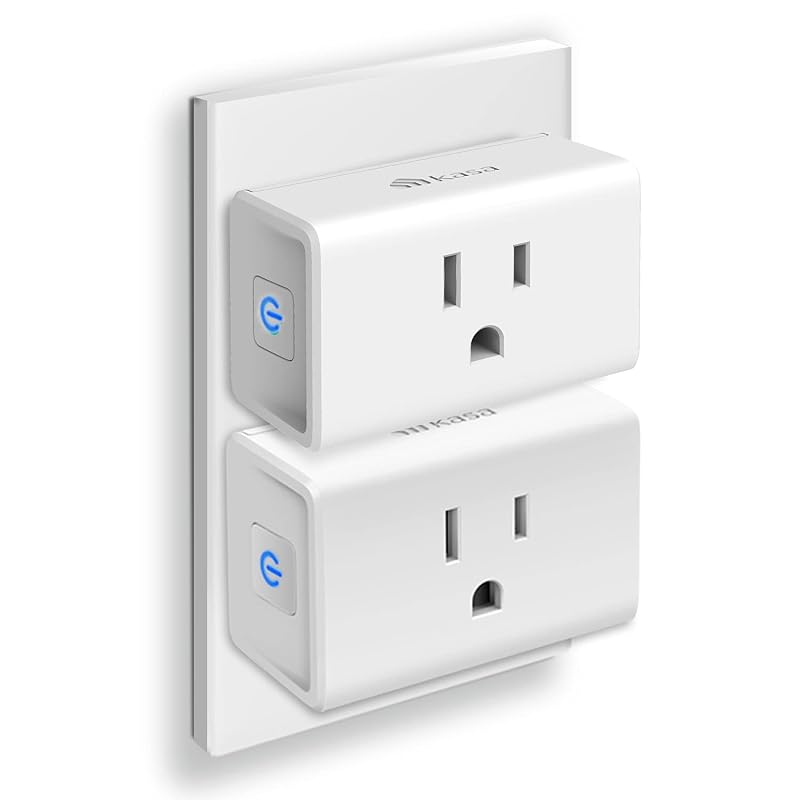 | Budget-friendly smart plug buy | Check Price |
| 4. GHome Smart 5G Smart Plug | 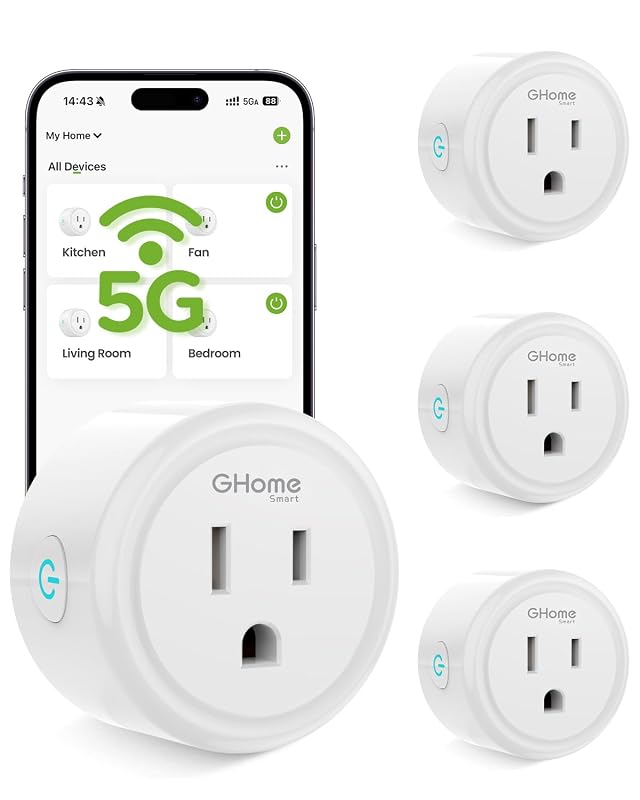 | Dual-band Wi-Fi flexibility | Check Price |
| 5. Kasa EP10 Smart Plug | 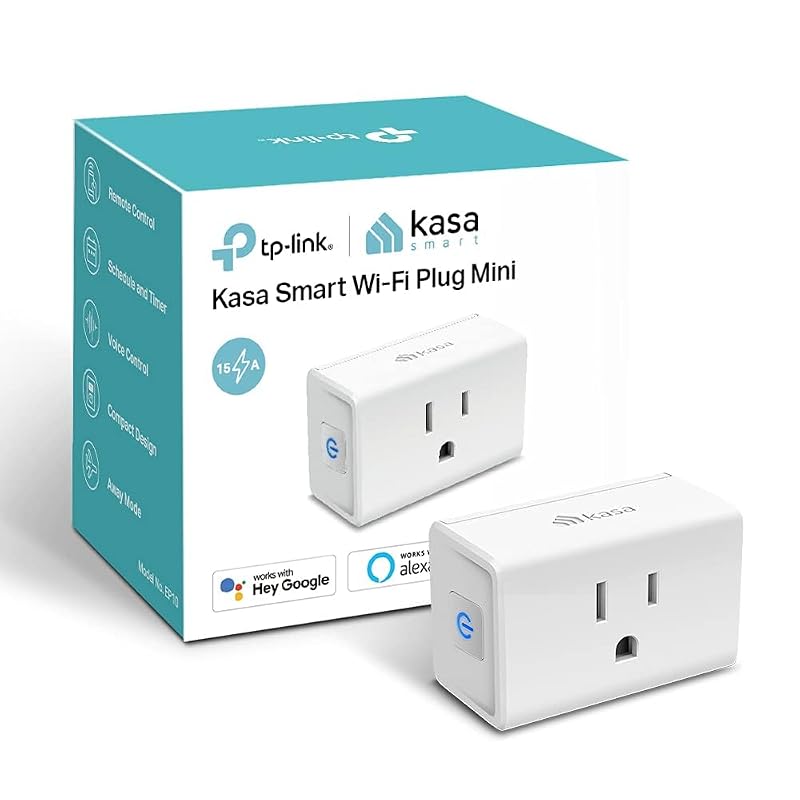 | Lowest entry price | Check Price |
| 6. Kasa HS103P2 Smart Plug | 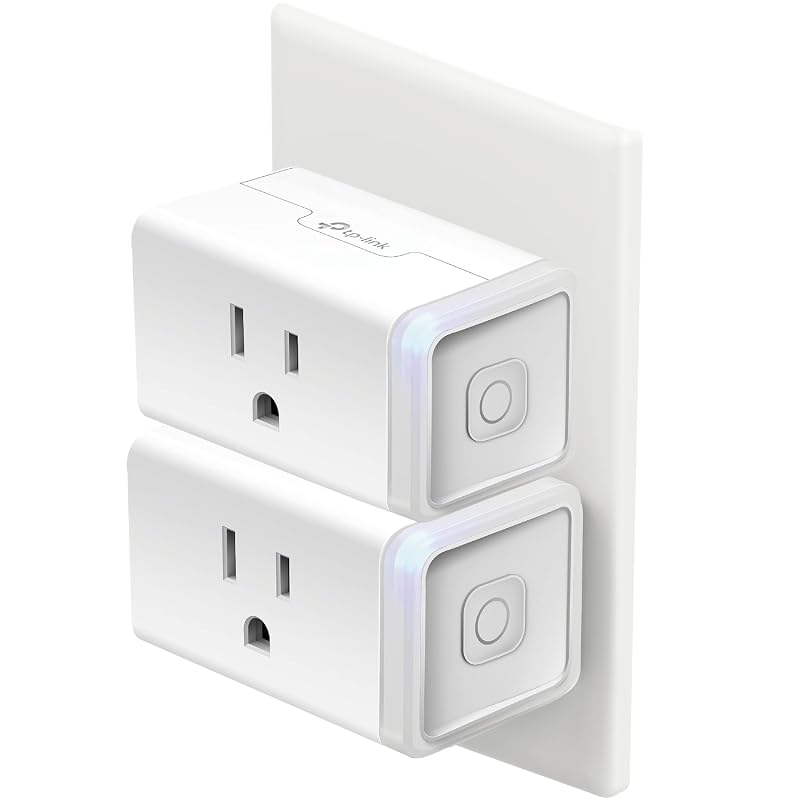 | High-review-count reliability | Check Price |
| 7. TP-Link Tapo P125M Smart Plug | 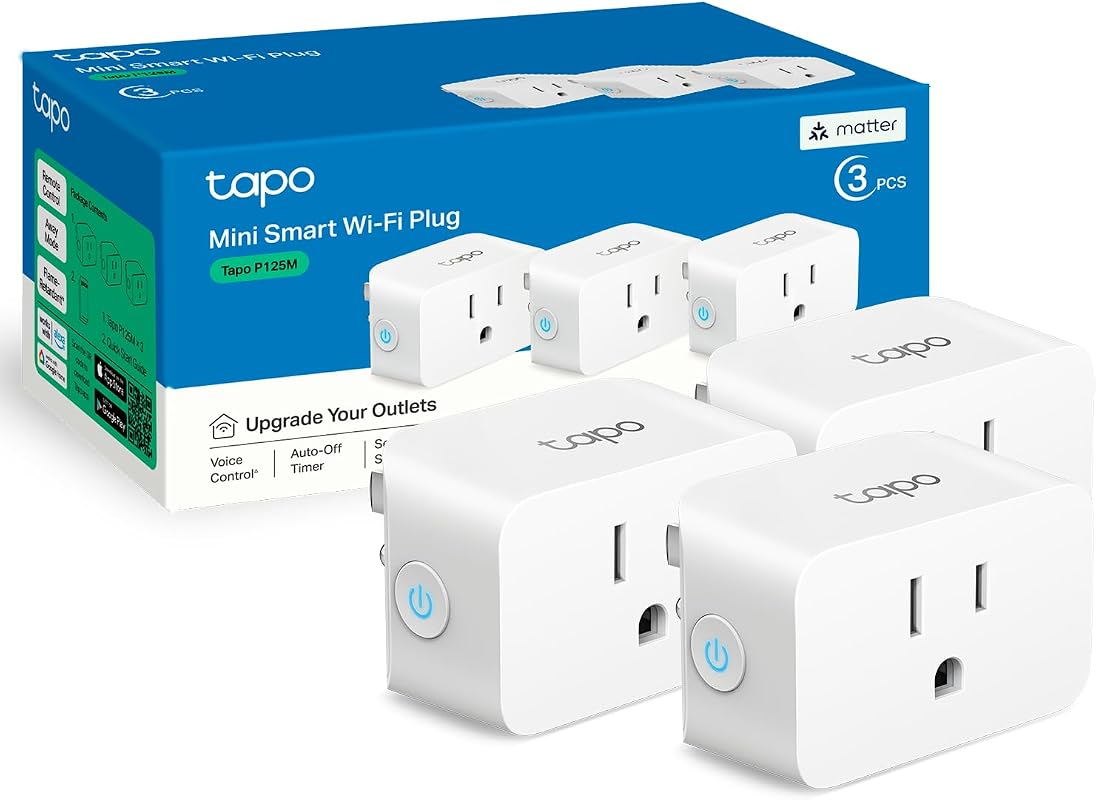 | Apple Home and Matter setups | Check Price |
| 8. Govee Smart Plug | 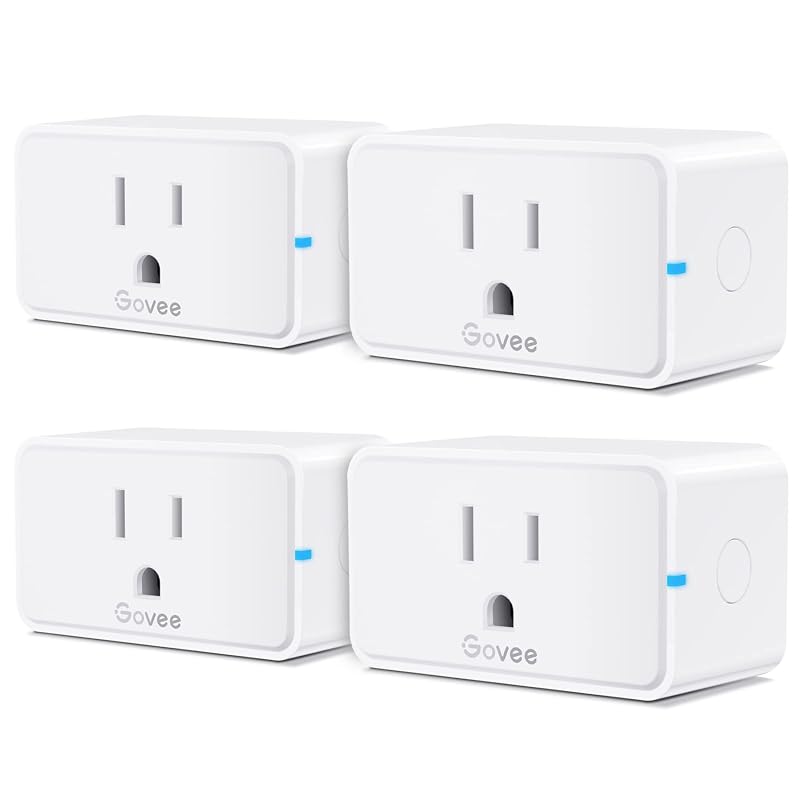 | Multi-pack value for several devices | Check Price |
| 9. GHome Smart 5G Smart Plug | 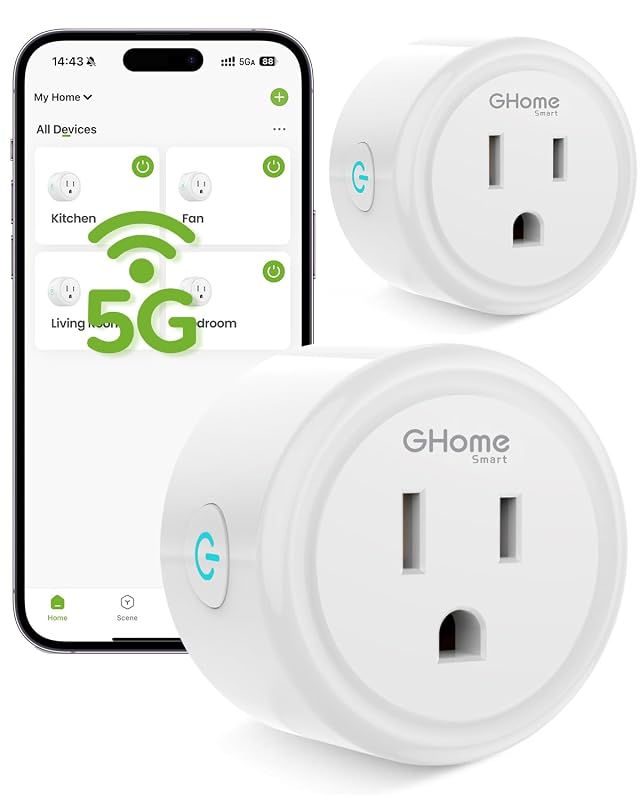 | Value-minded dual-band option | Check Price |
What to Look for in a 15 Amp Smart Plug
Load rating and the device you plan to control
A 15 amp smart plug is meant for higher-load household electronics than basic low-power accessories, but you should still verify the appliance’s actual draw on the current listing or manual. For smart home and security use, that matters when you are powering lamps, fans, humidifiers, or other always-on devices.
Wi-Fi band and setup path
Several of these plugs require 2.4GHz Wi-Fi, while some models add Bluetooth-assisted setup or dual-band support. If your router is busy or your home has weak coverage, the setup path can affect day-to-day convenience more than the brand name.
App ecosystem and voice assistant support
Check whether the plug works with Alexa, Google Home, Apple Home, or Matter before buying. If your home already uses one ecosystem, matching it can reduce app switching and make automations easier to manage.
Security and automation features
Scheduling, countdown timers, group control, and remote app access are the features that matter most for lights, cameras, and other security-adjacent devices. If you want routine-based control, look for a plug that clearly supports schedules and remote switching.
Safety certifications and enclosure design
For indoor smart home gear, certification details such as UL, ETL, or FCC listing can help narrow the field. Compact housings also matter because a bulky plug can block neighboring outlets on crowded power strips or wall plates.
Household fit and outlet spacing
If you plan to use more than one plug in the same room, check the shape and size carefully. A compact body is often easier to place in bedrooms, offices, and entryways where multiple smart devices share one wall outlet.
- Before buying, note whether your smart home app uses 2.4GHz only, dual-band Wi-Fi, or Matter so you can avoid setup surprises.
- For security routines, choose scheduling and remote control features that match how often you actually arm lights or other devices.
- Leave ventilation space around any plugged-in appliance and follow the manufacturer’s load guidance instead of stacking multiple high-draw devices.
Our Top 9 15 Amp Smart Plug Picks and Reviews
1. Kasa Smart Plug Mini 15A Wi-Fi Outlet, Works with Alexa and Google Home, UL Certified, No Hub
This Kasa EP10P4 model stands out as a well-rounded 15 amp smart plug for common smart home and security-device routines. It combines Alexa and Google Home compatibility, app-based remote control, and UL certification in a compact no-hub format.
Key Features That Stand Out
- Works with Alexa and Google Home Assistant for voice control.
- Requires 2.4GHz Wi-Fi and uses the Kasa app for setup and control.
- Timer and countdown scheduling support routine automation.
- Remote on/off access from anywhere through the app.
- UL certified with a 2-year warranty.
Why It Stands Out
With 4.5 stars from 40,293 ratings, it has one of the strongest trust signals in the group. It is a practical fit for lamps, fans, humidifiers, and other devices that benefit from simple scheduling and remote access.
Best For
Pros and Cons
- Strong rating and very large review base.
- Compact, no-hub design.
- Useful scheduling and anywhere control.
- 2.4GHz Wi-Fi requirement may not suit every network.
- Current app and setup details should still be checked on the Amazon listing.
2. EIGHTREE 15A Wi-Fi Bluetooth Smart Plug for High-Power Appliances, Works with Alexa and Google Home
This EIGHTREE plug is aimed at higher-load household appliances, so it makes sense for buyers who want a 15 amp smart plug for heavier everyday gear. Bluetooth-assisted setup and Wi-Fi control make it a flexible option for a busy home.
Key Features That Stand Out
- Designed for high-power devices such as coffee makers, heaters, and air conditioners.
- Bluetooth plus 2.4GHz Wi-Fi setup without a hub.
- Works with Alexa and Google Home.
- FCC and ETL certification with flame-retardant housing, overload protection, and child safety shutters.
Why It Stands Out
Its feature set is especially relevant if you want a plug that prioritizes higher-load compatibility and safer indoor use details. The 4.4-star rating from 11,522 reviews suggests broad buyer attention, though the current listing should still be checked for exact appliance fit.
Best For
Pros and Cons
- High-load positioning is clear in the listing.
- Bluetooth can simplify first-time setup.
- Safety-related features are spelled out.
- More expensive than several alternatives.
- Appliance compatibility should be verified before use with heat-producing gear.
3. Kasa Smart Plug Ultra Mini 15A Wi-Fi Outlet, Works with Alexa and Google Home, UL Certified, No Hub
At a lower price than the other Kasa models here, this EP10P2 version is the easiest value pick for shoppers who want core smart plug features without paying more for extras. It keeps the same basic control set and safety positioning as the rest of the lineup.
Key Features That Stand Out
- Alexa and Google Home voice control support.
- 2.4GHz Wi-Fi setup with the Kasa app.
- Timer and countdown scheduling.
- Remote control from anywhere through the app.
- UL certified with a 2-year warranty.
Why It Stands Out
The price makes this a practical entry point for smart home users who want reliable basics rather than a long feature list. The 4.5-star rating and very large review count align with that value-first position.
Best For
Pros and Cons
- Lowest price among the Kasa options listed here.
- Solid feature set for routine automation.
- Compact and UL certified.
- Still limited to 2.4GHz Wi-Fi.
- Buyers needing Matter or Apple Home support should look elsewhere.
4. GHome Smart 5G 15A Wi-Fi Smart Plug with Timer, Works with Alexa and Google Home
This GHome model is built for buyers who want a dual-band option in a compact 15 amp smart plug. The listing emphasizes both 5GHz and 2.4GHz use, which can matter if your home network is crowded or you want closer-range performance near the router.
Key Features That Stand Out
- Bluetooth setup plus dual-band Wi-Fi support.
- Rated for 120V/15A and 1800W.
- Works with Alexa and Google Home after connecting to the GHome app.
- Timer and schedule automation.
- App remote and group control.
Why It Stands Out
The 4.4-star rating from 1,009 reviews suggests a more modest but still meaningful track record. Dual-band support is the main reason to consider it if your smart home gear sits in a busier wireless environment.
Best For
Pros and Cons
- Dual-band Wi-Fi adds flexibility.
- Compact body should be easier to fit in crowded outlets.
- Group control can simplify multi-device routines.
- Voice assistants require setup through the GHome app first.
- Higher price than some more established alternatives.
5. Kasa Smart Plug Ultra Mini 15A Wi-Fi Outlet, Works with Alexa and Google Home, UL Certified, No Hub
This is the cheapest option in the roundup, which makes it appealing if you want a basic smart plug for a single room or a small starter setup. It keeps the familiar Kasa app workflow and common voice-assistant support.
Key Features That Stand Out
- Alexa and Google Home support.
- 2.4GHz Wi-Fi setup with the Kasa app.
- Timer and countdown schedules.
- Remote control from anywhere.
- UL certified with a 2-year warranty.
Why It Stands Out
Its 4.5-star rating and large review count are consistent with the other Kasa entries here. The main appeal is simple: it gives you the core features most shoppers want at the lowest listed price.
Best For
Pros and Cons
- Lowest price in the group.
- Simple, familiar feature set.
- Good fit for basic automation tasks.
- 2.4GHz Wi-Fi only.
- Shoppers wanting the newest platform support should confirm compatibility elsewhere.
6. Kasa Smart Plug HS103P2 15A Wi-Fi Outlet, Works with Alexa, Echo and Google Home, UL Certified
The HS103P2 is the strongest long-running trust signal in the list thanks to its very large review count. It is a good fit for shoppers who want a widely adopted smart plug for routine home control without adding a hub.
Key Features That Stand Out
- Voice control with Alexa and Google Assistant.
- Remote on/off access through the Kasa app.
- Timer and countdown scheduling.
- 2.4GHz Wi-Fi setup.
- UL certified for safety use.
Why It Stands Out
The 4.6-star rating from 150,416 reviews is the highest review-volume signal in the roundup. If you value a long user trail and straightforward features, this model is easy to place on a shortlist.
Best For
Pros and Cons
- Largest review count in the roundup.
- Simple app and voice control workflow.
- Includes a side button for manual toggling.
- 2.4GHz Wi-Fi only.
- Does not add platform breadth beyond the listed assistants.
7. TP-Link Tapo P125M Matter Smart Plug Mini, 15A/1800W, Works with Apple Home, Alexa and Google Home
This Tapo plug is the most future-facing option in the roundup because it adds Matter support alongside Apple Home, Alexa, Google Home, and Samsung SmartThings. That makes it especially useful if you want a plug that can fit into a mixed-platform smart home.
Key Features That Stand Out
- Matter compatibility across Apple Home, Amazon Alexa, Google Home, and Samsung SmartThings.
- Local LAN control when the internet goes offline.
- Compact, flame-retardant design.
- UL certified with a 2-year limited warranty.
- App and voice control through the Tapo app or voice assistants.
Why It Stands Out
The combination of Matter and local control is useful for buyers who want broader platform flexibility. Its 4.5-star rating from 2,722 reviews is smaller than some rivals, but the compatibility story is stronger.
Best For
Pros and Cons
- Broad platform support through Matter.
- Local network control can help when internet service is down.
- Compact design helps preserve outlet space.
- More expensive than several non-Matter options.
- Shoppers should confirm their home platform and Matter setup before buying.
8. Govee 15A Wi-Fi Bluetooth Smart Plug 4-Pack, Works with Alexa and Google Assistant, Remote Control
The Govee four-pack is a practical buy if you need several plugs at once for lights, fans, or other smart home devices. It includes Wi-Fi and Bluetooth control, plus scheduling and group control for multi-device setups.
Key Features That Stand Out
- Wi-Fi and Bluetooth control through the Govee Home app.
- Alexa and Google Home voice control.
- Scheduling and group control.
- Compact design that takes up one outlet at a time.
- FCC and ETL certification with fire-resistant materials.
Why It Stands Out
This set is less about a single plug and more about covering several rooms or several devices at once. The 4.6-star rating from 6,018 reviews is solid, and the four-pack format can lower the hassle of buying each plug separately.
Best For
Pros and Cons
- Four-pack offers convenient multi-room coverage.
- Bluetooth plus Wi-Fi control adds setup flexibility.
- Compact size helps preserve nearby outlets.
- Does not support 5G Wi-Fi.
- Requires the Govee Home app account setup.
9. GHome Smart 5G 15A Wi-Fi Smart Plug with Timer, Works with Alexa and Google Home
This GHome version is similar to the earlier dual-band model but priced lower, which makes it a useful comparison point for shoppers who want the same general feature set at a slightly more approachable cost. It still focuses on scheduling, app control, and voice assistant compatibility.
Key Features That Stand Out
- Bluetooth setup and dual-band Wi-Fi.
- 120V/15A and 1800W rating.
- Alexa and Google Home support through the GHome app.
- Timer and schedule automation.
- App remote and group control.
Why It Stands Out
Its 4.4-star rating and 1,009 reviews are similar to the other GHome entry, but the lower price gives it a clearer value angle. It is worth a look if you want dual-band capability without moving up to the more expensive option.
Best For
Pros and Cons
- Lower price than the other GHome option.
- Dual-band Wi-Fi support can help in busier homes.
- Group control supports multiple devices.
- Voice assistant setup still requires the GHome app first.
- Review volume is much smaller than the top Kasa picks.
For security devices, smart plugs are best for low-risk automation such as lights, fans, or other routine accessories. Before plugging in a camera, recorder, heater, or air-moving appliance, verify the device’s exact power draw and the manufacturer’s instructions on current Amazon or the product manual.
Complete Roundup for 15 Amp Smart Plug
Best for simple rooms and starter automations, with basic app control, scheduling, and 2.4GHz Wi-Fi on the lowest-priced models.
Best for buyers who want stronger ecosystem support, dual-band options, or safety extras without moving into specialty pricing.
Best for mixed smart homes needing Matter, Apple Home support, or multi-pack flexibility with broader platform compatibility.
Compatibility and intended use
If you mainly use Alexa or Google Home, most of the list will fit easily. If you want Apple Home or Matter, the Tapo P125M is the clearest match. For multi-device rooms, the Govee four-pack can simplify setup, while the Kasa models are the safest default for broad everyday use.
Dos and don’ts
- Match the plug’s ecosystem support to your current smart home app.
- Check the appliance’s power requirements before connecting it.
- Use scheduling for lights, fans, and other routine devices.
- Don’t assume every plug supports the same Wi-Fi band or app flow.
- Don’t overload a wall outlet with multiple high-draw devices.
- Don’t skip the manufacturer’s setup steps if the plug requires a companion app first.
Practical tips for smart home and security setups
- Use one plug first to confirm app pairing before expanding to a full-room setup.
- If your router is crowded, a dual-band or Bluetooth-assisted model may be easier to place.
- For security routines, keep the plug name short and obvious so voice commands are easier to remember.
- When possible, keep high-draw appliances on dedicated outlets instead of shared power strips.
Confirm your phone’s operating system, your home Wi-Fi band, and your preferred smart home platform before buying. If you want Apple Home or Matter, narrow your shortlist to the Tapo P125M; if you want the simplest Alexa or Google Home setup, most Kasa options are easier to match.
- Kasa EP10P4: best overall for everyday smart home control.
- EIGHTREE: strongest choice for higher-power appliance use.
- Kasa EP10P2: best value if you want the lowest Kasa price.
- GHome Smart 5G (B0D7MNTV1P): good dual-band option with group control.
- Kasa EP10: lowest-cost entry point in the roundup.
- Kasa HS103P2: best for buyers who want the biggest review base.
- Tapo P125M: best for Matter and Apple Home compatibility.
- Govee 4-pack: best for multiple rooms or several devices.
- GHome Smart 5G (B0D7MKRL18): lower-cost dual-band alternative.
- Remember to verify appliance load and app compatibility before purchase.
- For security-related automation, keep the setup simple and follow the manufacturer’s instructions closely.
Frequently Asked Questions About 15 Amp Smart Plug
These plugs are commonly used for lamps, fans, humidifiers, and similar household electronics. For anything with a heating element or a motor, check the current rating on the product page or manual before using it.
No, but many do. Some models in this roundup add Bluetooth setup or dual-band Wi-Fi, so it helps to confirm the connection method before buying.
The TP-Link Tapo P125M is the clearest option here because it explicitly lists Apple Home and Matter support. That makes it a stronger fit for mixed-platform households.
Yes, especially for automating lights or other visible routines while you are away. Just verify that the device you want to control is appropriate for plug-based automation and follow the app’s scheduling settings carefully.
The easiest setup usually comes from models that use Bluetooth during pairing and then switch to Wi-Fi. In this roundup, the EIGHTREE and both GHome options call out Bluetooth-assisted setup.
Compact designs are useful if you need to keep neighboring outlets free. That matters most in crowded wall plates, bedside setups, and rooms where multiple smart devices share one outlet area.
If you want the safest all-around pick, start with the Kasa EP10P4 or the Kasa HS103P2 depending on whether you value the more current all-around feel or the larger review base. Both are easy recommendations for standard smart home routines.
If your setup needs broader platform support, the Tapo P125M is the most future-friendly option here. For shoppers focused on price, the Kasa EP10 and EP10P2 are the easiest entry points, while the Govee four-pack makes sense when you need multiple plugs at once.
This roundup uses only the supplied product records: title, rating, review count, price, features, images, and affiliate links. Because no verified first-hand testing evidence is available, the rankings rely on evidence-based editorial comparison of compatibility, safety details, platform support, value, and likely smart home use cases. Where a technical detail was not supplied, readers should verify it on the current Amazon listing, manufacturer page, app listing, or product manual before buying.