Does Eufy Video Doorbell Work with HomeKit Guide
Some Eufy video doorbells work with Apple Home, but compatibility depends on the exact model and firmware. Verify the model number and whether you need basic Home app support or HomeKit Secure Video before buying.
If you want a direct answer: some Eufy video doorbells do work with Apple Home, but not every model supports HomeKit or HomeKit Secure Video. The exact answer depends on the model, firmware, and whether you’re using Apple Home with a supported home hub.
- Model matters: Eufy HomeKit support is not universal across the full doorbell lineup.
- Two Apple features: Apple Home compatibility and HomeKit Secure Video are related but not identical.
- Setup depends on more than the app: Firmware, Wi‑Fi quality, and a supported home hub can affect pairing.
- Best for Apple homes: Eufy is a stronger fit if you already use iPhone, Apple TV, or HomePod.
Does Eufy Video Doorbell Work with HomeKit? The Short Answer Up Front
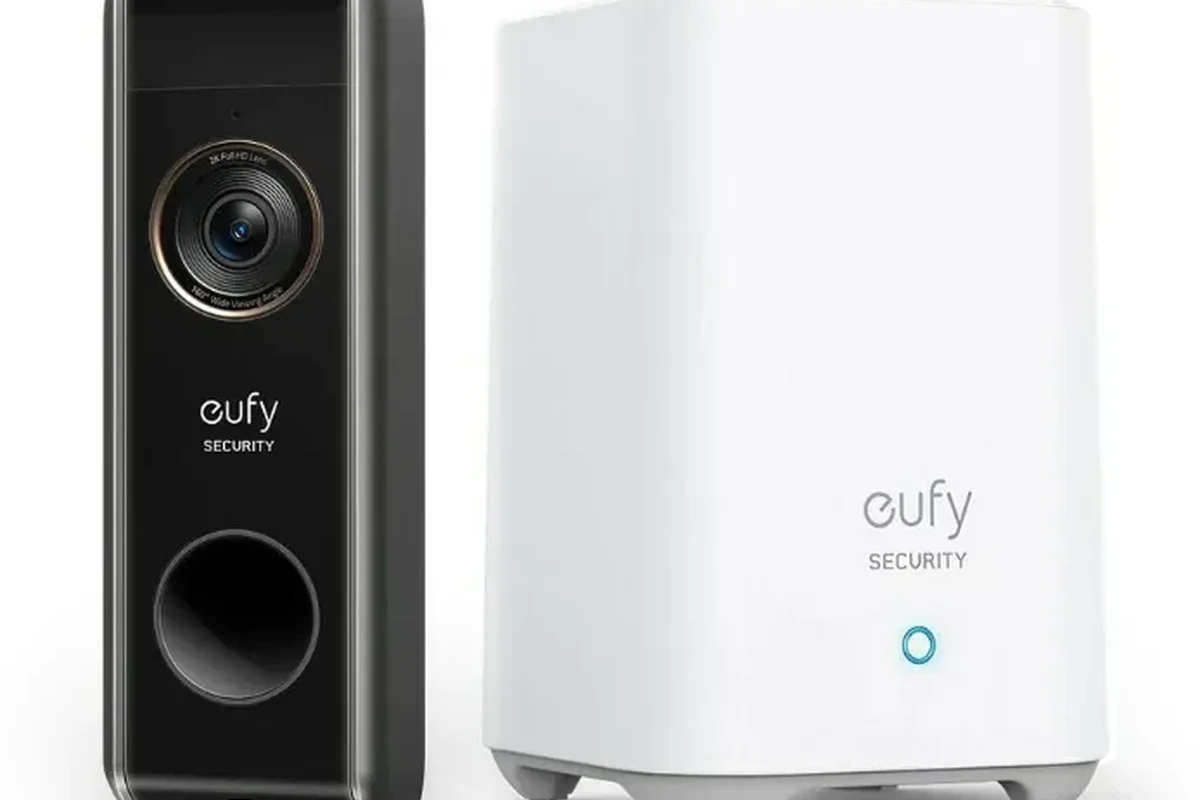
For Apple users, Eufy can be a good fit only when the specific doorbell model includes the HomeKit features you need. In practice, that means checking the product listing carefully instead of assuming every Eufy doorbell will show up in the Home app the same way.
If you are comparing options for an Apple-first setup, it also helps to look at broader compatibility and ecosystem trade-offs. Our guide to what video doorbell works best with Apple can help you compare Eufy with other brands before you buy.
How Eufy and HomeKit Work Together in 2026
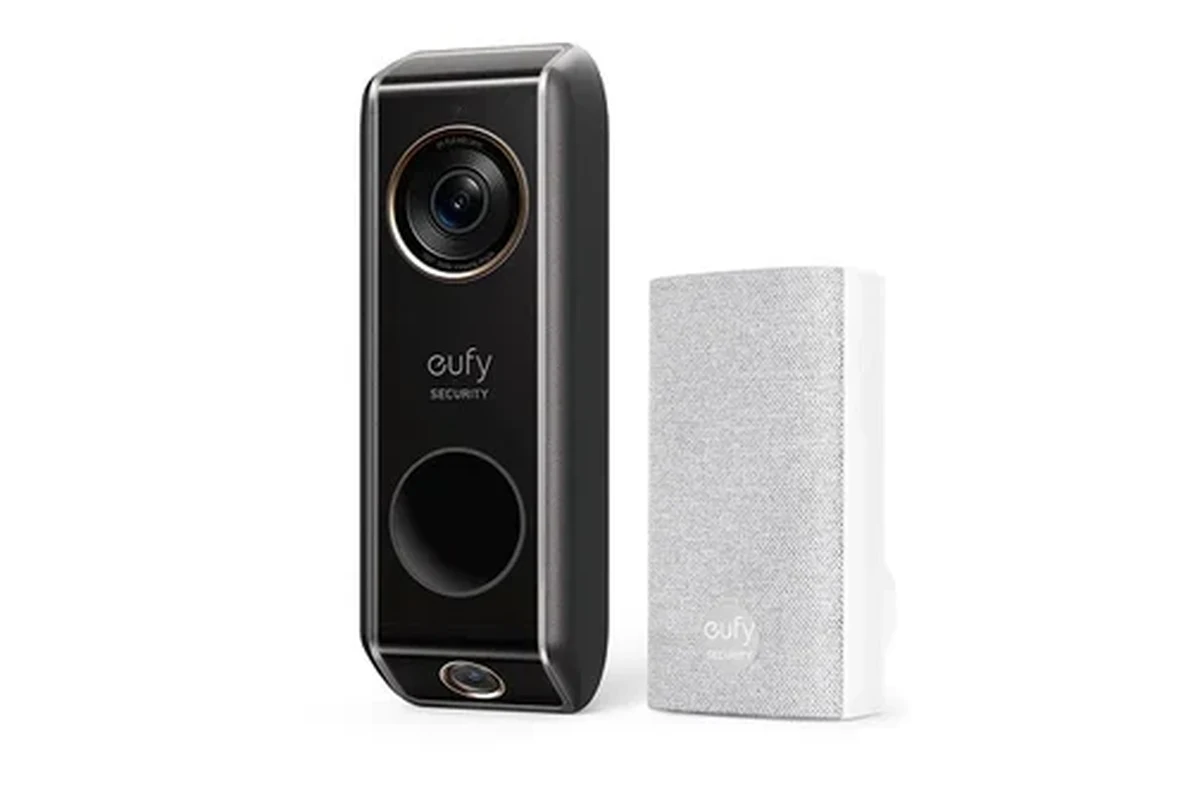
Eufy’s smart-home ecosystem is centered on its own app and local-device management, while Apple Home is a separate platform with its own rules for accessories, automations, and video handling. That means the doorbell may work in the Eufy app first, then offer limited or full Apple Home integration depending on the model.
Native HomeKit Support vs. HomeKit Secure Video Support
These two terms are easy to mix up. Native HomeKit support generally means the doorbell can be added to Apple Home for device control and notifications, while HomeKit Secure Video is Apple’s camera recording framework that can store footage in iCloud under Apple’s rules.
Not every HomeKit-compatible camera or doorbell automatically supports HomeKit Secure Video. Likewise, some devices may offer partial Home app integration but still rely on the manufacturer app for advanced features such as package detection, event history, or richer motion settings.
Compatibility can change by model revision, firmware version, region, and Apple software updates. Always verify the exact model number on the official product page and in the current manual before buying.
What You Need From Apple Home, Home Hub, and the Eufy App
To use a smart doorbell effectively with Apple Home, you typically need an Apple device that can act as a home hub, such as a supported HomePod or Apple TV, plus the Apple Home app on your iPhone or iPad. In many setups, the Eufy app is still required for initial pairing, firmware updates, and model-specific settings.
That split matters because Apple Home and the Eufy app do not always expose the same controls. If you want a simple chime, notifications, and live view, Apple Home may be enough; if you want more granular tuning, the Eufy app often remains essential.
Which Eufy Video Doorbell Models Are Compatible
Compatibility varies across the lineup, so the safest approach is to verify the exact model before purchase. Do not rely on the brand name alone, because a battery model, a wired model, and a dual-camera model may have different HomeKit support.
- Check the exact model number and the current Apple Home/HomeKit listing
- Confirm whether you need basic Home app support or HomeKit Secure Video
- Verify power type, Wi‑Fi requirements, and whether a home hub is required
- Review warranty, firmware update support, and return policy
Model-by-Model Compatibility Notes to Verify Before Buying
The most reliable source is the current manufacturer compatibility page or product manual. If a retailer page mentions HomeKit, confirm that wording against the official documentation, because listings can be incomplete or outdated.
For shoppers comparing multiple Eufy options, it may also help to review our dedicated guide to the best Eufy video doorbell for your home. That can narrow the field before you focus on HomeKit-specific requirements.
Wired vs. Battery-Powered Options and What That Means for HomeKit
Power source matters because some smart doorbells behave differently depending on whether they are hardwired or battery powered. Wired models may offer more continuous operation, while battery models can be easier to install but may have different feature availability, wake behavior, or recording patterns.
For Apple Home users, the key is not just convenience. It is whether the model’s power design matches the features you want and whether the installation method supports the doorbell’s required operating mode.
Setup Guide: Connecting a Eufy Doorbell to Apple Home
The setup process is usually straightforward, but it can fail if any one piece is missing: the right model, updated firmware, the correct app version, or a compatible home hub. A careful setup order saves time and reduces pairing errors.
App Requirements, Firmware Checks, and Pairing Steps
Start by installing the Eufy Security app and Apple Home on a compatible iPhone or iPad. Then check for firmware updates in the manufacturer app before trying to pair the doorbell to Apple Home, because outdated firmware is a common reason accessories do not appear or finish setup correctly.
Verify that your exact doorbell model supports Apple Home or HomeKit Secure Video in the official documentation.
Sign in to the manufacturer app and install any available updates before pairing.
Use the pairing method described in the manual, then follow the on-screen prompts carefully.
Check motion alerts, doorbell presses, and video access from both apps so you know what each platform controls.
If pairing fails, remove the accessory from Apple Home, restart the doorbell and hub, then try again after confirming the Wi‑Fi network and firmware version. Small setup mismatches are more common than hardware failure.
Network, Wi‑Fi Band, and Home Hub Requirements
Doorbells are sensitive to Wi‑Fi quality because they need to stay reachable at the front of the house, which is often farther from the router than other devices. If your signal is weak at the door, Apple Home notifications and live view can become slow or unreliable even when the doorbell itself is functioning normally.
Also confirm whether the device needs 2.4 GHz Wi‑Fi, 5 GHz, or both. Many doorbells are more stable on 2.4 GHz because of its longer range, but you should verify the requirement for your exact model instead of guessing.
Real-World Benefits for Apple Home Users
When the compatibility is right, a Eufy doorbell can fit neatly into an Apple-centered home. The biggest benefits are unified notifications, easier daily use, and the ability to keep most family members in one ecosystem.
Notifications, Live View, and Automation Potential
Apple Home can make it easier to see who is at the door without opening a separate app every time. Depending on the model, you may be able to receive doorbell alerts on your iPhone, iPad, Apple Watch, or other Apple devices tied to the same home.
Automation is another plus. For example, a doorbell press can potentially trigger lights, a home scene, or a notification workflow, though the exact options depend on the doorbell’s HomeKit support and the rest of your smart-home setup.
If you are still deciding whether a video doorbell is worth the setup effort at all, our guide on are video doorbells worth it for home security can help you weigh the practical benefits.
Privacy, Local Storage, and Everyday Convenience
Eufy is often discussed by buyers who care about local storage and reduced dependence on the cloud, but privacy behavior still depends on the exact model and how you configure it. Apple Home can add another layer of convenience by keeping everyday access in one app, while the manufacturer app handles the deeper settings.
Apple HomeKit Secure Video uses your iCloud storage plan, but the footage handling and encryption model differ from a manufacturer’s own cloud recording system.
For many households, that split is useful: Apple Home handles the front-end experience, while Eufy handles device management. The result can feel more streamlined than juggling multiple brands, especially in homes with children, guests, or shared access.
Limitations, Trade-Offs, and Common Setup Mistakes
The main drawback is that “works with HomeKit” does not always mean “works exactly like an Apple-made accessory.” Some features stay in the Eufy app, some stay in Apple Home, and some may not be available at all.
Missing Features, Subscription Considerations, and Compatibility Gaps
One common surprise is that advanced detection, event history, or richer alert controls may not fully transfer into Apple Home. If you care about package alerts, configurable zones, or detailed event review, check whether those functions are available in the Eufy app, in Apple Home, or only with a subscription or separate ecosystem feature.
- Can fit well into an Apple-centered smart home
- May reduce app switching for daily doorbell use
- Model-specific support can be strong when verified
- Not every Eufy model supports HomeKit
- Some features may remain outside Apple Home
- Setup can fail if firmware or network conditions are off
Because feature sets vary, it is smart to compare overall value as well as compatibility. Our article on how much a video doorbell costs can help you judge whether a HomeKit-capable model is worth the premium for your needs.
Signal Issues, Power Constraints, and Troubleshooting Basics
Most pairing and reliability issues come down to weak Wi‑Fi, the wrong network band, missed firmware updates, or insufficient power for wired models. If the doorbell drops offline, start with the router, the app, and the power source before assuming the unit is defective.
Stop using damaged electronics, frayed cables, overheating chargers, or unstable power connections and follow the manufacturer’s guidance. If the doorbell or transformer shows visible damage, have the installation checked by a qualified professional.
For battery-powered models, also consider placement and usage patterns. Frequent motion, cold weather, or long Wi‑Fi wake times can affect how often the doorbell needs charging and how quickly alerts arrive, so real-world performance may differ from the spec sheet.
Who Should Buy a Eufy Doorbell for HomeKit—and Who Should Skip It
This is a good choice for people who want a doorbell that can live in the Apple Home ecosystem without giving up the Eufy app entirely. It is less ideal for buyers who want every feature to appear natively in Apple Home with minimal setup and zero compatibility checking.
Best Fit for Apple-Centric Homes
Eufy makes the most sense for households that already use iPhone, Apple TV, or HomePod and want a doorbell that can blend into that setup. It is also appealing for users who prefer local-first device management and want to keep daily interactions simple once the system is configured.
Students, remote workers, pet owners, and families often benefit from the same things: clear notifications, quick live view, and a familiar app environment. If your goal is convenience rather than deep customization, a compatible Eufy model can be a practical middle ground.
When a Different Doorbell Brand Is the Better Choice
Choose another brand if you need guaranteed Apple Home behavior across every feature, or if you do not want to verify model numbers and firmware notes before buying. You may also want a different option if your home has weak Wi‑Fi at the front door and you are not ready to improve network coverage.
If you are still deciding between brands, our guide to the best video doorbell guide can help you compare wired, battery, and privacy-focused options side by side.
Final Verdict: Is Eufy Worth It for HomeKit in 2026?
Yes, a Eufy video doorbell can be worth it for HomeKit users, but only when you confirm the exact model’s compatibility and accept that some features may stay inside the Eufy app. The best buyers are Apple-focused households that want a practical, privacy-conscious doorbell and are willing to verify setup details before purchase.
If you want the simplest possible Apple Home experience, compare Eufy against other HomeKit-ready doorbells first. If you want a flexible doorbell with a strong manufacturer app and the chance of Apple integration, Eufy can be a smart pick as long as the model matches your setup.
Frequently Asked Questions
No. HomeKit support is model-specific, so you need to verify the exact Eufy model before buying. Some models may support Apple Home features while others rely mainly on the Eufy app.
HomeKit support lets a device work inside Apple Home, while HomeKit Secure Video is Apple’s camera recording system. A doorbell can support one without fully supporting the other.
In many setups, yes. Apple Home accessories often need a supported home hub such as an Apple TV or HomePod for remote access and automation.
Common causes include the wrong model, outdated firmware, weak Wi‑Fi, or missing hub requirements. Start by checking the official compatibility notes and updating the Eufy app and firmware.
It depends on the model and your home setup. Wired units may be more consistent for continuous use, while battery models can be easier to install but may have different feature behavior.
Check the exact model number, HomeKit or HomeKit Secure Video support, Wi‑Fi requirements, power type, firmware support, and the current manual. Also confirm warranty and return policy before you buy.