

What Video Doorbells Work With Apple HomeKit Today
The best Apple HomeKit video doorbells are the exact models that list native HomeKit or HomeKit Secure Video support in their official specs. If native support is unavailable, a bridge-based model can still be a good fit when you already own the required hub and accept the extra setup.
If you want a video doorbell that works with Apple HomeKit, the safest answer is to look for native HomeKit support first and then decide whether HomeKit Secure Video is required. In 2026, the strongest choices are still limited compared with Alexa or Google Home, so compatibility should be checked by exact model number, region, and firmware before you buy.
- Verify the exact model: HomeKit support can differ between versions, regions, and firmware.
- Check the whole setup: You may need a home hub, iCloud+, and strong Wi-Fi at the front door.
- Choose by power type: Wired, battery, and hybrid doorbells each fit different homes and routines.
- Compare more than resolution: Mounting fit, motion zones, and night vision often matter more than specs alone.
- Watch for hidden costs: Subscriptions, hubs, and accessories can change the real value.
What Video Doorbells Work With Apple HomeKit Today? Quick Answer and 2026 Snapshot
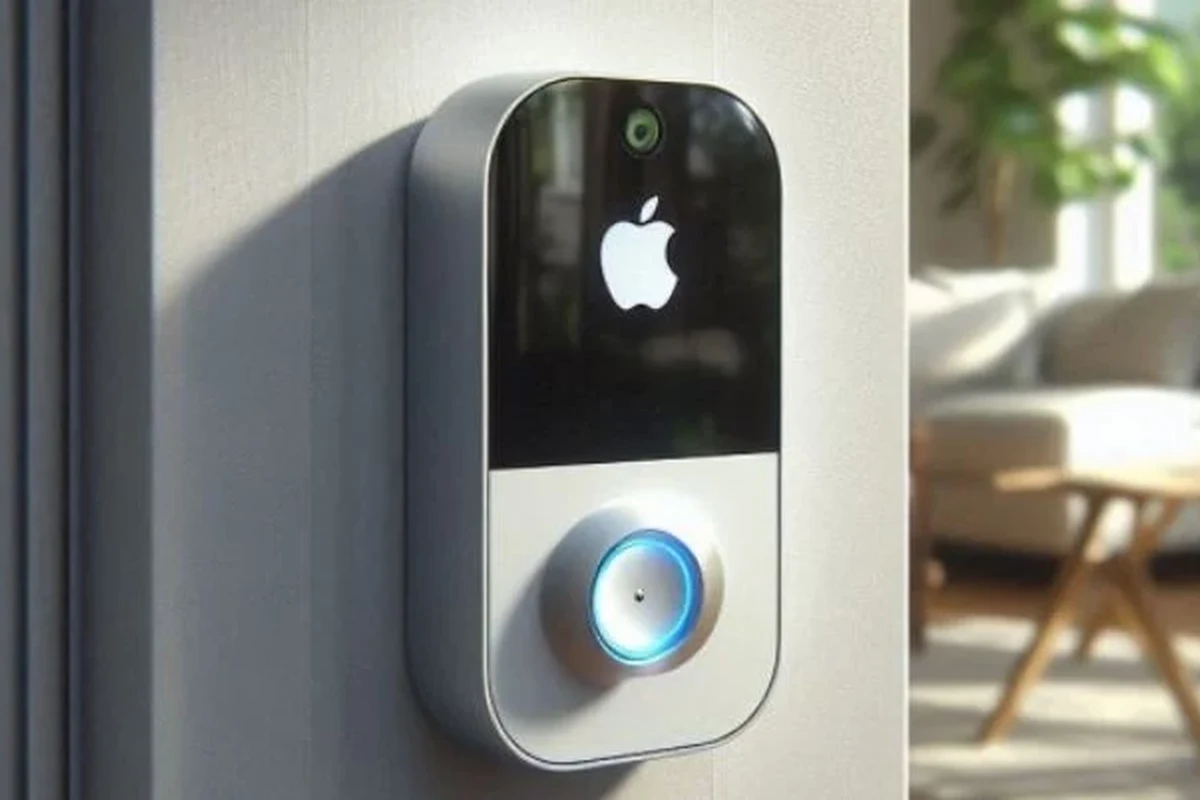
Apple HomeKit support for video doorbells is narrower than many shoppers expect. A few models offer native HomeKit or HomeKit Secure Video support, while many others only work through a bridge, hub, or a separate smart-home platform.
For most buyers, the best approach is simple: verify whether the doorbell appears in Apple Home, whether it supports HomeKit Secure Video, and whether it needs a separate hub or subscription. If you already use Apple devices throughout the home, that compatibility can matter more than headline camera resolution.
How Apple HomeKit Support Works for Video Doorbells
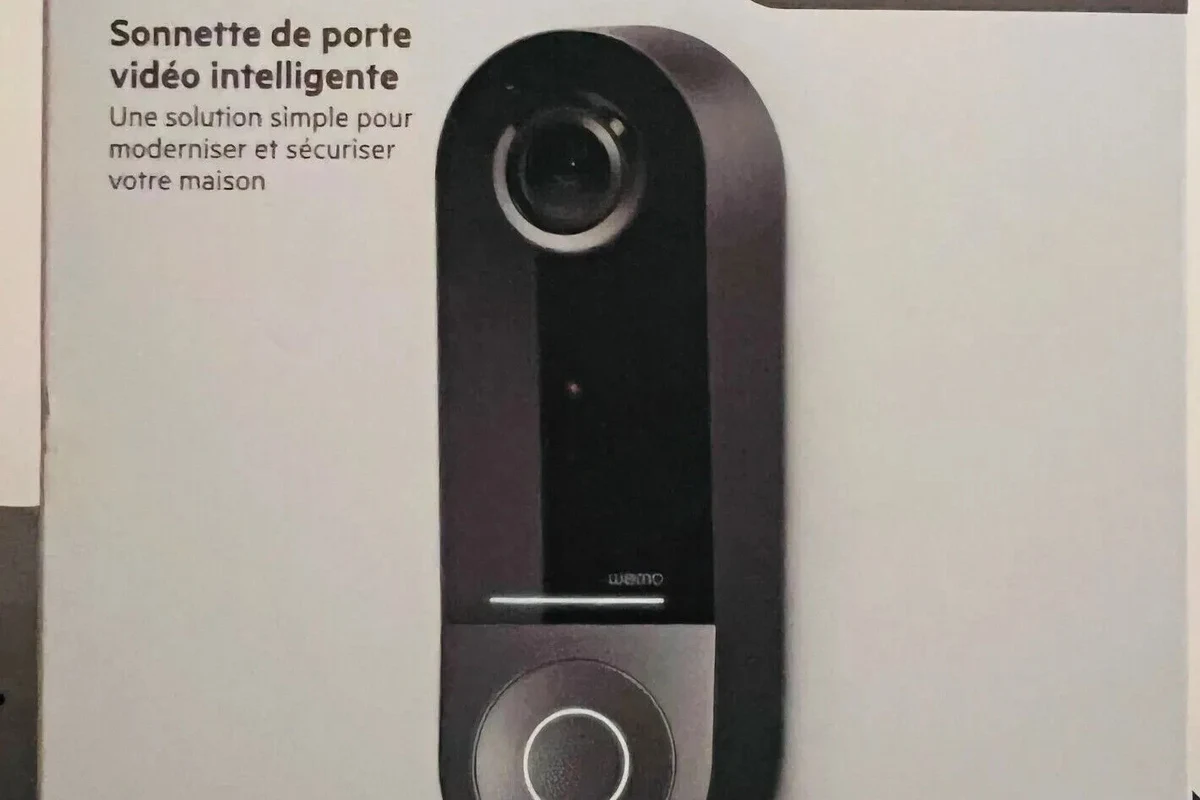
HomeKit support is not one single feature. Some doorbells only let you view live video in Apple Home, while others also support HomeKit Secure Video, which is Apple’s camera recording system inside iCloud.
HomeKit Secure Video vs. Basic HomeKit Integration
Basic HomeKit integration usually means the doorbell can show up in the Apple Home app and may support live view, notifications, and some automation. HomeKit Secure Video goes further by enabling Apple-managed recording and event storage, but it depends on the doorbell model, your iCloud+ plan, and a supported home hub.
Feature names can vary by region and firmware version. Always confirm the exact wording on the manufacturer’s compatibility page and in the current Apple Home accessory list before purchase.
What You Need: Home Hub, iCloud+, and Compatible Network Setup
Many HomeKit camera features require a home hub such as an Apple TV, HomePod, or HomePod mini. You also need iCloud+ for HomeKit Secure Video, and your Wi-Fi must be stable enough to keep the doorbell connected at the front door, where signal strength is often weaker than in the rest of the house.
Before buying, check your router placement, doorbell mounting location, and whether your Wi-Fi band is strong enough at the entryway. A great camera can still perform poorly if the network is weak.
If you are also building out other Apple-compatible gear, our guides to what smart lights work with Apple HomeKit and what smart lights work with Apple Home can help you judge whether your home is better suited to native Apple integration or broader smart-home compatibility.
Best Video Doorbell Options That Work With Apple HomeKit
Because HomeKit support changes over time, the most reliable shortlist is based on manufacturer compatibility claims and current ecosystem support rather than broad category labels. Check the exact model number, because one version may support HomeKit while a closely named version may not.
Native HomeKit-Compatible Picks Worth Considering
Native HomeKit-compatible video doorbells are the cleanest option for Apple users because they usually require fewer workarounds. When available, they are the easiest path to Apple Home notifications, Siri voice control, and a more unified smart-home setup.
For buyers who want the simplest Apple-first setup, native support is usually the most future-friendly choice. The trade-off is that native HomeKit doorbells are less common, and the available selection can be smaller than the broader market.
Apple-only households that want the cleanest Home app experience and do not want to rely on a third-party bridge. The limitation is that model availability is limited, so you may need to compromise on design, battery life, or price.
HomeKit via Bridge or Hub: When Non-Native Models Still Make Sense
Some video doorbells work with HomeKit only through a bridge, hub, or companion platform. That can still be a smart buy if you already own the necessary hub or if the doorbell offers better motion detection, better battery life, or a better mounting option than native alternatives.
- More model choices than native HomeKit-only options
- May offer stronger hardware features or better app tools
- Can be a good fit if you already own the required hub
- More setup steps and more points of failure
- Compatibility can depend on firmware or app updates
- Some features may work in the vendor app but not fully inside Apple Home
Bridge-based compatibility is especially relevant for buyers who care more about doorbell hardware than about a pure Apple Home experience. If you are comparing ecosystems, it helps to think of HomeKit support as one part of the purchase, not the whole decision.
Key Specs to Compare Before You Buy
Once you know the HomeKit path, compare the practical specs that affect daily use. The best doorbell is not always the one with the highest resolution; it is the one that fits your power setup, mounting space, and notification habits.
Power, Wiring, Battery Life, and Safe Charging Limits
Doorbells generally fall into wired, battery-powered, or hybrid designs. Wired models can be ideal if your existing chime and transformer are compatible, while battery models are usually easier for renters or homes without a doorbell wire.
Use only the charging method, transformer range, and cable type listed by the manufacturer. If a battery is damaged, swollen, overheating, or showing unusual behavior, stop using it and follow the official support guidance.
Battery life varies widely based on motion frequency, temperature, Wi-Fi strength, and how often the live view is opened. Because those variables are user-dependent, treat runtime claims as estimates rather than guarantees.
Video Quality, Field of View, Night Vision, and Motion Detection
Video quality matters, but it should be judged alongside field of view and motion alerts. A sharp image is less useful if the camera misses visitors, clips heads off at the top of the frame, or sends too many false alerts from passing cars and trees.
For doorbells, the angle of installation can affect image usefulness as much as resolution does. A small tilt or wedge mount can improve face visibility and reduce blind spots.
Night vision quality also depends on porch lighting, reflective surfaces, and the distance from the camera to the visitor. Motion zones and sensitivity settings can help, but they often require some tuning after installation.
Dimensions, Mounting Fit, Weather Rating, and App Requirements
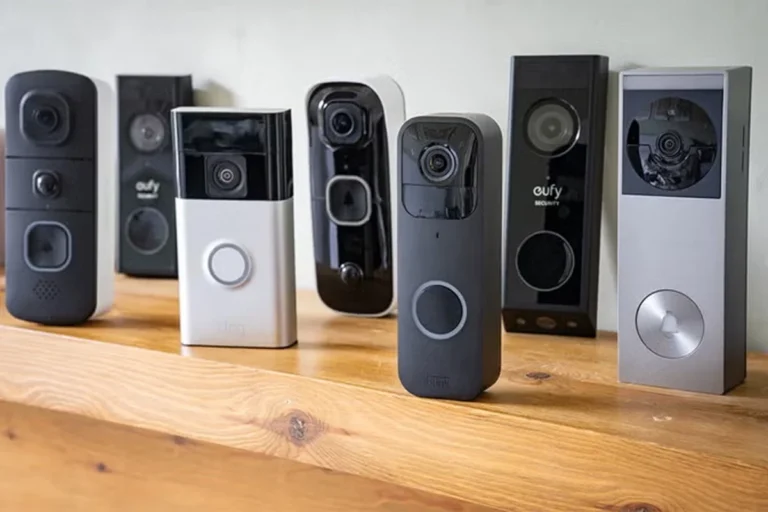
Doorbell dimensions matter more than many shoppers expect, especially if you are replacing an older unit or fitting into a narrow frame. Confirm the width, height, depth, and whether the included wedge or corner mount solves your angle problem.
- Check compatibility, model number, app requirements, dimensions, ports, wattage, and intended use
- Confirm safety guidance, warranty, return policy, privacy settings, and update support
Weather resistance is another area where you should verify the manufacturer’s rating rather than assume all outdoor devices are equal. App requirements also matter because some models require a separate account, subscription, or always-on vendor app even when they work with Apple Home.
Who Each Type of HomeKit Doorbell Fits Best
The right choice depends on where you live, how you power the doorbell, and how deeply you want to stay inside the Apple ecosystem. A renter with Wi-Fi limitations has very different needs from a homeowner replacing a hardwired chime.
Best for Apartment Users, Homeowners, and Apple-Only Smart Homes
Apartment users often benefit from battery-powered or easy-to-remove models, especially where wiring changes are not allowed. Homeowners with existing doorbell wiring may prefer wired models for less charging upkeep and more consistent power.
Apple-only smart homes usually get the most value from native HomeKit compatibility because everything feels more unified in the Home app. If your home is mixed-platform, a bridge-based model may still be worthwhile if it offers better hardware or a better overall app experience.
Best for Easy Setup, Best for Security, and Best for Value
For easy setup, look for a model with clear installation instructions, straightforward app pairing, and minimal dependence on extra hubs. For security-focused buyers, prioritize strong account protection, timely firmware updates, and a vendor with clear privacy documentation.
For value, compare the total cost of ownership, not just the sticker price. Subscription fees, required hubs, replacement batteries, and accessory mounts can change the real cost more than the doorbell itself.
Real-World Benefits and Trade-Offs of Using a HomeKit Doorbell
HomeKit doorbells can be a strong fit for people who want a cleaner Apple experience, but they are not automatically better in every category. The upside is often about privacy, ecosystem convenience, and automation, while the downside is usually fewer models and more compatibility checking.
Privacy, Local Control, and Apple Ecosystem Advantages
Apple’s smart-home approach appeals to buyers who want a tighter ecosystem and more controlled access through the Home app. Depending on the model, that can reduce the number of separate apps you need to manage and may make daily use feel simpler.
For households already using Apple TVs, HomePods, or iPhones as the center of the home, the convenience can be substantial. Doorbell alerts can feel more consistent when they are part of the same ecosystem as your lights, scenes, and automations.
Common Limitations: Subscription Costs, Compatibility Gaps, and Alerts
The biggest limitation is that many video doorbells still rely on vendor subscriptions for full functionality, even if they work with HomeKit. Compatibility gaps are another issue: a feature may be available in the manufacturer’s app but not inside Apple Home.
Alert quality can also vary based on motion sensitivity, porch layout, and Wi-Fi stability. That means a doorbell that looks ideal on paper may still need some tuning after installation.
If you are planning a broader Apple smart-home setup, it may help to read about Apple HomeKit-compatible smart lights so your doorbell, lighting, and automations all work together more smoothly.
Setup, Maintenance, and Troubleshooting Tips
Good setup matters as much as the product choice. Many HomeKit issues come from weak Wi-Fi, incorrect account setup, or skipping the manufacturer’s pairing steps.
Installation Basics, App Pairing, and Connectivity Checks
Verify whether the doorbell is wired, battery-powered, or hybrid, and make sure the mount fits the existing space before pairing.
Many models require setup in the vendor app before they can be added to HomeKit or Apple Home.
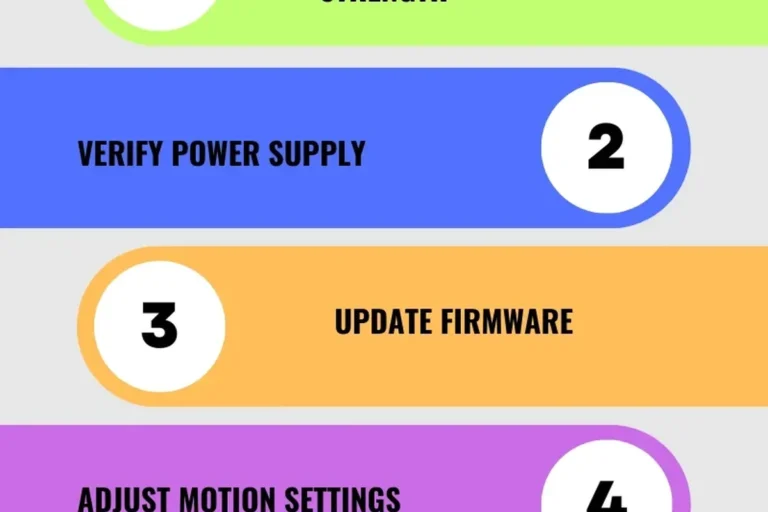
If alerts are slow or video buffers, test Wi-Fi strength near the installation point and adjust the router or mesh placement if needed.
If the doorbell repeatedly drops offline, check firmware updates, router band steering, and whether the device is too far from the access point. Small network changes often fix big reliability issues.
Battery Care, Cleaning, Firmware Updates, and Warranty Details to Verify
Battery-powered models need periodic charging, and the interval depends on traffic, temperature, and settings. Keep the lens clean with a soft, dry cloth, and avoid harsh cleaners that could damage coatings or seals.
Firmware updates matter because they can affect HomeKit behavior, motion detection, and app stability. Before buying, verify the warranty length, what it covers, and whether replacement parts or batteries are available from the manufacturer.
Common Mistakes That Break HomeKit Performance
One common mistake is assuming any smart doorbell will work in Apple Home just because the app is on an iPhone. Another is placing the camera where the Wi-Fi signal is weak or where the camera is aimed too high or too low for useful face capture.
Stop using damaged electronics, swollen batteries, frayed cables, overheating chargers, or unstable appliances and follow the manufacturer’s guidance.
It is also easy to overlook subscription requirements. Some owners discover too late that the features they wanted most are tied to a paid plan or a separate ecosystem account.
Final Recommendation: Which Apple HomeKit Video Doorbell Makes the Most Sense in 2026
If you want the most dependable Apple experience, choose a native HomeKit or HomeKit Secure Video doorbell whenever one is available in your region and matches your power setup. If native options are limited, a bridge-based model can still make sense when it offers better installation fit, stronger battery life, or better motion control.
For most Apple households, the best HomeKit doorbell is the one that balances verified compatibility, stable power, and a mounting fit that works at your front door. Check the exact model number, confirm HomeKit support in the official documentation, and compare the full ownership cost before deciding.
In short, the right answer to what video doorbells work with Apple HomeKit is not just a brand name. It is the exact model, the compatibility method, and the setup you can actually support day to day.
Frequently Asked Questions
Some models offer native HomeKit or HomeKit Secure Video support, while others work only through a bridge or hub. Always confirm the exact model number and region before buying.
If you want HomeKit Secure Video, you generally need iCloud+. Basic Apple Home integration may work differently depending on the model.
Yes, some battery-powered models can work with HomeKit or HomeKit Secure Video. Battery life and feature support vary by model, motion activity, and firmware.
It can be worth it if the doorbell offers better hardware or you already own the required hub. The trade-off is more setup and a greater chance that some features stay in the vendor app.
Check power requirements, dimensions, mounting fit, weather rating, app requirements, and whether it supports native HomeKit or only a bridge. Also confirm warranty terms and update support.
Weak Wi-Fi, poor router placement, or outdated firmware are common causes. Recheck signal strength at the front door and confirm the device is set up in the correct app and account.

One Comment