Is It Illegal to Have Cameras in a Classroom Explained
It is not always illegal to have cameras in a classroom, but the answer depends on state law, consent rules, and school policy. Audio recording, poor notice, or the wrong placement can turn a simple camera setup into a legal problem.
If you’re asking is it illegal to have cameras in a classroom, the short answer is: sometimes yes, sometimes no. It depends on state law, whether audio is recorded, the type of school, and whether the district has clear notice and consent rules.
- Video vs. audio: Audio recording usually creates the biggest legal risk.
- Location matters: Hallways and entrances are often easier to justify than classrooms.
- Policy first: District rules and written notice can be just as important as state law.
- Access control: Limit who can view, export, or keep footage.
- Best practice: Use the least intrusive setup that solves the problem.
Is It Illegal to Have Cameras in a Classroom? The Short Answer for 2026
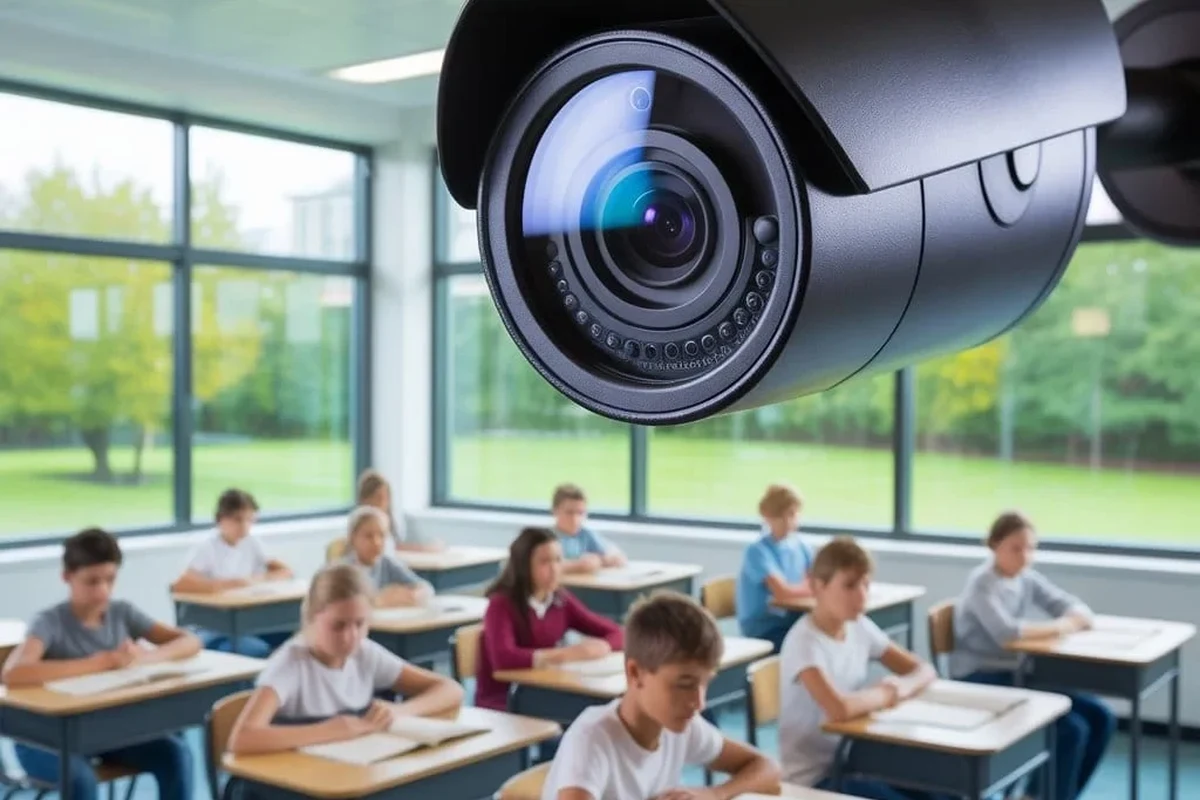
In many places, classroom cameras are not automatically illegal, but they are heavily regulated. The biggest legal issues usually involve student privacy, employee privacy, audio recording, and whether parents, staff, or administrators were properly informed.
A camera that only captures video in a clearly permitted area may be treated very differently from a device that records sound or monitors a space where students expect more privacy. School policy matters too, because even when something is not strictly illegal, it can still violate district rules or union agreements.
How Classroom Camera Laws Usually Work: Privacy, Consent, and School Policy
There is no single nationwide rule that answers every classroom camera question. Instead, schools usually have to navigate a mix of state privacy laws, wiretapping or consent laws, student-record rules, workplace policies, and local district procedures.
That means the same camera setup can be acceptable in one district and a problem in another. Before installation, schools should review the official board policy, district handbook, vendor documentation, and any state guidance that applies to student surveillance or recording.
Public vs. private schools and why the rules differ
Public schools are usually subject to more direct government and constitutional constraints, especially around privacy expectations and public-record rules. Private schools often have more flexibility, but they still need to follow contract terms, state law, and their own parent-student agreements.
In both settings, notice is a major issue. Families and staff should know where cameras are used, what they record, who can access footage, and how long recordings are kept.
When audio recording changes the legal risk
Audio is often where legal risk increases. Some states require all-party consent for recorded conversations, while others allow one-party consent under certain conditions. In a classroom, children and staff may not be in a position to consent in the way the law requires, so audio can create a much bigger compliance problem than video alone.
If a system includes a microphone, schools should confirm whether it can be disabled. The manufacturer’s manual and app settings matter here, because some cameras default to audio features that are easy to overlook.
If a classroom camera records audio, treat it as a higher-risk privacy device. Confirm state consent rules and district approval before installation or activation.
Where Cameras May Be Allowed and Where They Usually Are Not
Placement is just as important as the camera itself. A camera that is acceptable in a hallway may be inappropriate inside a classroom, restroom-adjacent area, or other space where people reasonably expect privacy.
Schools should think in terms of purpose and exposure: what problem is the camera solving, who can see the feed, and how much of the room is actually visible?
Classrooms, hallways, entrances, and common areas
Hallways, entrances, lobbies, and shared common areas are usually easier to justify than a fully monitored classroom. These spaces are typically used for supervision, traffic flow, and safety monitoring, so expectations of privacy are lower.
Classrooms are more sensitive because they are learning spaces, not public passageways. If a district allows cameras in classrooms, it should be for a specific documented reason, with limited access and a clear retention policy.
Rules can vary by state, district, and even by building use. Always confirm the current policy before relying on a general internet answer.
Special cases: special education rooms, daycare settings, and testing spaces
Some jurisdictions allow or even require cameras in certain special education classrooms or care settings, but those rules are usually narrow and detailed. Testing spaces can also have strict rules because recording may interfere with exam integrity or confidentiality requirements.
Daycare and early-childhood settings are often governed by different child-care regulations than K-12 classrooms. If the room serves mixed ages or multiple programs, the legal analysis can change again.
Who Might Want Classroom Cameras and What Problem They Solve
People usually ask about classroom cameras because they want accountability, not because they want surveillance for its own sake. The key is whether the camera solves a real problem that less intrusive tools cannot handle.
Common reasons include safety monitoring, incident review, documentation of disputes, and protection for staff or students when allegations arise.
School administrators and safety monitoring
Administrators may want cameras to help review incidents, respond to reports of bullying or misconduct, or confirm what happened during a disruption. In large campuses, cameras can also help with access control and after-hours security.
Even then, cameras should not become a substitute for staffing, supervision, or behavior policy. A camera can show an event, but it cannot prevent every problem in real time.
Parents, teachers, and documentation for disputes or incidents
Parents sometimes support cameras because they want transparency, especially in classrooms where communication has broken down. Teachers may also want footage in rare cases where false accusations or unclear incidents create risk.
But documentation cuts both ways. Footage can help resolve disputes, yet it can also be misused if too many people have access or if recordings are kept too long.
Limited, policy-approved classroom monitoring with video-only recording, restricted access, and a clearly documented reason. This is the most defensible setup, but it still needs legal and district review before deployment.
Key Decision Criteria Before Installing Any Classroom Camera
Before any installation, schools should treat the camera like a policy decision, not just a hardware purchase. The most important question is not what the camera can do, but what it is allowed to do in that specific environment.
State and local laws, consent rules, and district policy
Start with the law in your state, then check district policy, employee agreements, and any parent notice requirements. If your district has a legal department or school board process, use it before buying equipment or mounting anything.
Also confirm whether the camera’s use changes depending on who is in the room. A classroom used for general instruction may have different rules than a room used for special services, tutoring, or testing.
- Check state consent rules and district policy first
- Confirm whether video-only use is allowed
- Verify if audio can be disabled permanently
- Review access controls, retention settings, and notice requirements
Camera specs that matter: resolution, field of view, storage, and audio controls
For classroom use, specs matter less as marketing features and more as privacy and utility controls. Resolution should be good enough to identify what happened in the room, but not so broad that it captures unnecessary detail outside the intended area.
Field of view determines how much of the classroom is visible, while storage settings determine how long the footage stays available. Audio controls are especially important because the ability to disable sound may be more important than image quality.
Connectivity, app access, and data retention settings
Many modern cameras depend on Wi-Fi, a companion app, or cloud storage. That means the real setup question is not only whether the camera powers on, but whether the network is stable, the app is approved, and the account permissions are tightly managed.
Retention settings should be reviewed before deployment. If the camera uploads to the cloud, confirm where the data is stored, who can export clips, whether two-factor authentication is available, and how deleted footage is handled.
Use the official manual and app settings page to confirm whether microphones, cloud recording, motion alerts, and sharing permissions can be turned off or limited.
Real-World Benefits and Limits of Classroom Cameras
Classroom cameras can improve transparency, but they are not a cure-all. Their value depends on placement, policy, and whether people actually follow the rules around access and retention.
Potential safety, transparency, and incident-review benefits
A well-managed system can help schools review incidents more quickly and reduce confusion after a report. It may also support safety monitoring in spaces that are open to staff oversight but still need documentation.
For some families and teachers, the presence of cameras can also increase confidence that serious incidents will not be ignored. That benefit is strongest when the school already has clear procedures for responding to what the footage shows.
Common drawbacks: privacy concerns, false security, and misuse risk
The biggest drawback is the privacy cost. Students may feel watched, teachers may feel less trusted, and staff may worry about selective viewing or out-of-context clips.
There is also a risk of false security. Cameras can create the impression that a room is safer even when the real issue is staffing, training, or supervision.
Evidence limitations: why cameras do not replace supervision or policy
Footage is only one piece of evidence. It may miss audio context, off-camera behavior, or events blocked by furniture and blind spots, and it can be interpreted differently depending on the angle.
That is why cameras should support, not replace, supervision, training, reporting procedures, and discipline policy. A strong school safety plan still depends on people, not just devices.
Many privacy disputes come down to access and retention, not the camera lens itself. Who can view footage and how long it is saved often matters as much as where it is mounted.
Common Mistakes to Avoid When Using Cameras in a Classroom
Most problems happen when people focus on installation and ignore policy. A camera that seems harmless on day one can become a legal or trust issue later if settings, access, or placement were handled loosely.
Recording without proper notice or consent
Do not assume verbal approval is enough. Schools should use written approval, posted notice where required, and a clear explanation of the camera’s purpose.
This matters even more when staff, students, or visitors are not told that the room is being recorded. Surprise recording tends to create the biggest compliance and trust problems.
Overlooking audio capture, cloud storage, or retention settings
Many systems ship with features that are easy to miss, such as microphones, motion alerts, remote sharing, or automatic cloud backups. Those settings can change the legal and privacy profile of the camera.
Retention is another common oversight. If footage is kept longer than necessary, access risk increases, and the school may have a harder time explaining why the system is in place.
Using the wrong placement, angle, or permissions
A poor angle can capture too much or too little. It may miss the area you actually need to monitor while exposing unrelated parts of the room.
Permissions also matter. If too many staff members can export, share, or delete clips, the system becomes harder to manage and easier to misuse.
Review mounts, cables, power adapters, firmware updates, and account permissions regularly. If a camera is damaged, overheating, or behaving unpredictably, follow the manufacturer’s guidance before continuing use.
Safe Use, Maintenance, and Final Recommendation
If a school chooses to use classroom cameras, the safest approach is to keep the system narrow, documented, and easy to audit. That means limiting access, reviewing settings, and making sure the camera serves a real policy goal.
Setup checklist: signage, access control, updates, and inspection
Post notice where required, restrict access to the smallest practical group, and keep a log of who can view or export footage. Make sure the device firmware and app are updated through official channels, and verify that the camera still matches the approved configuration after updates.
If the school uses a cloud service, review account security as well. Strong passwords and two-factor authentication are basic safeguards, especially when the footage involves minors.
- Document why the camera is installed before it goes live
- Disable audio unless a lawyer or district policy explicitly approves it
- Limit retention to the shortest practical window
- Recheck permissions after staff turnover or app updates
Ongoing care: cleaning lenses, checking mounts, and reviewing storage plans
Like any connected device, classroom cameras need occasional maintenance. Clean the lens gently, inspect mounts for looseness, and confirm that the camera still points where it should after room changes or furniture moves.
Storage plans also need periodic review. If the school is running out of space or keeping clips longer than intended, the system should be adjusted rather than left to drift.
When cameras are worth considering and when to choose a different solution
Cameras may be worth considering when there is a clear safety or documentation need, the district has approved the use, and the system can be limited to video-only monitoring with tight access controls. They are less appropriate when the goal is vague, the privacy risk is high, or the school cannot manage the policy burden.
In many cases, better supervision, clearer reporting processes, better communication with families, or improved access control may solve the problem with less privacy impact. If the legal answer is uncertain, the school should consult its district counsel before moving forward.
For readers comparing classroom monitoring with other connected-device decisions, the same cautious approach applies to travel-safe charger rules, power bank safety and convenience, and device-to-device charging limits: verify the rules, confirm the settings, and do not rely on assumptions.
- Classroom cameras are not universally illegal, but privacy, consent, and audio rules can make them unlawful in some settings.
- Video-only systems in approved areas are usually easier to justify than systems that record sound or lack clear notice.
- Placement, access control, and retention settings matter as much as the camera model itself.
- When the legal or policy picture is unclear, district guidance and legal review should come before installation.
Frequently Asked Questions
No. Legality depends on state law, district policy, notice rules, and whether audio is recorded. Some setups may be allowed, while others can violate privacy or consent laws.
Yes. Audio often triggers stricter consent rules than video alone, and some states require all-party consent. Schools should confirm whether microphones can be disabled before use.
Hallways, entrances, lobbies, and other common areas are usually easier to justify than inside classrooms. Even then, schools still need clear notice and access controls.
Sometimes, but the rules are often narrow and state-specific. Schools should check the exact legal requirements and any district procedures before installing cameras in those rooms.
Audio controls, access permissions, retention length, and cloud storage settings matter most. Resolution and field of view are also important, but privacy settings should come first.
Review state law, district policy, and any consent or notice requirements first. Then confirm the camera’s features, especially audio, storage, and remote access, before it is put into service.