

9 Best Multi-Port Chargers for MacBook: Top High-Power Options for 2026
9 Best Multi-Port Chargers for MacBook
One capable charger can replace several adapters on your desk or in your travel bag. These picks cover high-power desktop charging, compact GaN chargers, and multi-device setups for MacBook users.
Multi-port chargers make it easier to power a MacBook, phone, tablet, earbuds, and other devices without filling every wall outlet with a separate adapter.
For MacBook users, total wattage is important, but it is not the only specification to check. You should also look at the maximum output available from an individual USB-C port and how power changes when several devices are connected.
Our Top 3 Picks
Start here if you want the fastest way to narrow down the list.

Anker Prime 200W
High total power and six charging ports make this the strongest choice for a multi-device desk.
Check Price on Amazon →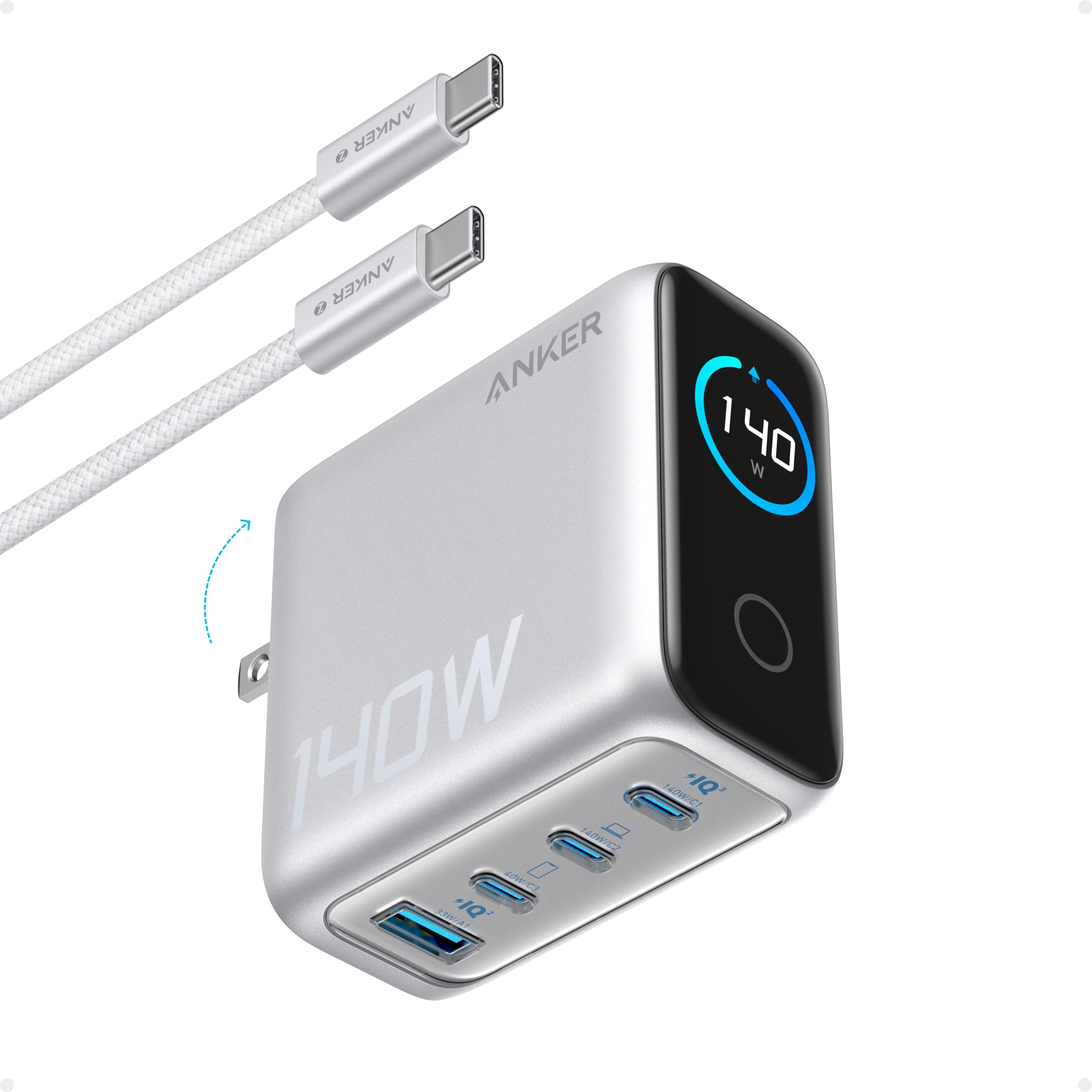
Anker 140W 4-Port
A high-output option for MacBook users who still want several charging ports.
Check Price on Amazon →
Anker Nano 100W
A compact three-port option for people who want one charger for a laptop and smaller devices.
Check Price on Amazon →Best Multi-Port Chargers Compared
| Product | Best For | Power | Type | Our Take |
|---|---|---|---|---|
| Anker Prime 200W | Best Overall | 200W total | Desktop Charger | Top multi-device desk pick |
| Anker 6-Port Desktop | Shared Desk | Varies by port | Desktop Charger | Useful for several devices |
| Anker 7-in-1 Hub | Connectivity | PD passthrough | USB-C Hub | Port expansion rather than standalone charging |
| Belkin 70W Station | Home Office | Up to 70W | Charging Station | USB charging plus AC outlets |
| Anker 140W | Power Pick | Up to 140W | Multi-Port Charger | High-output laptop option |
| Anker Nano 100W | Travel Pick | Up to 100W | GaN Charger | Good power-to-size balance |
| Anker PowerPort 6 | Legacy USB-A | 60W total | USB-A Charger | Better for older devices |
| Anker 7-in-2 Hub | MacBook Ports | PD passthrough | USB-C Hub | Connectivity-focused |
| Anker 65W 3-Port | Compact Charging | Up to 65W | GaN Charger | Portable lower-power option |
9 Best Multi-Port Chargers for MacBook
Below is a closer look at each option, including where it fits best and what to consider before buying.
Anker Prime 200W 6-Port Charger
The Anker Prime 200W is our strongest all-around choice for users who want one central charging station for a MacBook and several additional devices.
- High total charging capacity
- Six-device charging
- Stable desktop design
- Less convenient for travel
- Larger than compact wall chargers
Anker 6-Port Desktop Charger

This six-port station is aimed at users who need to charge several everyday devices from one compact desktop unit.
- Several charging ports
- Helps reduce desk clutter
- Compact station format
- Lower laptop-focused output
- Not as portable as a wall charger
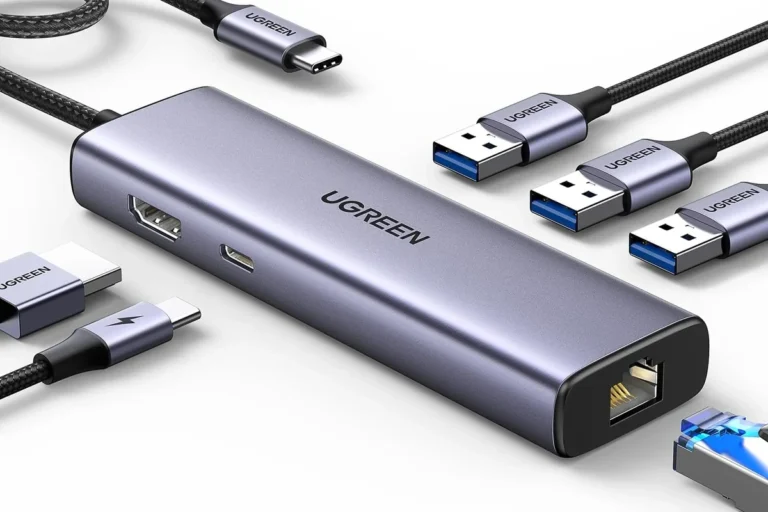
Anker 7-in-1 USB-C Hub

This product is primarily a USB-C hub rather than a standalone wall charger. Its value comes from expanding MacBook connectivity while supporting compatible power passthrough.
- Useful port expansion
- HDMI connectivity
- SD and microSD support
- Not a standalone charger
- Requires compatible external power
Belkin 70W GaN Charging Station
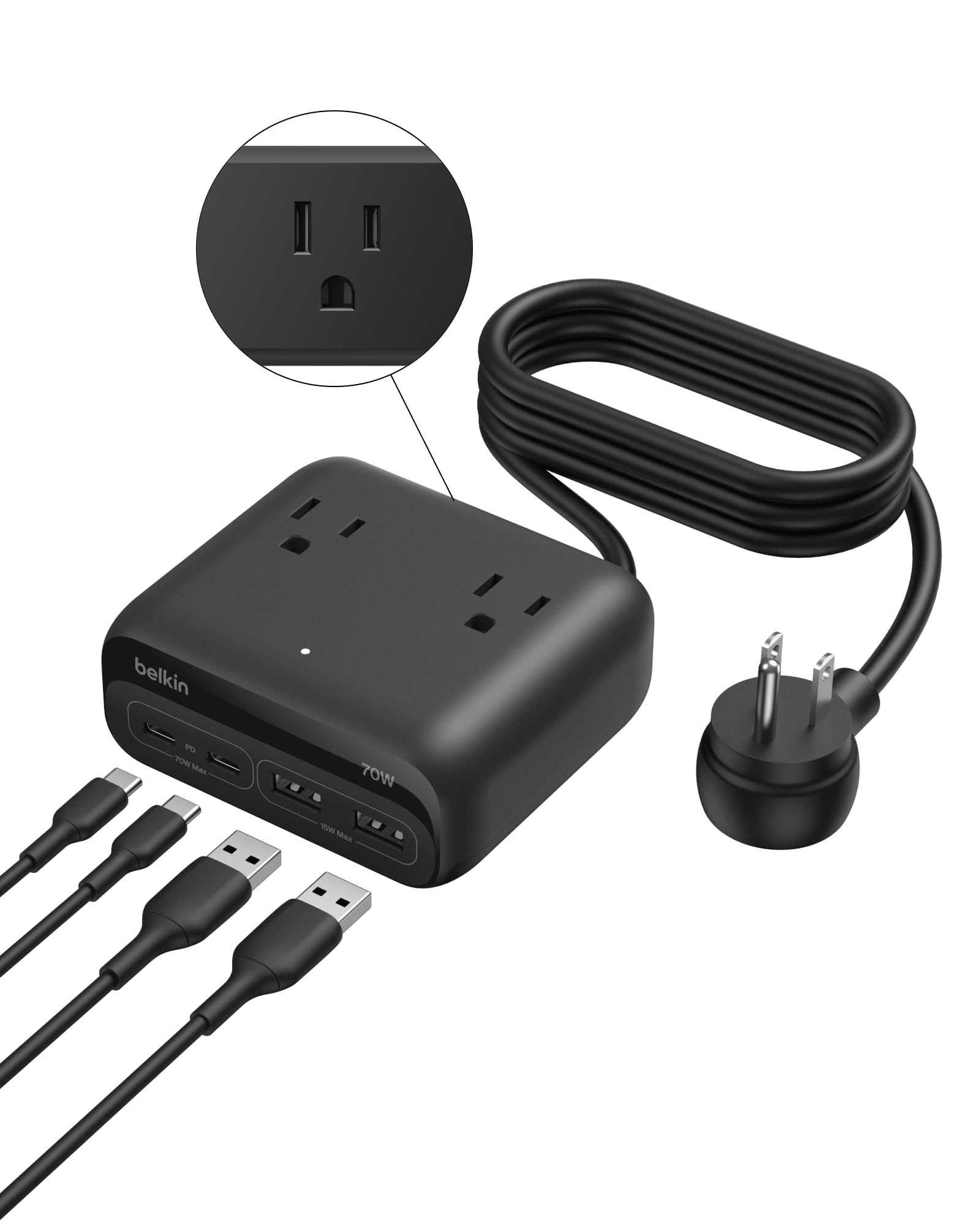
This Belkin station combines USB charging with conventional AC outlets, making it useful for desks with a mix of laptops, mobile devices, and other powered equipment.
Anker 140W 4-Port Charger
The Anker 140W model targets users who want higher laptop charging output while retaining several ports for additional devices.
- High charging output
- Four ports
- Useful status display
- Larger than compact travel chargers
- Can feel warm during heavier use
Anker Nano 100W 3-Port Charger
The Nano 100W offers a useful balance between laptop charging capability, multiple ports, and a format that is easier to carry than a desktop station.
- Compact for its output
- Three charging ports
- Travel-friendly format
- Power changes when ports are shared
- More expensive than basic adapters
Anker PowerPort 6

The PowerPort 6 is designed around traditional USB-A charging. It can be useful for older accessories, but it is not our first choice for a modern MacBook.
Anker 7-in-2 USB-C Hub

This is another USB-C hub rather than a standalone charger. It is intended for MacBook users who need additional connectivity while retaining compatible charging passthrough.
Anker 65W 3-Port Charger

This 65W three-port charger is a simpler choice for users who value portability and do not require the highest laptop charging output.
- Compact design
- Three charging ports
- Easy to travel with
- Power is shared between devices
- Less suitable for higher-power MacBook Pro setups
How to Choose a Multi-Port Charger for MacBook
These six factors matter most when comparing chargers.
Check Single-Port Output
Do not judge a charger only by total wattage. Check how much power its main USB-C port can provide to the MacBook.
Understand Power Sharing
Connecting another phone or tablet may change how much power is available to the laptop.
Look for USB-C PD
USB-C Power Delivery is an important feature for modern MacBook charging.
Match Your MacBook
A MacBook Air generally needs less charging power than larger MacBook Pro configurations.
Desk or Travel?
Desktop stations provide more ports and stability. Compact GaN chargers are easier to pack.
Hub vs Charger
A USB-C hub can provide charging passthrough, but it generally still needs a compatible external power adapter.
Anker Prime 200W — Editor’s Choice
The Anker Prime 200W 6-Port Charger is our preferred option for a multi-device desk setup. Its main advantage is combining high total charging capacity with enough ports for a laptop and several smaller devices.
Travelers should consider the Nano 100W instead, but for a permanent workstation, the Prime 200W is the more complete option in this roundup.
Check Editor’s Choice on Amazon →Which One Should You Buy?
Choose it when several devices regularly charge around one permanent workspace.
Choose it when portability and laptop charging need to fit in the same small bag.
Choose it when laptop-focused output is more important than having six desktop ports.
Final Verdict
The best multi-port charger depends on your MacBook, how many other devices you charge, and whether the charger will stay on a desk or travel with you.
For a multi-device desktop setup, the Anker Prime 200W is our top choice.The Anker Nano 100W offers the better balance for travelers, while users who want more laptop-focused charging power should consider the Anker 140W 4-Port Charger.
Check Our Top Pick on Amazon →Frequently Asked Questions
How many watts does a MacBook charger need?
It depends on the exact MacBook model. MacBook Air models generally require less charging power than larger MacBook Pro models. Check the recommended charging specification for your MacBook.
Is a 65W multi-port charger enough for a MacBook?
It can be enough for many lower-power MacBook setups. Larger MacBook Pro models or users who prioritize faster charging may benefit from a higher-output charger.
Is a 100W charger better for MacBook?
A 100W charger provides more power headroom than many 65W models. This can be useful when a MacBook and additional devices are connected at the same time.
Can a multi-port charger charge MacBook and iPhone together?
Yes. A compatible multi-port USB-C PD charger can charge both devices at the same time. Available laptop power may change when another device is connected.
Are GaN chargers good for MacBook?
GaN technology allows manufacturers to build relatively compact high-power chargers. The important factor is still whether the charger provides appropriate USB-C Power Delivery output.
Is a USB-C hub the same as a multi-port charger?
No. A USB-C hub primarily adds connectivity such as USB ports, HDMI, or card readers. Some hubs support charging passthrough, but they still require a compatible power source.
Which multi-port charger is best for travel?
Among the models in this guide, the Anker Nano 100W is our preferred travel option because it combines multiple charging ports with a more portable format.
Which multi-port charger is best for a desk?
The Anker Prime 200W is our top desk choice because its high total charging capacity and six ports make it well suited to multi-device workspaces.





One Comment