Usb-c Pd Cable Vs Regular Usb-c Cable
A USB-C PD cable is designed for USB Power Delivery and is the better choice for fast charging and higher-power devices. A regular USB-C cable can still work for basic charging, but its power and data capabilities vary more widely.
If you’re comparing a USB-C PD cable vs regular USB-C cable, the short answer is this: a PD cable is built to safely support USB Power Delivery charging, while a regular USB-C cable may or may not support the same power level. The right choice depends on your charger, your device, and how fast you want to charge.
- USB-C is only the connector: PD is the charging standard that determines higher-power support.
- Check the rating: Wattage, e-marker support, and data speed matter more than the plug shape.
- Match the device: Phones may be fine with basic cables, while laptops and gaming devices usually need.
- Do not assume uniform performance: Two USB-C cables can look identical and still support very different power levels.
- Inspect and replace damaged cables: Fraying, heat, and loose connectors are signs to stop using them.
USB-C PD Cable vs Regular USB-C Cable: What’s the Difference and Which One Do You Need?
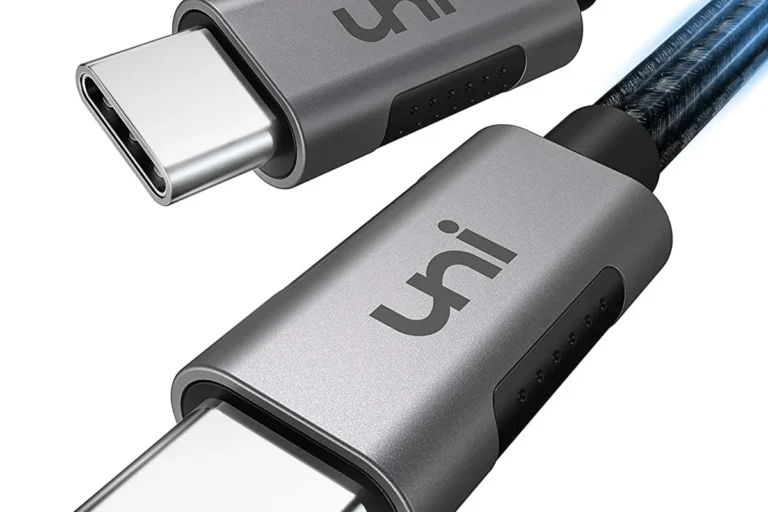
USB-C describes the connector shape, not the full set of charging or data features. That means two cables can both plug into the same USB-C port but behave very differently once power starts flowing.
A USB-C PD cable is intended for USB Power Delivery, the charging standard used by many phones, tablets, laptops, handheld gaming devices, and power banks. A regular USB-C cable might only support basic charging, lower wattage, or standard data transfer, depending on how it was built and labeled.
The practical difference is simple: if you want faster charging, higher wattage, or better compatibility with modern chargers, a PD-rated cable is usually the safer bet. If you only need basic charging for a small device, a simpler cable may still be enough.
How USB-C Power Delivery Works vs Standard USB-C Charging
USB Power Delivery lets the charger and device communicate and negotiate how much power should be delivered. Instead of always pushing one fixed amount, the system can adjust voltage and current to match the device’s needs.
Voltage, current, and wattage basics
Wattage is the overall power level, and it comes from voltage multiplied by current. In plain terms, higher wattage can mean faster charging, but only if the device, charger, and cable all support it.
Standard USB-C charging may work at lower power levels without special cable requirements. USB-C PD charging is designed for higher power delivery, which is why cable quality and ratings matter more as device demands go up.
Why PD cables matter for fast charging and higher-power devices
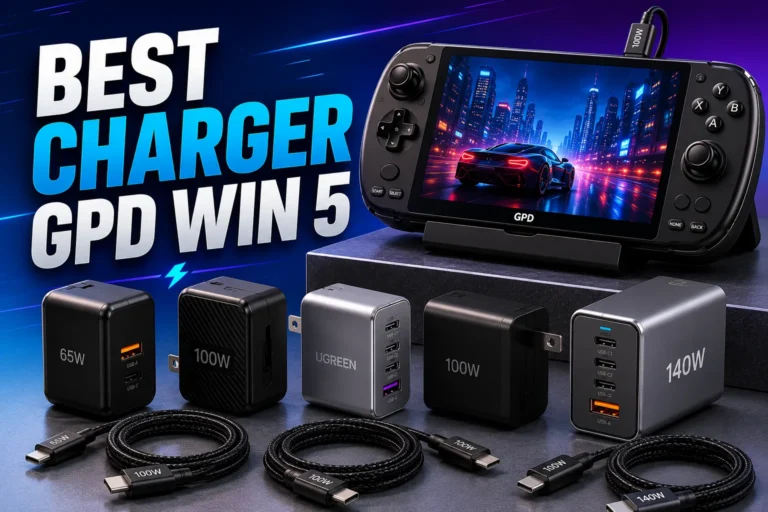
Many everyday accessories charge fine on a basic USB-C cable, but laptops, gaming handhelds, large tablets, and some power banks often need more power than a generic cable is built to handle. A PD cable helps ensure the cable itself is not the weak link in the charging chain.
Actual charging speed still depends on the device, the charger, the cable, the port, and sometimes firmware or battery temperature limits. Manufacturer specs are the best source for exact compatibility.
Key Specs to Check Before You Buy
When shopping, do not rely on the connector shape alone. Check the cable’s power rating, data speed, and physical build so you know what it can realistically support.
Rated wattage and cable e-marker support
Many higher-power USB-C cables include an e-marker chip, which helps devices identify the cable’s capabilities. This matters most for higher-wattage use, because the cable needs to signal that it can safely carry the requested power.
Look for the cable’s stated wattage rating and match it to your charger and device. If a product page does not clearly state the power rating, treat that as a sign to verify before buying.
- Check compatibility, model number, wattage rating, and intended use
- Confirm safety guidance, warranty terms, return policy, and update support if relevant
USB 2.0 vs USB 3.x data speeds
Charging and data are related but not identical. Some USB-C cables are built mainly for charging and only support USB 2.0 data speeds, while others support faster USB 3.x transfer rates for files, docks, or external drives.
If you only need phone charging, slower data speed may not matter. If you move large files, connect a monitor dock, or use external storage, data speed becomes part of the buying decision.
Cable length, gauge, and build quality
Longer cables can be more convenient, but they may also introduce more resistance and more voltage drop, especially if the cable is thin or poorly made. Cable gauge, internal wire quality, and connector strain relief all affect how well the cable holds up in daily use.
- Choose the shortest cable that still fits your setup comfortably.
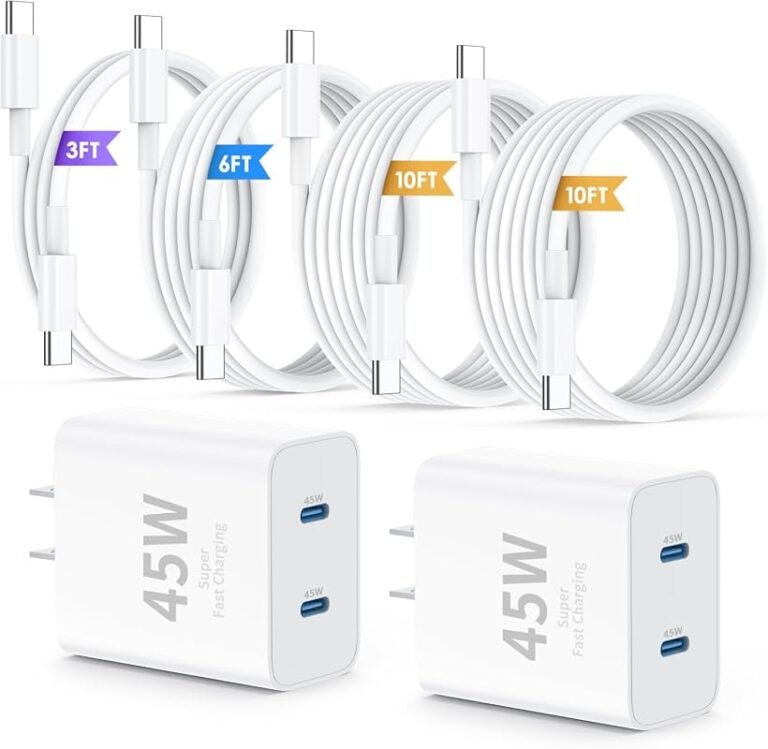
- Match higher-watt chargers with clearly rated cables.
- Use reinforced ends and flexible strain relief if you unplug often.
Who Each Cable Fits Best
The best cable depends on what you charge, how often you travel, and whether you care more about speed, data transfer, or simplicity.
Phones, tablets, and earbuds
For many phones, earbuds, and smaller tablets, a regular USB-C cable may be enough if the device only draws modest power. That said, a PD cable can still be useful because it gives you more headroom and better compatibility with modern chargers.
If your phone supports fast charging, a PD cable is usually the more future-proof option. You may not always get the fastest possible speed from every charger, but you reduce the chance of bottlenecking the setup.
Laptops, power banks, handheld gaming devices, and monitors
These devices are much more likely to need a PD cable, especially when charging from a high-watt wall adapter or USB-C dock. Some laptops and portable monitors may also require a cable that supports both the needed power level and the right data/video features.
For this category, the cable specification matters as much as the charger. A cable that is fine for a phone can be inadequate for a laptop, even if both ends look identical.
A USB-C PD cable is the better default choice for laptops, gaming handhelds, and higher-watt charging setups because it offers broader compatibility and fewer power bottlenecks.
When a regular USB-C cable is still enough
A regular USB-C cable can still make sense for low-power accessories, backup charging in a bag, or simple device-to-device connections where high wattage is not needed. It can also be a reasonable value choice if your equipment is limited to basic charging.
The main caution is to verify the cable’s actual rating. “Regular USB-C” is not a formal performance category, so quality and capability vary widely.
Real-World Benefits and Trade-Offs
In everyday use, the difference between these cables shows up in charging speed, heat, reliability, and whether your gear negotiates power cleanly.
Charging speed, heat, and efficiency
Higher-power charging can reduce the time your device spends plugged in, but it can also create more heat if the charger, cable, or device is working near its limits. A properly rated PD cable helps reduce unnecessary resistance and supports safer power delivery.
That does not mean “more wattage is always better.” Devices usually decide how much power to accept, and many slow down charging as the battery gets fuller or warmer.
Portability, durability, and everyday convenience
For travel and daily carry, a good cable should balance flexibility and toughness. Thin cables may pack easily, while thicker cables may last longer or support higher power, but they can be stiffer and less convenient in tight spaces.
Durability is not just about the outer jacket. Connector fit, bend resistance, and how the cable handles repeated coiling matter just as much over time.
Compatibility limits and device negotiation
Not every USB-C device negotiates power the same way. Some devices only charge at their own maximum rate, some chargers only offer certain profiles, and some cables limit what can safely pass through.
That is why the safest approach is to match the cable to the device’s official charging guidance rather than assuming all USB-C accessories behave the same.
Common Mistakes Buyers Make
Most cable problems come from assumptions. The USB-C connector looks universal, but the underlying capabilities are not.
Confusing charging-only cables with data cables
Some USB-C cables are built mainly for charging and may not support the data speeds you expect. That becomes a problem if you want to sync files, use a dock, or connect accessories that depend on data communication.
Always check whether the cable is charging-only, data-capable, or rated for a specific USB version.
Using the wrong cable for a high-watt charger
A high-watt charger does not automatically make every cable safe for high-power use. If the cable is not rated for the charger’s output, it can limit charging performance or create unnecessary heat.
Stop using any cable or charger that gets unusually hot, smells burnt, has loose connectors, or shows visible damage. Follow the manufacturer’s instructions and replace questionable accessories instead of trying to “make them work.”
Assuming all USB-C cables support the same power level
This is one of the most common misconceptions. Two cables with the same connector can have very different internal wiring, power ratings, and data capabilities.
If you need dependable fast charging, read the fine print. The label should tell you the maximum wattage or the standard the cable supports.
Safe Use, Inspection, and Replacement Guidance
Charging gear is simple to use, but it still deserves regular inspection. A cable that looks fine at a glance may have hidden wear near the connector or under the jacket.
Signs of wear, fraying, overheating, or loose connectors
Check for cracked insulation, bent plugs, intermittent charging, discoloration, and connectors that no longer sit firmly in the port. These are common signs that the cable is aging or being stressed too much.
Stop using damaged cables, swollen batteries, overheating chargers, or unstable accessories and follow the manufacturer’s guidance.
Safe wattage limits and avoiding damaged accessories
Use cables within their stated rating and pair them with chargers from reputable brands that clearly list output specifications. If the cable, charger, or connected device has unclear labeling, verify the model details before relying on it for daily charging.
Also avoid using accessories that have been crushed, pinched in doors, or repeatedly bent sharply at the connector ends.
When to replace a cable and how to store it properly
Replace a cable when it shows physical damage, inconsistent charging, or connector looseness. Even if it still works, a cable that behaves unpredictably is not worth the risk for expensive devices.
For storage, coil cables loosely, avoid tight knots, and keep them away from heat, moisture, and heavy objects that can deform the jacket.
Final Recommendation: Which Cable Should You Choose in 2026?
If you want one cable that covers the widest range of modern devices, choose a USB-C PD cable with a clearly stated wattage rating. It is the safer, more flexible option for most people because it better matches today’s chargers and higher-power devices.
Best choice for most users
For phones, tablets, laptops, and travel kits, a PD cable is the most practical default. It reduces guesswork, supports more charging setups, and is less likely to become outdated as your gear changes.
Best choice for fast-charging and high-power setups
If you charge a laptop, handheld gaming device, power bank, or portable monitor, choose a cable that explicitly matches the power and data requirements of that device. For these setups, the cable rating matters just as much as the wall charger.
Value-focused buying advice and closing verdict
If your needs are basic, a regular USB-C cable can still be a good value, but only if its labeling clearly matches your use case. The safest buying habit is to verify the device’s official charging specs, then choose the cable that meets or exceeds them without unnecessary extras.
Choose a USB-C PD cable if you want the most dependable all-around option, especially for fast charging and higher-power devices. Pick a regular USB-C cable only when you are sure your device needs modest power and the cable’s specs are clearly sufficient.
Frequently Asked Questions
Not always, but a PD cable is the safer default if your phone supports fast charging. Check your phone’s official charging specs to confirm the wattage it can accept.
Sometimes, but only if the cable is rated for the laptop’s power needs. Many laptops require a PD-rated cable with a clearly stated wattage limit.
An e-marker helps the charger and device identify the cable’s power capability. It matters most for higher-wattage USB-C charging and certain fast-charge setups.
Check the product listing for USB 2.0, USB 3.x, or data-only details. Some cables are charging-only and do not support the transfer speeds you may need for files or docks.
Replace it if you see fraying, loose connectors, discoloration, intermittent charging, or unusual heat. Damaged cables should not be used with expensive devices.
Not always, because devices only draw the power they are designed to accept. The best cable is the one that matches your device’s official charging requirements and your intended use.