Usb-c Cable Wattage Explained
USB-C cable wattage is the power level a cable is designed to carry safely, and it must match both the charger and the device. A higher-rated cable helps avoid slow charging, but it will not make unsupported devices charge faster than their own limits.
USB-C cable wattage is the amount of power a cable is designed to carry safely between a charger and a device. The right cable can help your phone, tablet, laptop, or power bank charge at full speed, while the wrong one can slow charging down or create extra heat.
- Wattage is a system: Cable rating, charger output, and device limit all affect charging speed.
- USB-C shape does not equal speed: Two USB-C cables can support very different power levels.
- Higher ratings help most with laptops: 100W and 240W cables are mainly for more demanding USB-C devices.
- Look for USB PD and E-Marker details: These matter for higher-wattage charging compatibility.
- Replace damaged cables quickly: Fraying, heat, and intermittent charging are warning signs.
USB-C Cable Wattage Explained: What It Means and Why It Matters
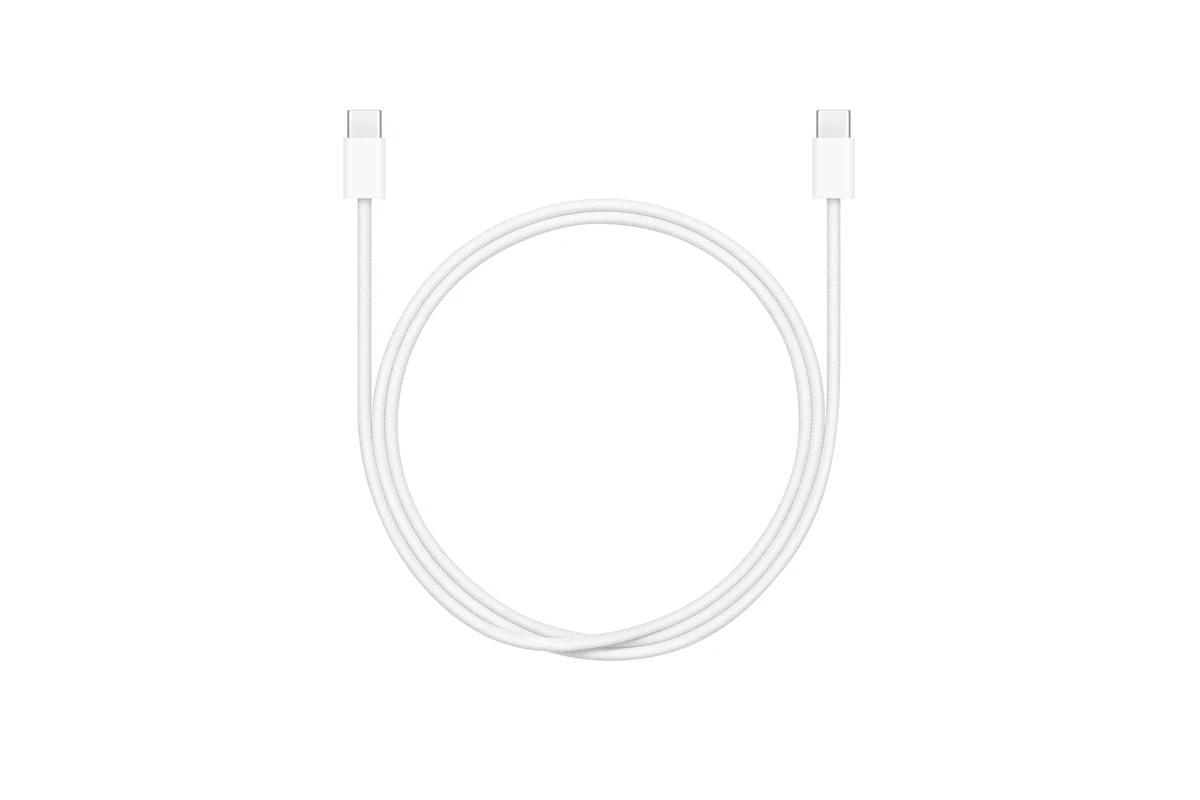
When people ask about USB-C cable wattage, they are usually trying to figure out whether a cable can support fast charging for a specific device. The answer depends on three things: the cable’s power rating, the charger’s output, and the device’s own charging limit.
The short answer: cable wattage depends on the cable’s rating, the charger’s output, and the device’s power needs
A cable does not “push” power by itself. It simply needs to be able to handle the amount of power the charger and device negotiate together. If the cable is rated below what the setup needs, charging may fall back to a lower speed.
Why the same USB-C cable can charge one device slowly and another at full speed
USB-C is a connector type, not a guarantee of speed. A phone that only accepts modest power may charge normally on a basic cable, while a laptop or handheld gaming device may need a higher-rated cable to reach its fastest supported charging level.
That is why a cable can work fine for one device and feel “too slow” for another. The cable may be doing exactly what it was built to do, but the device, charger, or both may be limiting the result.
How USB-C Cable Wattage Works in Real Life
In everyday charging, wattage is best understood as the amount of power being transferred, not a fixed speed label. The actual charging speed changes based on the full setup, battery level, temperature, and the device’s built-in charging logic.
Power delivery basics: voltage, current, and wattage
Wattage is calculated from voltage multiplied by current. In simple terms, higher voltage or higher current can increase the power available to a device, but only if the charger, cable, and device all support that level.
USB Power Delivery, often called USB PD, is the common standard that lets devices and chargers negotiate power safely over USB-C. If any part of the chain is not compatible, the system usually drops to a lower level instead of forcing maximum output.
Exact charging behavior varies by device model, firmware, battery temperature, and the charger’s supported USB PD profile. Always confirm your device’s official charging specs before relying on a cable for maximum speed.
Why cable quality affects heat, efficiency, and charging stability
Higher-quality cables are generally designed to keep resistance lower and power transfer more stable. That matters because extra resistance can waste energy as heat, which may reduce charging efficiency and make the cable or connector feel warmer than expected.
Stable cables also help prevent intermittent charging, especially when the cable is bent, moved around a lot, or used with heavier devices like laptops. If charging cuts in and out, the cable may be the weak link even when the charger is strong enough.
The role of USB Power Delivery and E-Marked cables for higher-wattage charging
For higher-wattage USB-C charging, many setups rely on USB PD and, in some cases, E-Marked cables. An E-Marker is a small chip inside the cable that helps the charger and device identify the cable’s power capability, which is especially important for higher-power use cases.
Not every USB-C cable is built for the same current. Some are meant for basic phone charging, while others are designed for much higher power delivery and need clearer labeling.
USB-C Cable Wattage Ratings: What to Look For Before You Buy
Before buying, look for the cable’s wattage rating on the packaging or product page. If the rating is not clearly stated, that is a sign to verify the specs carefully before using it with a high-power charger.
Common ratings: 60W, 100W, 240W, and what each supports
Common USB-C cable ratings include 60W, 100W, and 240W. A 60W cable is often enough for many phones, tablets, and some smaller laptops, while a 100W cable is a safer all-around choice for more demanding laptops and mixed-device homes.
240W cables are intended for the newest high-power USB-C charging setups that support the latest USB PD Extended Power Range profiles. If your charger or device does not support that level, a 240W cable will still work, but it will not make unsupported devices charge faster than their own limits allow.
Matching the cable rating to phones, tablets, laptops, and power banks
For phones and tablets, a midrange cable is often enough unless your device specifically supports higher-power charging. For laptops and high-capacity power banks, a higher-rated cable is usually the better pick because those devices can ask for more power than a basic cable should carry.
Matching the cable to the device matters more than buying the biggest number on the box. A powerful cable is useful only when your charger and device can both make use of it.
Connector type, cable thickness, length, and build quality as buying criteria
Connector fit is important because a loose or poorly made plug can cause charging drops. Cable thickness often rises with higher power capability, and longer cables may be less convenient if you want a cleaner desk setup or travel-friendly packing.
- Check the cable wattage, USB PD support, and whether an E-Marker is needed
- Confirm your device’s official charging limit and the charger’s output profile
- Look for clear labeling, solid connector strain relief, and warranty details
Who Needs a High-Wattage USB-C Cable?
Not everyone needs the highest-rated cable available. The right choice depends on whether you charge a phone once a day, run a laptop from USB-C, or travel with multiple power-hungry devices.
Best fit for fast-charging smartphones and tablets
Many smartphones and tablets will work well with a cable rated above their normal charging needs, especially if you want one cable that can cover different devices. This is helpful in households where one cable may move between a phone, tablet, earbuds case, or portable battery.
Best fit for laptops, handheld gaming devices, and high-capacity power banks
Laptops and handheld gaming devices are the clearest reason to buy a higher-wattage USB-C cable. These devices can demand more power for charging and for maintaining battery level during use, so a lower-rated cable may create a bottleneck.
A 100W or higher USB-C cable is the most flexible choice for mixed-device users who want one cable for phones, tablets, and many USB-C laptops. It is especially useful if you travel and do not want to sort cables by device.
When a lower-wattage cable is enough and saves money
If you only charge a phone, wireless earbuds, or a small tablet, a lower-wattage cable may be perfectly adequate. In that case, paying extra for a higher-rated cable may not add real value unless you expect to upgrade devices soon.
Benefits, Limits, and Trade-Offs of Different USB-C Cable Wattages
Higher wattage can be useful, but it is not automatically better in every situation. The best cable is the one that fits your actual devices, your charging habits, and your budget.
Faster charging, better device compatibility, and reduced charging bottlenecks
A higher-rated cable can reduce the chance that the cable becomes the limiting factor in your charging setup. That means fewer slow-charge surprises when you plug in a laptop, power bank, or newer phone that supports faster charging.
Limits of safe use: the cable cannot exceed its rated wattage
A cable should never be treated as if it can safely handle more power than its rating. If a cable is labeled for a lower wattage than the charger and device want to use, the safer choice is to replace it with one that is properly rated.
Stop using a cable that gets unusually hot, smells burnt, sparks, or shows damaged insulation. Heat, fraying, and loose connectors can indicate a safety problem, especially with higher-wattage charging.
Trade-offs in portability, flexibility, durability, and price
Higher-wattage cables can be thicker or stiffer, which may make them less convenient for pocket carry or tight desk setups. They can also cost more, so the best value comes from choosing the wattage you actually need rather than the highest number available.
- Supports more devices at full charging speed
- Reduces the chance of a cable bottleneck
- Better for laptop and travel use
- May be thicker or less flexible
- Can cost more than basic cables
- Still limited by the charger and device
Common Mistakes People Make With USB-C Cable Wattage
Most USB-C charging problems come from assuming all cables are interchangeable. That assumption is understandable, but it can lead to slow charging, unstable connections, or buying the wrong cable for the job.
Assuming all USB-C cables support the same power levels
USB-C connectors look similar, but the internal wiring and power support can vary a lot. Two cables with the same plug shape may have very different wattage limits, so appearance alone is not enough.
Using a cheap or damaged cable with a high-wattage charger
A bargain cable may work fine for light charging but struggle under heavier loads. If the cable is damaged, the risk goes up further because worn connectors and frayed insulation can create heat and unstable charging.
Look closely at both ends of the cable, the strain relief, and the full length of the jacket. If you see bending damage, exposed wire, discoloration, or intermittent charging, replace the cable rather than trying to keep using it.
Ignoring device and charger limits, especially with laptops and power banks
Some laptops and power banks need a specific power profile to charge properly, and some chargers only support certain voltage steps. The safest approach is to verify the official specs for the device, charger, and cable as a set, not as separate items.
Safe Use, Inspection, and Replacement Guidance
USB-C cables are consumable accessories, especially if they live in backpacks, get unplugged frequently, or power higher-wattage devices. Regular inspection is the easiest way to catch wear before it becomes a charging failure or safety issue.
Signs of wear: fraying, bent connectors, overheating, and intermittent charging
Common warning signs include frayed outer jackets, bent or loose connectors, charging that starts and stops, and cables that feel hotter than usual during normal use. If a cable only works when positioned a certain way, it may already be failing internally.
How often to inspect cables used for daily charging and travel
For daily-use cables, a quick visual check every week or two is a smart habit. Travel cables should be checked before trips because repeated coiling, packing, and unplugging can accelerate wear.
When to replace a cable and why continued use can be risky
Replace a cable as soon as you notice physical damage, unstable charging, or heat that seems out of proportion to normal use. Continuing to use a questionable cable can create more inconvenience at best and a safety issue at worst.
Keep one known-good cable at your desk and one in your bag. That makes it easier to spot a problem early and avoids relying on a cable that may already be worn out.
Final Recommendation: Choosing the Right USB-C Cable Wattage for Your Setup
The best USB-C cable wattage is the one that matches your highest-priority device without overbuying for gear you do not own. In most homes, a well-labeled mid- to high-wattage cable is the most practical single-cable solution.
Best choice by use case: phone-only, mixed devices, and laptop-grade charging
If you charge only a phone or small accessories, a lower-wattage cable may be enough. If you use a mix of phones, tablets, and portable batteries, a 100W cable is usually the most versatile choice, while laptop-heavy users should look for the highest rating their devices actually support.
Practical buying advice for value, reliability, and future-proofing
Choose a cable with clear wattage labeling, USB PD support, and a build quality that matches how often you travel or unplug it. If you are unsure, buy one step above your current needs so you are less likely to replace it later.
Bottom-line verdict for everyday users in 2026
For most readers, the smartest move is to buy a USB-C cable that is rated for the biggest device you expect to charge regularly, then verify that the charger and device support the same power level. That approach gives you speed, compatibility, and a safer margin than guessing based on looks alone.
Frequently Asked Questions
Only if your charger and device also support that higher power level. The cable must be rated for it, but the full setup determines the actual speed.
Many laptops do best with a 100W cable, but some need less and some newer models may support more. Check the laptop’s official charging specs before buying.
No. USB-C is only the connector shape, and USB Power Delivery support depends on the cable’s internal design and rating.
An E-Marked cable includes a chip that helps identify the cable’s power capability. It is especially important for many higher-wattage USB-C charging setups.
Stop using it if you see fraying, bent connectors, discoloration, overheating, or charging that cuts in and out. Replace damaged cables instead of trying to repair them.
Only if you actually have or expect devices and chargers that support that level. For many users, a 100W cable is a more practical and cost-effective choice.