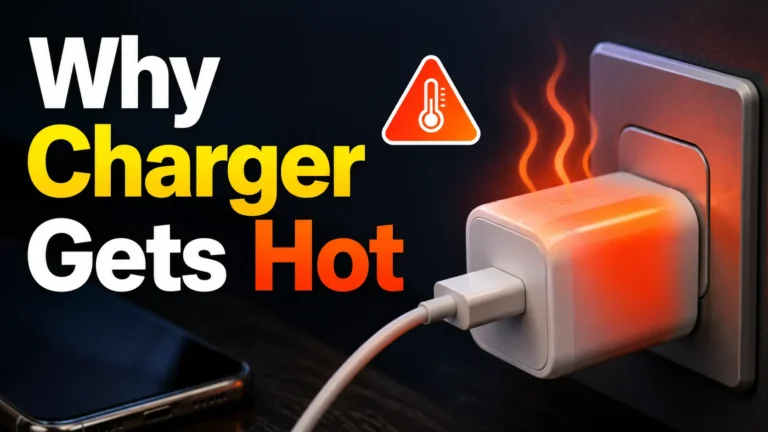
3a Vs 5a Usb-c Cable
3A is enough for most phones and accessories, while 5A is the better choice for high-wattage USB-C charging. Match the cable to your charger and device, and replace any cable that shows heat or damage.
If you’re choosing between a 3A and 5A USB-C cable, the simplest rule is this: 3A is usually enough for phones and smaller accessories, while 5A is the safer pick for higher-wattage charging and larger USB-C devices. The best cable is the one that matches your charger, your device’s power needs, and the amount of heat and voltage drop you want to minimize.
- 3A suits everyday use: Best for phones, earbuds, tablets, and low-power accessories.
- 5A adds headroom: Better for laptops, power banks, and high-wattage USB-C charging.
- Check the full chain: Cable, charger, and device must all support the same power level.
- E-marker matters: Many 5A cables need it for proper high-current identification.
- Safety comes first: Replace any frayed, loose, hot, or unreliable cable right away.
3A vs 5A USB-C Cable: Which One Should You Choose?
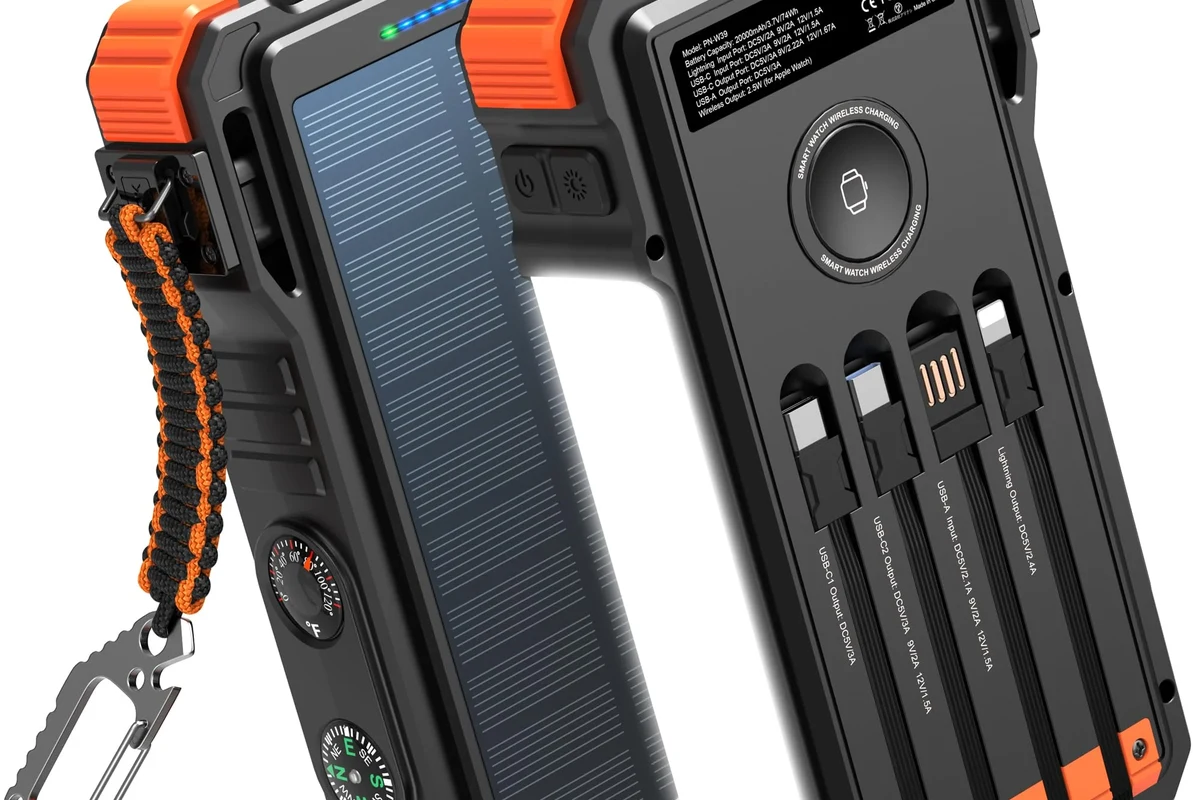
Quick answer: 3A is enough for most phones and accessories, while 5A is the better pick for high-wattage fast charging and larger USB-C devices
For everyday charging, a 3A USB-C cable is often all you need. It suits many smartphones, earbuds, wireless headphones, e-readers, and smaller tablets that do not draw extreme power.
A 5A cable becomes more useful when you want more headroom for fast charging, especially with laptops, gaming handhelds, high-capacity power banks, and devices that can charge at 60W, 65W, 100W, or similar levels. The key is not just “faster,” but “better matched” to the charger and device.
What 3A and 5A Actually Mean in USB-C Charging
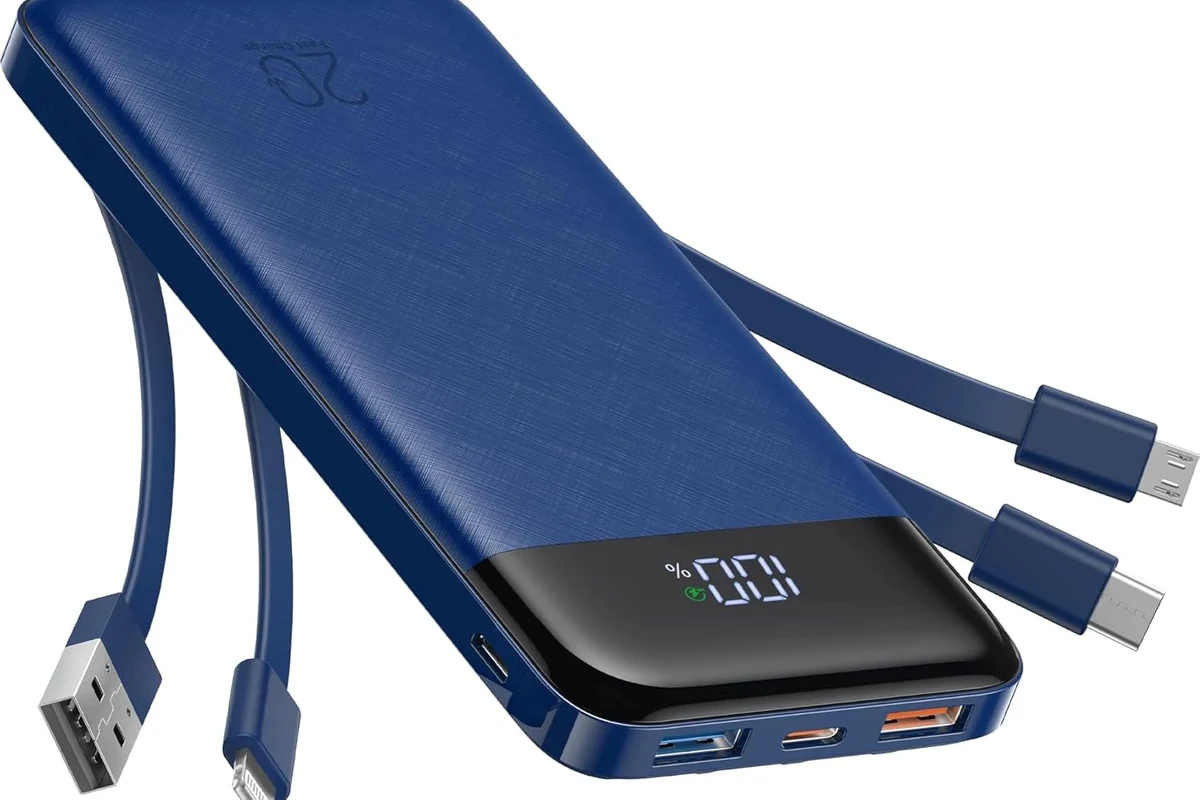
How amperage, wattage, and voltage work together in real charging setups
USB-C cables are often described by current rating, or amperage. In simple terms, 3A means the cable is designed for up to 3 amps of current, while 5A is designed for up to 5 amps, assuming the rest of the charging chain supports it.
Wattage is the power number most buyers care about, and it depends on both voltage and current. That means a cable’s current rating alone does not tell the whole story; a charger and device must also agree on the voltage and charging protocol.
Why cable rating matters more when paired with PD chargers and high-power devices
With USB Power Delivery, the charger and device negotiate how much power to send. If the cable cannot safely carry the current required for that higher-wattage mode, the system may fall back to a slower rate.
That is why a cable matters more once you move beyond basic phone charging. A good cable helps preserve charging performance, reduce wasted energy as heat, and avoid frustrating slowdowns when the charger and device are capable of more.
Actual charging speed varies by device, battery temperature, charger output, software limits, and whether the cable supports the needed power profile.
Key Differences Between 3A and 5A USB-C Cables
Charging speed potential, wattage support, and device compatibility
The biggest difference is the amount of power each cable class is intended to carry. A 3A cable is commonly associated with lower to mid-range charging, while a 5A cable is designed for higher-power USB-C charging setups.
In practice, this affects compatibility. Many phones and accessories work perfectly with 3A, but some laptops and power-hungry devices may need 5A to reach their full advertised charging rate.
Cable build quality, wire thickness, and heat management
Higher current usually calls for thicker internal conductors and stronger construction. That does not automatically make a 5A cable “better” in every situation, but it can help reduce voltage drop and heat under load.
For buyers, this often translates into a sturdier-feeling cable that is better suited to demanding charging sessions. The trade-off is that thicker cables can be less flexible, heavier in a bag, and sometimes more expensive.
- Better power headroom for demanding devices
- Can support faster charging when the charger and device allow it
- Often better suited for long charging sessions
- Usually thicker and less flexible
- May cost more than a basic 3A cable
- Not needed for many phones and low-power accessories
When a 5A cable needs e-marker support and why it matters
Many 5A USB-C cables require an e-marker, or electronically marked chip, to identify the cable’s capabilities to connected devices. This helps the charger and device recognize that the cable is intended for higher-current use.
Without the right marking and support, a high-power setup may not negotiate correctly. That can lead to reduced charging performance or, in some cases, a mismatch between what your charger can deliver and what the cable should safely carry.
Do not assume any USB-C cable can handle 100W or high-current charging just because the connector fits. Check the cable rating, charger output, and device specifications before using high-power modes.
Who a 3A USB-C Cable Fits Best
Ideal use cases for smartphones, earbuds, tablets, and lower-wattage accessories
A 3A cable is usually a practical choice for people charging phones, earbuds, smartwatches, handheld accessories, Bluetooth speakers, and many tablets. If your device rarely pulls high power, there is little reason to pay for extra cable capacity you may never use.
It is also a smart option for mixed household use where the cable may move between rooms, bags, and desks. For many everyday devices, the limiting factor is the device itself, not the cable.
Practical benefits: lighter weight, lower cost, and easier everyday portability
3A cables are often easier to coil, pack, and carry. That makes them useful for students, commuters, travelers, and anyone who wants a simple backup cable in a desk drawer or travel pouch.
They can also be a better value if you only need reliable charging for smaller electronics. A lighter cable can be more convenient for bedside use, car charging, or short desk setups.
Choose a 3A cable if you mainly charge phones, earbuds, tablets, and other lower-power USB-C accessories, and you want a lighter, simpler, lower-cost option.
Limits to watch for with laptops, power banks, and fast-charging devices
3A cables can become a bottleneck when you connect a laptop, a high-output power bank, or a device that expects stronger USB-C power delivery. In those cases, the cable may still work, but not necessarily at the fastest supported rate.
If your charger is rated for high wattage but the cable is not, the system may default to a lower power level. That is why a cable should be chosen based on the whole charging chain, not just the wall adapter.
Who a 5A USB-C Cable Fits Best
Best for laptops, gaming handhelds, high-capacity power banks, and 100W-class charging setups
5A cables are the better fit for users who regularly charge larger USB-C devices. That includes many laptops, portable monitors, some gaming handhelds, and power banks that support higher-wattage input or output.
If you want one cable that can handle more demanding situations across the home, office, or travel bag, 5A is usually the more future-proof choice. It gives you a stronger margin for charging setups that may evolve over time.
Why heavier-duty cable construction can improve performance and reduce voltage drop
At higher current, cable quality matters more. A well-made 5A cable can help reduce voltage drop across the cable length, which may improve charging stability in real-world use.
That matters most when you use longer cables, charge while working, or run power-hungry devices for extended periods. The benefit is not just speed; it is also consistency and less wasted energy as heat.
If your charger and device support high-wattage USB-C charging, keep one shorter 5A cable for desks and one longer cable only if you truly need the reach. Shorter cables often waste less power and are easier to manage.
Trade-offs: thicker cable, higher price, and less flexibility for travel
The downside of 5A cables is mostly convenience. They are often thicker, stiffer, and less pleasant to stuff into a pocket or tightly packed travel kit.
For some users, that trade-off is worth it. For others, especially those who only charge a phone and earbuds, the extra bulk may not be justified.
How to Choose the Right USB-C Cable in 2026
Match the cable rating to your charger’s rated wattage and your device’s power draw
The safest buying method is to start with the device, then the charger, then the cable. Check how much power your device can accept, what your charger can supply, and whether the cable is rated to carry that level.
If your setup is mostly 18W to 30W phone charging, a 3A cable may be enough. If you are trying to support 60W, 65W, or 100W charging, a 5A cable is usually the more appropriate choice.
Check USB Power Delivery support, USB-IF certification, and connector quality
Look for clear USB Power Delivery support when you shop for a cable and charger. If certification is claimed, verify it through the product listing, packaging, or the manufacturer’s documentation rather than assuming every listing is accurate.
Connector quality also matters. Solid strain relief, snug connectors, and well-finished ends are useful signs of a cable that may hold up better with repeated plugging, unplugging, and bag storage.
- Check your device’s maximum charging wattage and USB-C power requirements
- Confirm the cable’s current rating, length, and whether e-marker support is needed
- Verify charger output, USB PD support, and any manufacturer compatibility notes
- Look for durable connectors, clear labeling, and a warranty policy you understand
Look for cable length, durability, data transfer needs, and storage convenience
Length affects both convenience and performance. Longer cables can be useful on couches, beds, and conference tables, but they may also be less tidy and sometimes less efficient than a shorter cable.
Also consider whether you need data transfer, video output, or just charging. Some cables are built mainly for power, while others support broader USB-C use, and those differences can matter if you connect phones to laptops, docks, or external drives.
Safety, Heat, and Cable Care: What Buyers Often Miss
Warning signs of unsafe use: excessive heat, fraying, bent connectors, and unstable charging
A charging cable should not become uncomfortably hot, spark, or cause repeated connection dropouts. If you notice fraying, bent ends, loose connectors, or charging that starts and stops, stop using the cable and replace it.
Heat is especially important with high-wattage charging. Some warmth can be normal, but excessive heat is a sign to inspect the whole setup, including the charger, outlet, and device.
Stop using damaged cables, overheating chargers, swollen batteries, or unstable power accessories. Follow the manufacturer’s guidance and replace worn parts instead of trying to “push through” a problem.
How to inspect a cable before and after use, especially with high-wattage charging
Before plugging in, glance over the full cable length for cuts, kinks, crushed spots, or exposed material. Check both connectors for bent pins, looseness, or debris.
After use, especially after a long fast-charge session, feel for unusual heat near the connector ends. A little warmth may be normal, but a cable that repeatedly runs hot deserves closer attention and likely replacement.
Safe storage, coil habits, and when to replace a worn USB-C cable
Store cables loosely rather than wrapping them tightly around a charger or device. Tight bends can wear out internal conductors and shorten the cable’s useful life.
Replace a cable when the jacket cracks, the connectors loosen, the cable only works at certain angles, or it no longer charges consistently. A worn cable is not a minor inconvenience when power delivery is involved; it is a safety and reliability issue.
Value Verdict: 3A vs 5A USB-C Cable for Different Users
Best-value choice for budget buyers, everyday phone users, and light travel kits
For most people who mainly charge phones and small accessories, a 3A cable offers the best balance of cost, convenience, and practicality. It is usually easier to pack, easier to replace, and perfectly adequate for common daily charging needs.
Best-value choice for power users, laptop owners, and fast-charge setups
If you own a laptop, rely on a high-output power bank, or want one cable that can support stronger USB-C charging across multiple devices, a 5A cable is the more versatile choice. It gives you more room to grow into higher-wattage gear without immediately needing another cable.
Transparent recommendation based on performance, safety margin, and long-term usefulness
Choose 3A if your devices are modest, your priority is portability, and you do not need maximum charging headroom. Choose 5A if you want a stronger safety margin for high-power charging and better compatibility with demanding USB-C devices.
In other words, 3A is the smart everyday pick, while 5A is the stronger all-around investment for modern high-wattage charging setups.
- 3A cables are usually enough for phones, earbuds, and lighter accessories.
- 5A cables are better for laptops, power banks, and high-wattage USB-C charging.
- Check charger output, device power limits, and e-marker support before buying.
- Replace any cable that shows heat, fraying, looseness, or unstable charging.
Frequently Asked Questions
Yes, a 3A USB-C cable is enough for many phones and small accessories. It is usually the practical choice unless your device or charger is designed for higher-wattage charging.
Choose a 5A cable for laptops, gaming handhelds, high-capacity power banks, and other higher-power USB-C devices. It is the better option when you want more charging headroom.
Many 5A USB-C cables use e-marker support so devices can identify the cable’s capabilities correctly. Check the cable listing and manufacturer details before using it for high-wattage charging.
Yes, a 3A cable can limit charging speed if your charger and device are capable of more power. The system may fall back to a lower charging rate for safety and compatibility.
Stop using a cable if it gets unusually hot, frays, bends sharply at the connector, or charges unreliably. Replace damaged cables instead of trying to keep using them.
Check the device’s charging requirements, the charger’s rated output, and the cable’s current rating before buying or using it. If the product claims USB PD or certification, verify those details in the manufacturer’s documentation.