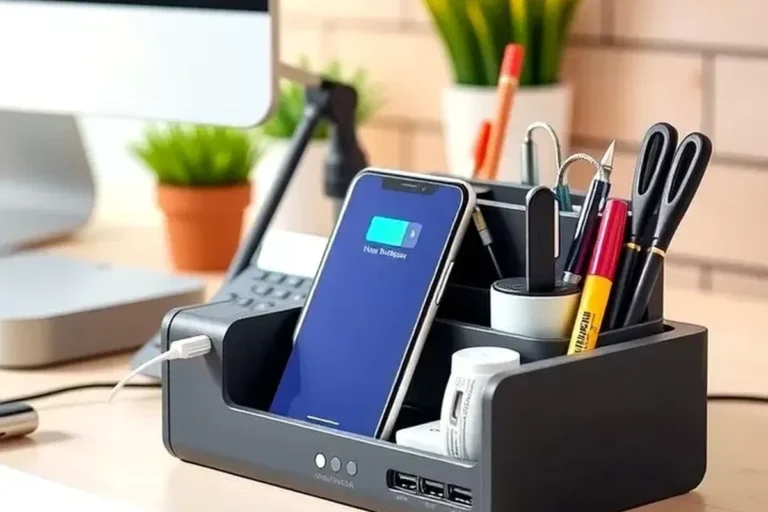
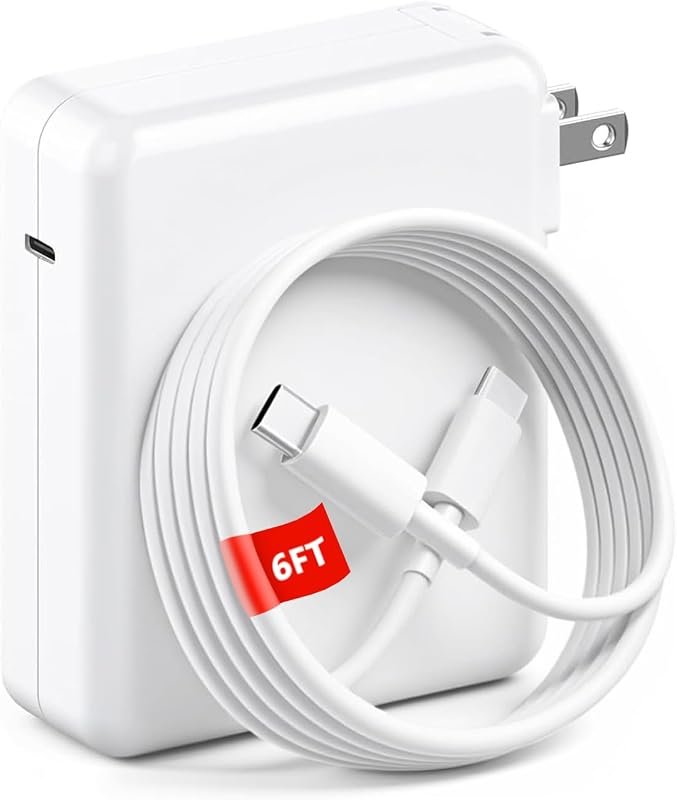
Can Usb-c Cable Damage a Charger
Yes, a USB-C cable can damage a charger if the cable is faulty, worn, counterfeit, or used outside its power rating. A good cable matched to the charger and device is unlikely to cause harm.
A USB-C cable can damage a charger, but only in certain situations. Most of the time, the cable is more likely to fail itself or cause the charger to protectively shut down than to permanently harm the charger.
- Faults matter: Short circuits, fraying, and poor connectors are the main ways a cable can stress.
- Protection helps: Many chargers shut down before permanent damage happens, but repeated faults still create risk.
- Match the specs: Check cable wattage, charger output, and device requirements before fast charging.
- Heat is a warning: Stop using any cable or charger that gets hot, smells burnt, or looks discolored.
- Replacement rule: If the issue follows the cable, replace the cable; if it follows the charger.
Can a USB-C Cable Damage a Charger? Short Answer and What Actually Happens
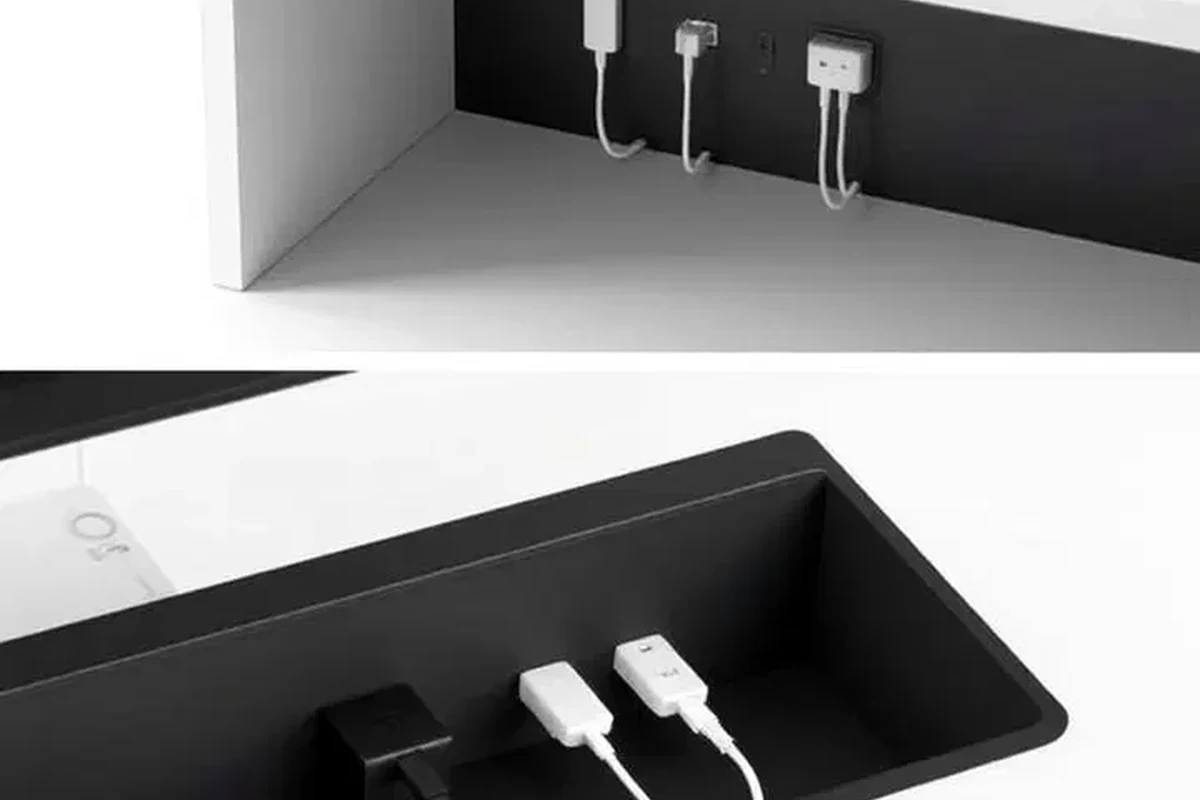
The short answer is yes, but not usually from normal, well-matched use. Damage risk shows up when the cable is defective, counterfeit, physically worn, or used outside the charger’s intended limits.
When a cable can stress a charger versus when it cannot
A properly made USB-C cable that matches the charger’s output is designed to carry power safely. In that case, the charger and device negotiate how much power to send, and the cable simply passes it along.
A cable can stress a charger when it has internal damage, poor connectors, bad soldering, or insulation failure. Those problems can create extra resistance, heat, intermittent contact, or even a short circuit, which may make the charger work harder or shut down.
The difference between normal wear, incompatibility, and true damage
Normal wear usually means the cable becomes loose, frayed, or unreliable over time. Incompatibility means the cable may not support the charging speed or power level you want, but it is not necessarily dangerous.
True damage is different. If you see melting, scorching, smell burnt plastic, or notice a charger that stops working after a cable event, that suggests a fault rather than a simple mismatch.
How USB-C Charging Works in 2026: Power Delivery, Negotiation, and Safety
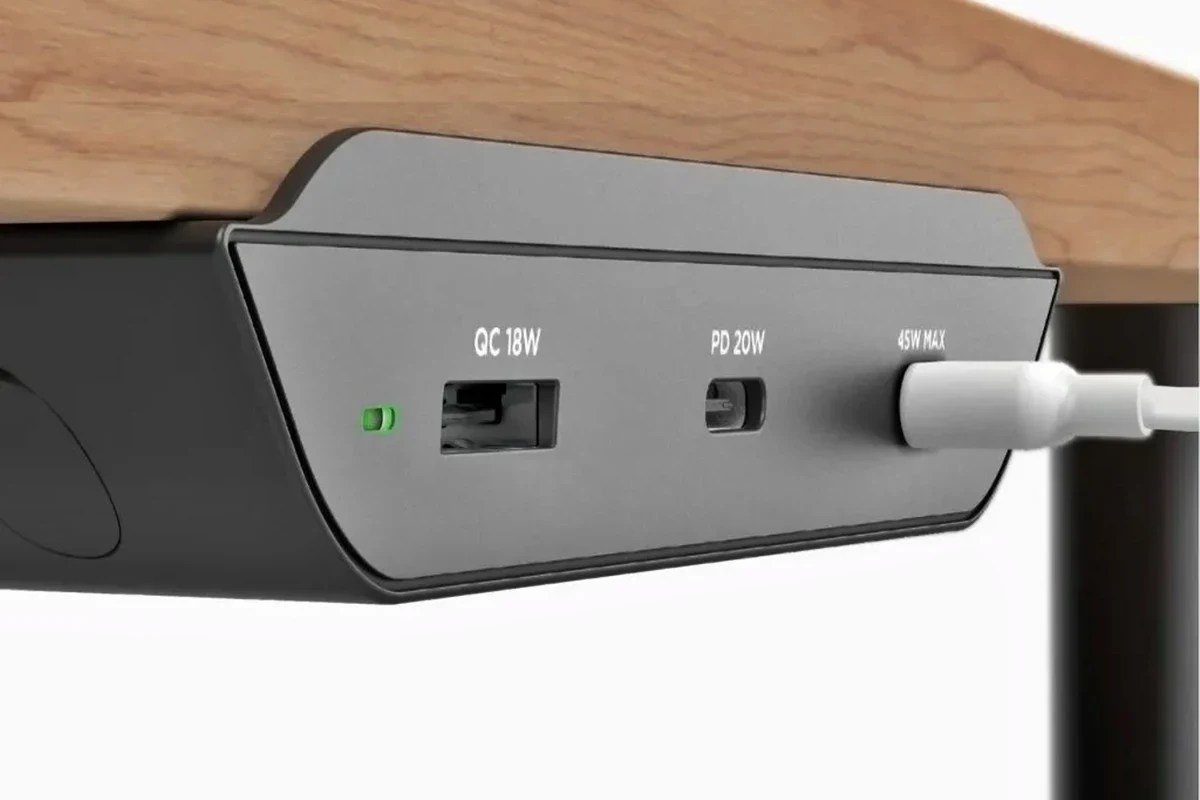
USB-C charging is built around communication, not brute force. The charger and device exchange information about voltage and current so power is delivered within supported limits.
Why USB-C devices do not usually “force” power the wrong way
USB-C devices generally do not pull random power from the charger. With USB Power Delivery and related charging standards, the charger offers specific profiles and the device requests what it can accept.
That is why a phone, tablet, or laptop usually will not “push back” power into the charger in a harmful way. Problems are more likely when a cable is defective or when an accessory does not follow the standard correctly.
How rated wattage, voltage, and amperage affect charger load
Wattage tells you how much power the charger can supply at a given time. Voltage and amperage describe how that power is delivered, and both matter for heat and stability.
If a device asks for more power than the cable or charger is designed to handle, the system may slow charging, reduce output, or stop charging altogether. A quality charger is usually built to protect itself, but low-quality accessories may not react safely.
Why cable quality matters more than most users realize
USB-C cables are not all built the same. Some support only modest charging, while others are made for higher-wattage laptops and include an e-marker chip or heavier internal wiring.
Cheap cables may hide weak conductors, poor strain relief, or inconsistent connector fit. Those flaws can create heat, voltage drop, and stress on both the cable and the charger.
If you charge a phone, tablet, and laptop from different adapters, keep one known-good cable set for each high-power device so you can spot problems faster.
Who This Guide Is For: Phones, Laptops, Tablets, Power Banks, and Accessories
This question matters for almost anyone using USB-C, but the risk level depends on the device and power demand. A phone on a basic charger is a very different setup from a high-wattage laptop on a multi-port adapter.
Typical user setups where charger risk is low
Risk is usually low when you use a reputable cable with a mainstream phone, tablet, earbuds case, or power bank. In those cases, the charger usually has enough protection to reduce output if something looks wrong.
Students, commuters, remote workers, and casual home users often fall into this lower-risk group, provided they avoid visibly damaged accessories.
Higher-risk scenarios: fast charging, multi-port adapters, and high-wattage laptops
Risk rises when you combine fast charging with worn cables, compact multi-port chargers, or laptop-level power draw. More current means more heat, and more heat means less margin for error.
Travel setups can also be tricky because one adapter may be asked to charge several devices at once. In those cases, the cable’s rating and the charger’s port sharing rules matter more than people expect.
Compatibility limits to check before plugging in
Always check the charger’s output label and the cable’s stated power support. Also confirm whether the device expects USB-C to USB-C or USB-A to USB-C charging, because the available power and negotiation behavior can differ.
Compatibility can vary by model, firmware, region, and charger revision. When a manufacturer publishes a compatibility list or manual, that should override general advice.
Key Specs to Check Before Using Any USB-C Cable with a Charger
Before connecting anything, it helps to look at a few practical specs instead of guessing. The cable, charger, and device all need to be aligned for safe charging.
USB-C to USB-C versus USB-A to USB-C
USB-C to USB-C cables are more common for modern fast charging and laptop charging. USB-A to USB-C cables can still be useful, but they often support different power behavior and may not deliver the same charging speed.
For everyday phone charging, either may be fine if the cable is good quality and the charger supports the connection. For newer tablets and laptops, USB-C to USB-C is usually the safer and more capable choice.
Rated wattage, e-marker chips, and cable gauge
Wattage rating tells you the maximum power the cable is intended to handle. Higher-power USB-C cables may use an e-marker chip so compatible devices can identify them correctly.
Cable gauge also matters because thicker conductors can reduce resistance and heat. If a cable has no clear rating or the packaging is vague, treat it cautiously.
Connector build quality, shielding, and bend resistance
Good connectors fit firmly without excessive wobble. Strong shielding and strain relief help the cable survive repeated plugging, bag storage, and desk use.
If a cable bends sharply near the plug, that is often where failure starts. A cable that feels flimsy at the connector is more likely to create intermittent charging and heat.
Charger output ratings and safe operating limits
Check the charger label for supported output profiles, total wattage, and any port-sharing rules. Multi-port chargers may reduce output when several devices are connected at once.
If the cable is rated for less than the charger can supply, the cable becomes the limiting factor. That does not automatically mean danger, but it can increase heat and reduce reliability.
Can a Bad USB-C Cable Actually Damage a Charger?
Yes, a bad cable can contribute to charger damage, but the chain of events usually starts with a fault in the cable itself. The charger is often the part that detects the problem first.
How short circuits, frayed insulation, and poor soldering create risk
Frayed insulation can expose conductors, and poor internal soldering can create unstable contact. Either issue can trigger short circuits, arcing, or repeated power interruptions.
Those conditions may trip the charger’s protection circuitry. In low-quality chargers, repeated faults can also stress internal components over time.
What overheating looks like in the cable, plug, and charger body
Heat can show up as a warm or hot connector, softened plastic, discoloration, or a burning smell. Sometimes the cable gets hot near the plug while the charger body stays only mildly warm.
If the charger itself becomes unusually hot, emits odor, or behaves erratically, stop using it. Heat is one of the clearest signs that the system is outside normal operating conditions.
Stop using any cable or charger that gets hot enough to be uncomfortable, smells burnt, shows melting, or repeatedly disconnects under load. Unplug it and follow the manufacturer’s safety guidance.
When a charger is more likely to shut down than fail permanently
Modern chargers often have overcurrent, overvoltage, and thermal protection. When a cable fault appears, the charger may simply stop providing power until the problem is removed.
That shutdown is a safety response, not necessarily a failure. Permanent damage is more likely when the accessory is low quality, the fault repeats often, or the charger lacks robust protection.
Signs the damage is to the cable, not the charger
If the same charger works normally with another cable, the original cable is the likely problem. Other warning signs include loose plugs, charging that cuts in and out when the cable moves, and visible wear at the ends.
If multiple cables fail in the same charger port, the charger may have a port problem instead. In that case, stop using the port until you can verify the issue through the manufacturer’s guidance.
If a charger or cable has visible damage, recurring overheating, or unstable charging, remove it from service. Do not try to force a connection or keep testing a suspicious accessory repeatedly.
Common Mistakes That Lead to Heat, Wear, and Charger Problems
Most charging problems come from avoidable habits rather than exotic failures. A few simple mistakes can shorten the life of both the cable and the charger.
Using underspec cables for high-wattage devices
A cable that is fine for a phone may not be suitable for a laptop or high-speed tablet charging. Underspec cables can run hotter, charge slower, or fail under sustained load.
If you regularly charge a power-hungry device, use a cable specifically rated for that level of power. That is especially important for work laptops, gaming handhelds, and large tablets.
Ignoring loose ports, bent pins, and intermittent charging
A loose port can create micro-movements that wear down the connector and increase resistance. Bent pins or debris can also prevent a solid electrical connection.
Intermittent charging is not just annoying. It can create repeated connect-disconnect cycles that add heat and stress to both the cable and charger.
Mixing damaged cables with fast chargers and hubs
Fast chargers and USB-C hubs can expose weak accessories faster than basic charging setups. If a cable is already worn, adding more power or more devices can make the fault show up quickly.
This is why a cable that “still works” on a low-power charger may fail on a more demanding adapter. Do not assume that partial functionality means the cable is safe.
Overlooking counterfeit or uncertified accessories
Counterfeit cables and chargers may look similar to reputable products but lack proper internal protection. They may also omit the markings or design features needed for safe higher-wattage charging.
When in doubt, compare the accessory against the official product listing, packaging details, and manufacturer documentation. If those details do not line up, skip it.
- Use one known-good cable for troubleshooting so you can isolate the problem quickly.
- Keep charging gear away from tight bends, hot car interiors, and cluttered desk edges.
- Replace any cable that feels loose at the connector or shows exposed wear.
Safe Use, Inspection, and Replacement Guidance
Regular inspection is the easiest way to prevent a cable from becoming a charger problem. A few seconds of checking can save you from heat, downtime, and unnecessary replacement costs.
How often to inspect a USB-C cable and charger
Inspect charging gear whenever you notice slower charging, extra warmth, or a loose fit. For frequently used cables, a quick visual check every few weeks is a sensible habit.
Travel cables, desk chargers, and bedside chargers deserve extra attention because they are plugged and unplugged often. The more movement they see, the faster wear can appear.
What to look for: heat, discoloration, odor, looseness, and fraying
Look for frayed jackets, cracked ends, bent connectors, discoloration, and scorch marks. Also pay attention to unusual heat, buzzing, or a plastic smell during charging.
A cable that feels loose in the port or needs to be positioned just right is a strong replacement candidate. That kind of intermittent behavior often gets worse over time.
When to replace the cable, when to replace the charger, and when to stop using both
Replace the cable if the damage is clearly on the cable side and the charger works normally with another cable. Replace the charger if multiple known-good cables fail in the same charger or if the charger itself shows heat, odor, or visible damage.
Stop using both if you cannot tell which part is failing, or if either one shows signs of melting, arcing, or repeated shutdowns. Safety should come before convenience.
Storage and care tips to extend cable and charger life
Store cables with gentle loops instead of tight wraps around the charger body. Avoid pulling the cable out by the cord, and keep connectors clean and dry.
For chargers, give the unit breathing room so it can shed heat naturally. Dust buildup, cramped outlets, and tangled cables can all contribute to extra warmth.
Best-Practice Recommendation and Final Verdict
The safest approach is simple: use certified or reputable cables that match the charger’s power level, inspect them regularly, and replace anything that runs hot or looks worn. For high-wattage devices, do not rely on a generic cable with no clear rating.
- A USB-C cable can damage a charger if it is defective, counterfeit, or physically worn.
- Most modern chargers will shut down before suffering permanent harm, but repeated faults still create risk.
- Match the cable rating to the device and charger, especially for laptops and fast charging.
- Replace any accessory that shows heat, fraying, looseness, or discoloration.
Yes, a USB-C cable can damage a charger, but the real danger comes from bad cables and unsafe pairings, not from USB-C itself. If you use a well-rated cable, follow the charger’s output limits, and stop using damaged gear right away, the risk stays low for most everyday users.
Frequently Asked Questions
Yes, but usually only if the cable is damaged, counterfeit, or mismatched to the charger’s power level. A quality cable used within spec is unlikely to harm a charger.
Watch for heat, burning smells, discoloration, loose connectors, and charging that cuts in and out. If a charger works with one cable but not another, the cable is the likely problem.
It can, especially if the cable causes repeated shorts, overheating, or unstable power delivery. Many chargers shut down first, but repeated faults can still wear them out.
Check the cable’s wattage rating and whether it is meant for USB-C fast charging or laptop power. When the rating is unclear, use a known reputable cable that matches the device and charger.
Mild warmth can be normal, but uncomfortable heat is not. Stop using any cable or charger that becomes hot, smells burnt, or shows visible damage.
Replace the charger if multiple known-good cables fail in the same charger or if the charger itself shows heat, odor, discoloration, or unstable output. If only one cable fails, the cable is usually the part to replace.