Are Motion Sensors Expensive
Most motion sensors are affordable, but advanced features like smart-home connectivity, outdoor durability, and security-grade reliability raise the price. The best value comes from matching the sensor to your space and verifying compatibility before you buy.
Motion sensors are usually not expensive, but the price can rise fast once you add smart-home connectivity, outdoor durability, or security-grade features. For most buyers in 2026, the real question is not “Are motion sensors expensive?” but “Which type gives me the right features without paying for extras I do not need?”
- Budget-friendly: Basic indoor motion sensors are usually the cheapest option.
- Price drivers: Detection type, connectivity, and durability affect cost the most.
- Hidden costs: Hubs, wiring, batteries, and installation can add up.
- Best value: Buy for the room and use case, not just the lowest price.
Are Motion Sensors Expensive? Quick Answer for 2026 Buyers
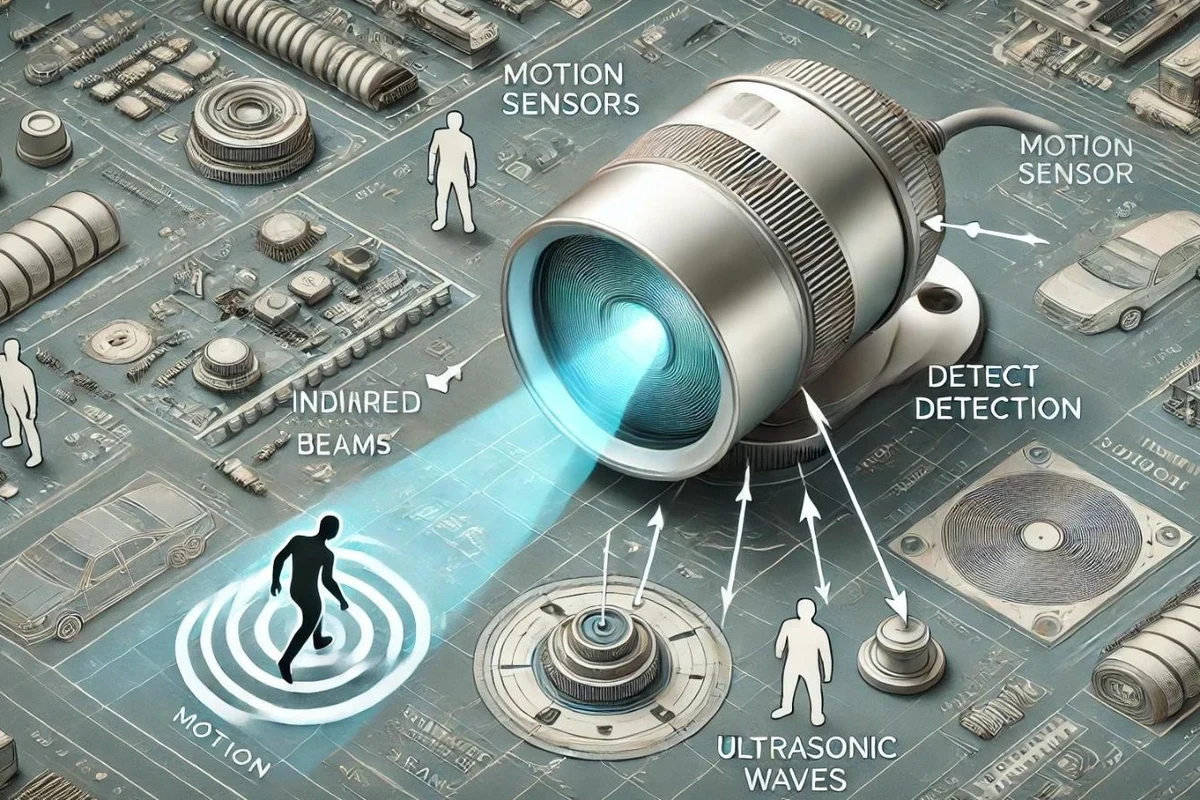
Basic motion sensors are often affordable, especially for simple indoor lighting or automation. More advanced models cost more when they include better detection technology, app control, wider coverage, weather resistance, or professional security features.
If you are shopping for a home, apartment, or small office, a low-cost sensor may be enough. If you need reliable outdoor detection, fewer false alarms, or integration with a smart-home platform, a mid-range or premium model can be worth the extra cost.
How Motion Sensors Work and Why That Affects Price
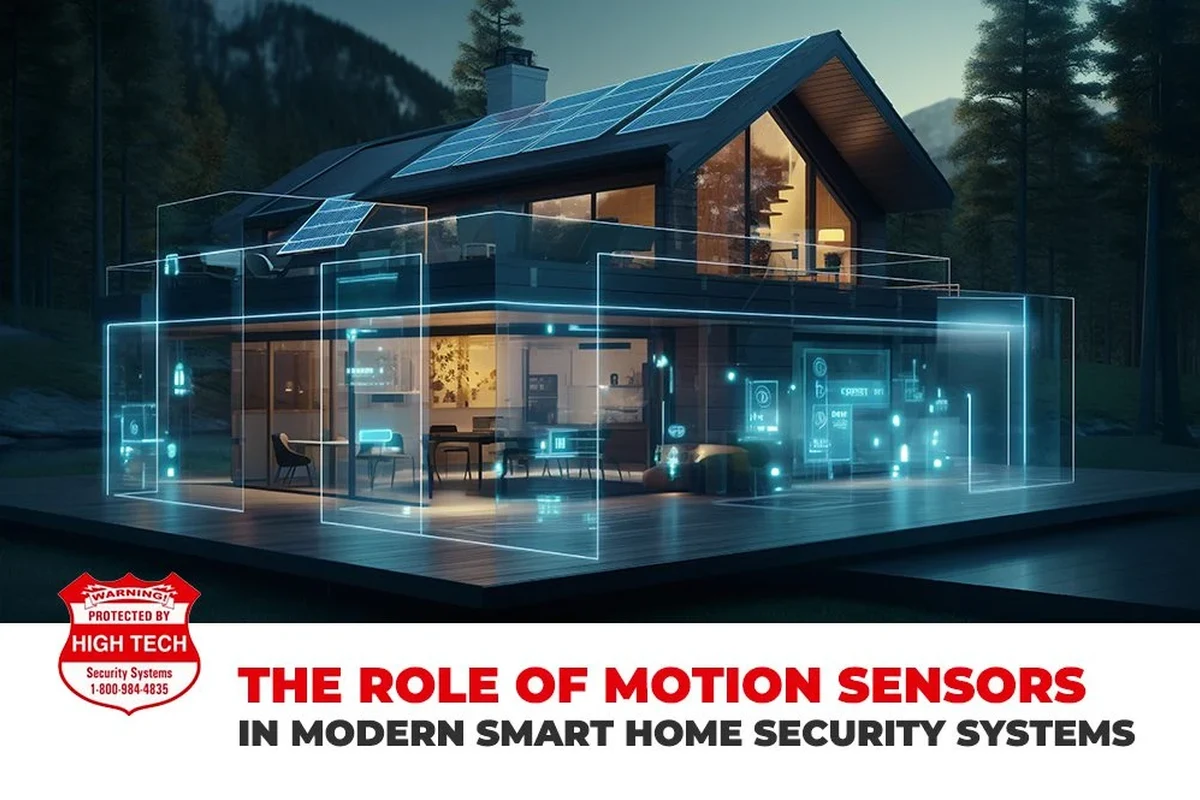
Motion sensors detect movement by sensing changes in heat, sound waves, radio waves, or multiple signals at once. The more reliable and selective the detection method, the more the sensor usually costs.
PIR, microwave, ultrasonic, and dual-technology sensors
PIR, or passive infrared, sensors are among the most common and affordable. They detect changes in body heat and are popular for hallway lights, rooms, and basic security use.
Microwave sensors send out radio waves and can detect motion through some materials, which can improve coverage but may also increase false triggers if the environment is busy. Ultrasonic sensors use sound waves and can work well in enclosed spaces, though they are less common in simple consumer setups.
Dual-technology sensors combine two detection methods, such as PIR plus microwave, to reduce false alarms. That added reliability usually raises the price, but it can be useful in larger rooms, commercial spaces, or areas with pets and moving background activity.
What components raise or lower cost
The final price often depends on the sensor element, housing quality, power system, connectivity hardware, and software support. A basic battery-powered PIR unit with a simple on/off output is usually cheaper than a sensor with Wi-Fi, app alerts, adjustable zones, and weather sealing.
Mounting hardware, tamper resistance, tamper alerts, and better build materials can also add cost. In many cases, the biggest price jump comes from the ecosystem around the sensor, not just the motion detection hardware itself.
Exact features, detection methods, and app functions vary by model, firmware version, and region. Always confirm the manufacturer’s current specifications before buying.
Typical Motion Sensor Price Ranges by Use Case
Motion sensor prices vary widely because the same basic function can be used for lighting, convenience automation, or security. The right budget depends on where the sensor will be installed and how much reliability you need.
Budget indoor sensors for basic home automation
Budget indoor sensors are usually the simplest option for closets, hallways, bathrooms, and small rooms. They are often used to turn lights on when someone enters and off after a set delay.
These models tend to be the most affordable because they often use basic PIR detection, straightforward wiring or battery power, and limited customization. They are a good fit when you want convenience more than advanced smart-home features.
Mid-range smart home sensors with app control
Mid-range sensors usually add app-based settings, smart-home integration, activity logs, or more flexible placement options. They may connect through Wi-Fi, Zigbee, Z-Wave, or Bluetooth, depending on the brand and ecosystem.
This category often makes sense for users who want to automate lights, trigger routines, or receive alerts on a phone. The extra cost may also reflect the need for a hub, bridge, or subscription-supported ecosystem, so check the full setup cost rather than the sensor price alone.
Outdoor, commercial, and security-focused sensors
Outdoor and commercial sensors generally cost more because they need stronger housings, wider operating tolerances, and more dependable performance. Weather resistance, longer detection range, and more precise adjustment options can all increase the price.
Security-focused models may also include tamper detection, better filtering, or compatibility with alarm systems. For these use cases, a cheaper sensor can end up costing more if it triggers too often or fails in harsh conditions.
What Specifications Matter Most When Comparing Models
When comparing motion sensors, the most important specs are the ones that affect placement, reliability, and compatibility. A sensor that looks inexpensive can become a poor value if it does not fit your room, platform, or power setup.
Detection range, angle, and sensitivity settings
Detection range and angle determine how much space the sensor can cover. A narrow angle may work well in a hallway, while a wider field of view is better for open rooms, entrances, or outdoor paths.
Sensitivity settings matter because they help reduce false triggers from pets, fans, sunlight, or moving shadows. If a model does not offer useful adjustment options, it may be harder to place and more likely to annoy you later.
Match the sensor’s field of view to the room first, then compare price. The cheapest model is not a bargain if it constantly misses movement or triggers too easily.
Power source, battery life, and energy use
Motion sensors can be wired, battery-powered, or powered through a smart-home hub or low-voltage system. Wired models may be better for permanent installations, while battery-powered models are easier to place but require maintenance.
Battery life varies a lot by model, reporting frequency, temperature, and how often the sensor triggers. If the manufacturer lists a battery estimate, treat it as a guide rather than a guarantee, since real-world use can differ significantly.
Connectivity: wired, wireless, Wi-Fi, Zigbee, Z-Wave, and Bluetooth
Connectivity affects both price and setup complexity. Simple wired sensors can be cost-effective in fixed installations, while Wi-Fi models are easier for some users but may depend on app quality and network stability.
Zigbee and Z-Wave sensors are often chosen for smart-home systems because they can work efficiently in a hub-based setup. Bluetooth sensors are usually more limited in range or automation depth, so they are best when the intended use is simple and close to the controller.
Who Motion Sensors Fit Best in 2026
Motion sensors are useful for many different buyers, but the best model depends on how much automation you want and how critical dependable detection is. A homeowner, renter, and warehouse manager may all need different features from the same category.
Homeowners, renters, and DIY smart home users
Homeowners often benefit from sensors for lighting automation, entry alerts, and basic security awareness. Renters and DIY users usually prefer battery-powered or easy-mount options because they are simpler to install and remove later.
For smart-home users, the best value often comes from a sensor that fits the existing platform without requiring extra adapters or complicated setup. Confirm app compatibility, hub requirements, and voice-assistant support before buying.
Business, warehouse, and security applications
Businesses and warehouses usually need wider coverage, more durable housings, and fewer false alarms. In those environments, the sensor is part of a larger system, so compatibility with alarms, lighting controls, or automation software matters as much as the hardware itself.
Security-focused use also benefits from clear documentation, tamper features, and dependable support. If the sensor is part of a monitored system, check the official compatibility list and warranty terms before committing.
When a cheaper sensor is enough and when it is not
A cheaper sensor is often enough for a closet, pantry, hallway, or other low-risk space. It can also be a smart choice when you only need simple light activation and do not care about app control.
It is not enough when false triggers would be a problem, when the area is exposed to weather, or when the sensor must work as part of a security or automation system. In those cases, the extra cost usually buys better reliability rather than just more features.
Buy a basic sensor if you want simple, low-cost motion detection for indoor convenience. Choose a mid-range or premium model if you need smarter automation, outdoor durability, or fewer false triggers.
Real-World Value: Benefits, Limitations, and Hidden Costs
The sticker price is only part of the story. Motion sensors can save energy and improve convenience, but installation, accessories, and maintenance can change the total cost of ownership.
Energy savings, convenience, and safety benefits
Motion sensors can reduce wasted electricity by turning lights off when a room is empty. They also improve convenience in dark entryways, garages, laundry rooms, and other spaces where hands-free control is useful.
Some buyers also use motion sensors for safety, such as automatic lighting for stairs, paths, or nighttime movement. In those cases, the value comes from reduced friction and better visibility, not just from the hardware itself.
Common limitations, false triggers, and installation trade-offs
False triggers can happen because of heat sources, sunlight, air movement, pets, or poor placement. A sensor that is technically inexpensive may still be frustrating if it turns lights on too often or misses movement where you need it most.
Installation trade-offs matter too. Some sensors are easy to mount but limited in placement, while others require wiring, a hub, or more careful calibration. That extra effort can be worth it if the sensor becomes part of a dependable system.
Accessories, hubs, wiring, and replacement batteries
Hidden costs may include mounting brackets, compatible hubs, batteries, low-voltage wiring, or professional installation. For smart-home models, the hub or bridge can cost more than the sensor itself in some setups.
Replacement batteries are another ongoing expense for battery-powered sensors. Check the battery type, expected replacement cycle, and whether the manufacturer recommends specific battery chemistry or charging methods.
- Can automate lighting and alerts
- Often affordable for basic use
- Useful in homes, offices, and security setups
- False triggers can reduce value
- Some models need hubs or wiring
- Maintenance and batteries add cost over time
Setup, Maintenance, and Safe Use Tips
Even a good sensor can perform poorly if it is installed in the wrong place or left unmaintained. A little setup care goes a long way toward getting the value you paid for.
Installation basics, placement mistakes, and calibration
Read the official manual before mounting or wiring the sensor. Placement mistakes are common, especially near vents, windows, heat sources, reflective surfaces, or areas with frequent background movement.
Place the sensor where it can see the intended path without facing obvious sources of heat, motion, or glare.
Use the manufacturer’s settings to reduce false triggers and make sure the sensor stays on long enough for the space.
Confirm that the sensor responds as expected in normal use, then refine placement if needed.
Cleaning, inspection, battery replacement, and storage
Dust, grime, and spider webs can interfere with sensor performance, especially outdoors. Clean the housing gently according to the manual and inspect the lens or cover for damage.
For battery-powered models, replace batteries before they fail completely if the system gives low-battery warnings. If you store a sensor for a long time, remove batteries if the manufacturer recommends it and keep the unit in a dry, temperature-appropriate place.
Stop using a sensor if it shows damage, overheating, water intrusion, corrosion, or unstable operation. Follow the manufacturer’s instructions for replacement and disposal, especially for batteries.
When to replace a sensor and signs of wear or failure
Consider replacement if the sensor becomes unreliable, loses compatibility with your platform, or no longer supports required updates or app functions. Outdoor sensors may wear out faster because of weather exposure, UV light, and temperature swings.
Other warning signs include frequent missed detections, repeated false triggers after proper setup, battery drain that seems abnormal, or physical damage to the housing or mount. If the model is part of a security system, check the manufacturer’s support and warranty guidance before assuming the issue is minor.
Stop using damaged electronics, swollen batteries, frayed cables, overheating chargers, or unstable appliances and follow the manufacturer’s guidance.
Final Verdict: Are Motion Sensors Worth the Price?
For most buyers, motion sensors are not expensive in a way that should block a purchase. The bigger question is whether you need a simple sensor for convenience or a more capable model for reliability, smart-home integration, or outdoor use.
Best-value buying advice and final recommendation
If you only need basic automation, choose a simple indoor sensor with the fewest features necessary. If you need dependable coverage, app control, or security use, spend more on the specifications that affect performance rather than on flashy extras.
Before buying, verify compatibility, power requirements, mounting needs, and any hub or subscription costs. That approach usually gives you the best balance of price and performance without overspending on features you will not use.
- Basic motion sensors are usually affordable, but advanced features raise the price.
- Detection type, connectivity, and durability matter more than the lowest sticker price.
- Hidden costs can include hubs, wiring, batteries, and installation.
- The best value comes from matching the sensor to the space and use case.
Frequently Asked Questions
Detection technology, smart-home connectivity, weather resistance, and security features usually raise the price. Installation needs and accessory costs can also increase the total.
Often yes, if you only need simple indoor automation like hallway or closet lighting. For outdoor areas or security use, a more capable model may be worth the extra cost.
Some do, especially Zigbee or Z-Wave models and many smart-home sensors. Others are standalone and work with basic wiring or direct controls.
Check detection range, angle, power source, connectivity, mounting method, and compatibility with your system. Also confirm any battery, hub, or app requirements.
They can be, because weather resistance and more reliable detection matter outdoors. Cheaper indoor models often do not hold up well in exposed conditions.
Replace it if it becomes unreliable, shows physical damage, has corrosion or water intrusion, or no longer works with your platform. Follow the manufacturer’s guidance for troubleshooting and disposal.