What Are Wireless Chargers and How Do They Work
Wireless chargers transfer power without a cable plugged into the device, using close-range coil-based charging. They are best for convenience, while wired charging still wins for speed and broad compatibility.
Wireless chargers move power from a charging pad or stand to a compatible device without a cable plugged into the device itself. They are convenient for phones, earbuds, watches, and some accessories, but they usually charge more slowly than wired options and work best when the device is placed correctly.
- How they work: Wireless chargers use close-range power transfer between coils, so alignment matters.
- Best use: They are ideal for desks, nightstands, and other repeat charging spots.
- Main limits: They can charge more slowly and create more heat than wired options.
- Buy smart: Check Qi or Qi2 support, adapter requirements, case thickness, and device compatibility.
What Are Wireless Chargers? A Quick Answer for 2026

Wireless chargers are power bases that send energy to a device through close-range electromagnetic transfer instead of a physical charging plug. In everyday use, that means you set your phone or earbuds on the pad, and the device starts charging as long as it supports the same charging standard and sits in the right spot.
For most shoppers, the real appeal is convenience: less plugging and unplugging, less wear on the charging port, and a cleaner desk or nightstand. The trade-off is that wireless charging is more sensitive to alignment, heat, and case thickness than wired charging, so the “best” option depends on how and where you charge.
How Wireless Charging Works: Qi, Magnetic Alignment, and Power Transfer

Most consumer wireless chargers use inductive charging. Inside the charger is a coil that creates an alternating magnetic field, and inside the device is another coil that receives that energy and converts it into usable electricity for the battery.
This is why wireless charging still needs close contact. The charger and device do not need to touch metal contacts, but they do need to be placed close together and lined up well enough for efficient power transfer.
Qi and Qi2 explained
Qi is the most widely recognized wireless charging standard for phones and accessories. If a device and charger are both Qi-compatible, they are designed to work together, though the exact charging speed can still vary by model.
Qi2 adds magnetic alignment to help center the device more accurately on the charger. That can improve consistency and reduce the chance of waking up to a phone that slipped off the sweet spot overnight. If you want a broader compatibility overview for phones, see what budget chargers work with iPhone and which budget chargers are compatible with my phone.
Why alignment affects speed and heat
When the coils are well aligned, energy transfer is more efficient. When they are off-center, the charger may still work, but it can slow down, stop and start, or generate more heat.
Heat matters because batteries charge less efficiently at higher temperatures. A little warmth is normal, but excess heat is a sign to check placement, remove thick cases, or use a better-matched charger and adapter.
Wireless charging is usually less efficient than wired charging, which is one reason it often feels slower even when the wattage rating looks similar.
Who Wireless Chargers Fit Best: Phones, Earbuds, Watches, and Everyday Use
Wireless chargers are a strong fit for people who charge in the same place every day and want a simple drop-and-go routine. They are especially useful for bedside tables, office desks, kitchen counters, and shared family spaces where convenience matters more than maximum speed.
They are also common for earbuds and some smartwatches, though those devices may need a specific charger or charging shape. Always confirm the exact compatibility in the product manual or manufacturer listing, because “wireless charging” does not mean every wireless charger works with every device.
Best use cases for home, desk, and bedside charging
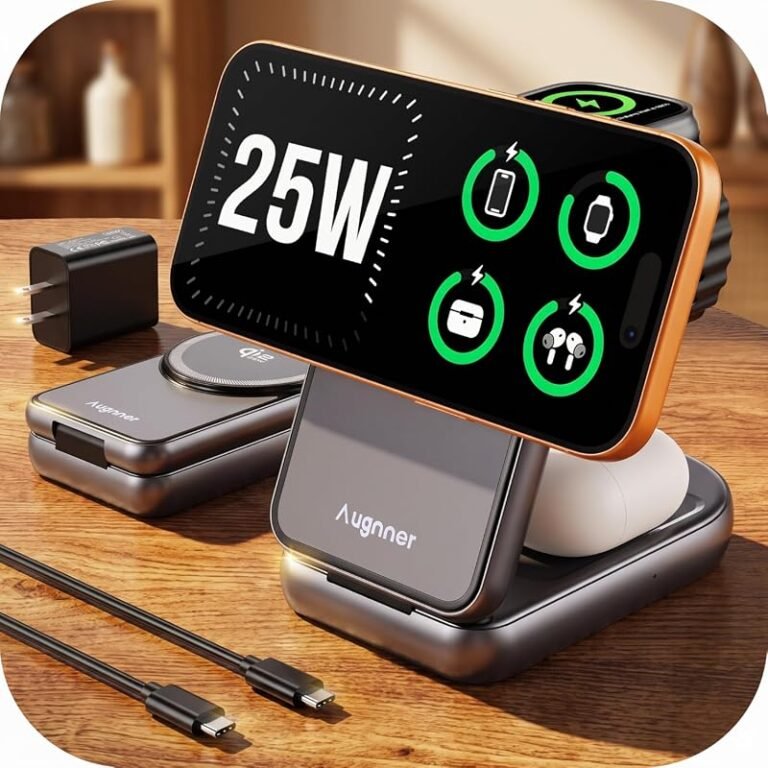
At home, a wireless stand can keep a phone visible for notifications, alarms, or video calls while it charges. On a desk, it reduces cable clutter and makes it easier to top up during the day without repeatedly plugging and unplugging.
For bedside use, wireless charging is popular because it is simple in the dark and easy to place on a nightstand. A stand can be more convenient than a flat pad if you want to glance at the screen without lifting the device.
When wired charging is still the better choice
Wired charging is usually better when you need the fastest possible top-up, especially before leaving the house. It is also the safer choice for laptops, gaming handhelds, and devices that do not support the same wireless standard as the charger.
If you travel often, wired charging can be easier to pack because it usually needs less space and fewer alignment concerns. For portable power needs, compare wireless with options like a fast-charging power bank rather than assuming a pad will solve every situation.
Key Specs to Compare Before You Buy
Before buying a wireless charger, focus on the details that affect real-world use rather than just the box headline. The most useful specs are compatibility, actual power delivery, the included cable or adapter, and whether the charger fits your device and case.
Rated wattage and real charging speed
Wattage is a helpful starting point, but it does not guarantee a specific speed on your device. Charging speed depends on the phone’s supported input, the charger’s output, the adapter, the cable, and how well the coils line up.
A charger advertised at a higher wattage may still charge a device at a lower rate if the phone limits intake or if the charger needs a stronger power adapter to reach its full output. Check the manufacturer’s compatibility list and any notes about required adapters before you buy.
Cable quality, adapter requirements, and build materials
Many wireless chargers rely on the cable and wall adapter more than buyers expect. A weak adapter can limit performance, and a low-quality cable can create unstable charging or unnecessary heat.
Look for clear guidance on the required wattage of the power adapter, especially if the charger does not include one. Build materials also matter: a stable base, non-slip surface, and decent ventilation can improve day-to-day reliability.
Device compatibility, case thickness, and coil placement
Compatibility is not just about the brand of phone. It also depends on the case, the position of the charging coil inside the device, and whether the charger is designed for flat placement or magnetic alignment.
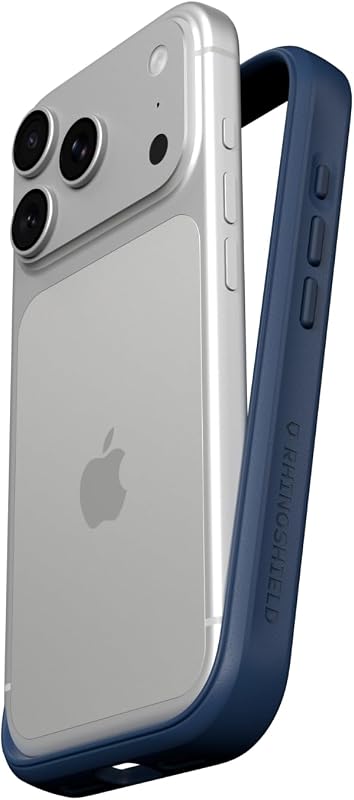
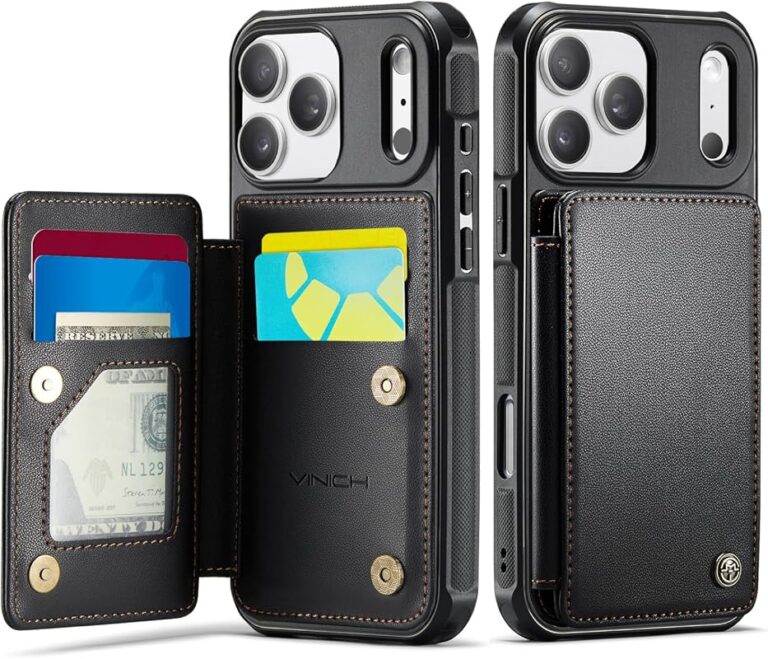
Thick cases, metal plates, pop grips, card holders, and some accessories can interfere with charging. If you are unsure, check the case manufacturer’s notes and the charger’s official compatibility guidance before relying on it daily.
Benefits and Limitations of Wireless Charging in Real Life
Wireless charging shines when you want a simple routine and a tidier space. It is less about raw speed and more about convenience, especially in places where you pick up and put down your device many times a day.
Convenience, desk cleanliness, and reduced port wear
The biggest benefit is ease of use. You can set the device down and let it charge without hunting for a cable, which is helpful for busy households, students, and remote workers.
It can also reduce wear on the charging port over time because you are not repeatedly inserting and removing a connector. That said, the device still needs occasional port cleaning and inspection if you use wired charging too.
Trade-offs: heat, slower charging, and positioning sensitivity
Wireless charging often runs warmer than wired charging, especially during longer sessions or when the device is not centered well. Extra heat can reduce efficiency and make the battery feel slower to recover.
Positioning is another drawback. A slight shift on the pad can interrupt charging, which is why some users prefer magnetic alignment or a stand with a stronger hold.
- Simple drop-and-charge convenience
- Less wear on phone charging ports
- Cleaner desk, bedside, or kitchen setup
- Usually slower than wired charging
- More sensitive to placement and case thickness
- Can create more heat in some setups
Safe Setup and Common Mistakes to Avoid
Wireless chargers are generally simple to use, but safe setup still matters. Most problems come from poor placement, blocked airflow, weak adapters, or using a charger that is not meant for the device.
How to place the charger and device correctly
Set the charger on a flat, stable surface and place the device in the center of the charging area unless the manual says otherwise. If you are using a magnetic model, let the magnets guide the alignment rather than forcing the device into position.
For a pad, make sure the phone is not tilted, half-on, or resting on another object. For a stand, check that the device sits naturally without slipping when you tap the screen.
Place the charger where it will not be covered by books, pillows, papers, or other heat-trapping items.
Align the phone or accessory with the charging area and check for the charging indicator.
If the device becomes unusually hot, stop and review the charger, adapter, case, and placement.
Heat management, ventilation, and safe-use limits
Leave room for airflow around the charger, especially if it is on a bed, couch, or crowded desk. Soft surfaces can trap heat and make charging less efficient.
Safety Note
Stop using any charger that shows damage, smells unusual, overheats, or behaves unpredictably. Follow the manufacturer’s instructions and do not charge on flammable surfaces or under pillows.
Signs of poor cable, adapter, or charger quality
Frequent disconnects, buzzing, overheating, or charging that starts and stops can point to a cable, adapter, or charger mismatch. If the charger needs a separate wall adapter, make sure the adapter meets the recommended power output from the maker.
Also inspect the cable ends, the charging surface, and the power brick for fraying, looseness, discoloration, or physical damage. If anything looks compromised, replace the part rather than trying to keep using it.
Stop using damaged electronics, swollen batteries, frayed cables, overheating chargers, or unstable accessories and follow the manufacturer’s guidance.
Care, Storage, and Troubleshooting for Longer Charger Life
Wireless chargers do not need much maintenance, but a little care can improve reliability and reduce charging problems. Keeping the pad clean, using the right adapter, and storing it properly all help extend its useful life.
Cleaning the pad, inspecting wear, and replacing damaged parts
Unplug the charger before cleaning it. Use a dry or slightly damp soft cloth as directed by the manual, and avoid liquids, sprays, or abrasive cleaners unless the manufacturer explicitly allows them.
Check the cable, connector, and charging surface regularly for wear. If the surface becomes sticky, cracked, or uneven, or if the cable is damaged, replace the affected part before continuing to use it.
Dust, pocket lint, and tiny debris can prevent proper coil alignment, so a quick wipe of the pad and the back of the device can solve many “mystery” charging issues.
Fixing weak charging, interruptions, and excess heat
If charging is weak, first remove the case and try again. Next, check whether the phone is centered, whether the adapter matches the charger’s requirements, and whether another device or object is interfering with the charging area.
If charging keeps stopping, the charger may be shifting, the cable may be loose, or the device may be getting too warm. Let everything cool down, simplify the setup, and recheck the official compatibility notes before assuming the charger is defective.
- Wireless chargers are best for convenience, not maximum speed.
- Compatibility, alignment, and adapter quality matter more than the headline wattage.
- Heat, thick cases, and poor placement are the most common causes of weak charging.
Value Guide and Final Recommendation: Is a Wireless Charger Worth It?
For many people, a wireless charger is worth it if they charge in one or two predictable places every day. It is especially useful for bedside tables, desks, and shared spaces where convenience and reduced cable clutter matter more than the fastest possible charge.
Best buyer profiles and practical alternatives
Wireless charging makes the most sense for phone owners who want a simple routine, earbuds users who need a matching pad, and anyone trying to reduce wear on a charging port. It is also a nice quality-of-life upgrade for gift-giving, provided the recipient’s device is confirmed compatible.
If speed is your top priority, a wired charger or a fast-charging power bank may be the better fit. If you are choosing between wired and wireless for a specific phone, compare the official device support list and the charger’s adapter requirements before deciding.
Transparent verdict for everyday charging needs
Wireless chargers are a practical, low-friction accessory for everyday use, but they are not the universal best choice. Pick one when convenience, cleaner setup, and easy placement matter most; choose wired charging when you need faster, more consistent power or broader compatibility.
People who charge the same phone or earbuds in the same place every day and want the simplest possible routine. If you need the fastest charge or use thicker cases and mixed devices, a wired option may fit better.
Frequently Asked Questions
No. A phone must support the same wireless charging standard and fit the charger’s alignment style. Check the manufacturer’s compatibility list before buying.
Wireless charging is less efficient and more sensitive to alignment and heat than wired charging. The charger, adapter, cable, and phone all affect the final speed.
Often yes, but thick cases, metal accessories, and some card holders can interfere with charging. Confirm the case thickness and material limits in the charger’s manual.
Use the wattage supported by your device and charger, but remember that real speed depends on the phone and adapter too. Higher wattage does not always mean faster charging.
A little warmth can be normal, but unusually hot charging is a warning sign. Stop using it, improve airflow, remove the case, and check the charger, adapter, and placement.
Replace it if the cable, pad, or adapter is damaged, charging becomes unreliable, or the unit overheats or behaves unpredictably. Follow the manufacturer’s safety guidance and warranty terms.

One Comment