Which Charger for iPhone 17? Best USB-C Charging Options Explained
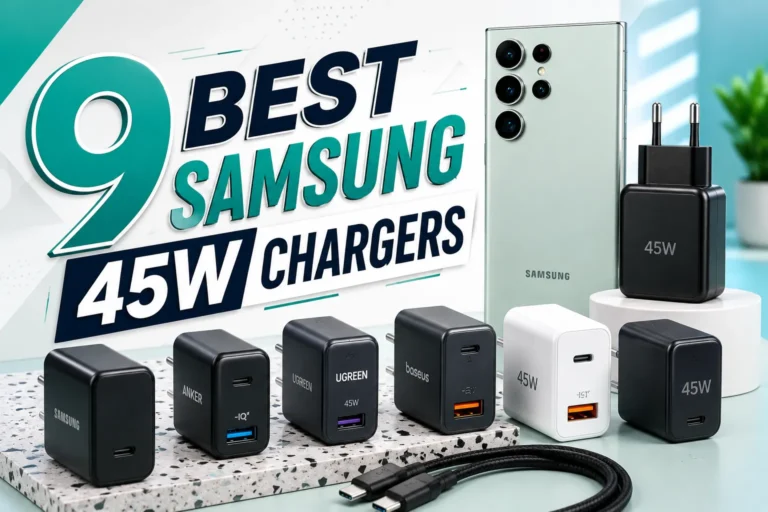
Which charger for iPhone 17 should you buy? Choose a 40W or higher USB-C Power Delivery adapter when you want Apple’s fastest advertised wired charging. A 20W or 30W USB-C charger still works safely, but it will not provide the same peak charging result.

Want one charging station for multiple Apple devices? The XIVORA 3-in-1 is a convenient wireless option for a desk, nightstand, or travel setup, especially for readers who prefer fewer separate charging pads and cables.
The simplest official option for reaching the iPhone 17’s fastest advertised wired charging performance.
A versatile GaN charger for readers who want to charge a phone, tablet, accessories, and a USB-C notebook.
A reputable 20W, 30W, 45W, 65W, or MacBook USB-C PD adapter can charge the iPhone 17 safely.
The iPhone 17 uses a USB-C port and ships with a USB-C charging cable. Apple does not include the wall adapter, so you must either reuse a compatible USB-C charger or purchase one separately.
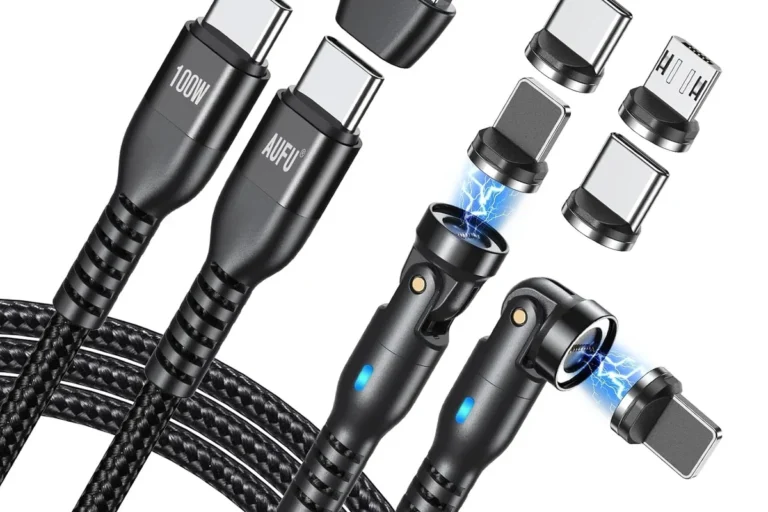
- A USB-C to USB-C cable. The included cable is suitable for normal and fast wired charging.
- A USB-C power adapter. Choose one that supports USB Power Delivery, commonly shown as USB-PD or PD.
- 40W or more for Apple’s fastest advertised wired result. Apple states that the iPhone 17 can reach up to 50% in about 20 minutes with a 40W or higher adapter under suitable conditions.
| Your situation | Best charger choice | Why it makes sense |
|---|---|---|
| You want the fastest simple setup | Apple 40W Dynamic Power Adapter | It matches Apple’s 40W-or-higher fast-charging specification and removes compatibility guesswork. |
| You charge several devices | Anker 65W three-port charger | It provides up to 65W to one device and distributes power when multiple devices are connected. |
| You already own a 20W or 30W adapter | Keep using it | It will charge the phone safely; upgrading mainly improves charging speed and versatility. |
| You own a USB-C MacBook adapter | Reuse the MacBook adapter | The iPhone negotiates its power draw and does not accept the charger’s full maximum wattage. |
| You prefer a wireless stand | XIVORA 3-in-1 wireless charging station | A multi-device wireless option for a cleaner setup; verify current compatibility, charging specifications, and included accessories on Amazon. |

This is the strongest recommendation for a reader who wants a simple official charger for the iPhone 17. It is designed to dynamically deliver up to 60W of output and pairs with the USB-C cable included in the iPhone box.
Yes, a good 20W USB-C charger is enough to charge the iPhone 17 safely. It can be a reasonable choice for overnight charging, desk use, or anyone who already owns a trusted 20W adapter.
However, it is no longer the best recommendation for buyers specifically seeking the fastest supported wired charging. Apple’s current guidance for the iPhone 17, iPhone 17 Pro, and iPhone 17 Pro Max is a 40W or higher adapter for up to 50% charge in around 20 minutes.
| Adapter wattage | Will it work? | Best use | Buying verdict |
|---|---|---|---|
| 20W USB-C PD | Yes | Overnight and standard daily charging | Keep it if you own one; not the fastest upgrade. |
| 30W USB-C PD | Yes | A compact middle-ground option | Useful, but still below the 40W fast-charge target. |
| 40W or higher | Yes | Fastest advertised wired charging | Best recommendation for a new purchase. |
| 65W multi-port | Yes | Phone, tablet, power bank, and laptop | Best long-term value for a multi-device user. |
| 100W USB-C PD | Yes | High-powered laptop plus phone charging | Safe from a reputable brand, but unnecessary for the phone alone. |

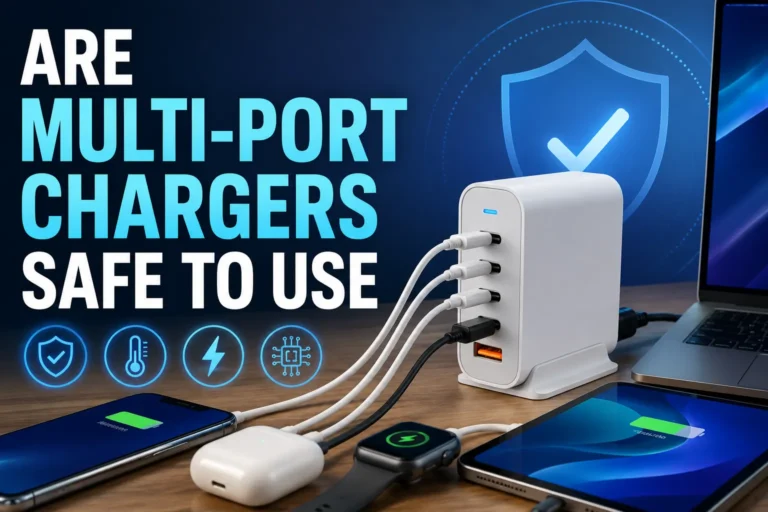
The Anker 735 is the better affiliate choice for readers who want one charger for more than an iPhone. It has three ports and can provide up to 65W when charging a single compatible device.
You can reuse an older charger when it has a USB-C output, supports a modern charging standard, and comes from a reputable manufacturer. Apple’s USB-C MacBook and iPad adapters, as well as quality third-party USB-C PD chargers, are generally suitable.
- Check the port. A USB-C output is a small oval opening.
- Check the label. Look for USB-PD, Power Delivery, or clear USB-C output ratings.
- Check the cable. For the included cable, both ends should be USB-C.
- Check the brand and seller. Avoid anonymous products with vague electrical specifications.
- Check the physical condition. Do not use an adapter or cable with cracks, melted areas, or loose connectors.
Yes. A reputable USB-C MacBook adapter can safely charge an iPhone 17. A charger labelled 61W, 67W, 70W, or 96W does not force that entire wattage into the phone. The phone and charger negotiate the appropriate power level.
Apple states that the iPhone 17 can reach up to 50% in about 20 minutes with a 40W or higher adapter and a USB-C charging cable. Results vary with battery level, battery temperature, background activity, and how much you use the phone while charging.
The iPhone 17 supports MagSafe and Qi2 wireless charging up to 25W. Apple lists up to 50% charge in around 30 minutes with a compatible MagSafe Charger and a 30W or higher adapter.
- You want the fastest advertised charging result.
- You need a quick top-up before leaving home.
- You want better charging efficiency.
- You value easy alignment and a clean desk.
- You frequently lift and replace the phone.
- You use a magnetic stand or compatible car mount.
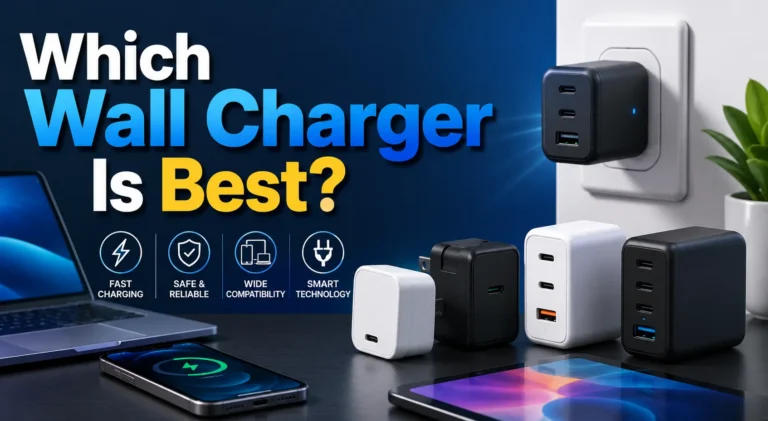
A good third-party charger should clearly identify its USB-C output, Power Delivery support, maximum output, port distribution, safety information, and warranty. Reputable GaN chargers can be smaller and more versatile than a basic single-port adapter.
- Buying a Lightning cable: The iPhone 17 uses USB-C.
- Assuming 20W is the fastest recommendation: It works, but Apple specifies 40W or higher for its fastest wired result.
- Buying only a cable: The phone already includes a USB-C cable; many users need the wall adapter.
- Overpaying for 100W solely for the iPhone: High wattage is useful for laptops, not required for the phone alone.
- Ignoring port sharing: Multi-port chargers divide available power when several devices are connected.
| Problem | Likely reason | What to do |
|---|---|---|
| Charging is slower than expected | 20W/30W adapter, heavy phone use, or heat | Use a 40W+ USB-C adapter, lock the screen, and let the phone cool. |
| No charging response | Bad outlet, failed cable, or damaged adapter | Test a different outlet, cable, and adapter one at a time. |
| Charging stops near 80% | Charging limit, optimized charging, or temperature protection | Review battery charging settings and allow the phone to cool. |
| Multi-port charger is slower | Power is shared between devices | Disconnect another device or use the highest-output USB-C port. |
Which charger for iPhone 17 is best?
A reputable 40W or higher USB-C Power Delivery adapter is the best choice for Apple’s fastest advertised wired charging.
Is a 20W charger enough for iPhone 17?
Yes. A good 20W USB-C adapter can charge the iPhone 17 safely, but it will not provide the same peak result as a 40W or higher adapter.
Does iPhone 17 come with a charger?
The iPhone 17 includes a USB-C charging cable, but Apple does not include the wall power adapter.
Can I use my iPhone 15 charger with iPhone 17?
Yes. A reputable USB-C charger used for the iPhone 15 can charge the iPhone 17.
Can I use a 65W charger with iPhone 17?
Yes. A quality 65W USB-C Power Delivery charger is safe because the iPhone draws only the power it needs.
Can I use a MacBook charger with iPhone 17?
Yes. USB-C MacBook adapters can safely charge the iPhone 17.
Does iPhone 17 use Lightning?
No. The iPhone 17 uses USB-C.
How fast can iPhone 17 charge?
Apple says the iPhone 17 can reach up to 50% in around 20 minutes with a 40W or higher adapter under suitable conditions.
Buy Apple’s 40W adapter for the simplest official setup, or choose the Anker 65W three-port charger when you want one adapter for several devices.
Check Apple 40W Price