Which Gaming Console Is Best in 2026 Top Picks Reviewed
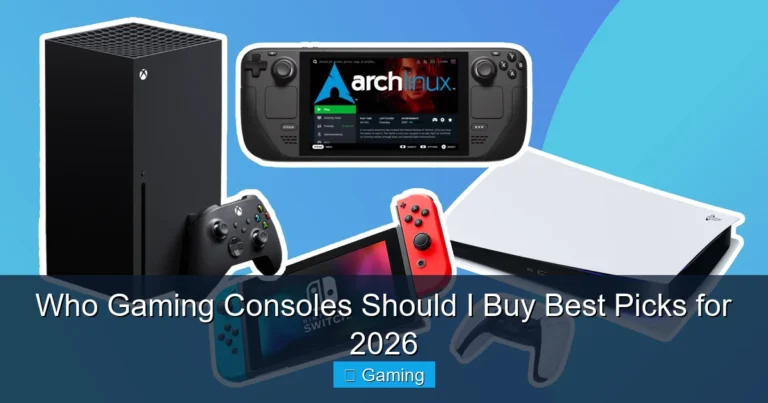
For most players, the PlayStation 5 is the safest all-around console choice in 2026. Choose Nintendo Switch 2 when portability, local multiplayer, and Nintendo games matter more. Choose Xbox Series X when Game Pass, backward compatibility, and the Xbox ecosystem are your priorities.
Strong home-console performance, 1TB internal storage, physical disc support, fast SSD loading, and the DualSense controller make this the most balanced option for many buyers.
Play in TV, tabletop, or handheld mode. The bundle includes a digital copy of Mario Kart World, making it an easy family and local-multiplayer starter package.
Start with the games and people you want to play with. The right library, subscription, controller, and play style matter more than winning a specification comparison.
- Choose PlayStation 5 for the strongest all-around living-room experience, fast loading, disc support, and a large modern game library.
- Choose Nintendo Switch 2 for portable play, local multiplayer, family gaming, and Nintendo franchises.
- Choose Xbox Series X when Game Pass, backward compatibility, and the Microsoft gaming ecosystem are your priorities.
- Choose Xbox Series S for a compact, digital-only entry point when you do not need a disc drive or native 4K focus.
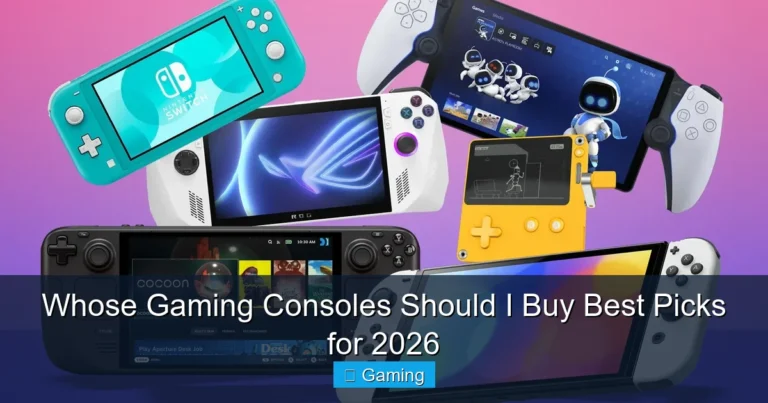
- Choose Steam Deck OLED when you want a PC-style game library in a handheld and accept a more technical setup.
| Buyer type | Best console direction | Why it fits |
|---|---|---|
| Most home-console buyers | PlayStation 5 | Balanced performance, broad game support, premium controller features, fast SSD, and an easy living-room setup. |
| Families and local multiplayer | Nintendo Switch 2 | Flexible TV, tabletop, and handheld play with accessible Nintendo games. |
| Game-subscription fans | Xbox Series X or S | Strong Game Pass integration, Quick Resume, and compatibility with the Xbox ecosystem. |
| Physical game collectors | PS5 Disc or Xbox Series X Disc | Disc drives support physical games, resale, borrowing, and many backward-compatible titles. |
| Frequent travelers | Nintendo Switch 2 | Designed around portable play while still supporting a docked television experience. |
| PC library in handheld form | Steam Deck OLED | Portable access to compatible Steam games, an OLED HDR display, and expandable storage. |

The 1TB PS5 console combines an ultra-high-speed SSD, a disc drive, ray-tracing support, compatible 4K/120Hz gaming features, and the DualSense wireless controller. It is the easiest recommendation for buyers who want a premium home-console experience.
The PS5 is not automatically correct for every buyer, but it offers the most balanced combination of performance, ease of use, physical and digital game support, controller technology, and a mature game library.
The standard 1TB model includes a disc drive. That matters because physical games can be borrowed, purchased used, collected, or resold. A disc drive also provides flexibility when internet speed, storage, or digital-store pricing is a concern.
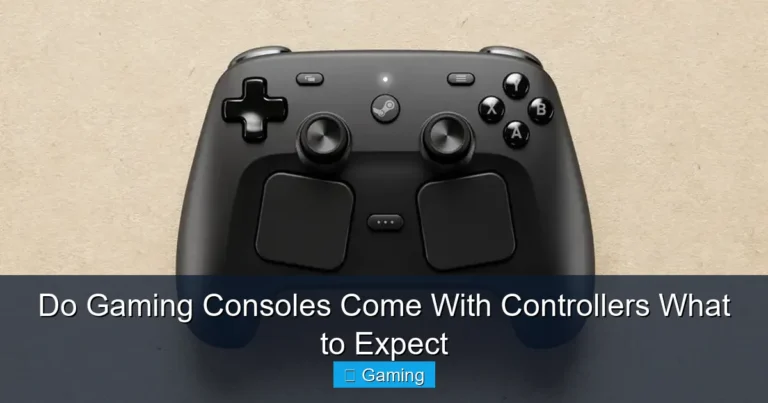
The DualSense controller remains another buying reason. Haptic feedback and adaptive triggers can add physical detail to supported games. These features do not transform every title, but they can make racing, action, and story-driven games feel more immersive.
Who should buy the PS5?
- Players who want one main console connected to a 4K television.
- Buyers who prefer a mixture of physical and digital games.
- People who want a straightforward console rather than a PC-style handheld.
- Gamers interested in PlayStation’s controller features and ecosystem.
Who should skip it?
Skip the PS5 when handheld play is essential, your close friends primarily play within another ecosystem, or a lower-cost digital-only console better matches your budget and display.
The Xbox Series X is the premium Xbox option for buyers who want native 4K-focused gaming, up to 120 frames per second in supported titles, Quick Resume, fast loading, and an optical drive on the disc model. The Series S is smaller, digital-only, and designed around lower-resolution targets with upscaling support.
The biggest Xbox buying reason is the wider ecosystem: Game Pass plans, cloud features, PC integration, backward-compatible games, Xbox saves, and the ability to continue within a familiar Microsoft account.
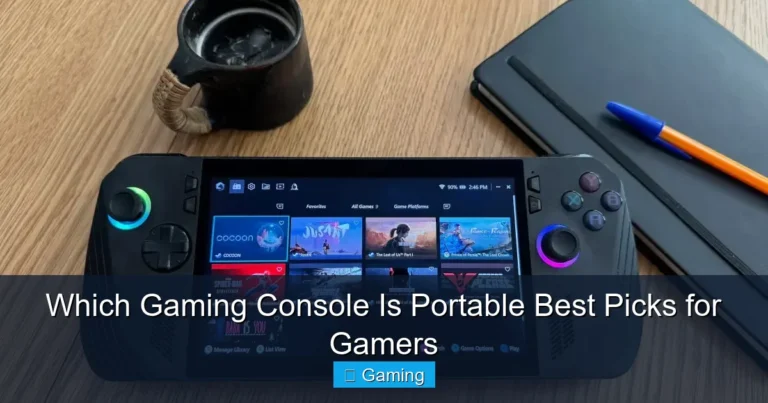
Nintendo Switch 2 is the strongest choice when portability and shared fun matter more than buying the most powerful traditional console. Nintendo lists three play modes—TV, tabletop, and handheld—along with a 7.9-inch LCD touch screen supporting HDR and up to 120 frames per second in compatible content. Its dock supports 4K output for compatible games and displays.
The included Mario Kart World digital game creates a simple family starter package. The game is easy to understand, supports competitive and casual play, and makes the system useful immediately.

This bundle includes the Nintendo Switch 2 system and a digital version of Mario Kart World. The console supports TV, tabletop, and handheld play, making it more flexible than a living-room-only console.
Who should buy Switch 2?
- Families that want approachable games and local multiplayer.
- Players who regularly travel or move between rooms.
- Nintendo fans interested in Mario, Zelda, Pokémon, and other franchises.
- Buyers who want one device for handheld and television use.
Steam Deck OLED is not a traditional closed console. It is a handheld PC built around the Steam library. Valve lists a 7.4-inch HDR OLED display, up to a 90Hz refresh rate, Wi-Fi 6E, a 50Wh battery, NVMe SSD options, and microSD expansion.
This category is best for technically comfortable players who already own Steam games or want more control over settings. Compatibility is not identical across every PC game, and the experience can require more adjustment than a normal console.
| Console | Best use | Main strengths | Main compromises |
|---|---|---|---|
| PlayStation 5 1TB | Best overall living-room console | Strong performance, disc support, fast SSD, controller features, broad library | Large size, no portability, storage fills with large games |
| Xbox Series X | Premium Xbox and Game Pass setup | True 4K focus, up to 120 fps support, Quick Resume, disc option | Best value depends on your use of the Xbox ecosystem |
| Xbox Series S | Compact digital entry point | Small, simple, lower-cost positioning, Game Pass access | No disc drive, lower graphics target, storage limits on some models |
| Nintendo Switch 2 | Families, travel, Nintendo games | Three play modes, portable design, local multiplayer, Nintendo catalog | Lower traditional-console performance and accessory costs |
| Steam Deck OLED | Portable Steam and PC gaming | OLED HDR screen, flexible settings, Steam library, expandable storage | Compatibility checks, battery variation, and more technical setup |
Resolution and frame rate
Resolution controls image detail, while frame rate affects motion smoothness and responsiveness. A stable 60 fps can feel better than a sharper image running inconsistently. Competitive players may value 120Hz support, but only supported games and displays can use it.
Storage capacity
Modern games can consume large amounts of storage. A 1TB console does not provide the full advertised amount for game installations because system software uses part of it. Check expansion methods and costs before buying.
Disc drive or digital-only
Disc consoles support used games, borrowing, collecting, and resale. Digital-only systems are simpler but tie purchases more closely to the platform account and store.
Online and subscription costs
The console price is only the beginning. Online multiplayer, game catalogs, cloud features, storage cards, extra controllers, and headsets can change the true cost of ownership.
- Write down five games you genuinely want. Check which platforms support them before comparing hardware.
- Check where your friends play. Cross-play helps, but it is not available or identical in every game.
- Choose home, portable, or hybrid play. This quickly separates PS5/Xbox from Nintendo and handheld PCs.
- Match the console to your display. A basic 1080p TV does not always justify paying only for high-end 4K features.
- Choose physical or digital ownership. Decide whether used discs, collecting, and resale matter.
- Add the full first-year cost. Include games, subscriptions, controllers, storage, headset, and carrying case.
- Check available space and ventilation. Large consoles need stable placement and open airflow.
- Buy the ecosystem you expect to use for years. Your account library and accessories become more valuable over time.
| Use case | Top recommendation | Alternative |
|---|---|---|
| Best overall for most people | PlayStation 5 1TB | Xbox Series X |
| Best for families | Nintendo Switch 2 | Xbox Series S with suitable family games |
| Best for travel | Nintendo Switch 2 | Steam Deck OLED |
| Best for subscriptions | Xbox Series X or S | PS5 with a suitable PlayStation Plus plan |
| Best for physical games | PlayStation 5 Disc | Xbox Series X Disc |
| Best for a PC game library | Steam Deck OLED | Gaming laptop or desktop |
- Buying the most powerful console before checking the games you want.
- Ignoring where friends and family already play.
- Choosing digital-only without understanding store lock-in.
- Forgetting subscriptions, controllers, storage, and accessory costs.
- Expecting every game to run at 4K and 120 fps simultaneously.
- Buying a portable console when you dislike handheld screens and battery limits.
- Buying a large home console without planning shelf space and airflow.
Which gaming console is best in 2026 for most people?
PlayStation 5 is the safest overall recommendation for many buyers because it combines strong performance, fast storage, a broad game library, physical and digital game support, and an easy home-console experience.
Is Nintendo Switch 2 better than PlayStation 5?
It is better for portability, local multiplayer, families, and Nintendo games. PS5 is better when the priority is a powerful traditional home-console experience.
Is Xbox Series X better than PS5?
Xbox Series X can be the better choice for Game Pass, backward-compatible Xbox libraries, and the Microsoft ecosystem. PS5 is the better general recommendation for buyers who prefer its game catalog and controller experience.
Should I buy Xbox Series S to save money?
Series S can be a sensible digital-only entry point, especially for 1080p or 1440p displays. Make sure you accept the lack of a disc drive, lower graphics target, and storage limitations.
Do I need a 4K TV for a new console?
No. Modern consoles work with compatible lower-resolution displays. A 4K television helps you use more of the visual capability, but game library and play style should still guide the purchase.
Is a disc console better than a digital console?
A disc console provides more purchasing flexibility, including used games, borrowing, collecting, and resale. Digital consoles are simpler but tie purchases more closely to the platform store.
Which console is best for families?
Nintendo Switch 2 is the strongest family recommendation because of its portable design, local multiplayer, accessible games, and flexible TV, tabletop, and handheld modes.
Which console is best for travel?
Nintendo Switch 2 is the easiest travel recommendation. Steam Deck OLED is a stronger fit for people who want a portable PC-style library and accept more setup complexity.
How much storage should a console have?
More storage is useful because current games can be large. Check usable capacity, expansion method, and compatible storage cost rather than relying only on the advertised number.
Should I choose a console based on Game Pass?
Choose Xbox for Game Pass only when the current catalog and features match the games you plan to play. Subscription value depends on actual use.
PlayStation: Official PS5 overview
Nintendo: Official Nintendo Switch 2 overview
For the best all-around home-console experience, start with PlayStation 5. For family and portable play, choose the Nintendo Switch 2 bundle.
Check PlayStation 5 Price